Stage 01 · Write · Researched comparison
Best Go Code Formatters in 2026
gofmt is the first pick for most Go developers. It ships with the Go toolchain, so there is nothing to install and no config to maintain. Teams that want stricter rules should look at gofumpt, which builds on gofmt with extra formatting checks. If import grouping is the problem, goimports or gci handle it. All of these are free and open source, and all run locally on your machine.

By Shihab Mia
Published 28 Nov 2026 · 5 tools compared
We run no ads and no affiliate links at launch. The order of a list follows our published method. See how we score.
Prices are the starting prices vendors list publicly. Plans change, so confirm the current price on the vendor page before you buy.
Key takeaways
- gofmt is built into the Go toolchain and is the reference formatter for the language, so every other tool on this list is measured against it.
- gofumpt is a drop-in extension of gofmt, which keeps output close to the standard style.
- goimports and gci solve import ordering, which gofmt does not handle on its own.
- Every tool here is free and open source and runs locally, so no source code is sent to a third-party web page.
Who each pick is for
- Everyone writing Go, since it ships with the toolchaingofmt
- Developers who want imports fixed automatically on savegoimports
- Teams that want stricter formatting than gofmt allowsgofumpt
- Projects with strict rules for import section ordergci
- Teams already running golangci-lint who want one formatting commandgolangci-lint fmt
Comparison
| Tool | Best for | Standout feature | Listed starting price | Free plan or trial |
|---|---|---|---|---|
| 1gofmt | Everyone writing Go, since it ships with the toolchain | Bundled with every Go install | Free (open source) | Free plan |
| 2goimports | Developers who want imports fixed automatically on save | Adds missing imports and removes unused ones | Free (open source) | Free plan |
| 3gofumpt | Teams that want stricter formatting than gofmt allows | Stricter rules on top of gofmt | Free (open source) | Free plan |
| 4gci | Projects with strict rules for import section order | Configurable import sections | Free (open source) | Free plan |
| 5golangci-lint fmt | Teams already running golangci-lint who want one formatting command | Runs several formatters through one config | Free (open source) | Free plan |
How we picked
We picked tools that are currently maintained, are distributed as open source, and do the specific job of formatting Go source or its imports. We checked each project's documentation and repository to confirm what it formats, which platforms it runs on and how it is installed. We left out editor plugins and web-based formatters, since pasting source into a third-party page is a privacy risk. Prices and features can change, so confirm details on the vendor or project page before you standardize on a tool.
The tools, one by one
gofmt
Best for everyone writing Go, since it ships with the toolchain
What it is and where it fits
gofmt is the formatter maintained by the Go project and included in the standard Go distribution. Running `gofmt -w` on a file rewrites it to the canonical layout: tabs for indentation, aligned struct fields, normalized spacing and sorted imports within a single block. Because it is part of the toolchain, there is no separate install step and no version drift between machines.
The tool is deliberately opinionated. It offers almost no configuration, which is the point: every Go codebase formatted with gofmt looks the same. It runs on any platform where Go runs, including Linux, macOS and Windows, and it can be called from editors, build scripts and CI.
The main gap is imports. gofmt sorts names inside an import block but does not add missing imports, remove unused ones or separate standard library imports from third-party ones. Teams that need that behavior pair gofmt with goimports or gci. Anyone who wants stricter rules than gofmt should skip straight to gofumpt.
Standout: Bundled with every Go install
Free (open source), as listed by the vendor (gofmt website). Confirm the current plan price before you buy.
Free plan. Plans change, so confirm on the vendor's pricing page before you buy.
Benefits
- Bundled with every Go install
- the canonical style other tools follow
Drawbacks
- Does not sort or group imports
- no options to adjust the style
Skip it if this limit matters to you: does not sort or group imports.
Verdict. A sensible pick for everyone writing Go, since it ships with the toolchain.
goimports
Best for developers who want imports fixed automatically on save
What it is and where it fits
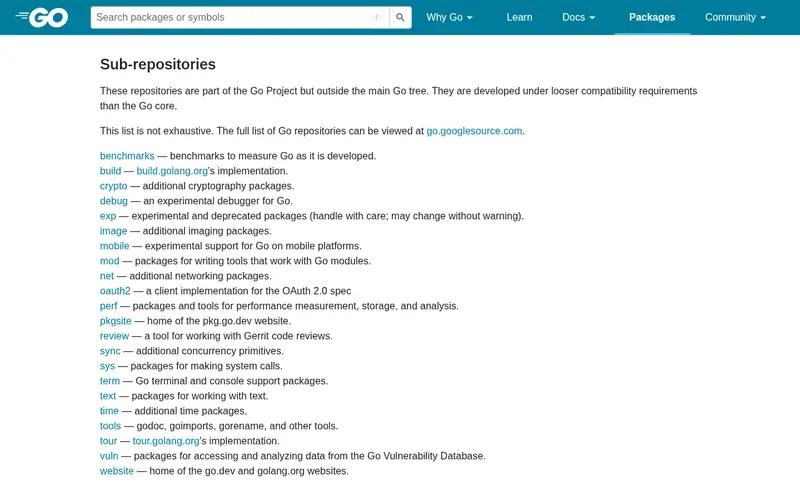
goimports is part of the golang.org/x/tools module. It runs the same formatting as gofmt and then fixes the import block: it adds imports for packages you reference, removes imports you no longer use, and groups standard library imports separately from the rest. Install it with `go install golang.org/x/tools/cmd/goimports@latest`.
Most editors can be configured to run goimports instead of gofmt on save, which removes a common source of compile errors after refactoring. It runs on any platform supported by Go and works well in CI as a check step.
The limit is control. goimports applies one grouping rule and does not let you define custom import sections. Projects with strict conventions about ordering third-party and internal packages usually add gci for that. goimports also depends on module resolution, so it needs a working module context to find packages.
Standout: Adds missing imports and removes unused ones
Free (open source), as listed by the vendor (goimports website). Confirm the current plan price before you buy.
Free plan. Plans change, so confirm on the vendor's pricing page before you buy.
Benefits
- Adds missing imports and removes unused ones
- formats code the same way as gofmt
Drawbacks
- Needs a separate install
- import grouping is limited compared with gci
Skip it if this limit matters to you: needs a separate install.
Verdict. A sensible pick for developers who want imports fixed automatically on save.
gofumpt
Best for teams that want stricter formatting than gofmt allows
What it is and where it fits
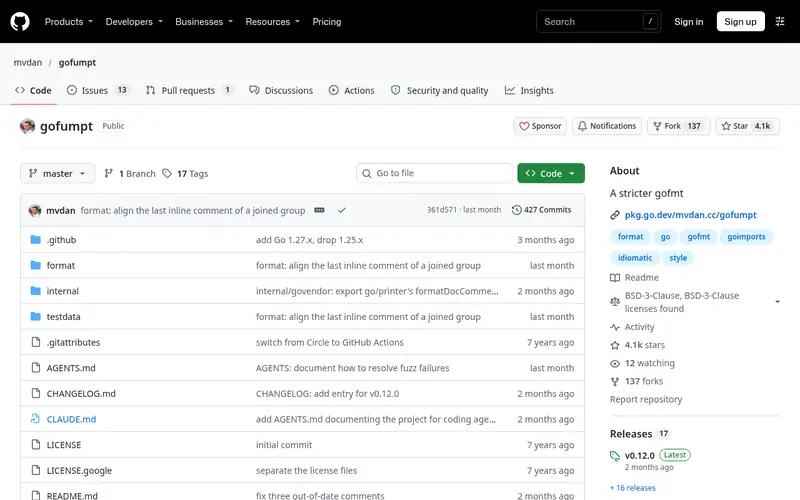
gofumpt is a stricter alternative to gofmt maintained by Daniel Martí. It applies everything gofmt does and adds rules that gofmt leaves out, such as removing empty lines at the start and end of blocks and enforcing consistent grouping of declarations. The project describes it as a superset of gofmt, so any file it formats is also valid gofmt output, but not the reverse.
It is distributed as a standalone binary, installable with `go install mvdan.cc/gofumpt@latest`, and as a Go library that other tools can call. It runs on the same platforms as Go.
The catch is consistency. If some contributors run gofmt and others run gofumpt, diffs will churn. Adopt it project-wide through an editor setting or a CI check. Teams that want the smallest possible toolchain footprint should stay with gofmt.
Standout: Stricter rules on top of gofmt
Free (open source), as listed by the vendor (gofumpt website). Confirm the current plan price before you buy.
Free plan. Plans change, so confirm on the vendor's pricing page before you buy.
Benefits
- Stricter rules on top of gofmt
- available as a standalone binary and a library
Drawbacks
- Output differs from plain gofmt, so all contributors must adopt it
Skip it if this limit matters to you: output differs from plain gofmt, so all contributors must adopt it.
Verdict. A sensible pick for teams that want stricter formatting than gofmt allows.
gci
Best for projects with strict rules for import section order
What it is and where it fits
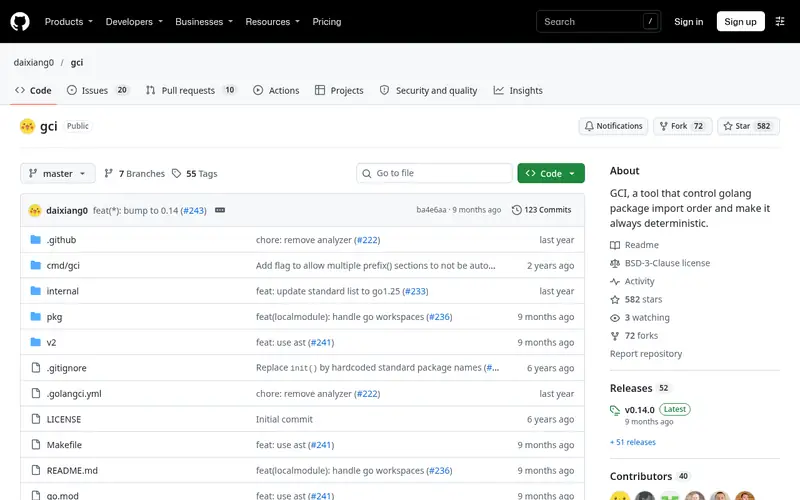
gci is an import formatter that controls how import blocks are split and ordered. Where goimports applies one fixed grouping, gci lets you define sections, for example standard library, default (third-party) and a prefix for your own module, and order them explicitly. It can write changes in place or run in a check mode that fails when imports do not match the rule.
Install it with `go install github.com/daixiang0/gci@latest`. It runs on the platforms Go supports and is commonly wired into CI and pre-commit hooks.
gci does not format code beyond imports. Pair it with gofmt or gofumpt, and decide which tool owns the import block so the two do not fight. Small projects with no import conventions will get little from it.
Standout: Configurable import sections
Free (open source), as listed by the vendor (gci website). Confirm the current plan price before you buy.
Free plan. Plans change, so confirm on the vendor's pricing page before you buy.
Benefits
- Configurable import sections
- can check or write changes in CI
Drawbacks
- Only handles imports, so it must be paired with a code formatter
- configuration adds maintenance
Skip it if this limit matters to you: only handles imports, so it must be paired with a code formatter.
Verdict. A sensible pick for projects with strict rules for import section order.
golangci-lint fmt
Best for teams already running golangci-lint who want one formatting command
What it is and where it fits
golangci-lint is a widely used Go linter, and its `fmt` subcommand runs formatters rather than linters. You enable the ones you want in the config file, such as gofmt, gofumpt, goimports or gci, and a single `golangci-lint fmt` call applies them in a defined order. This avoids installing and sequencing each tool separately.
It is distributed as a binary for Linux, macOS and Windows, and the project publishes install instructions and a Docker image. The formatter list and flags change between releases, so check the documentation for the version you pin.
Use it if golangci-lint is already part of your workflow. If you only want formatting, a single small tool such as gofumpt is easier to install and reason about.
Standout: Runs several formatters through one config
Free (open source), as listed by the vendor (golangci-lint fmt website). Confirm the current plan price before you buy.
Free plan. Plans change, so confirm on the vendor's pricing page before you buy.
Benefits
- Runs several formatters through one config
- same binary as the linter
Drawbacks
- Adds a large dependency if you only need formatting
- formatter support depends on the golangci-lint version
Skip it if this limit matters to you: adds a large dependency if you only need formatting.
Verdict. A sensible pick for teams already running golangci-lint who want one formatting command.
Who should use what
A solo developer starting a Go project should use gofmt, since it is already installed and needs no setup. A team that keeps hitting compile errors from stale imports should switch the editor to goimports on save. A team that wants a stricter house style should adopt gofumpt project-wide and enforce it in CI. A large repository with many internal packages should add gci to control import section order, paired with gofmt or gofumpt. Teams already running golangci-lint can route all of this through golangci-lint fmt and keep one command.
Questions to settle before you buy
What to check before you buy
- Confirm the tool is still maintained and check the latest release date on its repository.
- Decide which tool owns imports so goimports and gci do not overwrite each other.
- Pin the version in CI so formatting does not change unexpectedly between builds.
- Run the formatter in check mode on pull requests before enforcing it as a merge gate.
- Make sure every contributor's editor uses the same formatter and settings.
FAQ
Is gofmt enough on its own?
For most projects, yes. gofmt handles indentation, spacing and alignment and is the reference style for Go. It does not add or remove imports or split import groups, so teams that want that behavior add goimports or gci.
Do I need gofumpt if I already use gofmt?
Only if you want stricter rules. gofumpt applies everything gofmt does plus extra checks, so its output is a subset of valid gofmt output. The cost is that all contributors must use it, or diffs will flip back and forth between the two styles.
Can I paste Go code into an online formatter?
You can, but avoid it for anything private. Source code can contain internal package paths, credentials in test files or unreleased logic. Prefer tools that run locally, which is true of every tool on this list. If you must use a web page, remove secrets and production data first.
How do I enforce formatting in CI?
Run the formatter in a check mode that exits non-zero when files differ. gofmt has `-l`, gci has a check flag, and golangci-lint fmt can report differences. Fail the build on any output, and developers will keep the tree formatted.
Are these tools free for commercial use?
Yes. All five are open source and free to use, including in commercial projects. Check each project's licence if your organization has rules about which licences it accepts.
Sources we checked
Method: how we score · editorial policy.
Change log. First published 28 Nov 2026.