Stage 01 · Write · Researched comparison
Best Go CLI Frameworks in 2026
Cobra is the first pick for most teams building multi-command tools, since it powers kubectl, Hugo and many other large Go projects and has broad ecosystem support. urfave/cli suits developers who want a smaller, simpler API for straightforward command-line apps. Bubble Tea is the better choice when the tool needs an interactive terminal UI rather than plain flags and subcommands.

By Shihab Mia
Published 22 Nov 2026 · 5 tools compared
We run no ads and no affiliate links at launch. The order of a list follows our published method. See how we score.
Prices are the starting prices vendors list publicly. Plans change, so confirm the current price on the vendor page before you buy.
Key takeaways
- All frameworks listed here are free and open source under permissive licences, so cost is not a deciding factor.
- Cobra and urfave/cli cover the classic flag-and-subcommand model; Bubble Tea targets interactive terminal interfaces.
- Kong and go-flags favor struct-tag and reflection-driven definitions over manual command wiring.
- These frameworks run wherever Go compiles, including Linux, macOS and Windows, and none send your data to a third-party web page.
Who each pick is for
- Large multi-command CLIs with subcommands and shell completionCobra
- Simple to medium CLIs that want a lean APIurfave/cli
- Struct-tag driven CLIs that avoid manual command wiringKong
- Flag-heavy tools that want struct-based option parsinggo-flags
- Interactive terminal UIs built with an Elm-style modelBubble Tea
Comparison
| Tool | Best for | Standout feature | Listed starting price | Free plan or trial |
|---|---|---|---|---|
| 1Cobra | Large multi-command CLIs with subcommands and shell completion | Widely adopted with strong ecosystem support | Free (open source) | Free plan |
| 2urfave/cli | Simple to medium CLIs that want a lean API | Small, readable API | Free (open source) | Free plan |
| 3Kong | Struct-tag driven CLIs that avoid manual command wiring | Commands and flags declared as Go struct tags | Free (open source) | Free plan |
| 4go-flags | Flag-heavy tools that want struct-based option parsing | Rich flag types and struct-tag parsing | Free (open source) | Free plan |
| 5Bubble Tea | Interactive terminal UIs built with an Elm-style model | Clean model-update-view architecture | Free (open source) | Free plan |
How we picked
We selected frameworks that are real, standalone Go libraries for building command-line programs, and that are currently maintained with public repositories. Criteria included fit for the job (flag parsing, subcommands or terminal UI), supported platforms, licence and price, and whether the tool runs locally rather than sending data to a third-party web page. We did not run benchmarks or collect user reviews. Sources are vendor pages, official documentation and project repositories. Prices and licences can change, so confirm details on the vendor site before you commit.
The tools, one by one
Cobra
Best for large multi-command CLIs with subcommands and shell completion
What it is and where it fits
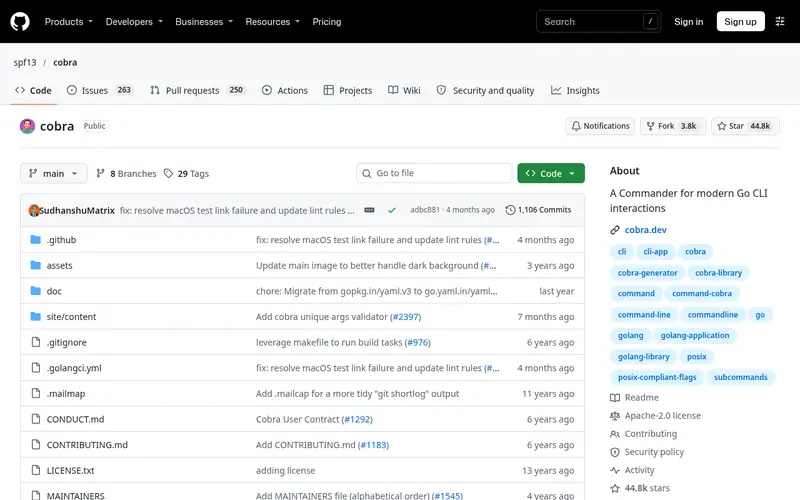
Cobra is a library for building modern CLI applications in Go. It provides a command tree with nested subcommands, POSIX-style flags through the pflag package, automatic help output, and generated shell completion for bash, zsh, fish and PowerShell. It is the framework behind kubectl, Hugo, GitHub CLI and many other tools, which means plenty of public examples and third-party integrations.
Cobra is best suited to programs with several commands and shared flags. A single-command script does not gain much from it, and the required structure (root command, init wiring, command files) adds code you may not need. It pairs naturally with Viper for configuration, though the two are separate projects and you can use Cobra alone.
The project is open source under the Apache 2.0 licence and runs on any platform Go supports. It is maintained on GitHub and documented at cobra.dev. Skip it if your tool has one command and a handful of flags; the standard library flag package may be enough.
Standout: Widely adopted with strong ecosystem support
Free (open source), as listed by the vendor (Cobra website). Confirm the current plan price before you buy.
Free plan. Plans change, so confirm on the vendor's pricing page before you buy.
Benefits
- Widely adopted with strong ecosystem support
- built-in command, flag and completion generation
Drawbacks
- More boilerplate than minimal libraries
- can feel heavy for small single-command tools
Skip it if this limit matters to you: more boilerplate than minimal libraries.
Verdict. A sensible pick for large multi-command CLIs with subcommands and shell completion.
Alternatives in this guide: urfave/cli, Kong, go-flags
urfave/cli
Best for simple to medium CLIs that want a lean API
What it is and where it fits
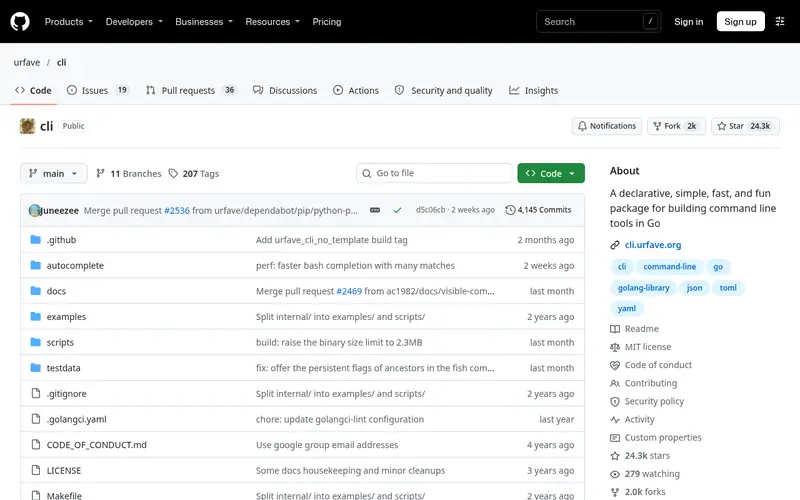
urfave/cli is a lightweight framework for building command-line apps in Go. You define commands, flags and actions, and the library handles parsing, help text and version output. It supports subcommands, flag aliases, environment variable binding and shell completion, without the deeper command-tree scaffolding Cobra requires.
It fits small and medium tools where you want readable setup code and fast iteration. The API has changed across major versions, so check which version a tutorial targets before copying examples. Migration between v1 and v2 involved real breaking changes, and v3 continues that pattern of evolution.
The library is open source under the MIT licence and works on all platforms Go targets. It is a reasonable default when your CLI has a few commands and you do not need the larger Cobra ecosystem. Teams already standardized on Cobra rarely switch, since the two solve the same core problem.
Standout: Small, readable API
Free (open source), as listed by the vendor (urfave/cli website). Confirm the current plan price before you buy.
Free plan. Plans change, so confirm on the vendor's pricing page before you buy.
Benefits
- Small, readable API
- quick to set up for straightforward tools
Drawbacks
- Fewer built-in conveniences than Cobra
- less common in very large projects
Skip it if this limit matters to you: fewer built-in conveniences than Cobra.
Verdict. A sensible pick for simple to medium CLIs that want a lean API.
Kong
Best for struct-tag driven CLIs that avoid manual command wiring
What it is and where it fits
Kong builds command-line parsers from Go struct definitions. You describe commands, flags, arguments and defaults with struct tags, and Kong generates the parser, help output and completion. This keeps command definitions close to the data they populate and reduces the imperative wiring common in other frameworks.
It suits developers who prefer declarative configuration and want to avoid long chains of flag registration calls. The trade-off is that behavior lives in tags, which can be harder to trace than explicit code, and error messages sometimes reflect the reflection layer rather than your intent.
Kong is open source under the MIT licence and runs on any Go-supported platform. It is a good fit for tools with well-defined option sets, such as internal utilities or API clients. It is not a terminal UI library, so interactive screens need a different tool.
Standout: Commands and flags declared as Go struct tags
Free (open source), as listed by the vendor (Kong website). Confirm the current plan price before you buy.
Free plan. Plans change, so confirm on the vendor's pricing page before you buy.
Benefits
- Commands and flags declared as Go struct tags
- concise definitions
Drawbacks
- Reflection-based design is less explicit
- smaller community than Cobra
Skip it if this limit matters to you: reflection-based design is less explicit.
Verdict. A sensible pick for struct-tag driven CLIs that avoid manual command wiring.
Alternatives in this guide: Cobra, urfave/cli, go-flags
go-flags
Best for flag-heavy tools that want struct-based option parsing
What it is and where it fits
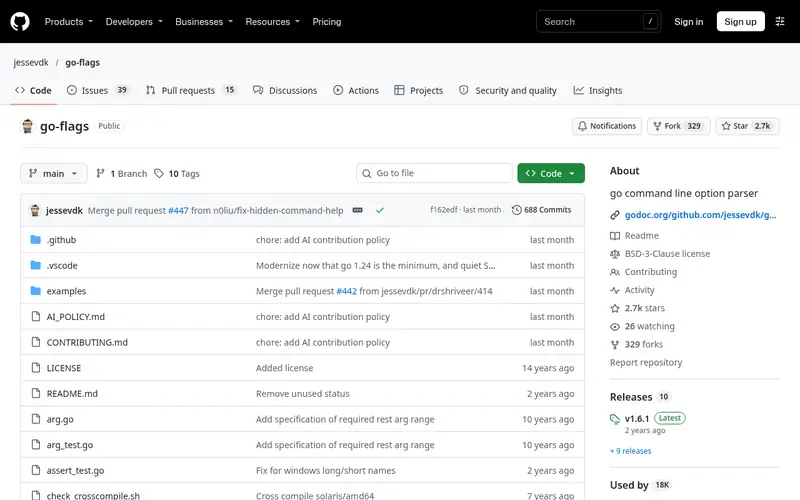
go-flags is a command-line option parser for Go that maps flags and positional arguments onto struct fields using tags. It supports short and long options, grouped flags, environment variable defaults, and automatic help generation. It handles more option syntax than the standard flag package, including combined short flags and optional values.
It works well for tools whose complexity is mostly in their options rather than in many subcommands. If your program is a single command with dozens of flags, go-flags keeps the definition compact. For deep command hierarchies, Cobra or Kong usually fit better.
The project is open source under the BSD 3-Clause licence and runs on all Go platforms. It has been stable for years, which is both a strength and a sign of a slower feature pace. Check the repository for current maintenance activity before adopting it for long-lived projects.
Standout: Rich flag types and struct-tag parsing
Free (open source), as listed by the vendor (go-flags website). Confirm the current plan price before you buy.
Free plan. Plans change, so confirm on the vendor's pricing page before you buy.
Benefits
- Rich flag types and struct-tag parsing
- mature and stable
Drawbacks
- Focused on flags rather than full command trees
- limited built-in UI features
Skip it if this limit matters to you: focused on flags rather than full command trees.
Verdict. A sensible pick for flag-heavy tools that want struct-based option parsing.
Alternatives in this guide: Cobra, urfave/cli, Kong
Bubble Tea
Best for interactive terminal UIs built with an Elm-style model
What it is and where it fits
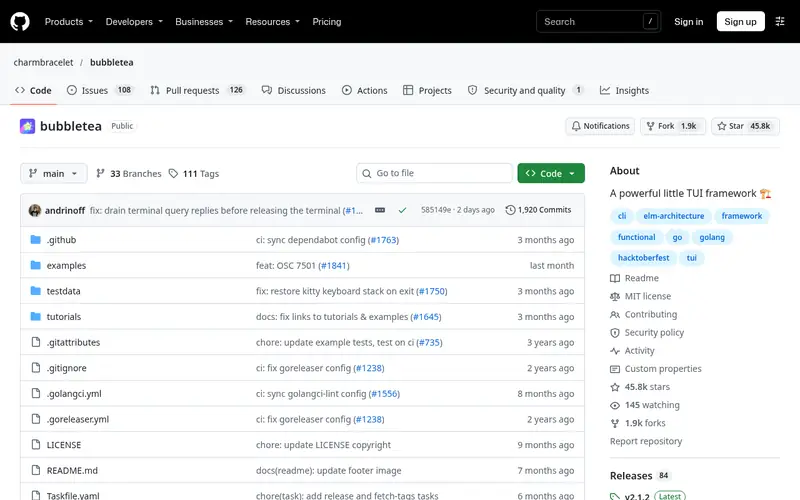
Bubble Tea is a framework for building interactive terminal applications in Go. It uses an Elm-inspired architecture: a model holds state, an update function handles messages, and a view function renders output. It handles keyboard and mouse input, terminal resizing and asynchronous commands.
It is the right choice when your tool needs a live interface, such as a dashboard, a file browser or a progress-heavy installer. It is not a replacement for a flag parser; most Bubble Tea programs still use a library like Cobra or the standard flag package to parse startup arguments before launching the UI.
Bubble Tea is open source under the MIT licence and runs on Linux, macOS and Windows terminals. The Charm ecosystem adds styling (Lip Gloss), text input (Bubbles) and other components. Simple scripts do not need it, and plain output is easier to test and pipe.
Standout: Clean model-update-view architecture
Free (open source), as listed by the vendor (Bubble Tea website). Confirm the current plan price before you buy.
Free plan. Plans change, so confirm on the vendor's pricing page before you buy.
Benefits
- Clean model-update-view architecture
- strong companion libraries for styling and input
Drawbacks
- Not a flag or subcommand framework
- steeper learning curve for simple tools
Skip it if this limit matters to you: not a flag or subcommand framework.
Verdict. A sensible pick for interactive terminal UIs built with an Elm-style model.
Alternatives in this guide: Cobra, urfave/cli, Kong
Who should use what
If you are building a multi-command tool like a cloud client or a build system, Cobra gives you the structure and completion support most teams expect. If you want a smaller API for a utility with a few commands, urfave/cli keeps setup short. If you prefer declaring options as struct tags, Kong or go-flags reduce manual wiring. If your tool needs a live interface, such as a dashboard or a form-driven installer, Bubble Tea is the right layer, and you still parse startup flags with a separate library.
Questions to settle before you buy
What to check before you buy
- Confirm the library is actively maintained by checking recent commits and open issues on its repository.
- Check the licence (MIT, Apache 2.0, BSD) against your organization's policy.
- Verify the API version in any tutorial matches the current release, since several of these libraries had breaking changes.
- Decide whether you need flag parsing, an interactive UI, or both, and avoid pulling in a TUI library for plain output.
- Test shell completion and help output on the terminals and shells your users actually run.
FAQ
Do I need a framework at all for a Go CLI?
No. The standard library flag package handles simple tools with a few flags. A framework earns its place when you need subcommands, shell completion, struct-based option parsing or an interactive terminal interface. Start with the standard library and move up when the code starts repeating.
Which Go CLI framework is most widely used?
Cobra is the most common choice for large multi-command tools and is used by kubectl, Hugo and GitHub CLI. That adoption means more examples and integrations. Popularity is not the same as best fit, though; smaller tools often do fine with urfave/cli or the standard library.
Can I combine a flag parser with a terminal UI library?
Yes. A common pattern is to parse startup arguments with Cobra, urfave/cli or the standard flag package, then hand control to Bubble Tea for the interactive part. Keep the parsing and the UI in separate packages so each stays testable.
Are these frameworks free?
All the frameworks listed here are open source and free to use under permissive licences such as MIT, Apache 2.0 or BSD 3-Clause. You pay nothing for the library itself. Costs only appear if you add paid services or hosted infrastructure around your tool.
Do these tools send my data anywhere?
No. They are Go libraries compiled into your binary and run locally. Unlike online formatters or encoders, there is no third-party web page involved. Still avoid hardcoding secrets in source, and read configuration from environment variables or files with appropriate permissions.
Sources we checked
Method: how we score · editorial policy.
Change log. First published 22 Nov 2026.