Stage 01 · Write · Researched comparison
Best Flutter UI Component Libraries in 2026
Start with the built-in Material 3 widgets if you want the default Flutter experience with no extra dependency; they cover most apps and are maintained by the Flutter team. If you want a different visual style, shadcn_ui gives you a copy-friendly component set, and forui offers a clean, desktop-friendly design system. Cupertino widgets are the choice when you need native iOS styling.

By Shihab Mia
Published 28 Nov 2026 · 8 tools compared
We run no ads and no affiliate links at launch. The order of a list follows our published method. See how we score.
Prices are the starting prices vendors list publicly. Plans change, so confirm the current price on the vendor page before you buy.
Key takeaways
- Material 3 and Cupertino widgets ship with Flutter, so they add no package dependency and no licence cost.
- shadcn_ui, forui, Fluent UI for Flutter and macos_ui are open source and free to use.
- Syncfusion Flutter widgets are commercial, with a free community licence for small teams and individuals.
- GetWidget is open source and free, with a widget set built on top of Flutter's own widgets.
Who each pick is for
- Apps that want the default Flutter look with no extra dependencyMaterial 3 widgets (Flutter built-in)
- Apps that need native iOS styling and behaviorCupertino widgets (Flutter built-in)
- Teams that want a copy-friendly, customisable component setshadcn_ui
- Desktop-friendly apps that want a clean, modern design systemforui
- Apps that want a Windows-style Fluent lookFluent UI for Flutter
- macOS desktop apps that need native-looking controlsmacos_ui
- Teams that need advanced widgets like charts, grids and schedulersSyncfusion Flutter widgets
- Teams that want a free, broad widget set on top of FlutterGetWidget
Comparison
| Tool | Best for | Standout feature | Listed starting price | Free plan or trial |
|---|---|---|---|---|
| 1Material 3 widgets (Flutter built-in) | Apps that want the default Flutter look with no extra dependency | Ships with Flutter and is maintained by the Flutter team | Free (open source) | Free plan |
| 2Cupertino widgets (Flutter built-in) | Apps that need native iOS styling and behavior | Built into Flutter and matches iOS conventions | Free (open source) | Free plan |
| 3shadcn_ui | Teams that want a copy-friendly, customisable component set | Components are easy to restyle and copy into your project | Free (open source) | Free plan |
| 4forui | Desktop-friendly apps that want a clean, modern design system | Consistent design system with good desktop support | Free (open source) | Free plan |
| 5Fluent UI for Flutter | Apps that want a Windows-style Fluent look | Faithful Fluent design widgets | Free (open source) | Free plan |
| 6macos_ui | macOS desktop apps that need native-looking controls | macOS-style widgets and window chrome | Free (open source) | Free plan |
| 7Syncfusion Flutter widgets | Teams that need advanced widgets like charts, grids and schedulers | Large widget set including charts, data grids and schedulers | See vendor pricing page | Free trial (30 days) |
| 8GetWidget | Teams that want a free, broad widget set on top of Flutter | Large free widget catalogue | Free (open source) | Free plan |
How we picked
We picked libraries that genuinely provide UI components for Flutter and are currently maintained. Criteria were fit for the job, platforms supported, price and licence, and the size and stability of the widget set. We also noted where a library is tied to one platform's look. Sources are vendor pages, official documentation and project repositories. Prices and licence terms change, so confirm them on the vendor site before you commit.
The tools, one by one
Material 3 widgets (Flutter built-in)
Best for apps that want the default Flutter look with no extra dependency
What it is and where it fits
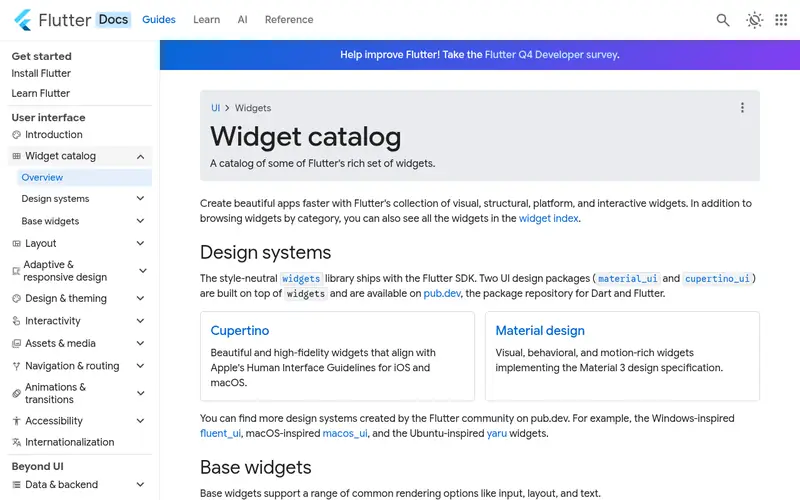
Material 3 widgets are part of the Flutter SDK, so you get them without adding a package. The set includes buttons, cards, dialogs, navigation bars, text fields and theming through `ThemeData`. Material 3 is the default design language in current Flutter versions, and the widgets run on Android, iOS, web, desktop and embedded targets.
Because the widgets ship with the framework, updates arrive with Flutter releases rather than a separate package version. You control colors, typography and shape through the theme, but the visual language stays recognisably Material. That is fine for many apps and a poor fit for teams that want a distinct brand look or a native iOS feel. If you need iOS styling, pair it with Cupertino widgets or use them alone on iOS screens.
Skip Material if your design spec is clearly not Material and you would spend more time overriding theme defaults than building components.
Standout: Ships with Flutter and is maintained by the Flutter team
Free (open source), as listed by the vendor (Material 3 widgets (Flutter built-in) website). Confirm the current plan price before you buy.
Free plan. Plans change, so confirm on the vendor's pricing page before you buy.
Benefits
- Ships with Flutter and is maintained by the Flutter team
- large widget set with theming support
Drawbacks
- Strongly Material-styled, so custom designs take more work
- tied to the Flutter release cycle
Skip it if this limit matters to you: strongly Material-styled, so custom designs take more work.
Verdict. A sensible pick for apps that want the default Flutter look with no extra dependency.
Alternatives in this guide: Cupertino widgets (Flutter built-in), shadcn_ui, forui
Cupertino widgets (Flutter built-in)
Best for apps that need native iOS styling and behavior
What it is and where it fits
Cupertino widgets are the iOS-style widget set included in Flutter. They cover navigation bars, tab bars, buttons, switches, pickers, dialogs and text fields that follow Apple's visual conventions. They run anywhere Flutter runs, but they are designed for iOS screens and iOS expectations.
The set is smaller than Material. It is common to use Cupertino widgets on iOS screens and Material widgets elsewhere, or to pick one style for the whole app. Because they ship with the SDK, there is no package to version and no licence cost. Theming is less flexible than Material's theme system, which is expected for a set that copies a fixed platform look.
Skip Cupertino if your app is Android-first or web-first and you do not need iOS-native styling.
Standout: Built into Flutter and matches iOS conventions
Free (open source), as listed by the vendor (Cupertino widgets (Flutter built-in) website). Confirm the current plan price before you buy.
Free plan. Plans change, so confirm on the vendor's pricing page before you buy.
Benefits
- Built into Flutter and matches iOS conventions
- includes navigation, dialogs and controls
Drawbacks
- iOS-focused, so it is a poor fit for Android-first apps
- fewer widgets than the Material set
Skip it if this limit matters to you: iOS-focused, so it is a poor fit for Android-first apps.
Verdict. A sensible pick for apps that need native iOS styling and behavior.
Alternatives in this guide: Material 3 widgets (Flutter built-in), shadcn_ui, forui
shadcn_ui
Best for teams that want a copy-friendly, customisable component set
What it is and where it fits
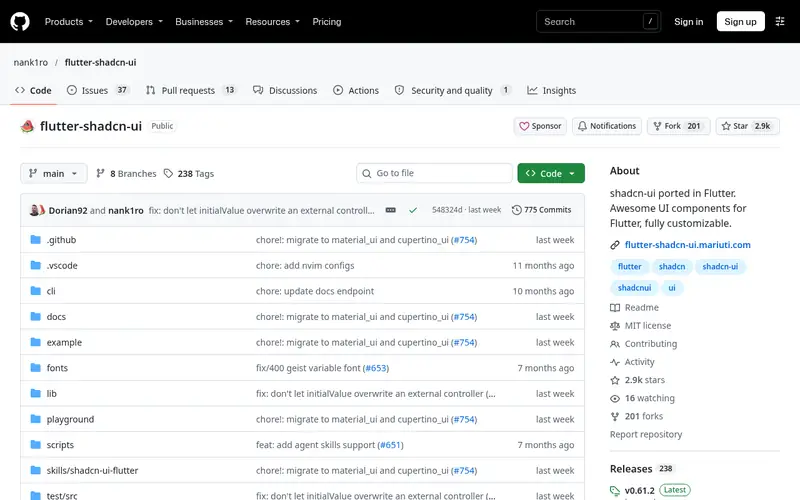
shadcn_ui ports the shadcn/ui approach to Flutter. It provides a set of widgets such as buttons, inputs, dialogs, sheets and cards that you can restyle through a theme and copy into your own code. The look is neutral and modern, and it is not tied to Material or Cupertino.
The package runs on the platforms Flutter supports, including mobile, web and desktop. It is open source under a permissive licence, with no paid tier. The widget set is smaller than Material's, so you may still need Material widgets for some screens. Because the project is younger than the framework widgets, check the changelog before upgrading across major versions.
Skip it if you need a large, stable widget catalogue or a strict Material or iOS look.
Standout: Components are easy to restyle and copy into your project
Free (open source), as listed by the vendor (shadcn_ui website). Confirm the current plan price before you buy.
Free plan. Plans change, so confirm on the vendor's pricing page before you buy.
Benefits
- Components are easy to restyle and copy into your project
- active repository with regular releases
Drawbacks
- Smaller widget set than Material
- API can change between releases
Skip it if this limit matters to you: smaller widget set than Material.
Verdict. A sensible pick for teams that want a copy-friendly, customisable component set.
Alternatives in this guide: Material 3 widgets (Flutter built-in), Cupertino widgets (Flutter built-in), forui
forui
Best for desktop-friendly apps that want a clean, modern design system
What it is and where it fits
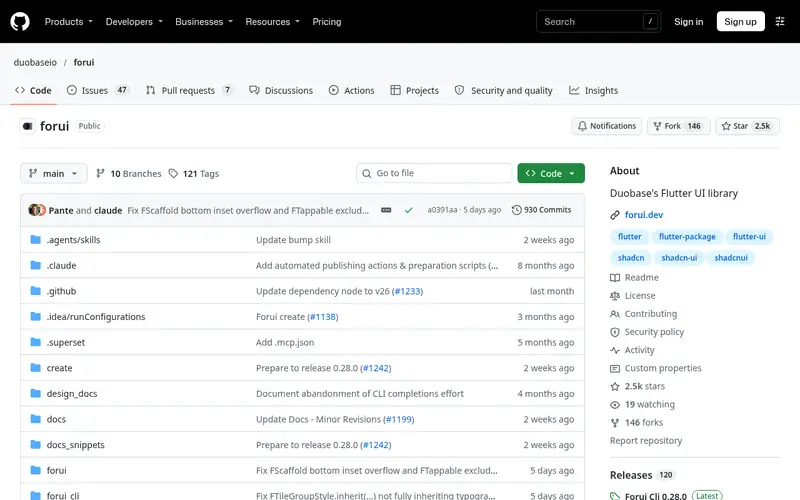
forui is an open-source UI library for Flutter with its own design language. It covers common components such as buttons, dialogs, date pickers, tables and form controls, and it pays attention to desktop input and layout. Theming is handled through a dedicated theme class.
It runs on mobile, web and desktop. The library is free to use and has no paid tier. Its widget set is smaller than Material's, so plan for some custom work on screens that need widgets it does not provide. The design is opinionated, which is the point: you get a consistent look without building one from scratch.
Skip forui if you need the full Material catalogue or a design that must match an existing brand system exactly.
Standout: Consistent design system with good desktop support
Free (open source), as listed by the vendor (forui website). Confirm the current plan price before you buy.
Free plan. Plans change, so confirm on the vendor's pricing page before you buy.
Benefits
- Consistent design system with good desktop support
- documented components and theming
Drawbacks
- Smaller community than Material
- not a drop-in replacement for every Material widget
Skip it if this limit matters to you: smaller community than Material.
Verdict. A sensible pick for desktop-friendly apps that want a clean, modern design system.
Alternatives in this guide: Material 3 widgets (Flutter built-in), Cupertino widgets (Flutter built-in), shadcn_ui
Fluent UI for Flutter
Best for apps that want a Windows-style Fluent look
What it is and where it fits
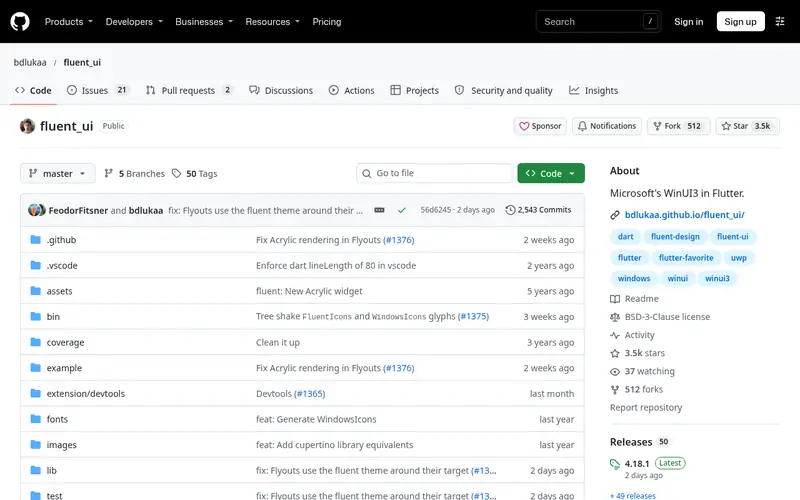
Fluent UI for Flutter brings Microsoft's Fluent design language to Flutter. It includes buttons, navigation views, dialogs, text boxes, toggles and other controls styled like Windows apps. It runs on the platforms Flutter supports, but the look is clearly Windows-oriented.
The package is open source and free, with no paid tier. It is a good choice for Windows desktop tools and internal apps where matching the OS look matters. On mobile and web the styling can feel out of place, and the widget set is smaller than Material's, so some screens will need custom work.
Skip it if your app targets iOS and Android primarily and you want platform-native styling.
Standout: Faithful Fluent design widgets
Free (open source), as listed by the vendor (Fluent UI for Flutter website). Confirm the current plan price before you buy.
Free plan. Plans change, so confirm on the vendor's pricing page before you buy.
Benefits
- Faithful Fluent design widgets
- good fit for Windows desktop apps
Drawbacks
- Windows-focused styling on other platforms
- smaller widget set than Material
Skip it if this limit matters to you: windows-focused styling on other platforms.
Verdict. A sensible pick for apps that want a Windows-style Fluent look.
Alternatives in this guide: Material 3 widgets (Flutter built-in), Cupertino widgets (Flutter built-in), shadcn_ui
macos_ui
Best for macOS desktop apps that need native-looking controls
What it is and where it fits
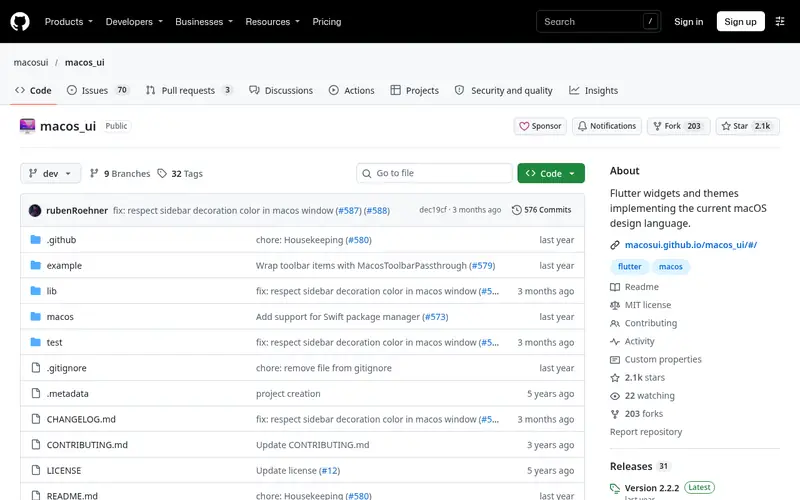
macos_ui provides macOS-style widgets for Flutter desktop apps. It covers window controls, sidebars, toolbars, buttons, text fields and other controls that follow Apple's desktop conventions. It is aimed at apps that ship to macOS and want to look native.
The package is open source and free. It runs on Flutter desktop targets, and it is not intended for mobile. The widget set is focused on desktop patterns, so mobile screens are out of scope. If you ship a Mac app and want it to feel at home, this saves a lot of custom styling.
Skip it for cross-platform mobile apps or any project that does not target macOS desktop.
Standout: macOS-style widgets and window chrome
Free (open source), as listed by the vendor (macos_ui website). Confirm the current plan price before you buy.
Free plan. Plans change, so confirm on the vendor's pricing page before you buy.
Benefits
- macOS-style widgets and window chrome
- good fit for desktop-only Mac apps
Drawbacks
- macOS-focused, so it is not useful for mobile apps
- smaller widget set
Skip it if this limit matters to you: macOS-focused, so it is not useful for mobile apps.
Verdict. A sensible pick for macOS desktop apps that need native-looking controls.
Alternatives in this guide: Material 3 widgets (Flutter built-in), Cupertino widgets (Flutter built-in), shadcn_ui
Syncfusion Flutter widgets
Best for teams that need advanced widgets like charts, grids and schedulers
What it is and where it fits
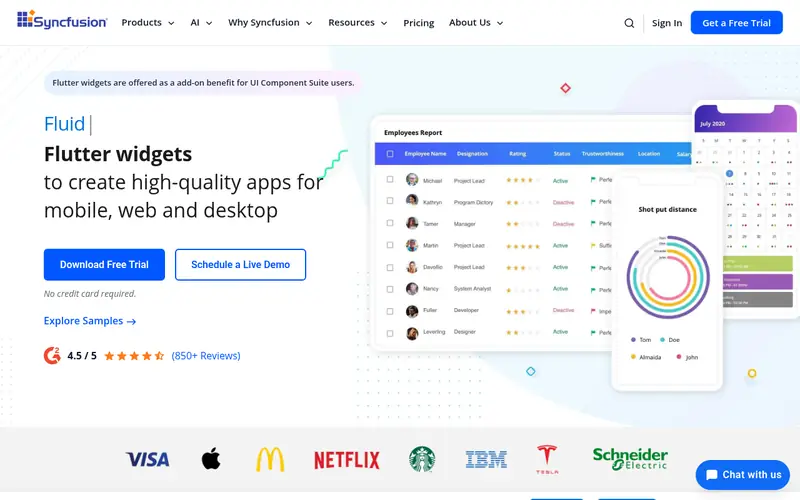
Syncfusion Flutter widgets are a commercial widget suite that goes beyond basic UI controls. It includes charts, data grids, calendars, schedulers, PDF tools and input widgets, all styled to work with Flutter. The widgets run on the platforms Flutter supports.
Licensing is commercial. Syncfusion offers a free community licence for individuals and small companies that meet its eligibility rules, and a paid licence otherwise. A free trial is available. Because the suite is large, it adds more dependency weight than a small UI package, so check whether you need the advanced widgets before adding it.
Skip it if you only need basic buttons and forms, where the built-in widgets are enough.
Standout: Large widget set including charts, data grids and schedulers
See vendor pricing page, as listed by the vendor (Syncfusion Flutter widgets website). Confirm the current plan price before you buy.
Free trial (30 days). Plans change, so confirm on the vendor's pricing page before you buy.
Benefits
- Large widget set including charts, data grids and schedulers
- commercial support available
Drawbacks
- Commercial licence required for most teams
- heavier dependency than a small UI package
Skip it if this limit matters to you: commercial licence required for most teams.
Verdict. A sensible pick for teams that need advanced widgets like charts, grids and schedulers.
Alternatives in this guide: Material 3 widgets (Flutter built-in), Cupertino widgets (Flutter built-in), shadcn_ui
GetWidget
Best for teams that want a free, broad widget set on top of Flutter
What it is and where it fits
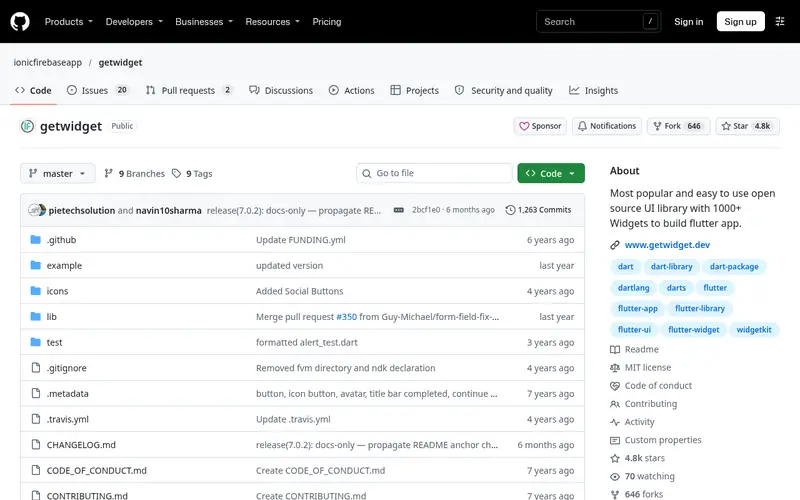
GetWidget is an open-source Flutter UI library with a large set of prebuilt widgets, including buttons, cards, avatars, loaders, carousels and form controls. It is built on top of Flutter's own widgets, so it works alongside Material and Cupertino in the same app.
The library is free and open source, with no paid tier. It runs on the platforms Flutter supports. The styling is opinionated, and customising it deeply can take more work than theming Material. The project is smaller than the framework widgets, so check release activity before adopting it for a long-lived app.
Skip it if you need tight control over theming or a widget set with a large, active community.
Standout: Large free widget catalogue
Free (open source), as listed by the vendor (GetWidget website). Confirm the current plan price before you buy.
Free plan. Plans change, so confirm on the vendor's pricing page before you buy.
Benefits
- Large free widget catalogue
- built on Flutter's own widgets
Drawbacks
- Styling is opinionated and less flexible than Material theming
- smaller community than Material
Skip it if this limit matters to you: styling is opinionated and less flexible than Material theming.
Verdict. A sensible pick for teams that want a free, broad widget set on top of Flutter.
Alternatives in this guide: Material 3 widgets (Flutter built-in), Cupertino widgets (Flutter built-in), shadcn_ui
Who should use what
If you are building a standard cross-platform app and want the default look, use Material 3 widgets. If you need native iOS styling, use Cupertino widgets, alone or alongside Material. If you want a distinct, modern design system, try shadcn_ui or forui. For Windows or macOS desktop apps, Fluent UI for Flutter and macos_ui give you native-looking controls. If you need charts, data grids or schedulers, look at Syncfusion Flutter widgets and check the licence terms first.
Questions to settle before you buy
What to check before you buy
- Check the package's release activity and open issues before adopting it.
- Confirm the licence allows your use case, especially for commercial suites.
- Test the widget set on every platform you ship to, not just one.
- Check how theming works and whether it fits your brand requirements.
- Review the changelog for breaking changes before upgrading across major versions.
FAQ
Are Flutter's built-in widgets enough?
For many apps, yes. Material 3 and Cupertino widgets cover common screens and ship with the SDK. You only need a third-party library when you want a different visual style or advanced widgets like charts and data grids.
Are these libraries free?
Material, Cupertino, shadcn_ui, forui, Fluent UI for Flutter, macos_ui and GetWidget are free and open source. Syncfusion Flutter widgets are commercial, with a free community licence for eligible users and a paid licence otherwise.
Can I mix widgets from different libraries?
Yes, in most cases. Flutter widgets compose, so you can use Material widgets on some screens and a library like shadcn_ui on others. Check for theme conflicts and test the result on each platform.
Do these libraries work on web and desktop?
Most do, because they are built on Flutter widgets. Some, like macos_ui and Fluent UI for Flutter, are styled for a specific desktop platform and look out of place elsewhere. Test on your target platforms.
How do I keep my app secure when using UI libraries?
UI libraries do not handle secrets. Keep tokens and production data out of source and out of any third-party web demo pages you use for testing. Prefer packages with active maintenance and review their dependencies.
Sources we checked
Method: how we score · editorial policy.
Change log. First published 28 Nov 2026.