Stage 01 · Write · Researched comparison
Best Flutter Animation Libraries in 2026
Flutter's built-in animation classes in the SDK are the first pick for most teams because they add no dependency and cover implicit and explicit animation well. For concise effect chains, flutter_animate suits developers who want readable one-line sequences. Rive fits teams that need designer-authored interactive motion, and Lottie for Flutter fits teams reusing After Effects assets. The animations package and simple_animations cover shared-element transitions and custom timeline work.

By Shihab Mia
Published 27 Nov 2026 · 6 tools compared
We run no ads and no affiliate links at launch. The order of a list follows our published method. See how we score.
Prices are the starting prices vendors list publicly. Plans change, so confirm the current price on the vendor page before you buy.
Key takeaways
- Flutter's SDK animation classes are free, ship with the framework and need no extra package.
- flutter_animate, the animations package and simple_animations are free and open source under their repository licences.
- Rive and Lottie for Flutter are free to use as runtime libraries, but the design tools that produce their assets have their own pricing.
- All six options run inside your app, so animation code and assets stay on the device rather than on a third-party web page.
Who each pick is for
- Teams that want animation with no extra dependencyFlutter SDK animations
- Developers who want short, chainable effect codeflutter_animate
- Teams with designers building interactive motionRive
- Teams reusing After Effects animations as JSONLottie for Flutter
- Apps that need Material motion and shared-element transitionsanimations package
- Developers who want a timeline-style API for custom motionsimple_animations
Comparison
| Tool | Best for | Standout feature | Listed starting price | Free plan or trial |
|---|---|---|---|---|
| 1Flutter SDK animations | Teams that want animation with no extra dependency | Ships with the framework | Free (open source) | Free plan |
| 2flutter_animate | Developers who want short, chainable effect code | Chainable API keeps effect sequences readable | Free (open source) | Free plan |
| 3Rive | Teams with designers building interactive motion | Designers author and edit motion in a visual editor | See vendor pricing page | Free trial |
| 4Lottie for Flutter | Teams reusing After Effects animations as JSON | Plays Bodymovin JSON exported from After Effects | Free (open source) | Free plan |
| 5animations package | Apps that need Material motion and shared-element transitions | Maintained by the Flutter team | Free (open source) | Free plan |
| 6simple_animations | Developers who want a timeline-style API for custom motion | Timeline builder for multi-step animations | Free (open source) | Free plan |
How we picked
We picked packages that genuinely handle animation in Flutter apps and are currently maintained, with a public repository or official documentation. Criteria were fit for common animation jobs, platform coverage across Flutter targets, licence and price, whether assets or code leave the device, and known limits such as file complexity or narrow scope. Sources are vendor pages, official documentation and project repositories. Prices and plan details change, so confirm them on the vendor site before you commit.
The tools, one by one
Flutter SDK animations
Best for teams that want animation with no extra dependency
What it is and where it fits
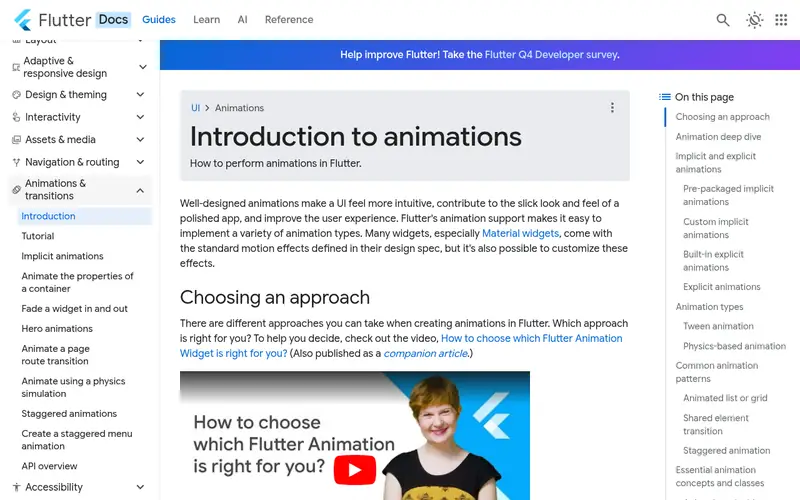
The Flutter SDK includes AnimationController, Tween, AnimatedBuilder, implicit widgets such as AnimatedContainer and AnimatedOpacity, and the Hero widget for shared-element transitions. It runs on every platform Flutter targets: iOS, Android, web, macOS, Windows and Linux. There is no package to add and no separate licence, because it is part of the open-source framework.
The tradeoff is verbosity. A sequence of several effects takes more code than a dedicated helper package, and controllers must be disposed correctly to avoid leaks. Designers cannot author motion in a visual tool and hand it off directly. Teams that need only fades, slides, size changes and route transitions should start here and add a package only when the code becomes hard to read.
Standout: Ships with the framework
Free (open source), as listed by the vendor (Flutter SDK animations website). Confirm the current plan price before you buy.
Free plan. Plans change, so confirm on the vendor's pricing page before you buy.
Benefits
- Ships with the framework
- covers implicit and explicit animation plus custom painters
Drawbacks
- Verbose for long effect chains
- no visual editor for designers
Skip it if this limit matters to you: verbose for long effect chains.
Verdict. A sensible pick for teams that want animation with no extra dependency.
Alternatives in this guide: flutter_animate, Rive, Lottie for Flutter
flutter_animate
Best for developers who want short, chainable effect code
What it is and where it fits
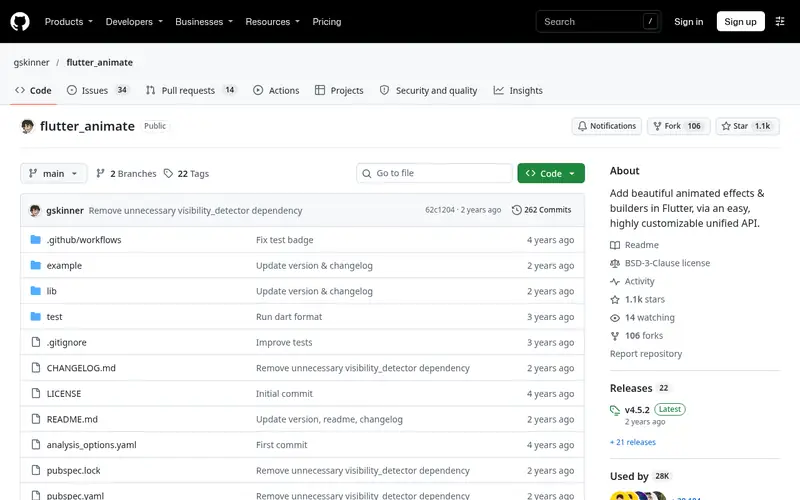
flutter_animate, maintained by gskinner, adds an extension on widgets so you can chain effects such as fadeIn, slideY and scale with delays and durations. It handles the controller lifecycle for you and works on all Flutter platforms. The package is open source and free to use.
It is a good fit when you want a quick entrance animation or a staggered list without writing a StatefulWidget and an AnimationController. It also offers adapters so you can mix in your own Animation objects. It is not a visual authoring tool, and very complex timelines can still be clearer with explicit controllers. Check the repository for the current Flutter and Dart version requirements before adding it.
Standout: Chainable API keeps effect sequences readable
Free (open source), as listed by the vendor (flutter_animate website). Confirm the current plan price before you buy.
Free plan. Plans change, so confirm on the vendor's pricing page before you buy.
Benefits
- Chainable API keeps effect sequences readable
- supports custom effects and adapters
Drawbacks
- Adds a dependency
- complex choreography still needs manual controllers
Skip it if this limit matters to you: adds a dependency.
Verdict. A sensible pick for developers who want short, chainable effect code.
Alternatives in this guide: Flutter SDK animations, Rive, Lottie for Flutter
Rive
Best for teams with designers building interactive motion
What it is and where it fits
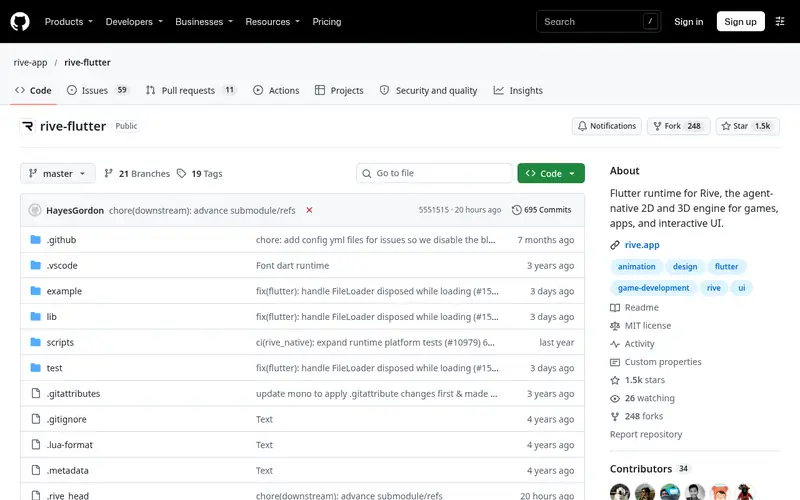
Rive pairs a runtime library for Flutter with a separate design tool where artists build animations and state machines. The Flutter runtime renders those assets and responds to input, which suits interactive UI motion such as animated buttons, loaders and character states. The runtime is open source on GitHub and works across Flutter's target platforms.
The design tool has its own plans, so check the vendor pricing page for current tiers and what each includes. The main cost is workflow: your team needs someone who can author Rive files, and asset updates go through that person. Teams without design support, or with simple tween needs, will get further with the SDK or flutter_animate.
Standout: Designers author and edit motion in a visual editor
See vendor pricing page, as listed by the vendor (Rive website). Confirm the current plan price before you buy.
Free trial. Plans change, so confirm on the vendor's pricing page before you buy.
Benefits
- Designers author and edit motion in a visual editor
- runtime supports interactive state machines
Drawbacks
- Requires design tooling and a handoff workflow
- runtime licence terms should be checked
Skip it if this limit matters to you: requires design tooling and a handoff workflow.
Verdict. A sensible pick for teams with designers building interactive motion.
Alternatives in this guide: Flutter SDK animations, flutter_animate, Lottie for Flutter
Lottie for Flutter
Best for teams reusing After Effects animations as JSON
What it is and where it fits
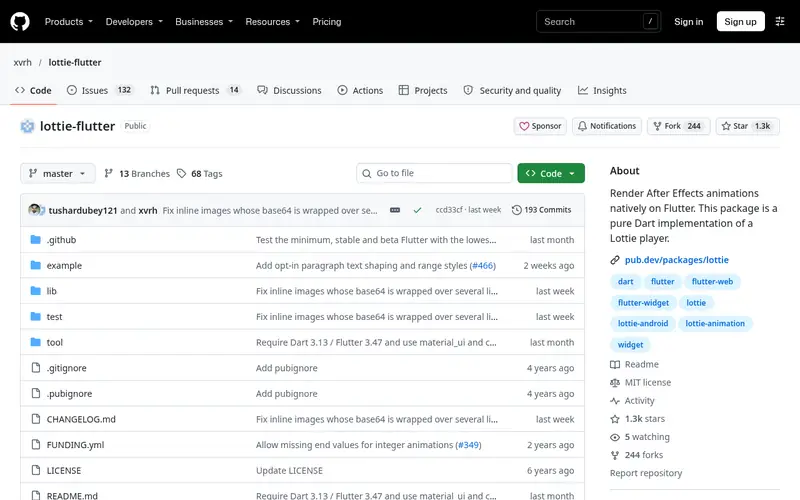
Lottie for Flutter renders Lottie JSON files, which are commonly exported from Adobe After Effects with the Bodymovin plugin. It is a pure Dart implementation, so it runs on all Flutter platforms without platform-specific setup. The package is open source and free.
It suits teams that already have motion designers working in After Effects and want to reuse those assets in an app. File size and render cost grow with complexity, so test large animations on low-end devices. Some After Effects features are not supported, and the project documents its known limitations. If your designers prefer a purpose-built interactive tool, Rive is the closer match.
Standout: Plays Bodymovin JSON exported from After Effects
Free (open source), as listed by the vendor (Lottie for Flutter website). Confirm the current plan price before you buy.
Free plan. Plans change, so confirm on the vendor's pricing page before you buy.
Benefits
- Plays Bodymovin JSON exported from After Effects
- pure Dart implementation with no native code
Drawbacks
- Complex files can be heavy on CPU
- not every After Effects feature is supported
Skip it if this limit matters to you: complex files can be heavy on CPU.
Verdict. A sensible pick for teams reusing After Effects animations as JSON.
Alternatives in this guide: Flutter SDK animations, flutter_animate, Rive
animations package
Best for apps that need Material motion and shared-element transitions
What it is and where it fits
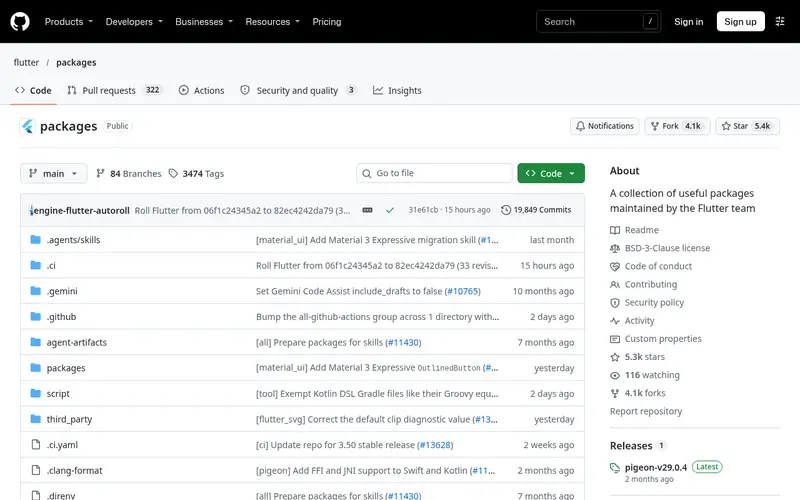
The animations package is maintained in the flutter/packages repository. It provides prebuilt transitions such as ContainerTransform, SharedAxis, FadeThrough and Fade, which follow Material motion patterns. It works on all Flutter platforms and is free and open source.
It is the right choice when you want a polished transition between screens or a container that morphs into a detail view without building the interpolation yourself. Its scope is deliberately narrow: it does not try to be a general animation framework. Teams needing custom timelines, physics or designer-authored assets should combine it with the SDK classes or another package on this list.
Standout: Maintained by the Flutter team
Free (open source), as listed by the vendor (animations package website). Confirm the current plan price before you buy.
Free plan. Plans change, so confirm on the vendor's pricing page before you buy.
Benefits
- Maintained by the Flutter team
- provides ready-made container and page transitions
Drawbacks
- Narrow scope beyond transitions
- limited to the patterns it ships
Skip it if this limit matters to you: narrow scope beyond transitions.
Verdict. A sensible pick for apps that need Material motion and shared-element transitions.
Alternatives in this guide: Flutter SDK animations, flutter_animate, Rive
simple_animations
Best for developers who want a timeline-style API for custom motion
What it is and where it fits
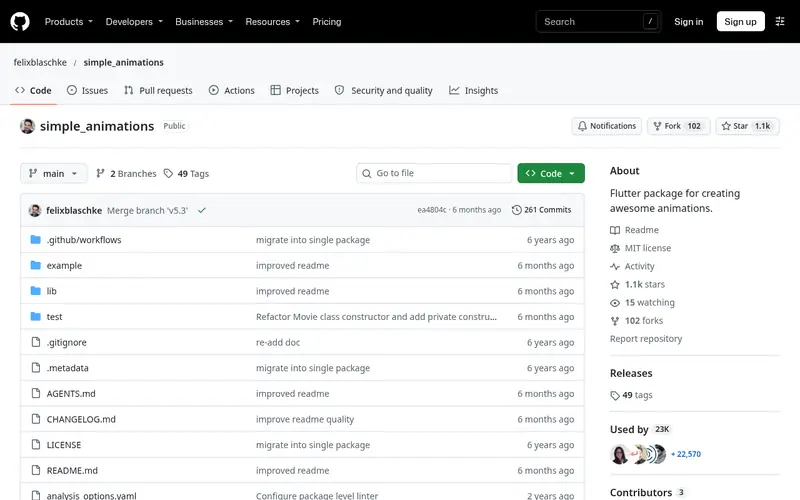
simple_animations offers a builder-based API for composing multi-step animations, along with helpers for looping, custom painting and staggered sequences. It targets developers who find raw AnimationController code repetitive but want more control than a one-line effect chain. It runs on all Flutter platforms and is free and open source.
The package is a reasonable middle ground between the SDK and a full authoring tool. Its API style differs from the framework's, so mixing it with SDK controllers in one codebase takes some discipline. Check the repository for current maintenance status and version compatibility before adopting it for a long-lived project.
Standout: Timeline builder for multi-step animations
Free (open source), as listed by the vendor (simple_animations website). Confirm the current plan price before you buy.
Free plan. Plans change, so confirm on the vendor's pricing page before you buy.
Benefits
- Timeline builder for multi-step animations
- includes helpers for loops and custom painters
Drawbacks
- Smaller community than core packages
- API differs from the SDK style
Skip it if this limit matters to you: smaller community than core packages.
Verdict. A sensible pick for developers who want a timeline-style API for custom motion.
Alternatives in this guide: Flutter SDK animations, flutter_animate, Rive
Who should use what
If you need fades, slides and route transitions with no new dependency, start with the Flutter SDK classes. If your effect code is getting long and repetitive, flutter_animate shortens it. If you have motion designers who want to author interactive assets, look at Rive, and if they work in After Effects, Lottie for Flutter is the fit. For Material shared-element transitions, use the animations package, and for custom multi-step timelines, try simple_animations. Most apps combine two of these rather than picking one.
Questions to settle before you buy
What to check before you buy
- Confirm the package supports your current Flutter and Dart versions and all platforms you ship.
- Check the repository's recent commit activity and open issues before adopting it long term.
- Test large Lottie or Rive assets on low-end devices for frame drops and memory use.
- Review the licence terms for both the runtime package and any design tool you need.
- Decide who owns animation assets and how updates reach the app before you build a workflow.
FAQ
Do I need a package to animate in Flutter?
No. The Flutter SDK includes implicit widgets, AnimationController, Tween and the Hero widget, which cover most common cases. Add a package when you want shorter effect code, designer-authored assets or prebuilt Material transitions.
Is flutter_animate free?
Yes. flutter_animate is open source and free to use. You can read the licence and current version requirements in its GitHub repository.
Can I use Lottie and Rive in the same app?
Yes. Both are runtime libraries that render their own asset formats, so an app can include both. Keep an eye on total asset size and rendering cost if you use many animations.
Do these libraries send my animation data anywhere?
These are runtime libraries that render inside your app, so animation code and assets stay on the device. The design tools used to create Rive or Lottie assets are separate products with their own terms.
Which option is best for shared-element transitions?
The animations package provides ContainerTransform and related Material transitions, and the SDK's Hero widget handles simpler shared-element cases. Choose based on whether you want the Material motion patterns or a custom effect.
Sources we checked
Method: how we score · editorial policy.
Change log. First published 27 Nov 2026.