Stage 01 · Write · Researched comparison
Best .NET Serialization Libraries in 2026
System.Text.Json is the first pick for most projects because it ships with modern .NET and covers common JSON work without extra dependencies. Choose Newtonsoft.Json when you need its long-standing feature set and flexible converters. For compact binary payloads, MessagePack-CSharp and protobuf-net are the usual alternatives, with Google.Protobuf for cross-language schema-driven contracts.

By Shihab Mia
Published 27 Nov 2026 · 6 tools compared
We run no ads and no affiliate links at launch. The order of a list follows our published method. See how we score.
Prices are the starting prices vendors list publicly. Plans change, so confirm the current price on the vendor page before you buy.
Key takeaways
- System.Text.Json is built into .NET and needs no package for basic JSON serialization.
- Newtonsoft.Json remains a separate package with broad converter and settings support.
- MessagePack-CSharp, protobuf-net, Google.Protobuf and MemoryPack all produce binary output and are open source.
- BinaryFormatter is removed in modern .NET and should not be used for new code.
Who each pick is for
- Default JSON serialization on modern .NETSystem.Text.Json
- Projects needing flexible JSON converters and legacy compatibilityNewtonsoft.Json
- Compact binary payloads in C# services and cachesMessagePack-CSharp
- Protocol Buffers contracts from existing C# classesprotobuf-net
- Schema-first Protocol Buffers across languagesGoogle.Protobuf
- High-throughput binary serialization in modern .NETMemoryPack
Comparison
| Tool | Best for | Standout feature | Listed starting price | Free plan or trial |
|---|---|---|---|---|
| 1System.Text.Json | Default JSON serialization on modern .NET | Ships with .NET, no extra package for core use | Free | Free plan |
| 2Newtonsoft.Json | Projects needing flexible JSON converters and legacy compatibility | Wide converter and settings support | Free (open source) | Free plan |
| 3MessagePack-CSharp | Compact binary payloads in C# services and caches | Small binary output compared with JSON | Free (open source) | Free plan |
| 4protobuf-net | Protocol Buffers contracts from existing C# classes | Works with attributed C# types | Free (open source) | Free plan |
| 5Google.Protobuf | Schema-first Protocol Buffers across languages | Cross-language contracts from .proto files | Free (open source) | Free plan |
| 6MemoryPack | High-throughput binary serialization in modern .NET | Source-generated serializers | Free (open source) | Free plan |
How we picked
We picked libraries that are actively maintained and genuinely perform .NET serialization for text or binary formats. Criteria included fit for the job, supported platforms, licence and price, and the main limits of each format. We left out BinaryFormatter because it is removed in modern .NET and insecure. Sources are vendor pages, official documentation and project repositories. Prices and features change, so confirm details on the vendor site before you commit.
The tools, one by one
System.Text.Json
Best for default JSON serialization on modern .NET

What it is and where it fits
System.Text.Json is the JSON serializer included with .NET. It handles serialization and deserialization, DOM access through JsonDocument, and source generation for ahead-of-time compilation and trimming. It runs anywhere modern .NET runs, including ASP.NET Core, desktop and mobile workloads.
It is free and open source as part of the .NET platform. The main limits appear when migrating older code that relies on Newtonsoft.Json-specific behaviors, custom converters or lenient parsing. Those cases often need configuration or a switch to Newtonsoft.Json. Skip it if you need a binary format or must support very old framework versions that lack the library.
Standout: Ships with .NET, no extra package for core use
Free, as listed by the vendor (System.Text.Json website). Confirm the current plan price before you buy.
Free plan. Plans change, so confirm on the vendor's pricing page before you buy.
Benefits
- Ships with .NET, no extra package for core use
- Source generation for AOT and trimming
Drawbacks
- Fewer legacy behaviors than Newtonsoft.Json
- Some advanced scenarios need extra configuration
Skip it if this limit matters to you: fewer legacy behaviors than Newtonsoft.Json.
Verdict. A sensible pick for default JSON serialization on modern .NET.
Alternatives in this guide: Newtonsoft.Json, MessagePack-CSharp, protobuf-net
Newtonsoft.Json
Best for projects needing flexible JSON converters and legacy compatibility
What it is and where it fits
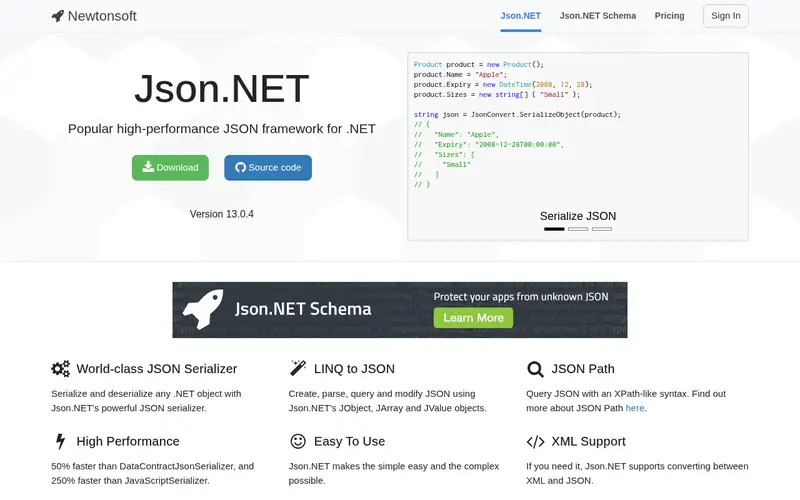
Newtonsoft.Json, often called JSON.NET, is a widely used JSON library for .NET. It offers broad control over serialization through settings, contract resolvers and custom converters, and it works across a range of .NET targets. The source is on GitHub under the JamesNK/Newtonsoft.Json repository.
It is free and open source under the MIT license. The main limits are that it is an extra dependency and that some of its default behaviors differ from System.Text.Json, which matters during migration. Skip it for new projects that only need basic JSON and already target modern .NET, where the built-in serializer is usually enough.
Standout: Wide converter and settings support
Free (open source), as listed by the vendor (Newtonsoft.Json website). Confirm the current plan price before you buy.
Free plan. Plans change, so confirm on the vendor's pricing page before you buy.
Benefits
- Wide converter and settings support
- Long track record across .NET versions
Drawbacks
- Separate package to manage
- Some defaults differ from System.Text.Json
Skip it if this limit matters to you: separate package to manage.
Verdict. A sensible pick for projects needing flexible JSON converters and legacy compatibility.
Alternatives in this guide: System.Text.Json, MessagePack-CSharp, protobuf-net
MessagePack-CSharp
Best for compact binary payloads in C# services and caches
What it is and where it fits
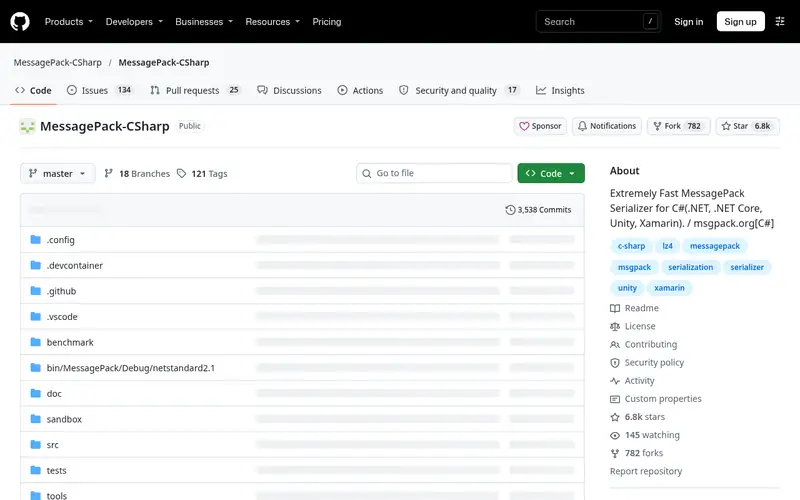
MessagePack-CSharp implements the MessagePack binary format for .NET. It serializes objects to compact binary, which suits caches, queues and service-to-service calls where payload size matters. It supports code generation through analyzers and works with common .NET targets.
The project is free and open source. Its main limits are that binary payloads are not human-readable and that versioning needs planning when types change. Skip it when interoperability with non-.NET clients is the priority and a schema-based format fits better.
Standout: Small binary output compared with JSON
Free (open source), as listed by the vendor (MessagePack-CSharp website). Confirm the current plan price before you buy.
Free plan. Plans change, so confirm on the vendor's pricing page before you buy.
Benefits
- Small binary output compared with JSON
- Code generation for fast paths
Drawbacks
- Binary format is harder to inspect by hand
- Schema changes need care
Skip it if this limit matters to you: binary format is harder to inspect by hand.
Verdict. A sensible pick for compact binary payloads in C# services and caches.
Alternatives in this guide: System.Text.Json, Newtonsoft.Json, protobuf-net
protobuf-net
Best for protocol Buffers contracts from existing C# classes
What it is and where it fits
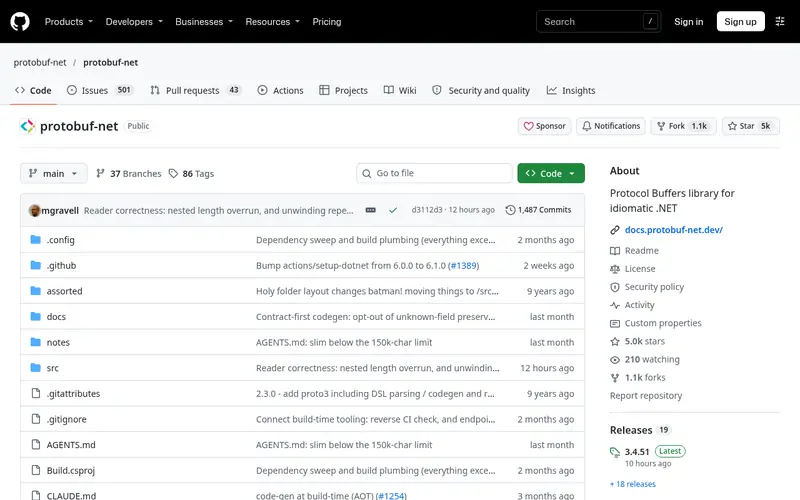
protobuf-net is a .NET implementation of Protocol Buffers that can serialize existing C# classes using attributes rather than generated code. It produces compact binary output and fits teams that want protobuf on the wire without a separate schema-first build step.
It is free and open source. The main limits are that contract evolution needs discipline and that its workflow differs from the Google.Protobuf code generation path. Skip it if your organization standardizes on .proto files and generated classes across multiple languages.
Standout: Works with attributed C# types
Free (open source), as listed by the vendor (protobuf-net website). Confirm the current plan price before you buy.
Free plan. Plans change, so confirm on the vendor's pricing page before you buy.
Benefits
- Works with attributed C# types
- Compact binary output
Drawbacks
- Contract changes need care
- Tooling differs from the Google codegen path
Skip it if this limit matters to you: contract changes need care.
Verdict. A sensible pick for protocol Buffers contracts from existing C# classes.
Alternatives in this guide: System.Text.Json, Newtonsoft.Json, MessagePack-CSharp
Google.Protobuf
Best for schema-first Protocol Buffers across languages
What it is and where it fits
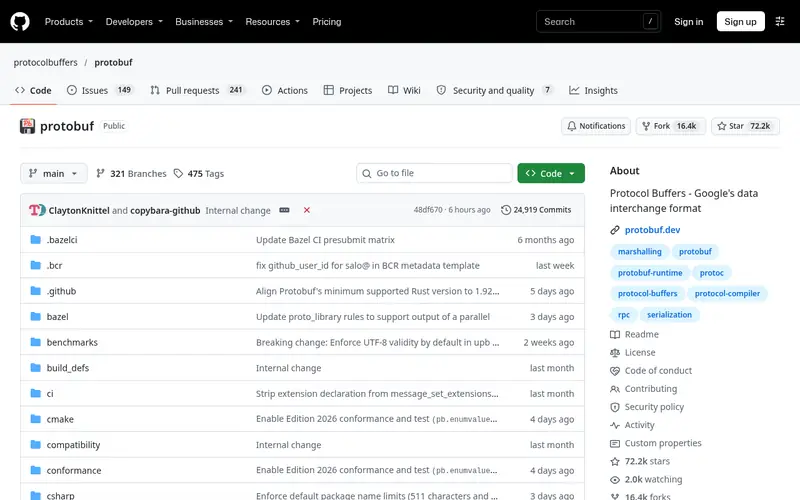
Google.Protobuf is the official Protocol Buffers runtime, with C# support generated from .proto schema files. It suits systems where several languages exchange messages and a shared schema is the source of truth. The C# runtime is part of the wider protobuf project.
It is free and open source. The main limits are the build step for code generation and the need to manage schema versions carefully. Skip it for small single-language projects where a JSON serializer is simpler and the schema overhead is not justified.
Standout: Cross-language contracts from .proto files
Free (open source), as listed by the vendor (Google.Protobuf website). Confirm the current plan price before you buy.
Free plan. Plans change, so confirm on the vendor's pricing page before you buy.
Benefits
- Cross-language contracts from .proto files
- Generated C# classes
Drawbacks
- Requires a schema and codegen step
- More setup than attribute-based libraries
Skip it if this limit matters to you: requires a schema and codegen step.
Verdict. A sensible pick for schema-first Protocol Buffers across languages.
Alternatives in this guide: System.Text.Json, Newtonsoft.Json, MessagePack-CSharp
MemoryPack
Best for high-throughput binary serialization in modern .NET
What it is and where it fits
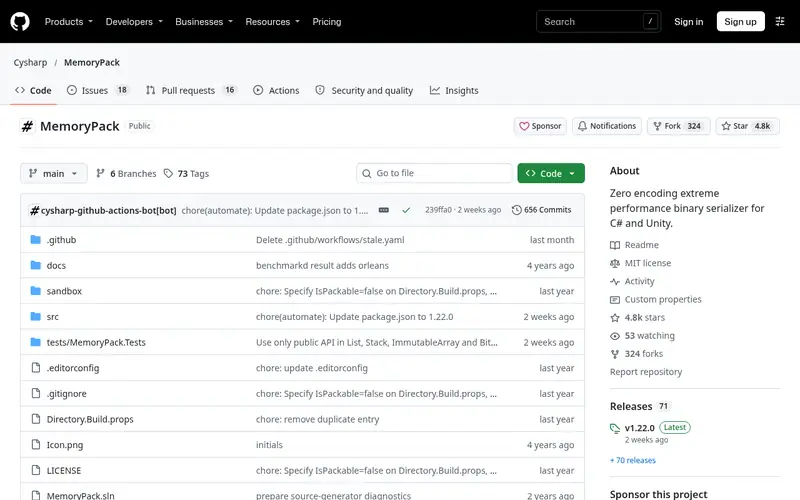
MemoryPack is a binary serializer for .NET built around source generation. It targets performance-sensitive paths and supports modern .NET features. It is maintained in the Cysharp/MemoryPack repository.
It is free and open source. The main limits are that it depends on source generation and that its binary format is not intended for interchange with non-.NET systems. Skip it when you need a widely supported cross-platform format or human-readable output.
Standout: Source-generated serializers
Free (open source), as listed by the vendor (MemoryPack website). Confirm the current plan price before you buy.
Free plan. Plans change, so confirm on the vendor's pricing page before you buy.
Benefits
- Source-generated serializers
- Binary output aimed at speed
Drawbacks
- Requires source generation setup
- Less suitable for cross-language use
Skip it if this limit matters to you: requires source generation setup.
Verdict. A sensible pick for high-throughput binary serialization in modern .NET.
Alternatives in this guide: System.Text.Json, Newtonsoft.Json, MessagePack-CSharp
Who should use what
New ASP.NET Core APIs that only need JSON should start with System.Text.Json. Teams migrating older code with custom converters often keep Newtonsoft.Json. Services that need compact payloads for caches or queues can use MessagePack-CSharp or MemoryPack. Organizations with multi-language contracts should standardize on Google.Protobuf, while teams that want protobuf from existing C# classes can try protobuf-net.
Questions to settle before you buy
What to check before you buy
- Confirm the wire format matches your clients, not just your .NET services.
- Check how the library handles schema or type changes over time.
- Verify support for trimming, AOT and your target frameworks.
- Review licence terms and whether the project is actively maintained.
- Test round-trip behavior with your real object graphs before rollout.
FAQ
Is System.Text.Json enough for most projects?
For many modern .NET projects, yes. It covers common JSON serialization and deserialization and ships with the platform. You may need Newtonsoft.Json or extra configuration for legacy behaviors, unusual converters or older framework targets.
Should I still use BinaryFormatter?
No. BinaryFormatter is removed in modern .NET and is considered insecure for untrusted data. Use a maintained serializer such as System.Text.Json, MessagePack-CSharp or one of the protobuf options instead.
When should I choose a binary format over JSON?
Choose binary when payload size or throughput matters, such as caches, queues and high-volume service calls. JSON stays easier to inspect and debug. Binary formats need more care around versioning and cross-language support.
Can these libraries work across languages?
Google.Protobuf is designed for cross-language contracts from .proto files. MessagePack and protobuf-net have implementations in other languages, but check compatibility. System.Text.Json and Newtonsoft.Json are JSON-based and broadly readable, though type mapping needs care.
Are these libraries free?
All six listed here are free or open source. System.Text.Json is part of .NET. The others are open-source projects with their own licences. Confirm licence terms in each repository before shipping.
Sources we checked
Method: how we score · editorial policy.
Change log. First published 27 Nov 2026.