Stage 01 · Write · Researched comparison
Best .NET PDF Libraries in 2026
QuestPDF is the first pick for teams that build PDFs in code and want a fluent layout API with a generous free community licence for small companies. Choose PdfSharp or MigraDoc when you need a permissive MIT licence and direct control over PDF objects. Choose iText or IronPDF when you need commercial support and can pay for a licence. For HTML to PDF, look at PuppeteerSharp.

By Shihab Mia
Published 27 Nov 2026 · 7 tools compared
We run no ads and no affiliate links at launch. The order of a list follows our published method. See how we score.
Prices are the starting prices vendors list publicly. Plans change, so confirm the current price on the vendor page before you buy.
Key takeaways
- QuestPDF is free under its community licence for small companies, but larger companies need a paid licence, so read the wording on the vendor site.
- PdfSharp and MigraDoc use the MIT licence, which suits closed-source products with no revenue threshold.
- iText is AGPL or commercial; if you ship closed source, you need the commercial licence.
- IronPDF and Syncfusion PDF are commercial products; confirm current prices and free tier limits on their pricing pages.
Who each pick is for
- Code-first PDF generation with a fluent layout APIQuestPDF
- MIT-licensed PDF creation and object-level controlPdfSharp and MigraDoc
- Commercial PDF generation and manipulation with vendor supportiText
- Commercial .NET teams that want HTML to PDF and supportIronPDF
- Teams already using the Syncfusion suiteSyncfusion PDF
- HTML to PDF using a headless Chromium browserPuppeteerSharp
- Reading and extracting text and structure from existing PDFsPdfPig
Comparison
| Tool | Best for | Standout feature | Listed starting price | Free plan or trial |
|---|---|---|---|---|
| 1QuestPDF | Code-first PDF generation with a fluent layout API | Fluent C# layout API with a live preview tool | See vendor pricing page | Free plan |
| 2PdfSharp and MigraDoc | MIT-licensed PDF creation and object-level control | MIT licence with no revenue threshold | Free (open source) | Free plan |
| 3iText | Commercial PDF generation and manipulation with vendor support | Broad feature set for generation, forms and digital signatures | See vendor pricing page | Free trial (30 days) |
| 4IronPDF | Commercial .NET teams that want HTML to PDF and support | HTML, CSS and JavaScript to PDF conversion | See vendor pricing page | Free trial (30 days) |
| 5Syncfusion PDF | Teams already using the Syncfusion suite | Generation, forms and PDF security features | See vendor pricing page | Free plan |
| 6PuppeteerSharp | HTML to PDF using a headless Chromium browser | MIT licence | Free (open source) | Free plan |
| 7PdfPig | Reading and extracting text and structure from existing PDFs | Apache 2.0 licence | Free (open source) | Free plan |
How we picked
We picked libraries that are actively maintained and that genuinely generate, manipulate or read PDFs in .NET. Criteria were fit for common jobs (document generation, HTML to PDF, form filling, text extraction), platform support across .NET and .NET Framework, licence terms and cost, and the main limits developers hit in practice. Sources are vendor websites, official documentation and project repositories. Prices and licence thresholds change, so confirm them on the vendor site before you commit.
The tools, one by one
QuestPDF
Best for code-first PDF generation with a fluent layout API
What it is and where it fits
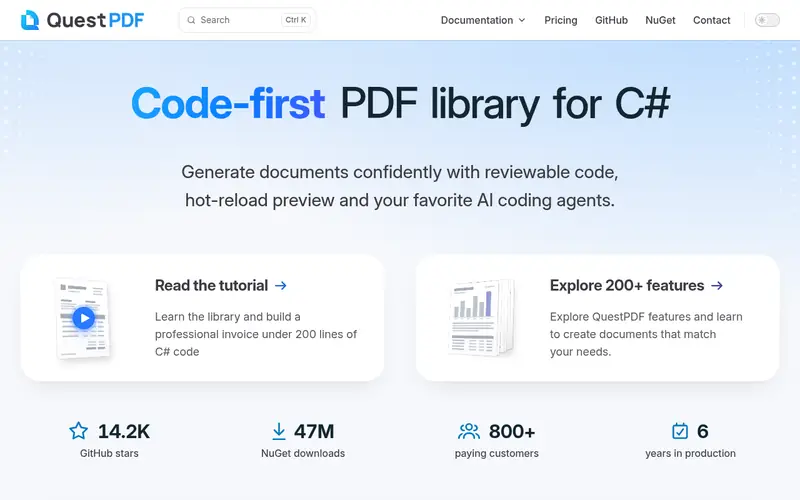
QuestPDF builds PDF documents from C# code using a fluent layout model. You compose rows, columns, tables and pages, and the library handles pagination and page breaks. It runs on .NET and supports modern .NET versions plus .NET Framework on Windows. A companion preview tool shows the document as you edit it, which shortens the layout loop.
The licence is the part to read carefully. The community licence is free for small companies below a revenue threshold defined by the vendor, and paid licences apply above it. The exact threshold and terms are on the QuestPDF website, so confirm them for your company size before you commit. QuestPDF generates PDFs only. If you need to read or parse existing PDFs, pair it with a reading library such as PdfPig.
Standout: Fluent C# layout API with a live preview tool
See vendor pricing page, as listed by the vendor (QuestPDF website). Confirm the current plan price before you buy.
Free plan. Plans change, so confirm on the vendor's pricing page before you buy.
Benefits
- Fluent C# layout API with a live preview tool
- community licence covers small companies
Drawbacks
- Larger companies need a paid licence
- generation only, no PDF reading
Skip it if this limit matters to you: larger companies need a paid licence.
Verdict. A sensible pick for code-first PDF generation with a fluent layout API.
Alternatives in this guide: PdfSharp and MigraDoc, iText, IronPDF
PdfSharp and MigraDoc
Best for mIT-licensed PDF creation and object-level control
What it is and where it fits
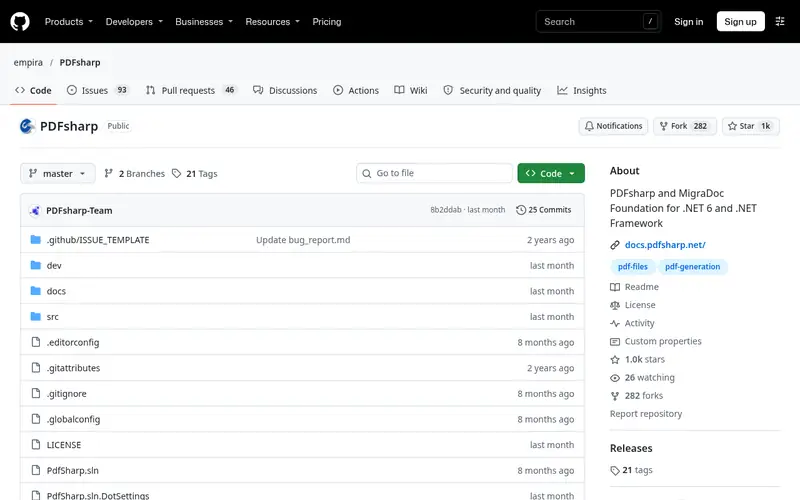
PdfSharp is a .NET library for creating and manipulating PDF documents, and MigraDoc is its companion for document-style layout with paragraphs, tables and sections. Both are open source under the MIT licence, so you can use them in closed-source commercial products without a fee. The project runs on .NET and .NET Framework.
PdfSharp gives you direct access to pages, content streams and PDF objects, which suits reports, invoices and simple drawing tasks. MigraDoc handles flowing documents with automatic pagination. The trade-off is that layout is more manual than with QuestPDF, and font embedding and Unicode text need attention, especially for non-Latin scripts. It is a good fit when the MIT licence matters more than a modern layout API.
Standout: MIT licence with no revenue threshold
Free (open source), as listed by the vendor (PdfSharp and MigraDoc website). Confirm the current plan price before you buy.
Free plan. Plans change, so confirm on the vendor's pricing page before you buy.
Benefits
- MIT licence with no revenue threshold
- low-level access to PDF objects and MigraDoc for document layout
Drawbacks
- Layout API is more manual than newer libraries
- font and Unicode handling needs care
Skip it if this limit matters to you: layout API is more manual than newer libraries.
Verdict. A sensible pick for MIT-licensed PDF creation and object-level control.
iText
Best for commercial PDF generation and manipulation with vendor support
What it is and where it fits
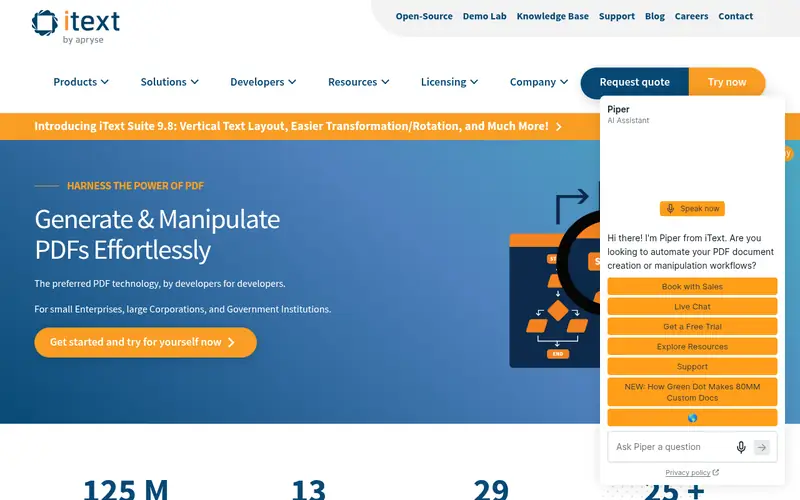
iText is a long-standing PDF library for .NET and Java. It covers document generation, form filling, digital signatures, redaction and PDF/A compliance. The .NET edition runs on modern .NET and .NET Framework. The feature set is wide, and the vendor sells support and maintenance alongside the licence.
The licence is the main decision point. iText is dual-licensed: AGPL, which requires you to release your application source under AGPL terms if you distribute it, or a commercial licence that removes that requirement. Teams building closed-source products need the commercial licence, and pricing is quoted by the vendor. A free trial is available. If your project is open source under AGPL, the free path works. Otherwise budget for the commercial licence before you start.
Standout: Broad feature set for generation, forms and digital signatures
See vendor pricing page, as listed by the vendor (iText website). Confirm the current plan price before you buy.
Free trial (30 days). Plans change, so confirm on the vendor's pricing page before you buy.
Benefits
- Broad feature set for generation, forms and digital signatures
- commercial support available
Drawbacks
- AGPL requires open-sourcing your application
- commercial licence is paid
Skip it if this limit matters to you: AGPL requires open-sourcing your application.
Verdict. A sensible pick for commercial PDF generation and manipulation with vendor support.
Alternatives in this guide: QuestPDF, PdfSharp and MigraDoc, IronPDF
IronPDF
Best for commercial .NET teams that want HTML to PDF and support
What it is and where it fits
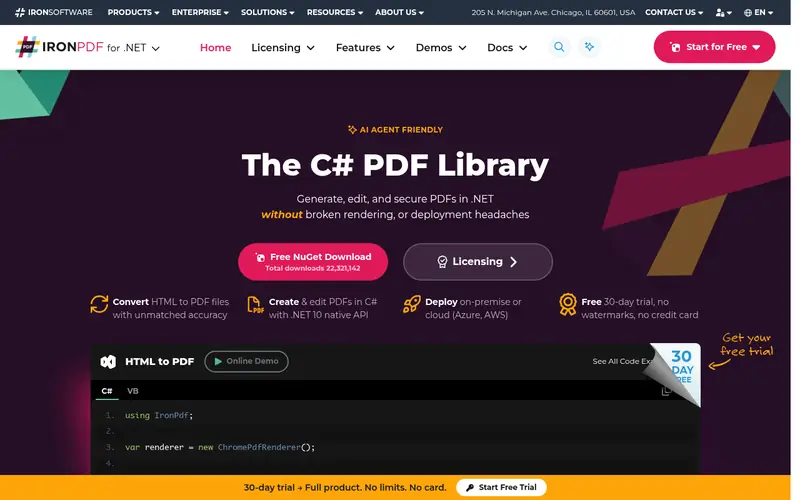
IronPDF is a commercial .NET library that converts HTML, CSS and JavaScript to PDF and also generates and edits PDFs directly. It runs on .NET, .NET Framework and .NET Core, and works on Windows, Linux and macOS. The HTML rendering path suits teams that already have HTML templates and want to reuse them for invoices, reports and statements.
The product is commercial. A free trial lets you evaluate it, but production use needs a paid licence, and pricing is on the vendor site. It does not offer an open-source licence. The library bundles a Chromium-based renderer for HTML conversion, which adds deployment size. Teams that cannot pay for a licence, or that need to keep the dependency small, should look at QuestPDF or PdfSharp instead.
Standout: HTML, CSS and JavaScript to PDF conversion
See vendor pricing page, as listed by the vendor (IronPDF website). Confirm the current plan price before you buy.
Free trial (30 days). Plans change, so confirm on the vendor's pricing page before you buy.
Benefits
- HTML, CSS and JavaScript to PDF conversion
- commercial support and documentation
Drawbacks
- Commercial licence required for production
- no open-source option
Skip it if this limit matters to you: commercial licence required for production.
Verdict. A sensible pick for commercial .NET teams that want HTML to PDF and support.
Alternatives in this guide: QuestPDF, PdfSharp and MigraDoc, iText
Syncfusion PDF
Best for teams already using the Syncfusion suite
What it is and where it fits
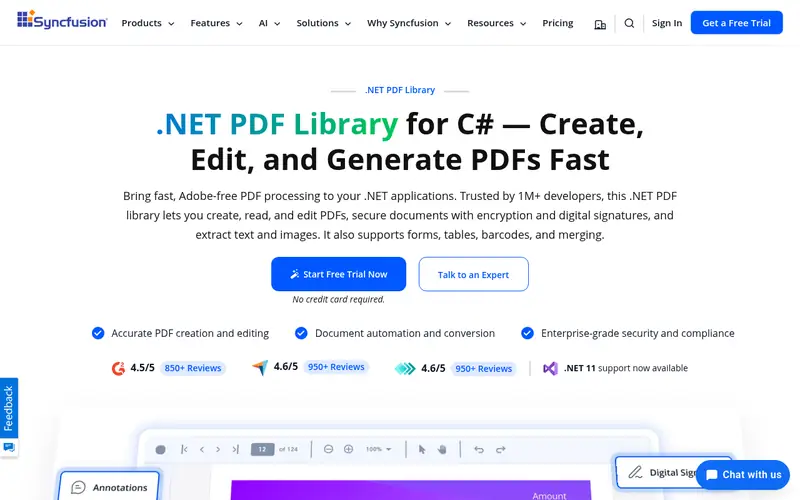
Syncfusion Essential PDF is part of the Syncfusion .NET suite. It creates and manipulates PDFs, fills forms, applies encryption and digital signatures, and converts HTML to PDF. It runs on .NET, .NET Framework and .NET Core across Windows, Linux and macOS. The API is broad and documented alongside the rest of the suite.
Syncfusion offers a community licence that is free for small companies and individual developers below stated revenue and headcount limits. The exact limits are on the Syncfusion site, so confirm them for your team. The library is most economical when you already use other Syncfusion controls, because the suite is priced as a bundle. If you only need PDF generation, a focused library such as QuestPDF or PdfSharp may cost less in effort and licence review.
Standout: Generation, forms and PDF security features
See vendor pricing page, as listed by the vendor (Syncfusion PDF website). Confirm the current plan price before you buy.
Free plan. Plans change, so confirm on the vendor's pricing page before you buy.
Benefits
- Generation, forms and PDF security features
- community licence for small teams
Drawbacks
- Best value inside the full suite
- standalone pricing needs checking
Skip it if this limit matters to you: best value inside the full suite.
Verdict. A sensible pick for teams already using the Syncfusion suite.
Alternatives in this guide: QuestPDF, PdfSharp and MigraDoc, iText
PuppeteerSharp
Best for hTML to PDF using a headless Chromium browser
What it is and where it fits
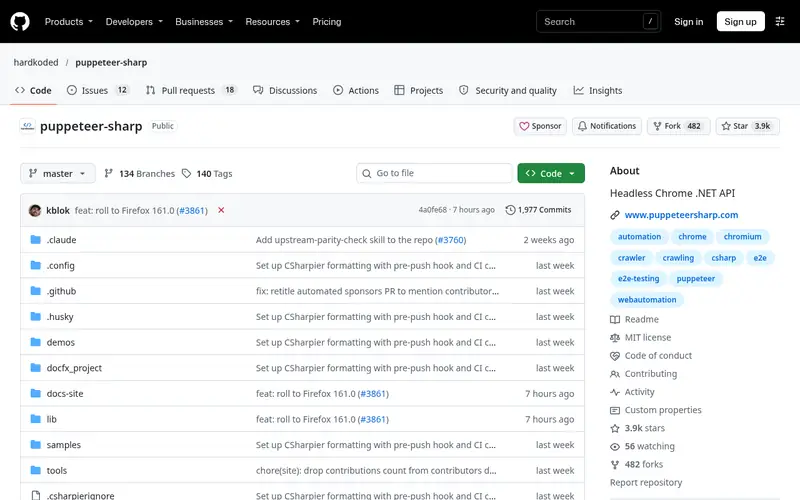
PuppeteerSharp is a .NET port of Puppeteer. It controls a headless Chromium browser and can print pages to PDF. That makes it a good fit when your PDF source is HTML with CSS and client-side JavaScript, because the output matches what a browser renders. It is open source under the MIT licence and runs on .NET across Windows, Linux and macOS.
The trade-off is operational. PuppeteerSharp downloads and runs a Chromium build, which adds size and memory use, and you need to manage the browser version in deployment. It is not a library for editing PDF objects or filling forms at the object level. Use it for HTML to PDF, and pair it with a native library if you also need to manipulate existing PDFs. For high-volume server rendering, plan for process isolation and resource limits.
Standout: MIT licence
Free (open source), as listed by the vendor (PuppeteerSharp website). Confirm the current plan price before you buy.
Free plan. Plans change, so confirm on the vendor's pricing page before you buy.
Benefits
- MIT licence
- renders HTML, CSS and JavaScript with a real browser engine
Drawbacks
- Requires a Chromium download and more memory
- not a native PDF object API
Skip it if this limit matters to you: requires a Chromium download and more memory.
Verdict. A sensible pick for HTML to PDF using a headless Chromium browser.
Alternatives in this guide: QuestPDF, PdfSharp and MigraDoc, iText
PdfPig
Best for reading and extracting text and structure from existing PDFs
What it is and where it fits
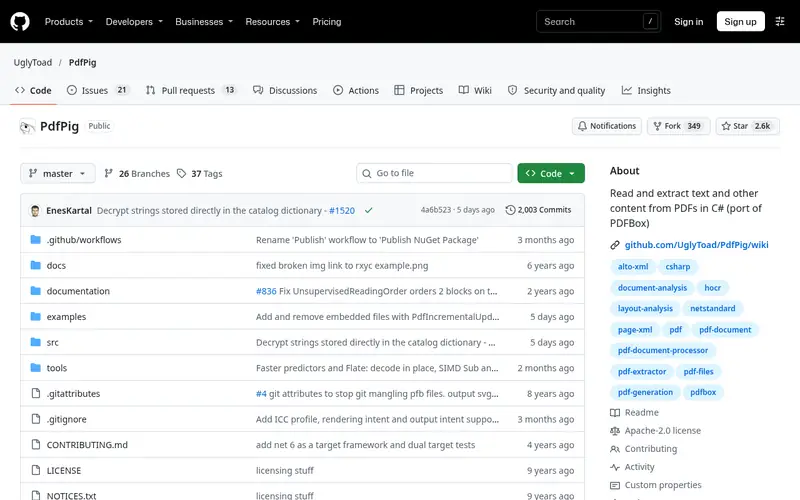
PdfPig is an open-source .NET library for reading PDFs. It extracts text, words, letters and page structure, and gives access to low-level PDF objects. It is useful for indexing, search, data extraction and document analysis. It runs on .NET and is licensed under Apache 2.0, which is permissive for commercial use.
PdfPig is not a generation library. If your task is to create PDFs, use QuestPDF, PdfSharp or a commercial product instead, and add PdfPig only for the reading side. Extraction quality depends on how the source PDF encodes text; scanned documents need OCR, which PdfPig does not provide. Complex multi-column layouts may need extra parsing logic on top of the extracted words.
Standout: Apache 2.0 licence
Free (open source), as listed by the vendor (PdfPig website). Confirm the current plan price before you buy.
Free plan. Plans change, so confirm on the vendor's pricing page before you buy.
Benefits
- Apache 2.0 licence
- extracts text, words and page structure
Drawbacks
- Reading focused, not a full generation library
- complex layouts need extra parsing work
Skip it if this limit matters to you: reading focused, not a full generation library.
Verdict. A sensible pick for reading and extracting text and structure from existing PDFs.
Alternatives in this guide: QuestPDF, PdfSharp and MigraDoc, iText
Who should use what
If you build invoices or reports in code and your company is small, start with QuestPDF and confirm the community licence terms. If you need a permissive MIT licence for a closed-source product at any size, use PdfSharp with MigraDoc. If you need commercial support, digital signatures and PDF/A, budget for iText or IronPDF. If your source is HTML with CSS and JavaScript, use PuppeteerSharp. If you need to read existing PDFs for search or extraction, add PdfPig.
Questions to settle before you buy
What to check before you buy
- Read the exact licence text, including revenue and headcount thresholds for community licences.
- Check that the library supports your target .NET version and operating system.
- Confirm font embedding and Unicode support for the languages your documents use.
- Test pagination and large documents, not just single-page samples.
- For HTML to PDF, check the browser engine, memory use and deployment size.
- For reading, test extraction on your real PDFs, including scanned files.
FAQ
Is there a free .NET PDF library for commercial use?
Yes. PdfSharp and MigraDoc are MIT licensed, and PdfPig is Apache 2.0, so both allow commercial use without a fee. QuestPDF has a free community licence for small companies, but larger companies need a paid licence. Read the exact terms on each vendor site before you ship.
Which .NET library is best for HTML to PDF?
PuppeteerSharp renders HTML with a real Chromium engine and is free under MIT. IronPDF and Syncfusion also convert HTML to PDF as part of commercial products. Choose PuppeteerSharp when you can manage a Chromium dependency, and a commercial library when you want vendor support.
Can these libraries read existing PDFs?
PdfPig is built for reading and text extraction. iText, IronPDF and Syncfusion also read and manipulate existing PDFs. QuestPDF and PdfSharp focus on generation. Scanned PDFs need OCR, which these libraries do not provide on their own.
What does the iText AGPL licence mean for my app?
Under AGPL, if you distribute your application, you must release its source under AGPL terms. Many closed-source products therefore buy the commercial licence. If your project is open source under AGPL, the free path applies. Confirm with your legal team before choosing.
Do I need a paid licence for QuestPDF?
It depends on your company size. The community licence is free for small companies below the vendor's stated threshold. Above it, a paid licence applies. The threshold and terms are on the QuestPDF website, so check them against your company before you commit.
Sources we checked
Method: how we score · editorial policy.
Change log. First published 27 Nov 2026.