Stage 01 · Write · Researched comparison
Best .NET Markdown Libraries in 2026
Markdig is the first pick for most teams. It is a fast, extensible CommonMark parser and renderer for .NET, and it suits server-side rendering, static site generation and any project that needs full control over the output. For ASP.NET Core views, Westwind.AspNetCore.Markdown is a simpler fit. For converting HTML back to Markdown, use ReverseMarkdown. For desktop UI rendering, Markdown.Avalonia covers Avalonia applications.

By Shihab Mia
Published 28 Nov 2026 · 5 tools compared
We run no ads and no affiliate links at launch. The order of a list follows our published method. See how we score.
Prices are the starting prices vendors list publicly. Plans change, so confirm the current price on the vendor page before you buy.
Key takeaways
- Markdig is the most widely used general-purpose parser and renderer, and it is free and open source.
- Markdown.ColorCode is a Markdig extension that adds syntax highlighting to fenced code blocks.
- Westwind.AspNetCore.Markdown wraps Markdig for ASP.NET Core tag helpers and middleware.
- ReverseMarkdown goes the other direction and converts HTML into Markdown, which is useful for migrations.
Who each pick is for
- General-purpose Markdown parsing and rendering in .NETMarkdig
- Adding syntax highlighting to Markdig code blocksMarkdown.ColorCode
- Markdown rendering inside ASP.NET Core appsWestwind.AspNetCore.Markdown
- Converting HTML content into MarkdownReverseMarkdown
- Rendering Markdown in Avalonia desktop appsMarkdown.Avalonia
Comparison
| Tool | Best for | Standout feature | Listed starting price | Free plan or trial |
|---|---|---|---|---|
| 1Markdig | General-purpose Markdown parsing and rendering in .NET | Fast CommonMark-compliant parser | Free (open source) | Free plan |
| 2Markdown.ColorCode | Adding syntax highlighting to Markdig code blocks | Plugs into the Markdig pipeline | Free (open source) | Free plan |
| 3Westwind.AspNetCore.Markdown | Markdown rendering inside ASP.NET Core apps | Tag helpers and middleware for ASP.NET Core | Free (open source) | Free plan |
| 4ReverseMarkdown | Converting HTML content into Markdown | Handles common HTML structures | Free (open source) | Free plan |
| 5Markdown.Avalonia | Rendering Markdown in Avalonia desktop apps | Native Avalonia control | Free (open source) | Free plan |
How we picked
We picked libraries that genuinely parse, render or convert Markdown for .NET and are currently maintained. Criteria were fit for the job, supported platforms, licence and price, whether processing happens locally, and the main limits of each package. Sources are vendor pages, project repositories and public documentation. Prices and licences can change, so confirm details on the project site before you commit.
The tools, one by one
Markdig
Best for general-purpose Markdown parsing and rendering in .NET
What it is and where it fits
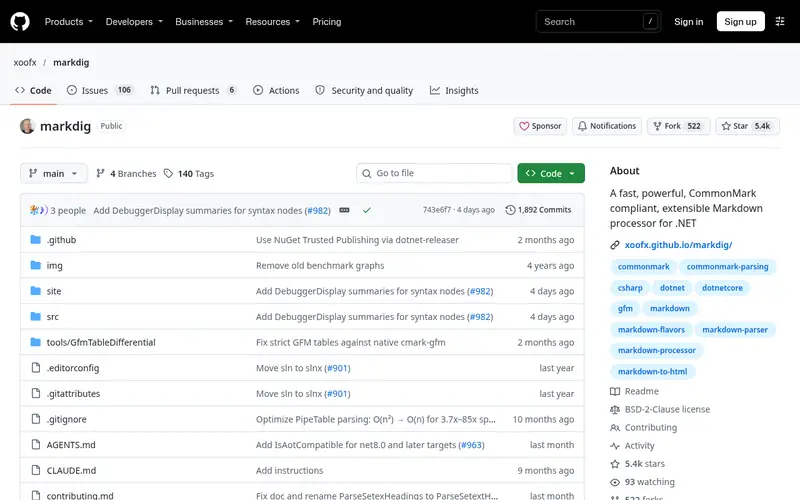
Markdig is a Markdown processor for .NET. It parses Markdown into an abstract syntax tree and renders it to HTML, plain text or a custom output. It follows the CommonMark specification and adds optional extensions such as tables, footnotes, task lists, auto links and math. The pipeline is configurable, so you can enable only the extensions you need.
It targets .NET Standard and runs on .NET Framework, .NET Core and modern .NET, so it works in web apps, console tools and libraries. The licence is BSD-2-Clause. There is no paid tier and no hosted service. Because it runs in your process, content never leaves your machine.
Choose Markdig when you need control over parsing and output. Skip it if you want a ready-made ASP.NET Core tag helper, since that is a separate package.
Standout: Fast CommonMark-compliant parser
Free (open source), as listed by the vendor (Markdig website). Confirm the current plan price before you buy.
Free plan. Plans change, so confirm on the vendor's pricing page before you buy.
Benefits
- Fast CommonMark-compliant parser
- large extension set and configurable pipeline
Drawbacks
- No built-in syntax highlighting
- you add extensions yourself
Skip it if this limit matters to you: no built-in syntax highlighting.
Verdict. A sensible pick for general-purpose Markdown parsing and rendering in .NET.
Alternatives in this guide: Markdown.ColorCode, Westwind.AspNetCore.Markdown, ReverseMarkdown
Markdown.ColorCode
Best for adding syntax highlighting to Markdig code blocks
What it is and where it fits
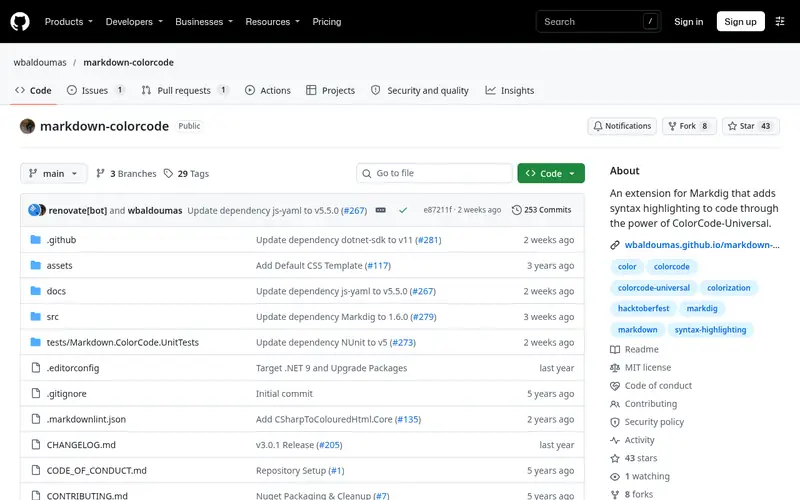
Markdown.ColorCode is an extension for Markdig. It detects fenced code blocks during rendering and applies syntax highlighting, so the HTML output contains colored spans instead of plain text. It supports ColorCode-based highlighting and can be configured with different themes and highlighter options.
It targets .NET and installs as a NuGet package. The licence is MIT. There is no paid tier. It does not parse Markdown on its own, so it is always used with Markdig.
Use it when your rendered documentation or blog needs readable code samples. Skip it if you render to plain text or if you highlight code on the client side.
Standout: Plugs into the Markdig pipeline
Free (open source), as listed by the vendor (Markdown.ColorCode website). Confirm the current plan price before you buy.
Free plan. Plans change, so confirm on the vendor's pricing page before you buy.
Benefits
- Plugs into the Markdig pipeline
- supports multiple highlighters
Drawbacks
- Only useful alongside Markdig
- highlighting adds processing cost
Skip it if this limit matters to you: only useful alongside Markdig.
Verdict. A sensible pick for adding syntax highlighting to Markdig code blocks.
Alternatives in this guide: Markdig, Westwind.AspNetCore.Markdown, ReverseMarkdown
Westwind.AspNetCore.Markdown
Best for markdown rendering inside ASP.NET Core apps
What it is and where it fits
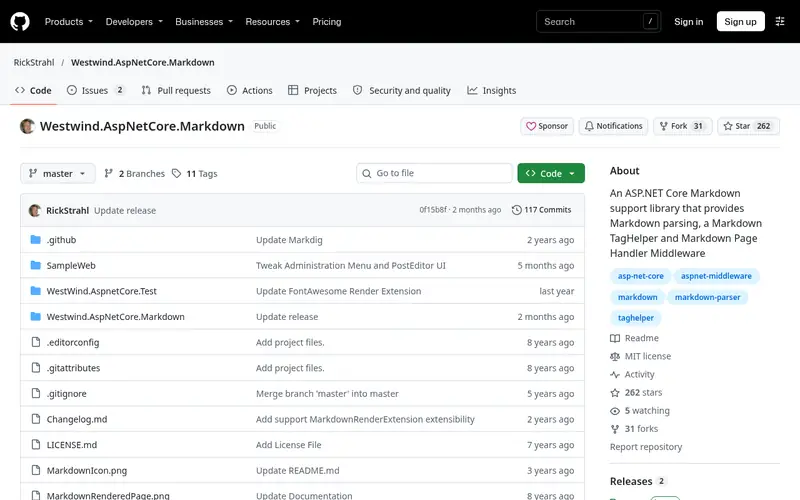
Westwind.AspNetCore.Markdown provides Markdown support for ASP.NET Core. It includes a tag helper for rendering Markdown inside Razor views, middleware that serves Markdown files as HTML, and a model for loading Markdown content from files or strings. It uses Markdig underneath, so the parsing behavior matches that library.
It targets ASP.NET Core and installs from NuGet. The licence is MIT. There is no paid tier. Rendering happens in your application, so content stays on your server.
Pick it when you want Markdown in Razor pages with little setup. Skip it for non-web projects, where Markdig on its own is a better fit.
Standout: Tag helpers and middleware for ASP.NET Core
Free (open source), as listed by the vendor (Westwind.AspNetCore.Markdown website). Confirm the current plan price before you buy.
Free plan. Plans change, so confirm on the vendor's pricing page before you buy.
Benefits
- Tag helpers and middleware for ASP.NET Core
- wraps Markdig
Drawbacks
- Tied to ASP.NET Core
- fewer options than using Markdig directly
Skip it if this limit matters to you: tied to ASP.NET Core.
Verdict. A sensible pick for markdown rendering inside ASP.NET Core apps.
Alternatives in this guide: Markdig, Markdown.ColorCode, ReverseMarkdown
ReverseMarkdown
Best for converting HTML content into Markdown
What it is and where it fits
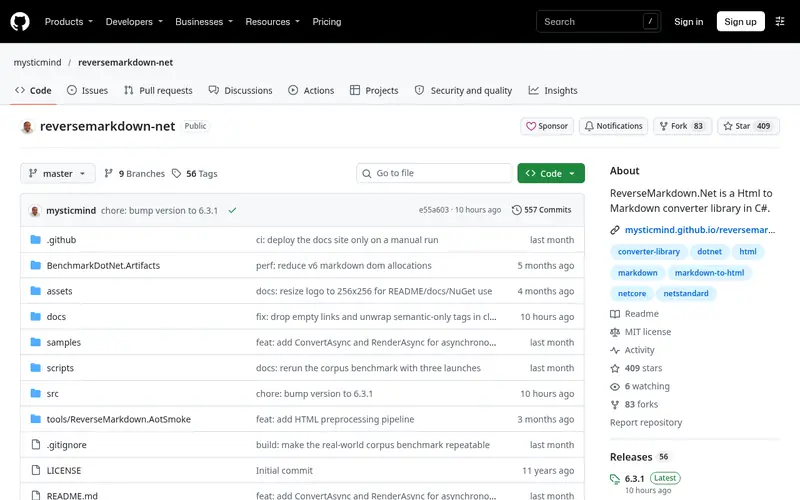
ReverseMarkdown converts HTML into Markdown. It is useful when migrating content from a CMS or wiki into a Markdown-based repository, or when an API returns HTML that you want to store as Markdown. It handles headings, lists, links, tables, code blocks and other common elements, and it exposes options for how unknown tags are treated.
It targets .NET and installs from NuGet. The licence is MIT. There is no paid tier. It runs locally in your process.
Use it for one-way HTML to Markdown conversion. Skip it if you need to render Markdown to HTML, since that is the opposite job.
Standout: Handles common HTML structures
Free (open source), as listed by the vendor (ReverseMarkdown website). Confirm the current plan price before you buy.
Free plan. Plans change, so confirm on the vendor's pricing page before you buy.
Benefits
- Handles common HTML structures
- configurable conversion options
Drawbacks
- Output quality depends on input HTML
- not a Markdown renderer
Skip it if this limit matters to you: output quality depends on input HTML.
Verdict. A sensible pick for converting HTML content into Markdown.
Alternatives in this guide: Markdig, Markdown.ColorCode, Westwind.AspNetCore.Markdown
Markdown.Avalonia
Best for rendering Markdown in Avalonia desktop apps
What it is and where it fits
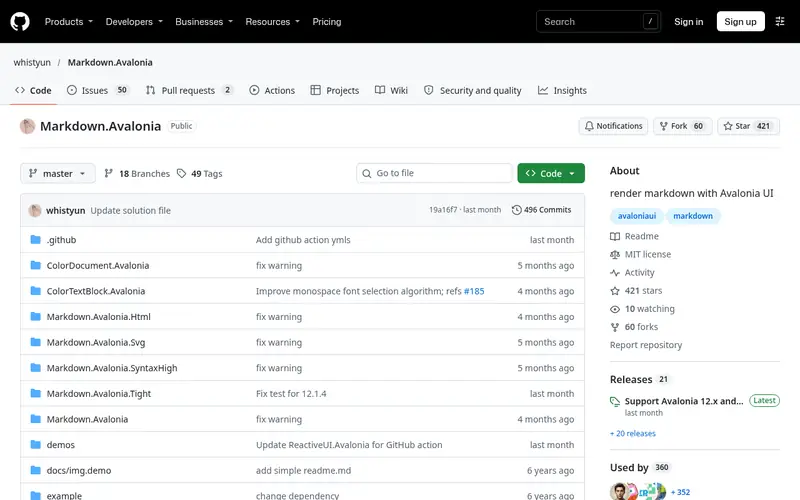
Markdown.Avalonia is a Markdown renderer for the Avalonia UI framework. It provides a control that displays Markdown content inside desktop applications, including headings, lists, links, code blocks and images. It is aimed at cross-platform desktop apps built with Avalonia.
It targets .NET and installs from NuGet. The licence is MIT. There is no paid tier. Rendering happens in the client app, so content is not sent to a third party.
Choose it when you build an Avalonia desktop app that shows Markdown, such as a notes tool or a help viewer. Skip it for web or server rendering, where Markdig is the better choice.
Standout: Native Avalonia control
Free (open source), as listed by the vendor (Markdown.Avalonia website). Confirm the current plan price before you buy.
Free plan. Plans change, so confirm on the vendor's pricing page before you buy.
Benefits
- Native Avalonia control
- supports common Markdown and images
Drawbacks
- Only for Avalonia
- not a general parser for server use
Skip it if this limit matters to you: only for Avalonia.
Verdict. A sensible pick for rendering Markdown in Avalonia desktop apps.
Alternatives in this guide: Markdig, Markdown.ColorCode, Westwind.AspNetCore.Markdown
Who should use what
If you render Markdown on a server or in a static site generator, start with Markdig. If you build an ASP.NET Core app and want tag helpers, use Westwind.AspNetCore.Markdown. If your rendered code blocks need color, add Markdown.ColorCode to a Markdig pipeline. If you are migrating HTML content into Markdown files, use ReverseMarkdown. If you build an Avalonia desktop app, use Markdown.Avalonia. Many projects combine Markdig with one extension rather than picking a single package for everything.
Questions to settle before you buy
What to check before you buy
- Confirm the package targets the .NET versions you deploy on.
- Check which Markdown extensions you need, such as tables, footnotes or task lists.
- Decide whether syntax highlighting belongs on the server or the client.
- Review the licence and confirm it fits your distribution model.
- Test rendering with your real content, including nested lists and code blocks.
FAQ
Is Markdig free to use?
Yes. Markdig is open source under the BSD-2-Clause licence. There is no paid tier and no hosted service. You can use it in commercial projects, but check the licence text for the exact terms.
Can I get syntax highlighting with Markdig?
Not by default. Markdig renders fenced code blocks as plain text. Add Markdown.ColorCode as an extension to the pipeline if you want highlighted output in the generated HTML.
Which library converts HTML to Markdown?
ReverseMarkdown does that. It takes HTML input and produces Markdown, which helps when moving content from a CMS or wiki into a Markdown repository. It is not a renderer, so pair it with a parser if you need both directions.
Does Westwind.AspNetCore.Markdown work outside ASP.NET Core?
No. It is built for ASP.NET Core and provides tag helpers and middleware for that framework. For console apps or other project types, use Markdig directly.
Can I render Markdown in a desktop app?
Yes, with Markdown.Avalonia if you use the Avalonia UI framework. It provides a control that displays Markdown inside the app. For other UI frameworks, look for a renderer built for that framework or render to HTML and display it in a web view.
Sources we checked
Method: how we score · editorial policy.
Change log. First published 28 Nov 2026.