Stage 01 · Write · Researched comparison
Best .NET Logging Libraries in 2026
Serilog is the first pick for most teams. It has a large sink ecosystem, structured logging by default and a clean configuration API, and it suits new projects and services that need to ship logs to multiple targets. NLog is a strong alternative when you want mature file and target configuration through XML or code. Microsoft.Extensions.Logging is the sensible default when you want the built-in abstraction with no extra dependency.

By Shihab Mia
Published 27 Nov 2026 · 6 tools compared
We run no ads and no affiliate links at launch. The order of a list follows our published method. See how we score.
Prices are the starting prices vendors list publicly. Plans change, so confirm the current price on the vendor page before you buy.
Key takeaways
- Serilog, NLog, log4net, ZLogger and OpenTelemetry .NET are free and open source; Microsoft.Extensions.Logging ships with .NET.
- Serilog and NLog both offer file, console and network targets, but their configuration styles differ.
- Microsoft.Extensions.Logging is an abstraction, so you usually pair it with a provider such as Serilog or NLog.
- Logs can contain tokens, connection strings and personal data, so review what your sinks write and where.
Who each pick is for
- Structured logging with a large sink ecosystemSerilog
- Config-driven targets and file loggingNLog
- Built-in logging abstraction in .NET appsMicrosoft.Extensions.Logging
- Legacy .NET Framework applicationslog4net
- High-performance structured logging on modern .NETZLogger
- Sending logs to OpenTelemetry backendsOpenTelemetry .NET (logs)
Comparison
| Tool | Best for | Standout feature | Listed starting price | Free plan or trial |
|---|---|---|---|---|
| 1Serilog | Structured logging with a large sink ecosystem | Structured event data by default | Free (open source) | Free plan |
| 2NLog | Config-driven targets and file logging | Rich target and layout configuration | Free (open source) | Free plan |
| 3Microsoft.Extensions.Logging | Built-in logging abstraction in .NET apps | Ships with .NET and ASP.NET Core | Free | Free plan |
| 4log4net | Legacy .NET Framework applications | Mature and widely used | Free (open source) | Free plan |
| 5ZLogger | High-performance structured logging on modern .NET | Built on Microsoft.Extensions.Logging | Free (open source) | Free plan |
| 6OpenTelemetry .NET (logs) | Sending logs to OpenTelemetry backends | Vendor-neutral export format | Free (open source) | Free plan |
How we picked
We picked libraries that are actively maintained and genuinely handle .NET logging. Criteria were fit for the job, supported platforms, licence and price, how logs are stored or exported, and the main limits of each option. Sources are vendor pages, official documentation and project repositories. Prices and package status change, so confirm details on the vendor site before you commit.
The tools, one by one
Serilog
Best for structured logging with a large sink ecosystem
What it is and where it fits
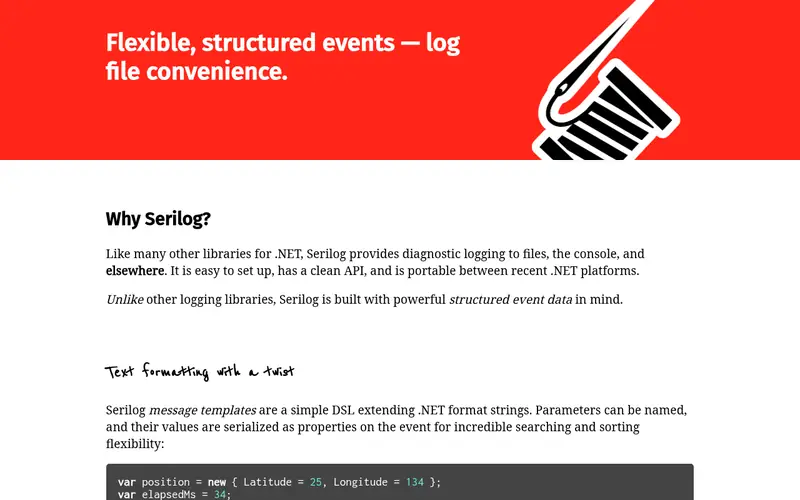
Serilog writes log events as structured data rather than plain strings. Messages use property placeholders, so values are captured as named fields and can be rendered to text or sent to a sink as structured payloads. It runs on .NET Framework, .NET Core and modern .NET, and it plugs into Microsoft.Extensions.Logging through a provider package.
The core library is open source under the Apache 2.0 license. Sinks, enrichers and formatters are separate packages, many maintained by the community. That breadth is the main strength and the main risk: check that a sink you depend on is actively maintained before you commit. Serilog suits services that need to send logs to several destinations or query them as structured data. Teams that only need console output and a rolling file may find it heavier than needed.
Standout: Structured event data by default
Free (open source), as listed by the vendor (Serilog website). Confirm the current plan price before you buy.
Free plan. Plans change, so confirm on the vendor's pricing page before you buy.
Benefits
- Structured event data by default
- Many community sinks and enrichers
Drawbacks
- Sink quality varies by maintainer
- Configuration can grow complex in large apps
Skip it if this limit matters to you: sink quality varies by maintainer.
Verdict. A sensible pick for structured logging with a large sink ecosystem.
Alternatives in this guide: NLog, Microsoft.Extensions.Logging, log4net
NLog
Best for config-driven targets and file logging
What it is and where it fits
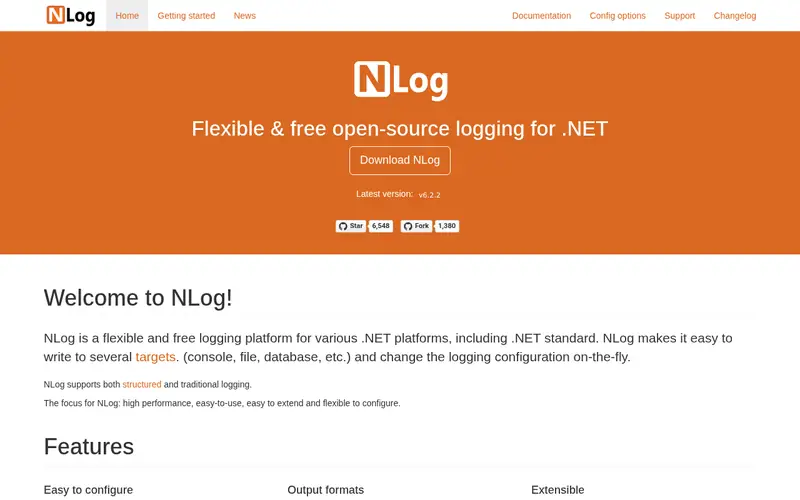
NLog is a long-running logging library for .NET with a broad set of targets, including files, console, database, email and network destinations. Targets and rules are commonly configured in an XML file, which lets you change logging behavior without recompiling. You can also configure it in code. It supports .NET Framework and modern .NET.
NLog is open source under the BSD 3-Clause license. It handles plain text logging well and supports structured data, though structured logging is less central to its design than in Serilog. The XML configuration is powerful but can become long and hard to read. NLog fits applications that need fine-grained control over where each log level goes and teams that prefer configuration files over fluent code. New projects that want structured events first may prefer Serilog.
Standout: Rich target and layout configuration
Free (open source), as listed by the vendor (NLog website). Confirm the current plan price before you buy.
Free plan. Plans change, so confirm on the vendor's pricing page before you buy.
Benefits
- Rich target and layout configuration
- Configuration in XML or code
Drawbacks
- XML configuration is verbose
- Structured logging needs extra setup
Skip it if this limit matters to you: XML configuration is verbose.
Verdict. A sensible pick for config-driven targets and file logging.
Alternatives in this guide: Serilog, Microsoft.Extensions.Logging, log4net
Microsoft.Extensions.Logging
Best for built-in logging abstraction in .NET apps

What it is and where it fits
Microsoft.Extensions.Logging is the logging abstraction included with .NET and ASP.NET Core. It defines the ILogger interface, log levels and a provider model. Built-in providers cover console, debug, event source and event log on Windows. There is no built-in file provider, so file logging needs a third-party provider or a library such as Serilog or NLog.
The abstraction is free and part of the platform. Its main value is consistency: libraries log against ILogger, and the host decides which providers are active. You can add Serilog or NLog as a provider and keep the same call sites. It suits teams that want a standard interface and minimal dependencies. If you need structured events, file rotation or many targets out of the box, pair it with a provider rather than relying on the built-in set.
Standout: Ships with .NET and ASP.NET Core
Free, as listed by the vendor (Microsoft.Extensions.Logging website). Confirm the current plan price before you buy.
Free plan. Plans change, so confirm on the vendor's pricing page before you buy.
Benefits
- Ships with .NET and ASP.NET Core
- Provider model works with Serilog and NLog
Drawbacks
- Built-in providers are basic
- No file provider included by default
Skip it if this limit matters to you: built-in providers are basic.
Verdict. A sensible pick for built-in logging abstraction in .NET apps.
log4net
Best for legacy .NET Framework applications
What it is and where it fits
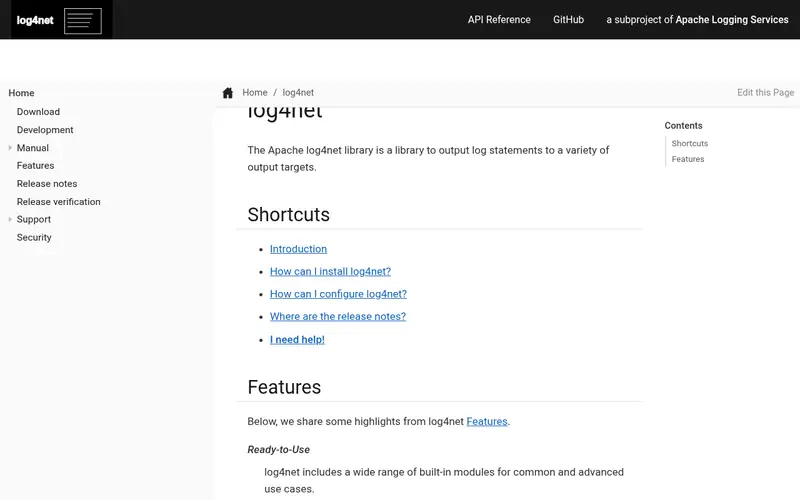
log4net is an Apache project ported from log4j. It provides appenders, layouts and a hierarchy of loggers configured through XML or code. It has been used in .NET applications for many years and remains available for projects that already depend on it. It targets .NET Framework and has limited support for modern .NET.
log4net is open source under the Apache 2.0 license. Its configuration model will be familiar to developers who have used log4j. The trade-off is age: release cadence is slow, structured logging is not a core feature, and modern .NET support is limited compared with Serilog or NLog. It suits maintenance work on existing .NET Framework applications where changing the logging stack is not worth the risk. New projects should look at the other options first.
Standout: Mature and widely used
Free (open source), as listed by the vendor (log4net website). Confirm the current plan price before you buy.
Free plan. Plans change, so confirm on the vendor's pricing page before you buy.
Benefits
- Mature and widely used
- Familiar log4j-style configuration
Drawbacks
- Limited modern .NET support
- Slow release cadence
Skip it if this limit matters to you: limited modern .NET support.
Verdict. A sensible pick for legacy .NET Framework applications.
Alternatives in this guide: Serilog, NLog, Microsoft.Extensions.Logging
ZLogger
Best for high-performance structured logging on modern .NET
What it is and where it fits
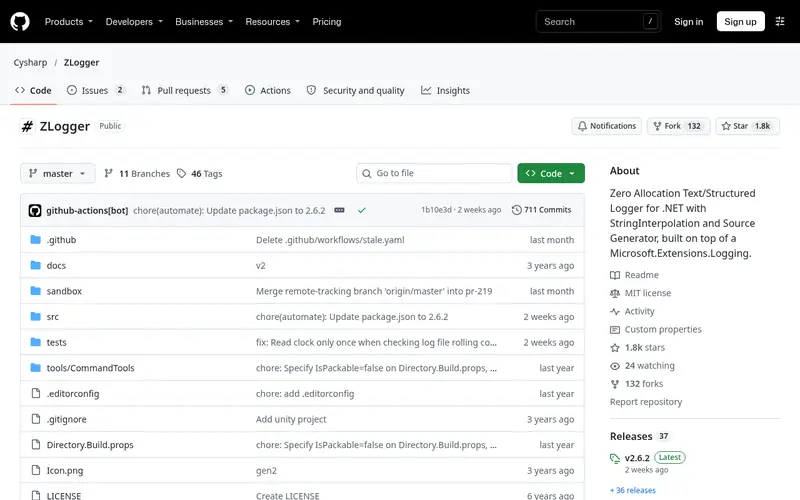
ZLogger is an open-source logging library from Cysharp that builds on Microsoft.Extensions.Logging. It focuses on performance: messages are written as UTF-8 bytes, and the library uses pooled buffers and string interpolation handlers to reduce allocations. It supports structured logging and provides providers for console, files and other destinations.
ZLogger targets modern .NET and is distributed as NuGet packages under the MIT license. It integrates with the standard ILogger interface, so existing call sites keep working. The ecosystem is smaller than Serilog's, and the number of ready-made providers is limited. It suits performance-sensitive services that already use Microsoft.Extensions.Logging and want lower logging overhead. Teams that need many third-party sinks may be better served by Serilog.
Standout: Built on Microsoft.Extensions.Logging
Free (open source), as listed by the vendor (ZLogger website). Confirm the current plan price before you buy.
Free plan. Plans change, so confirm on the vendor's pricing page before you buy.
Benefits
- Built on Microsoft.Extensions.Logging
- UTF-8 output with low allocation
Drawbacks
- Smaller ecosystem than Serilog
- Fewer ready-made sinks
Skip it if this limit matters to you: smaller ecosystem than Serilog.
Verdict. A sensible pick for high-performance structured logging on modern .NET.
Alternatives in this guide: Serilog, NLog, Microsoft.Extensions.Logging
OpenTelemetry .NET (logs)
Best for sending logs to OpenTelemetry backends

What it is and where it fits
OpenTelemetry .NET is the official .NET implementation of the OpenTelemetry specification. It provides APIs and SDKs for traces, metrics and logs, plus exporters for backends that accept the OpenTelemetry protocol. Log support integrates with Microsoft.Extensions.Logging through a provider, so existing ILogger calls can be exported.
The project is open source under the Apache 2.0 license and is maintained by the OpenTelemetry community. Log signal support in .NET is newer than trace support, so check the current status of the packages you plan to use. The library does not store logs itself; you need a backend or collector. It suits teams standardizing on OpenTelemetry across services and languages. Teams that just need local file logs can skip it.
Standout: Vendor-neutral export format
Free (open source), as listed by the vendor (OpenTelemetry .NET (logs) website). Confirm the current plan price before you buy.
Free plan. Plans change, so confirm on the vendor's pricing page before you buy.
Benefits
- Vendor-neutral export format
- Shares context with traces and metrics
Drawbacks
- Log signal support is newer
- Requires a compatible backend
Skip it if this limit matters to you: log signal support is newer.
Verdict. A sensible pick for sending logs to OpenTelemetry backends.
Alternatives in this guide: Serilog, NLog, Microsoft.Extensions.Logging
Who should use what
New services that need structured logs and several destinations should start with Serilog. Teams that prefer XML configuration and fine-grained target rules should look at NLog. Applications that want a standard interface with minimal dependencies can use Microsoft.Extensions.Logging and add a provider only when needed. Maintenance work on older .NET Framework code may stay on log4net. Performance-sensitive services on modern .NET should evaluate ZLogger, and teams standardizing on OpenTelemetry across services should use the OpenTelemetry .NET logs support.
Questions to settle before you buy
What to check before you buy
- Confirm the library supports your target framework, including .NET Framework if you still use it.
- Check that the sinks or targets you need are actively maintained.
- Decide whether you need structured events or plain text, since this affects the choice.
- Review what your logs contain and where they are sent, and avoid writing secrets or tokens.
- Test log rotation and retention settings before production.
FAQ
Is Microsoft.Extensions.Logging a logging library?
It is an abstraction with a provider model. Built-in providers cover console, debug, event source and event log. File logging needs a third-party provider or a library such as Serilog or NLog.
Can I use Serilog and NLog together?
You can, but it adds complexity. Most teams pick one main library and route Microsoft.Extensions.Logging to it. Running both means two configurations and two sets of sinks to maintain.
Which library is best for structured logging?
Serilog treats structured events as a core feature and has a wide sink ecosystem. ZLogger also supports structured logging with a focus on performance. NLog supports structured data but is more configuration-driven.
Do these libraries cost anything?
Serilog, NLog, log4net, ZLogger and OpenTelemetry .NET are free and open source. Microsoft.Extensions.Logging is part of .NET. Costs come from the backends and services you send logs to.
Is OpenTelemetry .NET a replacement for Serilog?
Not directly. OpenTelemetry .NET exports logs, traces and metrics to compatible backends. You can use Serilog as a provider and still export through OpenTelemetry, or use the OpenTelemetry logging provider with Microsoft.Extensions.Logging.
Sources we checked
Method: how we score · editorial policy.
Change log. First published 27 Nov 2026.