Stage 01 · Write · Researched comparison
Best .NET Image Processing Libraries in 2026
ImageSharp is the first pick for most teams that want a pure managed library with no native dependencies, and it suits cross-platform server workloads. SkiaSharp is the better fit when you need high-quality 2D drawing and text rendering. Magick.NET is the choice for wide format support and command-line-style image operations. Check licence terms before you ship, because ImageSharp uses the Six Labors Split License.

By Shihab Mia
Published 27 Nov 2026 · 5 tools compared
We run no ads and no affiliate links at launch. The order of a list follows our published method. See how we score.
Prices are the starting prices vendors list publicly. Plans change, so confirm the current price on the vendor page before you buy.
Key takeaways
- ImageSharp is fully managed C# with no native binaries, but its Six Labors Split License has conditions for commercial use.
- SkiaSharp and Magick.NET wrap native libraries, so you must ship the right native assets for each platform and architecture.
- NetVips is a thin .NET binding over libvips and is fast for large images, but it needs the native libvips library installed.
- System.Drawing.Common works on Windows only from .NET 6 onward, so do not use it for new cross-platform code.
Who each pick is for
- Cross-platform managed image processing without native dependenciesImageSharp
- 2D drawing, text rendering and cross-platform graphicsSkiaSharp
- Wide format support and ImageMagick-style operations in .NETMagick.NET
- Fast processing of large images with libvipsNetVips
- Existing Windows-only .NET Framework image codeSystem.Drawing.Common
Comparison
| Tool | Best for | Standout feature | Listed starting price | Free plan or trial |
|---|---|---|---|---|
| 1ImageSharp | Cross-platform managed image processing without native dependencies | Fully managed C# with no native binaries | See vendor pricing page | Free plan |
| 2SkiaSharp | 2D drawing, text rendering and cross-platform graphics | High-quality rendering and text | Free (open source) | Free plan |
| 3Magick.NET | Wide format support and ImageMagick-style operations in .NET | Very broad format support | Free (open source) | Free plan |
| 4NetVips | Fast processing of large images with libvips | Low memory use for large images | Free (open source) | Free plan |
| 5System.Drawing.Common | Existing Windows-only .NET Framework image code | Familiar GDI+ API | Free (open source) | Free plan |
How we picked
We picked libraries that are real, maintained .NET packages and that genuinely handle image loading, processing or drawing. Criteria were fit for common jobs like resize, convert and render, platform support, licence terms, native dependency needs and known limits. Sources are vendor pages, project repositories and official documentation. Prices and licence terms change, so confirm them on the vendor site before you commit.
The tools, one by one
ImageSharp
Best for cross-platform managed image processing without native dependencies
What it is and where it fits
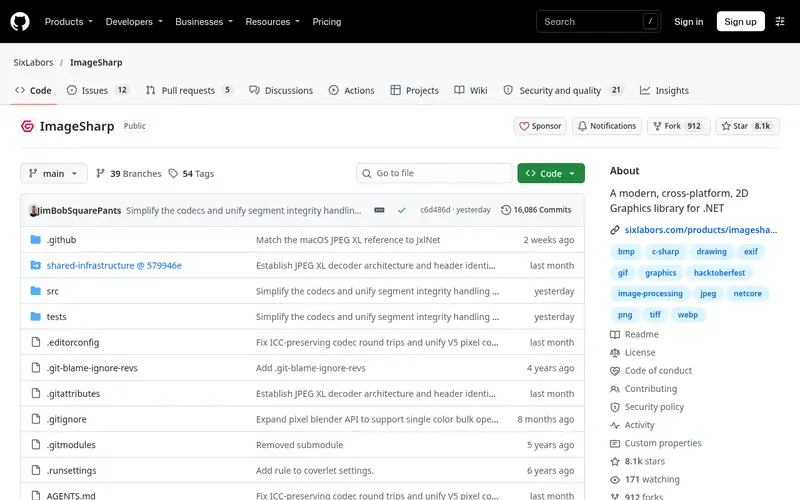
ImageSharp is a pure managed .NET library for loading, resizing, cropping, rotating and saving images. It supports common formats including JPEG, PNG, GIF, BMP, TIFF and WebP. Because it has no native dependencies, it deploys cleanly to Linux containers, Windows and macOS without extra build steps.
The licence is the main thing to check. ImageSharp moved to the Six Labors Split License, which allows free use under certain conditions and requires a paid commercial licence in others. Read the current terms on the project site before you adopt it in a product. The library targets modern .NET and is actively maintained.
Choose ImageSharp when you want managed code and simple deployment. Skip it if your legal team cannot accept the split licence, or if you need the widest possible format coverage.
Standout: Fully managed C# with no native binaries
See vendor pricing page, as listed by the vendor (ImageSharp website). Confirm the current plan price before you buy.
Free plan. Plans change, so confirm on the vendor's pricing page before you buy.
Benefits
- Fully managed C# with no native binaries
- broad resize, crop, filter and format support
Drawbacks
- Six Labors Split License has commercial conditions
- not free for all commercial use
Skip it if this limit matters to you: six Labors Split License has commercial conditions.
Verdict. A sensible pick for cross-platform managed image processing without native dependencies.
Alternatives in this guide: SkiaSharp, Magick.NET, NetVips
SkiaSharp
Best for 2D drawing, text rendering and cross-platform graphics
What it is and where it fits
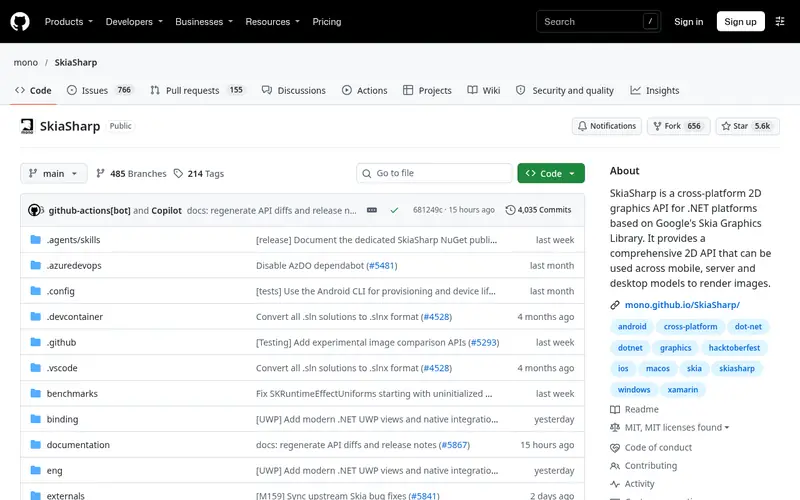
SkiaSharp is a .NET binding over Google's Skia graphics engine. It handles drawing, paths, gradients, text layout and image encoding and decoding. It is a strong fit for generating charts, thumbnails with text, or custom rendered graphics on the server or in desktop apps.
It is open source under the MIT license. The catch is native packaging: you must reference the correct native asset packages for each platform and architecture, and container images need the right runtime libraries. This adds build and deployment work compared with a fully managed library.
Pick SkiaSharp when rendering quality and text matter. Skip it if you only need simple resize and format conversion and want to avoid native dependencies.
Standout: High-quality rendering and text
Free (open source), as listed by the vendor (SkiaSharp website). Confirm the current plan price before you buy.
Free plan. Plans change, so confirm on the vendor's pricing page before you buy.
Benefits
- High-quality rendering and text
- cross-platform with native assets per platform
Drawbacks
- Requires native Skia binaries
- drawing-focused API is less about batch conversion
Skip it if this limit matters to you: requires native Skia binaries.
Verdict. A sensible pick for 2D drawing, text rendering and cross-platform graphics.
Alternatives in this guide: ImageSharp, Magick.NET, NetVips
Magick.NET
Best for wide format support and ImageMagick-style operations in .NET
What it is and where it fits
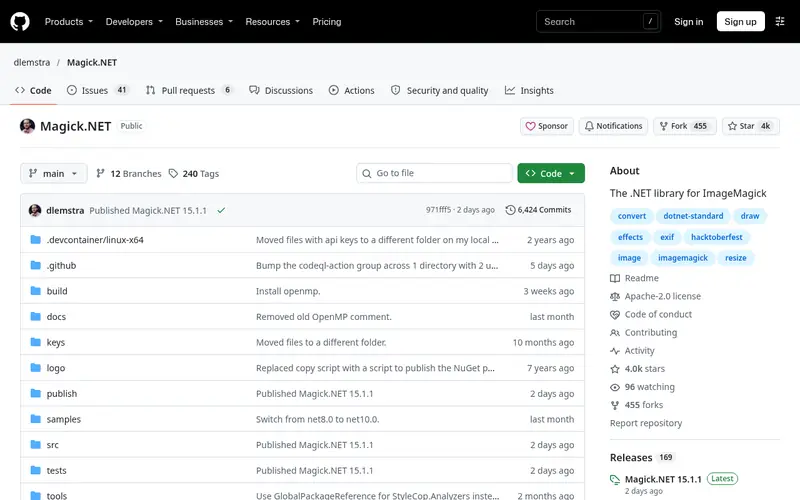
Magick.NET wraps ImageMagick and brings its format coverage and operation set to .NET. It reads and writes a very large number of formats and supports effects, compositing, color management and batch processing. It is a practical choice when you need a format that other libraries do not handle.
The package ships native binaries, which makes deployment packages larger. There are separate builds for different platforms and for the Quantum depth and threading options, so read the package guidance. The API mirrors ImageMagick concepts, which helps if your team already knows that tool.
Use Magick.NET for broad format needs and complex pipelines. Skip it if package size or a small API surface is a priority.
Standout: Very broad format support
Free (open source), as listed by the vendor (Magick.NET website). Confirm the current plan price before you buy.
Free plan. Plans change, so confirm on the vendor's pricing page before you buy.
Benefits
- Very broad format support
- exposes many ImageMagick operations
Drawbacks
- Large native binaries
- API surface is big and can be complex
Skip it if this limit matters to you: large native binaries.
Verdict. A sensible pick for wide format support and ImageMagick-style operations in .NET.
Alternatives in this guide: ImageSharp, SkiaSharp, NetVips
NetVips
Best for fast processing of large images with libvips
What it is and where it fits
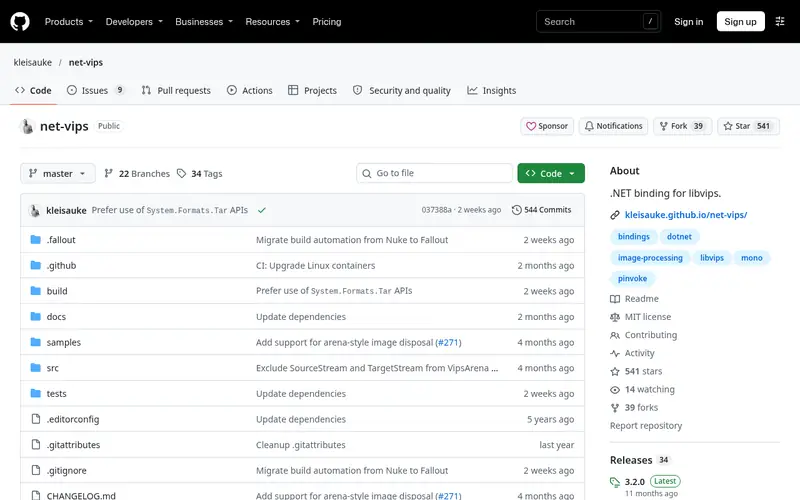
NetVips is a .NET binding over libvips, an image processing library known for streaming and low memory use on large images. It handles resize, crop, color operations and many formats through libvips. It suits pipelines that process big files or many images at once.
You must install the native libvips library for your platform, which adds setup work. The .NET API is a thin layer over libvips, so familiarity with libvips concepts helps. The project is open source and actively maintained.
Choose NetVips when memory and throughput on large images matter. Skip it if you want a fully managed package with no native install step.
Standout: Low memory use for large images
Free (open source), as listed by the vendor (NetVips website). Confirm the current plan price before you buy.
Free plan. Plans change, so confirm on the vendor's pricing page before you buy.
Benefits
- Low memory use for large images
- thin binding over a mature library
Drawbacks
- Requires the native libvips library
- smaller .NET-specific community
Skip it if this limit matters to you: requires the native libvips library.
Verdict. A sensible pick for fast processing of large images with libvips.
Alternatives in this guide: ImageSharp, SkiaSharp, Magick.NET
System.Drawing.Common
Best for existing Windows-only .NET Framework image code
What it is and where it fits
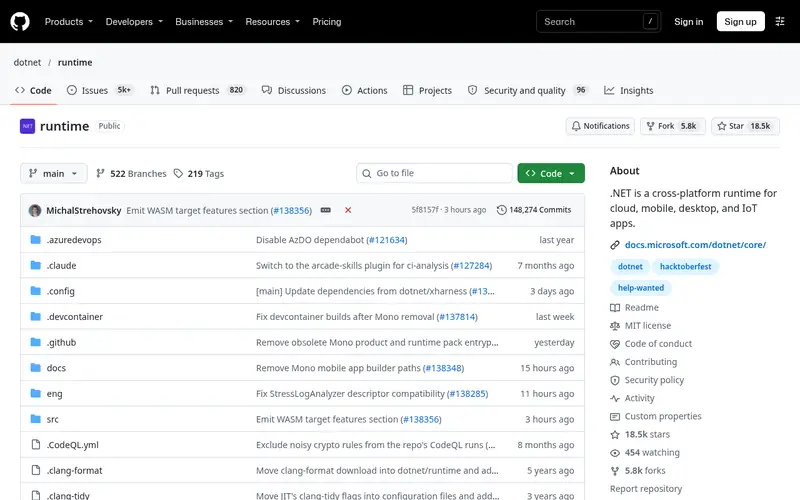
System.Drawing.Common provides the GDI+ based drawing and image API that many older .NET apps use. It handles basic load, resize, crop and save operations. It is part of the .NET runtime repository and is open source.
The key limit is platform support. From .NET 6 onward it is supported on Windows only, and Microsoft documents that it is not cross-platform. Code that ran on .NET Framework and older .NET Core on Linux may fail or need a compatibility switch. For new code that must run on Linux or in containers, use a different library.
Keep it for maintaining existing Windows applications. Do not pick it for new cross-platform services.
Standout: Familiar GDI+ API
Free (open source), as listed by the vendor (System.Drawing.Common website). Confirm the current plan price before you buy.
Free plan. Plans change, so confirm on the vendor's pricing page before you buy.
Benefits
- Familiar GDI+ API
- ships with the .NET runtime
Drawbacks
- Windows-only from .NET 6 onward
- not recommended for new cross-platform code
Skip it if this limit matters to you: windows-only from .NET 6 onward.
Verdict. A sensible pick for existing Windows-only .NET Framework image code.
Alternatives in this guide: ImageSharp, SkiaSharp, Magick.NET
Who should use what
If you run cross-platform services in containers and want no native binaries, start with ImageSharp and confirm the licence. If you generate charts or text-heavy graphics, use SkiaSharp. If you need many formats or ImageMagick-style operations, use Magick.NET. If you process very large images and care about memory, use NetVips. Keep System.Drawing.Common for existing Windows apps only.
Questions to settle before you buy
What to check before you buy
- Confirm the licence allows your commercial use, especially for ImageSharp.
- Check native dependency support for every target platform and CPU architecture you ship.
- Test memory use on your largest real images, not just small samples.
- Verify the formats you read and write are supported in the build you reference.
- Check that the package is actively maintained and targets your .NET version.
FAQ
Is ImageSharp free for commercial use?
Not always. ImageSharp uses the Six Labors Split License, which allows free use under certain conditions and requires a paid licence in others. Read the current terms on the project site and confirm with your legal team before shipping it in a commercial product.
Which .NET image library works on Linux?
ImageSharp, SkiaSharp, Magick.NET and NetVips can run on Linux, but the native-backed ones need the correct native libraries installed. System.Drawing.Common is Windows-only from .NET 6 onward, so avoid it for Linux services.
Do I need native libraries for SkiaSharp and Magick.NET?
Yes. Both wrap native code. You must reference the correct native asset packages for each platform and make sure your container images include the required runtime libraries. ImageSharp avoids this because it is fully managed.
Which library is best for resizing large images?
NetVips, built on libvips, is designed for low memory use and streaming on large images. Magick.NET and ImageSharp also handle resizing. Test with your own files, since memory use depends on image size and the operations you run.
Can I use these libraries to process user-uploaded images safely?
Yes, but treat uploads as untrusted. Limit file size, validate formats, run processing with resource limits and keep libraries patched. Do not paste secrets or production data into third-party web tools; run processing in your own environment.
Sources we checked
Method: how we score · editorial policy.
Change log. First published 27 Nov 2026.