Stage 01 · Write · Researched comparison
Best .NET Excel Libraries in 2026
ClosedXML is the first pick for most teams that need to create and edit XLSX files with a readable API, because it is MIT licensed and needs no Excel install. EPPlus is a strong alternative if you need a broad feature set and can accept its Polyform noncommercial licence or a paid commercial licence. ExcelDataReader suits read-only work on large files, and MiniExcel fits low-memory export jobs.

By Shihab Mia
Published 27 Nov 2026 · 7 tools compared
We run no ads and no affiliate links at launch. The order of a list follows our published method. See how we score.
Prices are the starting prices vendors list publicly. Plans change, so confirm the current price on the vendor page before you buy.
Key takeaways
- ClosedXML is MIT licensed and writes XLSX files without Excel installed.
- EPPlus moved to a Polyform noncommercial licence from version 5, so commercial use needs a paid licence.
- ExcelDataReader reads XLS, XLSX and CSV but does not write files.
- NPOI and Open XML SDK are Apache 2.0 and MIT licensed respectively, and both work without Office.
Who each pick is for
- Teams that need readable XLSX read and write codeClosedXML
- Projects needing a wide feature set and commercial supportEPPlus
- Teams that need both XLS and XLSX supportNPOI
- Developers who need direct control over the XLSX file structureOpen XML SDK (DocumentFormat.OpenXml)
- Read-only parsing of XLS, XLSX and CSV filesExcelDataReader
- Low-memory export and import of large XLSX filesMiniExcel
- Enterprises that want a supported commercial Excel librarySyncfusion XlsIO
Comparison
| Tool | Best for | Standout feature | Listed starting price | Free plan or trial |
|---|---|---|---|---|
| 1ClosedXML | Teams that need readable XLSX read and write code | MIT licence | Free (open source) | Free plan |
| 2EPPlus | Projects needing a wide feature set and commercial support | Broad feature set including charts, formulas and pivot tables | See vendor pricing page | No free plan |
| 3NPOI | Teams that need both XLS and XLSX support | Apache 2.0 licence | Free (open source) | Free plan |
| 4Open XML SDK (DocumentFormat.OpenXml) | Developers who need direct control over the XLSX file structure | Official Microsoft library | Free (open source) | Free plan |
| 5ExcelDataReader | Read-only parsing of XLS, XLSX and CSV files | MIT licence | Free (open source) | Free plan |
| 6MiniExcel | Low-memory export and import of large XLSX files | Apache 2.0 licence | Free (open source) | Free plan |
| 7Syncfusion XlsIO | Enterprises that want a supported commercial Excel library | Wide feature set with charts, formulas and conversion | See vendor pricing page | Free trial |
How we picked
We compared libraries on fit for common .NET spreadsheet jobs (read, write, convert), platform support, licence terms, memory behaviour and known limits. Sources are vendor websites, official documentation and project repositories. We did not run benchmarks or collect user reviews. Prices and licence terms change, so confirm them on the vendor site before you commit.
The tools, one by one
ClosedXML
Best for teams that need readable XLSX read and write code
What it is and where it fits
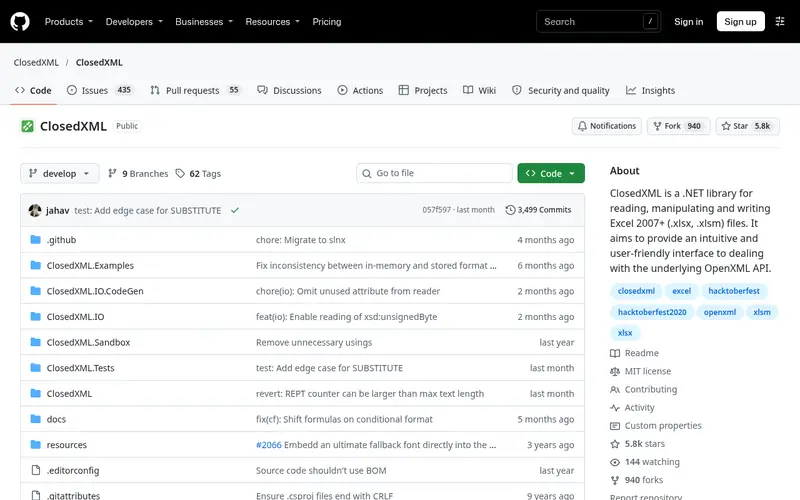
ClosedXML wraps the Open XML format in a higher-level API. You create a workbook, add worksheets, set cell values, apply styles and save to XLSX. It targets .NET Standard and modern .NET, so it runs on Windows, Linux and macOS without Excel installed. The licence is MIT, which allows commercial use.
The main limit is memory. Large workbooks are held in memory, so very big exports can be slow or run out of memory. It writes XLSX only and does not read legacy XLS files. Skip it if you need to stream millions of rows or work with old binary formats.
Standout: MIT licence
Free (open source), as listed by the vendor (ClosedXML website). Confirm the current plan price before you buy.
Free plan. Plans change, so confirm on the vendor's pricing page before you buy.
Benefits
- MIT licence
- friendly object model for cells, styles and formulas
Drawbacks
- Loads the whole workbook into memory
- no XLS support
Skip it if this limit matters to you: loads the whole workbook into memory.
Verdict. A sensible pick for teams that need readable XLSX read and write code.
Alternatives in this guide: EPPlus, NPOI, Open XML SDK (DocumentFormat.OpenXml)
EPPlus
Best for projects needing a wide feature set and commercial support
What it is and where it fits
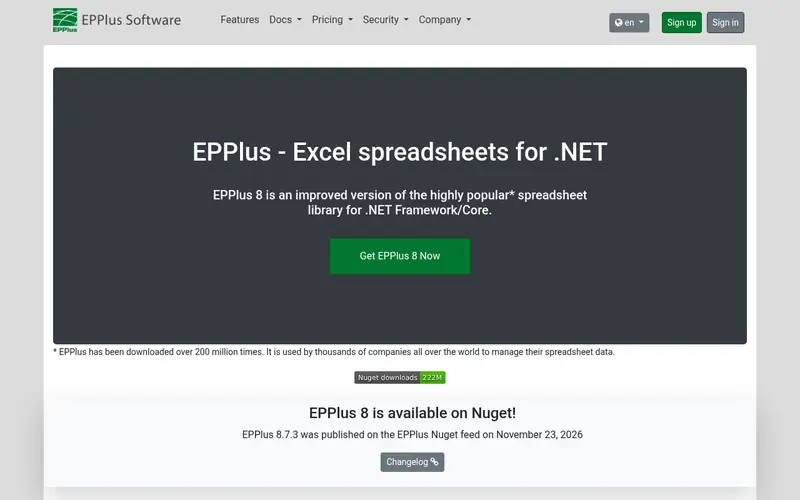
EPPlus reads and writes XLSX files and covers charts, images, conditional formatting, data validation and formula calculation. It runs on .NET Framework and modern .NET across Windows, Linux and macOS. Since version 5 the licence is Polyform noncommercial, so commercial projects must buy a licence. The vendor sets the price and tiers.
Check the licence terms before you ship. Noncommercial and open-source use can fit the free terms, but business use needs a paid licence. It does not support the legacy XLS format for writing.
Standout: Broad feature set including charts, formulas and pivot tables
See vendor pricing page, as listed by the vendor (EPPlus website). Confirm the current plan price before you buy.
No free plan. Plans change, so confirm on the vendor's pricing page before you buy.
Benefits
- Broad feature set including charts, formulas and pivot tables
- commercial support available
Drawbacks
- Polyform noncommercial licence since v5
- paid licence required for commercial use
Skip it if this limit matters to you: polyform noncommercial licence since v5.
Verdict. A sensible pick for projects needing a wide feature set and commercial support.
Alternatives in this guide: ClosedXML, NPOI, Open XML SDK (DocumentFormat.OpenXml)
NPOI
Best for teams that need both XLS and XLSX support
What it is and where it fits
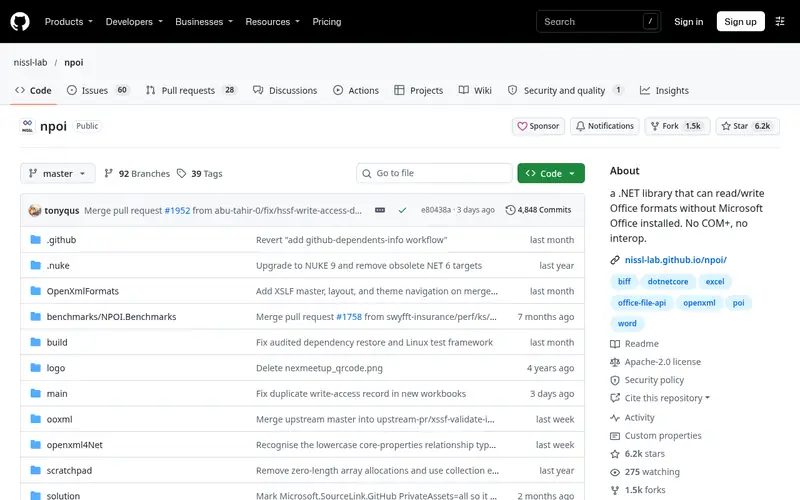
NPOI is a .NET port of the Apache POI project. It reads and writes both the old binary XLS format and XLSX, plus DOC and PPT formats. The licence is Apache 2.0, which is friendly to commercial use. It runs on .NET Framework and modern .NET on Windows, Linux and macOS.
The API is closer to the file format than ClosedXML, so simple tasks take more code. Memory use grows with workbook size. Choose it when legacy XLS support matters or when you want a permissive licence with broad format coverage.
Standout: Apache 2.0 licence
Free (open source), as listed by the vendor (NPOI website). Confirm the current plan price before you buy.
Free plan. Plans change, so confirm on the vendor's pricing page before you buy.
Benefits
- Apache 2.0 licence
- handles legacy XLS and XLSX
Drawbacks
- Lower-level API than ClosedXML
- more verbose code
Skip it if this limit matters to you: lower-level API than ClosedXML.
Verdict. A sensible pick for teams that need both XLS and XLSX support.
Alternatives in this guide: ClosedXML, EPPlus, Open XML SDK (DocumentFormat.OpenXml)
Open XML SDK (DocumentFormat.OpenXml)
Best for developers who need direct control over the XLSX file structure
What it is and where it fits
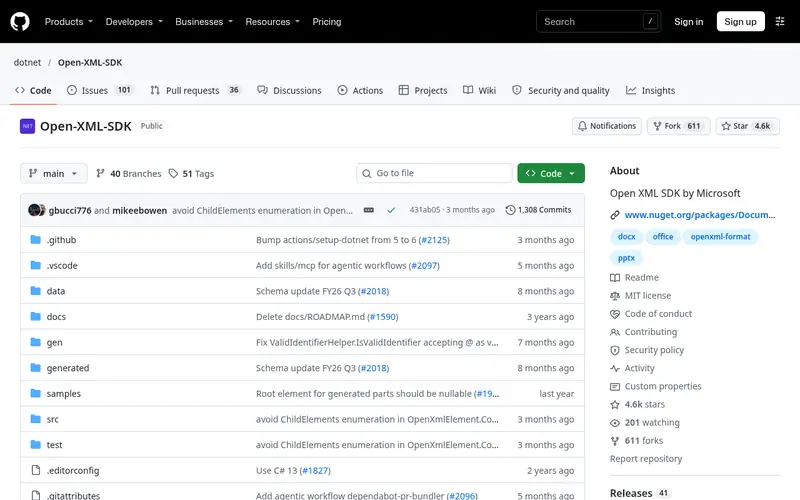
The Open XML SDK is Microsoft's library for reading and writing Office Open XML files, including XLSX, DOCX and PPTX. It exposes the raw document parts, so you can build or edit files with full control. The licence is MIT and it runs on modern .NET across platforms.
It is not a spreadsheet helper. You work with parts, sheets, rows and cells directly, which means more code for common tasks like styling or formulas. It handles XLSX only, not legacy XLS. Use it when you need precise control or want to avoid a third-party dependency, and pair it with a higher-level library for everyday work.
Standout: Official Microsoft library
Free (open source), as listed by the vendor (Open XML SDK (DocumentFormat.OpenXml) website). Confirm the current plan price before you buy.
Free plan. Plans change, so confirm on the vendor's pricing page before you buy.
Benefits
- Official Microsoft library
- MIT licence and no Office install needed
Drawbacks
- Low-level API
- XLSX only
Skip it if this limit matters to you: low-level API.
Verdict. A sensible pick for developers who need direct control over the XLSX file structure.
ExcelDataReader
Best for read-only parsing of XLS, XLSX and CSV files
What it is and where it fits
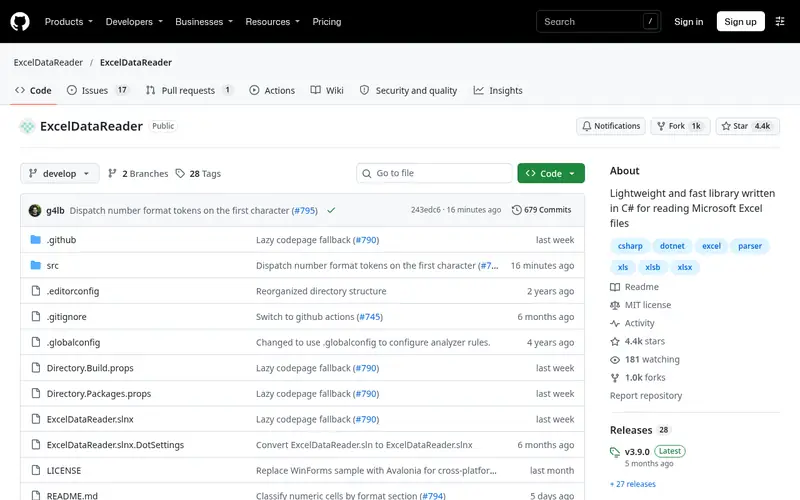
ExcelDataReader is a reader for XLS, XLSX, XLSB and CSV files. It works as a forward-only stream, so it can process large files without loading everything into memory. The licence is MIT and it runs on .NET Framework and modern .NET across platforms.
It does not write files and does not expose styling or formulas in a usable form. Treat it as an import tool: read rows, map them to objects and store the result. If you also need to produce spreadsheets, pair it with a writer such as ClosedXML or MiniExcel.
Standout: MIT licence
Free (open source), as listed by the vendor (ExcelDataReader website). Confirm the current plan price before you buy.
Free plan. Plans change, so confirm on the vendor's pricing page before you buy.
Benefits
- MIT licence
- forward-only reader keeps memory low
Drawbacks
- Read-only
- no styling or writing support
Skip it if this limit matters to you: read-only.
Verdict. A sensible pick for read-only parsing of XLS, XLSX and CSV files.
MiniExcel
Best for low-memory export and import of large XLSX files
What it is and where it fits
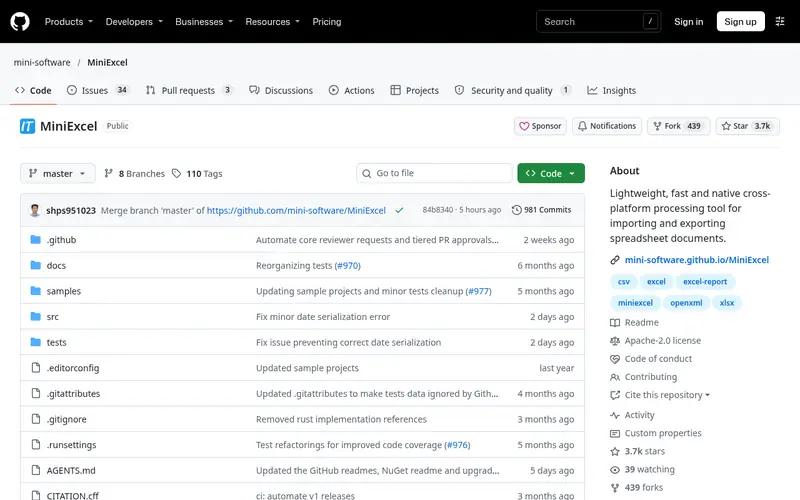
MiniExcel focuses on fast, low-memory reading and writing of XLSX files. It uses a streaming approach, so exporting hundreds of thousands of rows stays within modest memory. It supports mapping rows to objects and works with .NET Standard and modern .NET on Windows, Linux and macOS. The licence is Apache 2.0.
Styling, charts and formula calculation are limited compared with ClosedXML or EPPlus. It is a good fit for data export jobs, reports and bulk imports where speed and memory matter more than formatting. Skip it if you need rich formatting or pivot tables.
Standout: Apache 2.0 licence
Free (open source), as listed by the vendor (MiniExcel website). Confirm the current plan price before you buy.
Free plan. Plans change, so confirm on the vendor's pricing page before you buy.
Benefits
- Apache 2.0 licence
- streaming design keeps memory use low
Drawbacks
- Smaller feature set than full libraries
- limited styling support
Skip it if this limit matters to you: smaller feature set than full libraries.
Verdict. A sensible pick for low-memory export and import of large XLSX files.
Syncfusion XlsIO
Best for enterprises that want a supported commercial Excel library
What it is and where it fits
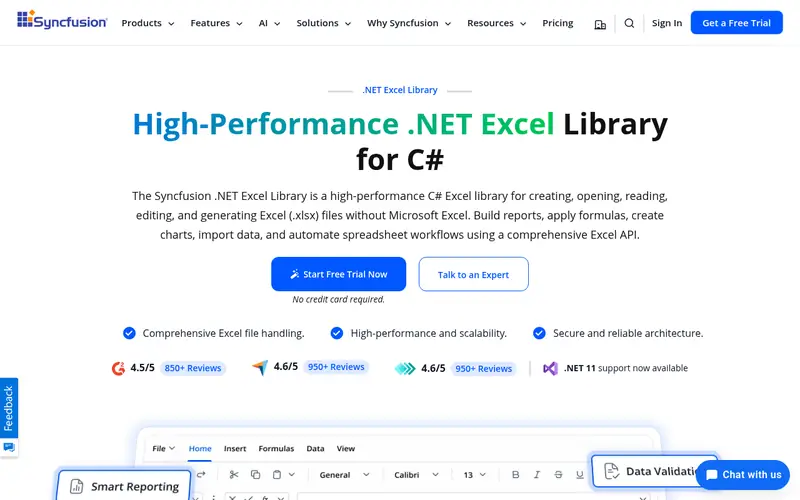
Syncfusion XlsIO reads and writes XLSX and XLS files and covers charts, formulas, conditional formatting, data validation and conversion to PDF. It runs on .NET Framework and modern .NET across Windows, Linux and macOS. It is a commercial product sold as part of the Syncfusion suite, with a free community licence for small teams and individuals under the vendor's terms.
The vendor sets pricing and the community licence conditions, so confirm both on the site. It suits teams that want vendor support and a broad feature set and are willing to pay for it. For small projects, an open-source library is usually enough.
Standout: Wide feature set with charts, formulas and conversion
See vendor pricing page, as listed by the vendor (Syncfusion XlsIO website). Confirm the current plan price before you buy.
Free trial. Plans change, so confirm on the vendor's pricing page before you buy.
Benefits
- Wide feature set with charts, formulas and conversion
- commercial support
Drawbacks
- Paid licence for production use
- part of a larger suite
Skip it if this limit matters to you: paid licence for production use.
Verdict. A sensible pick for enterprises that want a supported commercial Excel library.
Who should use what
If you build internal tools that create XLSX reports, start with ClosedXML for its MIT licence and simple API. If you need charts, pivot tables and vendor support, and can pay, look at EPPlus or Syncfusion XlsIO. If you only import data from large files, ExcelDataReader or MiniExcel keeps memory low. If you must handle legacy XLS files, NPOI covers both formats under Apache 2.0. If you need direct control over the file structure, use the Open XML SDK.
Questions to settle before you buy
What to check before you buy
- Confirm the licence allows your use case, especially for EPPlus after version 5.
- Check the target frameworks and whether the library runs on Linux and macOS.
- Test memory use with a workbook close to your largest real file.
- Confirm the library writes the formats you need, including legacy XLS if required.
- Check whether formula calculation, styling and charts are supported or must be added.
FAQ
Do I need Excel installed to use these libraries?
No. All the libraries listed here read and write spreadsheet files directly and do not require Microsoft Excel on the machine. That makes them suitable for servers and containers.
Which library is best for writing XLSX files?
ClosedXML is a common choice for readable write code under an MIT licence. EPPlus and Syncfusion XlsIO offer more features but need a paid licence for commercial use. MiniExcel is a good fit when memory use matters more than formatting.
Can these libraries read legacy XLS files?
NPOI, ExcelDataReader and Syncfusion XlsIO read legacy XLS files. ClosedXML, MiniExcel and the Open XML SDK handle XLSX only. Check the format of your source files before choosing.
Is EPPlus free for commercial use?
No. Since version 5, EPPlus uses the Polyform noncommercial licence. Commercial use requires a paid licence from the vendor. Confirm the current terms and price on the EPPlus website.
Can I use these libraries on Linux and macOS?
Most of them target .NET Standard or modern .NET and run on Linux and macOS. ClosedXML, NPOI, MiniExcel, ExcelDataReader and the Open XML SDK are cross-platform. Check the documentation for any platform-specific notes.
Sources we checked
Method: how we score · editorial policy.
Change log. First published 27 Nov 2026.