Stage 01 · Write · Researched comparison
Best .NET CSV Libraries in 2026
CsvHelper is the first pick for most teams. It handles class mapping, custom type converters and flexible configuration, so it suits projects that read CSV into typed objects. Sylvan.Data.Csv is a strong alternative when raw read speed and low allocation matter. Sep targets maximum parsing throughput with a minimal API. All three are open source and run on modern .NET.

By Shihab Mia
Published 27 Nov 2026 · 5 tools compared
We run no ads and no affiliate links at launch. The order of a list follows our published method. See how we score.
Prices are the starting prices vendors list publicly. Plans change, so confirm the current price on the vendor page before you buy.
Key takeaways
- CsvHelper is the most feature-complete option for class mapping and custom conversions, and it is free and open source.
- Sylvan.Data.Csv focuses on fast, low-allocation reading and writing with a smaller API surface.
- Sep is built for high-throughput parsing and works with spans and UTF-8 data.
- TinyCsvParser is an older, narrower option; TextFieldParser ships with .NET but has limited features.
Who each pick is for
- Teams that need class mapping and custom type conversionCsvHelper
- Fast, low-allocation CSV reading and writingSylvan.Data.Csv
- Maximum parsing throughput with a minimal APISep
- Simple typed mapping with a small footprintTinyCsvParser
- Quick CSV parsing with no extra packageMicrosoft.VisualBasic.FileIO.TextFieldParser
Comparison
| Tool | Best for | Standout feature | Listed starting price | Free plan or trial |
|---|---|---|---|---|
| 1CsvHelper | Teams that need class mapping and custom type conversion | Rich mapping and converter support | Free (open source) | Free plan |
| 2Sylvan.Data.Csv | Fast, low-allocation CSV reading and writing | High throughput with low allocations | Free (open source) | Free plan |
| 3Sep | Maximum parsing throughput with a minimal API | Very fast span-based parsing | Free (open source) | Free plan |
| 4TinyCsvParser | Simple typed mapping with a small footprint | Straightforward mapping to typed objects | Free (open source) | Free plan |
| 5Microsoft.VisualBasic.FileIO.TextFieldParser | Quick CSV parsing with no extra package | Ships with .NET, no NuGet package | Free | Free plan |
How we picked
We picked libraries that are real, standalone and currently maintained, and that genuinely read or write CSV in .NET. Criteria were fit for common CSV tasks, supported .NET targets, licence and price, mapping and conversion features, and documented limits. Sources are vendor pages, official documentation and project repositories. Prices and licences can change, so confirm details on the vendor or repository site before you commit.
The tools, one by one
CsvHelper
Best for teams that need class mapping and custom type conversion
What it is and where it fits
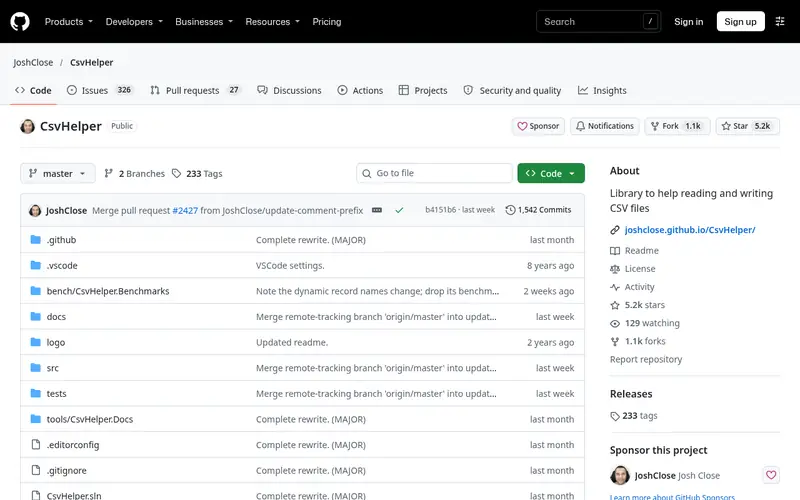
CsvHelper reads and writes CSV and maps rows to strongly typed classes. You can register custom type converters, control delimiters and quoting, and handle headers with attributes or fluent configuration. It targets modern .NET and also supports older frameworks through its package.
The library covers common edge cases: quoted fields, embedded newlines, configurable culture for number and date parsing, and both synchronous and asynchronous reading. Writing works the same way, with options for header output and formatting.
Licensing is Apache 2.0 and dual MIT, so commercial use is allowed. The main cost is learning the configuration API. Skip it if you only need to split simple lines and want the smallest possible dependency, where a span-based parser like Sep fits better.
Standout: Rich mapping and converter support
Free (open source), as listed by the vendor (CsvHelper website). Confirm the current plan price before you buy.
Free plan. Plans change, so confirm on the vendor's pricing page before you buy.
Benefits
- Rich mapping and converter support
- Active project with broad documentation
Drawbacks
- Larger API to learn
- More allocation than minimal parsers on very large files
Skip it if this limit matters to you: larger API to learn.
Verdict. A sensible pick for teams that need class mapping and custom type conversion.
Alternatives in this guide: Sylvan.Data.Csv, Sep, TinyCsvParser
Sylvan.Data.Csv
Best for fast, low-allocation CSV reading and writing
What it is and where it fits
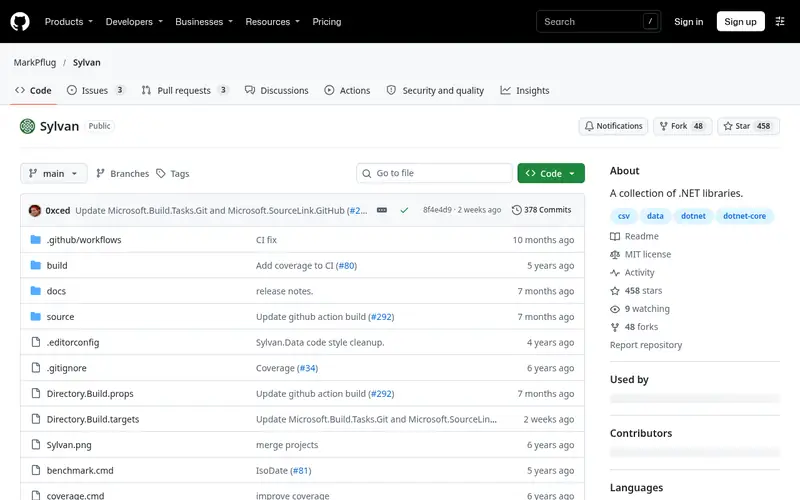
Sylvan.Data.Csv is part of the Sylvan data toolkit. It provides a fast CSV reader and writer built for performance, using schema-aware access so you can read columns as typed values without building strings for every field.
It exposes data through a reader model similar to ADO.NET, which makes it a good fit for bulk loading and data pipelines. Writing is straightforward and supports configurable delimiters and quoting.
The library is MIT licensed and targets modern .NET. It has less automatic object mapping than CsvHelper, so you write more of the mapping yourself. Choose it when read speed and memory use are the priority and you can accept a leaner feature set.
Standout: High throughput with low allocations
Free (open source), as listed by the vendor (Sylvan.Data.Csv website). Confirm the current plan price before you buy.
Free plan. Plans change, so confirm on the vendor's pricing page before you buy.
Benefits
- High throughput with low allocations
- Works with DbDataReader-style access
Drawbacks
- Smaller community than CsvHelper
- Less built-in class mapping
Skip it if this limit matters to you: smaller community than CsvHelper.
Verdict. A sensible pick for fast, low-allocation CSV reading and writing.
Alternatives in this guide: CsvHelper, Sep, TinyCsvParser
Sep
Best for maximum parsing throughput with a minimal API
What it is and where it fits
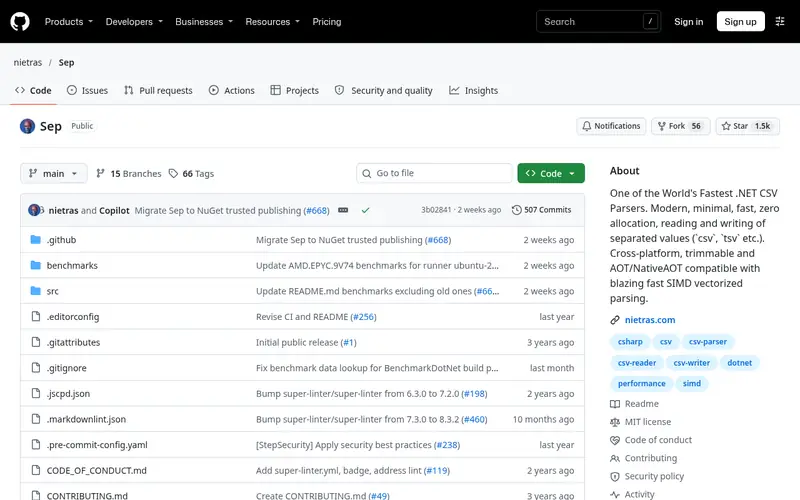
Sep is a high-performance CSV parser that works over spans and supports UTF-8 input. It is designed for scenarios where parsing speed is the bottleneck, such as processing large exports or log-style files.
The API is intentionally small. You get row and column access over the raw characters, and you write the conversion and mapping code. That keeps overhead low but means more work for typed models compared with CsvHelper.
Sep is MIT licensed and targets modern .NET. It is a good choice for batch jobs and services that parse large volumes. Skip it if you want attribute-based mapping or rich converters out of the box.
Standout: Very fast span-based parsing
Free (open source), as listed by the vendor (Sep website). Confirm the current plan price before you buy.
Free plan. Plans change, so confirm on the vendor's pricing page before you buy.
Benefits
- Very fast span-based parsing
- Small, focused API
Drawbacks
- Minimal mapping and conversion helpers
- You handle most row logic yourself
Skip it if this limit matters to you: minimal mapping and conversion helpers.
Verdict. A sensible pick for maximum parsing throughput with a minimal API.
Alternatives in this guide: CsvHelper, Sylvan.Data.Csv, TinyCsvParser
TinyCsvParser
Best for simple typed mapping with a small footprint
What it is and where it fits
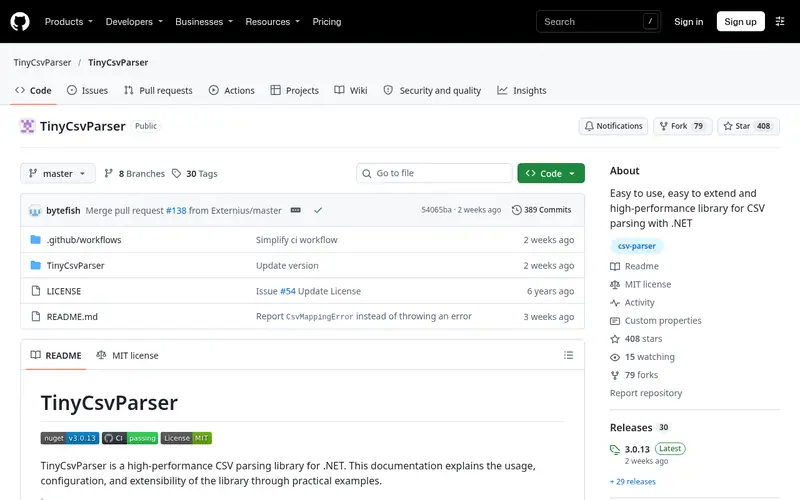
TinyCsvParser maps CSV rows to classes through a mapping configuration. It covers the basics: delimiters, headers, and conversion of common types. The API is small and easy to read for simple import tasks.
It targets .NET and is MIT licensed. The project is less actively developed than CsvHelper, so newer edge cases and performance work may lag. Check the repository for recent activity before adopting it for long-lived code.
Use it for small tools and straightforward imports where a minimal mapping layer is enough. For complex converters or heavy customization, CsvHelper is the safer pick.
Standout: Straightforward mapping to typed objects
Free (open source), as listed by the vendor (TinyCsvParser website). Confirm the current plan price before you buy.
Free plan. Plans change, so confirm on the vendor's pricing page before you buy.
Benefits
- Straightforward mapping to typed objects
- Lightweight dependency
Drawbacks
- Less active than CsvHelper
- Fewer advanced options
Skip it if this limit matters to you: less active than CsvHelper.
Verdict. A sensible pick for simple typed mapping with a small footprint.
Alternatives in this guide: CsvHelper, Sylvan.Data.Csv, Sep
Microsoft.VisualBasic.FileIO.TextFieldParser
Best for quick CSV parsing with no extra package
What it is and where it fits
TextFieldParser is part of the .NET runtime in the Microsoft.VisualBasic assembly. It parses delimited and fixed-width text and handles quoted fields, which makes it usable for simple CSV reading from C# or VB.
There is no package to add and no licence to review beyond the .NET runtime. The trade-off is a narrow feature set: no class mapping, no writers, and manual type conversion. The API lives in a Visual Basic namespace, which some C# teams find awkward.
Use it for small scripts and one-off reads where adding a dependency is not worth it. For anything with typed models or heavy volume, a dedicated library is the better choice.
Standout: Ships with .NET, no NuGet package
Free, as listed by the vendor (Microsoft.VisualBasic.FileIO.TextFieldParser website). Confirm the current plan price before you buy.
Free plan. Plans change, so confirm on the vendor's pricing page before you buy.
Benefits
- Ships with .NET, no NuGet package
- Handles quoted fields
Drawbacks
- Limited features and no object mapping
- VB-namespaced API feels odd in C#
Skip it if this limit matters to you: limited features and no object mapping.
Verdict. A sensible pick for quick CSV parsing with no extra package.
Alternatives in this guide: CsvHelper, Sylvan.Data.Csv, Sep
Who should use what
If you need typed classes, custom converters and broad configuration, use CsvHelper. If you are loading large files and care about speed and memory, use Sylvan.Data.Csv or Sep. If you want no extra dependency for a small script, use TextFieldParser. TinyCsvParser fits small tools that need simple mapping and nothing more.
Questions to settle before you buy
What to check before you buy
- Confirm the library targets the .NET versions you deploy to, including any older framework support you still need.
- Check the licence (MIT or Apache 2.0 here) against your organization's policy.
- Test your real files: delimiters, quoting, embedded newlines and culture-specific number and date formats.
- Measure memory and throughput on your largest expected file before choosing a minimal parser.
- Review repository activity and open issues to judge maintenance for long-lived code.
FAQ
Which .NET CSV library is best for class mapping?
CsvHelper has the most complete mapping and converter support, including attributes and fluent configuration. Sylvan.Data.Csv and TinyCsvParser offer leaner mapping. If your rows map to typed objects with custom formats, CsvHelper usually needs the least custom code.
Are these libraries free?
All five are free to use. CsvHelper, Sylvan.Data.Csv, Sep and TinyCsvParser are open source under permissive licences. TextFieldParser ships with the .NET runtime. Check each repository for the exact licence terms before commercial use.
Which library is fastest for large CSV files?
Sep and Sylvan.Data.Csv are built for high throughput and low allocation using span-based parsing. CsvHelper is fast enough for most workloads but allocates more. Measure with your own files, since results depend on row shape, column count and conversion logic.
Can I use these libraries to write CSV as well as read it?
CsvHelper and Sylvan.Data.Csv support both reading and writing. Sep focuses on parsing. TextFieldParser reads only. Check the documentation for writer options such as header output, quoting and delimiter settings.
Is it safe to process sensitive CSV data with these libraries?
Yes. These libraries run in your own process, so data is not sent to a third party. Avoid pasting production data into online CSV viewers or converters. Keep files local and use a library in your application when the data contains personal or confidential information.
Sources we checked
Method: how we score · editorial policy.
Change log. First published 27 Nov 2026.