Stage 01 · Write · Researched comparison
Best .NET CLI Frameworks in 2026
System.CommandLine is the default choice for new projects that want a Microsoft-maintained parser with built-in help and tab completion, though it has long carried preview status. Spectre.Console.CLI suits teams that want rich terminal output and a structured command model. CliFx remains a simple, stable option for small tools with command classes.

By Shihab Mia
Published 27 Nov 2026 · 5 tools compared
We run no ads and no affiliate links at launch. The order of a list follows our published method. See how we score.
Prices are the starting prices vendors list publicly. Plans change, so confirm the current price on the vendor page before you buy.
Key takeaways
- All five frameworks listed here are free and open source, so cost is not the deciding factor.
- System.CommandLine ships as a preview package and its API has changed across releases; check the version you pin.
- Spectre.Console.CLI covers command routing plus rendering, while CliFx focuses on parsing.
- McMaster.Extensions.CommandLineUtils is still usable but sees less active development than the others.
Who each pick is for
- Teams that want a Microsoft-maintained parser with completionSystem.CommandLine
- CLI apps that need rich terminal output and structureSpectre.Console.CLI
- Clean command classes with a focus on testabilityCliFx
- Existing projects already built on its conventionsMcMaster.Extensions.CommandLineUtils
- Fast-starting CLIs that want source-generated parsingConsoleAppFramework
Comparison
| Tool | Best for | Standout feature | Listed starting price | Free plan or trial |
|---|---|---|---|---|
| 1System.CommandLine | Teams that want a Microsoft-maintained parser with completion | Built-in help and tab completion | Free (open source) | Free plan |
| 2Spectre.Console.CLI | CLI apps that need rich terminal output and structure | Strong rendering for tables, trees and progress | Free (open source) | Free plan |
| 3CliFx | Clean command classes with a focus on testability | Command classes with clear separation | Free (open source) | Free plan |
| 4McMaster.Extensions.CommandLineUtils | Existing projects already built on its conventions | Attribute or builder API | Free (open source) | Free plan |
| 5ConsoleAppFramework | Fast-starting CLIs that want source-generated parsing | Source generator produces parsing code at build time | Free (open source) | Free plan |
How we picked
We compared frameworks on fit for building .NET console applications, supported platforms, licence and price, extra features such as help generation and dependency injection, and project status including release cadence. Sources are vendor documentation, project repositories and public package pages. We did not run benchmarks. Prices and project activity change, so confirm details on each project page before you commit.
The tools, one by one
System.CommandLine
Best for teams that want a Microsoft-maintained parser with completion
What it is and where it fits
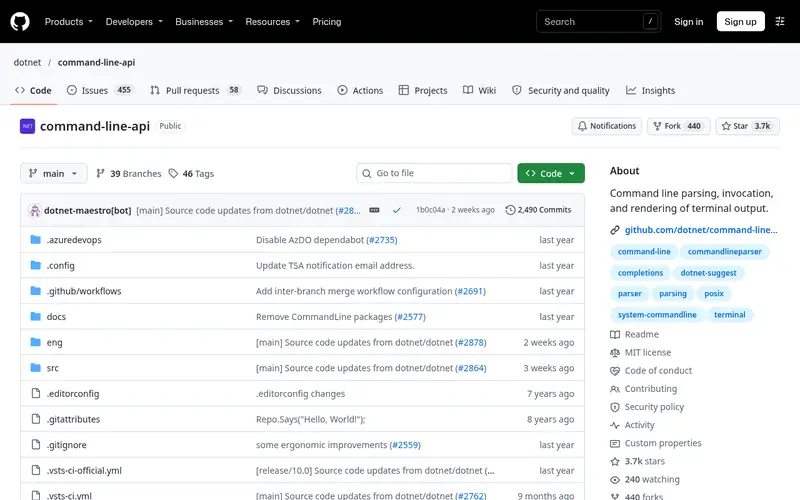
System.CommandLine is maintained by the .NET team and targets .NET Standard and modern .NET, so it works on Windows, macOS and Linux. It models commands, options and arguments as objects, generates help text, and supports shell tab completion for bash, zsh, PowerShell and others. You can attach handlers directly or bind parsed values to your own types.
The main caveat is stability. The package has been published as a preview for an extended period, and types and namespaces have moved between releases. Pin an exact version and read the release notes before upgrading. It is a good fit for new tools that want first-party support and do not mind tracking a moving API. Teams that need a frozen surface for a long-lived product may prefer a stable alternative.
Standout: Built-in help and tab completion
Free (open source), as listed by the vendor (System.CommandLine website). Confirm the current plan price before you buy.
Free plan. Plans change, so confirm on the vendor's pricing page before you buy.
Benefits
- Built-in help and tab completion
- supports handlers, binding and middleware
Drawbacks
- Long-running preview status
- API changes between versions
Skip it if this limit matters to you: long-running preview status.
Verdict. A sensible pick for teams that want a Microsoft-maintained parser with completion.
Alternatives in this guide: Spectre.Console.CLI, CliFx, McMaster.Extensions.CommandLineUtils
Spectre.Console.CLI
Best for cLI apps that need rich terminal output and structure
What it is and where it fits
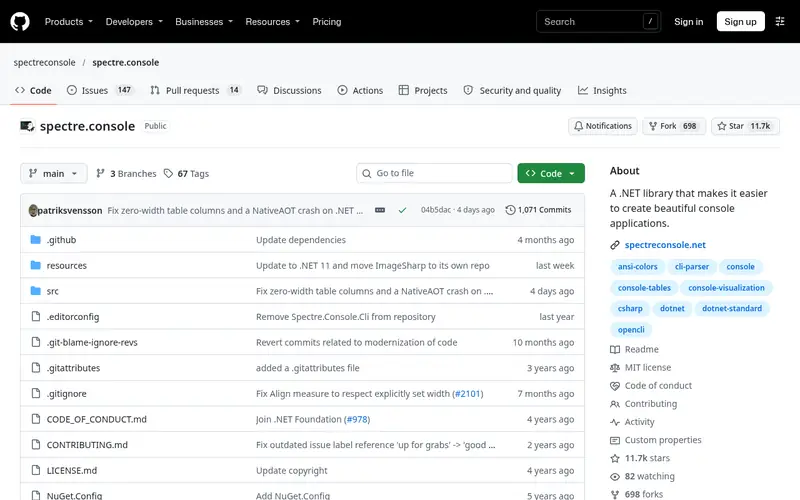
Spectre.Console.CLI is the command-line layer of the Spectre.Console project. It handles command routing, settings classes, argument validation and help, and it pairs with the rendering features of the parent library: tables, panels, trees, progress bars and prompts. It runs on modern .NET across Windows, macOS and Linux.
The framework uses a settings class per command and supports dependency injection through Microsoft.Extensions.DependencyInjection. Help output is generated and styled. The tradeoff is weight: you take the whole console library even if you only need parsing, and you learn its markup syntax for styled text. It suits interactive tools and anything where readable output matters. For a minimal parser with no rendering, a lighter library is enough.
Standout: Strong rendering for tables, trees and progress
Free (open source), as listed by the vendor (Spectre.Console.CLI website). Confirm the current plan price before you buy.
Free plan. Plans change, so confirm on the vendor's pricing page before you buy.
Benefits
- Strong rendering for tables, trees and progress
- clean command and settings model
Drawbacks
- Pulls in the larger Spectre.Console library
- markup syntax to learn
Skip it if this limit matters to you: pulls in the larger Spectre.Console library.
Verdict. A sensible pick for CLI apps that need rich terminal output and structure.
Alternatives in this guide: System.CommandLine, CliFx, McMaster.Extensions.CommandLineUtils
CliFx
Best for clean command classes with a focus on testability
What it is and where it fits
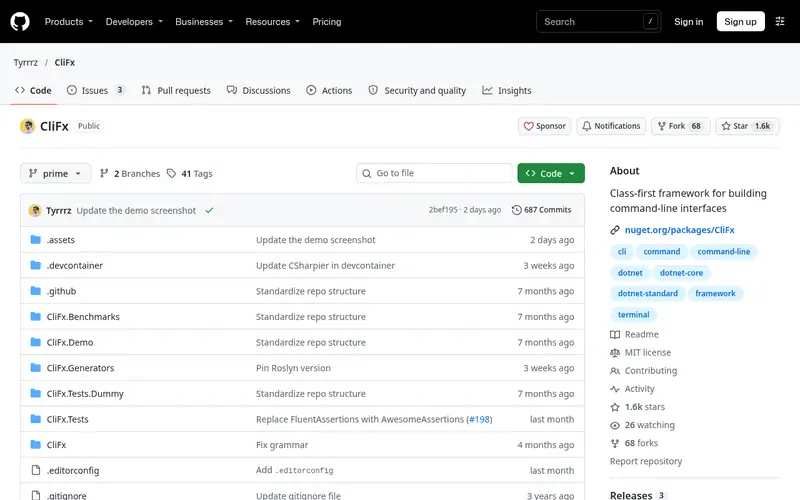
CliFx defines each command as a class implementing an interface, with properties for options and arguments. It handles parsing, validation, help generation and activation, and it supports dependency injection through Microsoft.Extensions.DependencyInjection. It targets modern .NET and runs on Windows, macOS and Linux.
The design encourages one class per command, which keeps code organized and makes commands easy to test in isolation. Help text is generated from attributes, and the library reports parse errors with clear messages. It does not include terminal rendering, so you bring your own output formatting. The ecosystem is smaller than the largest projects, which means fewer third-party examples. It suits teams that want a tidy command structure and do not need rich rendering or a full host.
Standout: Command classes with clear separation
Free (open source), as listed by the vendor (CliFx website). Confirm the current plan price before you buy.
Free plan. Plans change, so confirm on the vendor's pricing page before you buy.
Benefits
- Command classes with clear separation
- built-in help and validation
Drawbacks
- Smaller ecosystem
- fewer integrations than host-based frameworks
Skip it if this limit matters to you: smaller ecosystem.
Verdict. A sensible pick for clean command classes with a focus on testability.
Alternatives in this guide: System.CommandLine, Spectre.Console.CLI, McMaster.Extensions.CommandLineUtils
McMaster.Extensions.CommandLineUtils
Best for existing projects already built on its conventions
What it is and where it fits
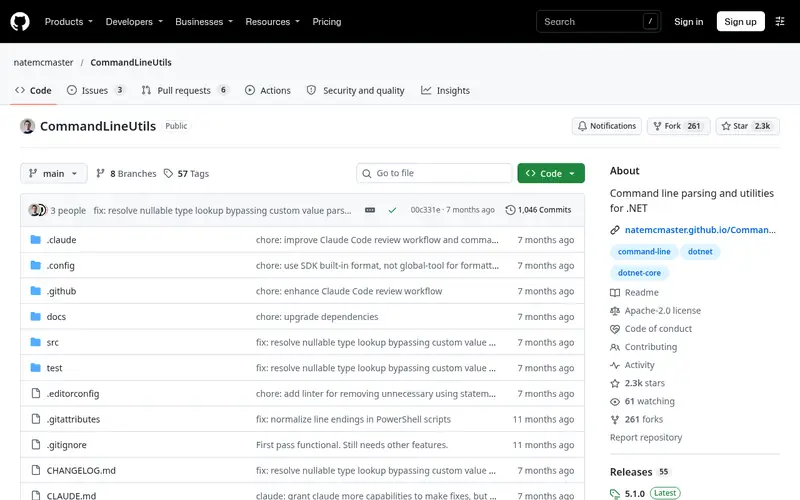
McMaster.Extensions.CommandLineUtils provides both an attribute-based model and a builder API for defining commands, options and arguments. It generates help text, supports subcommands and validation, and integrates with dependency injection. It targets .NET Standard and runs on Windows, macOS and Linux.
The library is mature and has been used in many tools, but development has slowed compared with newer projects. That does not break existing code, yet new features and fixes arrive less often. Check the repository activity before adopting it for a new long-lived product. It remains a sensible choice for maintaining an application already built on it, or for teams that prefer its conventions. New projects with no legacy ties may get more from an actively developed alternative.
Standout: Attribute or builder API
Free (open source), as listed by the vendor (McMaster.Extensions.CommandLineUtils website). Confirm the current plan price before you buy.
Free plan. Plans change, so confirm on the vendor's pricing page before you buy.
Benefits
- Attribute or builder API
- conventions for verbs and help
Drawbacks
- Less active development
- fewer updates than newer frameworks
Skip it if this limit matters to you: less active development.
Verdict. A sensible pick for existing projects already built on its conventions.
Alternatives in this guide: System.CommandLine, Spectre.Console.CLI, CliFx
ConsoleAppFramework
Best for fast-starting CLIs that want source-generated parsing
What it is and where it fits
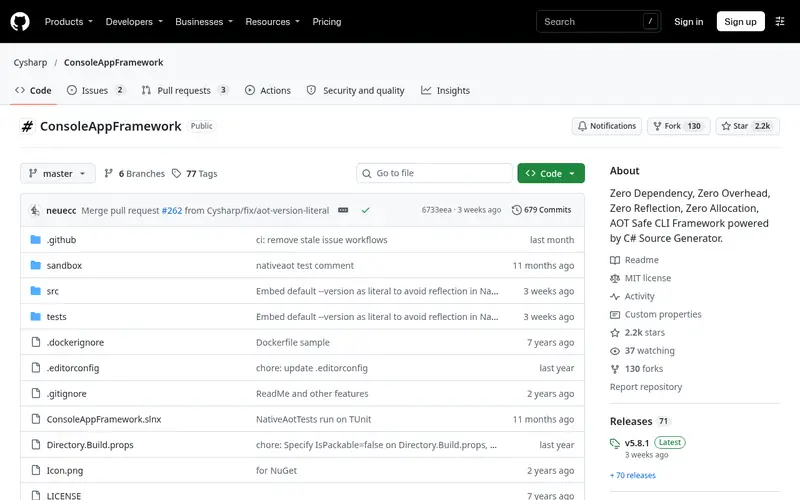
ConsoleAppFramework uses a C# source generator to turn methods into commands at compile time. Parsing, help and binding code is generated, so there is little reflection at startup and the resulting CLI starts quickly. It supports subcommands, options, arguments and dependency injection, and it runs on modern .NET on Windows, macOS and Linux.
The generator approach means your command methods stay simple while the framework produces the plumbing. It also supports a dry-run mode that prints generated code, which helps when debugging. The tradeoffs are a smaller community and a dependency on source generators, which can complicate some build setups. It suits performance-sensitive tools and developers comfortable with generated code. Teams that avoid source generators should look at a reflection-based parser instead.
Standout: Source generator produces parsing code at build time
Free (open source), as listed by the vendor (ConsoleAppFramework website). Confirm the current plan price before you buy.
Free plan. Plans change, so confirm on the vendor's pricing page before you buy.
Benefits
- Source generator produces parsing code at build time
- low startup overhead
Drawbacks
- Requires a source-generator-friendly setup
- smaller community
Skip it if this limit matters to you: requires a source-generator-friendly setup.
Verdict. A sensible pick for fast-starting CLIs that want source-generated parsing.
Alternatives in this guide: System.CommandLine, Spectre.Console.CLI, CliFx
Who should use what
If you want a Microsoft-maintained parser and can track a preview API, start with System.CommandLine. If your tool needs tables, progress bars or styled prompts, Spectre.Console.CLI covers parsing and rendering together. For a small utility where a stable, simple command-class parser is enough, CliFx is a safe pick. Teams maintaining older code on McMaster.Extensions.CommandLineUtils can stay put, but new projects should weigh more active options.
Questions to settle before you buy
What to check before you buy
- Confirm the package targets the .NET versions you ship and the operating systems you support.
- Check the release history and open issues to judge how actively the project is maintained.
- Read the licence and confirm it fits your distribution model.
- Test help output, error messages and exit codes against your users' expectations.
- Verify dependency injection and configuration support if your tool needs them.
- Pin an exact version and review breaking changes before upgrading.
FAQ
Is System.CommandLine stable enough for production?
It has been published as a preview package for a long time, and its API has changed between releases. Many teams use it in production by pinning a specific version. If you need a frozen API surface, evaluate a stable alternative or budget time for upgrades when you move versions.
Do these frameworks work on Linux and macOS?
Yes. All the projects listed target .NET Standard or modern .NET, so they run wherever .NET runs, including Windows, macOS and Linux. Shell tab completion support varies by framework and shell, so check the documentation for the shells you plan to support.
Can I use dependency injection with these CLI frameworks?
Several support it. Spectre.Console.CLI, CliFx, McMaster.Extensions.CommandLineUtils and ConsoleAppFramework integrate with Microsoft.Extensions.DependencyInjection or the generic host. System.CommandLine supports handlers and middleware that you can wire to your own container.
Which framework is best for a small single-command tool?
For a small tool, CliFx keeps the code short and the dependency footprint small. System.CommandLine is also reasonable if you want built-in help and completion. Avoid host-based frameworks when you do not need configuration, logging or dependency injection.
Are these frameworks free?
Yes. All five are open-source projects with free packages. You should still read each licence, since terms differ between projects, and confirm that the licence fits how you distribute your application.
Sources we checked
Method: how we score · editorial policy.
Change log. First published 27 Nov 2026.