Stage 01 · Write · Researched comparison
Best CSV Command-Line Tools in 2026
Miller (mlr) is the first pick for most developers who need to query, filter, reshape and convert CSV from a terminal, because it handles CSV, TSV and JSON in one tool and runs on Linux, macOS and Windows. csvkit suits people who want a Python-based suite of small single-purpose commands. qsv suits fast indexing and SQL-style queries on large files.

By Shihab Mia
Published 22 Nov 2026 · 7 tools compared
We run no ads and no affiliate links at launch. The order of a list follows our published method. See how we score.
Prices are the starting prices vendors list publicly. Plans change, so confirm the current price on the vendor page before you buy.
Key takeaways
- Miller, csvkit, qsv, GoCSV, DuckDB, VisiData and GNU datamash are all free or open source, so cost is not the deciding factor.
- Miller and GoCSV ship as single binaries, which makes them easy to install on servers without a Python or JVM runtime.
- DuckDB and qsv run SQL directly against CSV files, which helps when you already think in SELECT statements.
- All of these tools run locally, so file contents stay on your machine; none require uploading data to a third-party web page.
Who each pick is for
- General CSV, TSV and JSON transforms in one toolMiller
- Scripted CSV inspection and conversion in Python shopscsvkit
- SQL queries and many subcommands on CSVqsv
- Simple, fast CSV subcommands in a single binaryGoCSV
- SQL queries and joins directly on CSV filesDuckDB
- Interactive browsing and editing of CSV in the terminalVisiData
- Quick grouping and statistics on delimited textGNU datamash
Comparison
| Tool | Best for | Standout feature | Listed starting price | Free plan or trial |
|---|---|---|---|---|
| 1Miller | General CSV, TSV and JSON transforms in one tool | Handles CSV, TSV, JSON and other formats with one syntax | Free (open source) | Free plan |
| 2csvkit | Scripted CSV inspection and conversion in Python shops | Many small focused commands like csvcut, csvgrep and csvsql | Free (open source) | Free plan |
| 3qsv | SQL queries and many subcommands on CSV | Large subcommand set including SQL and joins | Free (open source) | Free plan |
| 4GoCSV | Simple, fast CSV subcommands in a single binary | Single binary with no runtime | Free (open source) | Free plan |
| 5DuckDB | SQL queries and joins directly on CSV files | Full SQL including joins and aggregates on CSV | Free (open source) | Free plan |
| 6VisiData | Interactive browsing and editing of CSV in the terminal | Interactive terminal UI for exploring files | Free (open source) | Free plan |
| 7GNU datamash | Quick grouping and statistics on delimited text | Simple syntax for group-by and statistics | Free (open source) | Free plan |
How we picked
We picked tools that read and write CSV from a terminal and are currently maintained. Criteria were fit for common CSV jobs (select, filter, join, convert, query), supported platforms, license and price, whether processing stays local, and main limits such as runtime dependencies or narrow scope. Sources are vendor documentation, project repositories and public pricing pages. Prices and features change, so confirm details on the vendor site before you commit.
The tools, one by one
Miller
Best for general CSV, TSV and JSON transforms in one tool
What it is and where it fits
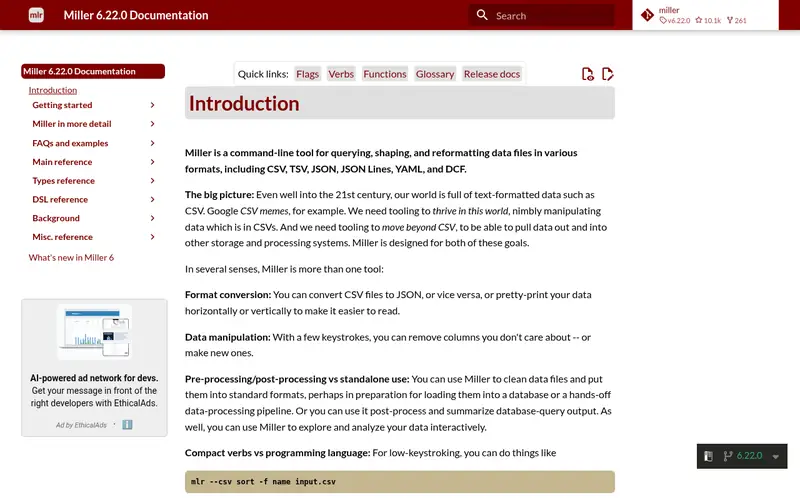
Miller, usually invoked as mlr, reads CSV and writes CSV, TSV, JSON and other formats. You chain verbs such as cut, filter, sort, join and stats to transform records. It streams input, so it works on files larger than memory for many operations. Builds are available for Linux, macOS and Windows, and it is released under a BSD license. The documentation covers each verb with examples. Skip it if you need full SQL joins or a GUI; reach for DuckDB or VisiData instead.
Standout: Handles CSV, TSV, JSON and other formats with one syntax
Free (open source), as listed by the vendor (Miller website). Confirm the current plan price before you buy.
Free plan. Plans change, so confirm on the vendor's pricing page before you buy.
Benefits
- Handles CSV, TSV, JSON and other formats with one syntax
- single binary with no runtime dependency
Drawbacks
- Verb syntax takes time to learn
- not a SQL engine
Skip it if this limit matters to you: verb syntax takes time to learn.
Verdict. A sensible pick for general CSV, TSV and JSON transforms in one tool.
csvkit
Best for scripted CSV inspection and conversion in Python shops
What it is and where it fits
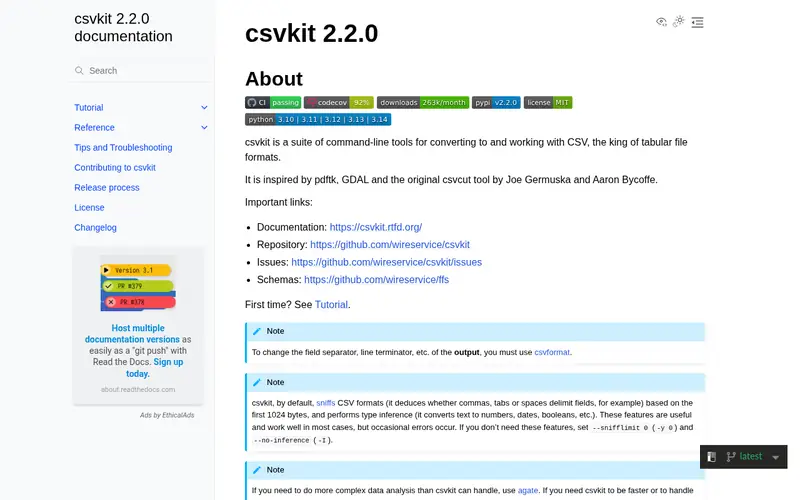
csvkit is a suite of command-line tools written in Python. csvcut selects columns, csvgrep filters rows, csvstat summarizes a file, csvsql runs SQL against CSV through SQLAlchemy, and in2csv converts Excel and JSON to CSV. It installs with pip and runs wherever Python runs. Because each command does one job, it fits shell pipelines well. Performance is lower than compiled tools on multi-gigabyte files, and you need a working Python environment. It is a good fit for analysts who already script in Python.
Standout: Many small focused commands like csvcut, csvgrep and csvsql
Free (open source), as listed by the vendor (csvkit website). Confirm the current plan price before you buy.
Free plan. Plans change, so confirm on the vendor's pricing page before you buy.
Benefits
- Many small focused commands like csvcut, csvgrep and csvsql
- installs with pip
Drawbacks
- Requires Python
- slower on very large files than compiled tools
Skip it if this limit matters to you: requires Python.
Verdict. A sensible pick for scripted CSV inspection and conversion in Python shops.
qsv
Best for sQL queries and many subcommands on CSV
What it is and where it fits
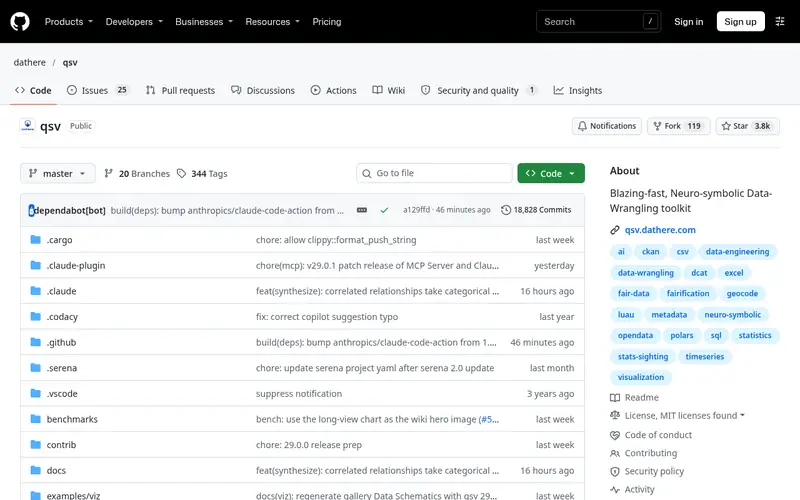
qsv is a fast CSV tool written in Rust. It adds subcommands such as SQL queries via Polars, joins, deduplication, statistics and a server mode. It ships as a binary and is released under the MIT license. Because it covers so much ground, the help output is long and new users should start with a few commands. Some features depend on optional components. It fits developers who want SQL and many transforms in the same tool.
Standout: Large subcommand set including SQL and joins
Free (open source), as listed by the vendor (qsv website). Confirm the current plan price before you buy.
Free plan. Plans change, so confirm on the vendor's pricing page before you buy.
Benefits
- Large subcommand set including SQL and joins
- single binary
Drawbacks
- Feature set is broad and takes time to learn
- some commands need extra setup
Skip it if this limit matters to you: feature set is broad and takes time to learn.
Verdict. A sensible pick for SQL queries and many subcommands on CSV.
GoCSV
Best for simple, fast CSV subcommands in a single binary
What it is and where it fits
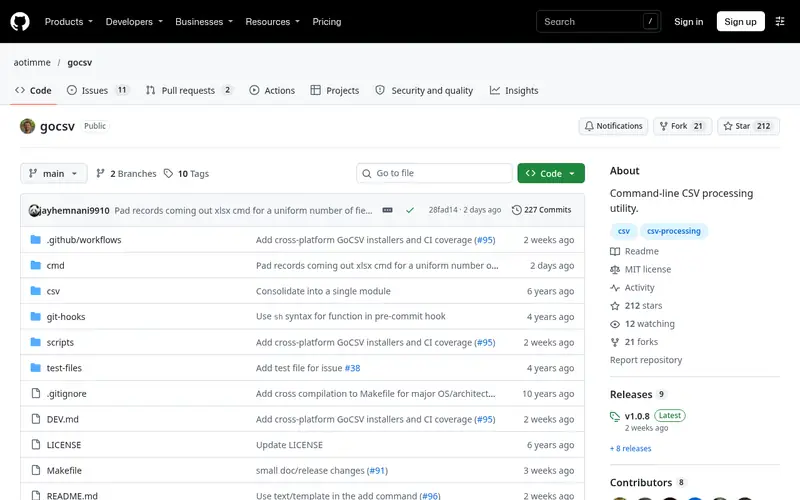
GoCSV is a CSV tool written in Go. It offers subcommands for selecting columns, filtering rows, sorting, joining and computing basic statistics. It compiles to a single binary for Linux, macOS and Windows and is released under the MIT license. The command set is smaller than Miller's, and the documentation is thinner, so complex reshaping may need another tool. It suits developers who want a small, fast binary for common select, filter and join tasks without learning a new verb language.
Standout: Single binary with no runtime
Free (open source), as listed by the vendor (GoCSV website). Confirm the current plan price before you buy.
Free plan. Plans change, so confirm on the vendor's pricing page before you buy.
Benefits
- Single binary with no runtime
- straightforward subcommands
Drawbacks
- Smaller command set than Miller or qsv
- less documentation
Skip it if this limit matters to you: smaller command set than Miller or qsv.
Verdict. A sensible pick for simple, fast CSV subcommands in a single binary.
DuckDB
Best for sQL queries and joins directly on CSV files
What it is and where it fits
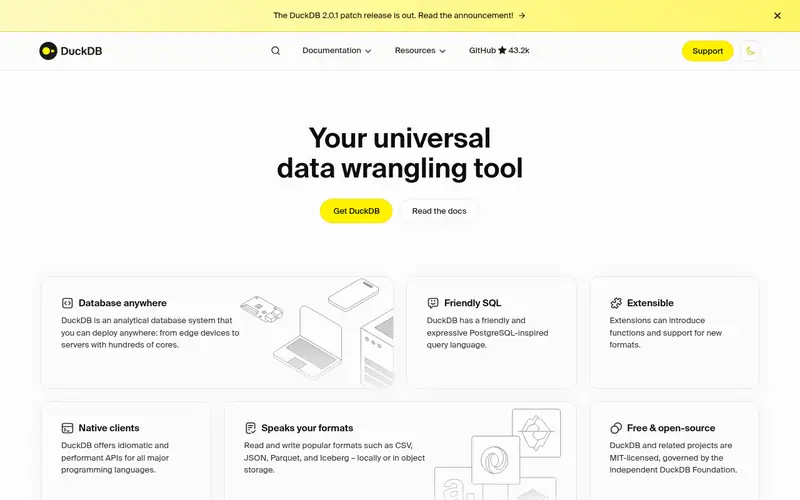
DuckDB is an in-process analytical database with a command-line client. You can query CSV files directly with read_csv, join multiple files, aggregate and export results. It runs on Linux, macOS and Windows and is released under the MIT license. Because it is a database engine, it is the right choice when your task is a SQL query rather than a line-by-line text transform. It handles large files well but uses more memory than streaming tools for some operations. Skip it for simple column cuts.
Standout: Full SQL including joins and aggregates on CSV
Free (open source), as listed by the vendor (DuckDB website). Confirm the current plan price before you buy.
Free plan. Plans change, so confirm on the vendor's pricing page before you buy.
Benefits
- Full SQL including joins and aggregates on CSV
- single binary CLI
Drawbacks
- Not a streaming text transformer
- loads data into its engine
Skip it if this limit matters to you: not a streaming text transformer.
Verdict. A sensible pick for SQL queries and joins directly on CSV files.
VisiData
Best for interactive browsing and editing of CSV in the terminal
What it is and where it fits
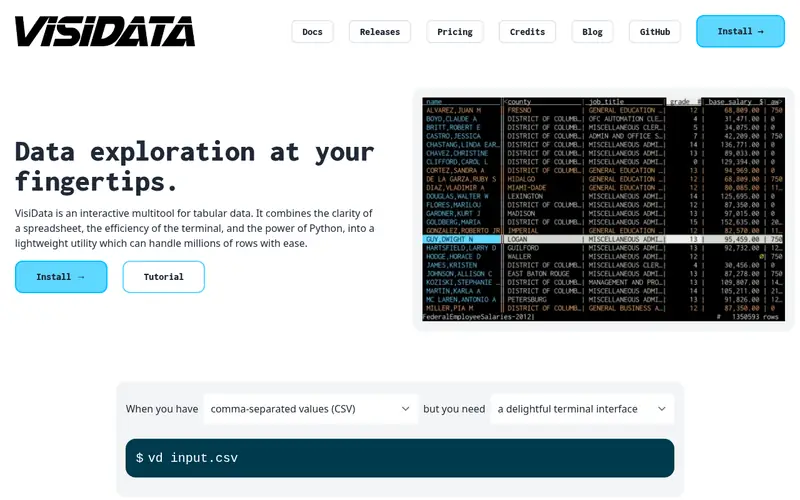
VisiData is a terminal-based data viewer and editor written in Python. It opens CSV and many other formats, lets you scroll, sort, filter and edit rows, and can save results back out. It installs with pip and runs on Linux, macOS and Windows. It is interactive, so it does not fit shell pipelines the way Miller or csvkit do, but it is useful for quick inspection before you write a script. It needs a Python environment. Skip it for automated batch jobs.
Standout: Interactive terminal UI for exploring files
Free (open source), as listed by the vendor (VisiData website). Confirm the current plan price before you buy.
Free plan. Plans change, so confirm on the vendor's pricing page before you buy.
Benefits
- Interactive terminal UI for exploring files
- supports many formats
Drawbacks
- Interactive rather than scriptable for pipelines
- Python dependency
Skip it if this limit matters to you: interactive rather than scriptable for pipelines.
Verdict. A sensible pick for interactive browsing and editing of CSV in the terminal.
GNU datamash
Best for quick grouping and statistics on delimited text
What it is and where it fits
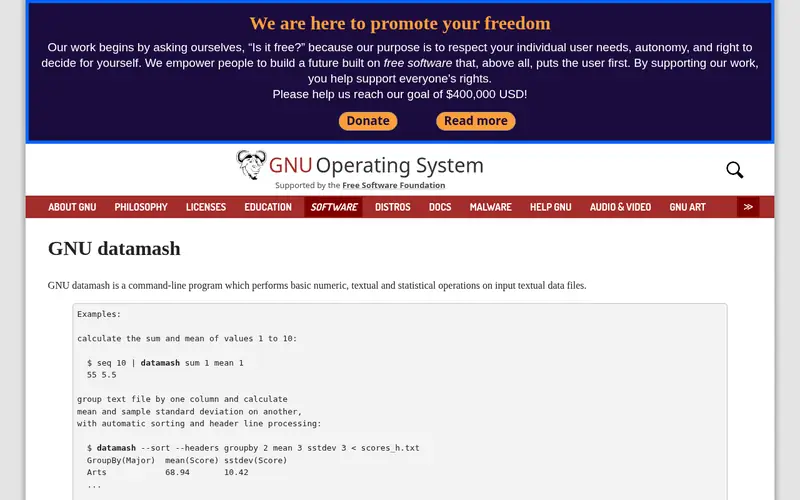
GNU datamash performs statistical and grouping operations on delimited text. You can compute sums, means, medians and counts grouped by columns, and it reads CSV with the right options. It is released under GPLv3 and is packaged for most Linux distributions and for macOS via Homebrew. It does one job well and pairs with cut, sort and awk in pipelines. It is not a general CSV transformer, so use Miller or csvkit for reshaping. Skip it if you need joins or format conversion.
Standout: Simple syntax for group-by and statistics
Free (open source), as listed by the vendor (GNU datamash website). Confirm the current plan price before you buy.
Free plan. Plans change, so confirm on the vendor's pricing page before you buy.
Benefits
- Simple syntax for group-by and statistics
- available in many package managers
Drawbacks
- Narrow scope beyond statistics
- not a general CSV transformer
Skip it if this limit matters to you: narrow scope beyond statistics.
Verdict. A sensible pick for quick grouping and statistics on delimited text.
Who should use what
If you want one tool for CSV, TSV and JSON transforms, start with Miller. If you script in Python and prefer small single-purpose commands, csvkit fits. If your task is a SQL query or a multi-file join, use DuckDB or qsv. If you need to eyeball a file before writing a script, open it in VisiData. For quick grouped statistics in a shell pipeline, GNU datamash is enough. Developers who need raw speed on large files with repeated lookups should try qsv.
Questions to settle before you buy
What to check before you buy
- Confirm the tool runs on your OS and install method (binary, pip, package manager).
- Check whether it streams input or loads data into memory for your file sizes.
- Verify the license fits your project, especially for GPL tools like GNU datamash.
- Test your exact job (join, group-by, format conversion) on a sample file first.
- Confirm the project is still maintained by checking recent commits or releases.
FAQ
Do these tools upload my CSV files anywhere?
No. All the tools listed run locally on your machine. None require sending files to a third-party web page. That matters when files contain customer data, tokens or production exports. Keep the data local and avoid pasting sensitive rows into online converters.
Which tool is fastest on very large CSV files?
Compiled tools such as qsv and Miller generally handle large files faster than Python-based csvkit. DuckDB is built for analytical queries and also handles large files well. Actual speed depends on the operation and your hardware, so test on your own data.
Can I run SQL on a CSV file without a database server?
Yes. DuckDB queries CSV files directly with read_csv, and csvkit's csvsql and qsv's SQL command also run SQL against CSV. None require a separate database server. DuckDB is the closest to a full SQL engine.
Are these tools free?
All seven are free or open source. Miller, csvkit, qsv, GoCSV, DuckDB and VisiData are permissively licensed, and GNU datamash is GPLv3. There are no paid tiers for the command-line tools themselves.
What is the difference between Miller and csvkit?
Miller is a single compiled binary with a verb syntax that handles CSV, TSV and JSON. csvkit is a Python suite of separate commands like csvcut and csvgrep. Miller is faster and dependency-free; csvkit fits Python workflows and offers Excel conversion.
Sources we checked
Method: how we score · editorial policy.
Change log. First published 22 Nov 2026.