Stage 01 · Write · Researched comparison
Best C++ Image Processing Libraries in 2026
OpenCV is the first pick for most teams that need detection, filtering, geometry and video in one library. It suits computer vision work and runs on Windows, Linux, macOS, Android and iOS. Pick libvips when throughput and low memory matter more than vision algorithms, and pick stb_image when you only need to load and write common image files with almost no build setup.

By Shihab Mia
Published 27 Nov 2026 · 7 tools compared
We run no ads and no affiliate links at launch. The order of a list follows our published method. See how we score.
Prices are the starting prices vendors list publicly. Plans change, so confirm the current price on the vendor page before you buy.
Key takeaways
- OpenCV, libvips, Magick++, CImg, Boost.GIL, stb_image and OpenImageIO are all free and open source, so cost is not the deciding factor.
- OpenCV covers the widest range of vision and image work; libvips and OpenImageIO focus on fast, large-image pipelines.
- stb_image is header-only and the quickest to add, but it is a loader and writer, not a full processing framework.
- All seven run locally in your own build, so no image data has to leave your machine.
Who each pick is for
- Computer vision, filtering and video pipelinesOpenCV
- High-throughput processing of large imageslibvips
- Format conversion and scripted image editsMagick++
- Small projects and quick prototypingCImg
- Generic image code inside Boost projectsBoost.GIL
- Minimal image loading and writingstb_image
- Production image I/O in VFX and renderingOpenImageIO
Comparison
| Tool | Best for | Standout feature | Listed starting price | Free plan or trial |
|---|---|---|---|---|
| 1OpenCV | Computer vision, filtering and video pipelines | Very broad algorithm coverage | Free (open source) | Free plan |
| 2libvips | High-throughput processing of large images | Low memory use on large images | Free (open source) | Free plan |
| 3Magick++ | Format conversion and scripted image edits | Very wide format support | Free (open source) | Free plan |
| 4CImg | Small projects and quick prototyping | Single header, easy to drop in | Free (open source) | Free plan |
| 5Boost.GIL | Generic image code inside Boost projects | Header-only and generic | Free (open source) | Free plan |
| 6stb_image | Minimal image loading and writing | Single header, no build step | Free (open source) | Free plan |
| 7OpenImageIO | Production image I/O in VFX and rendering | Strong format and color management | Free (open source) | Free plan |
How we picked
We compared libraries on fit for common C++ image jobs, supported platforms, licence terms, and the main limits each one documents. We also weighed how each handles image data locally, since all seven run in your own build. Sources are vendor pages, official documentation and project repositories. Prices and licences can change, so confirm the current terms on the vendor site before you commit.
The tools, one by one
OpenCV
Best for computer vision, filtering and video pipelines
What it is and where it fits
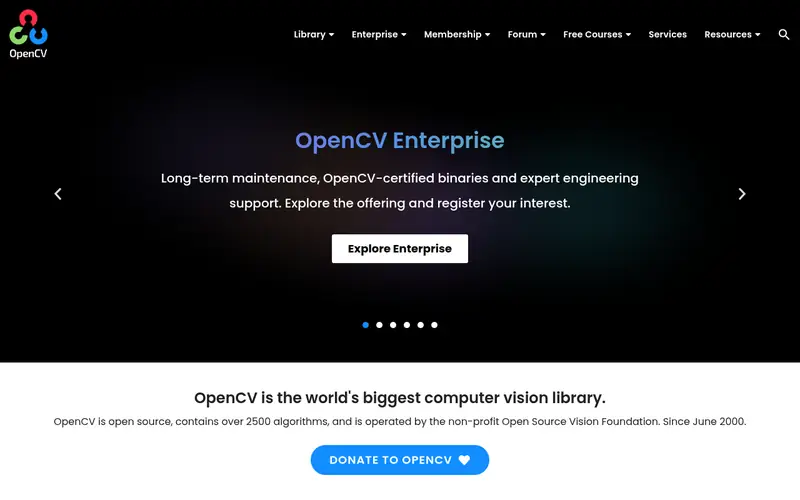
OpenCV is the widest-scope library in this list. It covers image loading and saving, color conversion, filtering, morphology, geometry transforms, feature detection, camera calibration, video I/O and machine learning modules. For a C++ project that needs more than file conversion, it is usually the default choice.
It builds on Windows, Linux, macOS, Android and iOS, and has bindings for Python, Java and others. The core is Apache 2.0 licensed. Optional modules and some third-party components carry their own terms, so check the licence file for the modules you enable.
The trade-off is size and build time. A full build pulls in many dependencies, and the API is large enough that you will lean on the documentation. If you only need to decode a PNG or JPEG, OpenCV is more than you need. If you need vision algorithms, it is hard to match.
Standout: Very broad algorithm coverage
Free (open source), as listed by the vendor (OpenCV website). Confirm the current plan price before you buy.
Free plan. Plans change, so confirm on the vendor's pricing page before you buy.
Benefits
- Very broad algorithm coverage
- Runs on desktop, mobile and embedded targets
Drawbacks
- Large dependency and build
- C++ API is verbose in places
Skip it if this limit matters to you: large dependency and build.
Verdict. A sensible pick for computer vision, filtering and video pipelines.
libvips
Best for high-throughput processing of large images
What it is and where it fits
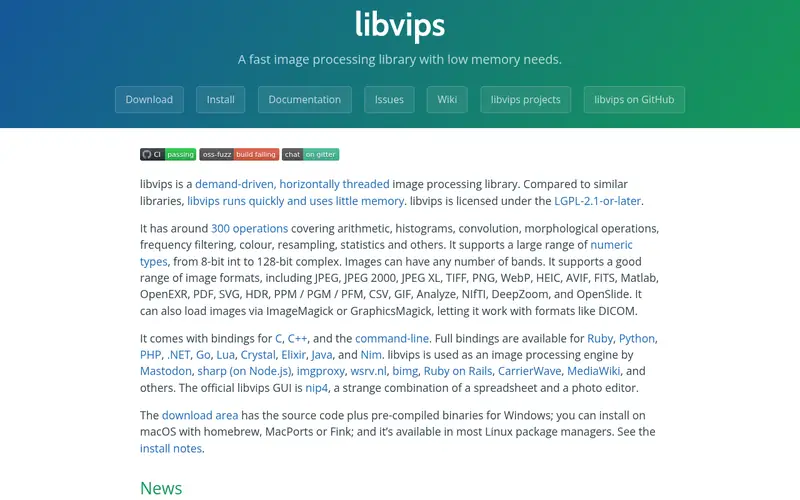
libvips is built for speed and low memory use. It processes images in a demand-driven pipeline, so it can handle very large files without loading everything into memory at once. It has a C API with a C++ binding, and it is used widely for thumbnail and batch image work.
It reads and writes many formats through its own loaders plus optional support from libraries such as libjpeg, libpng and libtiff. Operations include resize, crop, color manipulation, convolution and compositing. It is licensed under the LGPL, which matters if you link it into a closed product.
The algorithm set is narrower than OpenCV's. There is no camera calibration or feature matching. Choose libvips when the job is converting, resizing and streaming large images at volume, not when you need vision algorithms.
Standout: Low memory use on large images
Free (open source), as listed by the vendor (libvips website). Confirm the current plan price before you buy.
Free plan. Plans change, so confirm on the vendor's pricing page before you buy.
Benefits
- Low memory use on large images
- Demand-driven pipeline
Drawbacks
- Smaller algorithm set than OpenCV
- C-style API needs care from C++
Skip it if this limit matters to you: smaller algorithm set than OpenCV.
Verdict. A sensible pick for high-throughput processing of large images.
Magick++
Best for format conversion and scripted image edits
What it is and where it fits
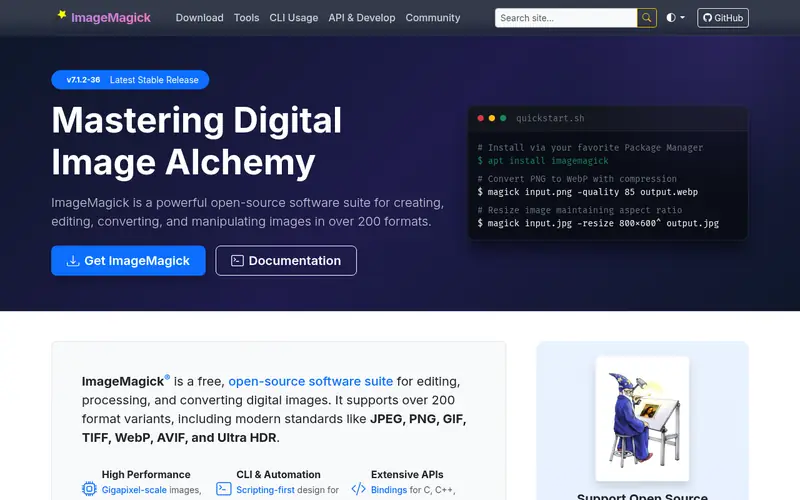
Magick++ is the C++ API for ImageMagick. It gives you an object-oriented interface over the same engine that powers the ImageMagick command line, so you get broad format support and a long list of image operations: resize, rotate, composite, color adjustment, effects and format conversion.
It suits tools that need to read and write many formats and apply standard edits. If your team already uses ImageMagick scripts, Magick++ lets you move that logic into C++ without changing the underlying behavior. It is licensed under the ImageMagick License, which is not the GPL but has its own terms worth reading.
The main drawbacks are build weight and uneven performance. Some operations are fast; others are slower than dedicated libraries. If you need the fastest possible resize on huge files, libvips is usually the better fit. If you need format breadth and a familiar engine, Magick++ works well.
Standout: Very wide format support
Free (open source), as listed by the vendor (Magick++ website). Confirm the current plan price before you buy.
Free plan. Plans change, so confirm on the vendor's pricing page before you buy.
Benefits
- Very wide format support
- Object-oriented C++ wrapper
Drawbacks
- Performance varies by operation
- Heavy dependency footprint
Skip it if this limit matters to you: performance varies by operation.
Verdict. A sensible pick for format conversion and scripted image edits.
CImg
Best for small projects and quick prototyping
What it is and where it fits
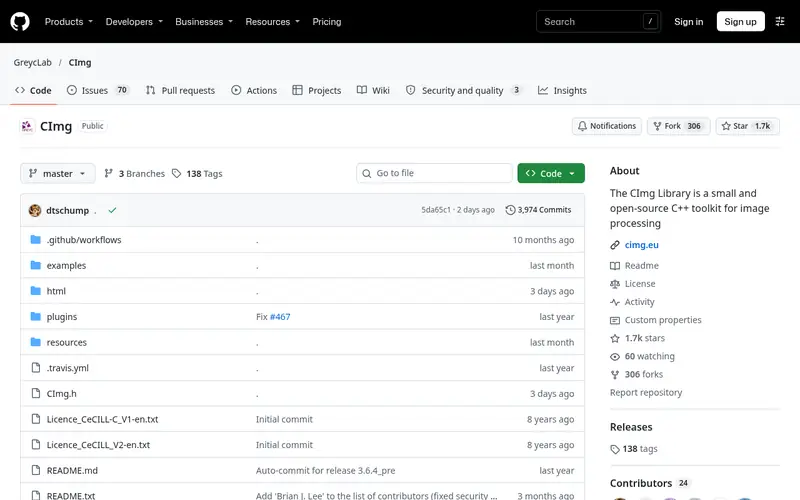
CImg is a small, header-only C++ library. You include one file and get image containers plus common operations: filtering, morphology, resizing, color conversion and basic I/O. It is easy to add to a project and easy to read, which makes it a good fit for teaching, prototyping and small tools.
It does not depend on a large framework. Optional support for formats beyond its built-in set comes through external libraries such as libpng, libjpeg and libtiff. It is licensed under the CeCILL-C licence, which is compatible with the LGPL.
The limits show up at scale. The API is simpler than OpenCV's, and it is not designed for high-throughput batch pipelines or very large images. Choose CImg when you want a light dependency and straightforward code, not when you need a full vision stack.
Standout: Single header, easy to drop in
Free (open source), as listed by the vendor (CImg website). Confirm the current plan price before you buy.
Free plan. Plans change, so confirm on the vendor's pricing page before you buy.
Benefits
- Single header, easy to drop in
- Simple API for common operations
Drawbacks
- Limited format support without extras
- Not built for large pipelines
Skip it if this limit matters to you: limited format support without extras.
Verdict. A sensible pick for small projects and quick prototyping.
Boost.GIL
Best for generic image code inside Boost projects

What it is and where it fits
Boost.GIL (Generic Image Library) is part of Boost. It is header-only and built around generic programming: pixels, color spaces and views are separate concepts, and algorithms work across them. It is a good fit for codebases that already use Boost and want image handling that composes with the rest of the libraries.
It provides image containers, pixel and color types, views, and I/O for common formats through extensions. The design is clean, and it avoids forcing a single image class on your code. It is licensed under the Boost Software License, which is permissive and business-friendly.
The catch is scope. GIL is not a vision library, and its algorithm set is smaller than OpenCV's. Compile errors from template code can be long and hard to read. Choose it when you want a permissive, header-only image layer inside a Boost project, not when you need detection or camera work.
Standout: Header-only and generic
Free (open source), as listed by the vendor (Boost.GIL website). Confirm the current plan price before you buy.
Free plan. Plans change, so confirm on the vendor's pricing page before you buy.
Benefits
- Header-only and generic
- Clean separation of pixels and algorithms
Drawbacks
- Smaller algorithm set
- Template errors are hard to read
Skip it if this limit matters to you: smaller algorithm set.
Verdict. A sensible pick for generic image code inside Boost projects.
stb_image
Best for minimal image loading and writing
What it is and where it fits
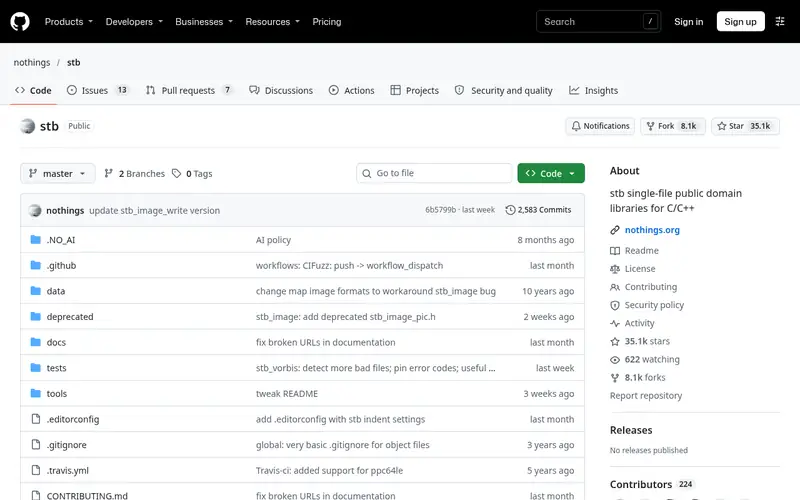
stb_image is a set of single-header files from the nothings/stb collection. stb_image.h decodes common formats, stb_image_write.h writes them, and stb_image_resize2.h handles resizing. You add the header and define an implementation macro in one source file. There is no build system to wire up.
It is written in C and works from C++. That makes it a practical choice for small tools, game engines and prototypes that need to load a PNG or JPEG and move on. It is public domain or MIT licensed, depending on the file.
The scope is narrow by design. It is not a processing framework: there is no filtering, morphology or vision code. Format support is limited to what the headers implement. Choose stb_image when you need fast, dependency-free I/O and nothing more.
Standout: Single header, no build step
Free (open source), as listed by the vendor (stb_image website). Confirm the current plan price before you buy.
Free plan. Plans change, so confirm on the vendor's pricing page before you buy.
Benefits
- Single header, no build step
- Works from C and C++
Drawbacks
- Loader and writer only
- No processing algorithms
Skip it if this limit matters to you: loader and writer only.
Verdict. A sensible pick for minimal image loading and writing.
OpenImageIO
Best for production image I/O in VFX and rendering
What it is and where it fits
OpenImageIO (OIIO) is an image I/O library developed under the Academy Software Foundation. It focuses on reading, writing and converting images across many formats, with color management, metadata handling and tile-based access. It is used in visual effects, animation and rendering pipelines.
It provides C++ APIs plus command-line tools, and it handles formats common in production work, including OpenEXR and TIFF. It is licensed under Apache 2.0. If your pipeline deals with color spaces, metadata and large frame sequences, OIIO covers ground that simpler loaders do not.
It is not a general-purpose vision library. The API and build are aimed at production environments, and setup takes more work than a single header. Choose OIIO when image I/O and color correctness are the core problem, not when you need filtering or detection.
Standout: Strong format and color management
Free (open source), as listed by the vendor (OpenImageIO website). Confirm the current plan price before you buy.
Free plan. Plans change, so confirm on the vendor's pricing page before you buy.
Benefits
- Strong format and color management
- Built for production pipelines
Drawbacks
- Aimed at VFX, not general apps
- Heavier setup than simple loaders
Skip it if this limit matters to you: aimed at VFX, not general apps.
Verdict. A sensible pick for production image I/O in VFX and rendering.
Who should use what
If you are building a computer vision feature such as detection, tracking or camera calibration, start with OpenCV. If you run batch jobs that resize and convert large images and memory is tight, use libvips. If you need to read and write many formats and apply standard edits, Magick++ is the practical choice. For small tools, prototypes or a game engine that only needs to load and save files, stb_image keeps the dependency count near zero. Teams in VFX or rendering should look at OpenImageIO for color and metadata handling.
Questions to settle before you buy
What to check before you buy
- Confirm the licence terms match how you ship, especially for LGPL libraries such as libvips.
- Check that the formats you need are supported, including optional codecs and their own licences.
- Measure memory use on your largest real images, not just sample files.
- Check platform and compiler support for every target you build, including mobile and embedded.
- Read the build requirements; header-only libraries are simpler to add than full frameworks.
FAQ
Are these C++ image libraries free?
Yes. All seven are open source and free to use. Each has its own licence, such as Apache 2.0, LGPL, Boost Software License or the ImageMagick License, so check the terms for your distribution model.
Which library is best for computer vision?
OpenCV. It covers filtering, feature detection, camera calibration, video I/O and machine learning modules. The other libraries in this list focus on image I/O, conversion or generic pixel handling rather than vision algorithms.
Can I use stb_image for full image processing?
No. stb_image loads and writes images, and stb_image_resize2 handles resizing. It has no filtering, morphology or vision code. Pair it with another library if you need processing beyond I/O.
Do these libraries send my images to a server?
No. They run locally in your own build. That is different from online converter sites, where you should avoid pasting secrets, tokens or production data into third-party pages.
What is the difference between libvips and OpenCV?
libvips is built for fast, low-memory processing of large images in batch pipelines. OpenCV is a broader vision framework with detection, calibration and video support. Pick libvips for throughput and OpenCV for algorithms.
Sources we checked
Method: how we score · editorial policy.
Change log. First published 27 Nov 2026.