Stage 01 · Write · Researched comparison
Best C++ CLI Parsing Libraries in 2026
CLI11 is the first pick for most teams that want a header-only parser with subcommands, config files and validation in one library. cxxopts suits projects that want a small, simple header-only parser with minimal setup. Boost.Program_options fits codebases that already depend on Boost and need mature option handling. All three are free and open source.

By Shihab Mia
Published 27 Nov 2026 · 6 tools compared
We run no ads and no affiliate links at launch. The order of a list follows our published method. See how we score.
Prices are the starting prices vendors list publicly. Plans change, so confirm the current price on the vendor page before you buy.
Key takeaways
- CLI11, cxxopts, argparse and Abseil Flags are free and open source; Boost.Program_options ships with Boost under the Boost licence.
- CLI11 and cxxopts are header-only, so you can vendor them into a project without a build step.
- gflags is older and Google now positions Abseil Flags as its successor for new code.
- These libraries parse arguments in your own process, so no command-line data is sent to a third-party web page.
Who each pick is for
- Full-featured header-only parsing with subcommands and config filesCLI11
- Small header-only parser for simple command-line toolscxxopts
- Python-style argument parsing in modern C++ projectsargparse
- Projects already using Boost that need mature option handlingBoost.Program_options
- Maintaining older codebases that already depend on gflagsgflags
- New Google-style C++ projects that want a maintained flag libraryAbseil Flags
Comparison
| Tool | Best for | Standout feature | Listed starting price | Free plan or trial |
|---|---|---|---|---|
| 1CLI11 | Full-featured header-only parsing with subcommands and config files | Header-only with subcommands, config files and validation | Free (open source) | Free plan |
| 2cxxopts | Small header-only parser for simple command-line tools | Compact single header with a short learning curve | Free (open source) | Free plan |
| 3argparse | Python-style argument parsing in modern C++ projects | Familiar API for developers coming from Python | Free (open source) | Free plan |
| 4Boost.Program_options | Projects already using Boost that need mature option handling | Mature and widely used | Free (open source) | Free plan |
| 5gflags | Maintaining older codebases that already depend on gflags | Simple flag registration and built-in help | Free (open source) | Free plan |
| 6Abseil Flags | New Google-style C++ projects that want a maintained flag library | Actively maintained by Google | Free (open source) | Free plan |
How we picked
We picked libraries that are real, standalone, currently maintained projects and that genuinely parse command-line arguments in C++. Criteria were fit for the job, supported platforms and compiler standards, price and licence, whether parsing happens locally in your process, and the main limits such as build dependencies or missing features. Sources are vendor pages, official documentation and project repositories. Prices and licences can change, so confirm details on the vendor site before you commit.
The tools, one by one
CLI11
Best for full-featured header-only parsing with subcommands and config files
What it is and where it fits
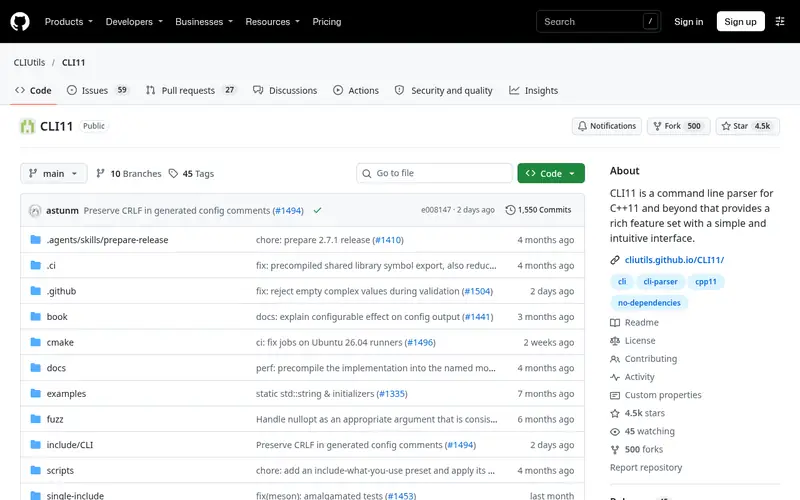
CLI11 is a header-only C++11 library for command-line parsing. It supports options, flags, positional arguments, subcommands, config files and built-in validation for types and ranges. Help output is generated from the option definitions. It works on Windows, macOS and Linux with any compiler that supports C++11 or later.
Because it is header-only, you can copy the headers into your tree or use a package manager. There is no separate build or link step. The library is permissively licensed and actively maintained on GitHub. The main cost is size: the header is larger than minimal parsers, and the subcommand and config-file features take some reading to use well. Teams that only need a few flags may find it more than they need. Teams building multi-command tools will get the most from it.
Standout: Header-only with subcommands, config files and validation
Free (open source), as listed by the vendor (CLI11 website). Confirm the current plan price before you buy.
Free plan. Plans change, so confirm on the vendor's pricing page before you buy.
Benefits
- Header-only with subcommands, config files and validation
- single include, no build step
Drawbacks
- Larger header than minimal parsers
- feature set takes time to learn
Skip it if this limit matters to you: larger header than minimal parsers.
Verdict. A sensible pick for full-featured header-only parsing with subcommands and config files.
Alternatives in this guide: cxxopts, argparse, Boost.Program_options
cxxopts
Best for small header-only parser for simple command-line tools
What it is and where it fits
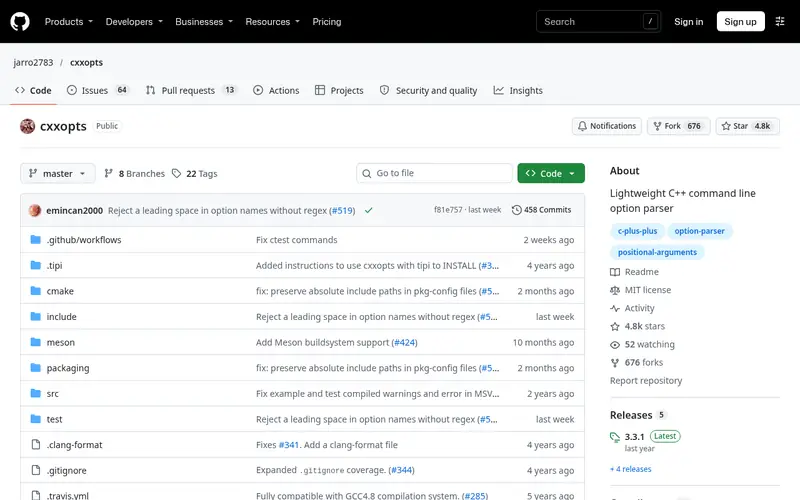
cxxopts is a lightweight header-only C++ library for parsing command-line options. You declare options with names, short forms, descriptions and default values, then parse argc and argv. It handles flags, values, positional arguments and help text. It requires C++11 or later and works across major platforms.
The API is small, so a new contributor can read the whole usage example and start. It is a good fit for small utilities, test harnesses and tools where a full framework would be overhead. It does not provide a subcommand system or config-file loading like CLI11, so multi-command tools need extra code. The project is open source and maintained on GitHub. Check the repository for the current release and compiler support before you adopt it.
Standout: Compact single header with a short learning curve
Free (open source), as listed by the vendor (cxxopts website). Confirm the current plan price before you buy.
Free plan. Plans change, so confirm on the vendor's pricing page before you buy.
Benefits
- Compact single header with a short learning curve
- supports positional args and default values
Drawbacks
- Fewer features than CLI11
- no built-in subcommand system
Skip it if this limit matters to you: fewer features than CLI11.
Verdict. A sensible pick for small header-only parser for simple command-line tools.
Alternatives in this guide: CLI11, argparse, Boost.Program_options
argparse
Best for python-style argument parsing in modern C++ projects
What it is and where it fits
argparse is a header-only C++ library modeled on Python's argparse module. It supports positional and optional arguments, subparsers, default values, type conversion and generated help text. The API will look familiar to anyone who has written Python command-line tools. It requires C++17, which matters if your project still targets older standards.
It is a single header, so integration is simple. Subparsers cover multi-command tools without a separate framework. The trade-off is a smaller user base than CLI11 or cxxopts, so fewer third-party examples exist. It is open source and maintained on GitHub. If your team writes both Python and C++, the shared mental model can reduce mistakes. Projects pinned to C++11 or C++14 should look at CLI11 or cxxopts instead.
Standout: Familiar API for developers coming from Python
Free (open source), as listed by the vendor (argparse website). Confirm the current plan price before you buy.
Free plan. Plans change, so confirm on the vendor's pricing page before you buy.
Benefits
- Familiar API for developers coming from Python
- header-only with subparser support
Drawbacks
- Requires C++17
- smaller community than CLI11 or cxxopts
Skip it if this limit matters to you: requires C++17.
Verdict. A sensible pick for python-style argument parsing in modern C++ projects.
Alternatives in this guide: CLI11, cxxopts, Boost.Program_options
Boost.Program_options
Best for projects already using Boost that need mature option handling
What it is and where it fits
Boost.Program_options is part of the Boost C++ libraries. It parses options from the command line, config files and environment variables through one interface. It supports typed values, default values, positional options and help generation. Because it is a compiled Boost library, you need to build or install Boost and link against it.
That dependency is the main reason to skip it if you are not already using Boost. For projects that do use Boost, it adds no new dependency and gives a well-tested parser. It is distributed under the Boost Software License. It is not header-only, so build times and deployment are heavier than with CLI11 or cxxopts. Check the Boost release notes for the version you plan to use.
Standout: Mature and widely used
Free (open source), as listed by the vendor (Boost.Program_options website). Confirm the current plan price before you buy.
Free plan. Plans change, so confirm on the vendor's pricing page before you buy.
Benefits
- Mature and widely used
- reads options from command line, config files and environment
Drawbacks
- Requires the Boost build and link step
- heavier than header-only parsers
Skip it if this limit matters to you: requires the Boost build and link step.
Verdict. A sensible pick for projects already using Boost that need mature option handling.
gflags
Best for maintaining older codebases that already depend on gflags
What it is and where it fits
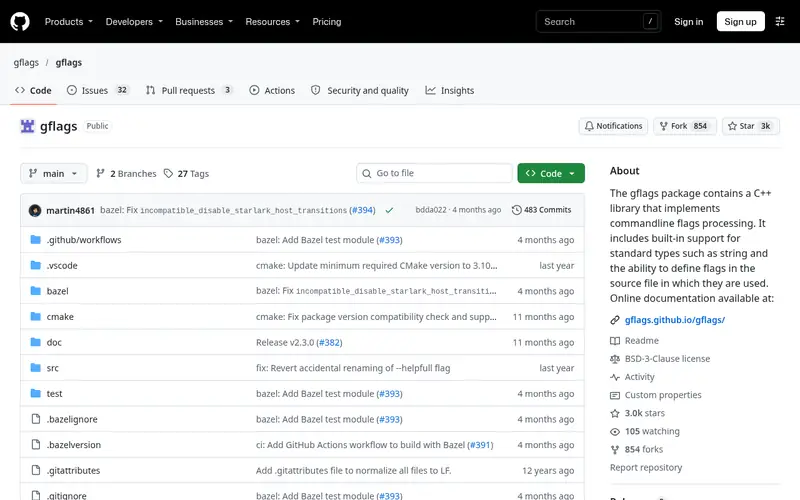
gflags is a C++ library for defining and parsing command-line flags. Flags are registered in code and parsed at startup, with generated help output. It has been used in many large C++ codebases and remains available on GitHub under a permissive licence.
The project is older, and Google now describes Abseil Flags as the successor for new code. That does not break existing users, but it means new features and guidance are likely to land in Abseil Flags instead. If you maintain a codebase that already uses gflags, staying on it is reasonable. For new projects, evaluate Abseil Flags first. Confirm the current release and compiler support on the repository before you commit.
Standout: Simple flag registration and built-in help
Free (open source), as listed by the vendor (gflags website). Confirm the current plan price before you buy.
Free plan. Plans change, so confirm on the vendor's pricing page before you buy.
Benefits
- Simple flag registration and built-in help
- long track record in existing code
Drawbacks
- Older design
- Google points new code to Abseil Flags
Skip it if this limit matters to you: older design.
Verdict. A sensible pick for maintaining older codebases that already depend on gflags.
Abseil Flags
Best for new Google-style C++ projects that want a maintained flag library
What it is and where it fits
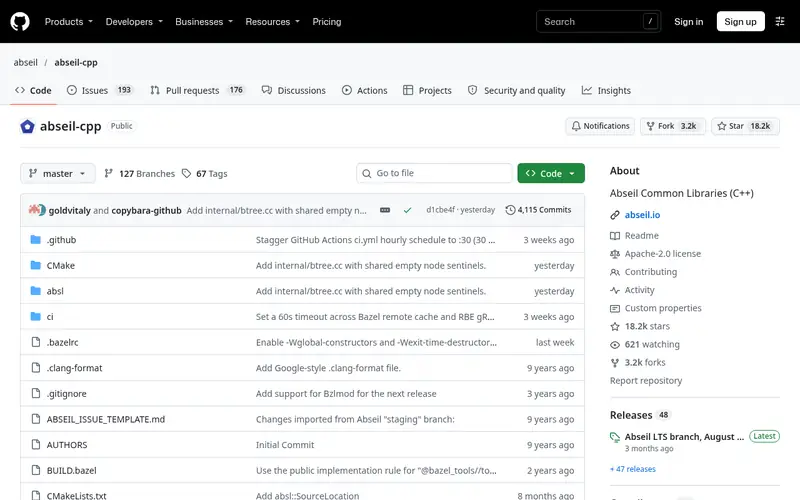
Abseil Flags is part of the Abseil C++ common libraries. It provides flag definitions, parsing and help output, and it is the library Google recommends over gflags for new code. It is designed to work alongside other Abseil components such as strings and logging.
Adopting it usually means adopting the Abseil build, which adds a dependency to your project. For teams already using Abseil, that cost is already paid. The API is not identical to gflags, so migrating existing flag code takes work. It is open source under the Apache 2.0 licence. Check the Abseil release notes for the supported compilers and the current flag API before you plan a migration.
Standout: Actively maintained by Google
Free (open source), as listed by the vendor (Abseil Flags website). Confirm the current plan price before you buy.
Free plan. Plans change, so confirm on the vendor's pricing page before you buy.
Benefits
- Actively maintained by Google
- integrates with the rest of Abseil
Drawbacks
- Pulls in the Abseil build
- API differs from gflags
Skip it if this limit matters to you: pulls in the Abseil build.
Verdict. A sensible pick for new Google-style C++ projects that want a maintained flag library.
Who should use what
If you are building a multi-command tool with config files, start with CLI11. If you need a small parser for a single utility and want minimal setup, cxxopts is a good fit. If your project already depends on Boost, Boost.Program_options avoids a new dependency. If you maintain an older Google-style codebase on gflags, plan a move to Abseil Flags for new code. Teams writing C++17 and coming from Python may prefer argparse for its familiar API.
Questions to settle before you buy
What to check before you buy
- Confirm the library supports your compiler and the C++ standard your project targets.
- Check whether it is header-only or needs a build and link step, and whether that fits your build system.
- Verify the licence is compatible with how you ship your product.
- Test help output, error messages and default values against your users' expectations.
- Review the repository activity and release history to judge maintenance.
FAQ
Are these C++ CLI parsing libraries free?
Yes. CLI11, cxxopts, argparse, gflags and Abseil Flags are free and open source. Boost.Program_options ships with Boost under the Boost Software License. Check each project's licence file for the exact terms.
Do I need a build step to use CLI11 or cxxopts?
No. Both are header-only, so you can add the headers to your project and include them. Boost.Program_options and Abseil Flags are compiled libraries, so they need a build or install step and linking.
Is gflags still a good choice?
It still works and remains available, but Google now points new code to Abseil Flags. Existing projects that depend on gflags can stay on it. New projects should evaluate Abseil Flags first.
Which library supports subcommands?
CLI11 supports subcommands directly, and argparse supports subparsers. cxxopts does not provide a built-in subcommand system, so multi-command tools need extra code. Boost.Program_options handles options rather than subcommands.
Does parsing command-line arguments send data anywhere?
No. These libraries parse arguments inside your own process. Nothing is uploaded. That is different from pasting data into a third-party web page, which you should avoid for secrets, tokens or production data.
Sources we checked
Method: how we score · editorial policy.
Change log. First published 27 Nov 2026.