Stage 01 · Write · Researched comparison
Best Command-Line File Managers in 2026
Ranger is the first pick for most developers who want a terminal file manager with a three-column layout, file previews and Vim-style keys. If you want something faster and smaller, look at nnn or lf. If you prefer a two-panel layout with a long history and built-in editor, Midnight Commander (mc) is the safer choice. All of these run in a terminal, so they work over SSH and on servers without a desktop.

By Shihab Mia
Published 22 Nov 2026 · 7 tools compared
We run no ads and no affiliate links at launch. The order of a list follows our published method. See how we score.
Prices are the starting prices vendors list publicly. Plans change, so confirm the current price on the vendor page before you buy.
Key takeaways
- Ranger, nnn, lf, Vifm, broot and xplr are free and open source; Midnight Commander is also free and open source.
- Most of these tools run on Linux and macOS; Midnight Commander and nnn also run on Windows through WSL or native builds.
- None of these tools send your files anywhere; they run locally in your terminal, which matters when you work with private data.
Who each pick is for
- Developers who want a Vim-like three-column file browser with previewsRanger
- Users who want a fast, small file manager with few dependenciesnnn
- Developers who want a ranger-like layout in a single Go binarylf
- Users who want a classic two-panel manager with a built-in editorMidnight Commander (mc)
- Vim users who want a two-panel manager with Vim-style editingVifm
- Developers who want fuzzy search and tree navigation in the terminalbroot
- Developers who want a hackable, keyboard-driven file explorerxplr
Comparison
| Tool | Best for | Standout feature | Listed starting price | Free plan or trial |
|---|---|---|---|---|
| 1Ranger | Developers who want a Vim-like three-column file browser with previews | Three-column Miller layout with file previews | Free (open source) | Free plan |
| 2nnn | Users who want a fast, small file manager with few dependencies | Very fast startup and low memory use | Free (open source) | Free plan |
| 3lf | Developers who want a ranger-like layout in a single Go binary | Single binary with no runtime dependencies | Free (open source) | Free plan |
| 4Midnight Commander (mc) | Users who want a classic two-panel manager with a built-in editor | Two-panel layout with a built-in editor and viewer | Free (open source) | Free plan |
| 5Vifm | Vim users who want a two-panel manager with Vim-style editing | Vim-like key bindings and command mode | Free (open source) | Free plan |
| 6broot | Developers who want fuzzy search and tree navigation in the terminal | Fuzzy search and tree view in one tool | Free (open source) | Free plan |
| 7xplr | Developers who want a hackable, keyboard-driven file explorer | Highly configurable with Lua plugins | Free (open source) | Free plan |
How we picked
We picked tools that genuinely work as command-line file managers: they browse directories, run file operations and work over SSH. We checked platform support, licence and price on vendor pages and project repositories, and we noted whether previews or plugins need extra software. We did not run benchmarks or surveys. Prices and free-trial terms change, so confirm them on the vendor site before you commit.
The tools, one by one
Ranger
Best for developers who want a Vim-like three-column file browser with previews
What it is and where it fits
Ranger is a terminal file manager written in Python. It shows the parent directory, the current directory and a preview of the selected file in three columns. You move with hjkl, open files with Enter and run shell commands from a console. File previews for images, PDFs and archives depend on external programs such as w3m, pdftotext or atool, so you need to install those separately.
It runs on Linux and macOS, and on Windows through WSL. Ranger is free and open source under the GNU GPL. The main limits are startup speed on large directories and the Python dependency, which can be awkward on minimal servers. Developers who want a lighter binary or a pure shell approach should look at nnn or lf instead.
Standout: Three-column Miller layout with file previews
Free (open source), as listed by the vendor (Ranger website). Confirm the current plan price before you buy.
Free plan. Plans change, so confirm on the vendor's pricing page before you buy.
Benefits
- Three-column Miller layout with file previews
- Vim-style key bindings and a command console
Drawbacks
- Preview of some file types needs external tools
- configuration lives in Python files, which some users find heavy
Skip it if this limit matters to you: preview of some file types needs external tools.
Verdict. A sensible pick for developers who want a Vim-like three-column file browser with previews.
Alternatives in this guide: nnn, lf, Midnight Commander (mc)
nnn
Best for users who want a fast, small file manager with few dependencies
What it is and where it fits
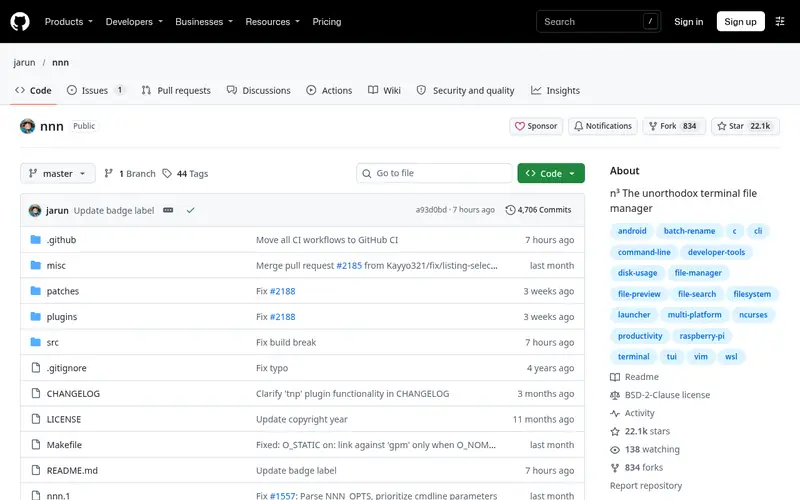
nnn (n³) is a terminal file manager written in C. It aims to be fast and small, with no config file required to start. You can open it, move around with arrow keys or hjkl, and use the context-sensitive help. File previews, batch rename and disk usage views come through plugins and the `nuke` and `picker` helper scripts.
It runs on Linux, macOS, BSD and other Unix-like systems, and on Windows through WSL. nnn is free and open source under the BSD 2-Clause licence. The trade-off is that the default setup is minimal: if you want previews and a file picker out of the box, ranger or lf may need less setup. Users who want a single small binary and are willing to add plugins should try nnn first.
Standout: Very fast startup and low memory use
Free (open source), as listed by the vendor (nnn website). Confirm the current plan price before you buy.
Free plan. Plans change, so confirm on the vendor's pricing page before you buy.
Benefits
- Very fast startup and low memory use
- plugin system and many key bindings for batch operations
Drawbacks
- No built-in file previews without plugins
- the default key map takes time to learn
Skip it if this limit matters to you: no built-in file previews without plugins.
Verdict. A sensible pick for users who want a fast, small file manager with few dependencies.
Alternatives in this guide: Ranger, lf, Midnight Commander (mc)
lf
Best for developers who want a ranger-like layout in a single Go binary
What it is and where it fits
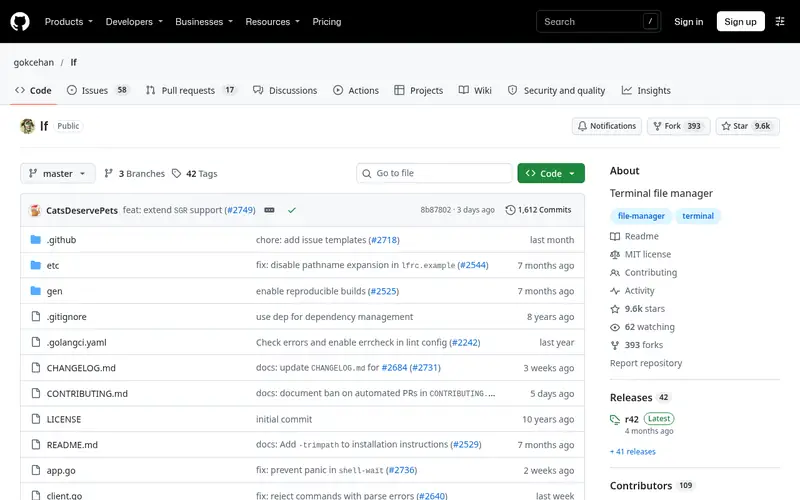
lf (list files) is a terminal file manager written in Go. It borrows ranger's three-column layout and key bindings but ships as one binary, so you do not need Python on the target machine. Previews are configured with shell commands in `lfrc`, which gives you control but means you write more of the setup yourself.
It runs on Linux, macOS, BSD and Windows. lf is free and open source under the MIT licence. The main limits are that the default configuration is sparse and the documentation assumes comfort with shell scripting. Developers who liked ranger but want a static binary, or who work on servers where Python is not installed, should start with lf.
Standout: Single binary with no runtime dependencies
Free (open source), as listed by the vendor (lf website). Confirm the current plan price before you buy.
Free plan. Plans change, so confirm on the vendor's pricing page before you buy.
Benefits
- Single binary with no runtime dependencies
- ranger-compatible key bindings and a configurable preview system
Drawbacks
- Configuration is done through shell commands, which can be verbose
- fewer built-in features than ranger
Skip it if this limit matters to you: configuration is done through shell commands, which can be verbose.
Verdict. A sensible pick for developers who want a ranger-like layout in a single Go binary.
Alternatives in this guide: Ranger, nnn, Midnight Commander (mc)
Midnight Commander (mc)
Best for users who want a classic two-panel manager with a built-in editor
What it is and where it fits
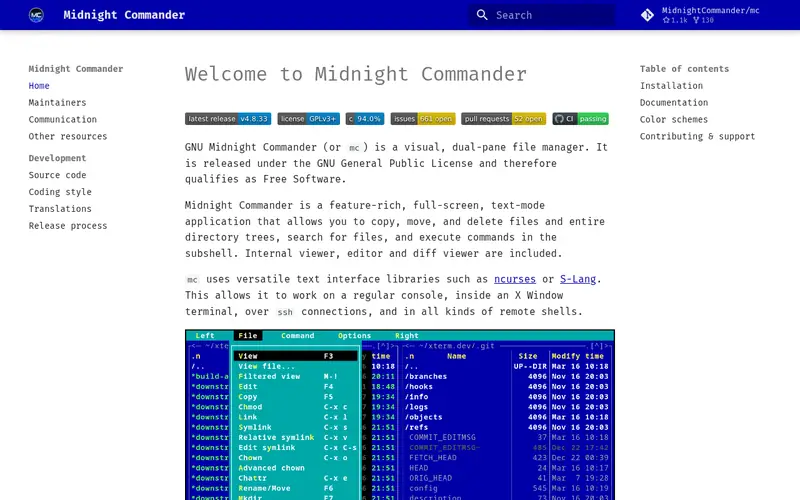
Midnight Commander is a two-panel terminal file manager with a long history. It includes an internal editor (mcedit), a viewer, a diff tool and a file finder. The function-key menu at the bottom makes it usable without memorizing keys, which helps on unfamiliar systems. It handles archives as directories and supports FTP and SFTP through virtual file systems.
It runs on Linux, macOS, Windows (native build and WSL) and other Unix-like systems. mc is free and open source under the GNU GPL. The main limits are the older interface and slower navigation compared with keyboard-driven tools. Developers who need a file manager on a Windows server or who prefer menus over key bindings should consider mc.
Standout: Two-panel layout with a built-in editor and viewer
Free (open source), as listed by the vendor (Midnight Commander (mc) website). Confirm the current plan price before you buy.
Free plan. Plans change, so confirm on the vendor's pricing page before you buy.
Benefits
- Two-panel layout with a built-in editor and viewer
- works over SSH and on many platforms
Drawbacks
- Interface feels dated
- mouse and menu navigation is slower than keyboard-only tools
Skip it if this limit matters to you: interface feels dated.
Verdict. A sensible pick for users who want a classic two-panel manager with a built-in editor.
Vifm
Best for vim users who want a two-panel manager with Vim-style editing
What it is and where it fits
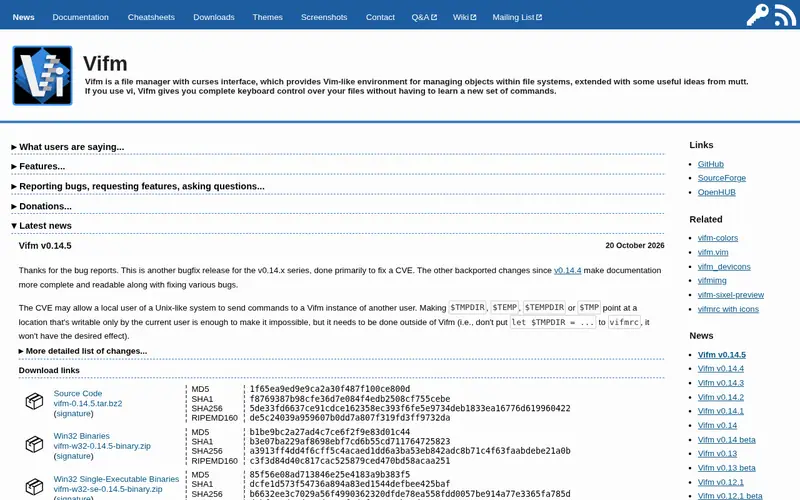
Vifm is a terminal file manager with a two-panel layout and Vim-style keys. It supports command mode with `:` commands, marks, registers and macros, so Vim users can reuse habits. It runs file operations in the background and can compare directories. A built-in `:!` command runs shell commands on selected files.
It runs on Linux, macOS, BSD and Windows (through Cygwin or WSL). Vifm is free and open source under the GNU GPL. The main limits are the learning curve for people who do not already use Vim and the amount of configuration needed to match ranger's previews. Developers who live in Vim and want a file manager that feels the same should try Vifm.
Standout: Vim-like key bindings and command mode
Free (open source), as listed by the vendor (Vifm website). Confirm the current plan price before you buy.
Free plan. Plans change, so confirm on the vendor's pricing page before you buy.
Benefits
- Vim-like key bindings and command mode
- two-panel layout with background operations
Drawbacks
- Steeper learning curve for non-Vim users
- configuration is spread across several files
Skip it if this limit matters to you: steeper learning curve for non-Vim users.
Verdict. A sensible pick for vim users who want a two-panel manager with Vim-style editing.
broot
Best for developers who want fuzzy search and tree navigation in the terminal
What it is and where it fits
broot is a terminal tool for navigating directory trees with fuzzy search. You type a pattern and broot filters the tree, then you can open files, run commands or change directories. It also has a preview panel and a `br` shell function that lets you change the parent shell's directory.
It runs on Linux, macOS and Windows. broot is free and open source under the MIT licence. The main limit is scope: it is better at finding and jumping than at bulk file operations, so it complements rather than replaces a two-panel manager. Developers who mostly need to find files fast and change directories should use broot alongside one of the managers above.
Standout: Fuzzy search and tree view in one tool
Free (open source), as listed by the vendor (broot website). Confirm the current plan price before you buy.
Free plan. Plans change, so confirm on the vendor's pricing page before you buy.
Benefits
- Fuzzy search and tree view in one tool
- previews and a command launcher
Drawbacks
- Not a full two-panel file manager
- some features depend on shell integration
Skip it if this limit matters to you: not a full two-panel file manager.
Verdict. A sensible pick for developers who want fuzzy search and tree navigation in the terminal.
xplr
Best for developers who want a hackable, keyboard-driven file explorer
What it is and where it fits
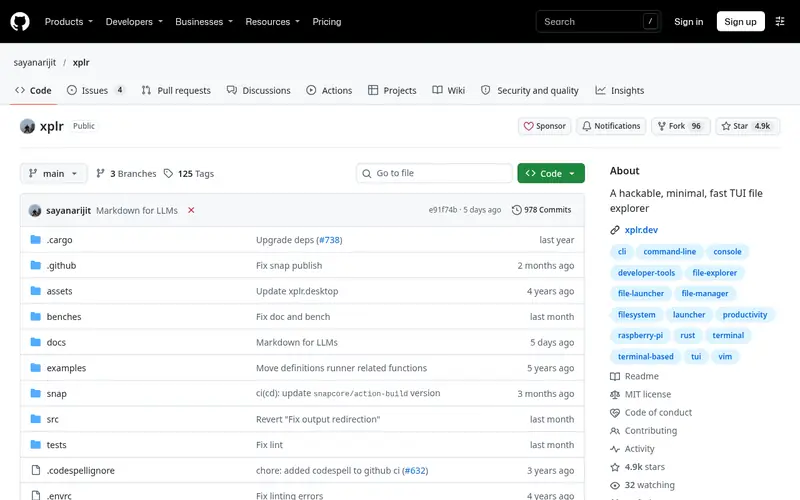
xplr is a terminal file explorer written in Rust. It is keyboard-driven and configured through Lua, so you can add custom modes, layouts and commands. It supports a tree view, previews and a selection mode for batch operations. The project describes itself as hackable, and the configuration is where most of its power sits.
It runs on Linux, macOS and Windows. xplr is free and open source under the MIT licence. The main limits are the smaller community and the amount of configuration needed to get a full setup. Developers who enjoy tuning their tools and want a Rust-based alternative to ranger should look at xplr.
Standout: Highly configurable with Lua plugins
Free (open source), as listed by the vendor (xplr website). Confirm the current plan price before you buy.
Free plan. Plans change, so confirm on the vendor's pricing page before you buy.
Benefits
- Highly configurable with Lua plugins
- fast and keyboard-driven
Drawbacks
- Small community compared with ranger
- configuration requires reading the docs
Skip it if this limit matters to you: small community compared with ranger.
Verdict. A sensible pick for developers who want a hackable, keyboard-driven file explorer.
Who should use what
If you want a familiar three-column layout with previews and you already know Vim keys, start with ranger. If you work on minimal servers and want one small binary, use lf or nnn. If you need a two-panel manager with a built-in editor on Windows or an older Unix box, use Midnight Commander. If you live in Vim and want matching key bindings, try Vifm. If your main task is finding files fast, add broot. If you want a hackable, keyboard-driven explorer, try xplr.
Questions to settle before you buy
What to check before you buy
- Confirm the tool runs on your target OS, including remote servers and WSL if you use Windows.
- Check whether previews need external programs such as w3m, pdftotext or atool.
- Read the licence and confirm the current terms on the project page.
- Test the key bindings against your habits; Vim-style tools suit Vim users best.
- Check that the project is still maintained by looking at recent commits and releases.
FAQ
Do I need a GUI to use these file managers?
No. All the tools listed here run inside a terminal, so they work over SSH and on servers without a desktop.
Are these tools free?
Ranger, nnn, lf, Midnight Commander, Vifm, broot and xplr are free and open source.
Which one works best over SSH?
Any of the terminal tools work over SSH. lf and nnn are good choices on minimal servers because they ship as small binaries with few dependencies. ranger needs Python, and previews may need extra programs.
Can I use these on Windows?
Midnight Commander has a native Windows build. lf, broot and xplr also run on Windows. Ranger, nnn and Vifm are typically used through WSL or Cygwin on Windows.
Do these tools send my files anywhere?
No. They run locally in your terminal and operate on your local or mounted file systems. They do not upload files to third-party services.
Sources we checked
Method: how we score · editorial policy.
Change log. First published 22 Nov 2026.