Stage 01 · Write · Researched comparison
Best Code Spell Checkers for Developers in 2026
Code Spell Checker by Street Side Software is the first pick for most developers. It is a free, open-source extension for Visual Studio Code that checks identifiers, comments and strings while you type. For teams that want spelling checks in CI or across many file types, cspell is the better fit. For Vim and Neovim users, the built-in spell checker covers the job without leaving the editor.

By Shihab Mia
Published 22 Nov 2026 · 6 tools compared
We run no ads and no affiliate links at launch. The order of a list follows our published method. See how we score.
Prices are the starting prices vendors list publicly. Plans change, so confirm the current price on the vendor page before you buy.
Key takeaways
- Code Spell Checker is free and open source, runs inside VS Code, and adds a quick-fix menu for flagged words.
- cspell is free and open source, works from the command line, and can run in CI to block misspellings in a codebase.
- Editor spell checkers only cover text you open in that editor, so CI tools catch errors in files nobody reviews.
- None of these tools send your code to a remote service by default, which matters for private repositories.
Who each pick is for
- VS Code users who want inline spelling checksCode Spell Checker
- Teams that want spelling checks in CI and many editorscspell
- Fast CLI spelling checks with few false positivesTypos
- Prose and documentation with grammar checksLanguageTool
- Scripted spelling checks on plain textAspell
- Dictionary-based checks in custom toolingHunspell
Comparison
| Tool | Best for | Standout feature | Listed starting price | Free plan or trial |
|---|---|---|---|---|
| 1Code Spell Checker | VS Code users who want inline spelling checks | Checks code identifiers, comments and strings as you type | Free (open source) | Free plan |
| 2cspell | Teams that want spelling checks in CI and many editors | Runs from the command line and in CI | Free (open source) | Free plan |
| 3Typos | Fast CLI spelling checks with few false positives | Very fast on large repositories | Free (open source) | Free plan |
| 4LanguageTool | Prose and documentation with grammar checks | Checks grammar and style as well as spelling | Free | Free plan |
| 5Aspell | Scripted spelling checks on plain text | Mature and scriptable | Free (open source) | Free plan |
| 6Hunspell | Dictionary-based checks in custom tooling | Widely used dictionary format | Free (open source) | Free plan |
How we picked
We picked tools that actually check spelling in a code context, whether inside an editor, from the command line or in CI. We looked at platform support, licence and price, whether checks run locally or send text to a server, and the main limits of each tool. Sources are vendor pages, project documentation and public repositories. Prices and free-tier limits change, so confirm details on the vendor site before you commit.
The tools, one by one
Code Spell Checker
Best for vS Code users who want inline spelling checks
What it is and where it fits
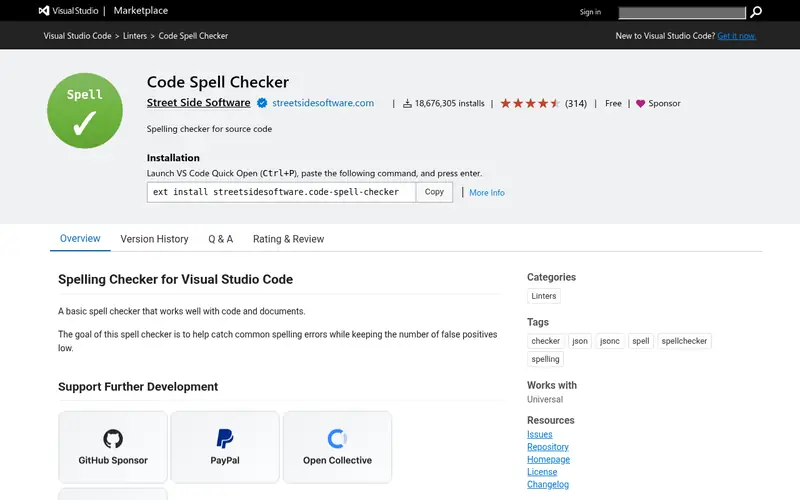
Code Spell Checker is a Visual Studio Code extension from Street Side Software. It flags misspelled words in comments, strings and identifiers, and offers a quick-fix menu to add words to a workspace or user dictionary. It supports many languages through separate dictionary extensions.
The extension is free and open source under the MIT license. It runs locally in the editor and does not send code to a server. Configuration lives in VS Code settings, so teams can commit a shared dictionary to a repository. The main limit is scope: it only checks files opened in VS Code, so it does not catch errors in generated files or code merged without review.
Skip it if your team uses several editors or wants spelling enforced in CI. In that case, pair it with a command-line tool.
Standout: Checks code identifiers, comments and strings as you type
Free (open source), as listed by the vendor (Code Spell Checker website). Confirm the current plan price before you buy.
Free plan. Plans change, so confirm on the vendor's pricing page before you buy.
Benefits
- Checks code identifiers, comments and strings as you type
- quick-fix menu and project dictionary support
Drawbacks
- Only works inside VS Code
- large dictionaries can slow very large files
Skip it if this limit matters to you: only works inside VS Code.
Verdict. A sensible pick for VS Code users who want inline spelling checks.
Alternatives in this guide: cspell, Typos, LanguageTool
cspell
Best for teams that want spelling checks in CI and many editors
What it is and where it fits
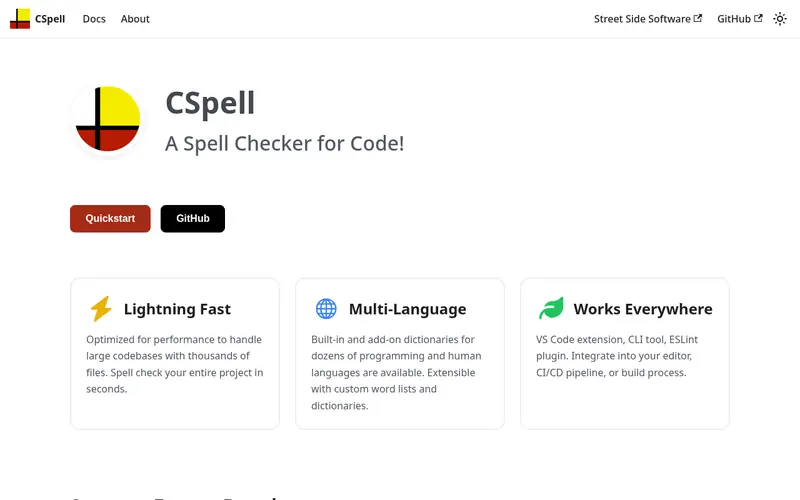
cspell is an open-source spell checker for code, maintained by Street Side Software. It runs from the command line, so you can check a whole repository or a single file. It also has integrations for many editors and build systems, and a configuration file lets you define words, ignore paths and set language.
Because it runs in CI, cspell catches misspellings in files that never pass through an editor. That makes it useful for documentation, configuration files and generated code. The tradeoff is setup: a large codebase will need a custom dictionary and ignore rules before the check passes cleanly.
cspell is free and open source. It does not send code to a remote service. Teams that want a single gate for spelling across a repository should start here.
Standout: Runs from the command line and in CI
Free (open source), as listed by the vendor (cspell website). Confirm the current plan price before you buy.
Free plan. Plans change, so confirm on the vendor's pricing page before you buy.
Benefits
- Runs from the command line and in CI
- supports many file types and custom dictionaries
Drawbacks
- Requires configuration to avoid false positives
- no inline editor UI on its own
Skip it if this limit matters to you: requires configuration to avoid false positives.
Verdict. A sensible pick for teams that want spelling checks in CI and many editors.
Alternatives in this guide: Code Spell Checker, Typos, LanguageTool
Typos
Best for fast CLI spelling checks with few false positives
What it is and where it fits
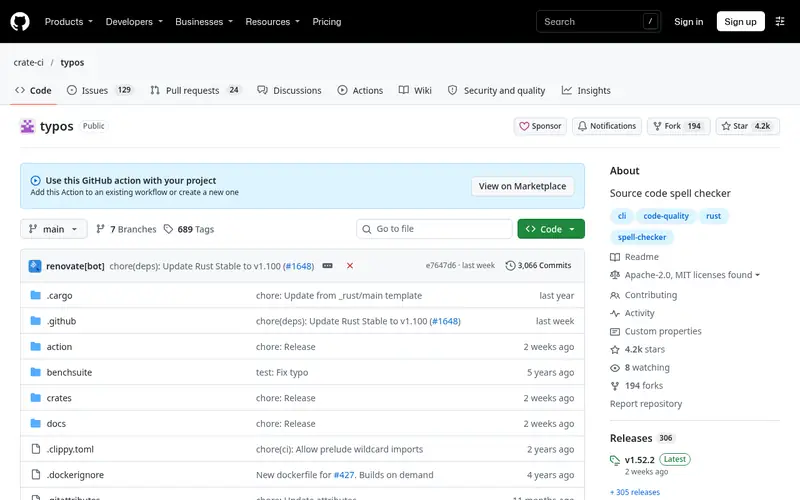
Typos is an open-source spell checker from crate-ci. It is written in Rust and designed to find common typographical errors rather than check every word against a full dictionary. That design keeps false positives low, so it can run on a whole repository without a large custom word list.
It runs from the command line and can be added to CI. It supports many file types and has a configuration file for excluding paths and adding corrections. Because it targets typos rather than general spelling, it will not flag an unusual but correctly spelled word, which is usually what teams want in code.
Typos is free and open source. It runs locally and does not send code anywhere. It suits teams that want a fast, low-maintenance check and are willing to accept that it catches fewer errors than a full dictionary checker.
Standout: Very fast on large repositories
Free (open source), as listed by the vendor (Typos website). Confirm the current plan price before you buy.
Free plan. Plans change, so confirm on the vendor's pricing page before you buy.
Benefits
- Very fast on large repositories
- low false-positive rate by design
Drawbacks
- Focused on common typos rather than full dictionary checks
- fewer editor integrations
Skip it if this limit matters to you: focused on common typos rather than full dictionary checks.
Verdict. A sensible pick for fast CLI spelling checks with few false positives.
Alternatives in this guide: Code Spell Checker, cspell, LanguageTool
LanguageTool
Best for prose and documentation with grammar checks
What it is and where it fits
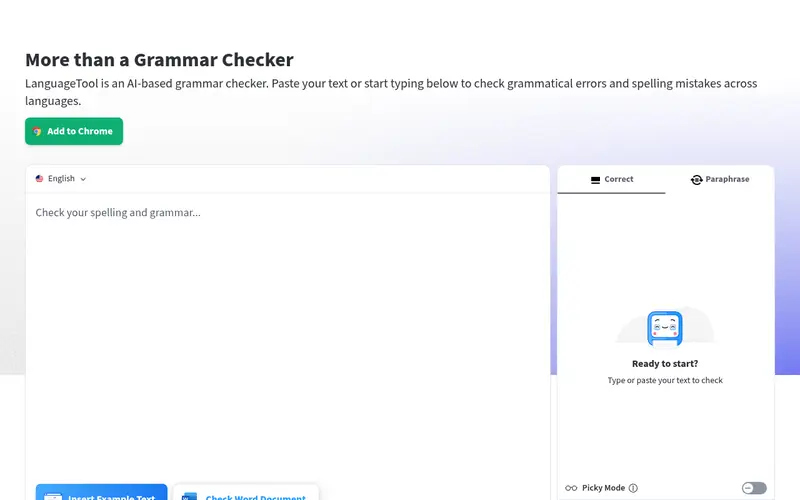
LanguageTool is an open-source grammar and spelling checker with a hosted service and a self-hosted option. It is aimed at prose, so it fits README files, documentation and commit messages better than code identifiers. It has browser extensions and editor plugins, and an API for automation.
The free hosted tier has limits on text length per check, and a paid Premium tier adds more checks. The open-source core can be self-hosted, which keeps text on your own infrastructure. For code comments and docs, it catches grammar issues that a pure spell checker misses.
Skip it for checking variable names or string literals. It is a prose tool, and its suggestions will be noisy on code. Use it alongside a code-focused checker rather than instead of one.
Standout: Checks grammar and style as well as spelling
Free, as listed by the vendor (LanguageTool website). Confirm the current plan price before you buy.
Free plan. Plans change, so confirm on the vendor's pricing page before you buy.
Benefits
- Checks grammar and style as well as spelling
- works in browsers and many editors
Drawbacks
- Free tier has text length limits
- not designed for code identifiers
Skip it if this limit matters to you: free tier has text length limits.
Verdict. A sensible pick for prose and documentation with grammar checks.
Alternatives in this guide: Code Spell Checker, cspell, Typos
Aspell
Best for scripted spelling checks on plain text
What it is and where it fits
Aspell is an open-source spell checker with a command-line interface and libraries for several languages. It has been available for many years and is packaged for most Linux distributions and macOS package managers. You can run it on plain text files and script it into a build step.
It is not code-aware. It treats input as plain text, so it will flag identifiers and code tokens unless you filter them first. That makes it a poor fit for checking source files directly, but a reasonable choice for checking documentation or extracted comments.
Aspell is free and open source and runs locally. Development is slow compared with newer tools, so check that your language dictionary is current before relying on it.
Standout: Mature and scriptable
Free (open source), as listed by the vendor (Aspell website). Confirm the current plan price before you buy.
Free plan. Plans change, so confirm on the vendor's pricing page before you buy.
Benefits
- Mature and scriptable
- available in most package managers
Drawbacks
- No code-aware parsing
- limited active development
Skip it if this limit matters to you: no code-aware parsing.
Verdict. A sensible pick for scripted spelling checks on plain text.
Alternatives in this guide: Code Spell Checker, cspell, Typos
Hunspell
Best for dictionary-based checks in custom tooling
What it is and where it fits
Hunspell is an open-source spell checker and morphological analyzer. It is the dictionary engine behind many editors and tools, including LibreOffice and Firefox. You can use it directly from the command line or through its libraries to build your own checker.
For code, Hunspell is a building block rather than a finished tool. It does not know about code syntax, so you need a wrapper to extract comments and strings before checking them. Its strength is broad language support and a stable dictionary format.
Hunspell is free and open source and runs locally. Teams building a custom spell-check step should consider it. Teams that want a ready-made editor extension or CI command should pick one of the tools above instead.
Standout: Widely used dictionary format
Free (open source), as listed by the vendor (Hunspell website). Confirm the current plan price before you buy.
Free plan. Plans change, so confirm on the vendor's pricing page before you buy.
Benefits
- Widely used dictionary format
- libraries for many languages
Drawbacks
- Not a complete tool on its own
- needs a wrapper for code files
Skip it if this limit matters to you: not a complete tool on its own.
Verdict. A sensible pick for dictionary-based checks in custom tooling.
Alternatives in this guide: Code Spell Checker, cspell, Typos
Who should use what
A solo developer working in VS Code should install Code Spell Checker and add a project dictionary. A team that wants spelling enforced on every pull request should add cspell or Typos to CI. A technical writer editing Markdown in Vim should use the built-in spell checker with a LanguageTool server. A team building a custom documentation pipeline should look at Hunspell or Aspell as a library rather than a finished tool.
Questions to settle before you buy
What to check before you buy
- Confirm the tool runs where your team writes code, whether that is an editor, a terminal or CI.
- Check whether checks run locally or send text to a remote service, especially for private repositories.
- Test the false-positive rate on your codebase before enforcing the check in CI.
- Confirm the licence and price for your team size and whether a paid tier is needed.
- Check that dictionaries exist for the languages and file types you use.
FAQ
Do code spell checkers send my code to a server?
Most editor extensions and CLI tools run locally by default. LanguageTool's hosted service does send text to a server, so use the self-hosted option for private code. Check each tool's documentation before use.
Can a spell checker catch errors in variable names?
Yes, tools like Code Spell Checker and cspell split identifiers into words and check each part. They flag misspellings in names like `recieve` and suggest fixes. They do not check whether a name is a good choice.
Should I run a spell checker in CI?
It helps for documentation, comments and configuration files that reviewers may skip. Start with a warning-only step, fix false positives with a custom dictionary, then make it blocking once the check is clean.
Are these tools free?
Code Spell Checker, cspell, Typos, Aspell and Hunspell are free and open source. LanguageTool has a free tier with limits and a paid tier. Confirm current terms on each vendor page.
What is the difference between a spell checker and a linter?
A linter checks code style and potential bugs, such as unused variables or risky patterns. A spell checker checks words in comments, strings and identifiers. Most teams use both.
Sources we checked
Method: how we score · editorial policy.
Change log. First published 22 Nov 2026.