Stage 01 · Write · Researched comparison
Best Code Complexity Analysis Tools in 2026
SonarQube (Community Build) is the first pick for teams that want complexity analysis plus broad code quality checks across many languages. It suits teams running a shared server. For a fast local check inside one editor, use SonarLint or ESLint. For Python-only projects, Radon is a small command-line tool that reports cyclomatic complexity and maintainability metrics.

By Shihab Mia
Published 22 Nov 2026 · 7 tools compared
We run no ads and no affiliate links at launch. The order of a list follows our published method. See how we score.
Prices are the starting prices vendors list publicly. Plans change, so confirm the current price on the vendor page before you buy.
Key takeaways
- SonarQube Community Build is free and open source but self-hosted, so you run and maintain the server yourself.
- SonarLint is free and runs in the editor, which keeps your code local instead of sending it to a hosted service.
- ESLint is free and open source, and its built-in complexity rule flags functions above a threshold you set.
- Paid tiers exist for SonarQube and CodeScene; confirm current prices on the vendor pricing pages before you budget.
Who each pick is for
- Teams wanting a shared code quality serverSonarQube (Community Build)
- Developers who want complexity checks inside the editorSonarLint
- JavaScript and TypeScript projectsESLint
- Python projects needing command-line metricsRadon
- Java and other JVM language codebasesPMD
- Teams tracking complexity and code health over timeCodeScene
- Java teams enforcing style and complexity limitsCheckstyle
Comparison
| Tool | Best for | Standout feature | Listed starting price | Free plan or trial |
|---|---|---|---|---|
| 1SonarQube (Community Build) | Teams wanting a shared code quality server | Supports many languages | Free (open source) | Free plan |
| 2SonarLint | Developers who want complexity checks inside the editor | Runs locally in the IDE | Free | Free plan |
| 3ESLint | JavaScript and TypeScript projects | Built-in complexity rule with a threshold you set | Free (open source) | Free plan |
| 4Radon | Python projects needing command-line metrics | Reports cyclomatic complexity and maintainability index | Free (open source) | Free plan |
| 5PMD | Java and other JVM language codebases | Includes a cyclomatic complexity rule | Free (open source) | Free plan |
| 6CodeScene | Teams tracking complexity and code health over time | Combines complexity with change history | See vendor pricing page | Free trial (N days) |
| 7Checkstyle | Java teams enforcing style and complexity limits | Cyclomatic complexity check built in | Free (open source) | Free plan |
How we picked
We picked tools that directly report code complexity, such as cyclomatic or cognitive complexity, and that are actively maintained. We looked at language coverage, where the tool runs (editor, command line, CI or server), licence and pricing, and whether analysis stays local. We also noted the main limits, such as single-language support or the lack of a dashboard. Sources are vendor pages, documentation and project repositories. Prices change, so confirm them on the vendor site.
The tools, one by one
SonarQube (Community Build)
Best for teams wanting a shared code quality server
What it is and where it fits
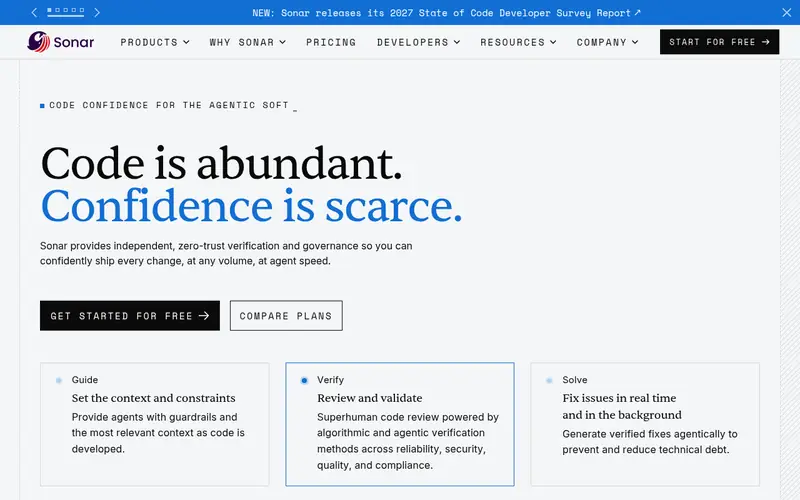
SonarQube analyzes source code and reports cognitive complexity, cyclomatic complexity and other quality measures. It runs as a self-hosted server with a web dashboard, so a team can see complexity trends per project and per branch. It supports a wide range of languages, including Java, JavaScript, TypeScript, Python, C# and Go.
The Community Build is free and open source. Paid editions add features such as branch analysis and more languages, and pricing is on the vendor site. Setup takes more effort than a single editor plugin because you install and maintain the server. Skip it if you only need a quick local check on one file.
Standout: Supports many languages
Free (open source), as listed by the vendor (SonarQube (Community Build) website). Confirm the current plan price before you buy.
Free plan. Plans change, so confirm on the vendor's pricing page before you buy.
Benefits
- Supports many languages
- Tracks complexity trends over time
Drawbacks
- Self-hosted server to maintain
- Community Build has fewer features than paid editions
Skip it if this limit matters to you: self-hosted server to maintain.
Verdict. A sensible pick for teams wanting a shared code quality server.
SonarLint
Best for developers who want complexity checks inside the editor
What it is and where it fits
SonarLint is an IDE extension that flags complexity and code quality issues while you write code. It runs locally, so your code stays on your machine. It works in VS Code, JetBrains IDEs, Visual Studio and Eclipse, and covers many languages.
The tool is free. It can connect to a SonarQube server to share rule settings, but that connection is optional. It does not replace a server-side dashboard for tracking complexity across a whole codebase over time. Use it as an early warning, not as your only measurement.
Standout: Runs locally in the IDE
Free, as listed by the vendor (SonarLint website). Confirm the current plan price before you buy.
Free plan. Plans change, so confirm on the vendor's pricing page before you buy.
Benefits
- Runs locally in the IDE
- Gives feedback as you type
Drawbacks
- Per-developer tool, not a team dashboard
- Some rules differ from the server product
Skip it if this limit matters to you: per-developer tool, not a team dashboard.
Verdict. A sensible pick for developers who want complexity checks inside the editor.
Alternatives in this guide: SonarQube (Community Build), ESLint, Radon
ESLint
Best for javaScript and TypeScript projects
What it is and where it fits
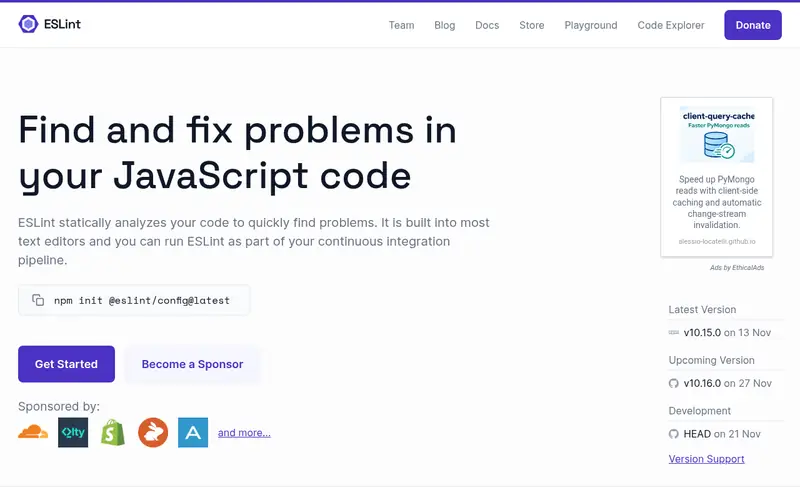
ESLint is a linter for JavaScript and TypeScript. Its built-in complexity rule reports functions whose cyclomatic complexity exceeds a limit you configure. You can also add rules for nesting depth and function length. It runs from the command line, in editors and in CI.
The project is free and open source under the MIT license. It is not a full complexity dashboard, so it will not chart trends over time. It fits teams that already lint JavaScript and want a complexity check without adding a separate service. Configure the threshold to match your codebase before you turn it on in CI.
Standout: Built-in complexity rule with a threshold you set
Free (open source), as listed by the vendor (ESLint website). Confirm the current plan price before you buy.
Free plan. Plans change, so confirm on the vendor's pricing page before you buy.
Benefits
- Built-in complexity rule with a threshold you set
- Large plugin ecosystem
Drawbacks
- JavaScript and TypeScript only
- Needs configuration to match your style
Skip it if this limit matters to you: javaScript and TypeScript only.
Verdict. A sensible pick for javaScript and TypeScript projects.
Alternatives in this guide: SonarQube (Community Build), SonarLint, Radon
Radon
Best for python projects needing command-line metrics
What it is and where it fits
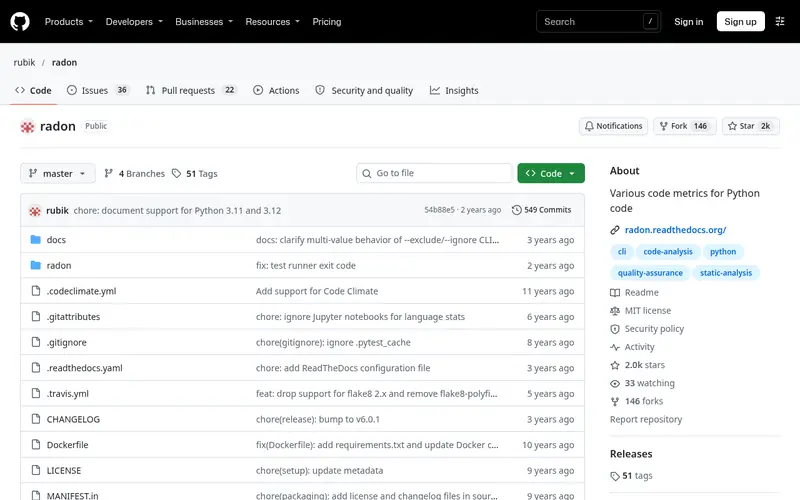
Radon is a Python tool that computes cyclomatic complexity, the maintainability index and raw metrics such as lines of code. It runs from the command line and can output plain text, JSON or a ranked list of the most complex blocks.
The project is free and open source. It has no server or dashboard, so trend tracking is up to you, for example by storing JSON output in CI. It is a good fit for Python teams that want a lightweight check. Skip it if you need multi-language coverage or a shared web UI.
Standout: Reports cyclomatic complexity and maintainability index
Free (open source), as listed by the vendor (Radon website). Confirm the current plan price before you buy.
Free plan. Plans change, so confirm on the vendor's pricing page before you buy.
Benefits
- Reports cyclomatic complexity and maintainability index
- Simple to run in CI
Drawbacks
- Python only
- Command-line output, no dashboard
Skip it if this limit matters to you: python only.
Verdict. A sensible pick for python projects needing command-line metrics.
Alternatives in this guide: SonarQube (Community Build), SonarLint, ESLint
PMD
Best for java and other JVM language codebases
What it is and where it fits
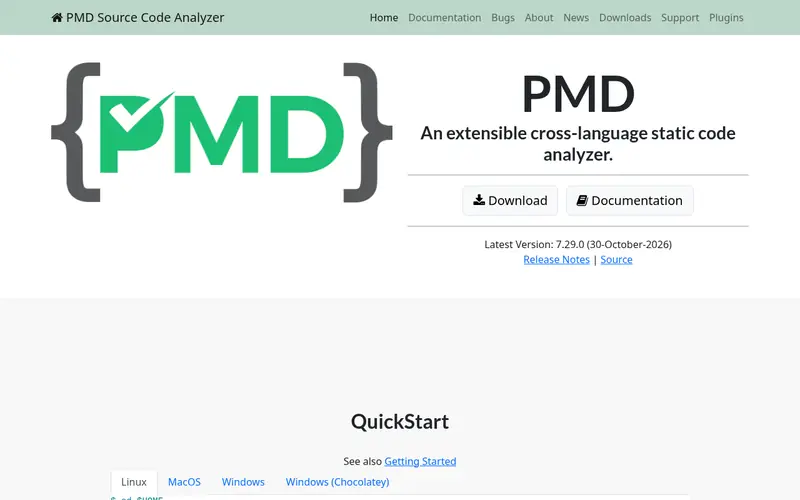
PMD is a static analysis tool with a cyclomatic complexity rule and many other rules for Java, Apex and other languages. It runs from the command line and integrates with Maven, Gradle and common CI systems. Reports can be written in several formats, including HTML and XML.
The project is free and open source. It is rule-driven, so you choose which checks run and at what thresholds. That flexibility means setup takes some work. It fits JVM teams that want complexity checks alongside other static analysis. It is not a hosted dashboard, so long-term trend tracking needs another layer.
Standout: Includes a cyclomatic complexity rule
Free (open source), as listed by the vendor (PMD website). Confirm the current plan price before you buy.
Free plan. Plans change, so confirm on the vendor's pricing page before you buy.
Benefits
- Includes a cyclomatic complexity rule
- Works with many build tools and CI
Drawbacks
- Configuration takes effort
- Rule tuning needed to avoid noise
Skip it if this limit matters to you: configuration takes effort.
Verdict. A sensible pick for java and other JVM language codebases.
Alternatives in this guide: SonarQube (Community Build), SonarLint, ESLint
CodeScene
Best for teams tracking complexity and code health over time
What it is and where it fits
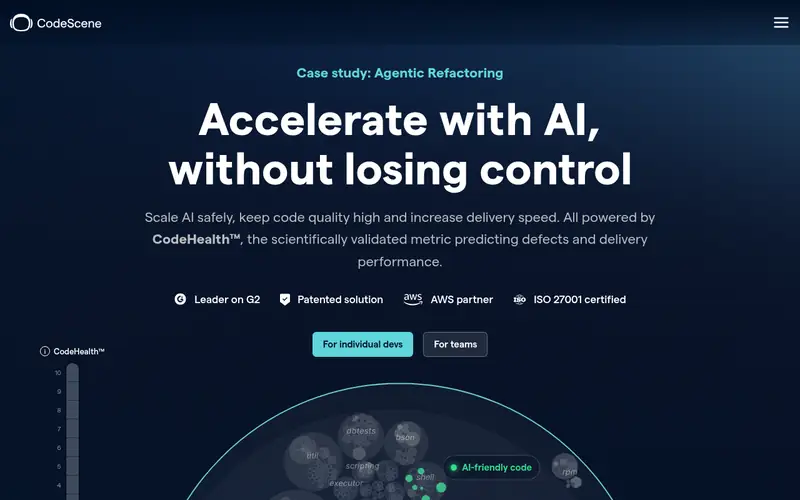
CodeScene analyzes code health and complexity and combines it with version control history to show which files change often and carry risk. It offers a web dashboard and integrations with common Git hosts and CI systems.
It is a commercial product. Pricing and trial length are on the vendor site, so confirm current terms before you commit. Because it uses change history, a shallow clone or a new repository gives weaker results. It suits teams that want to prioritize refactoring by risk. Skip it if you only need a per-function complexity number.
Standout: Combines complexity with change history
See vendor pricing page, as listed by the vendor (CodeScene website). Confirm the current plan price before you buy.
Free trial (N days). Plans change, so confirm on the vendor's pricing page before you buy.
Benefits
- Combines complexity with change history
- Web dashboard for teams
Drawbacks
- Paid product with a trial
- Full value needs repository history
Skip it if this limit matters to you: paid product with a trial.
Verdict. A sensible pick for teams tracking complexity and code health over time.
Alternatives in this guide: SonarQube (Community Build), SonarLint, ESLint
Checkstyle
Best for java teams enforcing style and complexity limits
What it is and where it fits
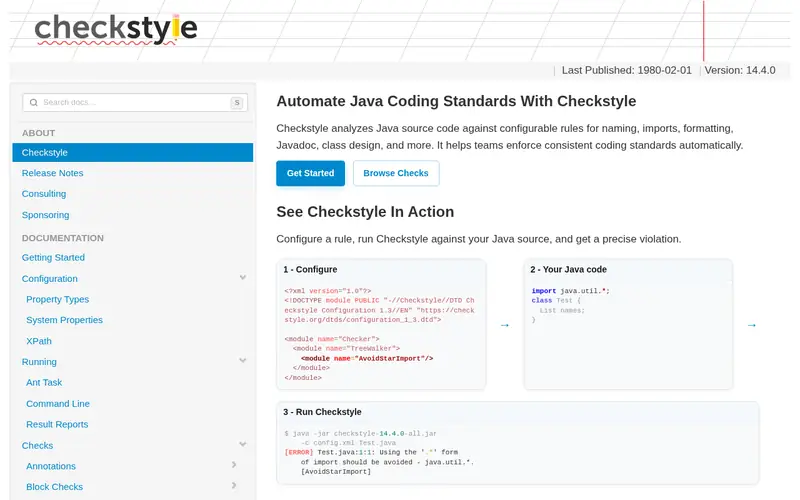
Checkstyle is a static analysis tool for Java that includes a cyclomatic complexity check along with many style rules. It runs from the command line and plugs into Maven, Gradle, Ant and CI servers. Results can fail a build when a threshold is crossed.
The project is free and open source. Its configuration is XML, which can get long, but it is well documented. It fits Java teams that already enforce style rules and want a complexity limit in the same pipeline. It does not produce a dashboard or trend charts, so pair it with a reporting tool if you need history.
Standout: Cyclomatic complexity check built in
Free (open source), as listed by the vendor (Checkstyle website). Confirm the current plan price before you buy.
Free plan. Plans change, so confirm on the vendor's pricing page before you buy.
Benefits
- Cyclomatic complexity check built in
- Widely used in Java build pipelines
Drawbacks
- Java focused
- XML configuration can be verbose
Skip it if this limit matters to you: java focused.
Verdict. A sensible pick for java teams enforcing style and complexity limits.
Alternatives in this guide: SonarQube (Community Build), SonarLint, ESLint
Who should use what
A solo developer who wants a quick check while coding should use SonarLint or ESLint in the editor. A JavaScript team that already lints should add the ESLint complexity rule and set a threshold. A Python team that wants command-line metrics should use Radon and store its JSON output in CI. A larger organization that wants a shared dashboard and trend tracking should look at SonarQube Community Build, or CodeScene if it needs change-history analysis and can pay for it.
Questions to settle before you buy
What to check before you buy
- Confirm the tool supports every language in your codebase, or plan for more than one tool.
- Check where analysis runs: local editor, CI or a server you must host.
- Decide whether you need trend tracking and a dashboard, or just a per-run number.
- Review the default complexity thresholds and tune them to your code before enforcing in CI.
- Confirm the licence and current price on the vendor page, and check whether code leaves your network.
FAQ
What is cyclomatic complexity?
Cyclomatic complexity counts the independent paths through a function, based on branches and loops. A higher number means more paths to test and usually harder-to-read code. Most tools in this list report it, and many let you set a threshold that fails a build.
Do these tools send my code to a server?
It depends on the tool. SonarLint, ESLint, Radon, PMD and Checkstyle run locally. SonarQube runs on a server you host yourself. CodeScene is a hosted commercial service, so review its data terms before you connect a private repository.
Can I measure complexity for free?
Yes. SonarQube Community Build, SonarLint, ESLint, Radon, PMD and Checkstyle are free or free and open source. CodeScene is paid with a trial. Free tools still cost setup time, and a self-hosted server needs maintenance.
Which tool works for more than one language?
SonarQube and SonarLint cover the widest range of languages in this list. ESLint is limited to JavaScript and TypeScript, Radon to Python, and PMD and Checkstyle are strongest on JVM languages. Multi-language teams often combine a server tool with editor plugins.
Should complexity checks fail the build?
Only after you tune thresholds to your codebase. Turning on a strict limit in CI too early blocks work on existing code. Start by reporting complexity, fix the worst functions, then enforce a limit so new code does not raise it.
Sources we checked
Method: how we score · editorial policy.
Change log. First published 22 Nov 2026.