Stage 01 · Write · Researched comparison
Best Character Encoding Converters in 2026
iconv is the first pick for most developers who need to convert text between character encodings. It is free, open source, and available on Linux, macOS, and through Windows ports. For scripted batch jobs, Python's codecs module or the command-line tool recode are solid alternatives. If you prefer a desktop editor with encoding controls, Notepad++ and Visual Studio Code both let you reopen and save files in a different encoding.

By Shihab Mia
Published 22 Nov 2026 · 7 tools compared
We run no ads and no affiliate links at launch. The order of a list follows our published method. See how we score.
Prices are the starting prices vendors list publicly. Plans change, so confirm the current price on the vendor page before you buy.
Key takeaways
- iconv is free and open source, ships with most Unix-like systems, and handles hundreds of encoding pairs.
- Python's codecs module is free, cross-platform, and well suited to conversion inside scripts and pipelines.
- recode is free and open source but is not installed by default on many systems.
- Desktop editors such as Notepad++ and Visual Studio Code are free and useful for one-off file conversions, not bulk jobs.
Who each pick is for
- Command-line conversion between many encodingsiconv
- Encoding conversion inside Python scripts and pipelinesPython codecs module
- Command-line conversion with surface and charset optionsrecode
- Manual file conversion on WindowsNotepad++
- Cross-platform editing with encoding controlsVisual Studio Code
- Encoding conversion inside Ruby applicationsRuby String#encode
- Encoding conversion inside Java applicationsJava Charset and CharsetDecoder
Comparison
| Tool | Best for | Standout feature | Listed starting price | Free plan or trial |
|---|---|---|---|---|
| 1iconv | Command-line conversion between many encodings | Ships with most Unix-like systems | Free (open source) | Free plan |
| 2Python codecs module | Encoding conversion inside Python scripts and pipelines | Part of the standard library | Free (open source) | Free plan |
| 3recode | Command-line conversion with surface and charset options | Handles many legacy encodings | Free (open source) | Free plan |
| 4Notepad++ | Manual file conversion on Windows | Clear encoding menu | Free | Free plan |
| 5Visual Studio Code | Cross-platform editing with encoding controls | Runs on Windows, macOS, and Linux | Free | Free plan |
| 6Ruby String#encode | Encoding conversion inside Ruby applications | Built into Ruby | Free (open source) | Free plan |
| 7Java Charset and CharsetDecoder | Encoding conversion inside Java applications | Part of the JDK | Free (open source) | Free plan |
How we picked
We picked tools that genuinely convert text between character encodings and are currently maintained. Criteria were fit for the job, supported platforms, price and licence, and how each handles characters that cannot be represented in the target encoding. We also considered whether the tool is a standalone product rather than a sub-feature of another listed item. Sources are vendor pages, official documentation, and project repositories. Prices and plan details can change, so confirm them on the vendor site before you commit.
The tools, one by one
iconv
Best for command-line conversion between many encodings
What it is and where it fits
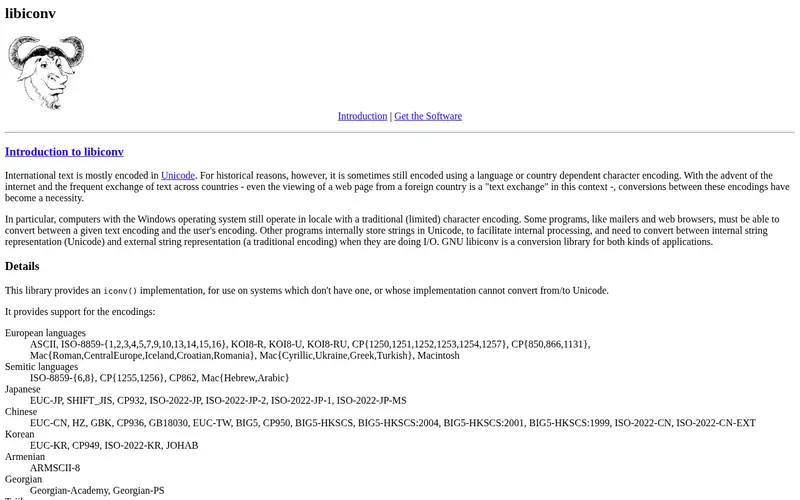
iconv is a command-line program and library from the GNU project that converts text from one character encoding to another. It supports hundreds of source and target encodings, including UTF-8, UTF-16, ISO-8859 variants, Windows code pages, and many legacy encodings. On Linux and macOS it is usually already installed. Windows users can get it through MSYS2, Cygwin, or a native build.
Typical use is a single command such as converting a Latin-1 file to UTF-8. You can also process streams in a pipeline. Flags let you control what happens with characters that cannot be represented in the target encoding, which matters when converting to a narrower set. The library form, libiconv, is used by many other programs.
iconv is the right choice for scripts, servers, and batch jobs. It is not a graphical tool, so anyone who wants to preview a file before saving should use an editor instead. The manual page is the main reference for its options.
Standout: Ships with most Unix-like systems
Free (open source), as listed by the vendor (iconv website). Confirm the current plan price before you buy.
Free plan. Plans change, so confirm on the vendor's pricing page before you buy.
Benefits
- Ships with most Unix-like systems
- supports a very large set of encodings
Drawbacks
- Error handling flags can be confusing
- not installed by default on Windows
Skip it if this limit matters to you: error handling flags can be confusing.
Verdict. A sensible pick for command-line conversion between many encodings.
Alternatives in this guide: Python codecs module, recode, Notepad++
Python codecs module
Best for encoding conversion inside Python scripts and pipelines
What it is and where it fits
Python's codecs module is part of the standard library and provides encode and decode support for a wide range of encodings. You can read a file in one encoding and write it in another with a few lines of code. Error handling policies such as strict, replace, and ignore let you decide what happens to characters that do not map cleanly.
This is a good fit when conversion is one step in a larger data task, such as cleaning a CSV export or normalizing text before loading it into a database. It runs anywhere Python runs, including Windows, macOS, and Linux, and it is free with no plan limits.
The trade-off is that it is a library, not a ready-made tool. You need to write and maintain the script. For a one-off conversion of a single file, a command-line tool like iconv is faster to use.
Standout: Part of the standard library
Free (open source), as listed by the vendor (Python codecs module website). Confirm the current plan price before you buy.
Free plan. Plans change, so confirm on the vendor's pricing page before you buy.
Benefits
- Part of the standard library
- easy to chain with other processing
Drawbacks
- Requires writing code
- not a standalone command-line tool
Skip it if this limit matters to you: requires writing code.
Verdict. A sensible pick for encoding conversion inside Python scripts and pipelines.
recode
Best for command-line conversion with surface and charset options
What it is and where it fits
recode is a free, open-source command-line tool that converts files between character sets and also handles line-ending and surface conversions. It supports a long list of charsets and can transliterate characters that have no direct equivalent in the target encoding, which helps when moving from Unicode to a legacy code page.
It is available in the package repositories of many Linux distributions and through package managers such as Homebrew and MacPorts. On systems where it is not preinstalled, you install it before use. The syntax takes some getting used to, and the documentation is thinner than iconv's manual.
recode suits developers who work with older files and need transliteration or combined charset and line-ending changes. If you only need plain UTF-8 to Latin-1 conversion, iconv is simpler and more widely available.
Standout: Handles many legacy encodings
Free (open source), as listed by the vendor (recode website). Confirm the current plan price before you buy.
Free plan. Plans change, so confirm on the vendor's pricing page before you buy.
Benefits
- Handles many legacy encodings
- supports transliteration between charsets
Drawbacks
- Not installed by default on many systems
- documentation is sparse
Skip it if this limit matters to you: not installed by default on many systems.
Verdict. A sensible pick for command-line conversion with surface and charset options.
Alternatives in this guide: iconv, Python codecs module, Notepad++
Notepad++
Best for manual file conversion on Windows
What it is and where it fits
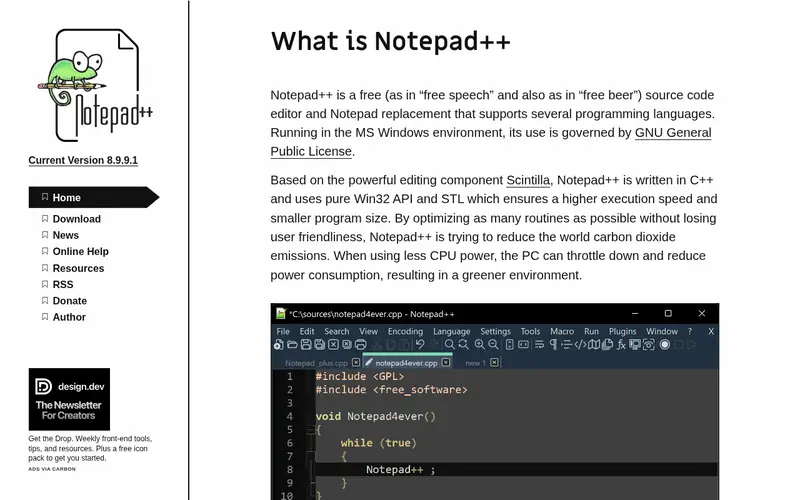
Notepad++ is a free text and source code editor for Windows. Its Encoding menu lets you reopen a file with a different encoding and convert it to another encoding before saving. The status bar shows the current encoding, which helps catch mojibake before it spreads.
It is useful for inspecting a file, fixing a few broken characters, and saving it as UTF-8. The conversion is manual and per file, so it does not scale to large batches. There is no paid tier and no account requirement.
Choose Notepad++ when you need to look at a file and fix it by hand on Windows. For automated or bulk conversion, use a command-line tool instead.
Standout: Clear encoding menu
Free, as listed by the vendor (Notepad++ website). Confirm the current plan price before you buy.
Free plan. Plans change, so confirm on the vendor's pricing page before you buy.
Benefits
- Clear encoding menu
- shows current encoding in the status bar
Drawbacks
- Windows only
- not built for batch conversion
Skip it if this limit matters to you: windows only.
Verdict. A sensible pick for manual file conversion on Windows.
Alternatives in this guide: iconv, Python codecs module, recode
Visual Studio Code
Best for cross-platform editing with encoding controls
What it is and where it fits
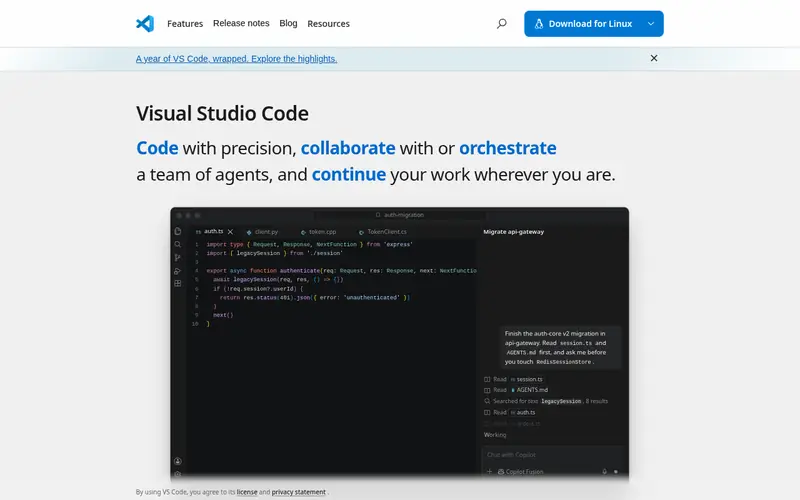
Visual Studio Code is a free code editor from Microsoft that runs on Windows, macOS, and Linux. It can reopen a file with a chosen encoding and save with a different one through the status bar encoding picker. This makes it a practical way to inspect and convert a single file on any of the three platforms.
It is heavier than a command-line utility and is not designed for batch conversion. Extensions can add related features, but the core encoding controls are enough for occasional fixes.
Use VS Code when you already work in it and need to correct one file's encoding. For repeatable jobs, script the conversion with iconv or Python.
Standout: Runs on Windows, macOS, and Linux
Free, as listed by the vendor (Visual Studio Code website). Confirm the current plan price before you buy.
Free plan. Plans change, so confirm on the vendor's pricing page before you buy.
Benefits
- Runs on Windows, macOS, and Linux
- encoding picker on save
Drawbacks
- Not a dedicated conversion tool
- large install for a small task
Skip it if this limit matters to you: not a dedicated conversion tool.
Verdict. A sensible pick for cross-platform editing with encoding controls.
Alternatives in this guide: iconv, Python codecs module, recode
Ruby String#encode
Best for encoding conversion inside Ruby applications
What it is and where it fits
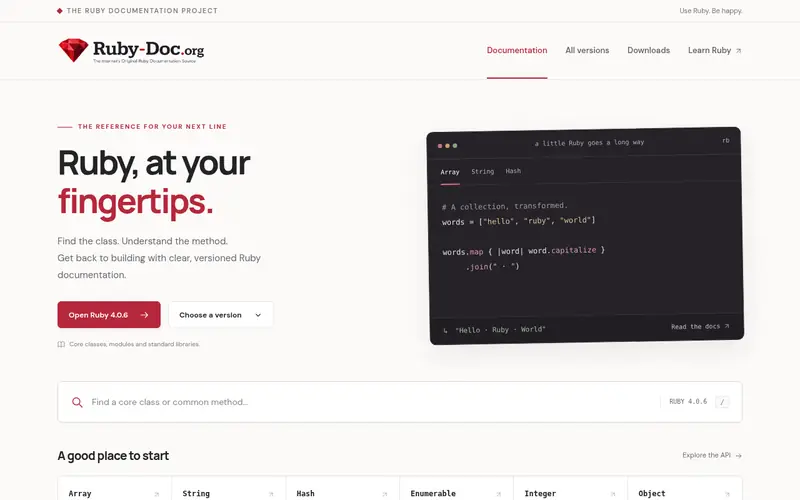
Ruby's String#encode method converts a string from one encoding to another and is part of the core library. Options let you replace characters that are invalid in the source or undefined in the target, so you can control lossy conversions. It is useful when encoding fixes belong inside a Ruby application or a Rake task.
It runs wherever Ruby runs and is free with no limits. The main constraint is that you must write Ruby code to use it. For shell scripts or non-Ruby projects, iconv is a better fit.
Standout: Built into Ruby
Free (open source), as listed by the vendor (Ruby String#encode website). Confirm the current plan price before you buy.
Free plan. Plans change, so confirm on the vendor's pricing page before you buy.
Benefits
- Built into Ruby
- supports invalid and undef replacement options
Drawbacks
- Requires Ruby
- not a standalone tool
Skip it if this limit matters to you: requires Ruby.
Verdict. A sensible pick for encoding conversion inside Ruby applications.
Alternatives in this guide: iconv, Python codecs module, recode
Java Charset and CharsetDecoder
Best for encoding conversion inside Java applications
What it is and where it fits
The java.nio.charset package in the JDK provides Charset, CharsetDecoder, and CharsetEncoder for converting between encodings. CodingErrorAction settings let you report, replace, or ignore malformed input and unmappable characters. This is the standard way to handle encoding in Java services and tools.
It is free as part of the JDK and runs on any platform with a Java runtime. The API is more verbose than a one-line command, so it suits application code rather than quick shell tasks.
Use it when conversion happens inside a Java service. For ad hoc files, a command-line tool is faster.
Standout: Part of the JDK
Free (open source), as listed by the vendor (Java Charset and CharsetDecoder website). Confirm the current plan price before you buy.
Free plan. Plans change, so confirm on the vendor's pricing page before you buy.
Benefits
- Part of the JDK
- configurable error actions
Drawbacks
- Verbose API
- requires a Java build
Skip it if this limit matters to you: verbose API.
Verdict. A sensible pick for encoding conversion inside Java applications.
Alternatives in this guide: iconv, Python codecs module, recode
Who should use what
If you run servers or shell scripts, start with iconv because it is usually already installed and handles most encoding pairs. If conversion is part of a data pipeline, use Python's codecs module or Ruby's String#encode so the logic lives in your code. If you are fixing a single file by hand, open it in Notepad++ on Windows or Visual Studio Code on any platform and use the encoding picker. If you work with old files that need transliteration, try recode. Java developers should use the JDK charset classes inside their applications.
Questions to settle before you buy
What to check before you buy
- Confirm the source encoding of your files before converting, since guessing wrong causes mojibake.
- Decide how to handle characters that cannot be represented in the target encoding.
- Check whether the tool is already installed on your target systems.
- Test on a copy of the data before overwriting production files.
- For web utilities, avoid pasting secrets, tokens, or production data into third-party pages and prefer tools that run locally.
FAQ
What is a character encoding converter?
A character encoding converter changes text from one encoding, such as ISO-8859-1, to another, such as UTF-8. It maps each character to its code point and then to the bytes used by the target encoding. Command-line tools, libraries, and editors can all do this.
Is iconv free to use?
Yes. iconv is free and open source under the GNU project. It ships with most Unix-like systems and can be installed on Windows through environments such as MSYS2 or Cygwin.
Can I convert files without the command line?
Yes. Editors such as Notepad++ and Visual Studio Code let you reopen a file with a chosen encoding and save it in another. This works well for single files but is slow for large batches.
What happens to characters that do not exist in the target encoding?
It depends on the tool and its settings. Many tools let you replace them with a placeholder, skip them, or stop with an error. Check the options before converting to a narrower encoding.
Should I paste production data into an online converter?
Avoid it. Online pages may log or store what you paste. Prefer local tools such as iconv, a scripting library, or an editor that runs on your machine, especially for secrets, tokens, or customer data.
Sources we checked
Method: how we score · editorial policy.
Change log. First published 22 Nov 2026.