Stage 01 · Write · Researched comparison
Best C/C++ Package Managers in 2026
Conan is the first pick for most teams that need a full binary package manager with private or public remotes, and it suits projects spanning several compilers and platforms. vcpkg is the closest alternative and fits teams already using CMake and Visual Studio. CPM.cmake is a lighter option for CMake projects that only need source-based dependency fetching without a separate package server.

By Shihab Mia
Published 22 Nov 2026 · 6 tools compared
We run no ads and no affiliate links at launch. The order of a list follows our published method. See how we score.
Prices are the starting prices vendors list publicly. Plans change, so confirm the current price on the vendor page before you buy.
Key takeaways
- Conan, vcpkg, Hunter, CPM.cmake, Spack and build2 are all free and open source; none of them charge a licence fee.
- Conan and vcpkg both support binary caching, so a dependency is built once and reused across machines and CI jobs.
- CPM.cmake and Hunter work inside CMake and do not require a separate package server or client binary.
- Spack targets HPC and multi-version scientific stacks, which makes it a different fit from the general C/C++ build tools.
Who each pick is for
- Teams needing binary packages across many platforms and compilersConan
- CMake and Visual Studio projects wanting Microsoft-backed portsvcpkg
- CMake projects that want dependencies managed by CMake itselfHunter
- Small CMake projects that want lightweight dependency fetchingCPM.cmake
- HPC and scientific stacks needing many compiler and version variantsSpack
- Teams wanting an integrated build system and package managerbuild2
Comparison
| Tool | Best for | Standout feature | Listed starting price | Free plan or trial |
|---|---|---|---|---|
| 1Conan | Teams needing binary packages across many platforms and compilers | Binary caching and private remotes | Free (open source) | Free plan |
| 2vcpkg | CMake and Visual Studio projects wanting Microsoft-backed ports | Tight CMake and Visual Studio integration | Free (open source) | Free plan |
| 3Hunter | CMake projects that want dependencies managed by CMake itself | Pure CMake integration | Free (open source) | Free plan |
| 4CPM.cmake | Small CMake projects that want lightweight dependency fetching | Single CMake script with no client install | Free (open source) | Free plan |
| 5Spack | HPC and scientific stacks needing many compiler and version variants | Handles many build variants and compilers | Free (open source) | Free plan |
| 6build2 | Teams wanting an integrated build system and package manager | Build system and package manager in one toolchain | Free (open source) | Free plan |
How we picked
We compared tools on fit for C and C++ dependency management, supported platforms and build systems, licence and price, whether binaries are cached, and the size and freshness of each package catalog. We also looked at how each tool handles private or internal packages. Sources are vendor pages, official documentation and project repositories. Prices and plan limits change, so confirm details on the vendor site before you commit.
The tools, one by one
Conan
Best for teams needing binary packages across many platforms and compilers
What it is and where it fits
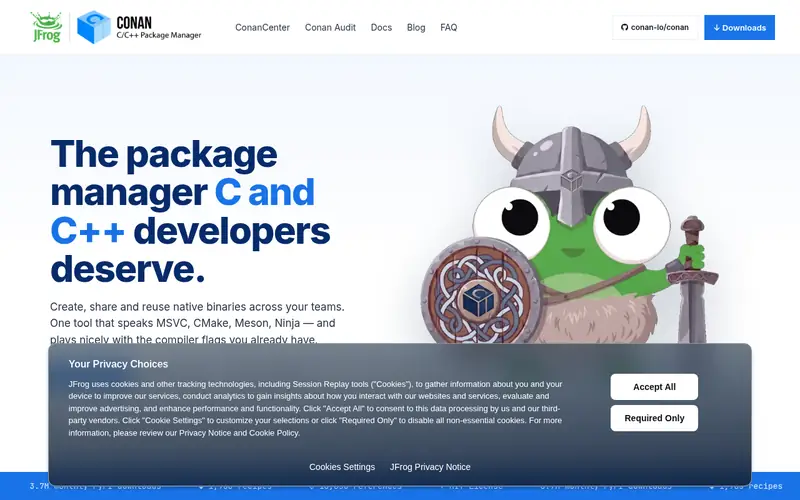
Conan is a decentralized package manager for C and C++. It stores dependencies as recipes plus prebuilt binaries, and it works with CMake, MSBuild, Meson, Bazel and plain Makefiles. You can host your own Conan remote (ConanServer or Artifactory) so binaries stay inside your network, which matters when dependencies are internal.
It runs on Windows, Linux and macOS. The client is open source under the MIT licence. The main cost is the time to write and maintain conanfile recipes for packages that are not already in a public remote. Teams with a small number of dependencies and a single platform may find the setup heavier than they need.
Standout: Binary caching and private remotes
Free (open source), as listed by the vendor (Conan website). Confirm the current plan price before you buy.
Free plan. Plans change, so confirm on the vendor's pricing page before you buy.
Benefits
- Binary caching and private remotes
- broad compiler and platform support
Drawbacks
- Requires a separate client and recipe files
- learning curve for package recipes
Skip it if this limit matters to you: requires a separate client and recipe files.
Verdict. A sensible pick for teams needing binary packages across many platforms and compilers.
vcpkg
Best for cMake and Visual Studio projects wanting Microsoft-backed ports
What it is and where it fits
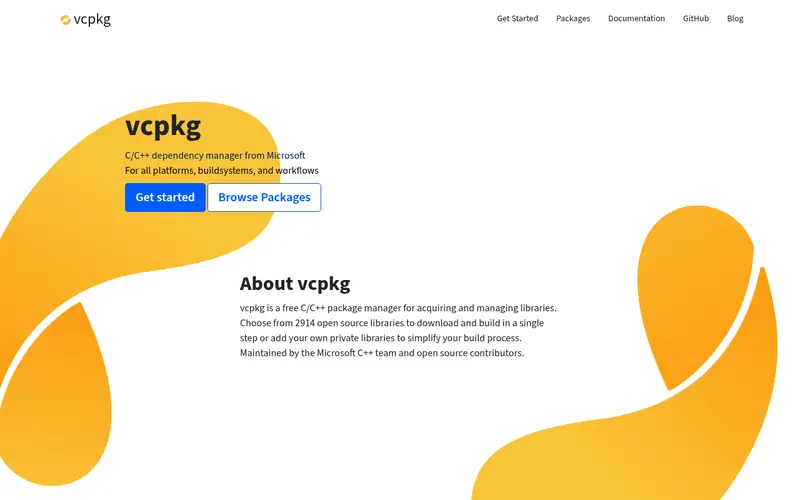
vcpkg is an open-source C/C++ package manager from Microsoft. It uses a catalog of "ports" that describe how to build each library, and it supports manifest mode so dependencies are declared in a vcpkg.json file next to your project. Binary caching can push built packages to a local or remote cache, which speeds up CI.
It runs on Windows, Linux and macOS, and integrates directly with CMake toolchain files and Visual Studio. The project is free and open source under the MIT licence. Its workflow assumes CMake or MSBuild; projects on other build systems can still use it but need more manual wiring. Ports are community-contributed, so a specific library version may not be available immediately.
Standout: Tight CMake and Visual Studio integration
Free (open source), as listed by the vendor (vcpkg website). Confirm the current plan price before you buy.
Free plan. Plans change, so confirm on the vendor's pricing page before you buy.
Benefits
- Tight CMake and Visual Studio integration
- large curated port catalog
Drawbacks
- Manifest workflow is CMake-centric
- some ports lag upstream releases
Skip it if this limit matters to you: manifest workflow is CMake-centric.
Verdict. A sensible pick for CMake and Visual Studio projects wanting Microsoft-backed ports.
Hunter
Best for cMake projects that want dependencies managed by CMake itself
What it is and where it fits
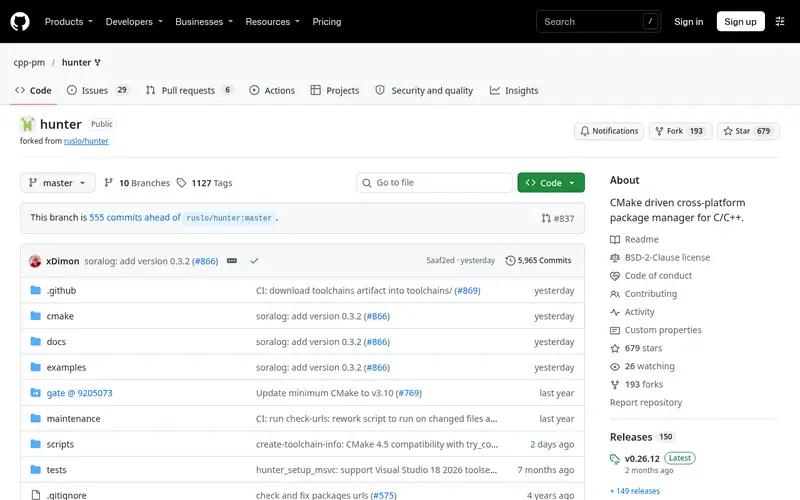
Hunter is a CMake-based package manager. You include its CMake module and it fetches, builds and caches dependencies as part of your normal CMake configure step. Package versions are pinned by a Hunter release tag, which helps reproducibility across machines.
It runs wherever CMake runs: Windows, Linux and macOS. The project is free and open source under a BSD-style licence. Because it builds many dependencies from source on first use, the initial configure can be slow, and binary caching depends on a cache directory you configure. The package catalog is smaller than Conan's or vcpkg's, so check that your dependencies are covered before committing.
Standout: Pure CMake integration
Free (open source), as listed by the vendor (Hunter website). Confirm the current plan price before you buy.
Free plan. Plans change, so confirm on the vendor's pricing page before you buy.
Benefits
- Pure CMake integration
- reproducible package versions via a release tag
Drawbacks
- Smaller package set than Conan or vcpkg
- slower when building from source
Skip it if this limit matters to you: smaller package set than Conan or vcpkg.
Verdict. A sensible pick for CMake projects that want dependencies managed by CMake itself.
CPM.cmake
Best for small CMake projects that want lightweight dependency fetching
What it is and where it fits
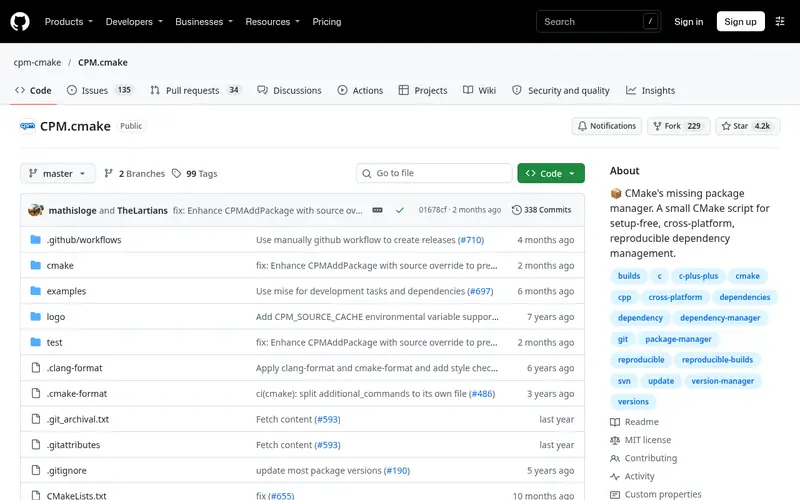
CPM.cmake is a small CMake script that adds dependency management to CMake projects. It wraps FetchContent and adds version pinning, so you declare dependencies in CMakeLists.txt and it downloads them at configure time. There is no separate client binary and no package server to run.
It works on any platform where CMake works. The project is free and open source under the MIT licence. The trade-off is that it fetches source and builds it, so there is no shared binary cache out of the box, and large dependency trees make configure slow. It suits small projects and teams that want minimal tooling; it is not a replacement for a full binary package manager on large codebases.
Standout: Single CMake script with no client install
Free (open source), as listed by the vendor (CPM.cmake website). Confirm the current plan price before you buy.
Free plan. Plans change, so confirm on the vendor's pricing page before you buy.
Benefits
- Single CMake script with no client install
- simple to read and audit
Drawbacks
- No binary package server
- fetches and builds from source
Skip it if this limit matters to you: no binary package server.
Verdict. A sensible pick for small CMake projects that want lightweight dependency fetching.
Spack
Best for hPC and scientific stacks needing many compiler and version variants
What it is and where it fits
Spack is a package manager aimed at HPC and scientific software. It can install many versions and configurations of the same package side by side, which helps when different applications need different compiler or MPI setups. It supports C, C++ and Fortran, and it can generate module files for cluster environments.
It runs mainly on Linux and macOS, with limited Windows support. The project is free and open source under the MIT and Apache 2.0 licences. Recipes are written in Python, so adding a package means writing a Spack package file. For a small desktop C++ project, Spack is more machinery than needed; for a cluster with mixed toolchains it is a strong fit.
Standout: Handles many build variants and compilers
Free (open source), as listed by the vendor (Spack website). Confirm the current plan price before you buy.
Free plan. Plans change, so confirm on the vendor's pricing page before you buy.
Benefits
- Handles many build variants and compilers
- strong HPC and Linux support
Drawbacks
- Heavy for small desktop projects
- package recipes are Python-based
Skip it if this limit matters to you: heavy for small desktop projects.
Verdict. A sensible pick for HPC and scientific stacks needing many compiler and version variants.
build2
Best for teams wanting an integrated build system and package manager
What it is and where it fits
build2 is a build toolchain that includes its own package manager, bpkg. Projects describe dependencies in a manifest, and bpkg fetches and builds them with pinned versions. Because the build system and package manager are designed together, dependency handling is consistent across platforms.
It runs on Windows, Linux and macOS. The toolchain is free and open source under the MIT licence. The main cost is adoption: build2 uses its own buildfile format, so existing CMake or Make projects need conversion. The package repository is smaller than Conan's or vcpkg's. It suits teams starting a new project who want one toolchain for building and dependency management.
Standout: Build system and package manager in one toolchain
Free (open source), as listed by the vendor (build2 website). Confirm the current plan price before you buy.
Free plan. Plans change, so confirm on the vendor's pricing page before you buy.
Benefits
- Build system and package manager in one toolchain
- reproducible dependency versions
Drawbacks
- Requires adopting the build2 build system
- smaller package repository
Skip it if this limit matters to you: requires adopting the build2 build system.
Verdict. A sensible pick for teams wanting an integrated build system and package manager.
Who should use what
If your team ships across Windows, Linux and macOS with several compilers, start with Conan and host a private remote. If your project is CMake-first and you want a large curated catalog, vcpkg is the natural fit. For a small CMake project that only needs a few pinned dependencies, CPM.cmake keeps tooling minimal. If you run an HPC cluster with mixed compiler and MPI variants, Spack handles that case better than the general-purpose managers.
Questions to settle before you buy
What to check before you buy
- Confirm the package manager supports every build system in your repo, not just your main one.
- Check that your key third-party libraries exist in the catalog and are reasonably current.
- Decide whether you need prebuilt binary caching or can afford to build dependencies from source.
- Plan how private or internal packages will be hosted, and whether a self-hosted remote is supported.
- Test the workflow in CI on each target platform before migrating the whole team.
FAQ
Do I need a package manager for a small C++ project?
Not always. If you have one or two header-only dependencies, a vendored copy or CMake FetchContent may be enough. A package manager pays off when you have many dependencies, several platforms, or a need to pin and reproduce exact versions across machines and CI.
What is the difference between Conan and vcpkg?
Both fetch and build C/C++ dependencies and both support binary caching. Conan is build-system agnostic and centers on recipes and remotes you can self-host. vcpkg is Microsoft-backed, uses ports, and integrates tightly with CMake and Visual Studio. Conan tends to suit multi-build-system teams; vcpkg suits CMake and MSBuild projects.
Can these tools host private packages?
Conan supports private remotes such as ConanServer or Artifactory. vcpkg supports private registries and custom ports. Hunter and CPM.cmake can point at private Git repositories. Check the documentation for your chosen tool to confirm the private-hosting option you need.
Are these package managers free?
All six tools listed here are free and open source. You may still pay for hosting, such as an artifact server for Conan binaries or CI cache storage. Those costs come from the hosting service, not from the package manager itself.
Which package manager works best on Windows?
vcpkg has the tightest Visual Studio and MSBuild integration and is a common choice on Windows. Conan also runs on Windows and supports MSVC. CPM.cmake and Hunter work through CMake on Windows. Test your specific libraries on Windows before standardizing.
Sources we checked
Method: how we score · editorial policy.
Change log. First published 22 Nov 2026.