Stage 01 · Write · Researched comparison
Best C/C++ Code Formatters in 2026
clang-format is the first pick for most C and C++ teams. It ships with the LLVM project, reads .clang-format files, and integrates with most editors and CI systems. Choose Uncrustify if you need fine-grained control over nearly every spacing and alignment rule. Choose your editor's built-in formatter if you want lightweight, per-project settings without adding a separate binary.

By Shihab Mia
Published 22 Nov 2026 · 6 tools compared
We run no ads and no affiliate links at launch. The order of a list follows our published method. See how we score.
Prices are the starting prices vendors list publicly. Plans change, so confirm the current price on the vendor page before you buy.
Key takeaways
- clang-format is free, open source, and the most widely supported formatter for C and C++.
- Uncrustify offers the deepest rule set but needs more configuration work.
- AStyle is a smaller, older formatter that still handles C, C++, and C#.
- Formatters that run locally keep source code off third-party servers.
Who each pick is for
- Most C and C++ teams wanting one shared styleclang-format
- Teams needing fine control over spacing and alignmentUncrustify
- Simple formatting for C, C++, and C# projectsArtistic Style (AStyle)
- VS Code users formatting C and C++ in the editorVisual Studio Code C/C++ extension
- JetBrains IDE users wanting built-in C/C++ formattingCLion
- Windows developers formatting C++ inside Visual StudioVisual Studio
Comparison
| Tool | Best for | Standout feature | Listed starting price | Free plan or trial |
|---|---|---|---|---|
| 1clang-format | Most C and C++ teams wanting one shared style | Ships with LLVM and works across editors and CI | Free (open source) | Free plan |
| 2Uncrustify | Teams needing fine control over spacing and alignment | Very large set of configuration options | Free (open source) | Free plan |
| 3Artistic Style (AStyle) | Simple formatting for C, C++, and C# projects | Small and fast with a straightforward option set | Free (open source) | Free plan |
| 4Visual Studio Code C/C++ extension | VS Code users formatting C and C++ in the editor | Integrates clang-format inside VS Code | Free | Free plan |
| 5CLion | JetBrains IDE users wanting built-in C/C++ formatting | Built-in formatter with clang-format file support | See vendor pricing page | Free trial (30 days) |
| 6Visual Studio | Windows developers formatting C++ inside Visual Studio | Built-in C++ formatting options | See vendor pricing page | Free plan |
How we picked
We compared tools on fit for C and C++ formatting, platform support, price and licence, how style settings are shared across a team, and the main limits of each. We also considered whether formatting runs locally, since source code can contain sensitive material. Sources are vendor documentation, project repositories, and public pricing pages. Prices and plans change, so confirm details on the vendor site before you commit.
The tools, one by one
clang-format
Best for most C and C++ teams wanting one shared style
What it is and where it fits
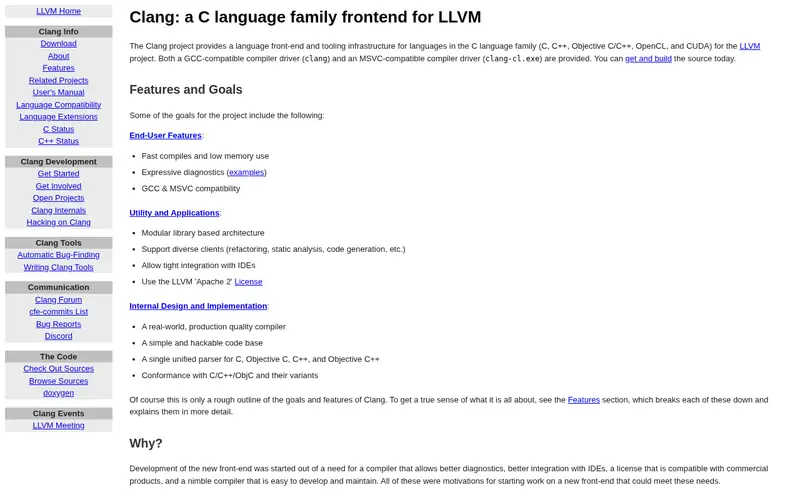
clang-format is part of the LLVM project. It formats C, C++, Objective-C, Java, JavaScript, and other languages using a style file named .clang-format. You can base a style on preset styles such as LLVM, Google, Chromium, Mozilla, or WebKit, then override individual options. The tool runs on Windows, macOS, and Linux, and it ships with the LLVM release packages.
Most editors and IDEs call clang-format directly or through a plugin, so developers can format on save. CI pipelines can run it with --dry-run --Werror to fail a build when code is not formatted. A common approach is to commit one .clang-format file to the repository so every developer and every pipeline uses the same rules.
The main limit is control. clang-format covers common style decisions well, but it does not expose every possible alignment rule. Teams with unusual legacy conventions may need to accept some changes or add a second tool. Version differences can also alter output, so pin the LLVM version in CI.
Standout: Ships with LLVM and works across editors and CI
Free (open source), as listed by the vendor (clang-format website). Confirm the current plan price before you buy.
Free plan. Plans change, so confirm on the vendor's pricing page before you buy.
Benefits
- Ships with LLVM and works across editors and CI
- reads a portable .clang-format file
Drawbacks
- Some style options are limited compared with Uncrustify
- behavior can shift between LLVM versions
Skip it if this limit matters to you: some style options are limited compared with Uncrustify.
Verdict. A sensible pick for most C and C++ teams wanting one shared style.
Alternatives in this guide: Uncrustify, Artistic Style (AStyle), Visual Studio Code C/C++ extension
Uncrustify
Best for teams needing fine control over spacing and alignment
What it is and where it fits
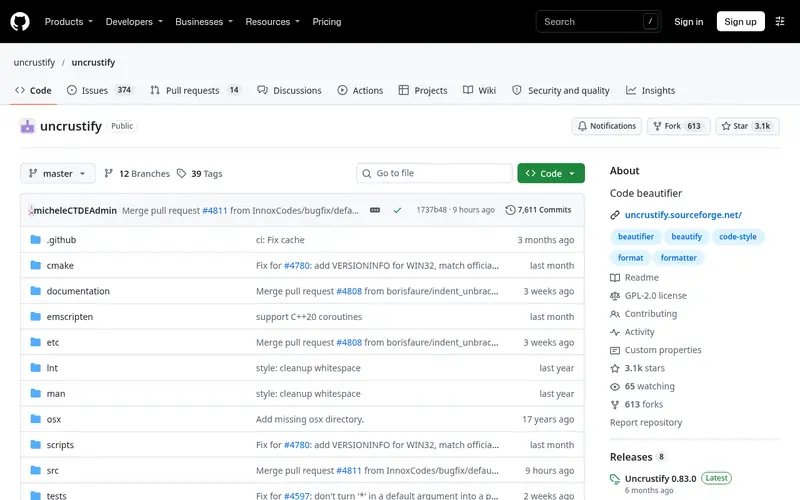
Uncrustify is an open-source source code formatter with a large option set. It covers C, C++, C#, Objective-C, Java, and other languages. Nearly every spacing, indentation, newline, and alignment decision has a configuration key. That makes it a fit for projects with strict or unusual style rules that clang-format cannot express.
The tool runs on Windows, macOS, and Linux. Configuration lives in a file, often named uncrustify.cfg, which you commit to the repository. You can generate a starting config and then adjust individual options. Editor plugins exist for several editors, though the ecosystem is smaller than clang-format's.
The tradeoff is setup effort. The option list is long, and tuning it takes time. Documentation is thorough but dense. Teams that want a quick default should start with clang-format. Teams that must match an existing style exactly, or that maintain a large legacy codebase, are the better fit for Uncrustify.
Standout: Very large set of configuration options
Free (open source), as listed by the vendor (Uncrustify website). Confirm the current plan price before you buy.
Free plan. Plans change, so confirm on the vendor's pricing page before you buy.
Benefits
- Very large set of configuration options
- supports C, C++, C#, and other languages
Drawbacks
- Configuration file is long and takes time to tune
- fewer editor plugins than clang-format
Skip it if this limit matters to you: configuration file is long and takes time to tune.
Verdict. A sensible pick for teams needing fine control over spacing and alignment.
Alternatives in this guide: clang-format, Artistic Style (AStyle), Visual Studio Code C/C++ extension
Artistic Style (AStyle)
Best for simple formatting for C, C++, and C# projects
What it is and where it fits
Artistic Style, usually called AStyle, is a command-line formatter for C, C++, C#, and Java. It applies indentation, bracket style, padding, and pointer alignment rules. Options are passed as command-line flags or stored in an options file. The project is open source and runs on Windows, macOS, and Linux.
AStyle is a reasonable choice when you want a small formatter with a short option list. It handles the common bracket and indentation styles and can process directories recursively. Editor and build integrations exist but are less common than for clang-format.
The limits are real. The option set is smaller, so some style rules cannot be expressed. Development is slower than for clang-format, and fewer tools integrate with it. For new projects, clang-format is usually the safer default. AStyle still suits small projects or codebases already using it.
Standout: Small and fast with a straightforward option set
Free (open source), as listed by the vendor (Artistic Style (AStyle) website). Confirm the current plan price before you buy.
Free plan. Plans change, so confirm on the vendor's pricing page before you buy.
Benefits
- Small and fast with a straightforward option set
- handles C, C++, C#, and Java
Drawbacks
- Fewer style options than clang-format or Uncrustify
- less active development
Skip it if this limit matters to you: fewer style options than clang-format or Uncrustify.
Verdict. A sensible pick for simple formatting for C, C++, and C# projects.
Alternatives in this guide: clang-format, Uncrustify, Visual Studio Code C/C++ extension
Visual Studio Code C/C++ extension
Best for vS Code users formatting C and C++ in the editor
What it is and where it fits
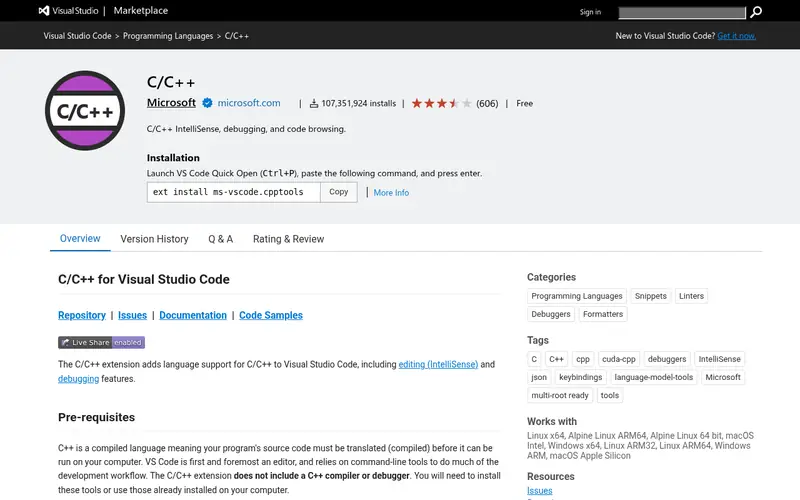
The Microsoft C/C++ extension for Visual Studio Code bundles clang-format support. You can set a formatting style, point to a .clang-format file, and format the current file or selection. Format on save is available through editor settings. The extension is free and runs wherever VS Code runs.
This is an editor integration, not a separate formatter. The formatting engine is clang-format, so the output matches what clang-format produces with the same style file. That consistency matters when some developers use VS Code and others use command-line tools or CI.
Choose this if your team works in VS Code and wants formatting without a separate install step. If you need formatting outside the editor, install clang-format directly. The extension does not add style rules beyond what clang-format supports.
Standout: Integrates clang-format inside VS Code
Free, as listed by the vendor (Visual Studio Code C/C++ extension website). Confirm the current plan price before you buy.
Free plan. Plans change, so confirm on the vendor's pricing page before you buy.
Benefits
- Integrates clang-format inside VS Code
- format on save and style selection
Drawbacks
- Requires VS Code
- formatting engine is clang-format, not a separate formatter
Skip it if this limit matters to you: requires VS Code.
Verdict. A sensible pick for VS Code users formatting C and C++ in the editor.
Alternatives in this guide: clang-format, Uncrustify, Artistic Style (AStyle)
CLion
Best for jetBrains IDE users wanting built-in C/C++ formatting
What it is and where it fits
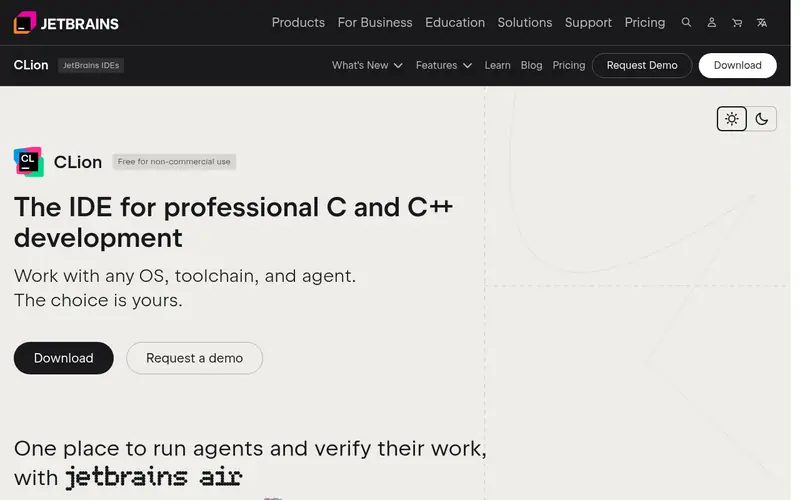
CLion is a commercial C and C++ IDE from JetBrains. It includes a built-in code formatter with configurable style settings, and it can read and apply a .clang-format file. Formatting is available on demand and on save, and it works with the IDE's refactoring and code analysis features.
CLion runs on Windows, macOS, and Linux. Pricing is subscription-based; check the vendor pricing page for current plans and any free options for students or open-source projects. A free trial is available.
Choose CLion if you already use JetBrains tools and want formatting inside the IDE. If you only need a formatter, clang-format is free and works in any editor. CLion's formatter is convenient but tied to a paid IDE.
Standout: Built-in formatter with clang-format file support
See vendor pricing page, as listed by the vendor (CLion website). Confirm the current plan price before you buy.
Free trial (30 days). Plans change, so confirm on the vendor's pricing page before you buy.
Benefits
- Built-in formatter with clang-format file support
- integrated with refactoring and code analysis
Drawbacks
- Commercial IDE with subscription pricing
- heavier than a standalone formatter
Skip it if this limit matters to you: commercial IDE with subscription pricing.
Verdict. A sensible pick for jetBrains IDE users wanting built-in C/C++ formatting.
Alternatives in this guide: clang-format, Uncrustify, Artistic Style (AStyle)
Visual Studio
Best for windows developers formatting C++ inside Visual Studio

What it is and where it fits
Visual Studio includes C++ formatting options for indentation, spacing, braces, and newlines. You can format a document or selection, and configure rules per project or per user. The Community edition is free; other editions are paid. Check the vendor pricing page for current editions.
The IDE is primarily for Windows, though related tooling exists elsewhere. Its formatting rules are configured in the IDE and stored in project or user settings. It can also use clang-format through configuration in recent versions, but the built-in formatter is separate.
Choose Visual Studio if your team builds on Windows and works inside the IDE. If you need one style shared across editors and CI, a .clang-format file with clang-format is more portable. The built-in formatter is convenient but less portable across toolchains.
Standout: Built-in C++ formatting options
See vendor pricing page, as listed by the vendor (Visual Studio website). Confirm the current plan price before you buy.
Free plan. Plans change, so confirm on the vendor's pricing page before you buy.
Benefits
- Built-in C++ formatting options
- Community edition is free
Drawbacks
- Windows-focused
- formatting rules differ from clang-format defaults
Skip it if this limit matters to you: windows-focused.
Verdict. A sensible pick for windows developers formatting C++ inside Visual Studio.
Alternatives in this guide: clang-format, Uncrustify, Artistic Style (AStyle)
Who should use what
Teams starting fresh should use clang-format with a committed .clang-format file, because it works across editors and CI. Projects with strict or legacy style rules should evaluate Uncrustify, which exposes more options. Developers who work only in VS Code can use the Microsoft C/C++ extension to run clang-format inside the editor. Teams on Windows with Visual Studio can use the built-in formatter, but should confirm it matches the style used elsewhere.
Questions to settle before you buy
What to check before you buy
- Confirm the formatter supports the C and C++ standards your project uses.
- Check that one style file can be committed and shared by all developers and CI.
- Verify the tool runs on every platform your team uses.
- Test output on a sample of your codebase before reformatting everything.
- Pin the formatter version in CI so output does not change unexpectedly.
FAQ
What is the best C/C++ code formatter?
clang-format is the most common choice. It is free, open source, part of LLVM, and supported by most editors and CI systems. Uncrustify is a strong alternative when you need more configuration options. Your editor may also include a built-in formatter.
Is clang-format free?
Yes. clang-format is open source and ships with LLVM. There is no paid tier. You can install it from LLVM release packages or your system package manager.
Can I format C and C++ code in my editor?
Yes. Many editors and IDEs support clang-format directly or through plugins. VS Code has the Microsoft C/C++ extension, and CLion and Visual Studio include formatting features. Check that the editor uses the same style file as your CI.
Do online C/C++ formatters keep my code private?
Not necessarily. A third-party web page may store or log what you paste. Do not paste secrets, tokens, or production code into online formatters. Prefer tools that run locally in the browser or offline, or use a command-line formatter on your machine.
How do I keep formatting consistent across a team?
Commit one style file, such as .clang-format, to the repository. Have editors format on save using that file. Run the formatter in CI with a check mode so unformatted code fails the build. Pin the formatter version to avoid output changes.
Sources we checked
Method: how we score · editorial policy.
Change log. First published 22 Nov 2026.