Stage 01 · Write · Researched comparison
Best C/C++ Build Systems in 2026
CMake is the first pick for most C and C++ teams. It is open source, cross-platform, and most libraries ship a CMake config, so it fits new and existing projects. Meson is a good alternative if you want simpler build files and fast Ninja-based builds. Bazel suits large monorepos that need hermetic, reproducible builds across many languages. All three are free and open source.

By Shihab Mia
Published 22 Nov 2026 · 6 tools compared
We run no ads and no affiliate links at launch. The order of a list follows our published method. See how we score.
Prices are the starting prices vendors list publicly. Plans change, so confirm the current price on the vendor page before you buy.
Key takeaways
- CMake is free and open source, runs on Windows, macOS and Linux, and has the widest library support.
- Meson is free and open source and generates Ninja files by default for fast incremental builds.
- Bazel is free and open source and targets large multi-language monorepos with strict dependency rules.
- Ninja is a free, open-source build executor, not a full build system, and is usually driven by CMake or Meson.
Who each pick is for
- Cross-platform projects that need broad library supportCMake
- Developers who want readable build files and fast buildsMeson
- Large monorepos that need reproducible, hermetic buildsBazel
- Fast build execution behind CMake or MesonNinja
- Small projects and existing Makefile-based codebasesGNU Make
- Small teams that want one tool for build and packagesxmake
Comparison
| Tool | Best for | Standout feature | Listed starting price | Free plan or trial |
|---|---|---|---|---|
| 1CMake | Cross-platform projects that need broad library support | Widest ecosystem of package configs | Free (open source) | Free plan |
| 2Meson | Developers who want readable build files and fast builds | Clean, Python-like build language | Free (open source) | Free plan |
| 3Bazel | Large monorepos that need reproducible, hermetic builds | Hermetic builds with strict dependency rules | Free (open source) | Free plan |
| 4Ninja | Fast build execution behind CMake or Meson | Very fast incremental builds | Free (open source) | Free plan |
| 5GNU Make | Small projects and existing Makefile-based codebases | Available on nearly every Unix-like system | Free (open source) | Free plan |
| 6xmake | Small teams that want one tool for build and packages | Built-in package management | Free (open source) | Free plan |
How we picked
We picked tools that are real, standalone and currently maintained, and that do the job named in this guide: generating or running C and C++ builds. Criteria were fit for the job, supported platforms, licence and price, and main limits. We did not run benchmarks or surveys. Sources are vendor pages, official documentation and project repositories. Prices and plan terms change, so confirm them on the vendor site before you commit.
The tools, one by one
CMake
Best for cross-platform projects that need broad library support
What it is and where it fits
CMake is a build system generator. You describe targets in CMakeLists.txt files, and CMake writes native build files for Make, Ninja, Visual Studio, Xcode and others. It runs on Windows, macOS and Linux. Most open-source C and C++ libraries ship a CMake config file, so finding and linking dependencies is usually straightforward.
CMake is open source under the BSD 3-Clause licence. There is no paid tier. The main cost is learning its language and modern target-based style. Older variable-based examples are common online and can mislead newcomers. Teams with a single platform and a small codebase may find it heavier than needed. Teams that depend on many third-party libraries will likely save time with it.
Standout: Widest ecosystem of package configs
Free (open source), as listed by the vendor (CMake website). Confirm the current plan price before you buy.
Free plan. Plans change, so confirm on the vendor's pricing page before you buy.
Benefits
- Widest ecosystem of package configs
- Generates Makefiles, Ninja and IDE projects
Drawbacks
- Its own scripting language has a learning curve
- Legacy patterns can make files hard to read
Skip it if this limit matters to you: its own scripting language has a learning curve.
Verdict. A sensible pick for cross-platform projects that need broad library support.
Meson
Best for developers who want readable build files and fast builds
What it is and where it fits
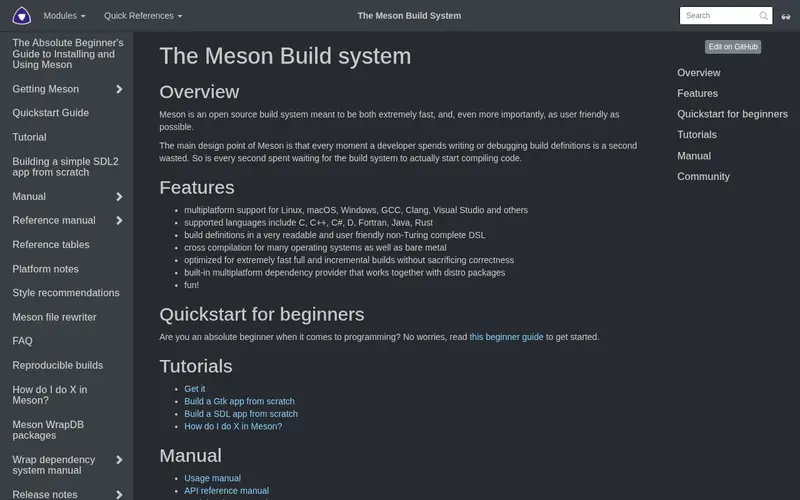
Meson is a build system that generates Ninja files by default. Its build files use a Python-like syntax that many developers find easier to read than CMake. It runs on Windows, macOS and Linux and is used by projects such as GNOME components and systemd.
Meson is open source under the Apache 2.0 licence, with no paid tier. Dependency detection works through pkg-config and CMake, so it can consume many existing libraries, though native Meson support is less common than native CMake support. Projects that rely on libraries with only CMake configs may need extra wrapper work. It is a strong fit for new projects that value clear build files and quick incremental builds.
Standout: Clean, Python-like build language
Free (open source), as listed by the vendor (Meson website). Confirm the current plan price before you buy.
Free plan. Plans change, so confirm on the vendor's pricing page before you buy.
Benefits
- Clean, Python-like build language
- Fast builds through Ninja by default
Drawbacks
- Smaller library ecosystem than CMake
- Fewer built-in IDE integrations
Skip it if this limit matters to you: smaller library ecosystem than CMake.
Verdict. A sensible pick for developers who want readable build files and fast builds.
Bazel
Best for large monorepos that need reproducible, hermetic builds
What it is and where it fits
Bazel is a build and test tool from Google. It builds C and C++ through rules_cc and also handles Java, Go, Python and other languages in the same repository. It runs on Linux, macOS and Windows. Builds are hermetic by default, which means outputs depend only on declared inputs.
Bazel is open source under the Apache 2.0 licence. There is no paid tier, but remote caching and remote execution require servers you run or pay for separately. Setup takes real effort: you write BUILD files and manage external dependencies through its own mechanisms. Small projects will find it overkill. Large teams with many languages and a need for reproducible builds are the main audience.
Standout: Hermetic builds with strict dependency rules
Free (open source), as listed by the vendor (Bazel website). Confirm the current plan price before you buy.
Free plan. Plans change, so confirm on the vendor's pricing page before you buy.
Benefits
- Hermetic builds with strict dependency rules
- Handles multi-language monorepos
Drawbacks
- Steep setup and learning curve
- Remote caching needs extra infrastructure
Skip it if this limit matters to you: steep setup and learning curve.
Verdict. A sensible pick for large monorepos that need reproducible, hermetic builds.
Ninja
Best for fast build execution behind CMake or Meson
What it is and where it fits
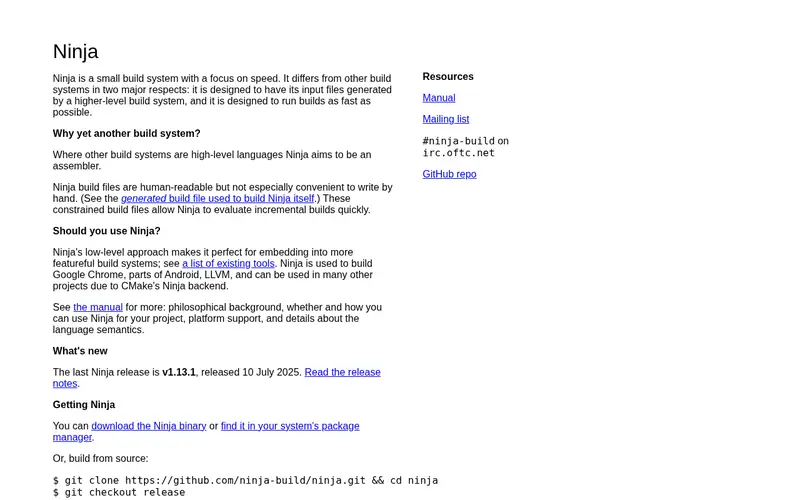
Ninja is a small build executor. It reads build.ninja files and runs compile and link steps with minimal overhead. It is not meant to be written by hand; CMake and Meson generate its input files. It runs on Linux, macOS and Windows.
Ninja is open source under the Apache 2.0 licence. There is no paid tier and no separate feature set. Its speed comes from a simple design that assumes the build graph is already correct. If you need dependency resolution, configuration checks or a high-level language, pair it with CMake or Meson. Most teams use it as the backend rather than choosing it as their only build tool.
Standout: Very fast incremental builds
Free (open source), as listed by the vendor (Ninja website). Confirm the current plan price before you buy.
Free plan. Plans change, so confirm on the vendor's pricing page before you buy.
Benefits
- Very fast incremental builds
- Small, focused codebase
Drawbacks
- Not a full build system on its own
- Build files are meant to be generated
Skip it if this limit matters to you: not a full build system on its own.
Verdict. A sensible pick for fast build execution behind CMake or Meson.
GNU Make
Best for small projects and existing Makefile-based codebases
What it is and where it fits
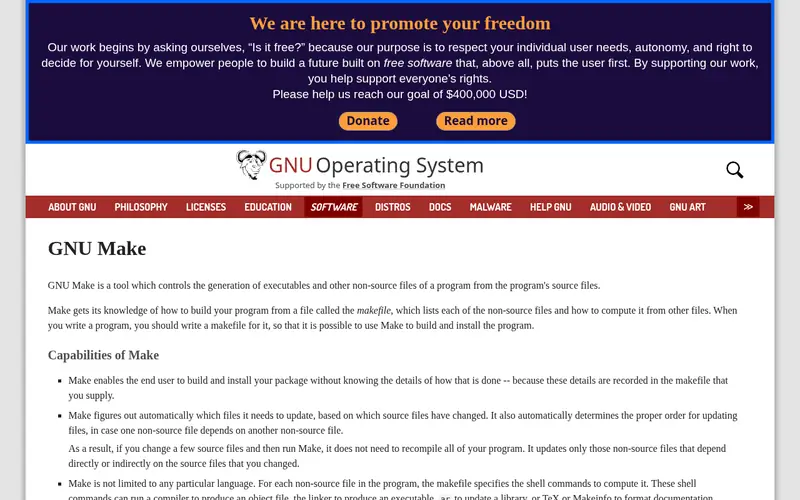
GNU Make is one of the oldest build tools still in wide use. It reads Makefiles and runs commands based on file timestamps. It is part of the GNU project and ships with most Linux distributions; macOS and Windows users install it separately.
GNU Make is open source under the GPLv3 licence. There is no paid tier. It has no native concept of C or C++ dependencies, so you add compiler-generated dependency files yourself. Large hand-written Makefiles become hard to maintain, which is why many projects moved to CMake or Meson. It remains a good choice for small projects, embedded work and build systems that generate Makefiles as one backend.
Standout: Available on nearly every Unix-like system
Free (open source), as listed by the vendor (GNU Make website). Confirm the current plan price before you buy.
Free plan. Plans change, so confirm on the vendor's pricing page before you buy.
Benefits
- Available on nearly every Unix-like system
- Simple model for small builds
Drawbacks
- No built-in dependency discovery for C/C++
- Hand-written rules get unwieldy at scale
Skip it if this limit matters to you: no built-in dependency discovery for C/C++.
Verdict. A sensible pick for small projects and existing Makefile-based codebases.
xmake
Best for small teams that want one tool for build and packages

What it is and where it fits
xmake is a cross-platform build utility with its own package manager. Project files use Lua. It runs on Windows, macOS, Linux and some embedded targets, and it can generate CMake or Makefiles for interoperability.
xmake is open source under the Apache 2.0 licence. There is no paid tier. Its package repository covers many common C and C++ libraries, but it is smaller than dedicated package managers. Documentation and community answers are thinner than for CMake. It suits small teams that want build and dependency handling in one tool and are comfortable with Lua. Teams that need maximum ecosystem support should stay with CMake.
Standout: Built-in package management
Free (open source), as listed by the vendor (xmake website). Confirm the current plan price before you buy.
Free plan. Plans change, so confirm on the vendor's pricing page before you buy.
Benefits
- Built-in package management
- Lua-based project files
Drawbacks
- Smaller community than CMake
- Fewer third-party integrations
Skip it if this limit matters to you: smaller community than CMake.
Verdict. A sensible pick for small teams that want one tool for build and packages.
Who should use what
A solo developer starting a cross-platform C++ project should use CMake with Ninja. A team that wants readable build files and fast builds on a new codebase should try Meson. A large organization with a multi-language monorepo and strict reproducibility needs should evaluate Bazel. A Windows-first team with many third-party libraries should pair CMake with a package manager that integrates with it. Small embedded projects with existing Makefiles can stay on GNU Make.
Questions to settle before you buy
What to check before you buy
- Confirm the tool supports every OS and compiler your team uses, including cross-compilation targets.
- Check that your main third-party libraries ship configs for the tool or can be consumed through a package manager.
- Review the licence terms if you ship the build tool or its outputs with your product.
- Test a clean build and an incremental build on a real project, not a sample.
- Check how dependencies are pinned and whether builds are reproducible on a fresh machine.
FAQ
Is CMake a build system or a build generator?
CMake generates build files for other tools such as Make, Ninja, Visual Studio and Xcode. Those tools run the actual compile and link steps. People often call CMake a build system, but build system generator is more accurate.
Do I need Ninja if I use CMake?
No. CMake can generate Makefiles, Visual Studio projects and other formats. Ninja is a fast executor that many teams choose as the CMake backend, especially on Linux and macOS. It is optional.
Is Bazel worth it for a small C++ project?
Usually not. Bazel's setup effort pays off in large monorepos with many languages and a need for hermetic, reproducible builds. A small single-language project is faster to set up with CMake or Meson.
Can I use CMake and Meson in the same project?
They solve the same problem and are not designed to work together in one build. Pick one per project. Both are open source and both can generate Ninja files, so the choice usually comes down to build file style and library ecosystem.
Are these build systems free for commercial use?
CMake, Meson, Bazel, Ninja, GNU Make and xmake are open source. Each has its own licence terms, such as BSD, Apache 2.0 or GPLv3. Review the licence before shipping. Paid services around them, such as private package hosting, are separate.
Sources we checked
Method: how we score · editorial policy.
Change log. First published 22 Nov 2026.