Stage 01 · Write · Researched comparison
Best Android Image Loading Libraries in 2026
Coil (coil-kt) is the first pick for most teams building with Jetpack Compose or Kotlin coroutines, because it is Kotlin-first and small. Glide is the safer choice for large View-based apps that need mature bitmap and animation handling. Picasso still works for simple View image loading but is in maintenance mode, so treat it as a legacy option rather than a new default.

By Shihab Mia
Published 27 Nov 2026 · 5 tools compared
We run no ads and no affiliate links at launch. The order of a list follows our published method. See how we score.
Prices are the starting prices vendors list publicly. Plans change, so confirm the current price on the vendor page before you buy.
Key takeaways
- Coil, Glide, Picasso, Fresco and Landscapist are all free and open source, so cost is not the deciding factor.
- Coil fits Compose and coroutine-based code; Glide fits mature View-based apps with heavy bitmap needs.
- Picasso is maintained but in maintenance mode, so pick it only for existing code or very simple cases.
- Fresco targets apps that need advanced image pipelines and its own drawee view hierarchy.
Who each pick is for
- Kotlin and Jetpack Compose apps that want a small, coroutine-friendly loaderCoil
- Large View-based apps that need mature bitmap, caching and animation handlingGlide
- Existing View-based codebases that need simple image loadingPicasso
- Apps that need a managed image pipeline and drawee view hierarchyFresco
- Compose teams that want pluggable image loading backendsLandscapist
Comparison
| Tool | Best for | Standout feature | Listed starting price | Free plan or trial |
|---|---|---|---|---|
| 1Coil | Kotlin and Jetpack Compose apps that want a small, coroutine-friendly loader | Kotlin-first API built on coroutines | Free (open source) | Free plan |
| 2Glide | Large View-based apps that need mature bitmap, caching and animation handling | Long track record and wide format support | Free (open source) | Free plan |
| 3Picasso | Existing View-based codebases that need simple image loading | Very simple API for basic loading | Free (open source) | Free plan |
| 4Fresco | Apps that need a managed image pipeline and drawee view hierarchy | Dedicated image pipeline with memory management focus | Free (open source) | Free plan |
| 5Landscapist | Compose teams that want pluggable image loading backends | Compose-first API with multiple loader backends | Free (open source) | Free plan |
How we picked
We picked libraries that are real, currently maintained Android image loaders and that directly do the job of fetching, caching and displaying images. Criteria were fit for common Android UI patterns (Views and Compose), platform support, license and pricing model, and the main limits each library imposes. Sources are vendor and project pages, official documentation and public repositories. Prices and maintenance status can change, so confirm details on the project site before you commit.
The tools, one by one
Coil
Best for kotlin and Jetpack Compose apps that want a small, coroutine-friendly loader
What it is and where it fits
Coil is an image loading library for Android backed by Kotlin coroutines. It works with Jetpack Compose through the coil-compose artifact and with Views through standard ImageView extensions. Requests are suspend-based, so cancellation and lifecycle handling follow normal coroutine rules. It supports common formats and can be extended with optional modules for GIF, SVG and video frames.
The project is open source under the Apache 2.0 license. There is no paid tier and no account to create. Because it is Kotlin-first, Java-only codebases may find it less natural than Glide or Picasso. Teams already on Compose and coroutines usually get the shortest path to working image loading with Coil. Teams with very large existing Glide setups may not want to migrate just for the API style.
Standout: Kotlin-first API built on coroutines
Free (open source), as listed by the vendor (Coil website). Confirm the current plan price before you buy.
Free plan. Plans change, so confirm on the vendor's pricing page before you buy.
Benefits
- Kotlin-first API built on coroutines
- small footprint and fast startup
Drawbacks
- Smaller ecosystem of extensions than Glide
- some older View patterns need extra setup
Skip it if this limit matters to you: smaller ecosystem of extensions than Glide.
Verdict. A sensible pick for kotlin and Jetpack Compose apps that want a small, coroutine-friendly loader.
Glide
Best for large View-based apps that need mature bitmap, caching and animation handling

What it is and where it fits
Glide is one of the most widely used image loading libraries for Android. It handles fetching, decoding, caching and displaying images, and it integrates with Views through a fluent request API. It supports animated GIFs and has configurable memory and disk caches. The library is open source under a permissive license and has no paid tier.
Glide's strength is its maturity in View-based apps. It has been used across many app generations, and its caching behavior is well documented. The tradeoff is that its API is not coroutine-native, so Kotlin teams often wrap it or move to Coil. Compose support exists through community integrations rather than the core library. If your app is mostly XML layouts and RecyclerViews, Glide remains a solid default. If you are starting fresh in Compose, compare it against Coil before committing.
Standout: Long track record and wide format support
Free (open source), as listed by the vendor (Glide website). Confirm the current plan price before you buy.
Free plan. Plans change, so confirm on the vendor's pricing page before you buy.
Benefits
- Long track record and wide format support
- strong memory and disk cache controls
Drawbacks
- API predates coroutines
- Compose use needs a separate integration
Skip it if this limit matters to you: API predates coroutines.
Verdict. A sensible pick for large View-based apps that need mature bitmap, caching and animation handling.
Picasso
Best for existing View-based codebases that need simple image loading
What it is and where it fits
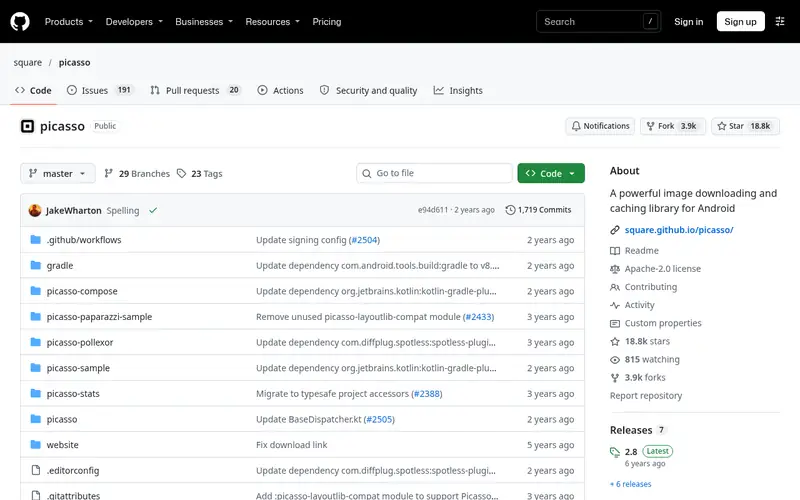
Picasso is Square's image loading library for Android. It loads images from network, disk or resources into ImageViews with a short chain of calls. It handles caching and request cancellation and is open source with no paid tier. For straightforward View-based screens, it is quick to adopt.
The important caveat is that Picasso is in maintenance mode. Square keeps it working and accepts fixes, but it is not the place to expect new capabilities. That makes it a reasonable choice for existing apps that already use it, or for small projects where its API is enough. It is a weaker choice for new Compose projects, where Coil is the more natural fit, and for apps that need advanced animation or transformation pipelines.
Standout: Very simple API for basic loading
Free (open source), as listed by the vendor (Picasso website). Confirm the current plan price before you buy.
Free plan. Plans change, so confirm on the vendor's pricing page before you buy.
Benefits
- Very simple API for basic loading
- small and easy to reason about
Drawbacks
- Maintenance mode, so new features are unlikely
- fewer modern integrations
Skip it if this limit matters to you: maintenance mode, so new features are unlikely.
Verdict. A sensible pick for existing View-based codebases that need simple image loading.
Fresco
Best for apps that need a managed image pipeline and drawee view hierarchy
What it is and where it fits
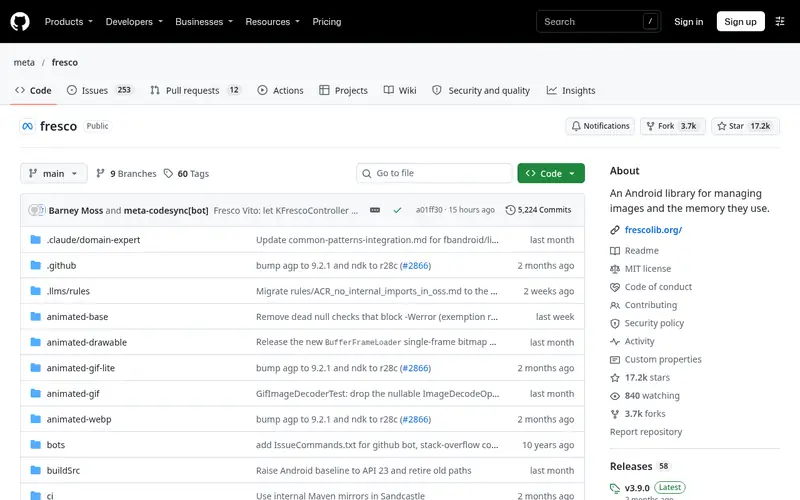
Fresco is Facebook's image library for Android. It is built around an image pipeline that handles fetching, decoding and caching, and it displays images through its Drawee view hierarchy rather than plain ImageViews. That design gives it fine control over memory use and supports progressive JPEGs and animated images. It is open source with no paid tier.
Fresco suits apps that need its pipeline features and are willing to adopt its view types. For teams with existing ImageView-based layouts, that migration is real work. It is also a heavier dependency than Coil or Picasso for simple use cases. If you only need to load a URL into an image view, Fresco is more machinery than required. If you need its memory controls and progressive loading, it is worth the setup cost.
Standout: Dedicated image pipeline with memory management focus
Free (open source), as listed by the vendor (Fresco website). Confirm the current plan price before you buy.
Free plan. Plans change, so confirm on the vendor's pricing page before you buy.
Benefits
- Dedicated image pipeline with memory management focus
- supports progressive and animated images
Drawbacks
- Uses its own view types, which adds migration work
- heavier integration than simpler loaders
Skip it if this limit matters to you: uses its own view types, which adds migration work.
Verdict. A sensible pick for apps that need a managed image pipeline and drawee view hierarchy.
Landscapist
Best for compose teams that want pluggable image loading backends
What it is and where it fits
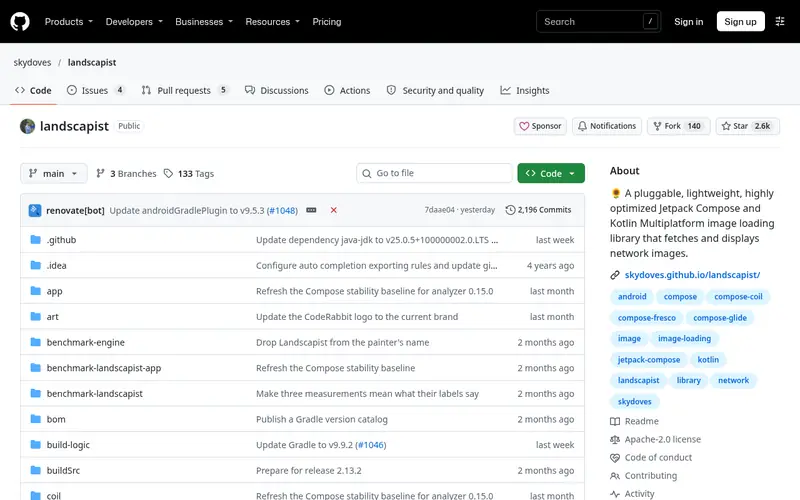
Landscapist is a Jetpack Compose image loading library by skydoves. It provides composable image functions and can use different backends, including Coil and Glide, behind a common API. It supports placeholders, transformations and animation options. The project is open source with no paid tier.
Landscapist is useful when you want a Compose-friendly surface and the ability to swap the underlying loader. That flexibility comes with an extra dependency layer, so you should weigh it against using Coil's Compose support directly. It is a smaller project than Coil or Glide, which matters if you want a very large community and long history. For teams already standardized on Coil, adding Landscapist may not be necessary. For teams that want backend choice in Compose, it is a reasonable option.
Standout: Compose-first API with multiple loader backends
Free (open source), as listed by the vendor (Landscapist website). Confirm the current plan price before you buy.
Free plan. Plans change, so confirm on the vendor's pricing page before you buy.
Benefits
- Compose-first API with multiple loader backends
- supports placeholders and transformations
Drawbacks
- Adds a layer over other loaders
- smaller project than Coil or Glide
Skip it if this limit matters to you: adds a layer over other loaders.
Verdict. A sensible pick for compose teams that want pluggable image loading backends.
Who should use what
If you are starting a new Jetpack Compose app in Kotlin, start with Coil and add optional modules only when you need them. If you maintain a large View-based app with heavy bitmap and animation needs, Glide is the lower-risk choice. If your app already uses Picasso and works fine, keep it and avoid a migration unless you need features it lacks. If you need a managed image pipeline and can adopt its view types, evaluate Fresco. If you want a Compose API with swappable backends, look at Landscapist.
Questions to settle before you buy
What to check before you buy
- Confirm the library supports your UI toolkit: Views, Compose, or both.
- Check the license and whether the project is actively maintained.
- Review memory and disk cache configuration options for your image sizes.
- Test cancellation and lifecycle behavior in lists and fast-scrolling screens.
- Verify format support you need, such as GIF, SVG or progressive JPEG.
FAQ
Is Coil better than Glide?
Neither is universally better. Coil is Kotlin-first and fits Compose and coroutines well. Glide has a longer track record in View-based apps and strong cache controls. Choose based on your UI toolkit and team familiarity.
Is Picasso still maintained?
Picasso is in maintenance mode. Square keeps it working and accepts fixes, but it is not where new features are added. It remains fine for existing apps and simple View-based loading.
Are these libraries free?
Yes. Coil, Glide, Picasso, Fresco and Landscapist are all open source with no paid tier. You should still review each project's license terms for your distribution model.
Can I use these with Jetpack Compose?
Coil has first-party Compose support. Landscapist is Compose-first with multiple backends. Glide, Picasso and Fresco are View-oriented, so Compose use needs integration work or wrappers.
Do these libraries cache images?
Yes. All of them provide memory and disk caching in some form. Cache size, eviction and configuration differ, so check each project's documentation for the controls you need.
Sources we checked
Method: how we score · editorial policy.
Change log. First published 27 Nov 2026.