Stage 04 · Run · Researched comparison
Best Local HTTPS Tools for Developers in 2026
mkcert is the first pick for most developers who need trusted HTTPS on localhost. It creates a local certificate authority and installs it in your system and browser trust stores, so certificates show no warnings. Caddy suits teams that want automatic local HTTPS through a config file. Smallstep step CLI and step-ca fit organizations that need a private CA with short-lived certificates. All four are free, and mkcert and Caddy are open source.

By Shihab Mia
Published 27 Nov 2026 · 5 tools compared
We run no ads and no affiliate links at launch. The order of a list follows our published method. See how we score.
Prices are the starting prices vendors list publicly. Plans change, so confirm the current price on the vendor page before you buy.
Key takeaways
- mkcert is free and open source, and works on macOS, Linux and Windows for localhost certificates.
- Caddy is free and open source and issues local HTTPS certificates automatically when you use a local domain name.
- Smallstep step CLI and step-ca are free and open source, with a paid Smallstep platform for teams that need managed certificates.
- Laravel Herd is free for local development but its Pro tier is paid; confirm current pricing on the vendor page.
Who each pick is for
- Developers who want trusted localhost certificates with one commandmkcert
- Developers who want automatic HTTPS for local sites via configCaddy
- Teams that need a private CA with short-lived certificatesSmallstep step CLI and step-ca
- Laravel and PHP developers who want one-click secure local sitesLaravel Herd
- Vite users who want HTTPS on the dev server with one flagVite basic SSL plugin
Comparison
| Tool | Best for | Standout feature | Listed starting price | Free plan or trial |
|---|---|---|---|---|
| 1mkcert | Developers who want trusted localhost certificates with one command | Installs a local CA into system and browser trust stores | Free (open source) | Free plan |
| 2Caddy | Developers who want automatic HTTPS for local sites via config | Automatic HTTPS with a short Caddyfile | Free (open source) | Free plan |
| 3Smallstep step CLI and step-ca | Teams that need a private CA with short-lived certificates | step-ca issues short-lived certificates | Free (open source) | Free plan |
| 4Laravel Herd | Laravel and PHP developers who want one-click secure local sites | Secure local sites with minimal setup | See vendor pricing page | Free plan |
| 5Vite basic SSL plugin | Vite users who want HTTPS on the dev server with one flag | One-line config change for HTTPS in Vite | Free (open source) | Free plan |
How we picked
We picked tools that directly solve trusted HTTPS on a local machine, then checked platform support, licence and price, how certificates are stored and trusted, and the main limits of each. Sources are vendor documentation, project repositories and public pricing pages. We did not run benchmarks or collect user reviews. Prices and plan details change, so confirm them on the vendor site before you commit.
The tools, one by one
mkcert
Best for developers who want trusted localhost certificates with one command
What it is and where it fits
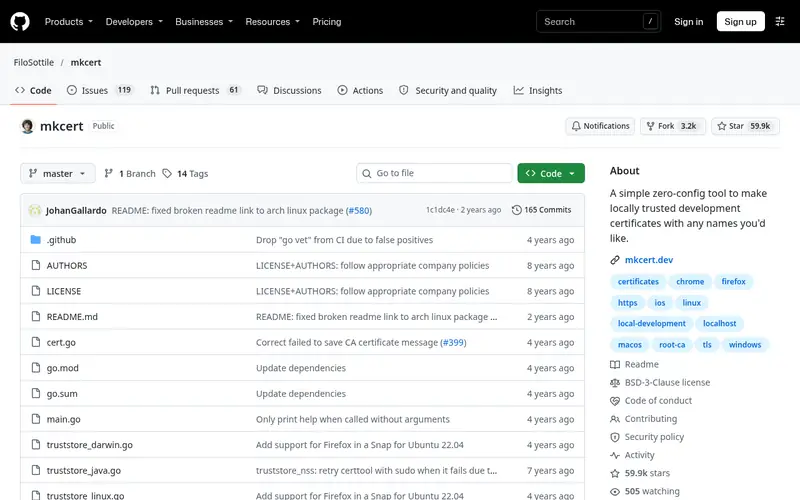
mkcert creates a local certificate authority and adds it to the trust stores of your system and, where supported, your browsers. You then run commands like `mkcert localhost 127.0.0.1 ::1` to generate a certificate and key for local development. The project is written in Go and ships binaries for macOS, Linux and Windows. It is free and open source under the BSD 3-Clause license.
The main limit is scope. The CA lives on one machine, so every developer and every device needs its own setup. Certificates are for local development only and should not be used on shared or production hosts. Teams that need a central CA with short-lived certificates should look at Smallstep instead.
Standout: Installs a local CA into system and browser trust stores
Free (open source), as listed by the vendor (mkcert website). Confirm the current plan price before you buy.
Free plan. Plans change, so confirm on the vendor's pricing page before you buy.
Benefits
- Installs a local CA into system and browser trust stores
- works on macOS, Linux and Windows
Drawbacks
- Each machine needs the CA installed
- certificates are not suited for shared or production use
Skip it if this limit matters to you: each machine needs the CA installed.
Verdict. A sensible pick for developers who want trusted localhost certificates with one command.
Alternatives in this guide: Caddy, Smallstep step CLI and step-ca, Laravel Herd
Caddy
Best for developers who want automatic HTTPS for local sites via config
What it is and where it fits
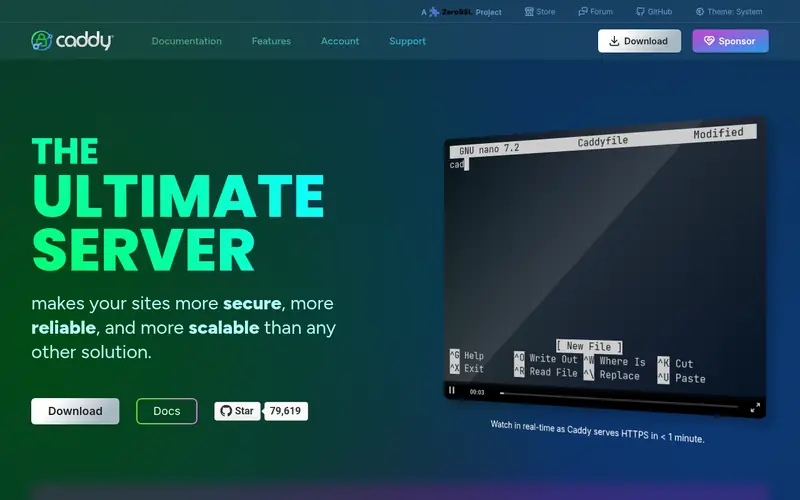
Caddy is a web server and reverse proxy that provisions and renews TLS certificates automatically. For local development it runs an internal CA and issues certificates for local hostnames and IP addresses, so a short Caddyfile can put HTTPS in front of an app on another port. It runs on macOS, Linux and Windows, and is free and open source under the Apache 2.0 license.
The trade-off is that Caddy is a proxy, not a certificate generator you call from a script. You run it alongside your app and route traffic through it. Developers who only need a certificate file for a single local server may find mkcert simpler. Caddy fits projects that already use a reverse proxy or want repeatable config.
Standout: Automatic HTTPS with a short Caddyfile
Free (open source), as listed by the vendor (Caddy website). Confirm the current plan price before you buy.
Free plan. Plans change, so confirm on the vendor's pricing page before you buy.
Benefits
- Automatic HTTPS with a short Caddyfile
- built-in local CA for internal names
Drawbacks
- Requires running a reverse proxy
- configuration learning curve for beginners
Skip it if this limit matters to you: requires running a reverse proxy.
Verdict. A sensible pick for developers who want automatic HTTPS for local sites via config.
Alternatives in this guide: mkcert, Smallstep step CLI and step-ca, Laravel Herd
Smallstep step CLI and step-ca
Best for teams that need a private CA with short-lived certificates
What it is and where it fits
Smallstep publishes two open-source projects. step is a CLI for working with certificates and keys, and step-ca is a private certificate authority that issues short-lived certificates over ACME and other protocols. Both are free and open source, and run on macOS, Linux and Windows. They suit teams that want certificates issued centrally rather than generated per machine.
Setup takes more work than mkcert. You run step-ca, configure provisioners, and point clients at it. In return you get automated issuance, short lifetimes and audit-friendly control. Smallstep also sells a commercial platform for managed certificate workflows; check the vendor pricing page for current terms. Solo developers with a single laptop will likely find mkcert faster.
Standout: step-ca issues short-lived certificates
Free (open source), as listed by the vendor (Smallstep step CLI and step-ca website). Confirm the current plan price before you buy.
Free plan. Plans change, so confirm on the vendor's pricing page before you buy.
Benefits
- step-ca issues short-lived certificates
- step CLI automates certificate tasks
Drawbacks
- More setup than a single-machine CA
- the managed platform is a separate paid product
Skip it if this limit matters to you: more setup than a single-machine CA.
Verdict. A sensible pick for teams that need a private CA with short-lived certificates.
Alternatives in this guide: mkcert, Caddy, Laravel Herd
Laravel Herd
Best for laravel and PHP developers who want one-click secure local sites
What it is and where it fits
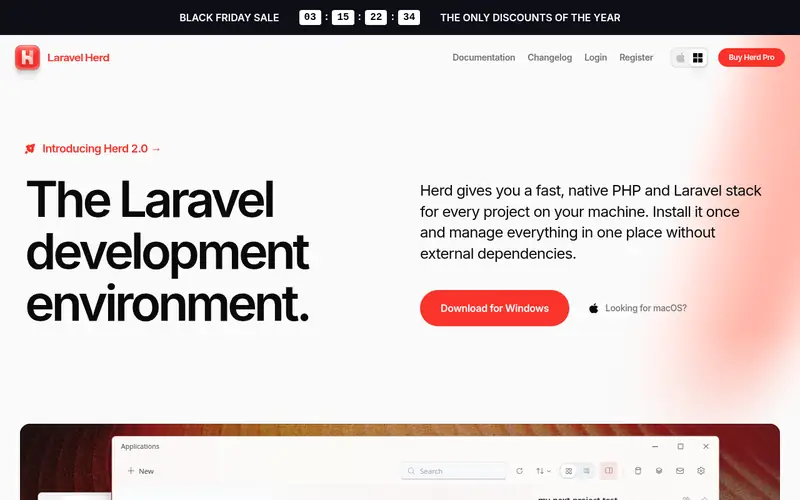
Laravel Herd is a local development environment for macOS and Windows aimed at PHP and Laravel projects. It includes a "secure" command that provisions trusted HTTPS for local sites, along with PHP, nginx and other services. A free tier covers core local development, and a Pro tier adds features. Check the vendor pricing page for current prices and what each tier includes.
Herd is a good fit if you already work in the Laravel ecosystem and want HTTPS without managing certificates yourself. It is a poor fit for non-PHP stacks, where Caddy or mkcert are more direct. The secure-site feature depends on Herd's own tooling, so review the documentation for how certificates are stored and trusted on your machine.
Standout: Secure local sites with minimal setup
See vendor pricing page, as listed by the vendor (Laravel Herd website). Confirm the current plan price before you buy.
Free plan. Plans change, so confirm on the vendor's pricing page before you buy.
Benefits
- Secure local sites with minimal setup
- bundles PHP, nginx and other services
Drawbacks
- Aimed at Laravel and PHP workflows
- Pro features require a paid licence
Skip it if this limit matters to you: aimed at Laravel and PHP workflows.
Verdict. A sensible pick for laravel and PHP developers who want one-click secure local sites.
Alternatives in this guide: mkcert, Caddy, Smallstep step CLI and step-ca
Vite basic SSL plugin
Best for vite users who want HTTPS on the dev server with one flag
What it is and where it fits
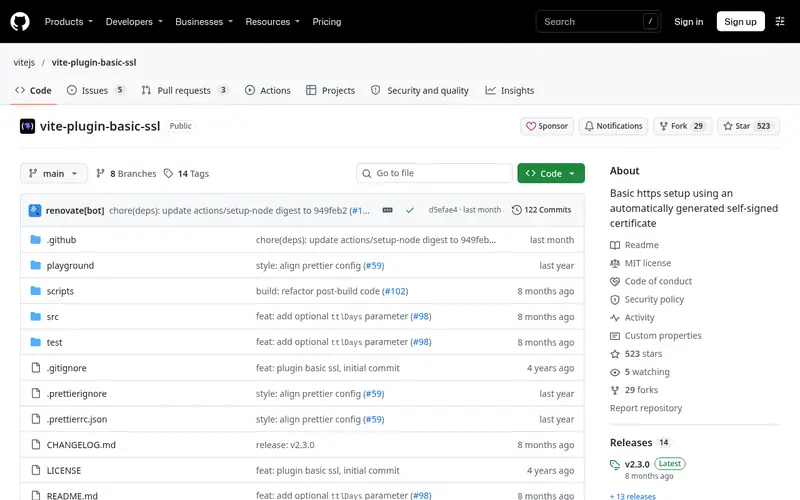
The Vite basic SSL plugin enables HTTPS on the Vite development server. You add it to the Vite config and start the dev server with the HTTPS flag. It is free and open source and works wherever Vite runs. The plugin generates a self-signed certificate, so browsers show a warning unless you configure your own trusted certificate.
This is the lightest option for front-end developers already using Vite. It does not help with other servers, and it does not manage trust stores. If you need warning-free HTTPS across several local services, use mkcert or Caddy instead and point Vite at the resulting certificate files.
Standout: One-line config change for HTTPS in Vite
Free (open source), as listed by the vendor (Vite basic SSL plugin website). Confirm the current plan price before you buy.
Free plan. Plans change, so confirm on the vendor's pricing page before you buy.
Benefits
- One-line config change for HTTPS in Vite
- no separate proxy process
Drawbacks
- Uses a self-signed certificate that browsers warn about
- only applies to the Vite dev server
Skip it if this limit matters to you: uses a self-signed certificate that browsers warn about.
Verdict. A sensible pick for vite users who want HTTPS on the dev server with one flag.
Alternatives in this guide: mkcert, Caddy, Smallstep step CLI and step-ca
Who should use what
A solo developer who wants warning-free localhost certificates on one machine should start with mkcert. A team that already runs a reverse proxy, or wants repeatable config for several local sites, should use Caddy. An organization that needs a private CA issuing short-lived certificates should evaluate Smallstep step-ca. A Laravel or PHP developer who wants one-click secure sites should try Laravel Herd. Node.js and Vite users who only need a quick HTTPS listener can use the Vite basic SSL plugin, ideally with a certificate from a trusted local CA.
Questions to settle before you buy
What to check before you buy
- Confirm the tool supports your operating system and browser trust stores.
- Check whether certificates are trusted automatically or need manual installation.
- Decide whether you need a per-machine CA or a central private CA.
- Review how private keys are stored and whether they are protected on disk.
- Read the licence and pricing page, and note which features sit behind a paid tier.
FAQ
Do I need a paid tool for HTTPS on localhost?
No. mkcert, Caddy, Smallstep step CLI and step-ca, and the Vite basic SSL plugin are all free or open source. Laravel Herd has a free tier and a paid Pro tier. Check each vendor page for current terms.
Why do browsers warn about my local HTTPS certificate?
Browsers warn when a certificate is self-signed or issued by a CA they do not trust. Tools like mkcert install a local CA into your trust stores so certificates are trusted. Plugins that generate self-signed certificates, such as the Vite basic SSL plugin, still trigger warnings unless you supply a trusted certificate.
Can I use these certificates in production?
No. Local development certificates and local CAs are meant for your machine. Use a public CA or your organization's managed certificate service for production hosts.
Is it safe to install a local certificate authority?
A local CA can issue certificates your machine trusts, so protect its private key. mkcert stores its CA in a local directory; keep that directory private and do not share the key. Remove the CA from your trust stores if you stop using it.
Which tool works with multiple local services?
Caddy is the most direct fit because it is a reverse proxy that can route several local hostnames over HTTPS. mkcert can generate certificates for multiple names, but you still configure each server to use them.
Sources we checked
Method: how we score · editorial policy.
Change log. First published 27 Nov 2026.