Stage 04 · Run · Researched comparison
Best File Watchers for Developers in 2026
watchexec is the first pick for most developers because it reruns any command when files change and works across Linux, macOS and Windows. It suits polyglot projects that need one general-purpose watcher. entr is a good alternative for small Unix shell workflows where a short, portable tool is enough. nodemon fits Node.js projects that want a ready-made restart loop for a server. All three are free and open source.

By Shihab Mia
Published 27 Nov 2026 · 7 tools compared
We run no ads and no affiliate links at launch. The order of a list follows our published method. See how we score.
Prices are the starting prices vendors list publicly. Plans change, so confirm the current price on the vendor page before you buy.
Key takeaways
- watchexec, entr, nodemon, Watchman, chokidar-cli, reflex and Air are all free and open source, so cost is not the deciding factor.
- watchexec and entr are language-agnostic; nodemon and Air are tied to Node.js and Go respectively.
- Watchman is the heaviest option and is aimed at large repositories that need fast change queries.
- These tools run locally and send no file data to a third party, but a command you trigger can still print secrets to a terminal or log.
Who each pick is for
- General-purpose command reruns across languages and platformswatchexec
- Small Unix shell workflows and quick command rerunsentr
- Node.js servers that need an automatic restart loopnodemon
- Large repositories that need fast, queryable file change dataWatchman
- Node-based projects that want a simple CLI watcherchokidar-cli
- Go developers who want a small watcher written in Goreflex
- Go web servers that need live reload during developmentAir
Comparison
| Tool | Best for | Standout feature | Listed starting price | Free plan or trial |
|---|---|---|---|---|
| 1watchexec | General-purpose command reruns across languages and platforms | Language-agnostic and runs on Linux, macOS and Windows | Free (open source) | Free plan |
| 2entr | Small Unix shell workflows and quick command reruns | Very small and portable across BSD and Linux | Free (open source) | Free plan |
| 3nodemon | Node.js servers that need an automatic restart loop | Restarts Node processes on change with no extra script | Free (open source) | Free plan |
| 4Watchman | Large repositories that need fast, queryable file change data | Designed for very large trees and used by build and editor tooling | Free (open source) | Free plan |
| 5chokidar-cli | Node-based projects that want a simple CLI watcher | Wraps the widely used chokidar library in a small command-line tool | Free (open source) | Free plan |
| 6reflex | Go developers who want a small watcher written in Go | Single Go binary with no runtime dependency | Free (open source) | Free plan |
| 7Air | Go web servers that need live reload during development | Purpose-built live reload for Go apps | Free (open source) | Free plan |
How we picked
We picked tools that watch files and run a command on change, then compared them on fit for common developer workflows, platform support, licence and price, and main limits. All seven are open source with public repositories. We did not run benchmarks or hands-on tests. Details come from vendor pages, documentation and project repositories. Prices and features change, so confirm current details on each project's site before you commit.
The tools, one by one
watchexec
Best for general-purpose command reruns across languages and platforms
What it is and where it fits
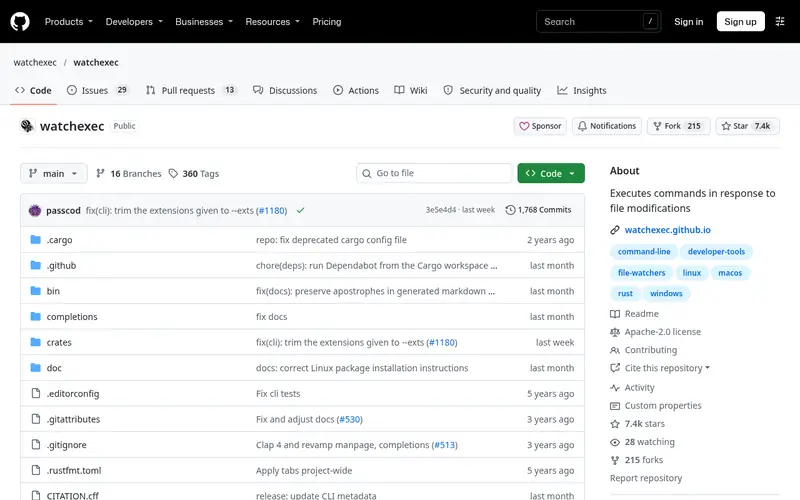
watchexec runs a command when files in a directory change. You point it at a path and give it a command, and it restarts or reruns that command on each change. It is written in Rust and ships as a single binary for Linux, macOS and Windows, which makes it easy to drop into a project without a runtime dependency.
It reads ignore files such as .gitignore and supports glob filters, debounce timing and a restart mode that kills the previous process before starting the next. That covers test runners, build scripts, linters and language servers. Because it does not know about any specific framework, you supply the command yourself.
Choose it when you want one watcher for several languages or when you need Windows support. Skip it if you want a tool that already understands your framework's reload behavior, since you will have to write that command yourself.
Standout: Language-agnostic and runs on Linux, macOS and Windows
Free (open source), as listed by the vendor (watchexec website). Confirm the current plan price before you buy.
Free plan. Plans change, so confirm on the vendor's pricing page before you buy.
Benefits
- Language-agnostic and runs on Linux, macOS and Windows
- ignores files via gitignore rules and supports debounce and restart modes
Drawbacks
- Command syntax takes a little reading
- no built-in language-specific reload logic
Skip it if this limit matters to you: command syntax takes a little reading.
Verdict. A sensible pick for general-purpose command reruns across languages and platforms.
entr
Best for small Unix shell workflows and quick command reruns
What it is and where it fits
entr runs a command when files change. It reads a list of files from standard input, so you combine it with find, git ls-files or a similar command. It is a small C program that builds on Linux and BSD systems and has no runtime dependencies.
The pipeline design is its main strength. You decide which files matter by choosing the command that lists them, which fits shell scripts and Makefiles well. It supports a restart flag for long-running processes and can clear the screen between runs. It does not read .gitignore on its own, so you filter the file list yourself.
Pick entr for small, scripted workflows on Unix-like systems. Skip it on Windows, and skip it if you want ignore rules handled for you.
Standout: Very small and portable across BSD and Linux
Free (open source), as listed by the vendor (entr website). Confirm the current plan price before you buy.
Free plan. Plans change, so confirm on the vendor's pricing page before you buy.
Benefits
- Very small and portable across BSD and Linux
- simple pipeline syntax that fits shell scripts
Drawbacks
- Unix-focused with no native Windows build
- no built-in ignore-file handling
Skip it if this limit matters to you: unix-focused with no native Windows build.
Verdict. A sensible pick for small Unix shell workflows and quick command reruns.
nodemon
Best for node.js servers that need an automatic restart loop
What it is and where it fits
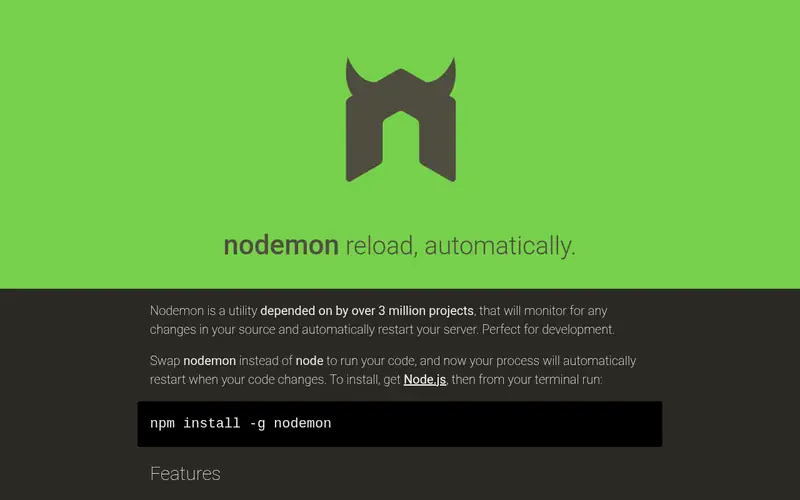
nodemon monitors a Node.js application and restarts it when files change. You replace `node app.js` with `nodemon app.js` and it handles the restart. It watches the extensions it recognizes by default and can be configured through a JSON file or command-line flags.
It supports ignore patterns, custom watch directories, delay settings and hooks that run before or after a restart. It also works as a library, so build tools can call it directly. It is maintained by the Node community and installed through npm.
Use nodemon for Node servers and scripts where automatic restart is the whole job. Skip it for non-Node projects or when you need to rerun a test command rather than restart a server.
Standout: Restarts Node processes on change with no extra script
Free (open source), as listed by the vendor (nodemon website). Confirm the current plan price before you buy.
Free plan. Plans change, so confirm on the vendor's pricing page before you buy.
Benefits
- Restarts Node processes on change with no extra script
- configurable ignore rules and extensions
Drawbacks
- Aimed at Node.js only
- not a general command runner for other languages
Skip it if this limit matters to you: aimed at Node.js only.
Verdict. A sensible pick for node.js servers that need an automatic restart loop.
Watchman
Best for large repositories that need fast, queryable file change data
What it is and where it fits
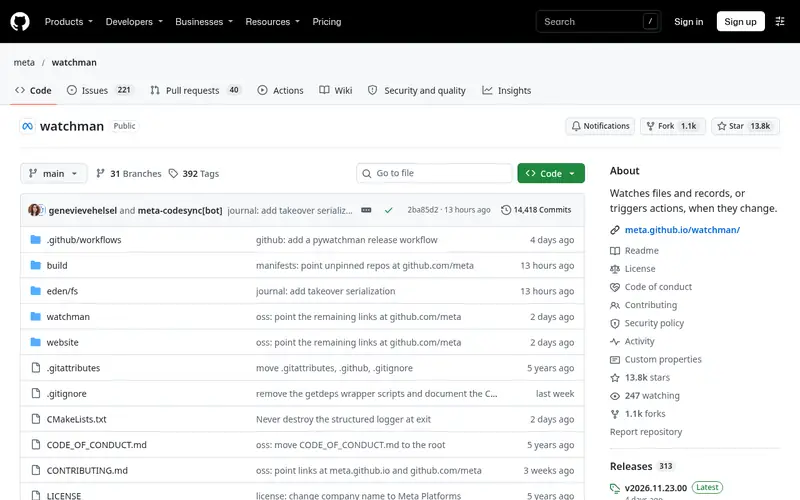
Watchman watches files and records changes so other tools can query them. Meta develops it, and it is used by build systems and editor integrations that need to know which files changed without rescanning a whole tree. It runs as a background service and keeps a persistent view of the filesystem.
You interact with it through a command-line client or its JSON protocol. It supports triggers that run a command when matching files change, plus subscriptions that stream events. It handles large repositories and many watched roots better than simple polling tools, at the cost of a service to run and manage.
Choose Watchman when you have a large tree or you are building tooling on top of change events. Skip it for a single small project where a one-line watcher is enough.
Standout: Designed for very large trees and used by build and editor tooling
Free (open source), as listed by the vendor (Watchman website). Confirm the current plan price before you buy.
Free plan. Plans change, so confirm on the vendor's pricing page before you buy.
Benefits
- Designed for very large trees and used by build and editor tooling
- exposes a query API for triggers
Drawbacks
- Heavier setup than a single binary
- overkill for small projects
Skip it if this limit matters to you: heavier setup than a single binary.
Verdict. A sensible pick for large repositories that need fast, queryable file change data.
chokidar-cli
Best for node-based projects that want a simple CLI watcher
What it is and where it fits
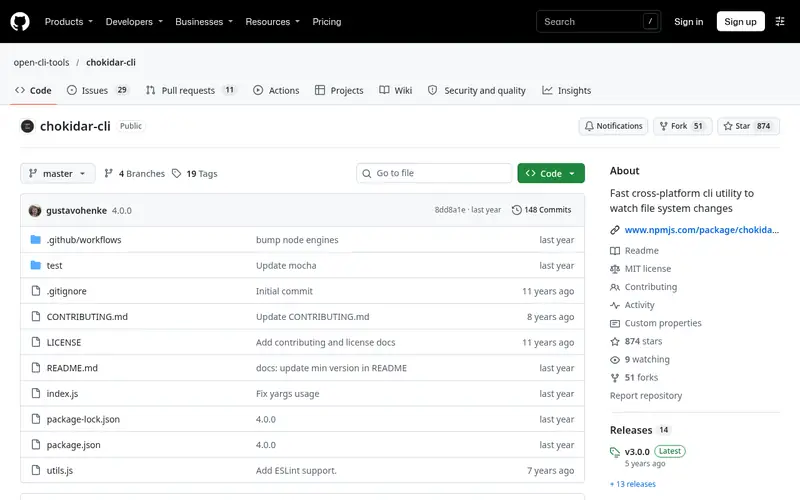
chokidar-cli is a command-line wrapper around the chokidar file-watching library, which many Node build tools use internally. It lets you run a command when files matching a glob change, without writing a Node script.
It supports glob patterns, ignore flags, debounce timing and a few output options. Because it is distributed through npm, it fits projects that already have Node installed. It does not manage long-running processes as thoroughly as watchexec, so restart behavior is simpler.
Use it when your project is Node-based and you want a quick watcher that matches the same glob semantics as your build tooling. Skip it if you want to avoid a Node dependency or need fine control over process restarts.
Standout: Wraps the widely used chokidar library in a small command-line tool
Free (open source), as listed by the vendor (chokidar-cli website). Confirm the current plan price before you buy.
Free plan. Plans change, so confirm on the vendor's pricing page before you buy.
Benefits
- Wraps the widely used chokidar library in a small command-line tool
- glob patterns and ignore flags
Drawbacks
- Requires Node.js to be installed
- fewer process-control options than watchexec
Skip it if this limit matters to you: requires Node.js to be installed.
Verdict. A sensible pick for node-based projects that want a simple CLI watcher.
reflex
Best for go developers who want a small watcher written in Go
What it is and where it fits
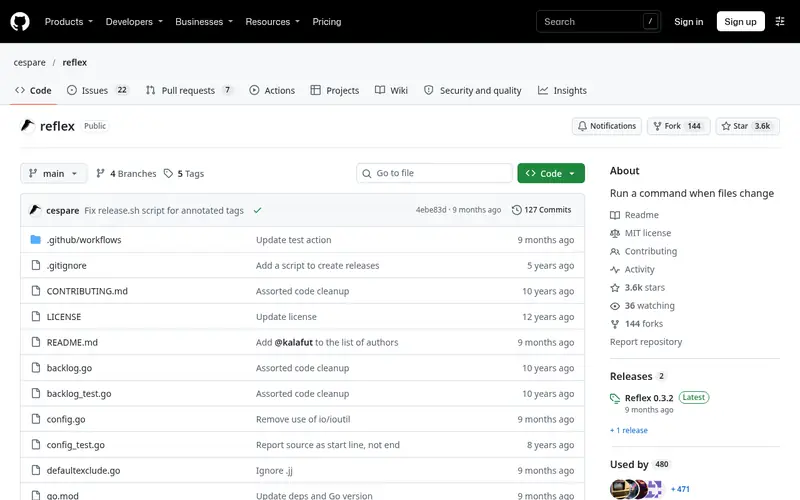
reflex watches files and runs a command when they change. It is written in Go and distributed as a binary, so it installs without a runtime. You pass a command and one or more file patterns, and it reruns the command on matching changes.
It supports regular-expression and glob filters, a config file for repeated setups, and a mode that restarts a long-running process. Its feature set is smaller than watchexec's, but the core behavior is the same: watch, filter, run.
Pick reflex if you work in Go and prefer a Go-native tool, or if you want a minimal binary. Skip it if you need the broader ignore-file handling and platform coverage that watchexec provides.
Standout: Single Go binary with no runtime dependency
Free (open source), as listed by the vendor (reflex website). Confirm the current plan price before you buy.
Free plan. Plans change, so confirm on the vendor's pricing page before you buy.
Benefits
- Single Go binary with no runtime dependency
- glob and regex filters for choosing files
Drawbacks
- Smaller community than watchexec
- fewer platform-specific conveniences
Skip it if this limit matters to you: smaller community than watchexec.
Verdict. A sensible pick for go developers who want a small watcher written in Go.
Air
Best for go web servers that need live reload during development
What it is and where it fits
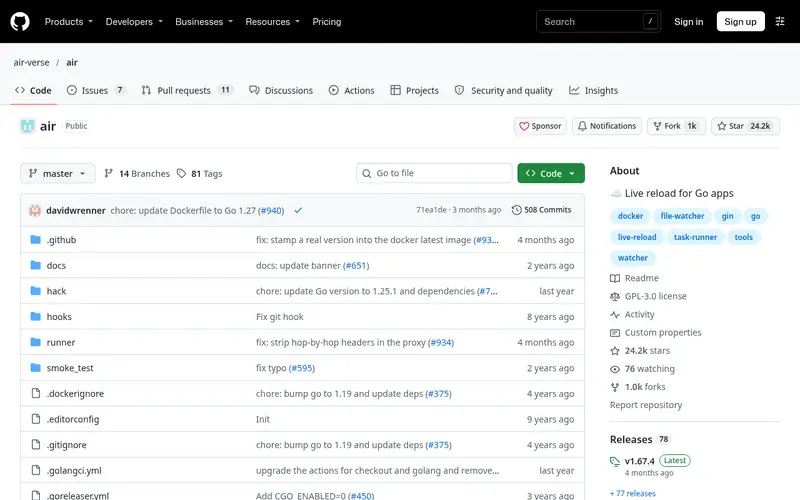
Air provides live reload for Go applications. It watches your project, rebuilds the binary and restarts the process when files change. It is aimed at Go web development, where the edit-build-run loop is frequent.
Configuration lives in a TOML file where you set the build command, binary name, watch directories and exclude patterns. It handles the rebuild and restart sequence so you do not chain commands yourself. It is installed with `go install` and runs as a single process.
Use Air for Go servers where rebuild-and-restart is the routine. Skip it for non-Go projects, and skip it if you want one watcher to cover a mixed-language repository.
Standout: Purpose-built live reload for Go apps
Free (open source), as listed by the vendor (Air website). Confirm the current plan price before you buy.
Free plan. Plans change, so confirm on the vendor's pricing page before you buy.
Benefits
- Purpose-built live reload for Go apps
- config file controls build and run commands
Drawbacks
- Go-specific
- not a general watcher for other languages
Skip it if this limit matters to you: go-specific.
Verdict. A sensible pick for go web servers that need live reload during development.
Who should use what
If you work across several languages and want one watcher, start with watchexec. If you write small Unix shell scripts and want a tiny pipeline tool, use entr. If you run a Node.js server, nodemon gives you restart behavior with no extra setup, and chokidar-cli fits Node projects that prefer glob-based commands. Go developers should look at Air for live reload of web servers, or reflex for a minimal general watcher. Reach for Watchman only when your repository is large enough that simple watchers struggle.
Questions to settle before you buy
What to check before you buy
- Confirm the tool runs on your operating system, especially if you use Windows.
- Check how it handles ignore rules, such as .gitignore, so build output does not trigger loops.
- Test that it kills the previous process on restart, or you will accumulate stale servers.
- Make sure the command it runs does not print secrets, tokens or production data to logs.
- Read the licence and confirm the project is still maintained before depending on it.
FAQ
Do file watchers send my code anywhere?
No. These tools run locally and watch your filesystem. They do not upload file contents. The command you configure may print output to a terminal or log file, so keep secrets out of that output.
Which file watcher works on Windows?
watchexec ships builds for Windows, macOS and Linux. nodemon and chokidar-cli run anywhere Node.js runs. entr, reflex and Air are aimed at Unix-like systems, and Watchman's Windows support is limited compared with its Unix support.
Do I need Watchman for a small project?
No. Watchman is built for large repositories and tooling that queries change events. For a single small project, watchexec, entr or nodemon is simpler to set up and maintain.
Can I use one watcher for several languages?
Yes. watchexec and entr are language-agnostic because you supply the command. nodemon and Air are tied to Node.js and Go respectively, so they fit single-language projects better.
Are these tools free?
All seven are free and open source. You can read the source, build them yourself and use them without a paid plan. Support comes from project maintainers and community issue trackers rather than a commercial contract.
Sources we checked
Method: how we score · editorial policy.
Change log. First published 27 Nov 2026.