Stage 04 · Run · Researched comparison
Best Disk Usage CLI Tools in 2026
ncdu is the first pick for most developers who want an interactive view of what is filling a disk. It runs over SSH, navigates with arrow keys, and lets you delete entries in place. dust gives a fast one-shot tree summary when you just want output in the terminal. gdu is a good alternative if you want parallel scanning and a simpler interface, and duf covers a different job: showing free space across mounted disks.

By Shihab Mia
Published 27 Nov 2026 · 7 tools compared
We run no ads and no affiliate links at launch. The order of a list follows our published method. See how we score.
Prices are the starting prices vendors list publicly. Plans change, so confirm the current price on the vendor page before you buy.
Key takeaways
- ncdu, dust, gdu, dua-cli, duf and diskus are all free and open source; GNU du ships with coreutils on most Linux and macOS systems.
- ncdu and gdu offer interactive browsing, while dust and diskus print a summary and exit.
- All of these tools read the local filesystem, so no file names or paths leave the machine.
- duf reports mounted disks and free space rather than per-directory sizes, so pair it with a directory analyzer.
Who each pick is for
Comparison
| Tool | Best for | Standout feature | Listed starting price | Free plan or trial |
|---|---|---|---|---|
| 1ncdu | Interactive disk browsing over SSH | Keyboard-driven interface with in-place delete | Free (open source) | Free plan |
| 2dust | Fast one-shot tree summaries in scripts | Parallel scanning and a readable tree by default | Free (open source) | Free plan |
| 3gdu | Interactive analysis with parallel scanning | Parallel scanning with an interactive mode | Free (open source) | Free plan |
| 4dua-cli | Interactive and scriptable analysis in one tool | Interactive browser plus an aggregate mode for plain output | Free (open source) | Free plan |
| 5duf | Checking free space on mounted disks | Clear table of mounts, usage and free space | Free (open source) | Free plan |
| 6diskus | Fast total size of a directory tree | Parallel scanning for a quick total | Free (open source) | Free plan |
| 7GNU du | Scripting with no extra install | Installed by default on most Linux and macOS systems | Free (open source) | Free plan |
How we picked
We picked tools that do the job named in the title: report disk usage from the command line. Criteria were fit for the job, platform coverage, licence and price, whether the tool runs locally so no file data leaves the machine, and main limits such as single-threaded scanning or missing interactive mode. Sources are vendor pages, project repositories and documentation. Prices and features change, so confirm details on the vendor site before you rely on them.
The tools, one by one
ncdu
Best for interactive disk browsing over SSH
What it is and where it fits
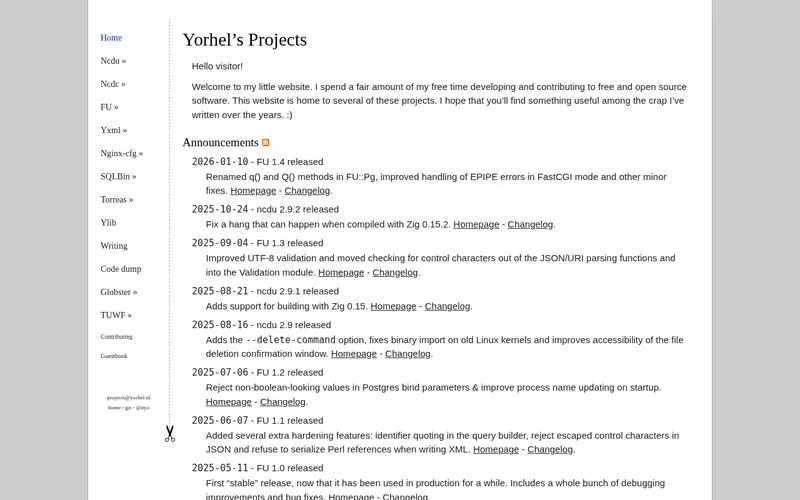
ncdu scans a directory and shows sizes in an interactive curses interface. You move with arrow keys, sort by size, and delete files or directories without leaving the tool. It is the most common choice for cleaning up a remote server over SSH because it needs only a terminal.
It runs on Linux, macOS, BSD and other Unix-like systems. The project is open source and distributed through package managers on most distributions. Scanning is single-threaded, so very large trees take longer than tools that scan in parallel. Skip it if you want scriptable output; use `--export` for that or reach for dust instead.
Standout: Keyboard-driven interface with in-place delete
Free (open source), as listed by the vendor (ncdu website). Confirm the current plan price before you buy.
Free plan. Plans change, so confirm on the vendor's pricing page before you buy.
Benefits
- Keyboard-driven interface with in-place delete
- low memory use on large trees
Drawbacks
- No parallel scanning by default
- interface is text-only
Skip it if this limit matters to you: no parallel scanning by default.
Verdict. A sensible pick for interactive disk browsing over SSH.
dust
Best for fast one-shot tree summaries in scripts
What it is and where it fits
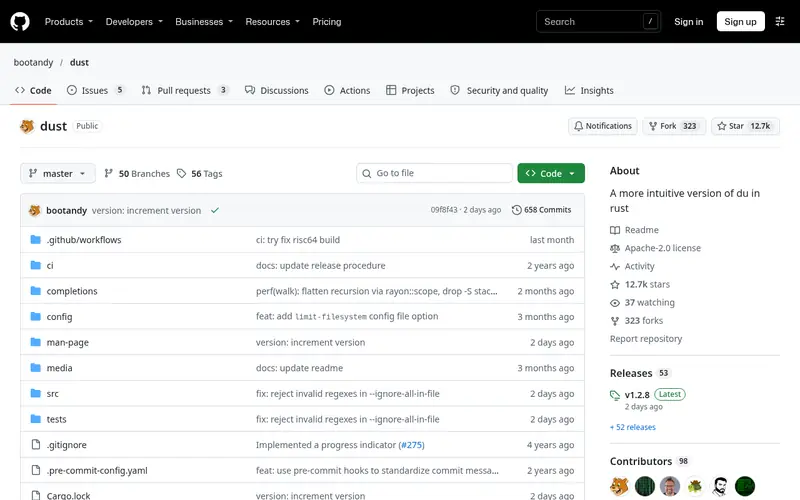
dust (du + rust) prints a tree of directory sizes, largest first, and exits. It scans in parallel, which makes it noticeably quicker than a plain `du` on big directories. Flags control depth, the number of results, and whether to show file counts or apparent size.
It is written in Rust and ships as a single binary for Linux, macOS and Windows. Because it only prints, it fits well in scripts and quick checks where you do not want to enter a full-screen interface. There is no delete function, so use ncdu or gdu when you plan to remove files.
Standout: Parallel scanning and a readable tree by default
Free (open source), as listed by the vendor (dust website). Confirm the current plan price before you buy.
Free plan. Plans change, so confirm on the vendor's pricing page before you buy.
Benefits
- Parallel scanning and a readable tree by default
- flags for depth, filters and output format
Drawbacks
- No interactive deletion
- output can be wide on deep trees
Skip it if this limit matters to you: no interactive deletion.
Verdict. A sensible pick for fast one-shot tree summaries in scripts.
gdu
Best for interactive analysis with parallel scanning
What it is and where it fits
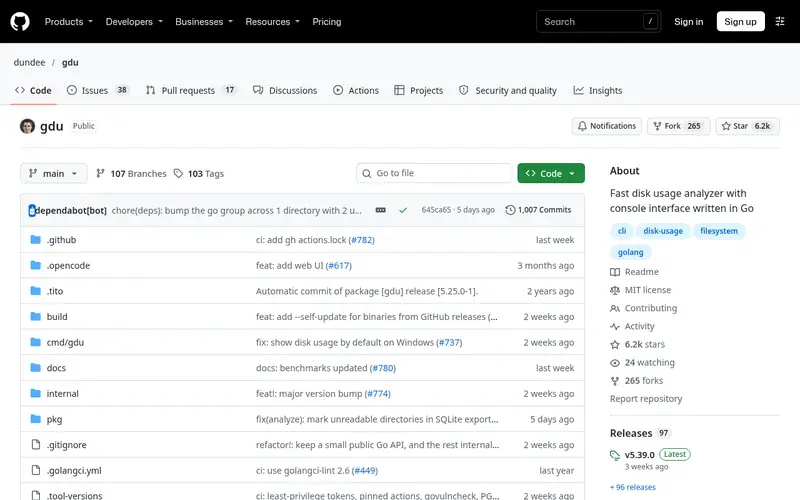
gdu is written in Go and scans directories in parallel. It has an interactive mode similar to ncdu, with navigation and deletion, plus a non-interactive mode that prints results. That makes it usable both for exploration and for quick reports.
It runs on Linux, macOS and Windows, and installs from release binaries or package managers. The interface is simpler than ncdu's, with fewer sorting and display options, but it is fast on large trees. Choose it if scan speed matters more than interface depth; choose ncdu if you want the more established tool.
Standout: Parallel scanning with an interactive mode
Free (open source), as listed by the vendor (gdu website). Confirm the current plan price before you buy.
Free plan. Plans change, so confirm on the vendor's pricing page before you buy.
Benefits
- Parallel scanning with an interactive mode
- single binary with no runtime dependencies
Drawbacks
- Fewer display options than ncdu
- smaller community
Skip it if this limit matters to you: fewer display options than ncdu.
Verdict. A sensible pick for interactive analysis with parallel scanning.
dua-cli
Best for interactive and scriptable analysis in one tool
What it is and where it fits
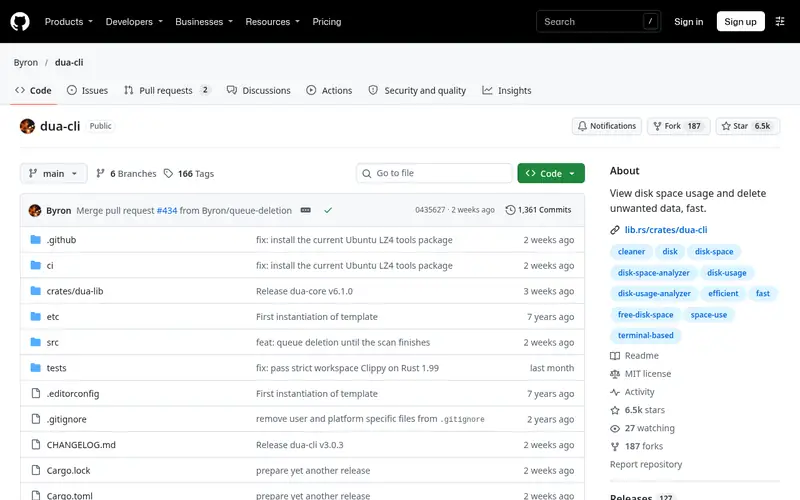
dua-cli (disk usage analyzer) offers an interactive terminal interface and a non-interactive aggregate mode. The interactive view lets you mark entries and delete them, and the aggregate mode prints totals you can pipe into other commands. It scans in parallel.
It is written in Rust and builds for Linux, macOS and Windows. Installation is usually through cargo, release binaries or a package manager, and coverage in distro repositories is thinner than ncdu's. It suits developers who want one binary for both browsing and reporting without switching tools.
Standout: Interactive browser plus an aggregate mode for plain output
Free (open source), as listed by the vendor (dua-cli website). Confirm the current plan price before you buy.
Free plan. Plans change, so confirm on the vendor's pricing page before you buy.
Benefits
- Interactive browser plus an aggregate mode for plain output
- parallel scanning
Drawbacks
- Interface takes a moment to learn
- fewer distro packages than ncdu
Skip it if this limit matters to you: interface takes a moment to learn.
Verdict. A sensible pick for interactive and scriptable analysis in one tool.
duf
Best for checking free space on mounted disks
What it is and where it fits
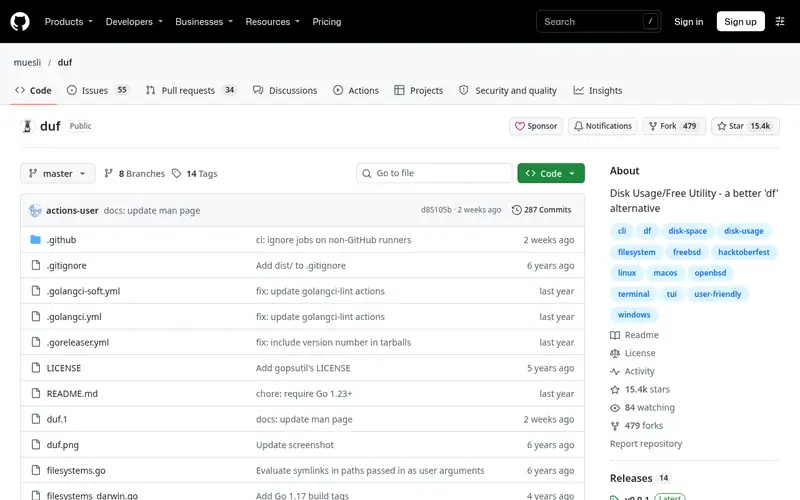
duf (disk usage/free) lists mounted filesystems with size, used space, free space and mount point in a table. It answers "which disk is full" rather than "which directory is large." It replaces the older `df` for a readable overview and supports JSON output for scripts.
It runs on Linux, macOS, BSD and Windows, and installs as a single binary from releases or package managers. It does not scan directories, so pair it with ncdu or dust when you need to find the large folder on a full disk. Skip it if you only need `df` output you already parse.
Standout: Clear table of mounts, usage and free space
Free (open source), as listed by the vendor (duf website). Confirm the current plan price before you buy.
Free plan. Plans change, so confirm on the vendor's pricing page before you buy.
Benefits
- Clear table of mounts, usage and free space
- JSON output for scripting
Drawbacks
- Does not break down per-directory sizes
- not a replacement for du
Skip it if this limit matters to you: does not break down per-directory sizes.
Verdict. A sensible pick for checking free space on mounted disks.
diskus
Best for fast total size of a directory tree
What it is and where it fits
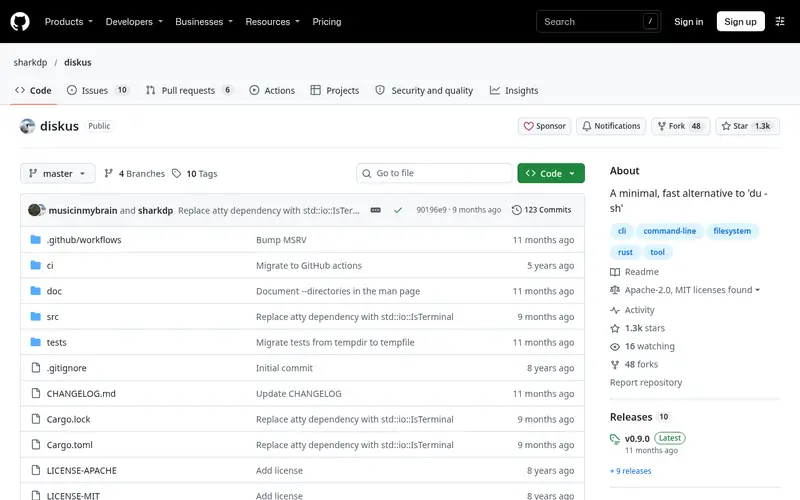
diskus reports the total size of a directory tree and nothing else. It scans in parallel, so it is faster than `du -sh` on large trees, and the output is a single number that is easy to capture in scripts.
It is written in Rust and ships as a single binary for Linux, macOS and Windows. There is no per-directory breakdown and no interactive mode, so it does not help you find which subfolder is large. Use it when you only need a total, for example in a backup size check or a CI step.
Standout: Parallel scanning for a quick total
Free (open source), as listed by the vendor (diskus website). Confirm the current plan price before you buy.
Free plan. Plans change, so confirm on the vendor's pricing page before you buy.
Benefits
- Parallel scanning for a quick total
- minimal output suited to scripts
Drawbacks
- Prints only a single total, no breakdown
- no interactive mode
Skip it if this limit matters to you: prints only a single total, no breakdown.
Verdict. A sensible pick for fast total size of a directory tree.
GNU du
Best for scripting with no extra install
What it is and where it fits
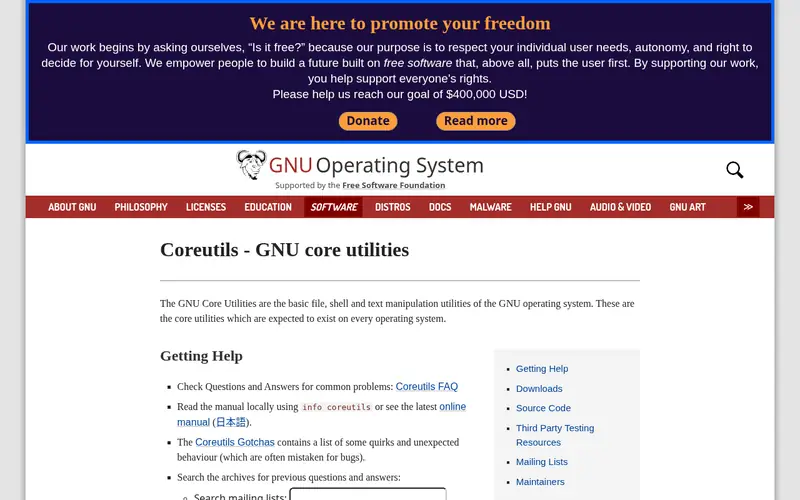
du is part of GNU coreutils and is present on nearly every Linux and macOS system. It reports disk usage per directory and supports flags for human-readable sizes, depth limits and totals. Because it is always there, scripts can rely on it without an install step.
It is single-threaded, so it is slower than dust or diskus on large trees. Output is unsorted by default, and you usually pipe it through `sort` to find the largest directories. The macOS version is BSD du with slightly different flags. Use it when you cannot install anything, and reach for a faster tool when scan time matters.
Standout: Installed by default on most Linux and macOS systems
Free (open source), as listed by the vendor (GNU du website). Confirm the current plan price before you buy.
Free plan. Plans change, so confirm on the vendor's pricing page before you buy.
Benefits
- Installed by default on most Linux and macOS systems
- stable flags for scripts
Drawbacks
- Single-threaded and slow on large trees
- output needs sorting to be useful
Skip it if this limit matters to you: single-threaded and slow on large trees.
Verdict. A sensible pick for scripting with no extra install.
Who should use what
If you clean up a remote server over SSH, start with ncdu or gdu for interactive browsing and deletion. If you want a quick tree in a script or a one-off check, dust prints results and exits. If you only need a total size for a backup or CI step, diskus is the smallest option. If the question is which mounted disk is full, use duf, then follow up with a directory analyzer. If you cannot install anything, GNU du is already there.
Questions to settle before you buy
What to check before you buy
- Confirm the tool runs on your OS and installs from a package manager or a single binary.
- Check whether you need interactive deletion or only printed output.
- Test scan speed on one of your largest directories before relying on it.
- Verify the output format suits your scripts, for example JSON or a plain total.
- Check that the licence and maintenance status fit your team's policy.
FAQ
What is the difference between duf and ncdu?
duf shows mounted filesystems and free space, similar to df. ncdu scans directories and shows what is taking up space inside them. They answer different questions, so many developers use duf to find the full disk and ncdu to find the large folder on it.
Do these tools send file data anywhere?
No. ncdu, dust, gdu, dua-cli, duf, diskus and GNU du all read the local filesystem and print results in the terminal. There is no network component in normal use, so file names and paths stay on the machine.
Which tool is fastest on very large directories?
Tools that scan in parallel, such as dust, gdu, dua-cli and diskus, are generally faster than single-threaded du and ncdu on large trees. Actual speed depends on your disk and filesystem, so test on your own data before deciding.
Can I use these tools on macOS and Windows?
ncdu, gdu, dua-cli, duf and diskus provide builds for macOS, and gdu, dua-cli, duf and diskus provide Windows builds. dust also ships Windows binaries. GNU du is standard on Linux and macOS, though macOS uses BSD du with some flag differences.
Are any of these tools paid?
No. All seven options listed here are free and open source. Some are included with the operating system, and the rest install from package managers or release binaries at no cost.
Sources we checked
Method: how we score · editorial policy.
Change log. First published 27 Nov 2026.