Stage 03 · Host · Researched comparison
Best .NET Message Bus Libraries in 2026
MassTransit is the first pick for most teams that want a free, open-source bus with many transport options and strong documentation. NServiceBus suits teams that want a commercial product with vendor support and a long track record. Wolverine is a good alternative when you want a newer library that also handles in-process messaging and the outbox pattern.

By Shihab Mia
Published 28 Nov 2026 · 7 tools compared
We run no ads and no affiliate links at launch. The order of a list follows our published method. See how we score.
Prices are the starting prices vendors list publicly. Plans change, so confirm the current price on the vendor page before you buy.
Key takeaways
- MassTransit is free under its current open-source licence, but version 9 is moving to a commercial model, so check the licence terms before you start a new project.
- NServiceBus and Brighter are commercial; Rebus, Wolverine, CAP and the Azure Service Bus SDK are open source.
- All of these libraries run on modern .NET, and most work with several brokers such as RabbitMQ, Azure Service Bus, Amazon SQS and Kafka.
- None of these are online web tools, so there is no third-party page to paste data into; secrets belong in configuration or a secret store, not in source code.
Who each pick is for
- Teams that want a free bus with many transportsMassTransit
- Teams that want commercial support and a proven busNServiceBus
- Developers who want a lean free busRebus
- Teams that want messaging plus in-process handlingWolverine
- Teams that want command processor and outbox patternsBrighter
- Teams that need an outbox with event bus supportCAP
- Teams already on Azure Service BusAzure Service Bus SDK
Comparison
| Tool | Best for | Standout feature | Listed starting price | Free plan or trial |
|---|---|---|---|---|
| 1MassTransit | Teams that want a free bus with many transports | Wide transport support | Free (open source) | Free plan |
| 2NServiceBus | Teams that want commercial support and a proven bus | Vendor support and long track record | See vendor pricing page | Free trial (N days) |
| 3Rebus | Developers who want a lean free bus | Simple API with few concepts | Free (open source) | Free plan |
| 4Wolverine | Teams that want messaging plus in-process handling | Handles local and remote messaging in one model | Free (open source) | Free plan |
| 5Brighter | Teams that want command processor and outbox patterns | Focus on command dispatch and outbox | See vendor pricing page | No free plan |
| 6CAP | Teams that need an outbox with event bus support | Built-in outbox with database integration | Free (open source) | Free plan |
| 7Azure Service Bus SDK | Teams already on Azure Service Bus | First-party client for Azure Service Bus | See vendor pricing page | No free plan |
How we picked
We picked libraries that genuinely move messages between .NET services and are currently maintained. Criteria were fit for common messaging jobs, supported platforms and brokers, licence and price model, and the main limits such as feature gaps or vendor lock-in. Sources are vendor pages, official documentation and project repositories. Prices and licence terms change, so confirm them on the vendor site before you commit.
The tools, one by one
MassTransit
Best for teams that want a free bus with many transports
What it is and where it fits
MassTransit is a distributed application framework for .NET that handles message routing, sagas, retries and the outbox pattern. It works with RabbitMQ, Azure Service Bus, Amazon SQS, Kafka and others through transport packages, so you can change brokers with limited code changes. It targets modern .NET and runs on Windows, Linux and containers.
The project has been open source, and the maintainers have announced that version 9 will move to a commercial licence. Check the current terms on the project site before you commit a new project to it. Older open-source versions remain available.
Choose MassTransit if you want a mature free option with broad transport support. Skip it if a commercial licence for future versions is a blocker, or if you need vendor support with a service-level agreement.
Standout: Wide transport support
Free (open source), as listed by the vendor (MassTransit website). Confirm the current plan price before you buy.
Free plan. Plans change, so confirm on the vendor's pricing page before you buy.
Benefits
- Wide transport support
- built-in saga, retry and outbox features
Drawbacks
- Version 9 changes the licence to commercial
- large API surface to learn
Skip it if this limit matters to you: version 9 changes the licence to commercial.
Verdict. A sensible pick for teams that want a free bus with many transports.
Alternatives in this guide: NServiceBus, Rebus, Wolverine
NServiceBus
Best for teams that want commercial support and a proven bus
What it is and where it fits
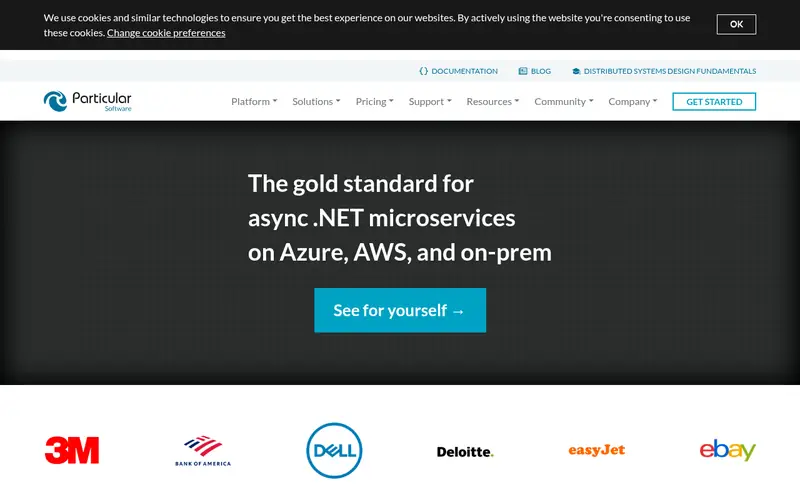
NServiceBus from Particular Software is a commercial messaging framework for .NET. It provides message handlers, sagas, the outbox pattern, retries and monitoring through the vendor's tooling. It supports transports such as RabbitMQ, Azure Service Bus, Amazon SQS and SQL Server.
Licensing is per endpoint or per developer depending on the edition, and prices are on the vendor site. A free trial is offered. The product is aimed at teams that want a supported bus with documentation and a service-level agreement rather than a community-only project.
Pick NServiceBus if support and a stable commercial contract matter more than licence cost. Skip it for small side projects where a free library is enough.
Standout: Vendor support and long track record
See vendor pricing page, as listed by the vendor (NServiceBus website). Confirm the current plan price before you buy.
Free trial (N days). Plans change, so confirm on the vendor's pricing page before you buy.
Benefits
- Vendor support and long track record
- strong saga and outbox support
Drawbacks
- Commercial licence cost
- tied to the Particular platform and tooling
Skip it if this limit matters to you: commercial licence cost.
Verdict. A sensible pick for teams that want commercial support and a proven bus.
Alternatives in this guide: MassTransit, Rebus, Wolverine
Rebus
Best for developers who want a lean free bus
What it is and where it fits
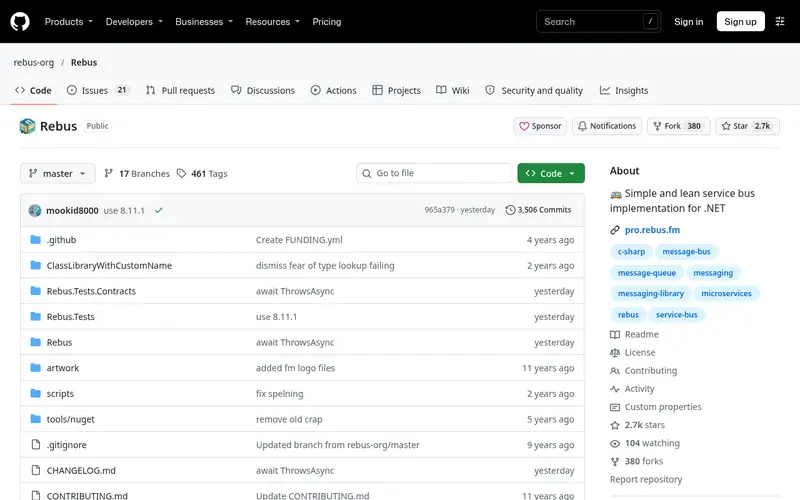
Rebus is an open-source .NET service bus. It focuses on a small set of concepts: send, publish, subscribe and handle. It supports transports including RabbitMQ, Azure Service Bus, Amazon SQS and SQL Server, and it runs on modern .NET across platforms.
The library is free under an open-source licence. It covers sagas, retries and the outbox pattern, but with less tooling around it than the larger commercial products. Documentation lives on the project site and repository.
Choose Rebus if you want a lightweight bus with a clear API and no licence cost. Skip it if you need vendor support or a large ecosystem of integrations.
Standout: Simple API with few concepts
Free (open source), as listed by the vendor (Rebus website). Confirm the current plan price before you buy.
Free plan. Plans change, so confirm on the vendor's pricing page before you buy.
Benefits
- Simple API with few concepts
- works with several transports
Drawbacks
- Smaller community than MassTransit
- fewer built-in extras
Skip it if this limit matters to you: smaller community than MassTransit.
Verdict. A sensible pick for developers who want a lean free bus.
Alternatives in this guide: MassTransit, NServiceBus, Wolverine
Wolverine
Best for teams that want messaging plus in-process handling
What it is and where it fits
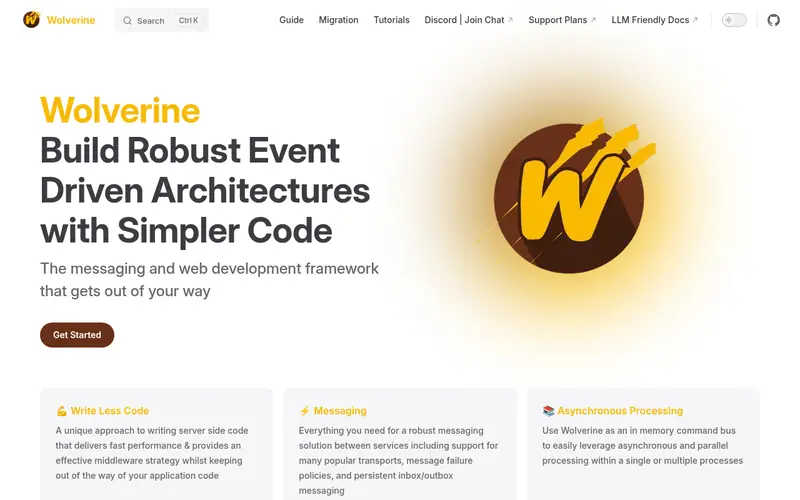
Wolverine is an open-source .NET library for messaging and command handling. It can process messages in process, over a broker or through a database queue, and it includes an outbox for reliable publishing. It supports transports such as RabbitMQ, Azure Service Bus, Amazon SQS and Kafka.
It is free under an open-source licence and runs on modern .NET. Because it is newer than MassTransit or NServiceBus, there are fewer long-running production stories and third-party tutorials. The documentation on the project site is the main reference.
Pick Wolverine if you want one model for local and distributed messaging and you are comfortable with a newer library. Skip it if you need a long vendor track record.
Standout: Handles local and remote messaging in one model
Free (open source), as listed by the vendor (Wolverine website). Confirm the current plan price before you buy.
Free plan. Plans change, so confirm on the vendor's pricing page before you buy.
Benefits
- Handles local and remote messaging in one model
- built-in outbox support
Drawbacks
- Newer project with a smaller track record
- fewer third-party guides
Skip it if this limit matters to you: newer project with a smaller track record.
Verdict. A sensible pick for teams that want messaging plus in-process handling.
Alternatives in this guide: MassTransit, NServiceBus, Rebus
Brighter
Best for teams that want command processor and outbox patterns
What it is and where it fits
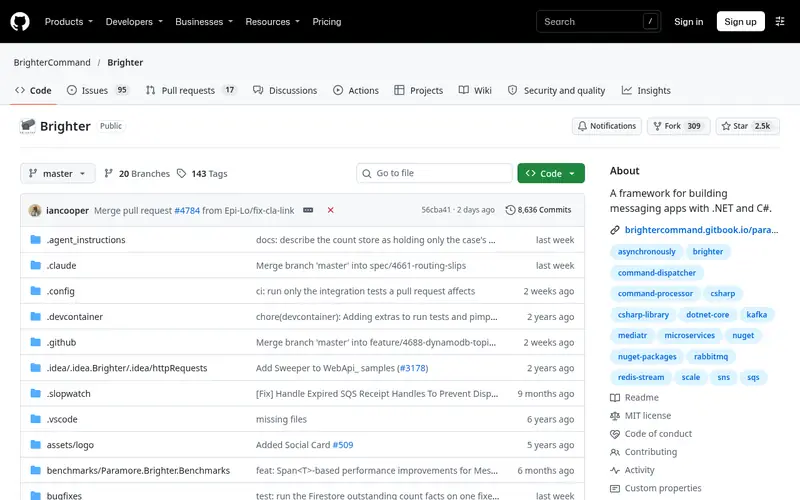
Brighter is a .NET framework for command processing and messaging. It implements the command processor and command dispatcher patterns, plus an outbox for reliable messaging. It supports transports such as RabbitMQ, Kafka, Azure Service Bus and Amazon SQS.
The project is offered under a commercial licence, with terms and pricing on the vendor site. It targets teams that want these patterns built in rather than assembled from separate libraries. It runs on modern .NET.
Choose Brighter if the command processor model fits your design and you accept a commercial licence. Skip it if you want a free library or a larger community.
Standout: Focus on command dispatch and outbox
See vendor pricing page, as listed by the vendor (Brighter website). Confirm the current plan price before you buy.
No free plan. Plans change, so confirm on the vendor's pricing page before you buy.
Benefits
- Focus on command dispatch and outbox
- supports several transports
Drawbacks
- Commercial licence
- smaller user base than MassTransit
Skip it if this limit matters to you: commercial licence.
Verdict. A sensible pick for teams that want command processor and outbox patterns.
Alternatives in this guide: MassTransit, NServiceBus, Rebus
CAP
Best for teams that need an outbox with event bus support
What it is and where it fits
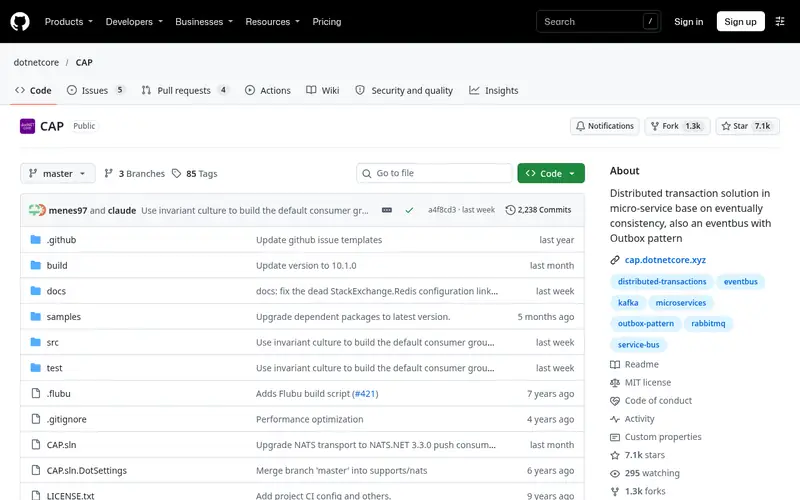
CAP is an open-source .NET library for event bus messaging with an integrated outbox. It stores messages in the same database transaction as your business data and then publishes them, which reduces lost or duplicate messages. It supports transports such as RabbitMQ, Kafka, Azure Service Bus and Amazon SQS, and it works with common relational databases.
It is free under an open-source licence and runs on modern .NET. The feature set is narrower than a full service bus: it focuses on publish and subscribe with the outbox rather than sagas or a large routing model.
Pick CAP if reliable publishing with an outbox is your main need. Skip it if you need sagas, complex routing or vendor support.
Standout: Built-in outbox with database integration
Free (open source), as listed by the vendor (CAP website). Confirm the current plan price before you buy.
Free plan. Plans change, so confirm on the vendor's pricing page before you buy.
Benefits
- Built-in outbox with database integration
- simple setup
Drawbacks
- Smaller feature set than full buses
- fewer transports than MassTransit
Skip it if this limit matters to you: smaller feature set than full buses.
Verdict. A sensible pick for teams that need an outbox with event bus support.
Alternatives in this guide: MassTransit, NServiceBus, Rebus
Azure Service Bus SDK
Best for teams already on Azure Service Bus
What it is and where it fits
The Azure.Messaging.ServiceBus library is the official .NET client for Azure Service Bus. It gives direct access to queues, topics, subscriptions, sessions and dead-lettering. It targets modern .NET and runs anywhere the service is reachable.
The SDK itself is free to download, but Azure Service Bus is a paid cloud service with pricing on the Azure site. The SDK is a transport client, not a full bus: you write your own handlers, routing and saga logic, or pair it with a library such as MassTransit or NServiceBus that supports it as a transport.
Choose the SDK if you want direct control and are committed to Azure Service Bus. Skip it if you want a bus abstraction that hides the broker.
Standout: First-party client for Azure Service Bus
See vendor pricing page, as listed by the vendor (Azure Service Bus SDK website). Confirm the current plan price before you buy.
No free plan. Plans change, so confirm on the vendor's pricing page before you buy.
Benefits
- First-party client for Azure Service Bus
- full access to broker features
Drawbacks
- Tied to Azure Service Bus
- you build routing and saga logic yourself
Skip it if this limit matters to you: tied to Azure Service Bus.
Verdict. A sensible pick for teams already on Azure Service Bus.
Alternatives in this guide: MassTransit, NServiceBus, Rebus
Who should use what
A small team starting a new distributed system on a budget should look at MassTransit or Rebus. A company that needs vendor support and a service-level agreement should evaluate NServiceBus. A team that wants one model for local and remote messages, plus an outbox, should try Wolverine. A project whose main risk is lost messages between the database and the broker should use CAP. A team already committed to Azure Service Bus can start with the official SDK and add a bus library later if routing grows.
Questions to settle before you buy
What to check before you buy
- Confirm the licence for the version you will run, including any planned change such as MassTransit version 9.
- Check that your broker is a supported transport and that the transport package is maintained.
- Verify the library supports the .NET version you target and your operating system or container setup.
- Decide whether you need sagas, the outbox pattern and retries built in, or will add them yourself.
- Keep connection strings and secrets in configuration or a secret store, never in source control.
FAQ
Is MassTransit still free?
MassTransit has been open source, and the maintainers have announced a commercial licence for version 9. Existing open-source versions remain available under their original terms. Check the project site for the current licence before starting a new project, since the terms for future versions may differ from older ones.
Do I need a broker to use these libraries?
Most of these libraries expect a broker such as RabbitMQ, Azure Service Bus, Amazon SQS or Kafka. Some, including Wolverine and CAP, can use a database as the message store. A broker adds operational work, so factor that into your choice.
What is the outbox pattern?
The outbox pattern saves outgoing messages in the same database transaction as your business data, then publishes them afterward. This reduces the chance of a message being lost or sent twice when a database write and a broker publish must both succeed. MassTransit, NServiceBus, Wolverine, Brighter and CAP support it.
Which library works with Azure Service Bus?
MassTransit, NServiceBus, Rebus, Wolverine, Brighter and CAP all offer Azure Service Bus transports. The Azure.Messaging.ServiceBus SDK is the first-party client. Using a bus library on top of the SDK adds routing, sagas and retries.
Can I switch brokers later?
Libraries that abstract the transport, such as MassTransit, NServiceBus and Rebus, let you change brokers with limited code changes. Direct use of a broker SDK ties your code to that broker. Check how much transport-specific code you would need to rewrite before you commit.
Sources we checked
Method: how we score · editorial policy.
Change log. First published 28 Nov 2026.