Stage 02 · Test · Researched comparison
Best XPath Testers in 2026
For most developers, Chrome DevTools is the first pick. It ships with every Chrome install, evaluates XPath in the Elements panel search and the Console, and costs nothing. If you want a dedicated page that shows matches as you type, try XPath Tester on FreeFormatter or the XPath tester at xpathtester.com. For automation work, browser extensions and IDE plugins give faster iteration than switching windows.

By Shihab Mia
Published 22 Nov 2026 · 7 tools compared
We run no ads and no affiliate links at launch. The order of a list follows our published method. See how we score.
Prices are the starting prices vendors list publicly. Plans change, so confirm the current price on the vendor page before you buy.
Key takeaways
- Chrome DevTools and Firefox Developer Tools both evaluate XPath for free and need no install beyond the browser.
- Dedicated web testers are convenient but send your markup to a third party, so avoid pasting secrets or production HTML.
- Browser extensions and IDE plugins keep the test loop inside the tool you already use.
- Open-source libraries such as lxml and Scrapy let you test XPath against real pages in code.
Who each pick is for
- Developers already working in ChromeChrome DevTools
- Firefox users who want built-in XPath checksFirefox Developer Tools
- Quick one-off XPath checks in a browser tabXPath Tester (FreeFormatter)
- Testing XPath against sample XML and HTMLXPath Tester (xpathtester.com)
- Testing XPath on live pages without leaving the tabXPath Helper (Chrome extension)
- Testing XPath against real pages in PythonScrapy shell
- Scripted XPath tests in Pythonlxml
Comparison
| Tool | Best for | Standout feature | Listed starting price | Free plan or trial |
|---|---|---|---|---|
| 1Chrome DevTools | Developers already working in Chrome | Built into Chrome with no install | Free | Free plan |
| 2Firefox Developer Tools | Firefox users who want built-in XPath checks | No install beyond Firefox | Free | Free plan |
| 3XPath Tester (FreeFormatter) | Quick one-off XPath checks in a browser tab | Simple paste-and-test page | Free | Free plan |
| 4XPath Tester (xpathtester.com) | Testing XPath against sample XML and HTML | Focused single-purpose page | Free | Free plan |
| 5XPath Helper (Chrome extension) | Testing XPath on live pages without leaving the tab | Runs against the live DOM | Free | Free plan |
| 6Scrapy shell | Testing XPath against real pages in Python | Runs XPath against fetched pages in a REPL | Free (open source) | Free plan |
| 7lxml | Scripted XPath tests in Python | Fast XPath 1.0 engine | Free (open source) | Free plan |
How we picked
We picked tools that actually evaluate XPath expressions, not just describe the syntax. Criteria were fit for the job (live DOM, pasted markup or code), platform coverage, price and licence, privacy of pasted data, and the main limits of each option. Sources are vendor documentation, project repositories and public pricing pages. Prices and free-plan limits change, so confirm them on the vendor site before you commit.
The tools, one by one
Chrome DevTools
Best for developers already working in Chrome
What it is and where it fits
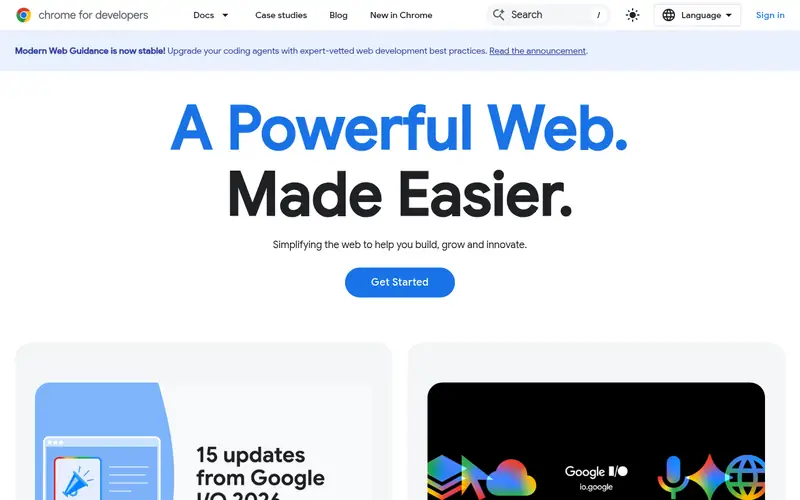
Chrome DevTools is the fastest path to testing XPath against a live page. Open the Elements panel, press Ctrl+F (Cmd+F on macOS), and type an XPath expression. Matching nodes are highlighted in the DOM and counted in the search bar. You can also run `$x("//div[@class='item']")` in the Console, which returns an array of matching elements you can inspect or log.
Because it runs inside the browser, it tests the exact DOM after JavaScript has run, which matters for single-page apps. There is no saved history and no side-by-side comparison of expressions. It runs on Chrome and Chromium-based browsers on Windows, macOS and Linux. Anyone who needs to test XPath outside a browser, or against static HTML files, should use a standalone tester instead.
Standout: Built into Chrome with no install
Free, as listed by the vendor (Chrome DevTools website). Confirm the current plan price before you buy.
Free plan. Plans change, so confirm on the vendor's pricing page before you buy.
Benefits
- Built into Chrome with no install
- evaluates XPath in the Elements search and Console
Drawbacks
- Tied to Chrome
- no saved test history
Skip it if this limit matters to you: tied to Chrome.
Verdict. A sensible pick for developers already working in Chrome.
Alternatives in this guide: Firefox Developer Tools, XPath Tester (FreeFormatter), XPath Tester (xpathtester.com)
Firefox Developer Tools
Best for firefox users who want built-in XPath checks
What it is and where it fits
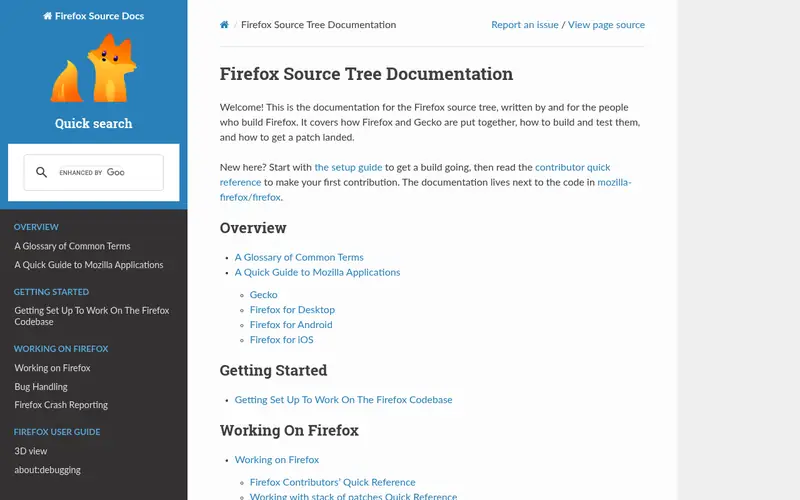
Firefox Developer Tools includes an Inspector and a Console. The Inspector search accepts CSS selectors, not XPath, so XPath testing happens in the Console with `document.evaluate()` or a small helper. That is more typing than Chrome's `$x()` shortcut, but it works on any page and returns nodes you can inspect.
The tools run on Windows, macOS and Linux and are part of the free Firefox release. They are a reasonable choice if Firefox is already your main browser and you do not want a second tool. Developers who test XPath constantly will find the Console-only workflow slower than a dedicated tester, and there is no match highlighting tied to the expression.
Standout: No install beyond Firefox
Free, as listed by the vendor (Firefox Developer Tools website). Confirm the current plan price before you buy.
Free plan. Plans change, so confirm on the vendor's pricing page before you buy.
Benefits
- No install beyond Firefox
- Console supports XPath via document.evaluate
Drawbacks
- No dedicated XPath search box in the Inspector
- fewer Chromium-only features
Skip it if this limit matters to you: no dedicated XPath search box in the Inspector.
Verdict. A sensible pick for firefox users who want built-in XPath checks.
Alternatives in this guide: Chrome DevTools, XPath Tester (FreeFormatter), XPath Tester (xpathtester.com)
XPath Tester (FreeFormatter)
Best for quick one-off XPath checks in a browser tab
What it is and where it fits
FreeFormatter's XPath Tester lets you paste XML or HTML into one box and an XPath expression into another, then returns the matching nodes. It is useful for checking an expression against a snippet you already have, without opening a browser console or writing code.
The page is free and needs no account. The main limit is privacy: the markup you paste is sent to FreeFormatter's servers, so do not paste tokens, credentials, customer records or production HTML. It also has no history, so you cannot compare expressions side by side. Use it for small, non-sensitive samples, and prefer local tools for anything confidential.
Standout: Simple paste-and-test page
Free, as listed by the vendor (XPath Tester (FreeFormatter) website). Confirm the current plan price before you buy.
Free plan. Plans change, so confirm on the vendor's pricing page before you buy.
Benefits
- Simple paste-and-test page
- shows matched nodes and values
Drawbacks
- Runs on a third-party server
- no saved history or accounts
Skip it if this limit matters to you: runs on a third-party server.
Verdict. A sensible pick for quick one-off XPath checks in a browser tab.
Alternatives in this guide: Chrome DevTools, Firefox Developer Tools, XPath Tester (xpathtester.com)
XPath Tester (xpathtester.com)
Best for testing XPath against sample XML and HTML
What it is and where it fits
xpathtester.com is a small, single-purpose site for evaluating XPath expressions against pasted XML or HTML. You enter the document and the expression, and the page returns the result set. It is handy when you want a second opinion on an expression without leaving the browser.
The site is free and does not require an account. As with any hosted tester, the document you paste leaves your machine. Keep samples small and free of secrets. It does not offer saved test cases, team sharing or integration with test suites, so it suits ad hoc checks rather than a repeatable workflow.
Standout: Focused single-purpose page
Free, as listed by the vendor (XPath Tester (xpathtester.com) website). Confirm the current plan price before you buy.
Free plan. Plans change, so confirm on the vendor's pricing page before you buy.
Benefits
- Focused single-purpose page
- supports XML and HTML input
Drawbacks
- Third-party hosted
- limited feedback beyond match results
Skip it if this limit matters to you: third-party hosted.
Verdict. A sensible pick for testing XPath against sample XML and HTML.
Alternatives in this guide: Chrome DevTools, Firefox Developer Tools, XPath Tester (FreeFormatter)
XPath Helper (Chrome extension)
Best for testing XPath on live pages without leaving the tab
What it is and where it fits
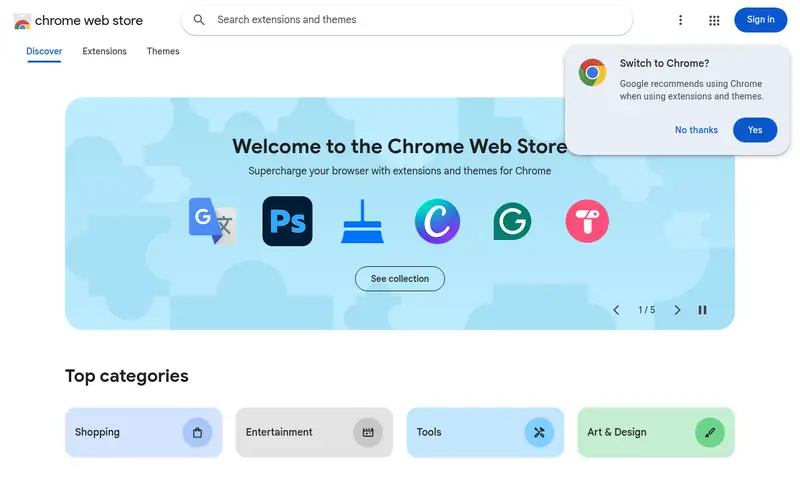
XPath Helper is a Chrome extension that adds a panel for typing XPath expressions against the current page. Matches are highlighted in the DOM, which makes it easy to confirm an expression selects the elements you expect, including after JavaScript has rendered the page.
It is free and installs from the Chrome Web Store. Because it is an extension, it needs permission to read page content, and its maintenance depends on the publisher, so check the listing for recent updates before relying on it. It works only in Chrome and Chromium-based browsers. Developers who need the same workflow in Firefox should look at a Firefox equivalent or use the Console.
Standout: Runs against the live DOM
Free, as listed by the vendor (XPath Helper (Chrome extension) website). Confirm the current plan price before you buy.
Free plan. Plans change, so confirm on the vendor's pricing page before you buy.
Benefits
- Runs against the live DOM
- shows matches as you type
Drawbacks
- Chrome-only
- extension permissions and maintenance vary
Skip it if this limit matters to you: chrome-only.
Verdict. A sensible pick for testing XPath on live pages without leaving the tab.
Alternatives in this guide: Chrome DevTools, Firefox Developer Tools, XPath Tester (FreeFormatter)
Scrapy shell
Best for testing XPath against real pages in Python
What it is and where it fits
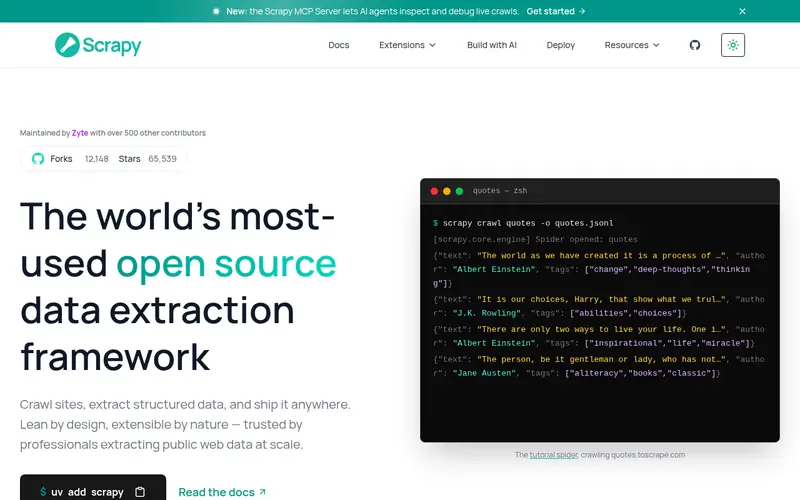
Scrapy is an open-source Python web scraping framework, and its shell is a practical XPath tester for scraping work. Run `scrapy shell <url>` and you get an interactive session where `response.xpath("//a/@href")` returns real results from the fetched page. That makes it easy to iterate on selectors before putting them in a spider.
Scrapy is free and open source under the BSD license and runs wherever Python runs. The shell needs Python and the Scrapy package installed, and it fetches pages over the network, so respect site terms and robots rules. It is a poor fit for quick checks on a single HTML snippet, but strong for anyone building or debugging a scraper.
Standout: Runs XPath against fetched pages in a REPL
Free (open source), as listed by the vendor (Scrapy shell website). Confirm the current plan price before you buy.
Free plan. Plans change, so confirm on the vendor's pricing page before you buy.
Benefits
- Runs XPath against fetched pages in a REPL
- open source and scriptable
Drawbacks
- Requires Python and Scrapy setup
- command-line only
Skip it if this limit matters to you: requires Python and Scrapy setup.
Verdict. A sensible pick for testing XPath against real pages in Python.
Alternatives in this guide: Chrome DevTools, Firefox Developer Tools, XPath Tester (FreeFormatter)
lxml
Best for scripted XPath tests in Python
What it is and where it fits
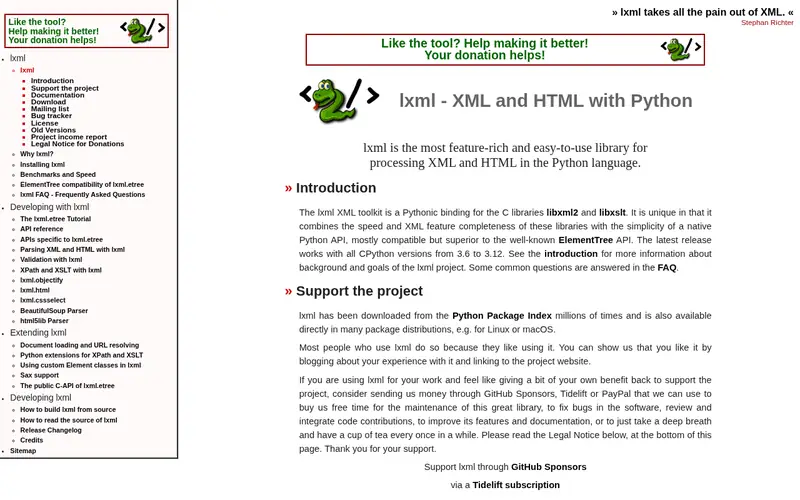
lxml is an open-source Python library that wraps libxml2 and libxslt. It supports XPath 1.0 through the `xpath()` method on elements and trees, so you can test expressions against local HTML or XML files without sending anything over the network. That makes it a good choice for confidential documents.
lxml is free and open source under the BSD license and runs on Windows, macOS and Linux with Python. Testing an expression means writing a short script and printing the results, which is more setup than a browser console. It is the right tool when you want repeatable, offline XPath checks or when the expression will ship inside a Python application.
Standout: Fast XPath 1.0 engine
Free (open source), as listed by the vendor (lxml website). Confirm the current plan price before you buy.
Free plan. Plans change, so confirm on the vendor's pricing page before you buy.
Benefits
- Fast XPath 1.0 engine
- works on local files and strings
Drawbacks
- Requires Python code
- no interactive UI
Skip it if this limit matters to you: requires Python code.
Verdict. A sensible pick for scripted XPath tests in Python.
Alternatives in this guide: Chrome DevTools, Firefox Developer Tools, XPath Tester (FreeFormatter)
Who should use what
If you debug selectors on live pages all day, start with Chrome DevTools and add XPath Helper for match highlighting. If you work in Firefox, use Firefox Developer Tools and accept the Console workflow. If you are building a scraper, Scrapy shell and lxml let you test against real pages and local files without sending data to a third party. If you only need a quick check on a small, non-sensitive snippet, a hosted tester like FreeFormatter or xpathtester.com is enough. Keep confidential markup in local tools.
Questions to settle before you buy
What to check before you buy
- Confirm the tool evaluates your actual markup, including DOM changes made by JavaScript.
- Check whether pasted documents leave your machine, and avoid secrets in hosted testers.
- Verify the XPath version supported (1.0 is common; some tools add 2.0 or 3.0).
- Check platform support: browser, extension, IDE plugin or command line.
- Confirm the licence and any paid tier, and recheck the price on the vendor page.
FAQ
What is the best free XPath tester?
Chrome DevTools is the best free option for most developers because it is built into the browser and tests the live DOM. Firefox Developer Tools and hosted pages like FreeFormatter's XPath Tester are also free. For code, Scrapy shell and lxml are free and open source.
Can I test XPath without sending my HTML to a server?
Yes. Chrome DevTools, Firefox Developer Tools, browser extensions and local libraries like lxml all evaluate XPath on your machine. Hosted testers send the pasted document to their servers, so use them only for small, non-sensitive samples.
Does Chrome DevTools support XPath?
Yes. Press Ctrl+F in the Elements panel to search by XPath, or run `$x("//your/expression")` in the Console. Both evaluate against the current DOM, including changes made by JavaScript.
What is the difference between XPath 1.0 and later versions?
XPath 1.0 is the version supported by browsers and most libraries, including lxml. XPath 2.0 and 3.0 add functions and type handling but are supported mainly by dedicated XML processors such as Saxon. Check which version your tool and target system use.
Can I test XPath inside my IDE?
Yes, through plugins for editors such as VS Code and IntelliJ, though availability and maintenance vary. Many developers instead keep a browser console open next to the editor, or run a short lxml or Scrapy script from the terminal.
Sources we checked
Method: how we score · editorial policy.
Change log. First published 22 Nov 2026.