Stage 02 · Test · Researched comparison
Best Swift Testing Frameworks in 2026
Swift Testing is the first pick for new test suites on Xcode 16 and later, because its @Test and #expect macros read cleanly and run alongside XCTest. Teams with large existing suites should stay on XCTest, which remains the foundation of Apple's test tooling. For behavior-driven specs, Quick with Nimble is the common pairing, and SnapshotTesting covers image and text regression checks.

By Shihab Mia
Published 22 Nov 2026 · 7 tools compared
We run no ads and no affiliate links at launch. The order of a list follows our published method. See how we score.
Prices are the starting prices vendors list publicly. Plans change, so confirm the current price on the vendor page before you buy.
Key takeaways
- Swift Testing and XCTest are free and ship with Xcode; the other picks are open-source libraries you add through Swift Package Manager.
- Swift Testing uses @Test and #expect macros; XCTest uses XCTestCase subclasses and XCTAssert functions.
- Quick and Nimble are usually adopted together, but each is a separate package with its own repository.
- SnapshotTesting, ViewInspector and OHHTTPStubs are focused libraries, not full test runners, so they sit on top of XCTest or Swift Testing.
Who each pick is for
- New test suites on Xcode 16 and laterSwift Testing
- Existing suites and UI automation on Apple platformsXCTest
- Behavior-driven specs with describe and it blocksQuick
- Expressive assertions in Quick or XCTest suitesNimble
- Image, text and data regression testsSnapshotTesting
- Inspecting SwiftUI view hierarchies in unit testsViewInspector
- Stubbing network requests in testsOHHTTPStubs
Comparison
| Tool | Best for | Standout feature | Listed starting price | Free plan or trial |
|---|---|---|---|---|
| 1Swift Testing | New test suites on Xcode 16 and later | Macro-based @Test and #expect syntax | Free (open source) | Free plan |
| 2XCTest | Existing suites and UI automation on Apple platforms | Built into Xcode with no dependency | Free | Free plan |
| 3Quick | Behavior-driven specs with describe and it blocks | Readable describe/it structure | Free (open source) | Free plan |
| 4Nimble | Expressive assertions in Quick or XCTest suites | Readable expect(...).to(...) matchers | Free (open source) | Free plan |
| 5SnapshotTesting | Image, text and data regression tests | Snapshots for views, text and encoded data | Free (open source) | Free plan |
| 6ViewInspector | Inspecting SwiftUI view hierarchies in unit tests | Lets unit tests inspect SwiftUI views without UI tests | Free (open source) | Free plan |
| 7OHHTTPStubs | Stubbing network requests in tests | Intercepts URLSession and NSURLConnection requests | Free (open source) | Free plan |
How we picked
We picked frameworks and libraries that are actively used for Swift testing and have a public repository or official Apple documentation page. Criteria were fit for the job, supported platforms and toolchains, licence and price, how each tool fits with Xcode test runs, and known limits such as maintenance activity or dependence on SwiftUI internals. Sources are vendor pages, Apple documentation and project repositories. Prices and support status change, so confirm details on the vendor site before you commit.
The tools, one by one
Swift Testing
Best for new test suites on Xcode 16 and later
What it is and where it fits
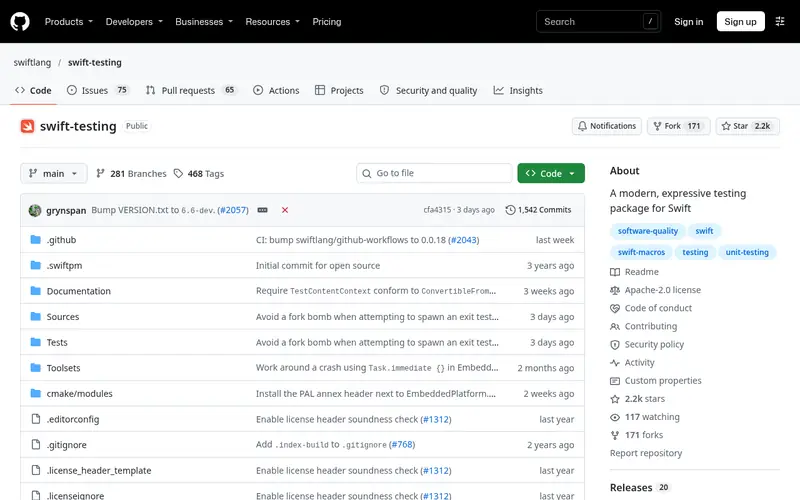
Swift Testing is Apple's newer testing library, introduced with Xcode 16. Tests are plain Swift functions marked with the @Test macro, and checks use #expect and #require instead of XCTAssert calls. Parameterized tests let one function cover many input cases, and tests can run in parallel by default.
It is distributed as an open-source package and also ships with recent Xcode versions, so most Apple-platform projects can use it without adding a dependency. It runs on Apple platforms and on Linux through the Swift toolchain. The main limit is toolchain age: older Xcode versions do not support the macros. Teams with large XCTest suites can migrate gradually, since both frameworks can coexist in one target.
Standout: Macro-based @Test and #expect syntax
Free (open source), as listed by the vendor (Swift Testing website). Confirm the current plan price before you buy.
Free plan. Plans change, so confirm on the vendor's pricing page before you buy.
Benefits
- Macro-based @Test and #expect syntax
- runs alongside existing XCTest suites
Drawbacks
- Requires a recent Xcode and Swift toolchain
- fewer third-party integrations than XCTest
Skip it if this limit matters to you: requires a recent Xcode and Swift toolchain.
Verdict. A sensible pick for new test suites on Xcode 16 and later.
XCTest
Best for existing suites and UI automation on Apple platforms
What it is and where it fits
XCTest is Apple's long-standing testing framework, included with Xcode. You write XCTestCase subclasses with setUp and tearDown methods, and assertions such as XCTAssertEqual and XCTAssertTrue. It covers unit tests, performance tests with measure blocks, and UI tests through XCUITest.
Because it is part of the platform, there is nothing to install and it works with Xcode's test plans, code coverage and continuous integration setups. The trade-off is verbosity: setup code and assertion names are longer than Swift Testing's macro style. UI tests also tend to be slower and more fragile than unit tests. Most projects keep XCTest for UI automation even after moving unit tests to Swift Testing.
Standout: Built into Xcode with no dependency
Free, as listed by the vendor (XCTest website). Confirm the current plan price before you buy.
Free plan. Plans change, so confirm on the vendor's pricing page before you buy.
Benefits
- Built into Xcode with no dependency
- supports unit, performance and UI tests
Drawbacks
- Verbose XCTAssert-style assertions
- tied to Apple's tooling
Skip it if this limit matters to you: verbose XCTAssert-style assertions.
Verdict. A sensible pick for existing suites and UI automation on Apple platforms.
Alternatives in this guide: Swift Testing, Quick, Nimble
Quick
Best for behavior-driven specs with describe and it blocks
What it is and where it fits
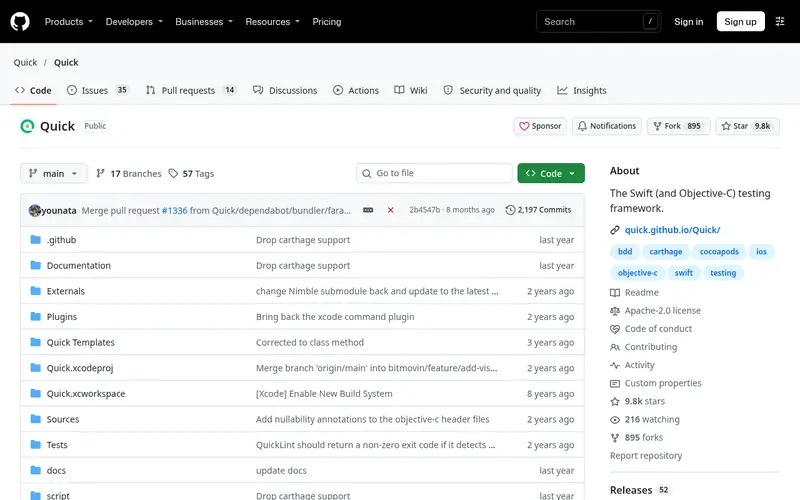
Quick is a behavior-driven development framework for Swift and Objective-C. Tests are written as nested describe and it blocks, which map closely to how teams describe expected behavior. It builds on XCTest, so specs run through the normal Xcode test action and appear in test reports.
Quick is added through Swift Package Manager, CocoaPods or Carthage. It is most useful on projects where non-engineers read test names or where the team already follows BDD conventions. For small projects with straightforward unit tests, the extra layer may not pay for itself. Quick is commonly paired with Nimble for its assertion syntax, but the two are separate packages and either can be used alone.
Standout: Readable describe/it structure
Free (open source), as listed by the vendor (Quick website). Confirm the current plan price before you buy.
Free plan. Plans change, so confirm on the vendor's pricing page before you buy.
Benefits
- Readable describe/it structure
- works with XCTest and Xcode test runs
Drawbacks
- Extra dependency and DSL to learn
- less useful for simple unit tests
Skip it if this limit matters to you: extra dependency and DSL to learn.
Verdict. A sensible pick for behavior-driven specs with describe and it blocks.
Alternatives in this guide: Swift Testing, XCTest, Nimble
Nimble
Best for expressive assertions in Quick or XCTest suites
What it is and where it fits
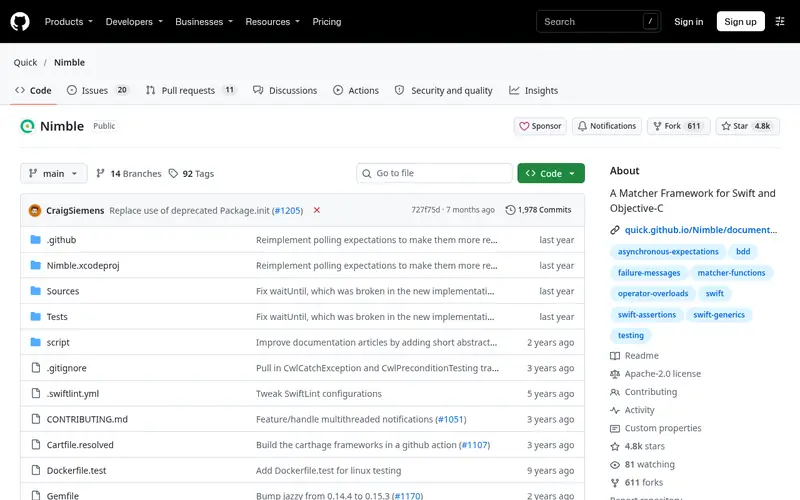
Nimble is a matcher framework for Swift and Objective-C tests. Instead of XCTAssertEqual, you write expect(value).to(equal(expected)), and the library reports what it received versus what it expected. It includes matchers for equality, types, collections, errors and asynchronous expectations.
Nimble works inside Quick specs and inside plain XCTest cases, so you can adopt it without switching frameworks. It is installed through Swift Package Manager, CocoaPods or Carthage. The cost is one more dependency and a matcher vocabulary the team has to learn. Projects that already use Swift Testing's #expect may find Nimble's overlap less compelling, though it still works in XCTest-based code.
Standout: Readable expect(...).to(...) matchers
Free (open source), as listed by the vendor (Nimble website). Confirm the current plan price before you buy.
Free plan. Plans change, so confirm on the vendor's pricing page before you buy.
Benefits
- Readable expect(...).to(...) matchers
- detailed failure messages
Drawbacks
- Another dependency to maintain
- matcher set overlaps with XCTest assertions
Skip it if this limit matters to you: another dependency to maintain.
Verdict. A sensible pick for expressive assertions in Quick or XCTest suites.
Alternatives in this guide: Swift Testing, XCTest, Quick
SnapshotTesting
Best for image, text and data regression tests
What it is and where it fits
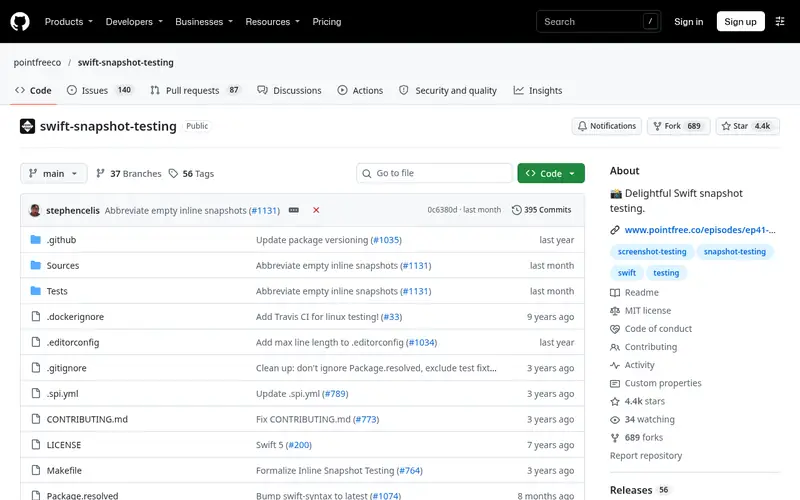
SnapshotTesting is a library from Point-Free that records a value, writes it to a reference file, and compares later runs against it. It supports UI images, text, URL requests and arbitrary encodable data, so it covers more than view rendering.
It is added through Swift Package Manager and runs inside XCTest or Swift Testing. The first run records snapshots; later runs fail when output changes, which makes unintended UI changes visible in code review. The main limits are process and storage: reference files must be committed and reviewed, and image snapshots can differ across simulators or OS versions. Teams should keep snapshot tests focused on stable, high-value views.
Standout: Snapshots for views, text and encoded data
Free (open source), as listed by the vendor (SnapshotTesting website). Confirm the current plan price before you buy.
Free plan. Plans change, so confirm on the vendor's pricing page before you buy.
Benefits
- Snapshots for views, text and encoded data
- records and compares automatically
Drawbacks
- Reference snapshots need review and storage
- image diffs can vary by environment
Skip it if this limit matters to you: reference snapshots need review and storage.
Verdict. A sensible pick for image, text and data regression tests.
Alternatives in this guide: Swift Testing, XCTest, Quick
ViewInspector
Best for inspecting SwiftUI view hierarchies in unit tests
What it is and where it fits
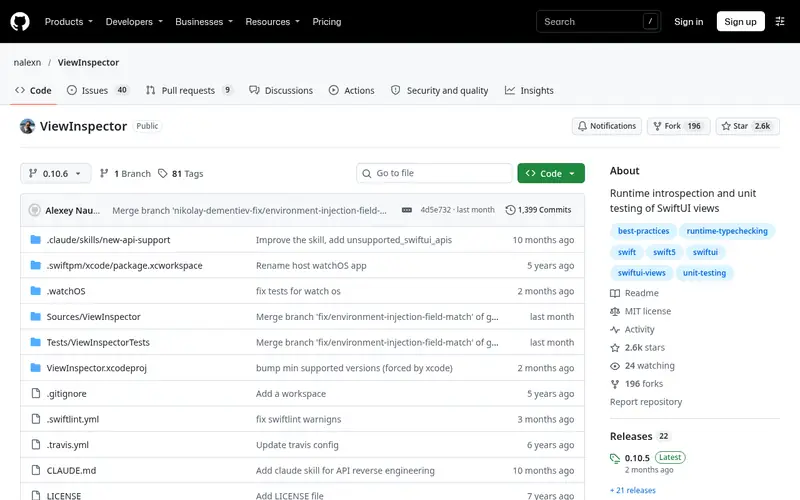
ViewInspector is a library for inspecting SwiftUI view hierarchies from unit tests. It lets a test find a text label, check a modifier or trigger a button action without launching the app in a simulator UI test. That makes view-level checks faster than full UI automation.
It is installed through Swift Package Manager and used inside XCTest cases. Because it inspects SwiftUI's internal structure, new SwiftUI releases can require library updates, so pin versions and check release notes after OS upgrades. It does not cover navigation flows or real rendering, so keep a smaller set of UI tests for end-to-end paths. Projects with little SwiftUI code have less reason to add it.
Standout: Lets unit tests inspect SwiftUI views without UI tests
Free (open source), as listed by the vendor (ViewInspector website). Confirm the current plan price before you buy.
Free plan. Plans change, so confirm on the vendor's pricing page before you buy.
Benefits
- Lets unit tests inspect SwiftUI views without UI tests
- works with XCTest
Drawbacks
- Relies on SwiftUI internals that can change
- not a replacement for UI tests
Skip it if this limit matters to you: relies on SwiftUI internals that can change.
Verdict. A sensible pick for inspecting SwiftUI view hierarchies in unit tests.
Alternatives in this guide: Swift Testing, XCTest, Quick
OHHTTPStubs
Best for stubbing network requests in tests
What it is and where it fits
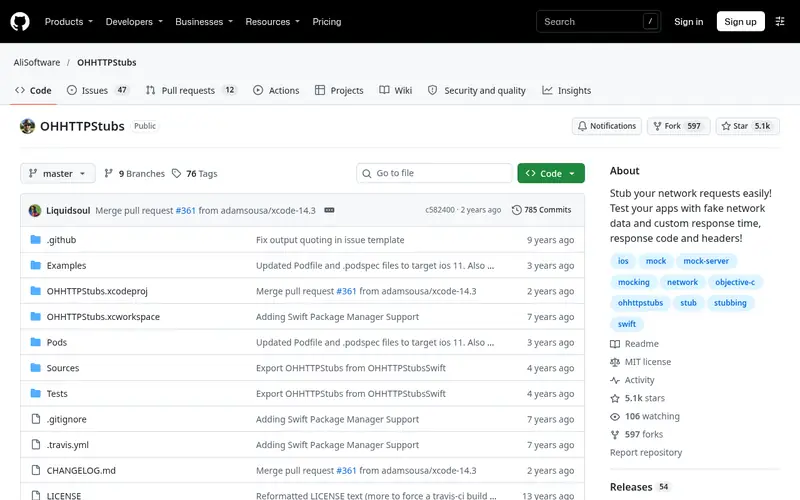
OHHTTPStubs is a library for stubbing HTTP requests in tests. You register a stub that matches a request and return a fixture file, JSON or custom response, so tests run without a live server. It works with URLSession and the older NSURLConnection APIs.
It is installed through Swift Package Manager, CocoaPods or Carthage and is used inside XCTest cases. The main caution is maintenance: the project's release activity has slowed, so check that it works with your current Xcode and Swift version before adopting it. For new code, many teams use URLProtocol-based stubs instead. If you keep OHHTTPStubs, isolate it behind a small helper so replacing it later is a contained change.
Standout: Intercepts URLSession and NSURLConnection requests
Free (open source), as listed by the vendor (OHHTTPStubs website). Confirm the current plan price before you buy.
Free plan. Plans change, so confirm on the vendor's pricing page before you buy.
Benefits
- Intercepts URLSession and NSURLConnection requests
- supports fixture files
Drawbacks
- Maintenance has slowed
- newer async networking code needs care
Skip it if this limit matters to you: maintenance has slowed.
Verdict. A sensible pick for stubbing network requests in tests.
Alternatives in this guide: Swift Testing, XCTest, Quick
Who should use what
New projects on Xcode 16 or later should start with Swift Testing and keep XCTest for UI tests. Teams with large existing XCTest suites should stay on XCTest and migrate unit tests gradually. Groups that prefer behavior-driven specs should pair Quick with Nimble. Teams that need visual regression coverage should add SnapshotTesting, and SwiftUI-heavy apps can add ViewInspector for view-level checks. Projects that still stub networking with OHHTTPStubs should confirm current Xcode support or plan a move to URLProtocol-based stubs.
Questions to settle before you buy
What to check before you buy
- Confirm the framework supports your Xcode and Swift versions, especially for macro-based Swift Testing.
- Check whether the library is a runner or sits on top of XCTest or Swift Testing.
- Review licence terms and how dependencies are pinned in your package manifest.
- For snapshot tools, plan where reference files live and who reviews changes.
- For stubbing libraries, check recent release activity and test them against your networking code.
FAQ
Is Swift Testing a replacement for XCTest?
Swift Testing is a separate library that runs alongside XCTest, not a drop-in replacement. Apple supports both, and one target can contain tests from each. XCTest remains required for UI automation through XCUITest, so most projects keep both frameworks for now.
Do I need Quick and Nimble together?
No. Quick provides the describe/it structure and Nimble provides matchers, but each is a separate package. You can use Quick with XCTest assertions or Nimble inside plain XCTest cases. Many teams adopt both, but neither requires the other.
Can I run these frameworks on Linux?
Swift Testing and XCTest can run on Linux through the Swift toolchain, with some platform differences. Quick, Nimble and the other libraries depend on Apple frameworks in places, so check each repository for stated platform support before relying on them for Linux CI.
Are these frameworks free?
Swift Testing, XCTest, Quick, Nimble, SnapshotTesting, ViewInspector and OHHTTPStubs are free to use. Swift Testing and the libraries are open source, and XCTest ships with Xcode. Costs come from CI time and maintenance, not licences.
How do I test networking without a live server?
Use a stubbing library such as OHHTTPStubs, or write a custom URLProtocol that returns fixture data. Both approaches keep tests offline and repeatable. Check that the stub library supports your current Xcode version, since maintenance activity varies between projects.
Sources we checked
Method: how we score · editorial policy.
Change log. First published 22 Nov 2026.