Stage 02 · Test · Researched comparison
Best Ruby Authentication Libraries in 2026
Devise is the first pick for most Rails teams that want a full-featured, widely documented authentication gem with modules for confirmable, recoverable, lockable and omniauthable behavior. Rodauth suits teams that want more control and a Rack-native design with strong security defaults. The Rails 8 built-in authentication generator fits new apps that want a minimal, dependency-free starting point. All three are free and open source.

By Shihab Mia
Published 27 Nov 2026 · 7 tools compared
We run no ads and no affiliate links at launch. The order of a list follows our published method. See how we score.
Prices are the starting prices vendors list publicly. Plans change, so confirm the current price on the vendor page before you buy.
Key takeaways
- Devise, Rodauth, OmniAuth, Sorcery, Clearance and the Rails 8 generator are all free and open source, so cost is not the deciding factor.
- Devise has the largest ecosystem and the most third-party guides, but it adds the most configuration surface to a Rails app.
- Rodauth works in Rails and other Rack apps and ships with security features such as password hashing, account lockout and two-factor support.
- OmniAuth handles third-party sign-in only; it does not manage passwords or sessions on its own, so pair it with another library.
Who each pick is for
- Rails teams that want a full-featured, well-documented authentication gemDevise
- Rack and Rails teams that want control plus strong security defaultsRodauth
- Rails apps that want Rodauth integration with Rails conventionsrodauth-rails
- Apps that need third-party sign-in through OAuth providersOmniAuth
- New Rails apps that want a minimal, dependency-free authentication starting pointRails 8 built-in authentication generator
- Rails teams that want a lightweight core with opt-in modulesSorcery
- Rails apps that want simple email and password authenticationClearance
Comparison
| Tool | Best for | Standout feature | Listed starting price | Free plan or trial |
|---|---|---|---|---|
| 1Devise | Rails teams that want a full-featured, well-documented authentication gem | Large module set covering confirmable, recoverable, lockable and trackable | Free (open source) | Free plan |
| 2Rodauth | Rack and Rails teams that want control plus strong security defaults | Rich feature set with security-focused defaults | Free (open source) | Free plan |
| 3rodauth-rails | Rails apps that want Rodauth integration with Rails conventions | Integrates Rodauth with Rails routing, views and migrations | Free (open source) | Free plan |
| 4OmniAuth | Apps that need third-party sign-in through OAuth providers | Standardized middleware for many OAuth providers | Free (open source) | Free plan |
| 5Rails 8 built-in authentication generator | New Rails apps that want a minimal, dependency-free authentication starting point | No extra gem dependency | Free (open source) | Free plan |
| 6Sorcery | Rails teams that want a lightweight core with opt-in modules | Modular design lets you add only the features you need | Free (open source) | Free plan |
| 7Clearance | Rails apps that want simple email and password authentication | Small, focused codebase from thoughtbot | Free (open source) | Free plan |
How we picked
We compared libraries on fit for Ruby and Rails authentication work, supported platforms, licence and price, security defaults, and the size of the feature set and maintenance burden. Sources were vendor and project pages, official documentation and public repositories. No hands-on testing or benchmarks were run. Prices and features change, so confirm details on the project page before you commit.
The tools, one by one
Devise
Best for rails teams that want a full-featured, well-documented authentication gem
What it is and where it fits
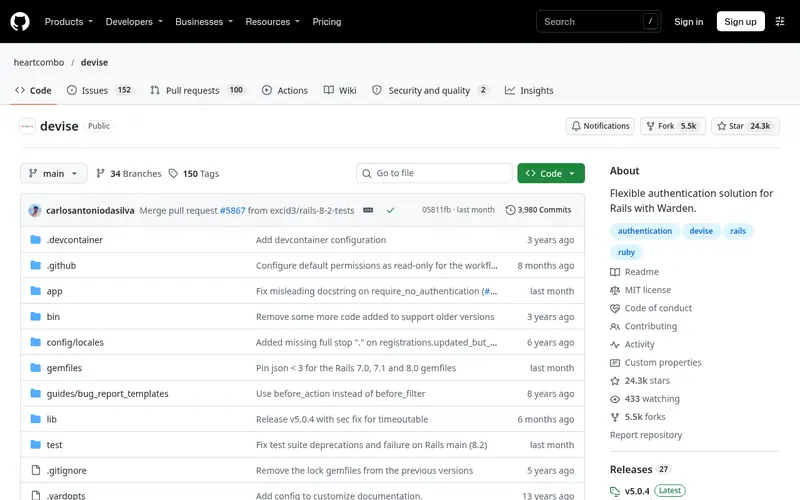
Devise is a Rails engine built on Warden that provides a complete authentication stack. It ships modules for database authentication, password recovery, email confirmation, account locking, session timeouts and OmniAuth integration. You mount it with a generator, add columns to your user model, and configure modules in an initializer.
It runs on Rails and depends on Warden and bcrypt. The project is MIT licensed and maintained in the heartcombo organization. Because it touches routes, controllers, views and models, it is best suited to apps that accept its conventions rather than fight them.
Skip Devise if you want a small dependency footprint, if your app is not Rails, or if you prefer to own the authentication flow directly. Teams that need heavy customization sometimes find a lighter library or a hand-built flow easier to reason about.
Standout: Large module set covering confirmable, recoverable, lockable and trackable
Free (open source), as listed by the vendor (Devise website). Confirm the current plan price before you buy.
Free plan. Plans change, so confirm on the vendor's pricing page before you buy.
Benefits
- Large module set covering confirmable, recoverable, lockable and trackable
- huge body of documentation and community answers
Drawbacks
- Heavy configuration surface
- customization often means working around its conventions
Skip it if this limit matters to you: heavy configuration surface.
Verdict. A sensible pick for rails teams that want a full-featured, well-documented authentication gem.
Alternatives in this guide: Rodauth, rodauth-rails, OmniAuth
Rodauth
Best for rack and Rails teams that want control plus strong security defaults
What it is and where it fits
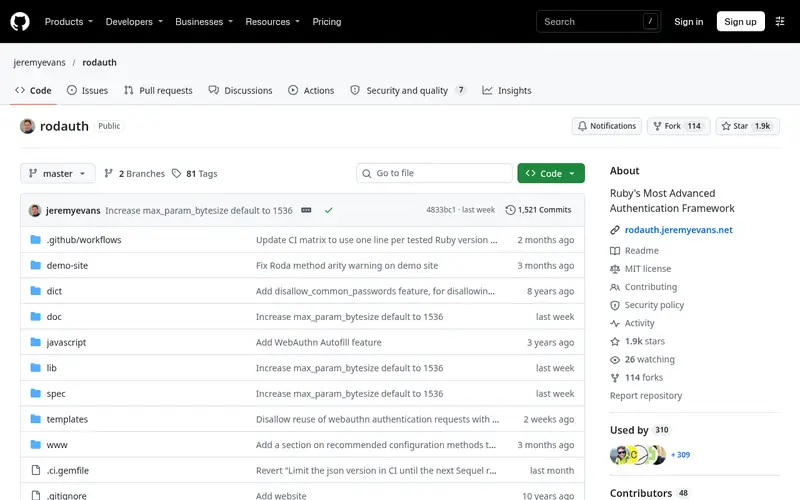
Rodauth is an authentication framework for Rack applications. It provides features such as password authentication, password hashing with configurable algorithms, account verification, password reset, account lockout, remember-me, two-factor authentication and WebAuthn. It is built on Roda and Sequel but integrates with Rails through the rodauth-rails gem.
The library is MIT licensed and maintained by Jeremy Evans. It uses a configuration-block style, so behavior is explicit in code rather than spread across generators and initializers. That makes audits easier but raises the initial setup effort.
Choose Rodauth if security defaults and explicit configuration matter more to you than a large body of Rails tutorials. Skip it if your team wants the most common Rails path with the most Stack Overflow answers.
Standout: Rich feature set with security-focused defaults
Free (open source), as listed by the vendor (Rodauth website). Confirm the current plan price before you buy.
Free plan. Plans change, so confirm on the vendor's pricing page before you buy.
Benefits
- Rich feature set with security-focused defaults
- works across Rack frameworks, not just Rails
Drawbacks
- Steeper learning curve
- less Rails-specific documentation than Devise
Skip it if this limit matters to you: steeper learning curve.
Verdict. A sensible pick for rack and Rails teams that want control plus strong security defaults.
Alternatives in this guide: Devise, rodauth-rails, OmniAuth
rodauth-rails
Best for rails apps that want Rodauth integration with Rails conventions
What it is and where it fits
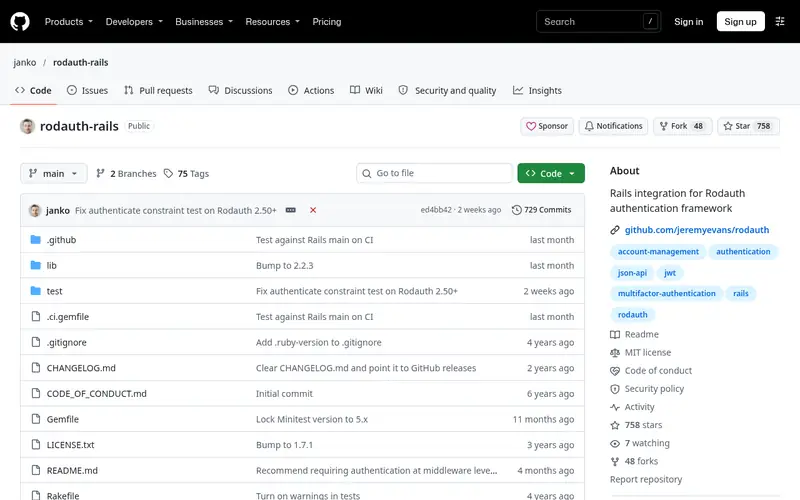
rodauth-rails is the integration layer that brings Rodauth into a Rails app. It provides generators for migrations and configuration, hooks Rodauth into Rails routing, and supplies view and mailer integration so Rodauth's flows render with Rails conventions.
It is MIT licensed and maintained by Janko Marohnić. It depends on Rodauth and Rails, so you get Rodauth's feature set with Rails-friendly setup. The trade-off is that you now depend on two projects and need to understand both.
Pick this if you want Rodauth's security model inside Rails without wiring everything by hand. Skip it if you are not on Rails or if you want a single gem with no integration layer.
Standout: Integrates Rodauth with Rails routing, views and migrations
Free (open source), as listed by the vendor (rodauth-rails website). Confirm the current plan price before you buy.
Free plan. Plans change, so confirm on the vendor's pricing page before you buy.
Benefits
- Integrates Rodauth with Rails routing, views and migrations
- keeps Rodauth's security features
Drawbacks
- Adds another layer to learn
- assumes familiarity with Rodauth concepts
Skip it if this limit matters to you: adds another layer to learn.
Verdict. A sensible pick for rails apps that want Rodauth integration with Rails conventions.
OmniAuth
Best for apps that need third-party sign-in through OAuth providers
What it is and where it fits
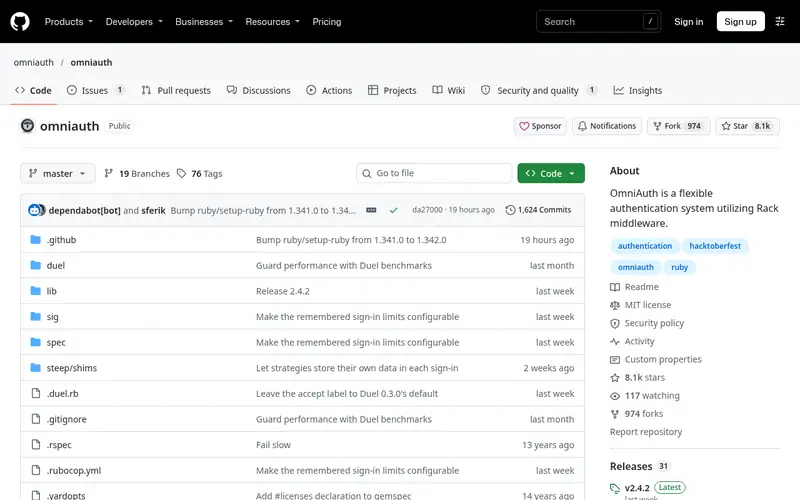
OmniAuth is Rack middleware for multi-provider authentication. It standardizes the OAuth flow so that provider-specific logic lives in strategy gems, and it exposes a consistent auth hash to your app. It is commonly paired with Devise or used directly in a custom session flow.
It is MIT licensed and maintained by the OmniAuth organization. It runs anywhere Rack runs. The main limit is scope: OmniAuth handles the handshake with the provider, not user records, password storage or session management. You still need a library or code for those.
Use OmniAuth when social or enterprise sign-in is a requirement. Skip it if you only need email and password authentication, where it adds no value on its own.
Standout: Standardized middleware for many OAuth providers
Free (open source), as listed by the vendor (OmniAuth website). Confirm the current plan price before you buy.
Free plan. Plans change, so confirm on the vendor's pricing page before you buy.
Benefits
- Standardized middleware for many OAuth providers
- works with Rails, Sinatra and other Rack apps
Drawbacks
- Does not handle passwords or sessions by itself
- each provider needs its own strategy gem
Skip it if this limit matters to you: does not handle passwords or sessions by itself.
Verdict. A sensible pick for apps that need third-party sign-in through OAuth providers.
Alternatives in this guide: Devise, Rodauth, rodauth-rails
Rails 8 built-in authentication generator
Best for new Rails apps that want a minimal, dependency-free authentication starting point
What it is and where it fits
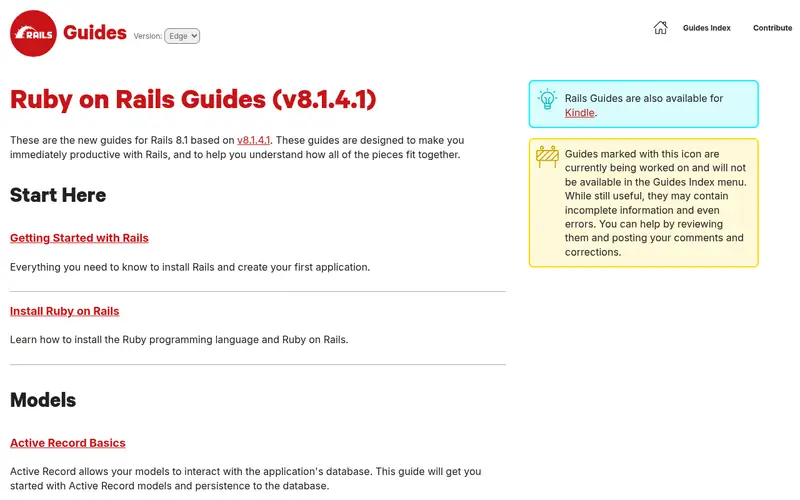
Rails 8 added a generator that creates a basic authentication setup: a session model, a sessions controller, a passwords controller and the supporting views and migrations. It builds on has_secure_password and signed cookies, so the result is ordinary Rails code with no third-party gem.
It is part of Rails, MIT licensed, and documented in the official security guide. Because the code is generated into your app, you own it and can change it freely. That also means you own the maintenance and any features the generator does not include, such as confirmation emails or account locking.
Choose it for small apps, internal tools or teams that prefer to own their auth code. Skip it if you need a mature feature set on day one.
Standout: No extra gem dependency
Free (open source), as listed by the vendor (Rails 8 built-in authentication generator website). Confirm the current plan price before you buy.
Free plan. Plans change, so confirm on the vendor's pricing page before you buy.
Benefits
- No extra gem dependency
- generated code is plain Rails you can read and edit
Drawbacks
- Minimal feature set out of the box
- you maintain the generated code yourself
Skip it if this limit matters to you: minimal feature set out of the box.
Verdict. A sensible pick for new Rails apps that want a minimal, dependency-free authentication starting point.
Alternatives in this guide: Devise, Rodauth, rodauth-rails
Sorcery
Best for rails teams that want a lightweight core with opt-in modules
What it is and where it fits
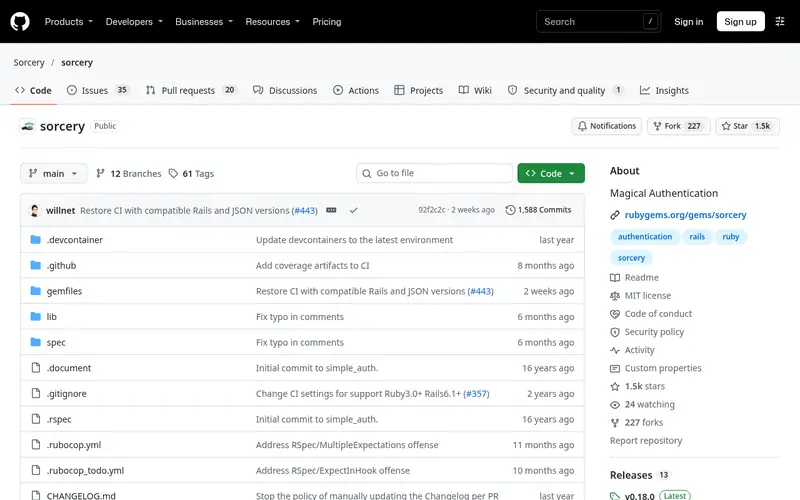
Sorcery is a Rails authentication library built around a small core plus optional modules. The core handles login and logout with a session; modules add features such as remember-me, password reset, email activation, brute-force protection and external provider login.
It is MIT licensed and maintained by the Sorcery organization. It runs on Rails and uses bcrypt for password hashing. The modular approach keeps the default footprint small, but it also means you assemble the feature set yourself and should test the combinations you enable.
Pick Sorcery if Devise feels too heavy but you still want a maintained gem with common features. Skip it if you want the largest community or a non-Rails stack.
Standout: Modular design lets you add only the features you need
Free (open source), as listed by the vendor (Sorcery website). Confirm the current plan price before you buy.
Free plan. Plans change, so confirm on the vendor's pricing page before you buy.
Benefits
- Modular design lets you add only the features you need
- simpler internals than Devise
Drawbacks
- Smaller community and fewer guides
- module combinations need testing
Skip it if this limit matters to you: smaller community and fewer guides.
Verdict. A sensible pick for rails teams that want a lightweight core with opt-in modules.
Alternatives in this guide: Devise, Rodauth, rodauth-rails
Clearance
Best for rails apps that want simple email and password authentication
What it is and where it fits
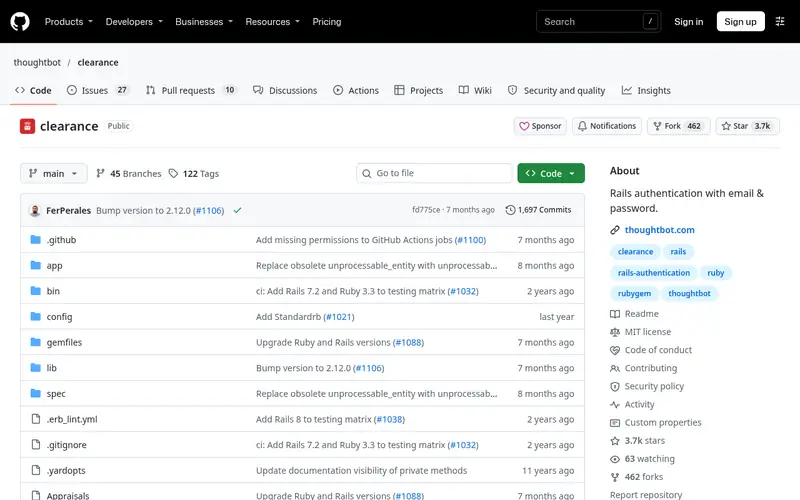
Clearance is a Rails authentication library from thoughtbot. It provides email and password sign-in, sign-up, password reset, remember-me cookies and a set of helpers and routes. It is intentionally smaller than Devise and does not try to cover every authentication feature.
It is MIT licensed and maintained by thoughtbot. It runs on Rails and uses bcrypt. Because the scope is narrow, it is easy to read and extend, but features such as account locking, confirmation flows or two-factor authentication are not included and must be added.
Choose Clearance for straightforward Rails apps that need the basics and value a small codebase. Skip it if you need advanced modules or social login built in.
Standout: Small, focused codebase from thoughtbot
Free (open source), as listed by the vendor (Clearance website). Confirm the current plan price before you buy.
Free plan. Plans change, so confirm on the vendor's pricing page before you buy.
Benefits
- Small, focused codebase from thoughtbot
- straightforward email and password flows
Drawbacks
- Fewer features than Devise
- limited scope beyond core authentication
Skip it if this limit matters to you: fewer features than Devise.
Verdict. A sensible pick for rails apps that want simple email and password authentication.
Alternatives in this guide: Devise, Rodauth, rodauth-rails
Who should use what
A new Rails app that wants a minimal start should use the Rails 8 authentication generator and add features as needed. A team that wants a full feature set and the largest body of guides should use Devise. A team that prioritizes explicit configuration and security defaults, in Rails or another Rack app, should use Rodauth, with rodauth-rails for Rails integration. Apps that need Google, GitHub or enterprise sign-in should add OmniAuth alongside their chosen password library. Teams that find Devise too heavy but want common modules should look at Sorcery, and teams that want only the basics should consider Clearance.
Questions to settle before you buy
What to check before you buy
- Confirm the library supports your Ruby and Rails versions, and check the last release date.
- Check which security features are included, such as password hashing, lockout, confirmation and two-factor.
- Review the licence and whether the project accepts outside contributions.
- Estimate maintenance: generated or scaffolded code becomes your responsibility.
- Read the migration path for upgrading the gem and for changing your user model later.
FAQ
Are these Ruby authentication libraries free?
Yes. Devise, Rodauth, rodauth-rails, OmniAuth, Sorcery and Clearance are open source, and the Rails 8 authentication generator ships with Rails. Check each project's licence before commercial use.
Can I use OmniAuth without Devise?
Yes. OmniAuth is Rack middleware and works on its own. You still need to store users and manage sessions, either with your own code or another library.
Does Rodauth work with Rails?
Yes, through the rodauth-rails gem, which adds Rails routing, view and migration integration. Rodauth also works in other Rack frameworks without Rails.
Is the Rails 8 generator a replacement for Devise?
No. It creates a minimal authentication setup you own and edit. Devise provides more features out of the box, such as confirmation, locking and OmniAuth integration.
Which library should I pick for a small internal tool?
The Rails 8 generator or Clearance usually fits. Both keep the code small and readable, and you can add features later if the app grows.
Sources we checked
Method: how we score · editorial policy.
Change log. First published 27 Nov 2026.