Stage 02 · Test · Researched comparison
Best JSONPath Testers for API Debugging in 2026
The first pick for most developers is the JSONPath Online Evaluator at jsonpath.com, which runs in the browser and needs no install. For teams already working inside an API client, Postman and Insomnia include JSONPath evaluation in their test and scripting features. If you want a command-line tester, the Jayway JsonPath project is the option to check.

By Shihab Mia
Published 22 Nov 2026 · 6 tools compared
We run no ads and no affiliate links at launch. The order of a list follows our published method. See how we score.
Prices are the starting prices vendors list publicly. Plans change, so confirm the current price on the vendor page before you buy.
Key takeaways
- jsonpath.com is free, runs in the browser, and is the fastest way to check a single expression against a sample document.
- Postman and Insomnia bundle JSONPath into larger API testing workflows, but the useful tiers are paid.
- Open-source libraries such as Jayway JsonPath let you test expressions in your own code and offline.
- Do not paste production tokens, credentials or customer data into any third-party web page.
Who each pick is for
- Quick browser checks of a single JSONPath expressionJSONPath Online Evaluator
- Teams testing JSONPath inside API test scriptsPostman
- Developers who want JSONPath checks in an API clientInsomnia
- Java developers testing JSONPath in code or testsJayway JsonPath
- JavaScript and Node.js projects needing JSONPath evaluationJSONPath Plus
- Testing JSONPath inside a full IDEIntelliJ IDEA
Comparison
| Tool | Best for | Standout feature | Listed starting price | Free plan or trial |
|---|---|---|---|---|
| 1JSONPath Online Evaluator | Quick browser checks of a single JSONPath expression | No install or account needed | Free | Free plan |
| 2Postman | Teams testing JSONPath inside API test scripts | JSONPath works in test scripts and variable extraction | See vendor pricing page | Free plan |
| 3Insomnia | Developers who want JSONPath checks in an API client | Clean request and response workflow | See vendor pricing page | Free trial (N days) |
| 4Jayway JsonPath | Java developers testing JSONPath in code or tests | Widely used Java implementation with documented syntax | Free (open source) | Free plan |
| 5JSONPath Plus | JavaScript and Node.js projects needing JSONPath evaluation | npm package with broad path syntax | Free (open source) | Free plan |
| 6IntelliJ IDEA | Testing JSONPath inside a full IDE | JSON and HTTP client tooling in one editor | See vendor pricing page | Free trial (N days) |
How we picked
We picked tools that actually evaluate JSONPath or provide a documented JSONPath implementation, then compared them on fit for quick checks versus automated tests, supported platforms, license and price, and whether pasted data leaves your machine. Sources are vendor documentation, project repositories and public pricing pages. Prices and free-plan limits change, so confirm them on the vendor site before you commit.
The tools, one by one
JSONPath Online Evaluator
Best for quick browser checks of a single JSONPath expression
What it is and where it fits
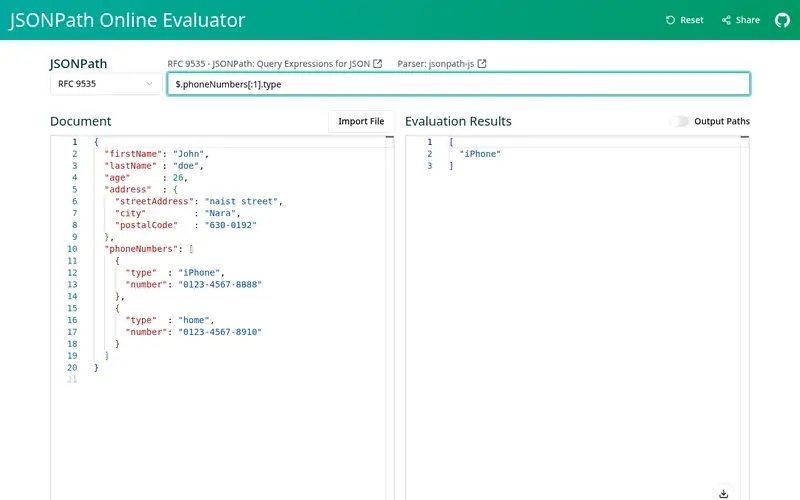
This site is a single-page evaluator. You paste a JSON document, type a JSONPath expression, and see the matched values immediately. It is useful for confirming syntax such as filters, recursive descent and array slices before you put the expression into code or a test.
It runs in any modern browser and needs no signup. There is no saved history, no project structure and no assertions, so it is a scratchpad rather than a testing framework. Because the JSON you paste is processed by a third-party page, do not use it with real tokens, credentials or production records. Use it for small synthetic samples.
Standout: No install or account needed
Free, as listed by the vendor (JSONPath Online Evaluator website). Confirm the current plan price before you buy.
Free plan. Plans change, so confirm on the vendor's pricing page before you buy.
Benefits
- No install or account needed
- Shows the matched result next to the input JSON
Drawbacks
- Not a full test suite
- Runs in a third-party page, so avoid sensitive data
Skip it if this limit matters to you: not a full test suite.
Verdict. A sensible pick for quick browser checks of a single JSONPath expression.
Alternatives in this guide: Postman, Insomnia, Jayway JsonPath
Postman
Best for teams testing JSONPath inside API test scripts
What it is and where it fits
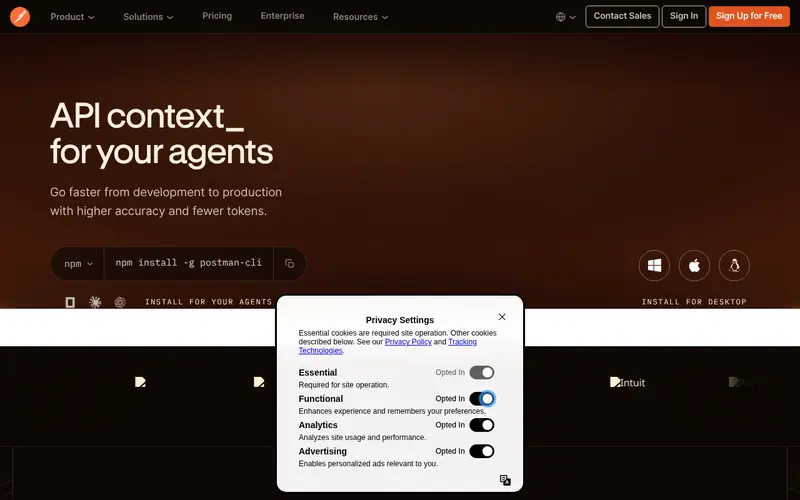
Postman evaluates JSONPath through its scripting and test features. You can pull a value out of a response with pm.jsonpath or a similar call and assert on it, or store it as a variable for later requests. That makes it a practical tester when the JSONPath expression is part of a larger API check.
It is a desktop app with a web version and command-line runner. The free tier covers basic use; team collaboration and higher run limits are on paid plans, so check the current pricing page. Skip it if you only need to check one expression once; a browser evaluator is faster.
Standout: JSONPath works in test scripts and variable extraction
See vendor pricing page, as listed by the vendor (Postman website). Confirm the current plan price before you buy.
Free plan. Plans change, so confirm on the vendor's pricing page before you buy.
Benefits
- JSONPath works in test scripts and variable extraction
- Collections and environments keep tests organized
Drawbacks
- Heavier than a single-purpose evaluator
- Useful team features sit behind paid plans
Skip it if this limit matters to you: heavier than a single-purpose evaluator.
Verdict. A sensible pick for teams testing JSONPath inside API test scripts.
Alternatives in this guide: JSONPath Online Evaluator, Insomnia, Jayway JsonPath
Insomnia
Best for developers who want JSONPath checks in an API client
What it is and where it fits
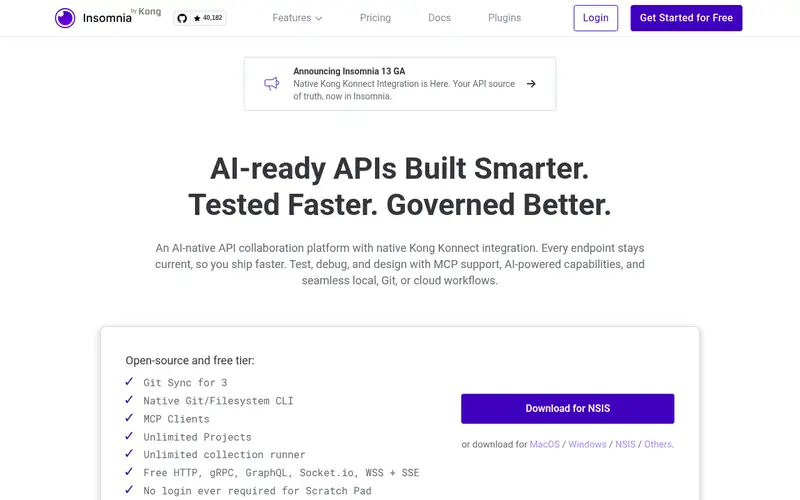
Insomnia is an API client from Kong. It lets you send requests, inspect JSON responses and use scripting to evaluate JSONPath expressions as part of a test. It suits developers who prefer a lighter client and want the expression check next to the request that produced the payload.
It runs on desktop. The free plan has limits on collaboration and some features, and paid tiers add team and enterprise options. Confirm current limits on the vendor pricing page. It is a reasonable fit if you already use Insomnia; it is not worth switching clients just for JSONPath.
Standout: Clean request and response workflow
See vendor pricing page, as listed by the vendor (Insomnia website). Confirm the current plan price before you buy.
Free trial (N days). Plans change, so confirm on the vendor's pricing page before you buy.
Benefits
- Clean request and response workflow
- Supports scripting for response assertions
Drawbacks
- Smaller ecosystem than Postman
- Some features require a paid plan
Skip it if this limit matters to you: smaller ecosystem than Postman.
Verdict. A sensible pick for developers who want JSONPath checks in an API client.
Alternatives in this guide: JSONPath Online Evaluator, Postman, Jayway JsonPath
Jayway JsonPath
Best for java developers testing JSONPath in code or tests
What it is and where it fits
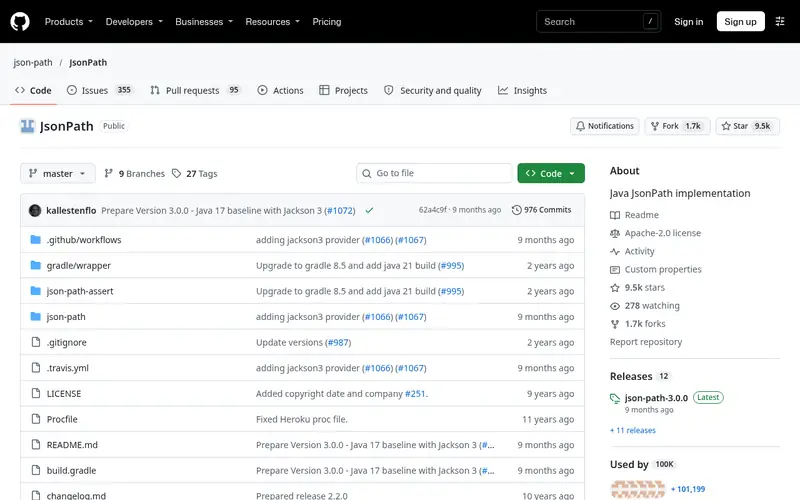
Jayway JsonPath is the common Java library for evaluating JSONPath. You add it as a dependency and write expressions in unit tests or application code. It supports filters, functions and the usual path syntax, and its README documents the supported operators.
Because it runs in your build, it is a good way to lock JSONPath behavior into automated tests and to test offline with real fixtures. There is no GUI; you write code. Skip it if you are not working in Java or the JVM, and check the repository for the current release and any syntax differences from other implementations.
Standout: Widely used Java implementation with documented syntax
Free (open source), as listed by the vendor (Jayway JsonPath website). Confirm the current plan price before you buy.
Free plan. Plans change, so confirm on the vendor's pricing page before you buy.
Benefits
- Widely used Java implementation with documented syntax
- Works offline in unit tests
Drawbacks
- Requires Java setup
- Not a graphical tester
Skip it if this limit matters to you: requires Java setup.
Verdict. A sensible pick for java developers testing JSONPath in code or tests.
Alternatives in this guide: JSONPath Online Evaluator, Postman, Insomnia
JSONPath Plus
Best for javaScript and Node.js projects needing JSONPath evaluation
What it is and where it fits
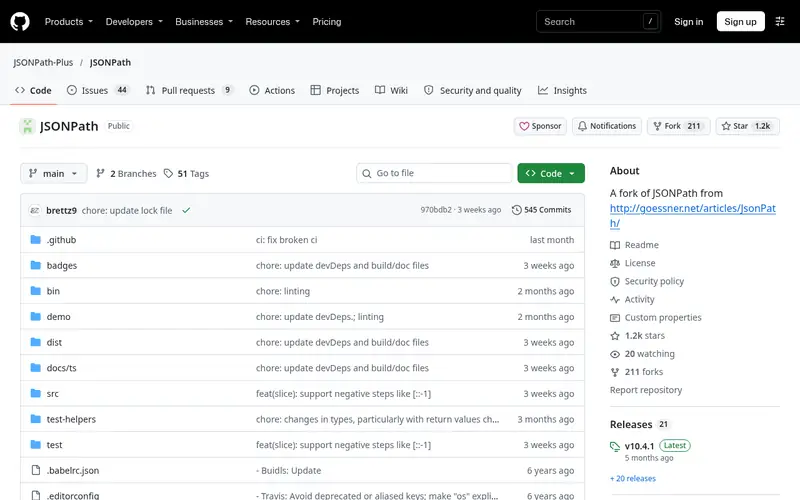
JSONPath Plus is a JavaScript implementation available on npm. It evaluates JSONPath expressions in Node.js or browser code and is often used in test scripts and tooling. It supports filters, script expressions and parent references, which go beyond some minimal evaluators.
You test expressions by calling the library from your own scripts or test runner, so it fits projects already using JavaScript. Because implementations differ, an expression that works here may need adjustment in Java or Python libraries. Check the repository README for supported syntax and current maintenance status.
Standout: npm package with broad path syntax
Free (open source), as listed by the vendor (JSONPath Plus website). Confirm the current plan price before you buy.
Free plan. Plans change, so confirm on the vendor's pricing page before you buy.
Benefits
- npm package with broad path syntax
- Can run in Node or the browser
Drawbacks
- Syntax differs in places from other implementations
- No built-in GUI
Skip it if this limit matters to you: syntax differs in places from other implementations.
Verdict. A sensible pick for javaScript and Node.js projects needing JSONPath evaluation.
Alternatives in this guide: JSONPath Online Evaluator, Postman, Insomnia
IntelliJ IDEA
Best for testing JSONPath inside a full IDE

What it is and where it fits
IntelliJ IDEA includes an HTTP client and JSON handling that let you send a request and inspect the response while you work. Combined with a JSONPath library in your project, you can test expressions in the same window as your code and tests, which reduces context switching.
The IDE has a free Community edition and paid Ultimate edition; the HTTP client and some web tooling are Ultimate features, so check the current comparison page. It is a good fit for JVM developers already in the IDE. It is not a dedicated JSONPath tester, so do not buy it for that alone.
Standout: JSON and HTTP client tooling in one editor
See vendor pricing page, as listed by the vendor (IntelliJ IDEA website). Confirm the current plan price before you buy.
Free trial (N days). Plans change, so confirm on the vendor's pricing page before you buy.
Benefits
- JSON and HTTP client tooling in one editor
- Evaluate expressions without leaving the IDE
Drawbacks
- Paid for full features
- Overkill if you only need JSONPath
Skip it if this limit matters to you: paid for full features.
Verdict. A sensible pick for testing JSONPath inside a full IDE.
Alternatives in this guide: JSONPath Online Evaluator, Postman, Insomnia
Who should use what
If you need to check one expression against a sample payload, use the JSONPath Online Evaluator and keep the data synthetic. If JSONPath is part of an API test suite, use Postman or Insomnia so the assertion lives with the request. If you are writing Java code, test expressions with Jayway JsonPath in unit tests; JavaScript projects can use JSONPath Plus. If you want to avoid web pages entirely, run a library locally.
Questions to settle before you buy
What to check before you buy
- Confirm the tool supports the JSONPath syntax you need, such as filters, recursive descent and array slices.
- Check whether expressions are evaluated locally or sent to a server, and keep secrets out of any web page.
- Verify the license and price for the tier you will actually use, including team features.
- Test an expression that fails as well as one that passes, so you know how errors are reported.
- Check maintenance: recent commits or releases for open-source projects, current docs for paid tools.
FAQ
What is a JSONPath tester?
A JSONPath tester is a tool that evaluates a JSONPath expression against a JSON document and shows the matched values. It can be a browser page, a feature inside an API client, or a library you call from code or tests. The right choice depends on whether you need a quick check or an automated assertion.
Are free JSONPath testers safe for production data?
Not always. A browser-based tester processes your JSON on a third-party page, so do not paste tokens, credentials or customer records. Prefer a local library or command-line tool when the data is real. For web tools, use small synthetic samples that reproduce the structure you need to test.
Do all JSONPath implementations behave the same?
No. JSONPath was defined in an article rather than a formal standard, and libraries differ on filters, functions and edge cases. An expression that works in one implementation may need changes in another. Check the documentation for the library you ship with, and test the exact expressions you rely on.
Can I test JSONPath in my IDE?
Yes, if your IDE or a plugin supports it. Some editors include HTTP clients and JSON tooling that let you inspect responses while you work, and you can call a JSONPath library from a unit test in the same window. Check whether the feature is in the free or paid edition of your IDE.
Which JSONPath tester works offline?
Libraries such as Jayway JsonPath and JSONPath Plus run locally in your build or scripts, so they work without a network connection and keep real data on your machine. The JSONPath Online Evaluator and API clients are better for quick checks with synthetic samples. Choose a local library when you need to test against production-shaped fixtures.
Sources we checked
Method: how we score · editorial policy.
Change log. First published 22 Nov 2026.