Stage 02 · Test · Researched comparison
Best JavaScript HTTP Clients in 2026
Axios is the first pick for most teams because it works in browsers and Node.js with one API, has interceptors and broad documentation. Choose ky if you want a small fetch-based client with a clean API, or got if you need a full-featured client for Node.js only. The built-in fetch API needs no install and suits simple requests, but it lacks interceptors and retries out of the box.

By Shihab Mia
Published 22 Nov 2026 · 7 tools compared
We run no ads and no affiliate links at launch. The order of a list follows our published method. See how we score.
Prices are the starting prices vendors list publicly. Plans change, so confirm the current price on the vendor page before you buy.
Key takeaways
- Axios, ky, superagent and node-fetch run in both browsers and Node.js; got and undici are Node.js only.
- All seven options here are free and open source, so cost is not the deciding factor.
- fetch is built into modern browsers and Node.js, but you write your own retry and timeout logic.
- Check the licence and maintenance activity before adding a client, since HTTP clients sit in your dependency tree.
Who each pick is for
- Teams that need one client for browser and Node.jsAxios
- Browser and Node.js projects built on fetchky
- Node.js services that need retries and hooksgot
- Projects that want a long-standing client with a chainable APIsuperagent
- Node.js projects that need a fetch polyfillnode-fetch
- Node.js teams that want a low-level, fast HTTP/1.1 clientundici
- Simple requests with no extra dependencyfetch (Web API)
Comparison
| Tool | Best for | Standout feature | Listed starting price | Free plan or trial |
|---|---|---|---|---|
| 1Axios | Teams that need one client for browser and Node.js | Same API in browsers and Node.js | Free (open source) | Free plan |
| 2ky | Browser and Node.js projects built on fetch | Small fetch-based wrapper | Free (open source) | Free plan |
| 3got | Node.js services that need retries and hooks | Built-in retries and timeouts | Free (open source) | Free plan |
| 4superagent | Projects that want a long-standing client with a chainable API | Works in browsers and Node.js | Free (open source) | Free plan |
| 5node-fetch | Node.js projects that need a fetch polyfill | Fetch API in Node.js | Free (open source) | Free plan |
| 6undici | Node.js teams that want a low-level, fast HTTP/1.1 client | Maintained by the Node.js project | Free (open source) | Free plan |
| 7fetch (Web API) | Simple requests with no extra dependency | Built into browsers and Node.js 18+ | Free | Free plan |
How we picked
We picked clients that are currently maintained and genuinely handle HTTP requests in JavaScript or a closely related runtime. Criteria were runtime support (browser, Node.js or both), built-in features such as retries, timeouts and interceptors, licence and price, and the main limits that affect adoption. Sources are vendor pages, official documentation and project repositories. Prices and licences can change, so confirm details on the project site before you commit.
The tools, one by one
Axios
Best for teams that need one client for browser and Node.js
What it is and where it fits
Axios is a promise-based HTTP client that runs in browsers and Node.js. It supports request and response interceptors, automatic JSON parsing, timeouts and cancellation. The API is the same on both platforms, which helps when code is shared between a front end and a server.
The project is open source under the MIT licence and is distributed on npm. Version 1.x is the current line. There is no paid tier and no hosted service. The main trade-off is bundle size: Axios ships more code than a thin fetch wrapper, which matters on slow connections.
Skip Axios if you only target modern browsers and want the smallest possible dependency, or if you need Node.js-only features such as HTTP/2 and stream handling in one package.
Standout: Same API in browsers and Node.js
Free (open source), as listed by the vendor (Axios website). Confirm the current plan price before you buy.
Free plan. Plans change, so confirm on the vendor's pricing page before you buy.
Benefits
- Same API in browsers and Node.js
- request and response interceptors
Drawbacks
- Larger bundle than fetch-based clients
- separate package for some adapters
Skip it if this limit matters to you: larger bundle than fetch-based clients.
Verdict. A sensible pick for teams that need one client for browser and Node.js.
Alternatives in this guide: ky, got, superagent
ky
Best for browser and Node.js projects built on fetch
What it is and where it fits
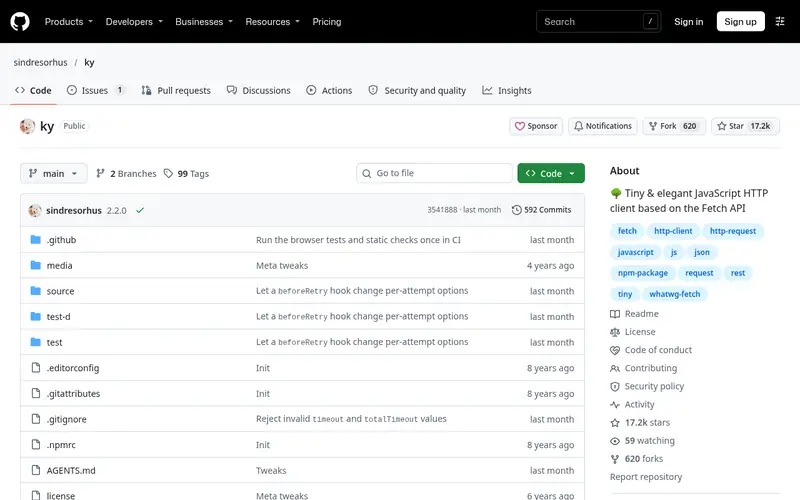
ky is a small HTTP client built on the Fetch API. It adds a cleaner request API, hooks for retries, timeouts, and request and response handling, and shorthand methods such as `ky.get` and `ky.post`. It runs in browsers and in Node.js 18 and later, where fetch is available.
The package is open source under the MIT licence and published on npm. It has no paid plan. Because it wraps fetch, behaviour follows the platform fetch implementation, including CORS rules in browsers.
Choose ky when you want fetch semantics with less boilerplate. Skip it if you need to support older Node.js versions without a fetch polyfill, or if you depend on Axios-specific features such as its adapter ecosystem.
Standout: Small fetch-based wrapper
Free (open source), as listed by the vendor (ky website). Confirm the current plan price before you buy.
Free plan. Plans change, so confirm on the vendor's pricing page before you buy.
Benefits
- Small fetch-based wrapper
- hooks for retries and beforeRequest
Drawbacks
- Requires a fetch implementation
- fewer adapters than Axios
Skip it if this limit matters to you: requires a fetch implementation.
Verdict. A sensible pick for browser and Node.js projects built on fetch.
Alternatives in this guide: Axios, got, superagent
got
Best for node.js services that need retries and hooks
What it is and where it fits
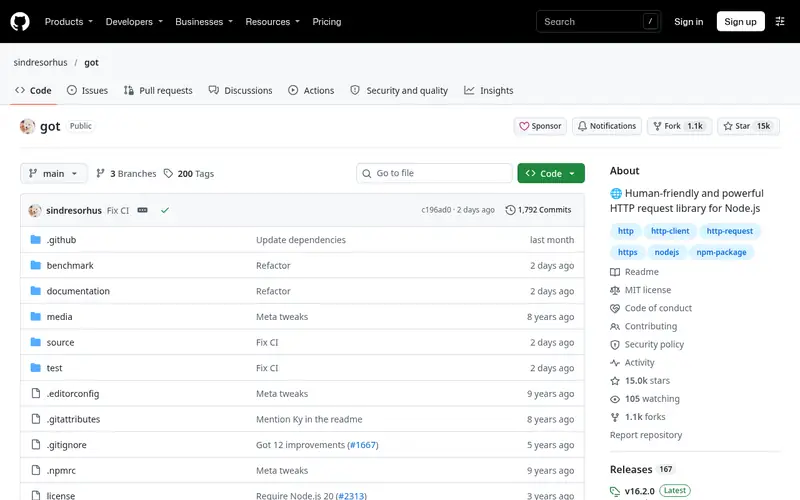
got is a full-featured HTTP client for Node.js. It includes retries with backoff, timeouts, hooks, stream support and pagination helpers. It is a common choice for server-side scripts and services that call other APIs.
The project is open source under the MIT licence. Recent major versions are ESM-only, so CommonJS projects need dynamic import or an older major version. got does not run in browsers.
Skip got if you need one client for both browser and server code, or if your project cannot move to ESM. For simple Node.js requests, the built-in fetch or undici may be enough.
Standout: Built-in retries and timeouts
Free (open source), as listed by the vendor (got website). Confirm the current plan price before you buy.
Free plan. Plans change, so confirm on the vendor's pricing page before you buy.
Benefits
- Built-in retries and timeouts
- rich hooks and pagination helpers
Drawbacks
- Node.js only
- ESM-only in recent major versions
Skip it if this limit matters to you: node.js only.
Verdict. A sensible pick for node.js services that need retries and hooks.
Alternatives in this guide: Axios, ky, superagent
superagent
Best for projects that want a long-standing client with a chainable API
What it is and where it fits
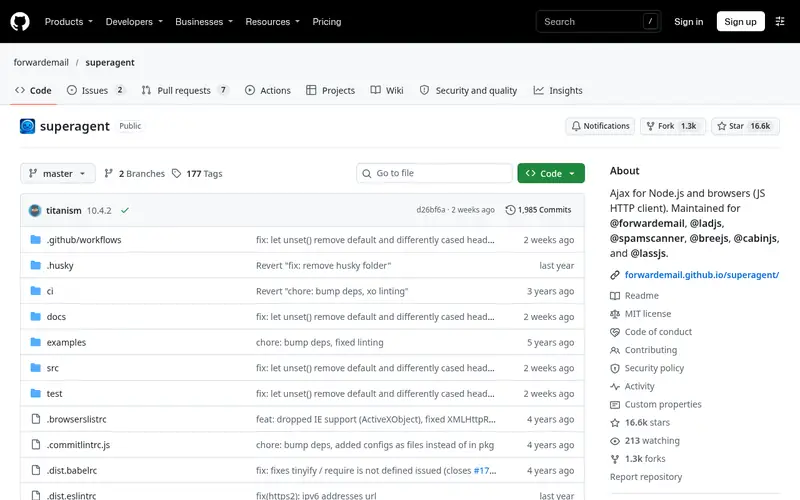
superagent is an HTTP client that runs in browsers and Node.js. It uses a chainable API, so requests read as a sequence of method calls. It handles form data, file uploads and JSON parsing, and it has plugins for extra behaviour.
The project is open source under the MIT licence and published on npm. It has no paid tier. The API style is older than Axios or ky, and the project moves at a slower pace, so check recent releases before adopting it for new work.
Skip superagent if you want the most active ecosystem or TypeScript types maintained in the same repository as the client. It remains a reasonable choice for existing codebases already using it.
Standout: Works in browsers and Node.js
Free (open source), as listed by the vendor (superagent website). Confirm the current plan price before you buy.
Free plan. Plans change, so confirm on the vendor's pricing page before you buy.
Benefits
- Works in browsers and Node.js
- chainable request builder
Drawbacks
- Older API style
- smaller ecosystem than Axios
Skip it if this limit matters to you: older API style.
Verdict. A sensible pick for projects that want a long-standing client with a chainable API.
node-fetch
Best for node.js projects that need a fetch polyfill
What it is and where it fits
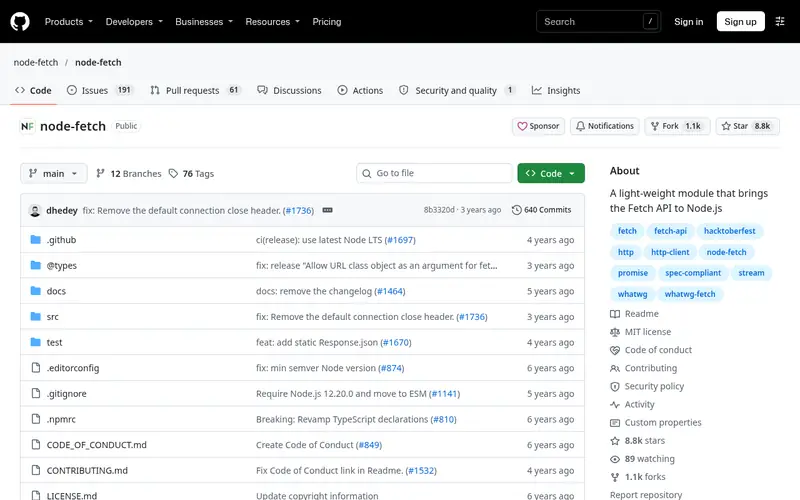
node-fetch brings the Fetch API to Node.js. It is useful for codebases on older Node.js versions, or for libraries that want fetch behaviour without depending on the runtime version. It mirrors the browser API closely.
The project is open source under the MIT licence. Node.js 18 and later include fetch natively, so node-fetch is mainly a compatibility choice now. It does not run in browsers, where fetch is already available.
Skip node-fetch for new projects on current Node.js versions unless you need its specific behaviours. It is not a browser client and does not add interceptors or retries.
Standout: Fetch API in Node.js
Free (open source), as listed by the vendor (node-fetch website). Confirm the current plan price before you buy.
Free plan. Plans change, so confirm on the vendor's pricing page before you buy.
Benefits
- Fetch API in Node.js
- small and focused
Drawbacks
- Not needed on Node.js 18 and later
- no browser build
Skip it if this limit matters to you: not needed on Node.js 18 and later.
Verdict. A sensible pick for node.js projects that need a fetch polyfill.
undici
Best for node.js teams that want a low-level, fast HTTP/1.1 client
What it is and where it fits
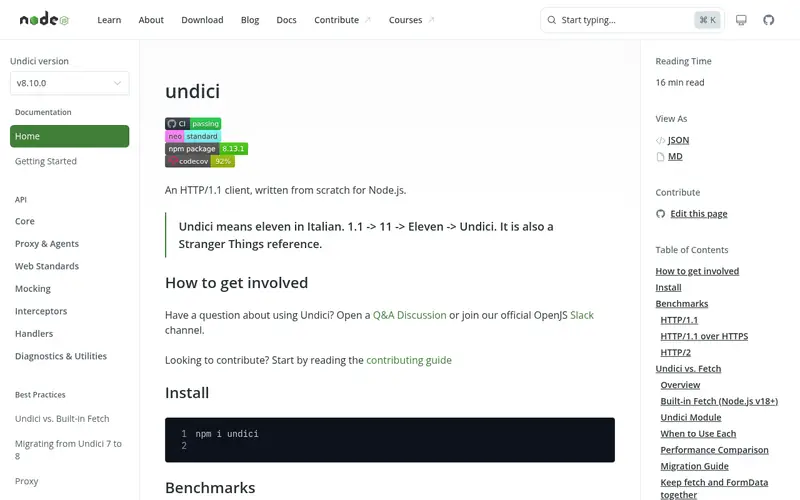
undici is the HTTP/1.1 client that underpins fetch in Node.js. It exposes a lower-level API with connection pooling, pipelining and stream support. It is maintained by the Node.js project and ships with recent Node.js releases.
The project is open source under the MIT licence. Because it is lower level, you handle more details yourself than with Axios or got. It does not run in browsers.
Choose undici when you need control over connections and performance in a Node.js service. Skip it for browser code or when you want a high-level API with interceptors and retries built in.
Standout: Maintained by the Node.js project
Free (open source), as listed by the vendor (undici website). Confirm the current plan price before you buy.
Free plan. Plans change, so confirm on the vendor's pricing page before you buy.
Benefits
- Maintained by the Node.js project
- powers Node.js fetch
Drawbacks
- Node.js only
- lower-level API than Axios or got
Skip it if this limit matters to you: node.js only.
Verdict. A sensible pick for node.js teams that want a low-level, fast HTTP/1.1 client.
fetch (Web API)
Best for simple requests with no extra dependency
What it is and where it fits
fetch is the HTTP API built into modern browsers and Node.js 18 and later. It returns promises and works with streams and the Request and Response objects. For simple calls, it removes a dependency from your project.
There is no package to install and no licence to review, because it ships with the runtime. The trade-offs are manual: retries, timeouts and interceptors require your own code or a wrapper such as ky. Error handling differs from Axios, since fetch does not reject on HTTP error status codes.
Use fetch for small projects and scripts. Skip it when you need consistent retry, timeout and interceptor behaviour across many call sites, where a client like Axios or got saves code.
Standout: Built into browsers and Node.js 18+
Free, as listed by the vendor (fetch (Web API) website). Confirm the current plan price before you buy.
Free plan. Plans change, so confirm on the vendor's pricing page before you buy.
Benefits
- Built into browsers and Node.js 18+
- no install step
Drawbacks
- No built-in retries or interceptors
- timeouts need AbortController
Skip it if this limit matters to you: no built-in retries or interceptors.
Verdict. A sensible pick for simple requests with no extra dependency.
Who should use what
If you share code between a browser front end and a Node.js back end, start with Axios for one API on both sides. If you want a small wrapper around fetch with retries and hooks, use ky. If you build Node.js services that need retries, timeouts and pagination helpers, got is the stronger fit. If you only make a few simple requests, the built-in fetch API avoids a dependency. Teams with older Node.js versions can use node-fetch as a compatibility layer.
Questions to settle before you buy
What to check before you buy
- Confirm the client runs on every runtime you target, including older Node.js versions.
- Check whether you need interceptors, retries and timeouts built in or can write them yourself.
- Review the licence and the last release date in the project repository.
- Measure the bundle size impact if the client ships to browsers.
- Check TypeScript type support and whether types ship with the package.
FAQ
Do I still need an HTTP client if fetch is built in?
Not always. fetch covers simple requests in browsers and Node.js 18 and later. You need a client like Axios, ky or got when you want interceptors, automatic retries, timeouts or a consistent API across environments without writing that logic yourself.
Which JavaScript HTTP client works in both browser and Node.js?
Axios, ky, superagent and node-fetch are designed for cross-environment use, though node-fetch targets Node.js. Axios and ky are the most common choices for shared code. got and undici are Node.js only, and fetch is available in both but with platform differences.
Are these HTTP clients free?
Yes. All the JavaScript clients listed here are open source and free to use. Costs come from your own infrastructure and maintenance time, not from licence fees. Check each project's licence terms if you redistribute the code.
Is Axios better than fetch?
They solve the same problem differently. Axios adds interceptors, automatic JSON handling and a consistent API across runtimes. fetch is built in and needs no dependency but requires manual retry and timeout code. The better choice depends on how much behaviour you want out of the box.
Can I use these clients to call APIs from a browser?
Yes, with limits. Browser requests are subject to CORS, so the server must allow your origin. Clients cannot bypass CORS. For server-to-server calls there is no CORS restriction, which is one reason teams move HTTP calls to Node.js or a backend service.
Sources we checked
Method: how we score · editorial policy.
Change log. First published 22 Nov 2026.