Stage 02 · Test · Researched comparison
Best JavaScript Hashing Libraries in 2026
@noble/hashes is the first pick for most projects. It is audited, dependency-free, works in browsers and Node.js, and covers SHA-2, SHA-3, BLAKE and more. For raw speed on large inputs, hash-wasm is the alternative, since it compiles optimized C to WebAssembly. For the smallest possible footprint with no install, the built-in Web Crypto SubtleCrypto.digest API is the second alternative. None of these are for password hashing.

By Shihab Mia
Published 27 Nov 2026 · 7 tools compared
We run no ads and no affiliate links at launch. The order of a list follows our published method. See how we score.
Prices are the starting prices vendors list publicly. Plans change, so confirm the current price on the vendor page before you buy.
Key takeaways
- @noble/hashes and hash-wasm are both Free (open source) and run in browsers and Node.js.
- Web Crypto SubtleCrypto.digest is built into modern browsers and Node.js, but it is async and limited to standard algorithms.
- Node's built-in crypto module is the simplest choice for server-only code and needs no dependency.
- Never paste secrets, tokens or production data into third-party online hash tools; use a local library or an offline page instead.
Who each pick is for
- Audited, dependency-free hashing for browsers and Node.js@noble/hashes
- Fast hashing of large inputs via WebAssemblyhash-wasm
- Zero-install hashing in modern browsers and Node.jsWeb Crypto SubtleCrypto.digest
- Server-side hashing with no extra dependencyNode.js crypto module
- Small, simple SHA-2 and SHA-3 helpersjs-sha256 and js-sha3
- Fast non-cryptographic hashing for caches and checksumsxxhash-wasm
- Incremental MD5 for large files in the browserspark-md5
Comparison
| Tool | Best for | Standout feature | Listed starting price | Free plan or trial |
|---|---|---|---|---|
| 1@noble/hashes | Audited, dependency-free hashing for browsers and Node.js | Audited and widely reviewed | Free (open source) | Free plan |
| 2hash-wasm | Fast hashing of large inputs via WebAssembly | WebAssembly speed | Free (open source) | Free plan |
| 3Web Crypto SubtleCrypto.digest | Zero-install hashing in modern browsers and Node.js | Built into the platform, no dependency | Free | Free plan |
| 4Node.js crypto module | Server-side hashing with no extra dependency | Built into Node.js | Free | Free plan |
| 5js-sha256 and js-sha3 | Small, simple SHA-2 and SHA-3 helpers | Tiny and easy to drop in | Free (open source) | Free plan |
| 6xxhash-wasm | Fast non-cryptographic hashing for caches and checksums | Very fast xxHash via WebAssembly | Free (open source) | Free plan |
| 7spark-md5 | Incremental MD5 for large files in the browser | Incremental and chunked hashing | Free (open source) | Free plan |
How we picked
We picked libraries that genuinely compute hashes in JavaScript across browsers, Node.js or both, and that are currently maintained with a public repository. We weighed algorithm coverage, platform support, licence, dependency count, bundle and runtime cost, and known limits such as async-only APIs or broken algorithms. Sources are vendor documentation, project repositories and public licence pages. We did not run benchmarks. Prices and features change, so confirm details on the vendor or repository page before you commit.
The tools, one by one
@noble/hashes
Best for audited, dependency-free hashing for browsers and Node.js
What it is and where it fits
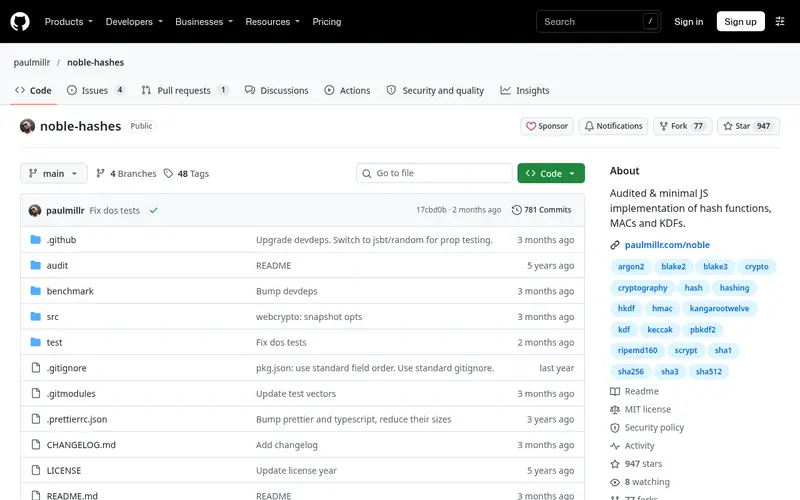
@noble/hashes is a pure JavaScript library that implements SHA-2, SHA-3, Keccak, BLAKE2, BLAKE3, RIPEMD and HMAC variants. It ships as ES modules and CommonJS, so it works in browsers, Node.js, Deno and Bun without native builds. The project states it has been audited and has no dependencies, which keeps supply-chain risk low.
It is a good default when you need consistent hash output across client and server. The API is function-based and fairly low level, so you write a little more code than with a convenience wrapper. It does not do password hashing; use a dedicated library for that. Skip it if you only need one hash and want zero install, in which case Web Crypto or Node crypto may be enough.
Standout: Audited and widely reviewed
Free (open source), as listed by the vendor (@noble/hashes website). Confirm the current plan price before you buy.
Free plan. Plans change, so confirm on the vendor's pricing page before you buy.
Benefits
- Audited and widely reviewed
- zero dependencies and small bundles
Drawbacks
- API is lower level than some wrappers
- not for password hashing
Skip it if this limit matters to you: API is lower level than some wrappers.
Verdict. A sensible pick for audited, dependency-free hashing for browsers and Node.js.
Alternatives in this guide: hash-wasm, Web Crypto SubtleCrypto.digest, Node.js crypto module
hash-wasm
Best for fast hashing of large inputs via WebAssembly
What it is and where it fits
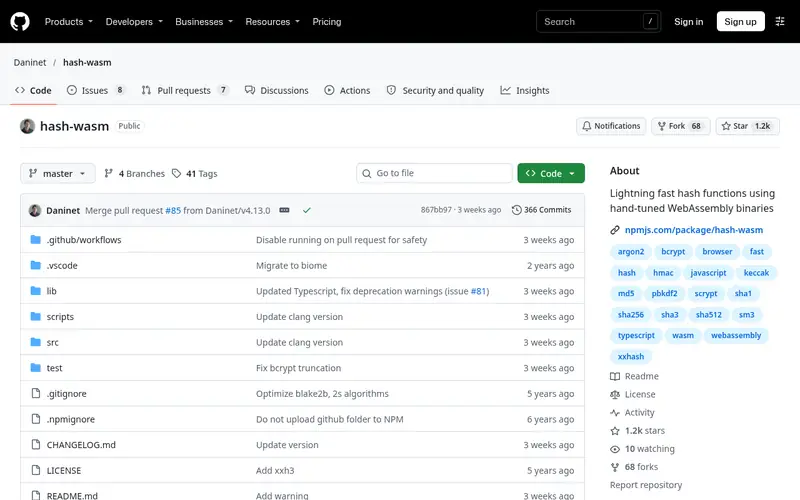
hash-wasm compiles optimized C implementations to WebAssembly and exposes them through a small JavaScript API. It covers MD4, MD5, SHA-1, SHA-2, SHA-3, RIPEMD, BLAKE2, BLAKE3, CRC32 and xxHash. It runs in browsers and Node.js.
The main reason to pick it is throughput on large files or streams, where pure JavaScript can be slower. The trade-off is that you load a wasm module, and the API is promise-based. It is not a password hashing tool. If your inputs are small and bundle size matters more than speed, a pure JS library is simpler.
Standout: WebAssembly speed
Free (open source), as listed by the vendor (hash-wasm website). Confirm the current plan price before you buy.
Free plan. Plans change, so confirm on the vendor's pricing page before you buy.
Benefits
- WebAssembly speed
- supports many algorithms including MD4, MD5, SHA-2, SHA-3, xxHash and BLAKE
Drawbacks
- Adds a wasm binary to your bundle
- async API
Skip it if this limit matters to you: adds a wasm binary to your bundle.
Verdict. A sensible pick for fast hashing of large inputs via WebAssembly.
Alternatives in this guide: @noble/hashes, Web Crypto SubtleCrypto.digest, Node.js crypto module
Web Crypto SubtleCrypto.digest
Best for zero-install hashing in modern browsers and Node.js

What it is and where it fits
SubtleCrypto.digest is part of the Web Crypto API. It is available in modern browsers and in Node.js through the global crypto object. It computes SHA-1, SHA-256, SHA-384 and SHA-512 digests and returns an ArrayBuffer wrapped in a promise.
Because it is built in, there is nothing to install and nothing to audit beyond the browser or runtime. The limits are real: the API is async, it does not expose streaming, and it does not cover MD5, SHA-3 or xxHash. It is a strong choice for a single SHA-256 checksum in a web app. For other algorithms or synchronous code, use a library.
Standout: Built into the platform, no dependency
Free, as listed by the vendor (Web Crypto SubtleCrypto.digest website). Confirm the current plan price before you buy.
Free plan. Plans change, so confirm on the vendor's pricing page before you buy.
Benefits
- Built into the platform, no dependency
- native performance
Drawbacks
- Async only
- limited to SHA-1, SHA-2 and a few others
Skip it if this limit matters to you: async only.
Verdict. A sensible pick for zero-install hashing in modern browsers and Node.js.
Alternatives in this guide: @noble/hashes, hash-wasm, Node.js crypto module
Node.js crypto module
Best for server-side hashing with no extra dependency
What it is and where it fits
The Node.js crypto module provides createHash and createHmac, with support for SHA-2, SHA-3, MD5, BLAKE2 and more depending on the OpenSSL build. It supports streaming through the hash object, which suits large files and pipes.
It is the least-effort option for backend code: no install, no bundle cost, and it is maintained with the runtime. The catch is portability. Code written against node:crypto will not run in a browser without a polyfill or a bundler shim. If you share hashing code between client and server, a cross-platform library is a better fit.
Standout: Built into Node.js
Free, as listed by the vendor (Node.js crypto module website). Confirm the current plan price before you buy.
Free plan. Plans change, so confirm on the vendor's pricing page before you buy.
Benefits
- Built into Node.js
- supports many algorithms and streaming
Drawbacks
- Node.js only
- not available in browsers
Skip it if this limit matters to you: node.js only.
Verdict. A sensible pick for server-side hashing with no extra dependency.
Alternatives in this guide: @noble/hashes, hash-wasm, Web Crypto SubtleCrypto.digest
js-sha256 and js-sha3
Best for small, simple SHA-2 and SHA-3 helpers
What it is and where it fits
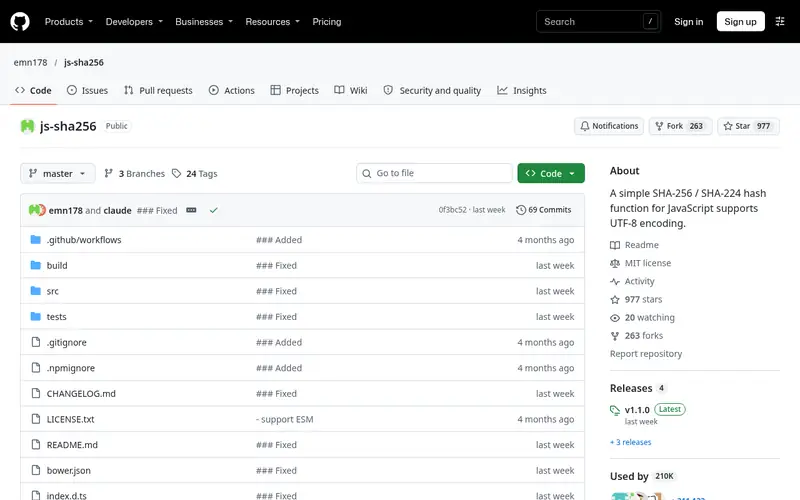
The emn178 js-sha family provides small standalone implementations. js-sha256 covers SHA-224, SHA-256 and HMAC-SHA256. js-sha3 covers SHA-3 and Keccak variants. Both run in browsers and Node.js and have a simple string-in, hex-out API.
They suit projects that need one specific hash and want a minimal dependency. The downside is fragmentation: each algorithm family is a separate package, and coverage is narrower than @noble/hashes or hash-wasm. For new code that may need several algorithms, a broader library avoids adding packages later. These are not for password hashing.
Standout: Tiny and easy to drop in
Free (open source), as listed by the vendor (js-sha256 and js-sha3 website). Confirm the current plan price before you buy.
Free plan. Plans change, so confirm on the vendor's pricing page before you buy.
Benefits
- Tiny and easy to drop in
- works in browsers and Node.js
Drawbacks
- Narrow algorithm coverage
- separate packages per family
Skip it if this limit matters to you: narrow algorithm coverage.
Verdict. A sensible pick for small, simple SHA-2 and SHA-3 helpers.
Alternatives in this guide: @noble/hashes, hash-wasm, Web Crypto SubtleCrypto.digest
xxhash-wasm
Best for fast non-cryptographic hashing for caches and checksums
What it is and where it fits
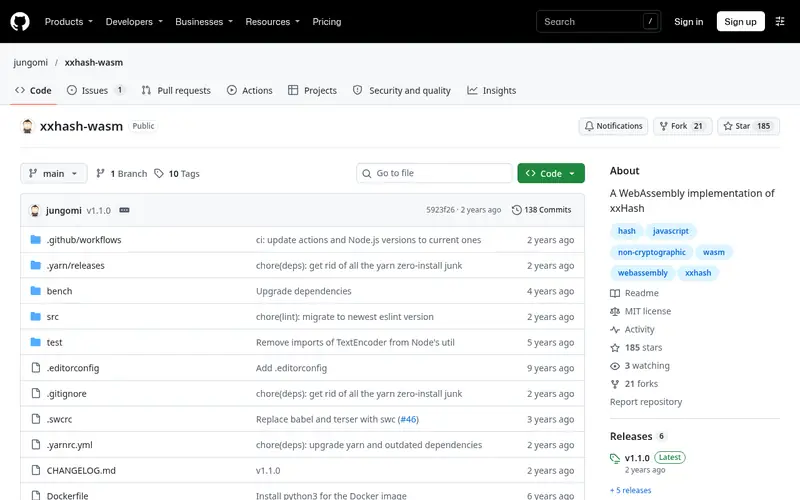
xxhash-wasm wraps the xxHash algorithm in WebAssembly for browsers and Node.js. It exposes 32-bit and 64-bit hashes and is aimed at fast, non-cryptographic use such as cache keys, deduplication and integrity checks.
Do not use it for security purposes. xxHash is not collision-resistant against an attacker, so it is wrong for signatures, tokens or anything adversarial. For those cases use SHA-2 or SHA-3 through @noble/hashes, hash-wasm or Web Crypto. If you need speed and only need a checksum, xxhash-wasm is a focused tool.
Standout: Very fast xxHash via WebAssembly
Free (open source), as listed by the vendor (xxhash-wasm website). Confirm the current plan price before you buy.
Free plan. Plans change, so confirm on the vendor's pricing page before you buy.
Benefits
- Very fast xxHash via WebAssembly
- small API
Drawbacks
- Non-cryptographic only
- wasm module to load
Skip it if this limit matters to you: non-cryptographic only.
Verdict. A sensible pick for fast non-cryptographic hashing for caches and checksums.
Alternatives in this guide: @noble/hashes, hash-wasm, Web Crypto SubtleCrypto.digest
spark-md5
Best for incremental MD5 for large files in the browser
What it is and where it fits
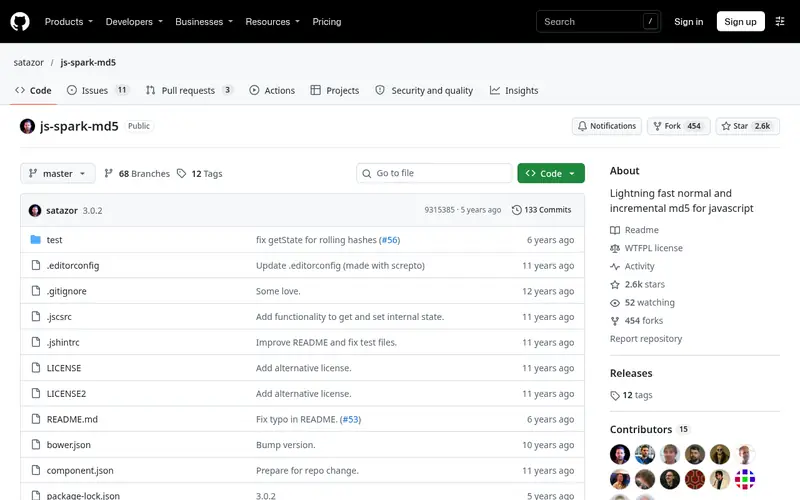
spark-md5 computes MD5 in JavaScript with an incremental API. You can feed it chunks of a file, which makes it useful for hashing large uploads in the browser without reading the whole file into memory. It runs in browsers and Node.js.
MD5 is cryptographically broken and must not be used for signatures, integrity against attackers or password storage. Its remaining use is non-security checksums and legacy compatibility. If you need a fast file checksum today, xxHash or SHA-256 is a better default. Keep spark-md5 only where an existing system requires MD5.
Standout: Incremental and chunked hashing
Free (open source), as listed by the vendor (spark-md5 website). Confirm the current plan price before you buy.
Free plan. Plans change, so confirm on the vendor's pricing page before you buy.
Benefits
- Incremental and chunked hashing
- handles large files without loading them fully
Drawbacks
- MD5 is broken for security
- maintenance is slow
Skip it if this limit matters to you: MD5 is broken for security.
Verdict. A sensible pick for incremental MD5 for large files in the browser.
Alternatives in this guide: @noble/hashes, hash-wasm, Web Crypto SubtleCrypto.digest
Who should use what
If you share hashing code between a browser app and a Node.js backend, start with @noble/hashes for consistent output and broad algorithm coverage. If you hash large files or streams and speed matters, use hash-wasm. If you need a single SHA-256 digest in a web page with no dependencies, call SubtleCrypto.digest. If your code is server-only, the built-in Node.js crypto module is the simplest path. For non-security checksums and cache keys, xxhash-wasm is fast and focused.
Questions to settle before you buy
What to check before you buy
- Confirm the library supports the exact algorithm you need (SHA-256, SHA-3, BLAKE3, xxHash) on every platform you target.
- Check whether the API is sync or async, and whether it supports streaming for large inputs.
- Review the licence and the dependency tree, and prefer zero-dependency packages for security-sensitive code.
- Verify the package is maintained and has a public repository you can inspect.
- Do not use MD5 or SHA-1 for security, and do not use any of these libraries for password hashing.
FAQ
Which JavaScript hashing library should I use for SHA-256?
@noble/hashes is a solid default for SHA-256 in both browsers and Node.js. Web Crypto SubtleCrypto.digest works if you only need SHA-256 in a modern browser or Node.js and can use an async API. Node's crypto module is fine for server-only code.
Can I use these libraries for password hashing?
No. SHA-2, SHA-3, MD5 and xxHash are general-purpose hashes, not password hashing functions. Use a dedicated password hashing library such as bcrypt, scrypt or Argon2, which are designed to be slow and salted.
Is Web Crypto faster than a JavaScript library?
Web Crypto runs in the browser or runtime and is often fast, but it is async and limited to a few algorithms. Pure JS libraries are portable and cover more algorithms. WebAssembly libraries like hash-wasm are aimed at high throughput. We did not benchmark them, so test with your own inputs.
Why avoid MD5 and SHA-1?
Both have known collision attacks and are unsuitable for signatures, certificates or integrity checks against an attacker. They remain in use for legacy compatibility and non-security checksums. For new security-related work, choose SHA-256 or SHA-3.
Is it safe to hash data in an online tool?
No. Do not paste secrets, tokens, passwords or production data into third-party web pages. Use a library that runs locally in your browser or offline, or hash on your own machine with Node.js or a command-line tool.
Sources we checked
Method: how we score · editorial policy.
Change log. First published 27 Nov 2026.