Stage 02 · Test · Researched comparison
Best Java Testing Frameworks in 2026
JUnit 5 is the first pick for most teams because it is the standard unit testing framework for the JVM and works with Maven, Gradle and every major IDE. Mockito suits teams that need mock objects, and Testcontainers suits teams that need real databases and services in integration tests. All three are open source and free to use.

By Shihab Mia
Published 22 Nov 2026 · 8 tools compared
We run no ads and no affiliate links at launch. The order of a list follows our published method. See how we score.
Prices are the starting prices vendors list publicly. Plans change, so confirm the current price on the vendor page before you buy.
Key takeaways
- JUnit 5 is the default unit testing framework for Java and integrates with Maven, Gradle, IntelliJ IDEA, Eclipse and CI servers.
- Mockito, AssertJ and Hamcrest are free, open-source libraries that extend assertions and mocking rather than replace the test runner.
- Testcontainers needs a running Docker environment, so it fits integration testing more than quick unit tests.
- Serenity BDD and Cucumber target behavior-driven and acceptance testing and add reporting or plain-language specs on top of a runner.
Who each pick is for
- Standard unit and integration testing on the JVMJUnit 5
- Creating mock objects in unit testsMockito
- Fluent assertions with readable failure messagesAssertJ
- Integration tests with real databases and servicesTestcontainers
- Matcher-based assertions in Java testsHamcrest
- Test suites that need groups, dependencies and parallel runsTestNG
- Behavior-driven tests written in plain languageCucumber (Java)
- Behavior-driven tests with living documentation reportsSerenity BDD
Comparison
| Tool | Best for | Standout feature | Listed starting price | Free plan or trial |
|---|---|---|---|---|
| 1JUnit 5 | Standard unit and integration testing on the JVM | Widely supported by build tools and IDEs | Free (open source) | Free plan |
| 2Mockito | Creating mock objects in unit tests | Simple API for stubs and verification | Free (open source) | Free plan |
| 3AssertJ | Fluent assertions with readable failure messages | Large set of type-specific assertions | Free (open source) | Free plan |
| 4Testcontainers | Integration tests with real databases and services | Real dependencies instead of in-memory substitutes | Free (open source) | Free plan |
| 5Hamcrest | Matcher-based assertions in Java tests | Composable matchers | Free (open source) | Free plan |
| 6TestNG | Test suites that need groups, dependencies and parallel runs | Built-in grouping, sequencing and parallel execution | Free (open source) | Free plan |
| 7Cucumber (Java) | Behavior-driven tests written in plain language | Plain-language feature files shared with non-developers | Free (open source) | Free plan |
| 8Serenity BDD | Behavior-driven tests with living documentation reports | Detailed HTML reports from test runs | See vendor pricing page | Free plan |
How we picked
We compared frameworks by fit for common Java testing jobs, supported platforms and build tools, licence and price, and main limits such as Docker requirements or extra setup. We used vendor documentation, project repositories and public pricing pages. We did not run benchmarks or collect user reviews. Prices and plan details change, so confirm them on the vendor site before you commit.
The tools, one by one
JUnit 5
Best for standard unit and integration testing on the JVM
What it is and where it fits
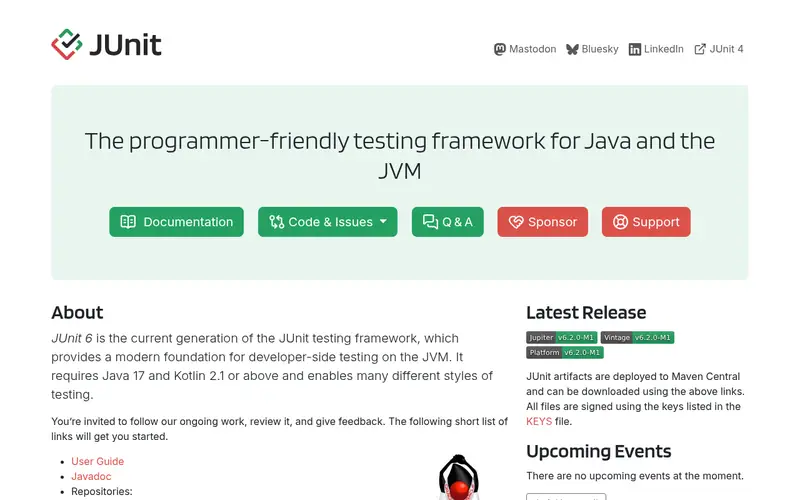
JUnit 5 is the current generation of the JUnit framework and the most common starting point for Java tests. It splits into the Jupiter engine for new tests, the Vintage engine for running JUnit 4 tests, and the platform launcher that build tools and IDEs connect to. It runs on Java 8 and later and works with Maven, Gradle, IntelliJ IDEA, Eclipse and most CI servers.
Tests use annotations such as @Test, @BeforeEach and @ParameterizedTest, with assertions in org.junit.jupiter.api.Assertions. The framework supports parameterized tests, nested test classes, tags for filtering, and dynamic tests. Extensions replace the older runner and rule model.
The project is open source under the Eclipse Public License 2.0 and has no paid tier. Teams with large JUnit 4 suites can run them through the Vintage engine while migrating. Skip it only if you are locked to a different runner by an old platform.
Standout: Widely supported by build tools and IDEs
Free (open source), as listed by the vendor (JUnit 5 website). Confirm the current plan price before you buy.
Free plan. Plans change, so confirm on the vendor's pricing page before you buy.
Benefits
- Widely supported by build tools and IDEs
- modular design with Jupiter and Vintage engines
Drawbacks
- Some older extensions still target JUnit 4
- parallel execution needs configuration
Skip it if this limit matters to you: some older extensions still target JUnit 4.
Verdict. A sensible pick for standard unit and integration testing on the JVM.
Alternatives in this guide: Mockito, AssertJ, Testcontainers
Mockito
Best for creating mock objects in unit tests
What it is and where it fits
Mockito is a mocking framework for Java unit tests. It lets you create test doubles, define stubbed return values, and verify interactions with dependencies. It integrates with JUnit 5 through the MockitoExtension and works with Maven and Gradle.
The core API covers mock(), when(), verify() and argument matchers. Mocking final classes and static methods requires the inline mock maker, which is configured through an extension file or a JVM agent. The project is open source under the MIT license.
Mockito is best used for isolated unit tests of classes with collaborators. It does not replace an assertion library or a test runner. Teams that test mostly through real objects and integration tests may need it only occasionally.
Standout: Simple API for stubs and verification
Free (open source), as listed by the vendor (Mockito website). Confirm the current plan price before you buy.
Free plan. Plans change, so confirm on the vendor's pricing page before you buy.
Benefits
- Simple API for stubs and verification
- integrates with JUnit 5 through an extension
Drawbacks
- Mocking final classes and static methods needs the inline mock maker
- over-mocking can hide design problems
Skip it if this limit matters to you: mocking final classes and static methods needs the inline mock maker.
Verdict. A sensible pick for creating mock objects in unit tests.
Alternatives in this guide: JUnit 5, AssertJ, Testcontainers
AssertJ
Best for fluent assertions with readable failure messages
What it is and where it fits
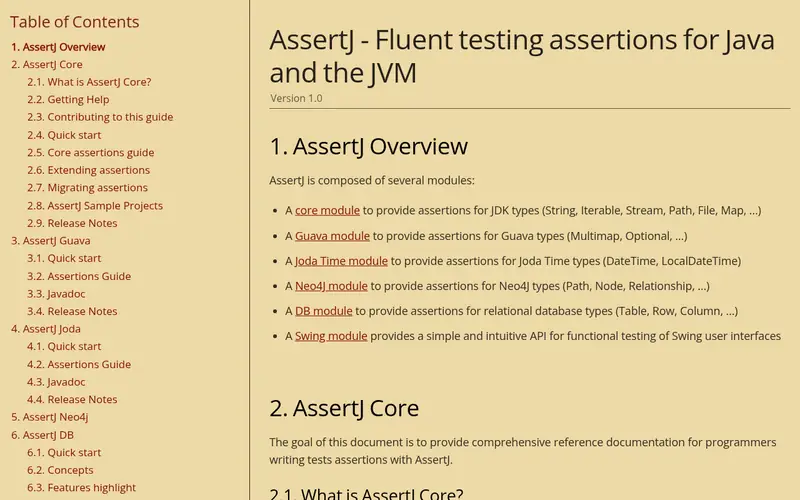
AssertJ is a fluent assertion library for Java. It provides assertThat() entry points for many types, including collections, maps, strings, dates, files and exceptions. Failure messages describe the expected and actual values, which helps when a test breaks in CI.
It works alongside JUnit 5, TestNG and other runners, and it can generate assertions for your own types. The library is open source under the Apache License 2.0. It runs on Java 8 and later.
AssertJ does not run tests or create mocks. It is an addition to a runner such as JUnit 5. Teams that prefer the built-in JUnit assertions can skip it, but many projects adopt it for collection and exception assertions.
Standout: Large set of type-specific assertions
Free (open source), as listed by the vendor (AssertJ website). Confirm the current plan price before you buy.
Free plan. Plans change, so confirm on the vendor's pricing page before you buy.
Benefits
- Large set of type-specific assertions
- clear failure output
Drawbacks
- Adds a dependency beyond the test runner
- very large assertion API to learn
Skip it if this limit matters to you: adds a dependency beyond the test runner.
Verdict. A sensible pick for fluent assertions with readable failure messages.
Alternatives in this guide: JUnit 5, Mockito, Testcontainers
Testcontainers
Best for integration tests with real databases and services
What it is and where it fits
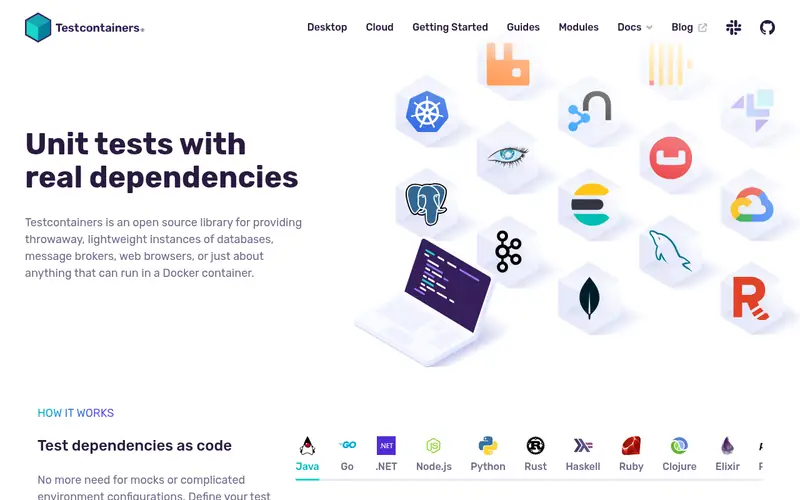
Testcontainers is a Java library for running throwaway Docker containers in tests. You can start a real PostgreSQL, MySQL, Kafka or Redis instance for the duration of a test and tear it down afterward. This avoids differences between in-memory substitutes and production databases.
The library has modules for many databases, message brokers and cloud services, and it integrates with JUnit 5 through an extension. It requires a Docker-compatible environment on the machine or CI runner. Startup time makes it a poor fit for fast unit test suites.
The core project is open source under the MIT license. Testcontainers Cloud is a separate paid service for running containers in CI, priced on the vendor site. Teams without Docker in CI should plan for that before adopting it.
Standout: Real dependencies instead of in-memory substitutes
Free (open source), as listed by the vendor (Testcontainers website). Confirm the current plan price before you buy.
Free plan. Plans change, so confirm on the vendor's pricing page before you buy.
Benefits
- Real dependencies instead of in-memory substitutes
- modules for common databases and brokers
Drawbacks
- Requires a running Docker environment
- slower than pure unit tests
Skip it if this limit matters to you: requires a running Docker environment.
Verdict. A sensible pick for integration tests with real databases and services.
Hamcrest
Best for matcher-based assertions in Java tests
What it is and where it fits
Hamcrest is a matcher library that lets tests express conditions with composable matchers such as equalTo(), hasItem() and both(). It is used with assertThat() in JUnit and other frameworks, and it ships matchers for collections, numbers, strings and objects.
The library is open source under the BSD license and runs on Java 8 and later. It is older than AssertJ and has a smaller set of type-specific matchers. Many projects still use it because existing tests depend on it or because a framework bundles it.
Hamcrest does not run tests or create mocks. New projects often choose AssertJ for its failure messages, while teams with existing Hamcrest tests can keep them. It is a reasonable choice when you want matcher composition over a large assertion API.
Standout: Composable matchers
Free (open source), as listed by the vendor (Hamcrest website). Confirm the current plan price before you buy.
Free plan. Plans change, so confirm on the vendor's pricing page before you buy.
Benefits
- Composable matchers
- works with JUnit and other runners
Drawbacks
- Verbose compared with fluent assertion libraries
- smaller ecosystem than AssertJ
Skip it if this limit matters to you: verbose compared with fluent assertion libraries.
Verdict. A sensible pick for matcher-based assertions in Java tests.
TestNG
Best for test suites that need groups, dependencies and parallel runs
What it is and where it fits
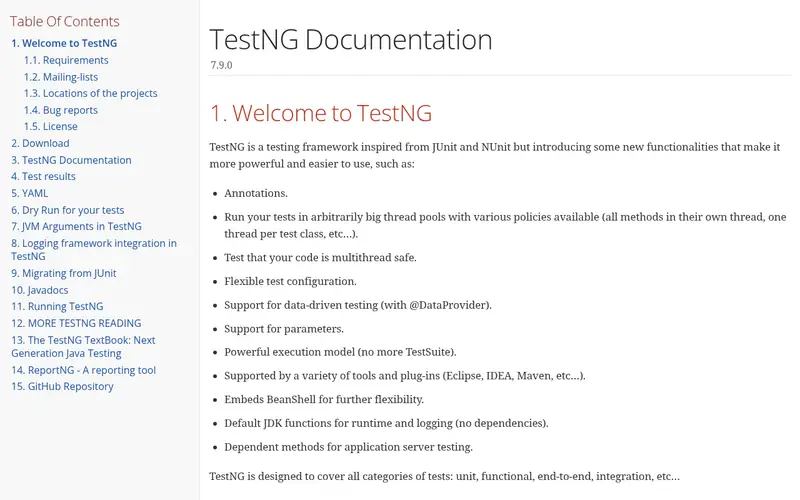
TestNG is a testing framework inspired by JUnit and NUnit but built around annotations, test groups, dependencies and suite files. It supports parameterized tests through XML or data providers, and it can run tests in parallel by method, class or suite.
It is common in larger enterprise suites and in projects that need flexible grouping and ordering. It integrates with Maven, Gradle and major IDEs, though its tooling ecosystem is smaller than JUnit 5's. The project is open source under the Apache License 2.0.
TestNG can run alongside JUnit tests in some setups, but most teams pick one runner. New projects usually start with JUnit 5 unless they need TestNG's suite features.
Standout: Built-in grouping, sequencing and parallel execution
Free (open source), as listed by the vendor (TestNG website). Confirm the current plan price before you buy.
Free plan. Plans change, so confirm on the vendor's pricing page before you buy.
Benefits
- Built-in grouping, sequencing and parallel execution
- XML suite configuration
Drawbacks
- Smaller ecosystem than JUnit 5
- fewer IDE integrations than JUnit
Skip it if this limit matters to you: smaller ecosystem than JUnit 5.
Verdict. A sensible pick for test suites that need groups, dependencies and parallel runs.
Cucumber (Java)
Best for behavior-driven tests written in plain language
What it is and where it fits
Cucumber is a behavior-driven development tool that runs plain-language scenarios written in Gherkin. In Java projects, step definitions connect each step to code, and the runner executes the scenarios. It works with JUnit 5 and other runners through the cucumber-junit-platform-engine.
Feature files are readable by product owners and testers, which helps when acceptance criteria need to be shared. The trade-off is an extra layer between the specification and the test code, and suites can become slow as scenarios multiply.
The Java implementation is open source under the MIT license. Cucumber Studio and other commercial products are separate and priced on the vendor site. Teams that do not need plain-language specs are usually better served by JUnit 5 alone.
Standout: Plain-language feature files shared with non-developers
Free (open source), as listed by the vendor (Cucumber (Java) website). Confirm the current plan price before you buy.
Free plan. Plans change, so confirm on the vendor's pricing page before you buy.
Benefits
- Plain-language feature files shared with non-developers
- step definitions in Java
Drawbacks
- Extra layer between spec and code
- slow suites if scenarios grow
Skip it if this limit matters to you: extra layer between spec and code.
Verdict. A sensible pick for behavior-driven tests written in plain language.
Serenity BDD
Best for behavior-driven tests with living documentation reports
What it is and where it fits
Serenity BDD is a library for writing behavior-driven tests and producing living documentation from the results. It integrates with JUnit, Cucumber and REST Assured, and it generates HTML reports that show each step and its outcome.
The open-source library is free to use. Serenity also has commercial offerings, including Serenity Dojo and support, with prices on the vendor site. The reporting layer adds setup and build time, so it fits teams that need traceable acceptance test reports more than small unit test suites.
Serenity does not replace the underlying runner. It sits on top of JUnit or Cucumber and adds reporting and step libraries. Teams that only need unit tests should skip it.
Standout: Detailed HTML reports from test runs
See vendor pricing page, as listed by the vendor (Serenity BDD website). Confirm the current plan price before you buy.
Free plan. Plans change, so confirm on the vendor's pricing page before you buy.
Benefits
- Detailed HTML reports from test runs
- integrates with JUnit, Cucumber and REST Assured
Drawbacks
- More setup than a plain runner
- reporting features add build time
Skip it if this limit matters to you: more setup than a plain runner.
Verdict. A sensible pick for behavior-driven tests with living documentation reports.
Who should use what
Teams writing standard unit tests should start with JUnit 5 and add AssertJ for readable assertions. Projects with many collaborators should add Mockito for isolated unit tests. Teams that need real databases or brokers in integration tests should use Testcontainers with a Docker environment in CI. Groups that share acceptance criteria with non-developers should look at Cucumber, and teams that need detailed acceptance test reports should consider Serenity BDD. TestNG fits suites that depend on groups and parallel execution.
Questions to settle before you buy
What to check before you buy
- Confirm the framework supports your Java version and build tool, including Maven or Gradle.
- Check that your IDE and CI server have integrations or plugins for the runner.
- For Testcontainers, verify Docker is available on developer machines and CI runners.
- Review the licence terms if you redistribute code or bundle the library.
- Decide whether you need plain-language specs or detailed reports before adding Cucumber or Serenity.
FAQ
Is JUnit 5 the best Java testing framework?
JUnit 5 is the most common choice for unit testing because build tools, IDEs and CI servers support it widely. It is open source and free. Whether it is best depends on your needs: add Mockito for mocks, AssertJ for assertions, or Testcontainers for integration tests.
Do I need Mockito if I use JUnit 5?
No. JUnit 5 runs tests and assertions without Mockito. Mockito adds mock objects for isolating a class from its dependencies. Many teams use both, but simple tests often need only JUnit 5 and an assertion library.
Can I use Testcontainers for unit tests?
Testcontainers starts real Docker containers, which is slower than in-memory tests. It fits integration tests against real databases and services. For fast unit tests, use JUnit 5 with mocks and keep Testcontainers for a separate integration test stage.
Is Cucumber a replacement for JUnit?
No. Cucumber runs Gherkin scenarios and connects them to Java step definitions, and it can use the JUnit Platform as its runner. JUnit 5 remains the underlying test framework. Cucumber adds plain-language specs, not a separate assertion or mocking model.
Are these Java testing frameworks free?
JUnit 5, Mockito, AssertJ, Testcontainers, Hamcrest, TestNG and Cucumber are open source and free to use. Serenity BDD's open-source library is free, while its commercial offerings are priced on the vendor site. Check each project's licence before redistributing code.
Sources we checked
Method: how we score · editorial policy.
Change log. First published 22 Nov 2026.