Stage 02 · Test · Researched comparison
Best Fuzzing Tools for Developers in 2026
AFL++ is the first pick for most developers who want a fast, coverage-guided fuzzer they can build and run locally. It suits C and C++ projects and teams comfortable with a command line. libFuzzer is a strong alternative when you already build with LLVM and want in-process fuzzing. OSS-Fuzz suits open-source projects that want continuous, hosted fuzzing without running their own infrastructure.

By Shihab Mia
Published 22 Nov 2026 · 7 tools compared
We run no ads and no affiliate links at launch. The order of a list follows our published method. See how we score.
Prices are the starting prices vendors list publicly. Plans change, so confirm the current price on the vendor page before you buy.
Key takeaways
- AFL++ and libFuzzer are free and open source, and both run locally so test inputs and crash data stay on your machine.
- OSS-Fuzz is free for eligible open-source projects but requires a Google-hosted build and review process.
- Commercial platforms such as Mayhem charge for hosted or on-premises fuzzing and add triage and reporting.
- Fuzzing generates and stores crash inputs, so check where corpus and crash data are kept before using any hosted service.
Who each pick is for
- C and C++ projects that need a fast local coverage-guided fuzzerAFL++
- LLVM and Clang projects that want in-process fuzzinglibFuzzer
- Open-source projects that want continuous hosted fuzzing for freeOSS-Fuzz
- Security teams that want a multi-platform fuzzer with hardware feedbackHonggfuzz
- Python developers fuzzing network protocols and request formatsBoofuzz
- Teams that want a managed platform with triage and reportingMayhem
- Quick mutation testing of file and stream inputsRadamsa
Comparison
| Tool | Best for | Standout feature | Listed starting price | Free plan or trial |
|---|---|---|---|---|
| 1AFL++ | C and C++ projects that need a fast local coverage-guided fuzzer | Fast coverage-guided engine with many mutation strategies | Free (open source) | Free plan |
| 2libFuzzer | LLVM and Clang projects that want in-process fuzzing | Ships with LLVM and links directly into the test binary | Free (open source) | Free plan |
| 3OSS-Fuzz | Open-source projects that want continuous hosted fuzzing for free | Continuous fuzzing with crash reports and regression tracking | Free | Free plan |
| 4Honggfuzz | Security teams that want a multi-platform fuzzer with hardware feedback | Supports hardware performance counters and software coverage | Free (open source) | Free plan |
| 5Boofuzz | Python developers fuzzing network protocols and request formats | Pure Python with a clear API for defining protocol messages | Free (open source) | Free plan |
| 6Mayhem | Teams that want a managed platform with triage and reporting | Combines fuzzing with triage, deduplication and reporting | See vendor pricing page | No free plan |
| 7Radamsa | Quick mutation testing of file and stream inputs | Simple command-line mutation generator | Free (open source) | Free plan |
How we picked
We picked tools that genuinely perform fuzzing and are currently maintained. Criteria were fit for the job, supported platforms, licence and pricing model, where test data is processed, and the main practical limits. Sources are vendor pages, official documentation and project repositories. Prices and plan details change, so confirm current terms on the vendor site before you commit.
The tools, one by one
AFL++
Best for c and C++ projects that need a fast local coverage-guided fuzzer
What it is and where it fits
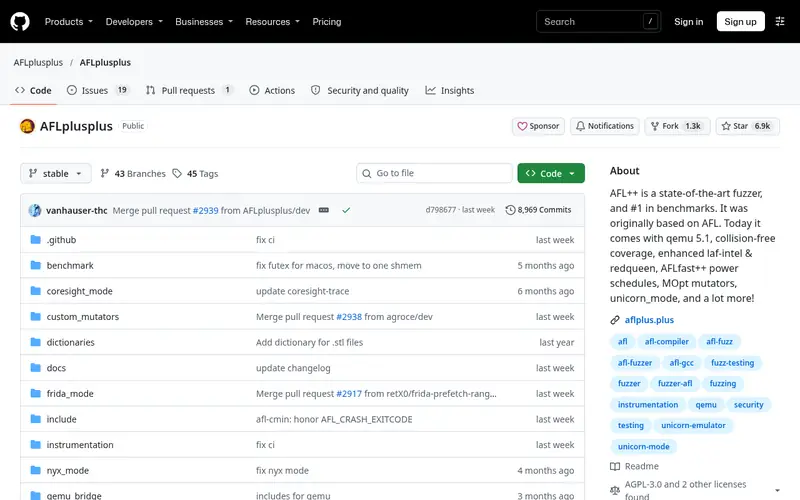
AFL++ is a community-maintained fork of American Fuzzy Lop and one of the most widely used coverage-guided fuzzers. It instruments a target binary at compile time, then mutates inputs while tracking which code paths are reached. It supports GCC, Clang and LLVM instrumentation modes, persistent mode for speed, and several scheduling and mutation options.
It runs on Linux, macOS and BSD. It is distributed under the Apache 2.0 licence, so there is no cost and no account. The main work is building your target with instrumentation and managing a seed corpus. It does not provide hosted infrastructure, triage dashboards or a graphical interface. Teams that want a managed service or a GUI should look at the commercial options below.
Standout: Fast coverage-guided engine with many mutation strategies
Free (open source), as listed by the vendor (AFL++ website). Confirm the current plan price before you buy.
Free plan. Plans change, so confirm on the vendor's pricing page before you buy.
Benefits
- Fast coverage-guided engine with many mutation strategies
- runs on Linux, macOS and BSD with broad compiler support
Drawbacks
- Command-line setup and corpus management take effort
- best results need instrumented builds
Skip it if this limit matters to you: command-line setup and corpus management take effort.
Verdict. A sensible pick for C and C++ projects that need a fast local coverage-guided fuzzer.
libFuzzer
Best for lLVM and Clang projects that want in-process fuzzing
What it is and where it fits
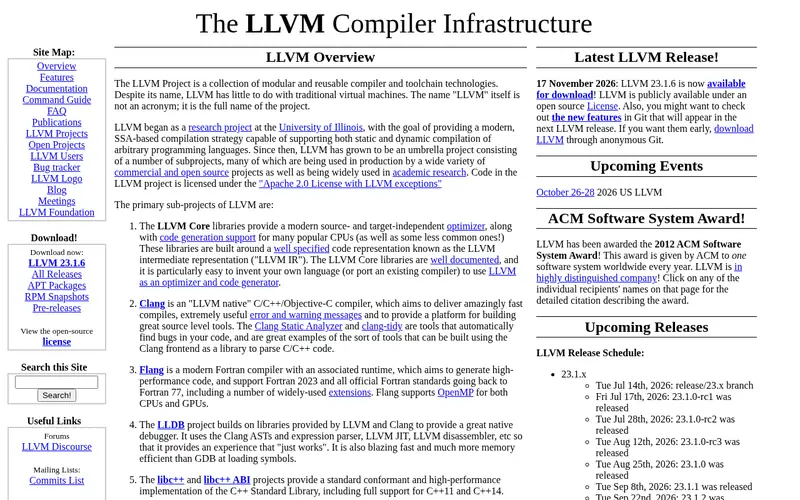
libFuzzer is a coverage-guided fuzzing engine that is part of the LLVM project. You write a small harness function that accepts a byte array, link it with the fuzzer, and the engine generates inputs and tracks coverage inside the process. It is distributed under the Apache 2.0 licence with LLVM exceptions.
It works on Linux, macOS and Windows through the LLVM toolchain. Because fuzzing happens in-process, it is fast and easy to integrate with existing unit test builds. The trade-off is that it targets library code you can call directly. It does not fuzz standalone binaries or network services out of the box, and it has no hosted service. Projects outside the LLVM ecosystem may prefer AFL++.
Standout: Ships with LLVM and links directly into the test binary
Free (open source), as listed by the vendor (libFuzzer website). Confirm the current plan price before you buy.
Free plan. Plans change, so confirm on the vendor's pricing page before you buy.
Benefits
- Ships with LLVM and links directly into the test binary
- simple harness model with built-in coverage feedback
Drawbacks
- Tied to the LLVM toolchain
- in-process design limits it to code you can call from a harness
Skip it if this limit matters to you: tied to the LLVM toolchain.
Verdict. A sensible pick for LLVM and Clang projects that want in-process fuzzing.
OSS-Fuzz
Best for open-source projects that want continuous hosted fuzzing for free
What it is and where it fits
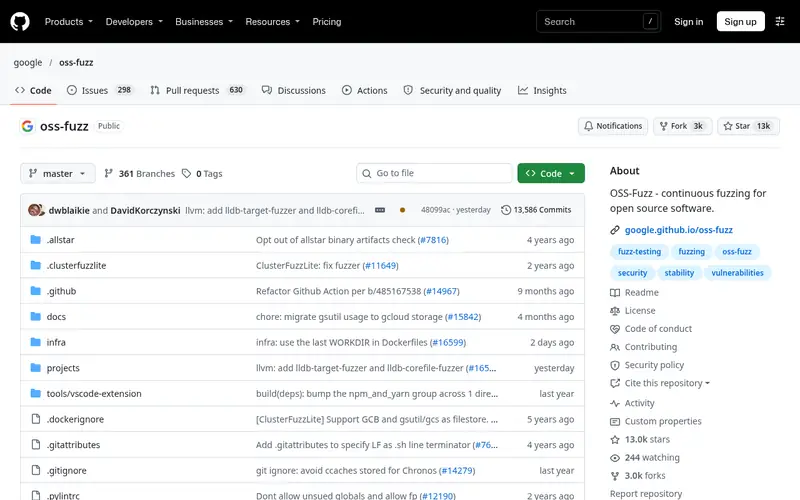
OSS-Fuzz is a Google-run service that continuously fuzzes open-source projects. You add a build configuration and fuzz targets to the repository, and the service builds and runs them on Google infrastructure, then files bugs when crashes are found. It uses libFuzzer, AFL++ and Honggfuzz as engines under the hood.
It is free for projects that meet the eligibility rules, which cover open-source status and project size. The catch is process: integration goes through review, and your build must work in the OSS-Fuzz environment. It is not available for closed-source or internal code. Projects that cannot meet the eligibility rules need a self-hosted or commercial option instead.
Standout: Continuous fuzzing with crash reports and regression tracking
Free, as listed by the vendor (OSS-Fuzz website). Confirm the current plan price before you buy.
Free plan. Plans change, so confirm on the vendor's pricing page before you buy.
Benefits
- Continuous fuzzing with crash reports and regression tracking
- no infrastructure to run yourself
Drawbacks
- Limited to eligible open-source projects
- requires a Google-reviewed build integration
Skip it if this limit matters to you: limited to eligible open-source projects.
Verdict. A sensible pick for open-source projects that want continuous hosted fuzzing for free.
Honggfuzz
Best for security teams that want a multi-platform fuzzer with hardware feedback
What it is and where it fits
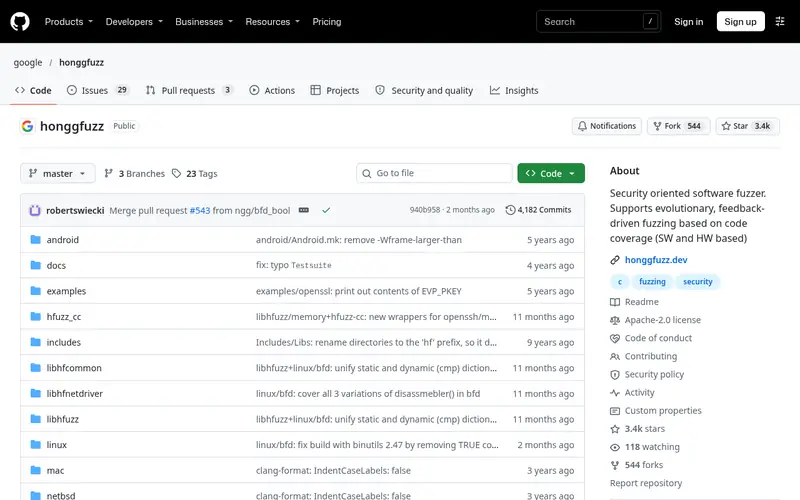
Honggfuzz is a security-oriented fuzzer maintained by Google. It supports coverage feedback through hardware performance counters or software instrumentation, and it can fuzz binaries, libraries and persistent processes. It runs on Linux, macOS, Windows and Android and is distributed under the Apache 2.0 licence.
It offers several modes, including feedback-driven fuzzing and a black-box mode for targets you cannot instrument. It also integrates with sanitizers to catch memory errors. The trade-off is a steeper configuration curve and a smaller user community than AFL++, so fewer tutorials and examples are available. It is a reasonable choice for teams that need Windows or Android coverage or hardware-based feedback.
Standout: Supports hardware performance counters and software coverage
Free (open source), as listed by the vendor (Honggfuzz website). Confirm the current plan price before you buy.
Free plan. Plans change, so confirm on the vendor's pricing page before you buy.
Benefits
- Supports hardware performance counters and software coverage
- works on Linux, macOS, Windows and Android
Drawbacks
- Smaller community than AFL++
- configuration options can be complex
Skip it if this limit matters to you: smaller community than AFL++.
Verdict. A sensible pick for security teams that want a multi-platform fuzzer with hardware feedback.
Boofuzz
Best for python developers fuzzing network protocols and request formats
What it is and where it fits
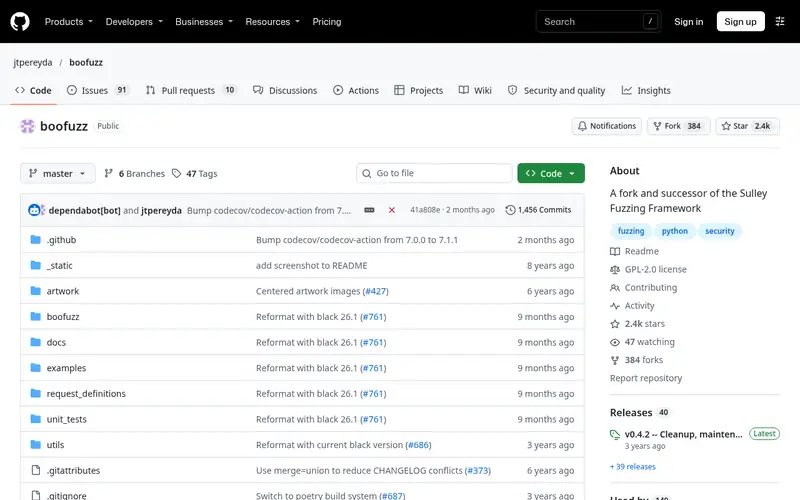
Boofuzz is a Python fuzzing framework focused on network protocols. It is a maintained fork of Sulley. You describe messages and blocks in Python, and the framework mutates fields and sends them to a target, logging results and crashes in a database. It is distributed under the GNU GPL v2 licence.
It runs anywhere Python runs, which makes it easy to script and integrate with existing test tooling. It is a good fit for HTTP, TCP and binary protocol testing where a native coverage-guided fuzzer would be hard to wire up. It is not coverage-guided by default, so it explores input space less efficiently than AFL++ or libFuzzer. Teams fuzzing parsers in C or C++ should pair it with a native engine.
Standout: Pure Python with a clear API for defining protocol messages
Free (open source), as listed by the vendor (Boofuzz website). Confirm the current plan price before you buy.
Free plan. Plans change, so confirm on the vendor's pricing page before you buy.
Benefits
- Pure Python with a clear API for defining protocol messages
- built-in session and crash tracking
Drawbacks
- Not coverage-guided by default
- throughput is lower than native fuzzers
Skip it if this limit matters to you: not coverage-guided by default.
Verdict. A sensible pick for python developers fuzzing network protocols and request formats.
Mayhem
Best for teams that want a managed platform with triage and reporting
What it is and where it fits
Mayhem is a commercial security testing platform from ForAllSecure. It runs fuzzing alongside other dynamic analysis and presents crashes with triage and deduplication so teams can focus on unique defects. It supports hosted and on-premises deployment and integrates with CI pipelines.
Pricing is not published as a fixed list, so you need to contact the vendor for a quote. There is no free tier listed on the vendor site. It suits organizations that need governance, reporting and support around fuzzing rather than a single command-line tool. Small teams or individual developers will usually get more value from AFL++ or libFuzzer, which are free and run locally.
Standout: Combines fuzzing with triage, deduplication and reporting
See vendor pricing page, as listed by the vendor (Mayhem website). Confirm the current plan price before you buy.
No free plan. Plans change, so confirm on the vendor's pricing page before you buy.
Benefits
- Combines fuzzing with triage, deduplication and reporting
- supports hosted and on-premises deployment
Drawbacks
- Commercial licence with no free tier listed
- heavier setup than a standalone fuzzer
Skip it if this limit matters to you: commercial licence with no free tier listed.
Verdict. A sensible pick for teams that want a managed platform with triage and reporting.
Radamsa
Best for quick mutation testing of file and stream inputs
What it is and where it fits
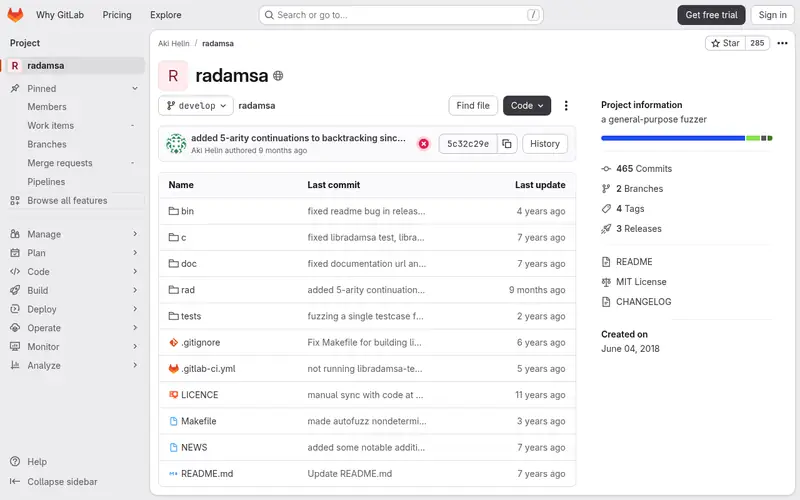
Radamsa is a general-purpose mutation fuzzer. It takes sample inputs and produces mutated variants, which you can pipe into a target program or save to disk. It is written in Scheme and C, runs on Linux and other Unix-like systems, and is distributed under the MIT licence.
It is useful for quick smoke testing, for generating malformed inputs to feed other tools, and for targets where instrumentation is not practical. It does not track coverage, detect crashes or triage results on its own, so you need to pair it with a harness or a crash monitor. It is a complement to coverage-guided fuzzers, not a replacement for them.
Standout: Simple command-line mutation generator
Free (open source), as listed by the vendor (Radamsa website). Confirm the current plan price before you buy.
Free plan. Plans change, so confirm on the vendor's pricing page before you buy.
Benefits
- Simple command-line mutation generator
- works as a standalone tool or in a pipeline
Drawbacks
- Not coverage-guided
- no built-in crash detection or triage
Skip it if this limit matters to you: not coverage-guided.
Verdict. A sensible pick for quick mutation testing of file and stream inputs.
Who should use what
If you maintain a C or C++ codebase and want a free local engine, start with AFL++. If you build with LLVM and can write a harness, libFuzzer integrates with your existing test binary. If your project is open source and you want continuous hosted fuzzing at no cost, apply to OSS-Fuzz. If you are fuzzing network protocols in Python, Boofuzz is the practical choice. Teams that need triage dashboards, CI integration and vendor support should evaluate Mayhem and confirm pricing and data handling first.
Questions to settle before you buy
What to check before you buy
- Confirm the tool supports your language, build system and target platform.
- Check the licence: copyleft licences such as GPL can affect distribution of linked code.
- Decide whether fuzzing runs locally, in your CI or on a vendor host, and where crash data is stored.
- Verify that sanitizers such as AddressSanitizer work with your build for better crash detection.
- Check the maintenance status of the repository, including recent commits and releases.
FAQ
What is fuzzing?
Fuzzing is automated testing that feeds generated or mutated inputs to a program to find crashes, hangs and memory errors. Coverage-guided fuzzers track which code paths inputs reach and steer generation toward unexplored paths, which finds defects faster than random input.
Are the best fuzzing tools free?
Several are. AFL++, libFuzzer, Honggfuzz, Boofuzz and Radamsa are open source with no licence fee. OSS-Fuzz is free for eligible open-source projects. Mayhem is commercial, and its pricing is quoted by the vendor.
Can I fuzz closed-source binaries?
Yes. AFL++ supports binary-only modes such as QEMU and FRIDA instrumentation, and Honggfuzz has a black-box mode. Coverage and speed are usually lower than with an instrumented build, but these modes let you fuzz targets whose source you do not have.
Is fuzzing safe to run on production code?
Run fuzzing against test builds, not production systems. Fuzzers generate malformed inputs and can trigger crashes, so isolate them in containers or dedicated machines. Keep crash inputs and corpora out of public repositories if they contain sensitive data.
Do I need a commercial platform to fuzz?
No. A local engine such as AFL++ or libFuzzer covers most needs. Commercial platforms add triage, reporting, CI integration and support, which helps larger teams. Evaluate whether those features justify the cost and the data handling requirements.
Sources we checked
Method: how we score · editorial policy.
Change log. First published 22 Nov 2026.