Stage 02 · Test · Researched comparison
Best Flutter HTTP Clients in 2026
Start with dio if you need interceptors, cancellation and typed error handling in a larger app. The dart-lang http package suits small projects and simple REST calls where you want the smallest dependency. Chopper and retrofit.dart are the picks when you want generated, type-safe API clients, and the native adapters (cronet_http, cupertino_http) help when you need platform networking stacks.

By Shihab Mia
Published 27 Nov 2026 · 7 tools compared
We run no ads and no affiliate links at launch. The order of a list follows our published method. See how we score.
Prices are the starting prices vendors list publicly. Plans change, so confirm the current price on the vendor page before you buy.
Key takeaways
- All packages listed here are free and open source on pub.dev, so cost is not the deciding factor.
- dio covers interceptors, request cancellation, timeouts and form data without extra packages.
- The http package is maintained by the Dart team and has the smallest API surface.
- Chopper and retrofit.dart generate client code from service definitions, which adds a build step.
Who each pick is for
- Apps needing interceptors, cancellation and rich configurationdio
- Simple REST calls and small projectshttp (dart-lang)
- Teams that want generated, type-safe API clientschopper
- Type-safe clients on top of dioretrofit (Dart)
- Android apps that want Chromium's networking stackcronet_http
- Apple platforms that want the native URLSession stackcupertino_http
- Flutter apps that talk to a GraphQL APIgraphql_flutter
Comparison
| Tool | Best for | Standout feature | Listed starting price | Free plan or trial |
|---|---|---|---|---|
| 1dio | Apps needing interceptors, cancellation and rich configuration | Interceptors, cancellation tokens and timeouts built in | Free (open source) | Free plan |
| 2http (dart-lang) | Simple REST calls and small projects | Maintained by the Dart team with a small, stable API | Free (open source) | Free plan |
| 3chopper | Teams that want generated, type-safe API clients | Generates client code from service definitions | Free (open source) | Free plan |
| 4retrofit (Dart) | Type-safe clients on top of dio | Generates clients from annotated interfaces | Free (open source) | Free plan |
| 5cronet_http | Android apps that want Chromium's networking stack | Uses Cronet, the networking stack behind Chromium on Android | Free (open source) | Free plan |
| 6cupertino_http | Apple platforms that want the native URLSession stack | Uses URLSession on Apple platforms | Free (open source) | Free plan |
| 7graphql_flutter | Flutter apps that talk to a GraphQL API | Query, mutation and subscription support with Flutter widgets | Free (open source) | Free plan |
How we picked
We compared packages on fit for common Flutter networking jobs, platform support, licence and price, API surface, and the limits each one documents. We also looked at whether a package is maintained and published on pub.dev with an official repository. Sources are vendor and project documentation, pub.dev listings and public repositories. All packages here are free and open source, but versions and platform support change, so confirm details on pub.dev before you commit.
The tools, one by one
dio
Best for apps needing interceptors, cancellation and rich configuration
What it is and where it fits
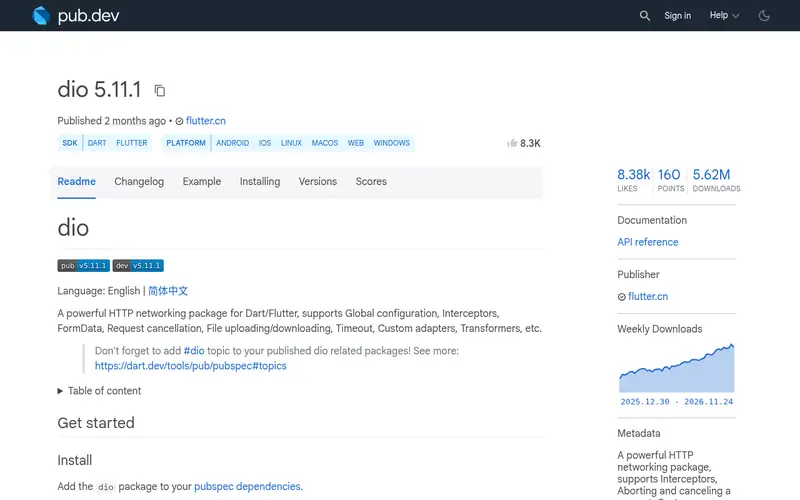
dio is a Dart HTTP client with a feature set aimed at larger apps. It supports global and per-request interceptors, request cancellation through CancelToken, configurable timeouts, form data, file upload and download, and response transformers. It runs on Flutter, plain Dart and the web, and it can wrap native adapters for platform networking.
The package is open source under the MIT license and published on pub.dev. There is no paid tier or account. Its main cost is conceptual: the API is bigger than the http package, and its DioException model differs from the plain exceptions you get elsewhere, so error handling code has to be written for it.
Choose dio when you need cross-cutting concerns such as auth headers, logging or retries applied in one place. Skip it for a one-off GET request in a small script, where the http package is simpler.
Standout: Interceptors, cancellation tokens and timeouts built in
Free (open source), as listed by the vendor (dio website). Confirm the current plan price before you buy.
Free plan. Plans change, so confirm on the vendor's pricing page before you buy.
Benefits
- Interceptors, cancellation tokens and timeouts built in
- works on Flutter, Dart CLI and web
Drawbacks
- Larger API surface to learn
- error handling differs from the http package
Skip it if this limit matters to you: larger API surface to learn.
Verdict. A sensible pick for apps needing interceptors, cancellation and rich configuration.
Alternatives in this guide: http (dart-lang), chopper, retrofit (Dart)
http (dart-lang)
Best for simple REST calls and small projects
What it is and where it fits
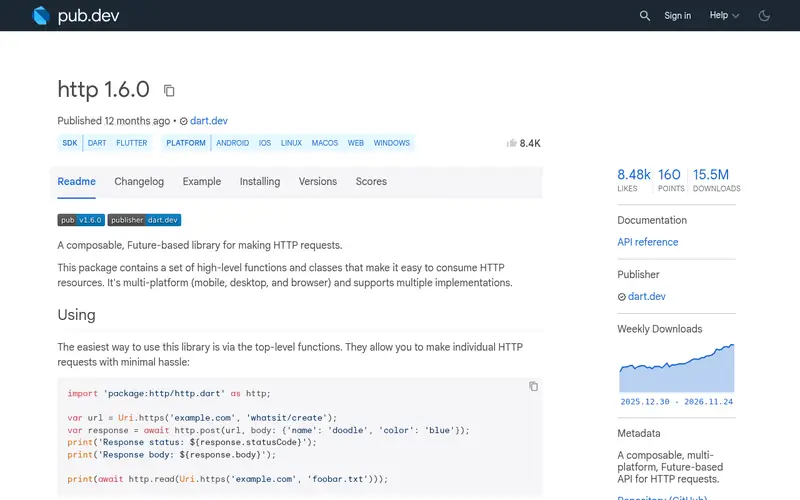
The http package is the baseline Dart HTTP client. It provides top-level functions such as get and post, a Client interface, and a MockClient for tests. It works on Flutter, Dart CLI and the web, and it is maintained by the Dart team, so it tracks the SDK closely.
It is open source and free, with no account or paid tier. The API is deliberately small: there are no interceptors, no cancellation tokens and no built-in retry or logging. You add those yourself or bring in another package.
This is the right choice for small apps, scripts and tests where a simple request and response is enough. Move to dio or a generated client when you need shared headers, cancellation or structured error types across many endpoints.
Standout: Maintained by the Dart team with a small, stable API
Free (open source), as listed by the vendor (http (dart-lang) website). Confirm the current plan price before you buy.
Free plan. Plans change, so confirm on the vendor's pricing page before you buy.
Benefits
- Maintained by the Dart team with a small, stable API
- includes a testing mock client
Drawbacks
- No built-in interceptors or cancellation
- extra packages needed for retries and logging
Skip it if this limit matters to you: no built-in interceptors or cancellation.
Verdict. A sensible pick for simple REST calls and small projects.
Alternatives in this guide: dio, chopper, retrofit (Dart)
chopper
Best for teams that want generated, type-safe API clients
What it is and where it fits
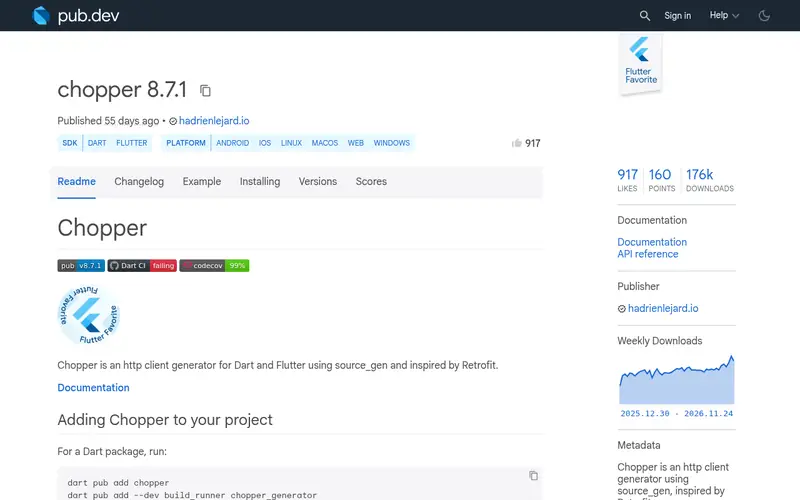
Chopper turns an abstract service class into a working HTTP client through code generation. You annotate methods with HTTP verbs and paths, then run build_runner to produce the implementation. It includes interceptors, request and response converters, and its own client interface, and it works on Flutter, Dart and the web.
The package is open source and free. The trade-off is the build step: every change to a service definition needs a code generation run, and generated files live in the project. That is a real cost in small projects and a benefit in large ones with many endpoints.
Pick chopper when you want compile-time checked request definitions and a single place for interceptors. Skip it if you prefer writing requests by hand or want to avoid build_runner.
Standout: Generates client code from service definitions
Free (open source), as listed by the vendor (chopper website). Confirm the current plan price before you buy.
Free plan. Plans change, so confirm on the vendor's pricing page before you buy.
Benefits
- Generates client code from service definitions
- built-in interceptors and converters
Drawbacks
- Requires build_runner
- generated files add project overhead
Skip it if this limit matters to you: requires build_runner.
Verdict. A sensible pick for teams that want generated, type-safe API clients.
Alternatives in this guide: dio, http (dart-lang), retrofit (Dart)
retrofit (Dart)
Best for type-safe clients on top of dio
What it is and where it fits
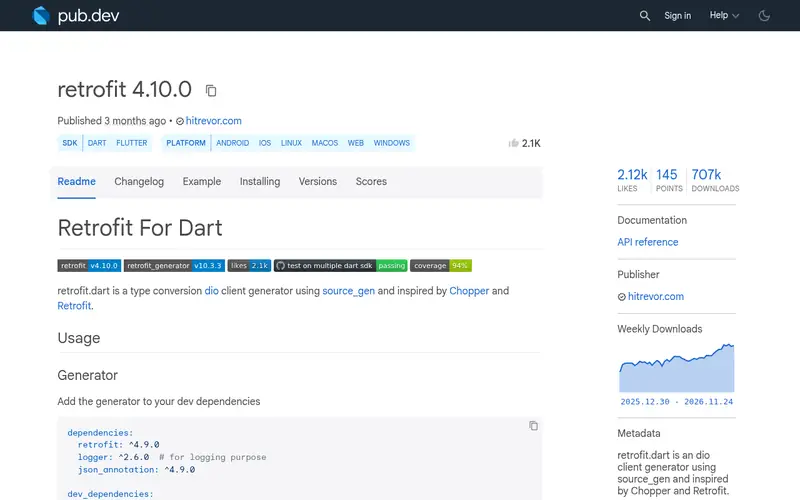
retrofit for Dart is a code generator, modeled on the Retrofit style from other ecosystems. You declare an abstract class with annotations for methods, paths, query parameters and bodies, and the generator produces the implementation on top of dio. It supports converters for JSON and other formats.
It is open source and free, and it requires both dio and build_runner as dependencies. Because it sits on dio, you inherit dio's interceptors, cancellation and adapter support, which is useful when you already use dio elsewhere.
Choose retrofit when you want generated clients and dio's feature set together. Skip it if you do not want a code generation step or if your API surface is small enough to call dio directly.
Standout: Generates clients from annotated interfaces
Free (open source), as listed by the vendor (retrofit (Dart) website). Confirm the current plan price before you buy.
Free plan. Plans change, so confirm on the vendor's pricing page before you buy.
Benefits
- Generates clients from annotated interfaces
- builds on dio's interceptor and adapter features
Drawbacks
- Depends on dio and build_runner
- generated code must be kept in sync
Skip it if this limit matters to you: depends on dio and build_runner.
Verdict. A sensible pick for type-safe clients on top of dio.
Alternatives in this guide: dio, http (dart-lang), chopper
cronet_http
Best for android apps that want Chromium's networking stack
What it is and where it fits
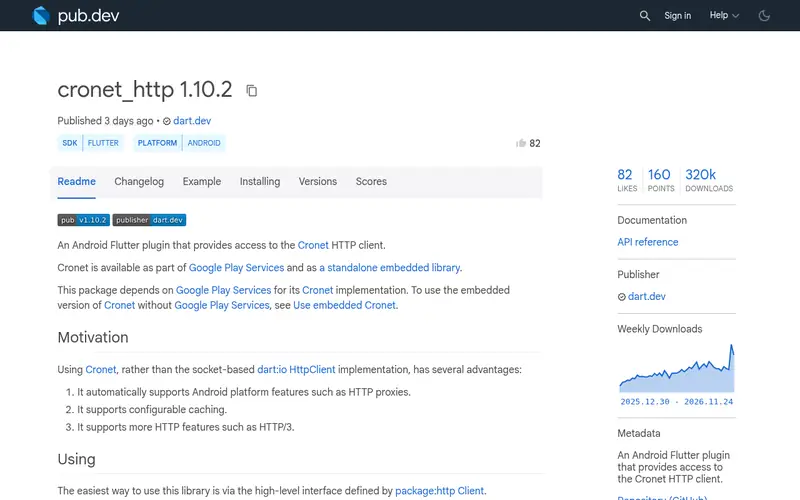
cronet_http is an Android implementation of the http package's Client interface backed by Cronet, the networking library used by Chromium. It gives Dart code access to that stack's connection handling and protocol support while keeping the same Client API, so code written against http can switch to it.
It is open source and free, and it is Android only. The package adds native code to the app, which affects download size, and it does not help on iOS, desktop or web. It is maintained alongside the other dart-lang HTTP packages.
Use it when you specifically want Cronet behavior on Android and can accept the platform restriction. For cross-platform apps, keep the http package or dio as the default and treat this as an Android-specific option.
Standout: Uses Cronet, the networking stack behind Chromium on Android
Free (open source), as listed by the vendor (cronet_http website). Confirm the current plan price before you buy.
Free plan. Plans change, so confirm on the vendor's pricing page before you buy.
Benefits
- Uses Cronet, the networking stack behind Chromium on Android
- implements the http Client interface
Drawbacks
- Android only
- adds native dependency size to the app
Skip it if this limit matters to you: android only.
Verdict. A sensible pick for android apps that want Chromium's networking stack.
Alternatives in this guide: dio, http (dart-lang), chopper
cupertino_http
Best for apple platforms that want the native URLSession stack
What it is and where it fits
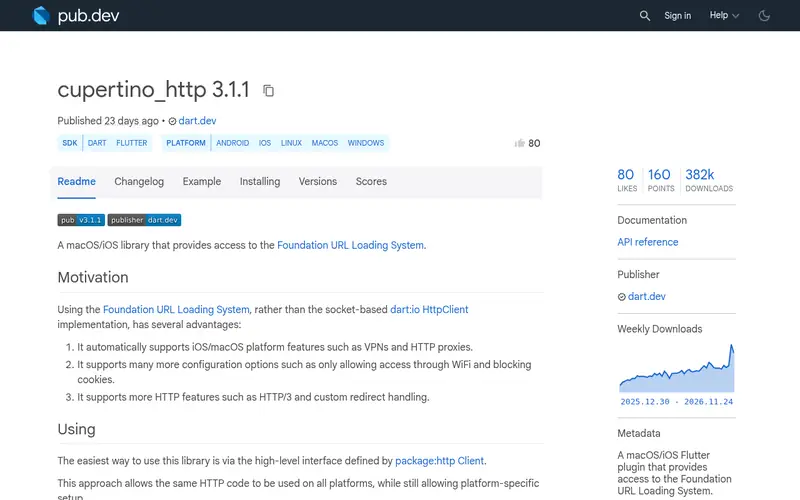
cupertino_http implements the http package's Client interface using URLSession on iOS and macOS. That means requests go through the platform networking stack, which can matter for system proxy settings, background behavior and platform-level configuration.
It is open source and free, and it is limited to Apple platforms. Code that relies on it will not behave the same on Android, web or desktop, so most cross-platform apps use it through conditional setup rather than as the only client.
Choose it when you need URLSession behavior on iOS or macOS and are prepared to keep a separate path for other platforms. Otherwise the default http client or dio is simpler.
Standout: Uses URLSession on Apple platforms
Free (open source), as listed by the vendor (cupertino_http website). Confirm the current plan price before you buy.
Free plan. Plans change, so confirm on the vendor's pricing page before you buy.
Benefits
- Uses URLSession on Apple platforms
- implements the http Client interface
Drawbacks
- Apple platforms only
- behavior differs from Dart's default client
Skip it if this limit matters to you: apple platforms only.
Verdict. A sensible pick for apple platforms that want the native URLSession stack.
Alternatives in this guide: dio, http (dart-lang), chopper
graphql_flutter
Best for flutter apps that talk to a GraphQL API
What it is and where it fits
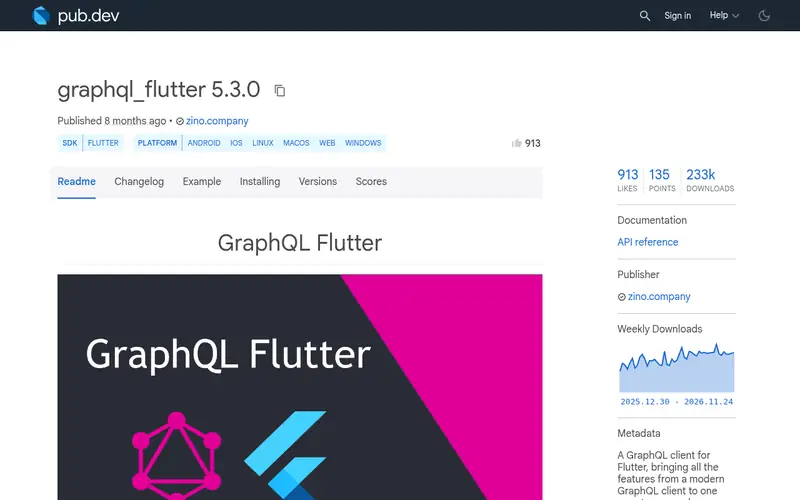
graphql_flutter is the Flutter client for GraphQL. It provides a client, widgets for queries and mutations, subscription support and a configurable cache, and it can use different network links underneath. For GraphQL backends it replaces hand-written HTTP calls with typed operations.
It is open source and free. It is not a general HTTP client: it targets GraphQL endpoints, and using it means learning the GraphQL client model, including cache and link configuration. For REST APIs it is the wrong tool.
Pick it when your backend exposes GraphQL and you want query widgets and caching in the widget tree. For REST or mixed APIs, use dio or http and keep GraphQL calls separate.
Standout: Query, mutation and subscription support with Flutter widgets
Free (open source), as listed by the vendor (graphql_flutter website). Confirm the current plan price before you buy.
Free plan. Plans change, so confirm on the vendor's pricing page before you buy.
Benefits
- Query, mutation and subscription support with Flutter widgets
- pluggable link and cache layers
Drawbacks
- Only for GraphQL APIs
- adds concepts beyond plain HTTP
Skip it if this limit matters to you: only for GraphQL APIs.
Verdict. A sensible pick for flutter apps that talk to a GraphQL API.
Alternatives in this guide: dio, http (dart-lang), chopper
Who should use what
A small app with a few REST endpoints should use the http package and add nothing else. A larger app with auth headers, retries and cancellation across many screens should use dio, optionally with retrofit for generated clients. A team that wants compile-time checked service definitions should use chopper or retrofit and accept the build_runner step. An app that needs platform networking behavior on Android or Apple platforms should add cronet_http or cupertino_http behind a conditional setup. A Flutter app on a GraphQL backend should use graphql_flutter instead of a plain HTTP client.
Questions to settle before you buy
What to check before you buy
- Confirm the package is actively maintained and its latest version supports your Flutter and Dart SDK.
- Check platform support: web, Android, iOS, macOS, Windows and Linux differ between packages.
- Decide whether you want a code generation step, since chopper and retrofit require build_runner.
- Review how errors and timeouts are surfaced, because exception types differ between packages.
- Check that interceptors, logging and retries can be added without forking the package.
FAQ
Is dio better than the http package?
Neither is universally better. dio offers interceptors, cancellation and timeouts out of the box, which suits larger apps. The http package has a smaller API and is maintained by the Dart team, which suits simple calls and tests. Pick based on how much cross-cutting behavior you need.
Do these Flutter HTTP clients cost anything?
No. All the packages listed are open source and free to use from pub.dev. There is no paid tier or account for any of them. Your costs are development time, added dependencies and, for native adapters, app size.
Can I use these packages outside Flutter?
Most of them work in plain Dart. dio, http, chopper and retrofit run in Dart CLI and server code as well as Flutter. cronet_http and cupertino_http target specific mobile platforms, and graphql_flutter depends on Flutter widgets.
Which client should I use for a GraphQL API?
Use graphql_flutter. It handles queries, mutations, subscriptions and caching for GraphQL endpoints. A general HTTP client can send GraphQL requests, but you would write the query handling and cache logic yourself.
Do I need code generation for chopper or retrofit?
Yes. Both generate client implementations from annotated classes, so you run build_runner after changing a definition. If you do not want that step, call dio or the http package directly instead.
Sources we checked
Method: how we score · editorial policy.
Change log. First published 27 Nov 2026.