Stage 02 · Test · Researched comparison
Best .NET Mocking Libraries in 2026
Moq is the most widely used free mocking library for .NET and suits most teams writing unit tests with xUnit, NUnit or MSTest. NSubstitute is a strong alternative if you prefer a simpler, more readable syntax without setup calls. For teams that need to mock static members, sealed classes or non-virtual methods, Telerik JustMock is the option to evaluate.

By Shihab Mia
Published 27 Nov 2026 · 6 tools compared
We run no ads and no affiliate links at launch. The order of a list follows our published method. See how we score.
Prices are the starting prices vendors list publicly. Plans change, so confirm the current price on the vendor page before you buy.
Key takeaways
- Moq, NSubstitute, FakeItEasy and NSubstitute-style libraries are free and open source; commercial tools like JustMock require a paid license.
- All the open-source picks in this guide are distributed as NuGet packages and work with .NET Framework, .NET Core and modern .NET.
- None of these libraries send test data anywhere; they run in-process, so no source code or secrets leave your machine.
- Mocking static, sealed or non-virtual members needs either an interface-based refactor or a tool with profiler or source-generator support.
Who each pick is for
- General-purpose mocking in most .NET test suitesMoq
- Teams that want a compact, readable mocking syntaxNSubstitute
- Developers who prefer an explicit, self-documenting APIFakeItEasy
- Enterprises that must mock static, sealed or non-virtual membersTelerik JustMock
- Source-generated mocks with no runtime proxy overheadRocks
- Visual Studio Enterprise users testing legacy .NET Framework codeMicrosoft Fakes
Comparison
| Tool | Best for | Standout feature | Listed starting price | Free plan or trial |
|---|---|---|---|---|
| 1Moq | General-purpose mocking in most .NET test suites | Large community and wide documentation | Free (open source) | Free plan |
| 2NSubstitute | Teams that want a compact, readable mocking syntax | No separate setup or verify calls | Free (open source) | Free plan |
| 3FakeItEasy | Developers who prefer an explicit, self-documenting API | Assertions read like plain sentences | Free (open source) | Free plan |
| 4Telerik JustMock | Enterprises that must mock static, sealed or non-virtual members | Can mock static, sealed and non-virtual members | See vendor pricing page | Free trial (N days) |
| 5Rocks | Source-generated mocks with no runtime proxy overhead | Generates mock code at compile time | Free (open source) | Free plan |
| 6Microsoft Fakes | Visual Studio Enterprise users testing legacy .NET Framework code | Ships with Visual Studio Enterprise | See vendor pricing page | No free plan |
How we picked
We selected libraries that are real, currently maintained .NET projects and that genuinely create mocks or test doubles for C# tests. Criteria were fit for common mocking jobs, supported platforms and frameworks, license and price model, whether the tool runs locally, and known limits such as proxy-only interception or Windows-only features. Sources are official project sites, GitHub repositories, NuGet listings and vendor documentation and pricing pages. Prices and trial terms change, so confirm them on the vendor site before you buy.
The tools, one by one
Moq
Best for general-purpose mocking in most .NET test suites
What it is and where it fits
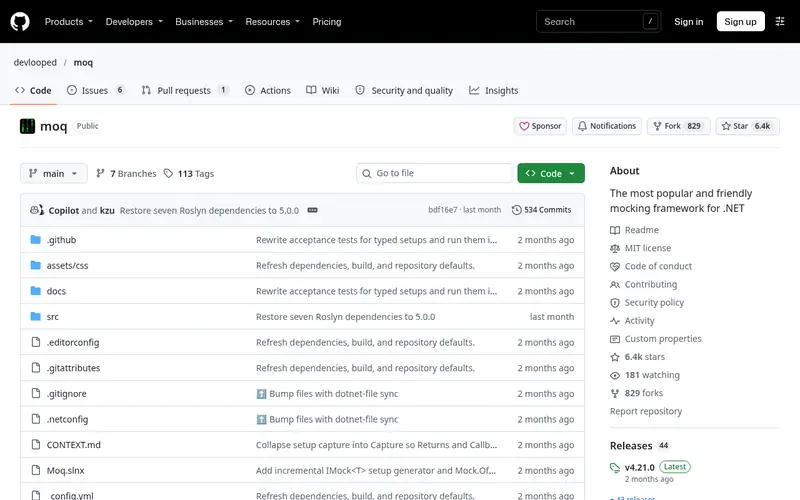
Moq is a mocking library for .NET that creates test doubles from interfaces and virtual or abstract members. You configure behavior with `Setup`, return values with `Returns`, and check calls with `Verify`. It integrates with xUnit, NUnit and MSTest and installs from NuGet. The project is open source under the BSD license and is maintained by the Devlooped organization.
Moq works on .NET Framework, .NET Core and current .NET versions. It uses Castle DynamicProxy under the hood, which is why it can only intercept interface and virtual members. Static methods, sealed classes and non-virtual methods are out of scope. For those cases you either refactor toward interfaces or use a tool with profiler support.
Skip Moq if your codebase relies heavily on static helpers and you cannot change that design. Otherwise it is the default choice for most teams because examples and answers are easy to find.
Standout: Large community and wide documentation
Free (open source), as listed by the vendor (Moq website). Confirm the current plan price before you buy.
Free plan. Plans change, so confirm on the vendor's pricing page before you buy.
Benefits
- Large community and wide documentation
- fluent setup and verification API
Drawbacks
- Cannot mock static or sealed members
- API surface is large for beginners
Skip it if this limit matters to you: cannot mock static or sealed members.
Verdict. A sensible pick for general-purpose mocking in most .NET test suites.
Alternatives in this guide: NSubstitute, FakeItEasy, Telerik JustMock
NSubstitute
Best for teams that want a compact, readable mocking syntax
What it is and where it fits
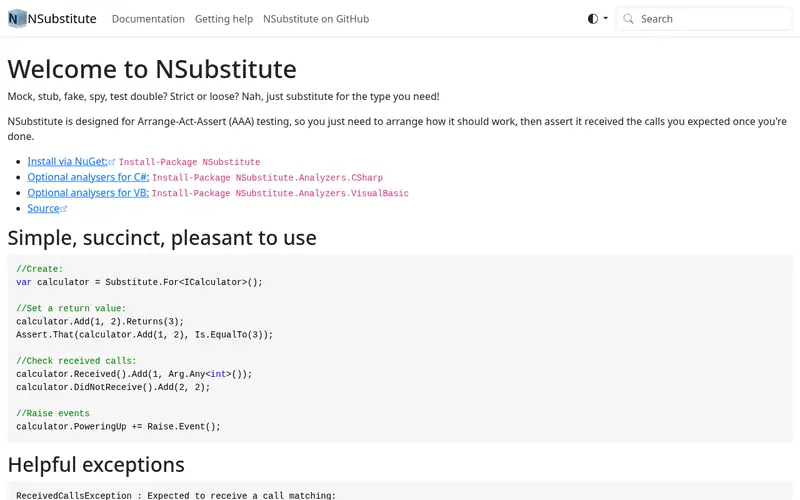
NSubstitute is a free, open-source mocking library with a syntax built around substitute objects. You call a method on a substitute to configure a return value, and you assert received calls with `Received()`. There is no separate `Setup` or `Verify` step, which keeps tests short. It installs from NuGet and works with the common .NET test frameworks.
NSubstitute supports interfaces and virtual members only, the same constraint as Moq, because it also relies on dynamic proxies. It runs on .NET Framework and modern .NET. The project is maintained on GitHub and documented on its own site.
Choose NSubstitute when readability matters more than fine-grained configuration. Skip it if you need argument matchers or behaviors that only Moq or a commercial tool provides.
Standout: No separate setup or verify calls
Free (open source), as listed by the vendor (NSubstitute website). Confirm the current plan price before you buy.
Free plan. Plans change, so confirm on the vendor's pricing page before you buy.
Benefits
- No separate setup or verify calls
- clear error messages
Drawbacks
- Fewer advanced configuration options than Moq
- no static mocking
Skip it if this limit matters to you: fewer advanced configuration options than Moq.
Verdict. A sensible pick for teams that want a compact, readable mocking syntax.
Alternatives in this guide: Moq, FakeItEasy, Telerik JustMock
FakeItEasy
Best for developers who prefer an explicit, self-documenting API
What it is and where it fits
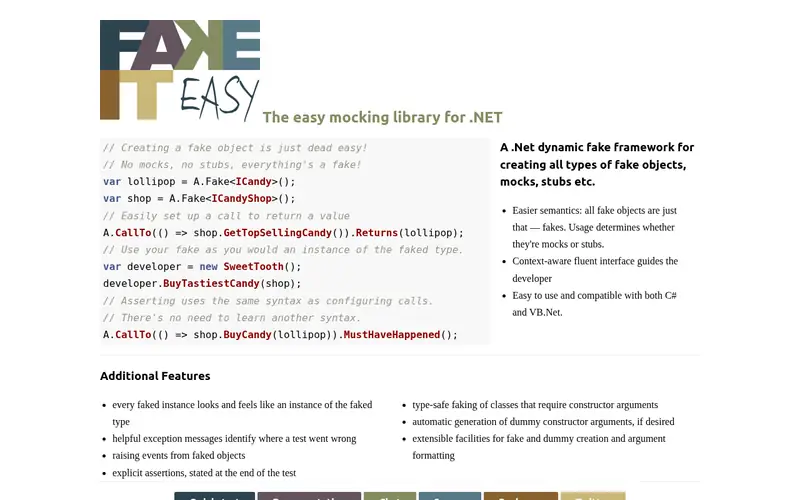
FakeItEasy is an open-source .NET mocking library that creates "fakes" of interfaces and classes. Its API is designed to read clearly, with calls like `A.CallTo(() => fake.Save()).MustHaveHappened()`. You configure returns with `A.CallTo(...).Returns(...)`. It installs from NuGet and works with xUnit, NUnit and MSTest.
Like Moq and NSubstitute, FakeItEasy uses dynamic proxies, so it mocks interfaces and virtual members rather than static or sealed ones. It runs on .NET Framework and modern .NET. The project is maintained on GitHub with documentation on its own site.
FakeItEasy suits teams that value expressive assertions. Skip it if your team already standardizes on Moq or NSubstitute and sees no gain from switching.
Standout: Assertions read like plain sentences
Free (open source), as listed by the vendor (FakeItEasy website). Confirm the current plan price before you buy.
Free plan. Plans change, so confirm on the vendor's pricing page before you buy.
Benefits
- Assertions read like plain sentences
- good support for custom fake behavior
Drawbacks
- Smaller community than Moq
- proxy-based limits apply
Skip it if this limit matters to you: smaller community than Moq.
Verdict. A sensible pick for developers who prefer an explicit, self-documenting API.
Alternatives in this guide: Moq, NSubstitute, Telerik JustMock
Telerik JustMock
Best for enterprises that must mock static, sealed or non-virtual members
What it is and where it fits
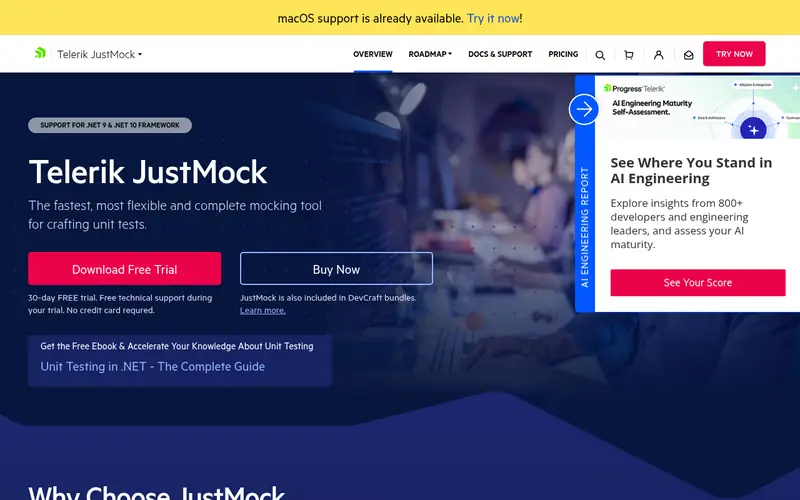
Telerik JustMock is a commercial .NET mocking framework from Progress. Its main differentiator is the ability to mock static methods, sealed classes, non-virtual methods and other members that proxy-based libraries cannot intercept. It offers both a free edition with limited features and a full commercial edition.
JustMock integrates with Visual Studio and the common .NET test frameworks. Some advanced features rely on a profiler, which is tied to Windows. The full edition requires a paid license; check the vendor pricing page for current terms and trial length. The free edition covers basic interface and virtual mocking only.
Choose JustMock when legacy code or third-party libraries force you to mock members that free proxy-based tools cannot reach. Skip it if your code is interface-driven and free libraries cover your needs.
Standout: Can mock static, sealed and non-virtual members
See vendor pricing page, as listed by the vendor (Telerik JustMock website). Confirm the current plan price before you buy.
Free trial (N days). Plans change, so confirm on the vendor's pricing page before you buy.
Benefits
- Can mock static, sealed and non-virtual members
- integrates with major test runners
Drawbacks
- Commercial license required
- profiler-based features are Windows-focused
Skip it if this limit matters to you: commercial license required.
Verdict. A sensible pick for enterprises that must mock static, sealed or non-virtual members.
Alternatives in this guide: Moq, NSubstitute, FakeItEasy
Rocks
Best for source-generated mocks with no runtime proxy overhead
What it is and where it fits
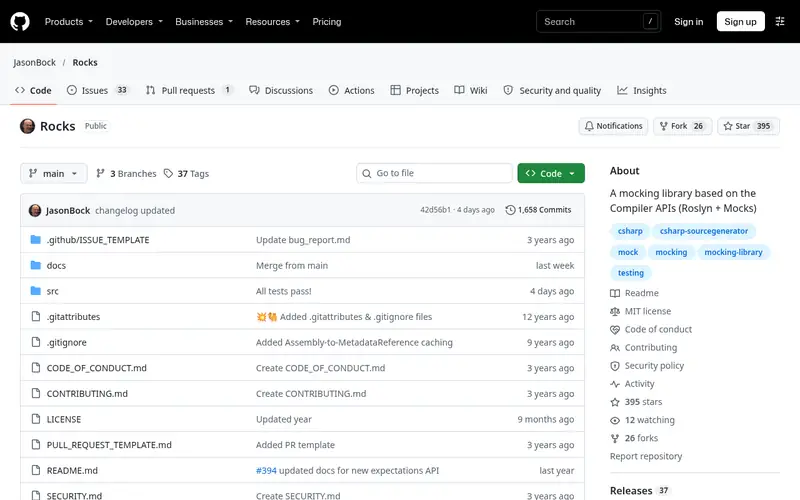
Rocks is an open-source .NET mocking library that uses a source generator to create mock types at compile time instead of relying on runtime proxies. You mark test code to generate a mock for a given type, then configure expectations on the generated class. It installs from NuGet and requires a C# compiler that supports source generators.
Because mocks are generated code, there is no dynamic proxy at runtime, which can help with trimming and ahead-of-time compilation scenarios. It supports interfaces and classes with virtual members. It cannot mock static or sealed members. The project is maintained on GitHub and has a smaller community than Moq or NSubstitute.
Choose Rocks if you want compile-time mocks or work in AOT and trimming contexts. Skip it if your team prefers runtime proxy libraries with more examples online.
Standout: Generates mock code at compile time
Free (open source), as listed by the vendor (Rocks website). Confirm the current plan price before you buy.
Free plan. Plans change, so confirm on the vendor's pricing page before you buy.
Benefits
- Generates mock code at compile time
- works with interfaces and classes
Drawbacks
- Requires a source generator step
- smaller user base than Moq
Skip it if this limit matters to you: requires a source generator step.
Verdict. A sensible pick for source-generated mocks with no runtime proxy overhead.
Alternatives in this guide: Moq, NSubstitute, FakeItEasy
Microsoft Fakes
Best for visual Studio Enterprise users testing legacy .NET Framework code
What it is and where it fits
Microsoft Fakes is a mocking and shimming framework included with Visual Studio Enterprise. Stubs replace interfaces and virtual members, while shims intercept static and non-virtual calls. It is documented by Microsoft and installed through Visual Studio rather than as a standalone NuGet package for general use.
Fakes is tied to an Enterprise subscription, so the effective cost is the Visual Studio license. It targets .NET Framework; Microsoft's documentation notes that .NET Core and modern .NET support is limited, so verify compatibility for your project before relying on it. It is not a good fit for cross-platform or open-source projects.
Use Fakes only if your organization already has Visual Studio Enterprise and you maintain .NET Framework code. Otherwise pick a free library.
Standout: Ships with Visual Studio Enterprise
See vendor pricing page, as listed by the vendor (Microsoft Fakes website). Confirm the current plan price before you buy.
No free plan. Plans change, so confirm on the vendor's pricing page before you buy.
Benefits
- Ships with Visual Studio Enterprise
- can shim static and non-virtual members
Drawbacks
- Requires an Enterprise license
- support is limited to .NET Framework targets
Skip it if this limit matters to you: requires an Enterprise license.
Verdict. A sensible pick for visual Studio Enterprise users testing legacy .NET Framework code.
Alternatives in this guide: Moq, NSubstitute, FakeItEasy
Who should use what
Most teams writing new unit tests should start with Moq or NSubstitute; both are free, widely documented and cover interface and virtual mocking. If your tests read better with sentence-style assertions, FakeItEasy is a reasonable fit. If you maintain legacy code with static, sealed or non-virtual members and have budget, evaluate Telerik JustMock. Teams using Visual Studio Enterprise on .NET Framework can consider Microsoft Fakes, and AOT or trimming projects may prefer Rocks.
Questions to settle before you buy
What to check before you buy
- Confirm the library supports your target framework, including .NET Framework, .NET 8 or later, and any AOT or trimming requirements.
- Check whether you need to mock static, sealed or non-virtual members; free proxy-based tools cannot do this.
- Review the license: open-source licenses differ, and commercial tools need a subscription.
- Verify integration with your test runner, such as xUnit, NUnit or MSTest, and your CI pipeline.
- Check project activity on the repository, including recent commits and open issues, before standardizing on it.
FAQ
Do I need a paid library to mock static methods in .NET?
Free proxy-based libraries like Moq and NSubstitute cannot mock static methods. You can refactor toward interfaces or buy a commercial tool such as Telerik JustMock that supports static and sealed members.
Which .NET mocking library is easiest for beginners?
NSubstitute and Moq are common starting points. NSubstitute has a compact syntax with no separate setup step. Moq has the largest body of examples and answers online, which helps when you get stuck.
Can these libraries mock sealed classes?
Moq, NSubstitute, FakeItEasy and Rocks cannot mock sealed classes. Telerik JustMock and Microsoft Fakes shims can intercept sealed and non-virtual members, but both require a paid license.
Do mocking libraries send my code or test data anywhere?
No. These libraries run in-process as part of your test project. Nothing is uploaded. Keep secrets out of test fixtures anyway, and avoid committing real credentials to test repositories.
Is Moq still free and maintained?
Moq is open source and distributed on NuGet. The project moved to the Devlooped organization on GitHub. Check the repository for the current license and release activity before adopting a specific version.
Sources we checked
Method: how we score · editorial policy.
Change log. First published 27 Nov 2026.