Stage 01 · Write · Researched comparison
Best Syntax Highlighting Libraries in 2026
Prism is the first pick for most web projects that need lightweight, client-side highlighting with a small footprint and a large language set. Shiki suits teams that want accurate, editor-grade highlighting at build time. Pygments is the standard choice for server-side highlighting in Python, and highlight.js remains a practical option when you want automatic language detection with minimal setup.

By Shihab Mia
Published 27 Nov 2026 · 7 tools compared
We run no ads and no affiliate links at launch. The order of a list follows our published method. See how we score.
Prices are the starting prices vendors list publicly. Plans change, so confirm the current price on the vendor page before you buy.
Key takeaways
- Prism, highlight.js, Shiki, Pygments, Rouge, Chroma and tree-sitter are all free and open source, so cost is not the deciding factor.
- Prism and highlight.js run in the browser and ship as small scripts; Shiki and Pygments usually run at build time or on the server.
- Server-side and build-time tools keep source code off third-party web pages, which matters when content is private.
- Choose by runtime and language coverage, not by feature lists: the renderer must match where your code is processed.
Who each pick is for
- Lightweight client-side highlighting on web pagesPrism
- Automatic language detection with minimal setuphighlight.js
- Accurate build-time highlighting with editor grammarsShiki
- Server-side highlighting in Python applicationsPygments
- Server-side highlighting in Ruby and Jekyll sitesRouge
- Server-side highlighting in Go applicationsChroma
- Incremental parsing and highlighting in editors and toolstree-sitter
Comparison
| Tool | Best for | Standout feature | Listed starting price | Free plan or trial |
|---|---|---|---|---|
| 1Prism | Lightweight client-side highlighting on web pages | Small core with many optional language components | Free (open source) | Free plan |
| 2highlight.js | Automatic language detection with minimal setup | Detects the language automatically when none is given | Free (open source) | Free plan |
| 3Shiki | Accurate build-time highlighting with editor grammars | Uses TextMate grammars and VS Code themes for high-fidelity output | Free (open source) | Free plan |
| 4Pygments | Server-side highlighting in Python applications | Very broad language and output-format support | Free (open source) | Free plan |
| 5Rouge | Server-side highlighting in Ruby and Jekyll sites | Pure-Ruby implementation with no native dependencies | Free (open source) | Free plan |
| 6Chroma | Server-side highlighting in Go applications | Pure-Go library with no cgo | Free (open source) | Free plan |
| 7tree-sitter | Incremental parsing and highlighting in editors and tools | Incremental parsing that stays fast on large files | Free (open source) | Free plan |
How we picked
We compared libraries on fit for the job, supported platforms and runtimes, licence and price, where code is processed, and known limits such as language coverage and bundle size. Sources are vendor pages, project documentation and public repositories. All seven projects are free and open source, so pricing was not a differentiator. Prices and licences can change, so confirm details on the vendor site before you commit.
The tools, one by one
Prism
Best for lightweight client-side highlighting on web pages
What it is and where it fits
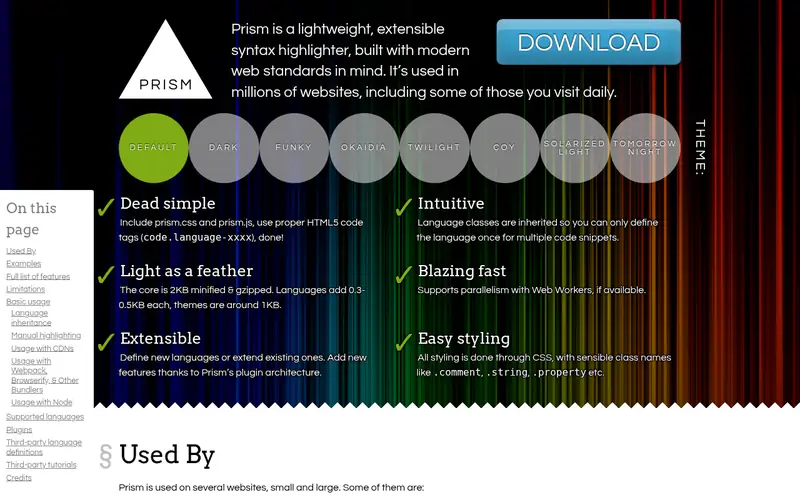
Prism is a JavaScript library that highlights code in the browser. You include a small core script plus the language components you need, then mark up code blocks with a language class. Themes are plain CSS, and plugins add features such as line numbers and copy buttons. It runs in any modern browser and needs no build step, though bundlers are common. The project is MIT licensed and free. The main limit is that each language adds weight, so large pages should load only the grammars they use. Skip it if you need exact editor-grade tokenization for complex grammars.
Standout: Small core with many optional language components
Free (open source), as listed by the vendor (Prism website). Confirm the current plan price before you buy.
Free plan. Plans change, so confirm on the vendor's pricing page before you buy.
Benefits
- Small core with many optional language components
- simple CSS theming and plugin system
Drawbacks
- Grammar quality varies by language
- highlighting runs in the browser at page load
Skip it if this limit matters to you: grammar quality varies by language.
Verdict. A sensible pick for lightweight client-side highlighting on web pages.
Alternatives in this guide: highlight.js, Shiki, Pygments
highlight.js
Best for automatic language detection with minimal setup
What it is and where it fits
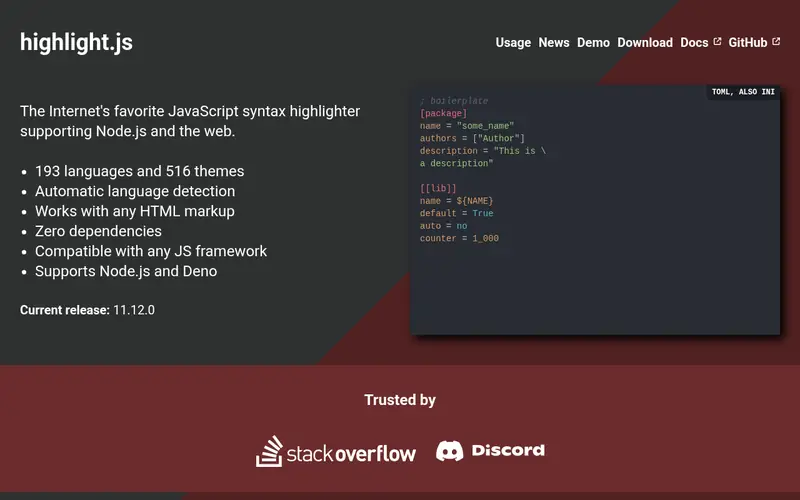
highlight.js is a JavaScript library for highlighting code in the browser and in Node.js. It ships with a large set of language definitions and can guess the language when a code block has no class. Themes are CSS files, and the API allows manual language selection when detection is unreliable. It is BSD-3-Clause licensed and free. The full build is heavier than a minimal Prism setup, so bundling only the languages you need is common. It suits documentation sites and blogs where authors rarely tag code blocks, and it is less suited to pages that must stay very small.
Standout: Detects the language automatically when none is given
Free (open source), as listed by the vendor (highlight.js website). Confirm the current plan price before you buy.
Free plan. Plans change, so confirm on the vendor's pricing page before you buy.
Benefits
- Detects the language automatically when none is given
- broad language coverage out of the box
Drawbacks
- Larger default bundle than a trimmed Prism build
- auto-detection can guess wrong on short snippets
Skip it if this limit matters to you: larger default bundle than a trimmed Prism build.
Verdict. A sensible pick for automatic language detection with minimal setup.
Shiki
Best for accurate build-time highlighting with editor grammars
What it is and where it fits
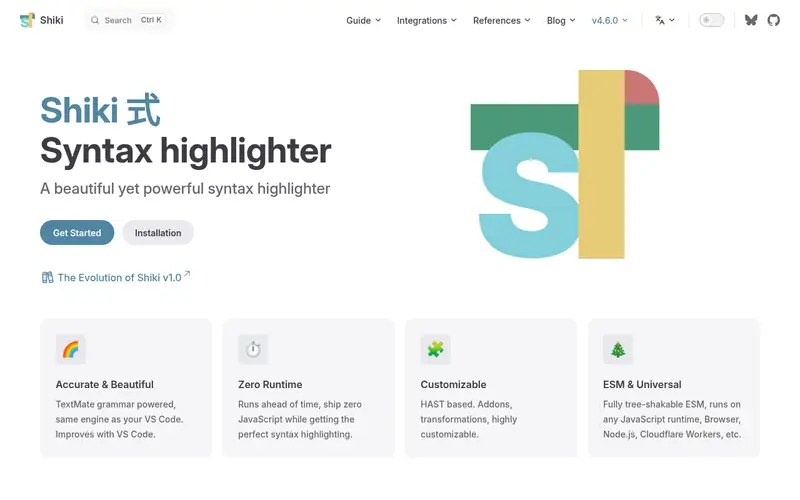
Shiki is a JavaScript syntax highlighter that uses TextMate grammars and VS Code themes. It typically runs at build time and outputs HTML with inline styles, so pages need no highlighting script at runtime. That makes it a good fit for static site generators and documentation pipelines. It is MIT licensed and free. The tradeoff is a larger build dependency and slower cold starts than a small browser script. It suits teams that want output close to what an editor shows and can accept a build step. It is a poor fit for highlighting user-entered code live in the browser.
Standout: Uses TextMate grammars and VS Code themes for high-fidelity output
Free (open source), as listed by the vendor (Shiki website). Confirm the current plan price before you buy.
Free plan. Plans change, so confirm on the vendor's pricing page before you buy.
Benefits
- Uses TextMate grammars and VS Code themes for high-fidelity output
- produces static HTML with no client-side runtime
Drawbacks
- Heavier build step
- not designed for highlighting arbitrary code in the browser at runtime
Skip it if this limit matters to you: heavier build step.
Verdict. A sensible pick for accurate build-time highlighting with editor grammars.
Alternatives in this guide: Prism, highlight.js, Pygments
Pygments
Best for server-side highlighting in Python applications
What it is and where it fits
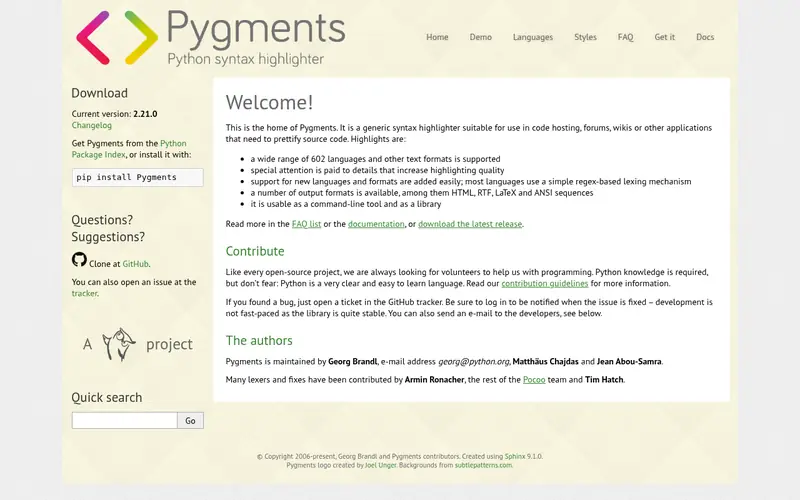
Pygments is a Python library for highlighting source code in many languages. It parses code with lexers and renders it with formatters, producing HTML, LaTeX, RTF and other output. It is widely used by documentation tools and static site generators. The project is BSD-2-Clause licensed and free. Because it runs on the server, code never goes to a third-party page. The main limit is that it is Python-only, so non-Python stacks need another tool or a subprocess call. It suits backend services and doc builds that already run Python, and it is overkill for a small static page.
Standout: Very broad language and output-format support
Free (open source), as listed by the vendor (Pygments website). Confirm the current plan price before you buy.
Free plan. Plans change, so confirm on the vendor's pricing page before you buy.
Benefits
- Very broad language and output-format support
- stable, long-maintained API
Drawbacks
- Python-only
- output styling depends on the formatter and style you choose
Skip it if this limit matters to you: python-only.
Verdict. A sensible pick for server-side highlighting in Python applications.
Alternatives in this guide: Prism, highlight.js, Shiki
Rouge
Best for server-side highlighting in Ruby and Jekyll sites
What it is and where it fits
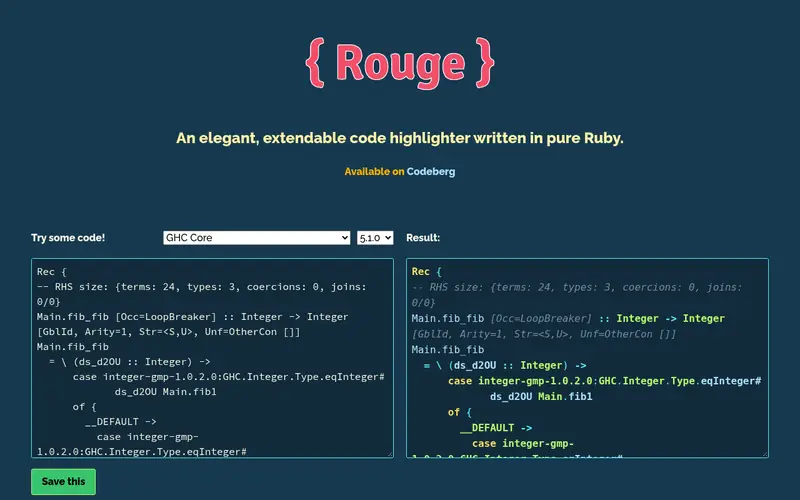
Rouge is a pure-Ruby syntax highlighter. It provides lexers and formatters similar in spirit to Pygments, and it is the default highlighter for Jekyll. It runs on the server, so code stays off third-party pages. The project is MIT licensed and free. It works in any Ruby environment and needs no native extensions, which simplifies deployment. The main limit is Ruby-only support and a language list smaller than Pygments. It suits Ruby web apps and Jekyll blogs. Teams on other runtimes should pick a tool for their own stack rather than adding Ruby just for highlighting.
Standout: Pure-Ruby implementation with no native dependencies
Free (open source), as listed by the vendor (Rouge website). Confirm the current plan price before you buy.
Free plan. Plans change, so confirm on the vendor's pricing page before you buy.
Benefits
- Pure-Ruby implementation with no native dependencies
- compatible with Pygments-style lexers and themes
Drawbacks
- Ruby-only
- smaller language set than Pygments
Skip it if this limit matters to you: ruby-only.
Verdict. A sensible pick for server-side highlighting in Ruby and Jekyll sites.
Alternatives in this guide: Prism, highlight.js, Shiki
Chroma
Best for server-side highlighting in Go applications
What it is and where it fits
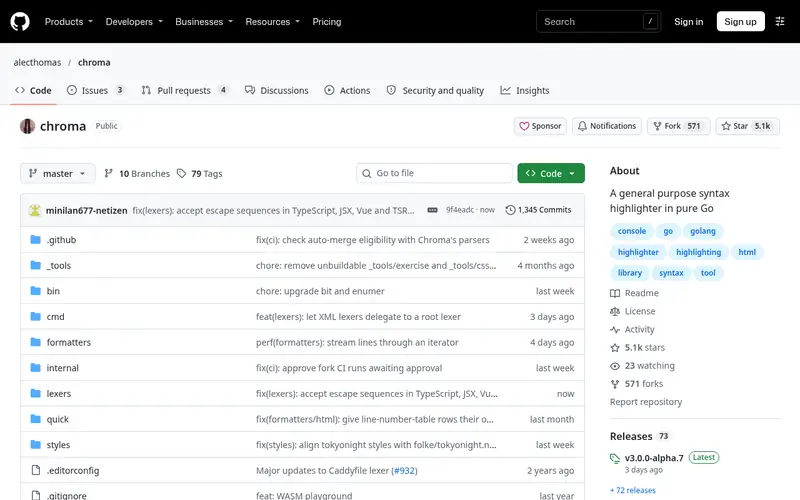
Chroma is a Go library for syntax highlighting. It ports Pygments lexers and styles to Go and offers HTML and terminal formatters. It is used by static site generators and Go web services. The project is MIT licensed and free. Because it is pure Go, it cross-compiles cleanly and adds no C dependencies. The main limit is that it only serves Go code, and its formatter list is shorter than Pygments. It suits Go backends and Go-based site generators. If your service is not written in Go, use the highlighter native to your language instead.
Standout: Pure-Go library with no cgo
Free (open source), as listed by the vendor (Chroma website). Confirm the current plan price before you buy.
Free plan. Plans change, so confirm on the vendor's pricing page before you buy.
Benefits
- Pure-Go library with no cgo
- lexers and styles ported from Pygments
Drawbacks
- Go-only
- fewer formatters than Pygments
Skip it if this limit matters to you: go-only.
Verdict. A sensible pick for server-side highlighting in Go applications.
Alternatives in this guide: Prism, highlight.js, Shiki
tree-sitter
Best for incremental parsing and highlighting in editors and tools
What it is and where it fits
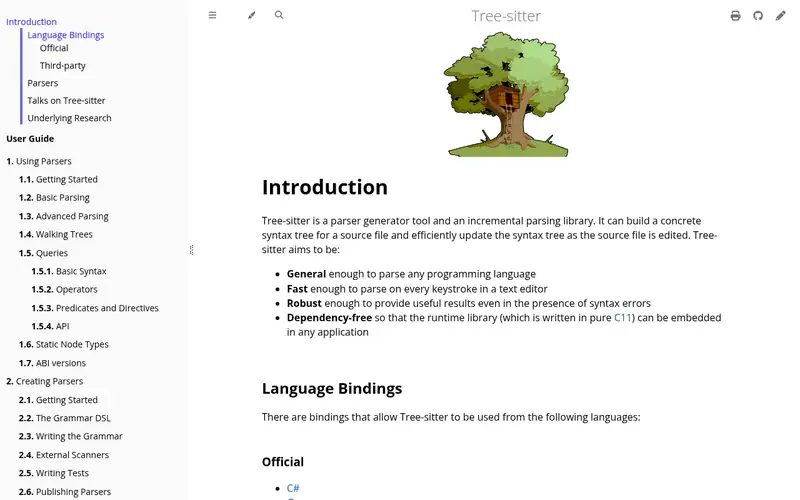
tree-sitter is a parser generator and parsing library used for syntax highlighting and code analysis. Editors use it to re-parse only changed regions, which keeps highlighting fast on large files. Highlighting is defined through query files that map syntax nodes to capture names. The project is MIT licensed and free, with grammars maintained in separate repositories. It is not a drop-in HTML highlighter, so web pages need extra work to turn captures into markup. It suits editor plugins, language servers and tools that need structural parsing. Skip it for simple blog highlighting where Prism or highlight.js is enough.
Standout: Incremental parsing that stays fast on large files
Free (open source), as listed by the vendor (tree-sitter website). Confirm the current plan price before you buy.
Free plan. Plans change, so confirm on the vendor's pricing page before you buy.
Benefits
- Incremental parsing that stays fast on large files
- grammars shared with editors and tooling
Drawbacks
- Highlighting requires query files and more setup
- not a drop-in HTML renderer
Skip it if this limit matters to you: highlighting requires query files and more setup.
Verdict. A sensible pick for incremental parsing and highlighting in editors and tools.
Alternatives in this guide: Prism, highlight.js, Shiki
Who should use what
For a blog or docs site that highlights code in the browser, Prism or highlight.js keeps setup small. If you want editor-grade output and can run a build step, Shiki produces static HTML with no runtime script. Python backends and doc pipelines should use Pygments, while Ruby and Jekyll sites fit Rouge and Go services fit Chroma. If you are building an editor or a tool that needs structural parsing, tree-sitter is the right layer. Match the library to where your code is processed, and avoid sending private code to third-party pages.
Questions to settle before you buy
What to check before you buy
- Confirm the library runs where your code is processed: browser, build step or server.
- Check that your languages are covered by maintained grammars or lexers.
- Measure the bundle or dependency size against your page or build budget.
- Review the licence and confirm it fits your distribution model.
- Keep private code off third-party highlighting pages and prefer local or server-side processing.
FAQ
Are these syntax highlighting libraries free?
Yes. Prism, highlight.js, Shiki, Pygments, Rouge, Chroma and tree-sitter are all open source and free to use. Licences differ, including MIT, BSD-2-Clause and BSD-3-Clause, so check the terms for your distribution model.
Which library is best for highlighting code in the browser?
Prism and highlight.js are the common choices for browser highlighting. Prism is smaller when you load only the languages you need. highlight.js is easier when you want automatic language detection. Shiki can also target the browser but is usually run at build time.
Can I highlight code without sending it to a third party?
Yes. Run a library locally or on your own server. Pygments, Rouge and Chroma process code server-side, and Shiki runs at build time. Avoid pasting secrets or production data into third-party web pages that highlight code.
What is the difference between tree-sitter and Prism?
tree-sitter is a parser library that supports incremental parsing and structural queries, which suits editors and analysis tools. Prism is a display highlighter that turns code into HTML tokens. Use tree-sitter when you need parsing, and Prism when you need markup for a page.
How do I choose between a browser highlighter and a server-side one?
Pick a browser highlighter such as Prism or highlight.js when pages are public and you want no backend work. Choose a server-side or build-time tool such as Pygments, Rouge, Chroma or Shiki when code is private, when you already run that stack, or when you want static HTML with no runtime script.
Sources we checked
Method: how we score · editorial policy.
Change log. First published 27 Nov 2026.