Stage 02 · Test · Researched comparison
Best .NET Email Libraries in 2026
MailKit is the first pick for most teams that send mail over SMTP. It is open source, actively maintained, and handles MIME, authentication and modern TLS. SendGrid's C# SDK is the better fit when you send through SendGrid's HTTP API and want delivery features beyond raw SMTP.

By Shihab Mia
Published 28 Nov 2026 · 5 tools compared
We run no ads and no affiliate links at launch. The order of a list follows our published method. See how we score.
Prices are the starting prices vendors list publicly. Plans change, so confirm the current price on the vendor page before you buy.
Key takeaways
- MailKit is free, open source, and the common replacement for the built-in SmtpClient.
- Microsoft marks System.Net.Mail SmtpClient as not recommended for new development, so treat it as legacy.
- SendGrid and Azure Communication Services Email are paid services with SDKs; check current pricing on their pages.
- Papercut SMTP is a free local test server, so you can inspect messages without sending real mail.
Who each pick is for
- Sending and receiving mail over SMTP and IMAPMailKit
- Legacy code that already uses the built-in clientSystem.Net.Mail SmtpClient
- Teams already on Azure sending transactional mailAzure Communication Services Email SDK
- Sending through SendGrid's HTTP API from .NETSendGrid C# SDK
- Catching and inspecting test email locallyPapercut SMTP
Comparison
| Tool | Best for | Standout feature | Listed starting price | Free plan or trial |
|---|---|---|---|---|
| 1MailKit | Sending and receiving mail over SMTP and IMAP | Actively maintained | Free (open source) | Free plan |
| 2System.Net.Mail SmtpClient | Legacy code that already uses the built-in client | Built into .NET, no package to add | Free | Free plan |
| 3Azure Communication Services Email SDK | Teams already on Azure sending transactional mail | Managed Azure service with a .NET SDK | See vendor pricing page | No free plan |
| 4SendGrid C# SDK | Sending through SendGrid's HTTP API from .NET | Official SDK for SendGrid's API | See vendor pricing page | No free plan |
| 5Papercut SMTP | Catching and inspecting test email locally | Local SMTP server with a message viewer | Free (open source) | Free plan |
How we picked
We picked libraries that genuinely send or test email from .NET and are currently maintained or officially documented. Criteria were fit for the sending job, supported platforms and frameworks, licence and price model, and real limits such as maintenance pace or provider lock-in. Sources are vendor documentation, project repositories and public pricing pages. Prices and plan limits change, so confirm them on the vendor site before you commit.
The tools, one by one
MailKit
Best for sending and receiving mail over SMTP and IMAP
What it is and where it fits
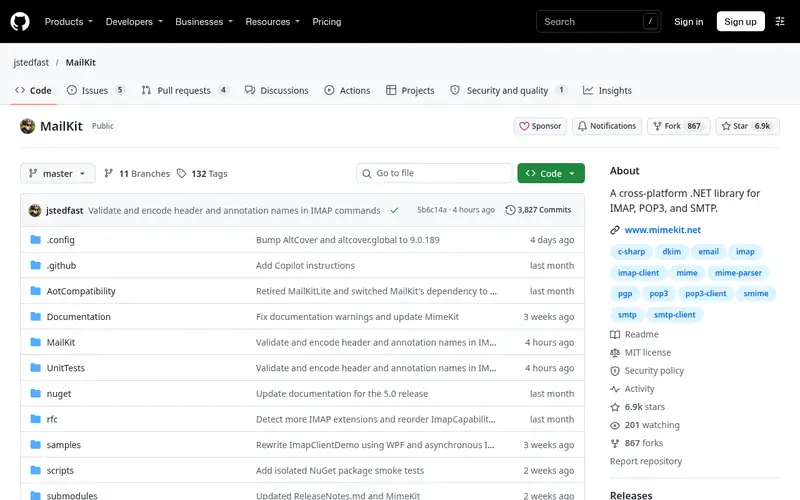
MailKit is a cross-platform mail client library for .NET. It handles SMTP sending plus IMAP and POP3 retrieval, with support for SSL/TLS, SASL authentication and modern protocol extensions. It targets .NET Standard and runs on Windows, Linux and macOS, including containers.
For sending, you build a MimeMessage and pass it to an SmtpClient. That gives you control over headers, attachments, alternative views and encoding. The trade-off is more code than a templating wrapper, because MailKit does not manage templates or provider-specific delivery features.
It is licensed under MIT and free to use. Microsoft's own documentation points developers away from System.Net.Mail SmtpClient for new work, and MailKit is a common replacement. Skip it if you only send through a provider HTTP API and never touch SMTP.
Standout: Actively maintained
Free (open source), as listed by the vendor (MailKit website). Confirm the current plan price before you buy.
Free plan. Plans change, so confirm on the vendor's pricing page before you buy.
Benefits
- Actively maintained
- full SMTP, IMAP and POP3 client support
Drawbacks
- Lower-level API than templating wrappers
- you assemble messages yourself
Skip it if this limit matters to you: lower-level API than templating wrappers.
Verdict. A sensible pick for sending and receiving mail over SMTP and IMAP.
Alternatives in this guide: System.Net.Mail SmtpClient, Azure Communication Services Email SDK, SendGrid C# SDK
System.Net.Mail SmtpClient
Best for legacy code that already uses the built-in client

What it is and where it fits
SmtpClient ships with .NET in the System.Net.Mail namespace. You can send a MailMessage over SMTP with no extra package. It is free and available wherever the framework runs.
Microsoft's documentation states that SmtpClient is not recommended for new development and recommends other options. It has limited support for modern authentication and protocol features compared with MailKit. Many older codebases still use it, and it works for simple cases.
Keep it for existing code you are not ready to change. For new projects, prefer MailKit or a provider SDK. It is not a good default for new work in 2026.
Standout: Built into .NET, no package to add
Free, as listed by the vendor (System.Net.Mail SmtpClient website). Confirm the current plan price before you buy.
Free plan. Plans change, so confirm on the vendor's pricing page before you buy.
Benefits
- Built into .NET, no package to add
- familiar API
Drawbacks
- Microsoft says not recommended for new development
- limited modern protocol support
Skip it if this limit matters to you: microsoft says not recommended for new development.
Verdict. A sensible pick for legacy code that already uses the built-in client.
Alternatives in this guide: MailKit, Azure Communication Services Email SDK, SendGrid C# SDK
Azure Communication Services Email SDK
Best for teams already on Azure sending transactional mail
What it is and where it fits
Azure Communication Services includes an Email capability with a .NET SDK. You create an EmailClient from a connection string or Azure credential, build an EmailMessage with recipients, subject, body and attachments, then send. It runs on any platform that supports .NET, but the sending side is the Azure service.
Setup requires an Azure Communication Services resource and a verified sending domain. Pricing is usage-based and changes, so check the vendor pricing page rather than relying on a fixed figure.
Pick it when your infrastructure is already on Azure and you want sending, identity and monitoring in one place. If you are not on Azure, a plain SMTP library or another provider SDK is simpler.
Standout: Managed Azure service with a .NET SDK
See vendor pricing page, as listed by the vendor (Azure Communication Services Email SDK website). Confirm the current plan price before you buy.
No free plan. Plans change, so confirm on the vendor's pricing page before you buy.
Benefits
- Managed Azure service with a .NET SDK
- integrates with Azure identity and monitoring
Drawbacks
- Tied to Azure
- requires a provisioned resource and verified domain
Skip it if this limit matters to you: tied to Azure.
Verdict. A sensible pick for teams already on Azure sending transactional mail.
Alternatives in this guide: MailKit, System.Net.Mail SmtpClient, SendGrid C# SDK
SendGrid C# SDK
Best for sending through SendGrid's HTTP API from .NET
What it is and where it fits
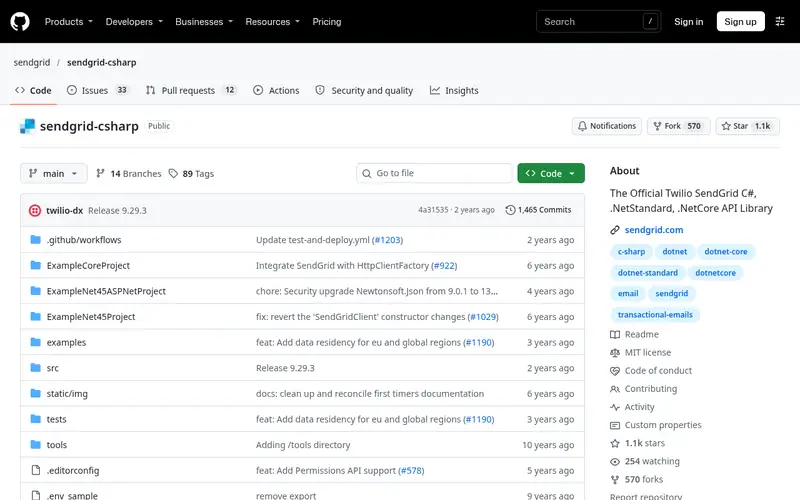
The SendGrid C# SDK is the official client for SendGrid's email API. You build a SendGridMessage, add recipients, content, attachments and template IDs, then send over HTTPS with an API key. It targets .NET Standard and runs cross-platform.
Sending goes through SendGrid's servers, not SMTP from your app, which can help in environments where outbound SMTP is blocked. The SDK is open source, but the service is paid and usage-based. Check the vendor pricing page for current plans and limits.
Use it if you have chosen SendGrid for delivery, analytics or templates. If you want to avoid a third-party dependency, MailKit over your own SMTP relay is the alternative.
Standout: Official SDK for SendGrid's API
See vendor pricing page, as listed by the vendor (SendGrid C# SDK website). Confirm the current plan price before you buy.
No free plan. Plans change, so confirm on the vendor's pricing page before you buy.
Benefits
- Official SDK for SendGrid's API
- supports templates and attachments
Drawbacks
- Requires a SendGrid account and API key
- sending depends on a third-party service
Skip it if this limit matters to you: requires a SendGrid account and API key.
Verdict. A sensible pick for sending through SendGrid's HTTP API from .NET.
Alternatives in this guide: MailKit, System.Net.Mail SmtpClient, Azure Communication Services Email SDK
Papercut SMTP
Best for catching and inspecting test email locally
What it is and where it fits
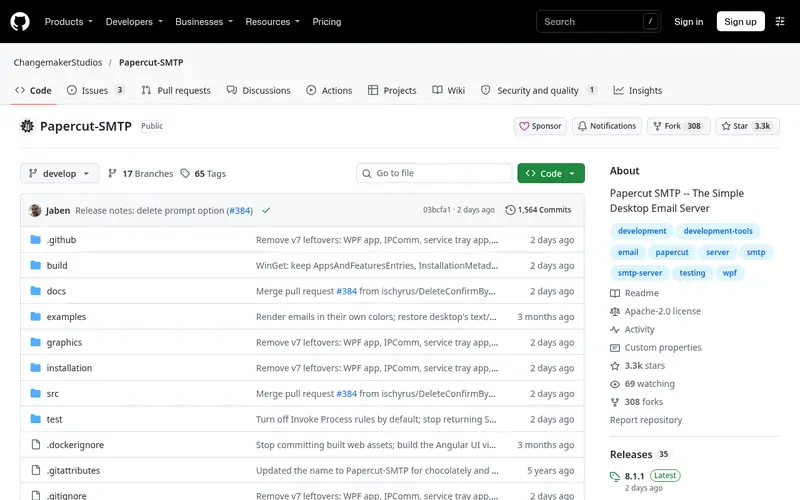
Papercut SMTP is a local SMTP server with a desktop viewer for received messages. Point your app's SMTP settings at localhost during development, and messages appear in the viewer instead of going to real recipients. It is free and open source.
It is a testing aid, not a production sender. The desktop UI is Windows-focused, though the project also offers related tooling. Use it to check rendered HTML, headers and attachments before wiring up a real provider.
Skip it for production. Pair it with MailKit in development so the send code matches what you ship.
Standout: Local SMTP server with a message viewer
Free (open source), as listed by the vendor (Papercut SMTP website). Confirm the current plan price before you buy.
Free plan. Plans change, so confirm on the vendor's pricing page before you buy.
Benefits
- Local SMTP server with a message viewer
- keeps test mail off real inboxes
Drawbacks
- Testing tool only, not for production sending
- Windows-focused UI
Skip it if this limit matters to you: testing tool only, not for production sending.
Verdict. A sensible pick for catching and inspecting test email locally.
Alternatives in this guide: MailKit, System.Net.Mail SmtpClient, Azure Communication Services Email SDK
Who should use what
If you send over SMTP and want active maintenance, start with MailKit. If your infrastructure is on Azure, the Azure Communication Services Email SDK keeps sending, identity and monitoring together. If you have chosen SendGrid for delivery features, use its official C# SDK. For local testing, run Papercut SMTP and keep test mail off real inboxes.
Questions to settle before you buy
What to check before you buy
- Confirm the library targets the .NET versions you deploy and runs on your OS or container base image.
- Check the licence (MIT and similar are common) against your company policy.
- Verify support for the authentication your provider needs, such as API keys, OAuth or SASL.
- Check repository activity and open issues, especially for templating wrappers.
- For provider SDKs, read the current pricing page and any sending limits before you build on them.
FAQ
Is MailKit a replacement for System.Net.Mail SmtpClient?
Yes for most new work. MailKit handles SMTP sending with broader protocol and authentication support, and Microsoft's documentation says SmtpClient is not recommended for new development. MailKit is free and open source, so migration cost is mostly code changes.
Can I send email without a third-party service?
Yes. Use MailKit over an SMTP relay or your own mail server. That avoids a provider SDK dependency, but you take on deliverability, SPF, DKIM and DMARC setup yourself.
How do I test email sending locally?
Run a local SMTP catcher such as Papercut SMTP and point your app at localhost. Messages are captured for inspection instead of delivered. Keep the same send code you use in production so tests reflect real behavior.
Are these libraries safe for sensitive email content?
The libraries run in your process, so content stays with your code and chosen provider. The privacy question is the provider: any API-based sender receives your message. Review the provider's data handling before sending sensitive content.
Sources we checked
Method: how we score · editorial policy.
Change log. First published 28 Nov 2026.