Stage 02 · Test · Researched comparison
Best C++ HTTP Clients in 2026
libcurl is the first pick for most teams. It is mature, portable and speaks HTTP/1.1, HTTP/2 and HTTP/3, and it has a C API you can wrap from C++. If you want a modern C++ interface, cpr wraps libcurl and is easier to read. If you want a single header with no external dependency, cpp-httplib is the lightest way to add a client. Teams that need async I/O or full control over sockets should look at Boost.Beast.

By Shihab Mia
Published 27 Nov 2026 · 6 tools compared
We run no ads and no affiliate links at launch. The order of a list follows our published method. See how we score.
Prices are the starting prices vendors list publicly. Plans change, so confirm the current price on the vendor page before you buy.
Key takeaways
- libcurl, cpr, cpp-httplib, Boost.Beast, Drogon and POCO Net are all free and open source, so cost is not the deciding factor.
- cpr and cpp-httplib are the quickest to add to a small project; libcurl and Boost.Beast take more setup.
- Boost.Beast gives you HTTP parsing and sockets but no connection pool or retry logic, so you write more code.
- All six run on Linux, macOS and Windows, but the build steps and dependencies differ a lot.
Who each pick is for
- Portable production clients that need protocol coveragelibcurl
- C++ teams that want a simple libcurl wrappercpr
- Single-header clients for small tools and testscpp-httplib
- Async clients that need low-level HTTP controlBoost.Beast
- Apps already built on the Drogon frameworkDrogon client
- Projects already using the POCO librariesPOCO Net
Comparison
| Tool | Best for | Standout feature | Listed starting price | Free plan or trial |
|---|---|---|---|---|
| 1libcurl | Portable production clients that need protocol coverage | Very wide protocol and platform support | Free (open source) | Free plan |
| 2cpr | C++ teams that want a simple libcurl wrapper | Readable API close to Python requests | Free (open source) | Free plan |
| 3cpp-httplib | Single-header clients for small tools and tests | One header file with no external dependency | Free (open source) | Free plan |
| 4Boost.Beast | Async clients that need low-level HTTP control | Built on Boost.Asio for async I/O | Free (open source) | Free plan |
| 5Drogon client | Apps already built on the Drogon framework | Async client with a clean callback and coroutine API | Free (open source) | Free plan |
| 6POCO Net | Projects already using the POCO libraries | HTTPClientSession and HTTPSClientSession cover common needs | Free (open source) | Free plan |
How we picked
We picked projects that are actively maintained, work as an HTTP client from C++, and have a clear official repository or documentation page. We compared API style, platform support, licence, dependencies and the main limits of each. We did not run benchmarks or hands-on tests. Sources are vendor pages, project documentation and repositories. Prices and licences can change, so confirm details on the official site before you commit.
The tools, one by one
libcurl
Best for portable production clients that need protocol coverage
What it is and where it fits
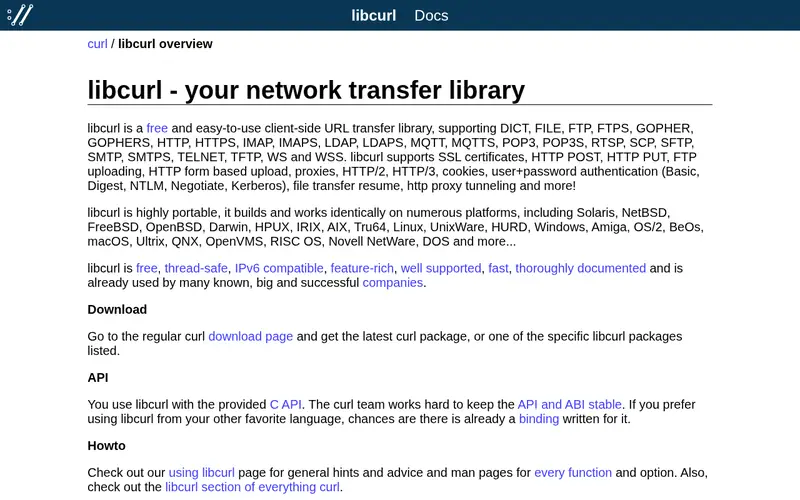
libcurl is the library behind the curl command-line tool. From C++ you call its C API directly or use a thin wrapper. It supports HTTP/1.1, HTTP/2 and HTTP/3, plus proxies, TLS backends, redirects and authentication schemes. It builds on Linux, macOS, Windows and many embedded targets, and most distributions ship a package.
The licence is a curl-style MIT-like licence, which is permissive for commercial use. The main cost is API style: you set options with curl_easy_setopt, manage handles, and read responses through write callbacks. That is fine for a networking layer but noisy in application code. Teams that want a C++ interface usually pair libcurl with cpr. Skip it if you need a header-only dependency or a high-level async API.
Standout: Very wide protocol and platform support
Free (open source), as listed by the vendor (libcurl website). Confirm the current plan price before you buy.
Free plan. Plans change, so confirm on the vendor's pricing page before you buy.
Benefits
- Very wide protocol and platform support
- stable C API with long release history
Drawbacks
- C-style handle management is verbose in C++
- callbacks need careful error handling
Skip it if this limit matters to you: C-style handle management is verbose in C++.
Verdict. A sensible pick for portable production clients that need protocol coverage.
Alternatives in this guide: cpr, cpp-httplib, Boost.Beast
cpr
Best for c++ teams that want a simple libcurl wrapper
What it is and where it fits
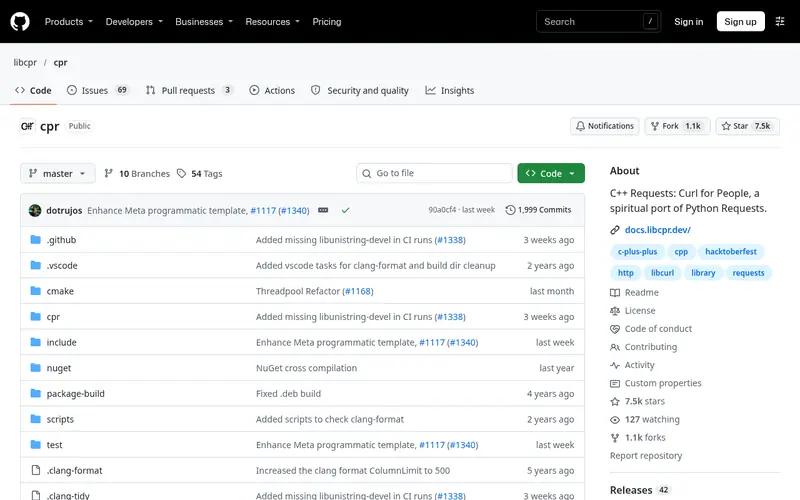
cpr (C++ Requests) is a wrapper around libcurl with a modern C++ interface. A GET looks like cpr::Get(cpr::Url{...}), and you pass headers, parameters and a body as named arguments. Sessions keep cookies and connection settings across calls. It supports timeouts, redirects, TLS verification and multipart uploads.
The project is MIT licensed and targets Linux, macOS and Windows. Because it wraps libcurl, you inherit libcurl's protocol support and TLS backends, and you also inherit its build dependency. The synchronous API is the well-trodden path; async support exists but is less commonly used. It suits application code, tests and internal tools. Skip it if you cannot add libcurl to your build.
Standout: Readable API close to Python requests
Free (open source), as listed by the vendor (cpr website). Confirm the current plan price before you buy.
Free plan. Plans change, so confirm on the vendor's pricing page before you buy.
Benefits
- Readable API close to Python requests
- supports sessions, headers and timeouts
Drawbacks
- Adds a dependency on libcurl
- async support is less mature than sync calls
Skip it if this limit matters to you: adds a dependency on libcurl.
Verdict. A sensible pick for C++ teams that want a simple libcurl wrapper.
Alternatives in this guide: libcurl, cpp-httplib, Boost.Beast
cpp-httplib
Best for single-header clients for small tools and tests
What it is and where it fits
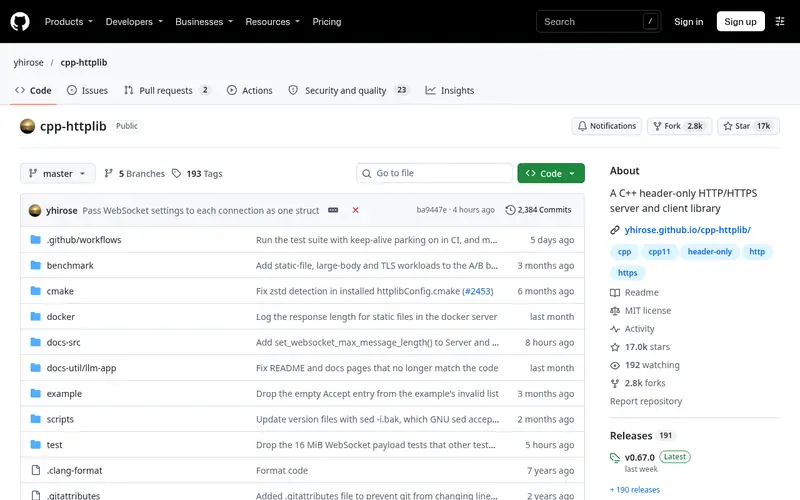
cpp-httplib is a header-only C++ library that provides both a server and a client. Including httplib.h gives you httplib::Client, which handles GET, POST and other methods, headers, timeouts, redirects and TLS when built with OpenSSL. There is nothing to link beyond your platform's socket libraries and optionally OpenSSL.
The licence is MIT. It runs on Linux, macOS and Windows. The API is blocking, so concurrency comes from threads or from running calls off your main loop. It does not aim to match libcurl's protocol breadth, and HTTP/2 is not its focus. It suits CLI tools, tests, small services and embedded use where adding a dependency is painful. Skip it for high-throughput clients that need connection pooling and async I/O.
Standout: One header file with no external dependency
Free (open source), as listed by the vendor (cpp-httplib website). Confirm the current plan price before you buy.
Free plan. Plans change, so confirm on the vendor's pricing page before you buy.
Benefits
- One header file with no external dependency
- simple blocking API
Drawbacks
- Blocking only, no built-in async
- fewer advanced protocol features than libcurl
Skip it if this limit matters to you: blocking only, no built-in async.
Verdict. A sensible pick for single-header clients for small tools and tests.
Alternatives in this guide: libcurl, cpr, Boost.Beast
Boost.Beast
Best for async clients that need low-level HTTP control
What it is and where it fits
Boost.Beast provides HTTP and WebSocket message types on top of Boost.Asio. It parses and serializes HTTP/1.1 and gives you a stream abstraction over TCP or TLS. Because it sits on Asio, you get coroutines, callbacks or futures for async work, and you control timeouts and buffering directly.
It is distributed under the Boost Software License and works wherever Boost and Asio work, including Linux, macOS and Windows. The trade-off is scope: Beast is a protocol layer, not a full client. Connection reuse, redirects, retries and proxy handling are your code. It suits teams already using Asio, or projects that need fine control over sockets and TLS. Skip it if you want a client you can call in one line.
Standout: Built on Boost.Asio for async I/O
Free (open source), as listed by the vendor (Boost.Beast website). Confirm the current plan price before you buy.
Free plan. Plans change, so confirm on the vendor's pricing page before you buy.
Benefits
- Built on Boost.Asio for async I/O
- full control over requests and parsing
Drawbacks
- Verbose
- you implement retries, pooling and redirects yourself
Skip it if this limit matters to you: verbose.
Verdict. A sensible pick for async clients that need low-level HTTP control.
Alternatives in this guide: libcurl, cpr, cpp-httplib
Drogon client
Best for apps already built on the Drogon framework
What it is and where it fits
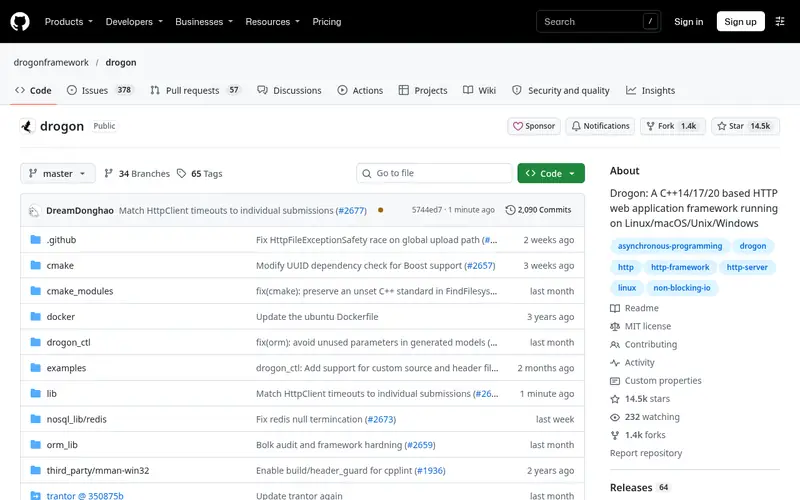
Drogon is a C++ web framework, and its HttpClient is a full async client. You create a client with an event loop, send requests with callbacks or coroutines, and get responses with status, headers and body. It supports TLS, timeouts, redirects and connection reuse.
The project is MIT licensed and builds on Linux, macOS and Windows. The client is convenient when your service already runs on Drogon, because it shares the same event loop and threading model. Pulling in Drogon just for HTTP calls is a large dependency, since it brings the framework, its build requirements and its JSON handling. It suits Drogon services calling other APIs. Skip it for small tools or projects that do not otherwise use the framework.
Standout: Async client with a clean callback and coroutine API
Free (open source), as listed by the vendor (Drogon client website). Confirm the current plan price before you buy.
Free plan. Plans change, so confirm on the vendor's pricing page before you buy.
Benefits
- Async client with a clean callback and coroutine API
- integrates with Drogon's loop
Drawbacks
- Heaviest dependency if you only need a client
- tied to the Drogon ecosystem
Skip it if this limit matters to you: heaviest dependency if you only need a client.
Verdict. A sensible pick for apps already built on the Drogon framework.
Alternatives in this guide: libcurl, cpr, cpp-httplib
POCO Net
Best for projects already using the POCO libraries
What it is and where it fits
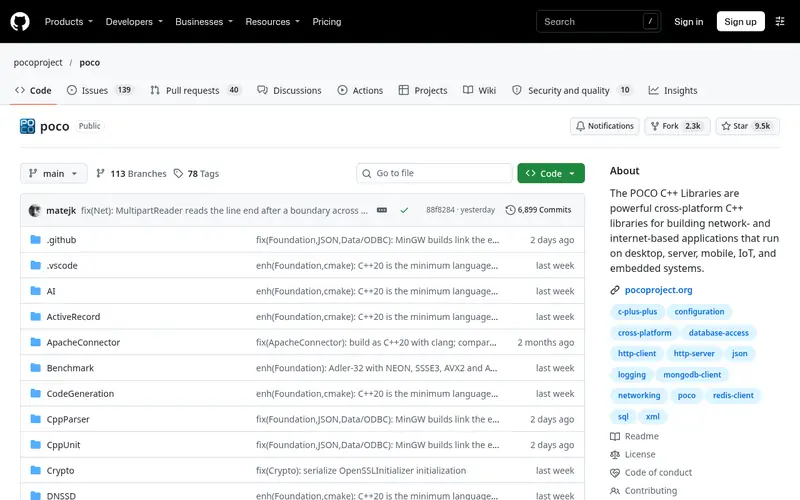
POCO is a set of C++ class libraries, and its Net module includes HTTP client classes. HTTPClientSession handles requests over TCP, and HTTPSClientSession adds TLS. You set the host and port, send a request object, and read a response stream. Timeouts and redirects are handled through session and request settings.
POCO is distributed under the Boost Software License and builds on Linux, macOS and Windows. The client is straightforward but not as terse as cpr, and you take on the POCO foundation and Net libraries as dependencies. It suits codebases that already use POCO for threads, files or networking, where the client fits the existing style. Skip it if you want a minimal dependency or a header-only option.
Standout: HTTPClientSession and HTTPSClientSession cover common needs
Free (open source), as listed by the vendor (POCO Net website). Confirm the current plan price before you buy.
Free plan. Plans change, so confirm on the vendor's pricing page before you buy.
Benefits
- HTTPClientSession and HTTPSClientSession cover common needs
- consistent with POCO style
Drawbacks
- Requires the POCO foundation and Net libraries
- less modern API than cpr
Skip it if this limit matters to you: requires the POCO foundation and Net libraries.
Verdict. A sensible pick for projects already using the POCO libraries.
Alternatives in this guide: libcurl, cpr, cpp-httplib
Who should use what
If you are building a production service that talks to many APIs and needs HTTP/2 or HTTP/3, start with libcurl and wrap it in cpr for readable call sites. If you are writing a small CLI tool or a test helper and want one header file, use cpp-httplib. If your codebase already runs on Boost.Asio and you need async control, use Boost.Beast. If your service is built on Drogon or POCO, use the client that ships with that framework so you share one event loop and one dependency set.
Questions to settle before you buy
What to check before you buy
- Confirm the client supports the HTTP versions your servers require, including HTTP/2 if you need it.
- Check the licence against your distribution model, especially for static linking.
- List the build dependencies: libcurl, OpenSSL, Boost or a full framework.
- Decide whether you need async I/O, connection reuse and redirects, or can write them yourself.
- Check TLS backend options and certificate verification defaults before shipping.
FAQ
Is libcurl a C++ library?
libcurl is a C library. You can call it from C++ and wrap it in RAII classes, and many C++ projects do. If you want a native C++ interface, cpr wraps libcurl and gives you a simpler API while keeping libcurl's protocol support.
Which C++ HTTP client is easiest to add to a project?
cpp-httplib is the easiest to add because it is a single header file with no external dependency beyond OpenSSL for TLS. cpr is also quick if you can add libcurl. Both are free and open source, and both work on Linux, macOS and Windows.
Do these clients support HTTPS?
Yes. libcurl, cpr, cpp-httplib, Boost.Beast, Drogon and POCO Net all support TLS when built against a TLS library such as OpenSSL. Check that certificate verification is enabled in your configuration before you send production traffic.
Can I use these clients for async requests?
Boost.Beast and Drogon are built for async I/O and integrate with an event loop. cpr and cpp-httplib are mainly blocking, so you run calls on worker threads. libcurl has a multi interface for non-blocking transfers, but it takes more code to drive.
Is cpprestsdk a good choice in 2026?
cpprestsdk (the C++ REST SDK) has been in maintenance mode, with little active development. For new projects, the clients listed here are better maintained. If you already depend on cpprestsdk, plan a migration path rather than starting new code on it.
Sources we checked
Method: how we score · editorial policy.
Change log. First published 27 Nov 2026.