Stage 02 · Test · Researched comparison
Best API Client Code Generators in 2026
OpenAPI Generator is the first pick for most teams. It is open source, supports many languages and frameworks, and runs from a CLI, build plugins or Docker. Swagger Codegen suits teams already on Swagger tooling, and Kiota fits teams that want a consistent typed client from Microsoft. All of them read an API description and produce typed client code you can call from your own project.

By Shihab Mia
Published 22 Nov 2026 · 5 tools compared
We run no ads and no affiliate links at launch. The order of a list follows our published method. See how we score.
Prices are the starting prices vendors list publicly. Plans change, so confirm the current price on the vendor page before you buy.
Key takeaways
- OpenAPI Generator is free and open source, and covers the widest set of languages and generators in this list.
- Kiota is free and open source from Microsoft and targets typed clients for many languages from OpenAPI descriptions.
- NSwag is the strongest fit for .NET teams, and openapi-typescript covers TypeScript type generation.
- Generated code still needs review, tests and version pinning before it goes into production.
Who each pick is for
- Teams that want broad language coverage from a CLIOpenAPI Generator
- Teams already using Swagger editor and spec toolingSwagger Codegen
- Teams that want typed clients from OpenAPI in many languagesKiota
- .NET teams generating clients from OpenAPI or ASP.NET CoreNSwag
- TypeScript projects that want types from an OpenAPI specopenapi-typescript
Comparison
| Tool | Best for | Standout feature | Listed starting price | Free plan or trial |
|---|---|---|---|---|
| 1OpenAPI Generator | Teams that want broad language coverage from a CLI | Many generators and templates | Free (open source) | Free plan |
| 2Swagger Codegen | Teams already using Swagger editor and spec tooling | Direct generation from Swagger and OpenAPI specs | Free (open source) | Free plan |
| 3Kiota | Teams that want typed clients from OpenAPI in many languages | Generates typed clients for several languages | Free (open source) | Free plan |
| 4NSwag | .NET teams generating clients from OpenAPI or ASP.NET Core | Strong .NET and TypeScript client generation | Free (open source) | Free plan |
| 5openapi-typescript | TypeScript projects that want types from an OpenAPI spec | Fast type generation from OpenAPI | Free (open source) | Free plan |
How we picked
We picked tools that read an API description and produce client code for developers. Criteria were fit for the job, supported platforms and languages, price and licence, how pasted API data is handled, and the main limits of each tool. Sources are vendor pages, official documentation and project repositories. Prices and plan limits change, so confirm them on the vendor site before you commit.
The tools, one by one
OpenAPI Generator
Best for teams that want broad language coverage from a CLI
What it is and where it fits
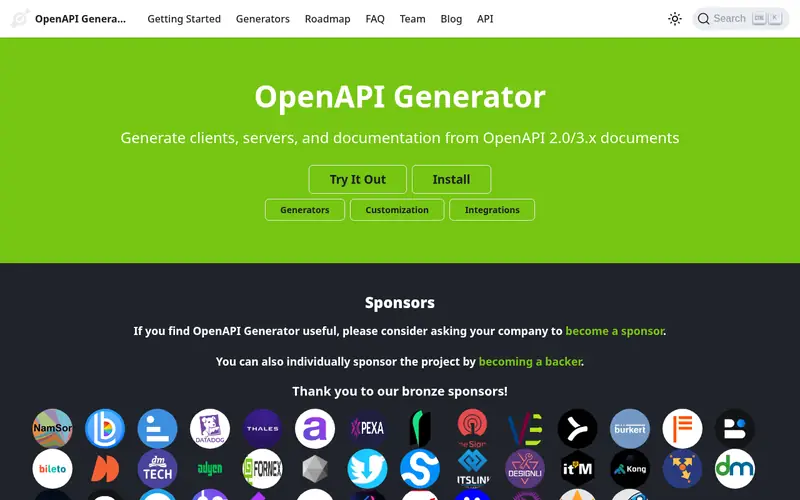
OpenAPI Generator reads OpenAPI 2.0 and 3.x descriptions and produces client libraries, server stubs and documentation. It ships generators for many languages and frameworks, and you can override templates to match your house style. It runs as a CLI, a Maven or Gradle plugin, and a Docker image, so it fits both local use and CI pipelines.
The project is open source under the Apache License 2.0. There is no paid tier and no account. The main cost is time: the option list is long, and generated output varies in quality by generator, so plan to review and test what it produces. Teams that need a GUI should look at Kiota or NSwag instead.
Standout: Many generators and templates
Free (open source), as listed by the vendor (OpenAPI Generator website). Confirm the current plan price before you buy.
Free plan. Plans change, so confirm on the vendor's pricing page before you buy.
Benefits
- Many generators and templates
- runs in CI and build plugins
Drawbacks
- Generated code needs review
- large option set takes time to learn
Skip it if this limit matters to you: generated code needs review.
Verdict. A sensible pick for teams that want broad language coverage from a CLI.
Alternatives in this guide: Swagger Codegen, Kiota, NSwag
Swagger Codegen
Best for teams already using Swagger editor and spec tooling
What it is and where it fits
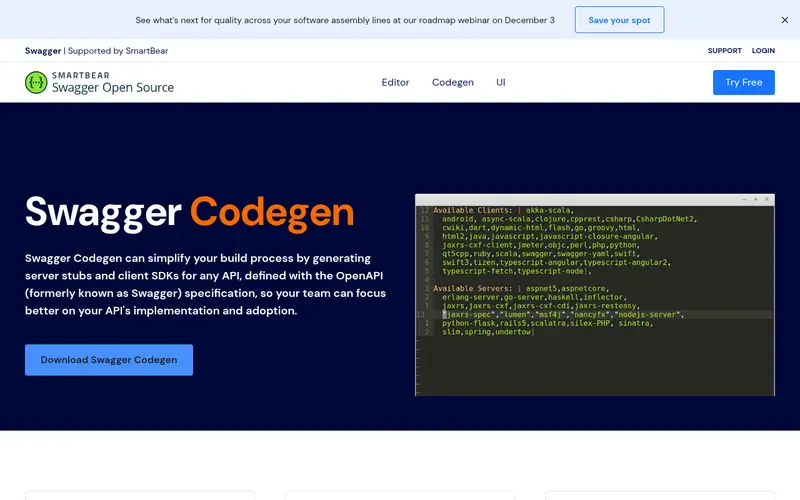
Swagger Codegen generates client libraries and server stubs from OpenAPI descriptions. It is part of the Swagger tool family, so it fits teams that already write specs in the Swagger Editor and want generation close to that workflow. It runs as a CLI and through build tooling.
The project is open source. Note that OpenAPI Generator began as a fork of Swagger Codegen, and the two projects have diverged since. Some generators in Swagger Codegen receive less active maintenance than their OpenAPI Generator counterparts. Check the repository for the generator you need before committing. Teams with no existing Swagger investment are usually better served by OpenAPI Generator.
Standout: Direct generation from Swagger and OpenAPI specs
Free (open source), as listed by the vendor (Swagger Codegen website). Confirm the current plan price before you buy.
Free plan. Plans change, so confirm on the vendor's pricing page before you buy.
Benefits
- Direct generation from Swagger and OpenAPI specs
- CLI and build integration
Drawbacks
- Some generators lag newer spec features
- overlaps with OpenAPI Generator
Skip it if this limit matters to you: some generators lag newer spec features.
Verdict. A sensible pick for teams already using Swagger editor and spec tooling.
Alternatives in this guide: OpenAPI Generator, Kiota, NSwag
Kiota
Best for teams that want typed clients from OpenAPI in many languages
What it is and where it fits
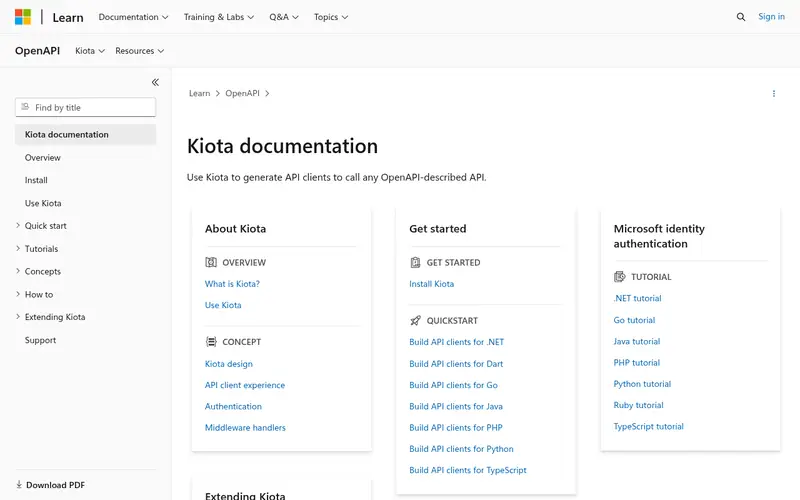
Kiota is an open-source command-line tool from Microsoft that generates API clients from OpenAPI descriptions. It targets several languages, including C#, Go, Java, PHP, Python, Ruby, TypeScript and CLI, and produces typed clients with a consistent design across languages. It runs on Windows, macOS and Linux.
The project is open source under the MIT License and has no paid tier. Its template and generator ecosystem is smaller than OpenAPI Generator's, and it is a newer project, so community examples are fewer. It suits teams that want a consistent typed client shape across languages and are comfortable with a Microsoft-maintained tool. Review generated code and pin the tool version in CI.
Standout: Generates typed clients for several languages
Free (open source), as listed by the vendor (Kiota website). Confirm the current plan price before you buy.
Free plan. Plans change, so confirm on the vendor's pricing page before you buy.
Benefits
- Generates typed clients for several languages
- open source from Microsoft
Drawbacks
- Smaller template ecosystem than OpenAPI Generator
- newer project with fewer community examples
Skip it if this limit matters to you: smaller template ecosystem than OpenAPI Generator.
Verdict. A sensible pick for teams that want typed clients from OpenAPI in many languages.
Alternatives in this guide: OpenAPI Generator, Swagger Codegen, NSwag
NSwag
Best for .NET teams generating clients from OpenAPI or ASP.NET Core
What it is and where it fits
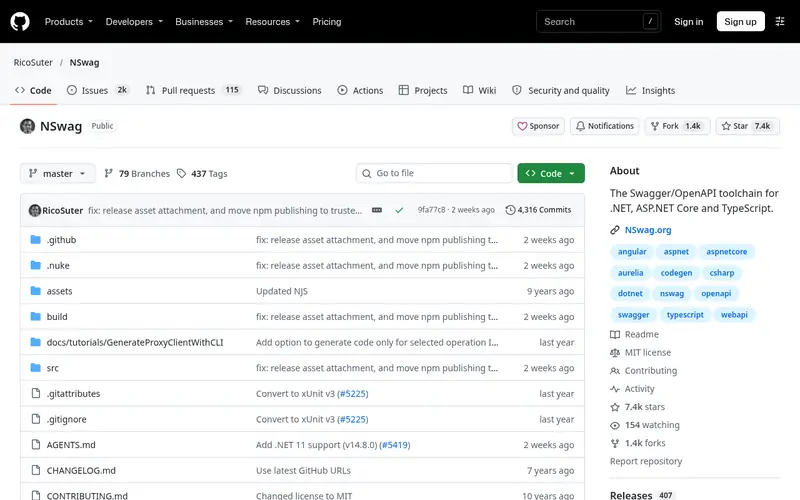
NSwag is an open-source toolchain for .NET that generates client code from OpenAPI descriptions and from ASP.NET Core projects. It can produce C# clients and TypeScript clients, and it integrates with MSBuild and the ASP.NET Core pipeline. It runs on Windows, macOS and Linux wherever .NET runs.
NSwag is free and open source under the MIT License. Its strength is the .NET ecosystem: if your API is built in ASP.NET Core, NSwag can generate clients directly from your controllers. Outside .NET it is less useful, and teams working mainly in other languages should prefer OpenAPI Generator or Kiota. Generated output should still be reviewed and covered by tests.
Standout: Strong .NET and TypeScript client generation
Free (open source), as listed by the vendor (NSwag website). Confirm the current plan price before you buy.
Free plan. Plans change, so confirm on the vendor's pricing page before you buy.
Benefits
- Strong .NET and TypeScript client generation
- integrates with ASP.NET Core
Drawbacks
- Focused on the .NET ecosystem
- less useful outside it
Skip it if this limit matters to you: focused on the .NET ecosystem.
Verdict. A sensible pick for .NET teams generating clients from OpenAPI or ASP.NET Core.
Alternatives in this guide: OpenAPI Generator, Swagger Codegen, Kiota
openapi-typescript
Best for typeScript projects that want types from an OpenAPI spec
What it is and where it fits
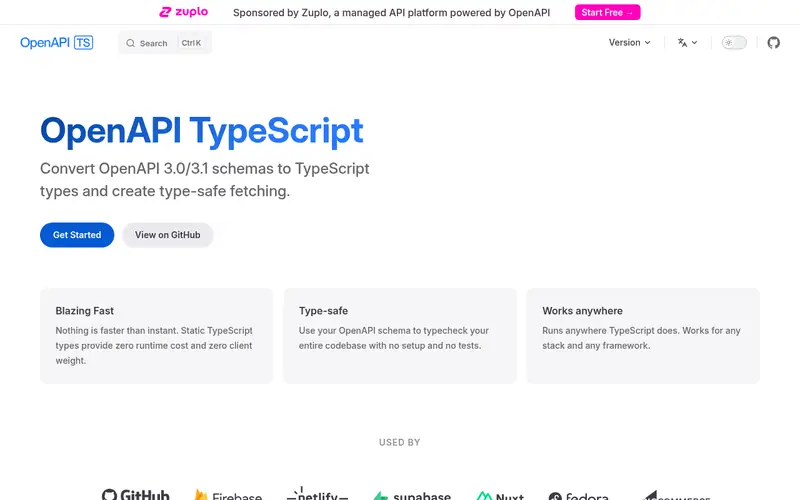
openapi-typescript generates TypeScript types from OpenAPI 3.x descriptions. It does not ship a runtime HTTP client; instead it gives you accurate types that you pair with your own fetch or client code. That keeps the dependency small and the output easy to inspect. It runs on Node.js and can be wired into a build step.
The project is free and open source under the MIT License. It is TypeScript-only, so it does not help teams in other languages. It suits front-end and Node developers who want typed request and response shapes without a large generated client. Review the generated types after spec changes and keep the tool version pinned.
Standout: Fast type generation from OpenAPI
Free (open source), as listed by the vendor (openapi-typescript website). Confirm the current plan price before you buy.
Free plan. Plans change, so confirm on the vendor's pricing page before you buy.
Benefits
- Fast type generation from OpenAPI
- fits TypeScript build pipelines
Drawbacks
- Produces types, not a full runtime client
- TypeScript only
Skip it if this limit matters to you: produces types, not a full runtime client.
Verdict. A sensible pick for typeScript projects that want types from an OpenAPI spec.
Alternatives in this guide: OpenAPI Generator, Swagger Codegen, Kiota
Who should use what
Teams that need generated clients across many languages should start with OpenAPI Generator. .NET teams building on ASP.NET Core get the most from NSwag. TypeScript developers who only want accurate types should use openapi-typescript. Teams that want a consistent typed client from Microsoft should try Kiota, and teams already on Swagger tooling should consider Swagger Codegen.
Questions to settle before you buy
What to check before you buy
- Confirm the tool supports your language and framework version, not just the language name.
- Check how the generator handles auth, pagination and error responses in the output.
- Pin the generator version and regenerate in CI so clients stay in sync with the spec.
- Review generated code before merging; treat it like any other dependency.
- Keep secrets and tokens out of specs, shared repositories and third-party web pages.
FAQ
Do API client code generators replace writing client code by hand?
No. They produce a starting point from a spec. You still review the output, add tests, handle auth and errors, and keep the client in sync when the API changes. Most teams run generation in CI and treat the result as a dependency.
Are these tools free?
OpenAPI Generator, Swagger Codegen, Kiota, NSwag and openapi-typescript are free and open source. Check their project pages for current licence terms. Licences can change, so confirm before you rely on them for a team.
Which tool is best for TypeScript?
openapi-typescript gives you types only, which suits projects that already have a fetch layer. NSwag and Kiota can generate TypeScript clients with more runtime code. OpenAPI Generator also has TypeScript generators. Pick based on whether you want types alone or a full client.
Is it safe to generate code from a third-party web page?
Prefer tools that run locally, such as a CLI or a desktop app. Do not paste secrets, tokens or production data into third-party web pages. If you use a hosted tool, strip credentials from the spec or request first and check how the vendor handles uploaded data.
Can I generate a client from a saved request instead of a spec?
Spec-based generators are the reliable route to a full typed client. OpenAPI Generator, Kiota, NSwag and openapi-typescript all read an API description and produce code or types from it. For a complete client library, start from a spec rather than hand-copied requests.
Sources we checked
Method: how we score · editorial policy.
Change log. First published 22 Nov 2026.