Stage 01 · Write · Researched comparison
Best Rust CLI Frameworks in 2026
Clap is the first pick for most teams building a Rust CLI in 2026. It handles argument parsing, subcommands, generated help and shell completions, and it suits projects of any size. For a smaller dependency footprint with a derive-first API, look at bpaf. For interactive prompts layered on top of a parser, look at dialoguer and its companion crate console.

By Shihab Mia
Published 27 Nov 2026 · 6 tools compared
We run no ads and no affiliate links at launch. The order of a list follows our published method. See how we score.
Prices are the starting prices vendors list publicly. Plans change, so confirm the current price on the vendor page before you buy.
Key takeaways
- Clap is the most widely used Rust CLI framework and covers parsing, subcommands, validation and shell completion generation.
- bpaf offers a lighter, composable parser API and works without the derive macro if you prefer plain functions.
- Most of these crates are dual-licensed MIT or Apache-2.0 and cost nothing to use.
- Parsing crates run locally in your binary, so no command-line data leaves the machine.
Who each pick is for
- General-purpose argument parsing with subcommands and helpClap
- Lightweight composable parsing without macrosbpaf
- Small derive-based parsers for focused toolsargh
- Interactive prompts inside Rust command-line toolsdialoguer
- Terminal styling, colors and progress output in Rust CLIsconsole
- Full-screen terminal interfaces in Rustratatui
Comparison
| Tool | Best for | Standout feature | Listed starting price | Free plan or trial |
|---|---|---|---|---|
| 1Clap | General-purpose argument parsing with subcommands and help | Rich feature set with derive and builder APIs | Free (open source) | Free plan |
| 2bpaf | Lightweight composable parsing without macros | Small API surface with a combinator style | Free (open source) | Free plan |
| 3argh | Small derive-based parsers for focused tools | Minimal derive-only API that is quick to learn | Free (open source) | Free plan |
| 4dialoguer | Interactive prompts inside Rust command-line tools | Prompt types for input, selection, confirmation and passwords | Free (open source) | Free plan |
| 5console | Terminal styling, colors and progress output in Rust CLIs | Handles colors, styling and terminal detection | Free (open source) | Free plan |
| 6ratatui | Full-screen terminal interfaces in Rust | Widget-based layout for complex terminal UIs | Free (open source) | Free plan |
How we picked
We compared crates on fit for building Rust command-line tools, supported platforms, licence terms, dependency and compile-time cost, and the limits documented by each project. We also looked at whether a tool runs locally, since argument parsing happens inside your binary. Sources are vendor pages, official documentation and project repositories. Prices and features change, so confirm details on the project site before you commit.
The tools, one by one
Clap
Best for general-purpose argument parsing with subcommands and help
What it is and where it fits
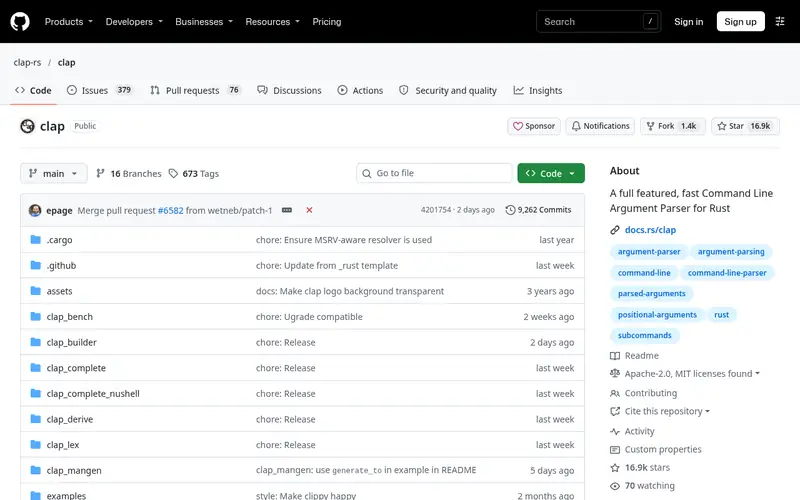
Clap is the most established Rust CLI framework. It parses arguments, validates them, builds nested subcommands and generates help and version output. The derive API lets you describe a CLI with structs and attributes, while the builder API gives finer control at runtime. It also generates completion scripts for common shells.
Clap runs wherever Rust runs, including Linux, macOS and Windows. It is dual-licensed under MIT and Apache-2.0. The crate is split into optional features, so you can trim what you do not need, but the default feature set is broad. Teams that want the smallest possible binary or the fastest compile times may prefer a lighter parser. Most projects that need subcommands, typed arguments and good help output should start here.
Standout: Rich feature set with derive and builder APIs
Free (open source), as listed by the vendor (Clap website). Confirm the current plan price before you buy.
Free plan. Plans change, so confirm on the vendor's pricing page before you buy.
Benefits
- Rich feature set with derive and builder APIs
- generates help text and shell completions
Drawbacks
- Larger compile time and binary size than minimal parsers
- many features to learn
Skip it if this limit matters to you: larger compile time and binary size than minimal parsers.
Verdict. A sensible pick for general-purpose argument parsing with subcommands and help.
bpaf
Best for lightweight composable parsing without macros
What it is and where it fits
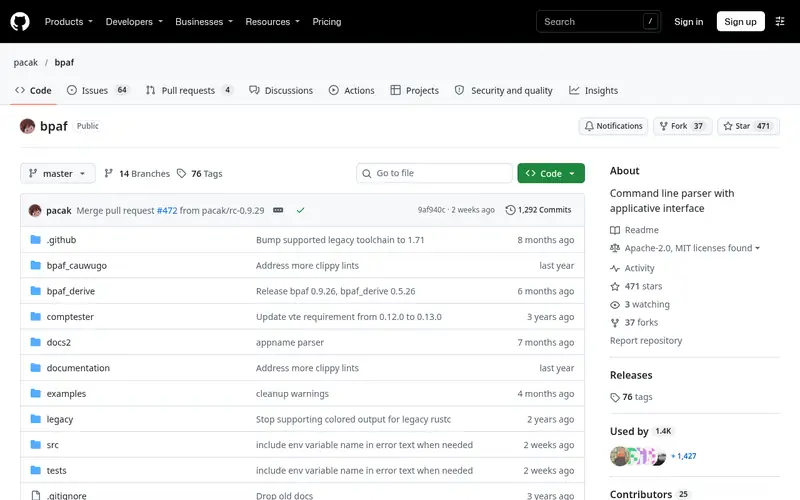
bpaf is a parser combinator library for command-line arguments. You build parsers by combining small functions, and the same code produces both the parsed values and the help message. It supports an optional derive mode for people who prefer attributes. The design keeps dependencies low and compile times short.
bpaf runs on the same platforms as Rust itself and is dual-licensed MIT or Apache-2.0. It handles positional arguments, flags, environment fallbacks and shell completion generation. The trade-off is a smaller community and fewer examples than Clap. It fits small to medium tools, or projects that want tight control over parsing logic without a macro-heavy API.
Standout: Small API surface with a combinator style
Free (open source), as listed by the vendor (bpaf website). Confirm the current plan price before you buy.
Free plan. Plans change, so confirm on the vendor's pricing page before you buy.
Benefits
- Small API surface with a combinator style
- works with or without derive
Drawbacks
- Smaller ecosystem than Clap
- fewer built-in conveniences for large subcommand trees
Skip it if this limit matters to you: smaller ecosystem than Clap.
Verdict. A sensible pick for lightweight composable parsing without macros.
argh
Best for small derive-based parsers for focused tools
What it is and where it fits
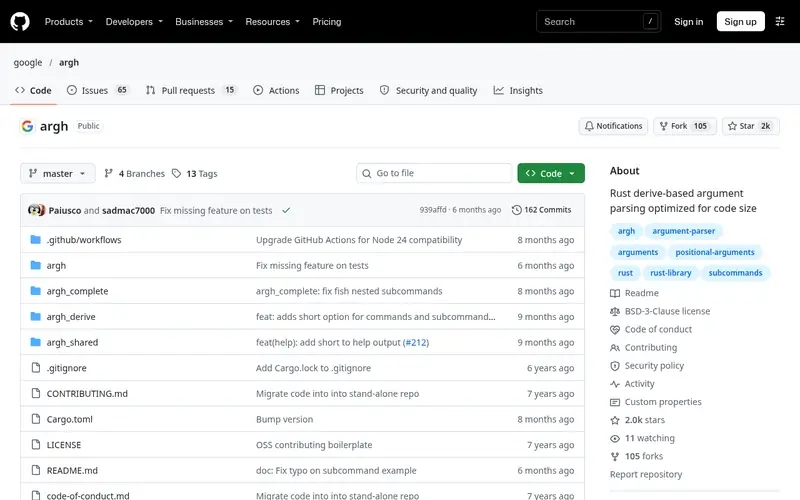
argh is a derive-based argument parser from Google. You annotate a struct with `#[derive(FromArgs)]` and get parsing, help and error messages. It favors a small surface area over configurability, which keeps code short and predictable. Subcommands are supported through enums.
argh targets the same platforms as Rust and is licensed under MIT or Apache-2.0. It does not try to match Clap feature for feature: help formatting options are limited and there is no builder API. That makes it a good fit for internal tools and small utilities where a simple, stable parser is enough. Projects with complex validation or custom help layouts should look elsewhere.
Standout: Minimal derive-only API that is quick to learn
Free (open source), as listed by the vendor (argh website). Confirm the current plan price before you buy.
Free plan. Plans change, so confirm on the vendor's pricing page before you buy.
Benefits
- Minimal derive-only API that is quick to learn
- small dependency footprint
Drawbacks
- Limited customization of help output
- fewer features than larger frameworks
Skip it if this limit matters to you: limited customization of help output.
Verdict. A sensible pick for small derive-based parsers for focused tools.
dialoguer
Best for interactive prompts inside Rust command-line tools
What it is and where it fits
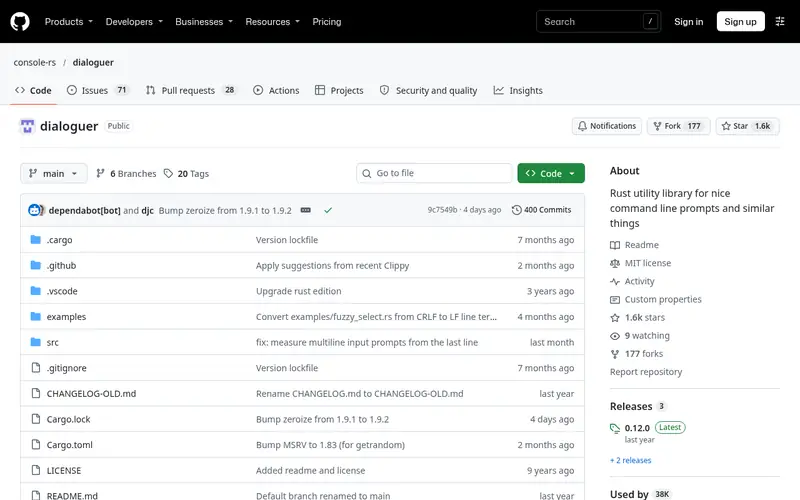
dialoguer is a Rust library for interactive terminal prompts. It provides text input, password input, confirmations, selections and multi-selections, and it pairs with the console crate for terminal handling. You use it after or instead of parsing flags, for example to ask for missing values.
dialoguer runs on Linux, macOS and Windows and is licensed under MIT. It does not parse command-line arguments, so it complements a framework like Clap rather than replacing it. Prompt rendering depends on terminal capabilities, and behavior in non-interactive environments needs care. Use it for setup wizards, destructive-action confirmations and tools that guide users through choices.
Standout: Prompt types for input, selection, confirmation and passwords
Free (open source), as listed by the vendor (dialoguer website). Confirm the current plan price before you buy.
Free plan. Plans change, so confirm on the vendor's pricing page before you buy.
Benefits
- Prompt types for input, selection, confirmation and passwords
- works with any parser
Drawbacks
- Not an argument parser itself
- terminal behavior varies by platform
Skip it if this limit matters to you: not an argument parser itself.
Verdict. A sensible pick for interactive prompts inside Rust command-line tools.
console
Best for terminal styling, colors and progress output in Rust CLIs
What it is and where it fits
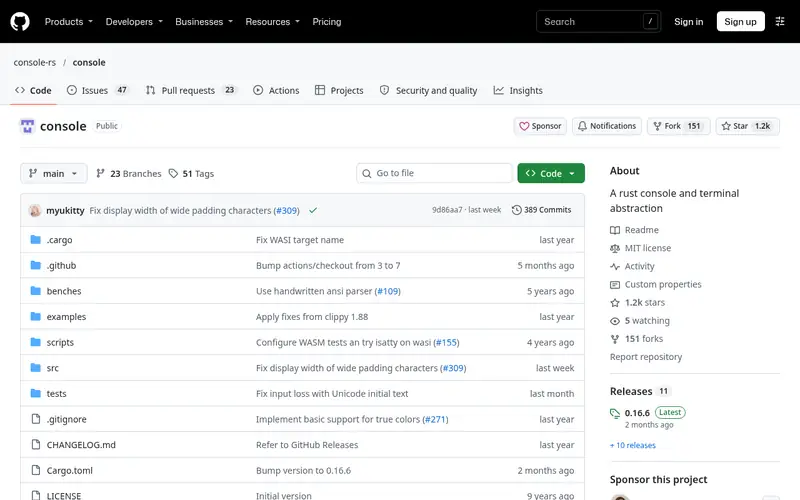
console is a Rust library for terminal manipulation. It detects whether output is a terminal, applies colors and styles, measures text width and handles key input. It underpins several other console-rs crates, including dialoguer and indicatif.
console runs on Linux, macOS and Windows and is licensed under MIT. It does not parse arguments or define a CLI structure. Its job is presentation: colored messages, progress bars and prompts. Because it detects terminal support, output degrades cleanly when piped to a file or CI log. Teams building a polished CLI often pair it with a parser like Clap.
Standout: Handles colors, styling and terminal detection
Free (open source), as listed by the vendor (console website). Confirm the current plan price before you buy.
Free plan. Plans change, so confirm on the vendor's pricing page before you buy.
Benefits
- Handles colors, styling and terminal detection
- shared foundation for dialoguer and indicatif
Drawbacks
- Lower-level than a full TUI library
- you assemble output yourself
Skip it if this limit matters to you: lower-level than a full TUI library.
Verdict. A sensible pick for terminal styling, colors and progress output in Rust CLIs.
ratatui
Best for full-screen terminal interfaces in Rust
What it is and where it fits
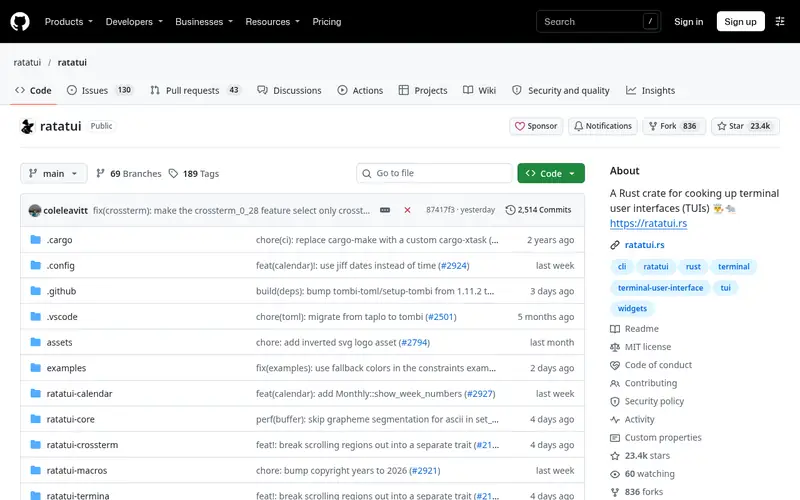
ratatui is a Rust library for building terminal user interfaces. It provides layouts, widgets, and a rendering loop, and it works with several terminal backends. It is the maintained successor to the tui-rs project. You use it when a CLI needs a dashboard, a file browser or a live-updating view rather than line-by-line output.
ratatui runs on Linux, macOS and Windows and is licensed under MIT. It does not parse command-line arguments, so it sits on top of a parser for startup flags. Full-screen interfaces need careful handling of terminal resize and cleanup. For simple prompts or progress bars, console and dialoguer are lighter choices.
Standout: Widget-based layout for complex terminal UIs
Free (open source), as listed by the vendor (ratatui website). Confirm the current plan price before you buy.
Free plan. Plans change, so confirm on the vendor's pricing page before you buy.
Benefits
- Widget-based layout for complex terminal UIs
- active community and broad backend support
Drawbacks
- Overkill for simple flag-based tools
- steeper learning curve than plain output
Skip it if this limit matters to you: overkill for simple flag-based tools.
Verdict. A sensible pick for full-screen terminal interfaces in Rust.
Who should use what
If you are building a general-purpose CLI with subcommands and generated help, start with Clap. If you want a small parser with a combinator style and short compile times, try bpaf. If you need prompts inside a Rust tool, pair your parser with dialoguer and console. If your tool needs a full-screen interface, reach for ratatui.
Questions to settle before you buy
What to check before you buy
- Confirm the crate is actively maintained and check the date of the latest release.
- Read the licence terms and make sure MIT or Apache-2.0 fits your distribution.
- Check which optional features you need, since defaults affect compile time and binary size.
- Test help output and error messages, because users judge a CLI by them.
- Verify behavior when output is piped or run in CI, where no terminal is attached.
FAQ
Is Clap the best Rust CLI framework for every project?
No. Clap is the most complete option, but it adds compile time and binary size. Small tools may be better served by bpaf or argh, which offer smaller APIs. Choose based on how many subcommands and customization you need.
Do these Rust CLI frameworks cost anything?
Most are open-source crates dual-licensed under MIT or Apache-2.0, so they are free to use. Check each project's licence file for exact terms before shipping.
Can I combine more than one of these crates?
Yes. A common setup is Clap for parsing, console for styled output and dialoguer for prompts. ratatui can sit on top for full-screen views. Keep the dependency list short to limit compile time.
Do these tools send my command-line data anywhere?
No. Argument parsing and terminal output happen locally inside your binary. There is no network call involved in parsing flags. Still review any crate that adds networking for unrelated features.
How do I choose between a parser and a terminal UI library?
Start with what the tool needs to do. If it takes flags and prints results, a parser like Clap, bpaf or argh is enough. If it needs prompts or styled output, add dialoguer and console. Only reach for ratatui when the interface itself must be full-screen and interactive.
Sources we checked
Method: how we score · editorial policy.
Change log. First published 27 Nov 2026.