Stage 01 · Write · Researched comparison
Best Rust GUI Frameworks in 2026
egui is the first pick for most developers who want a fast, immediate-mode GUI that runs on desktop and the web with little setup. iced suits teams that prefer a typed, Elm-style architecture for native desktop apps. Slint is the better fit when you need a declarative UI language and a path to embedded or mobile targets. All three are open source.

By Shihab Mia
Published 27 Nov 2026 · 7 tools compared
We run no ads and no affiliate links at launch. The order of a list follows our published method. See how we score.
Prices are the starting prices vendors list publicly. Plans change, so confirm the current price on the vendor page before you buy.
Key takeaways
- egui, iced, Slint, gtk-rs, Dioxus, Makepad and Xilem are all free and open source, so cost is not the deciding factor.
- egui is immediate mode and easy to embed; iced and Xilem use retained, message-driven designs.
- Slint and Makepad target embedded and mobile use cases beyond plain desktop windows.
- gtk-rs binds to GTK and depends on system libraries, which affects packaging on each OS.
Who each pick is for
- Fast immediate-mode GUIs for tools and debug panelsegui
- Native desktop apps with a typed, Elm-style structureiced
- Declarative UIs for desktop, embedded and mobile targetsSlint
- Native GTK apps on Linux with broad widget coveragegtk-rs
- Rust apps with a React-style component modelDioxus
- GPU-rendered UIs with a shader-driven design systemMakepad
- Experimenting with Rust-native reactive UI architectureXilem
Comparison
| Tool | Best for | Standout feature | Listed starting price | Free plan or trial |
|---|---|---|---|---|
| 1egui | Fast immediate-mode GUIs for tools and debug panels | Simple immediate-mode model | Free (open source) | Free plan |
| 2iced | Native desktop apps with a typed, Elm-style structure | Message-based architecture | Free (open source) | Free plan |
| 3Slint | Declarative UIs for desktop, embedded and mobile targets | Separate UI markup language | Free (open source) | Free plan |
| 4gtk-rs | Native GTK apps on Linux with broad widget coverage | Mature widget set | Free (open source) | Free plan |
| 5Dioxus | Rust apps with a React-style component model | Component and hooks model familiar to web developers | Free (open source) | Free plan |
| 6Makepad | GPU-rendered UIs with a shader-driven design system | Fast GPU rendering | Free (open source) | Free plan |
| 7Xilem | Experimenting with Rust-native reactive UI architecture | Reactive, view-tree design | Free (open source) | Free plan |
How we picked
We picked frameworks that are native Rust UI crates and are currently maintained. Criteria were fit for building desktop or embedded interfaces, supported platforms, licence terms, dependency weight and how complete the widget set and docs are. We left out webview shells and archived projects. Sources are vendor sites, documentation and project repositories. Prices and licences change, so confirm details on the vendor site before you commit.
The tools, one by one
egui
Best for fast immediate-mode GUIs for tools and debug panels
What it is and where it fits
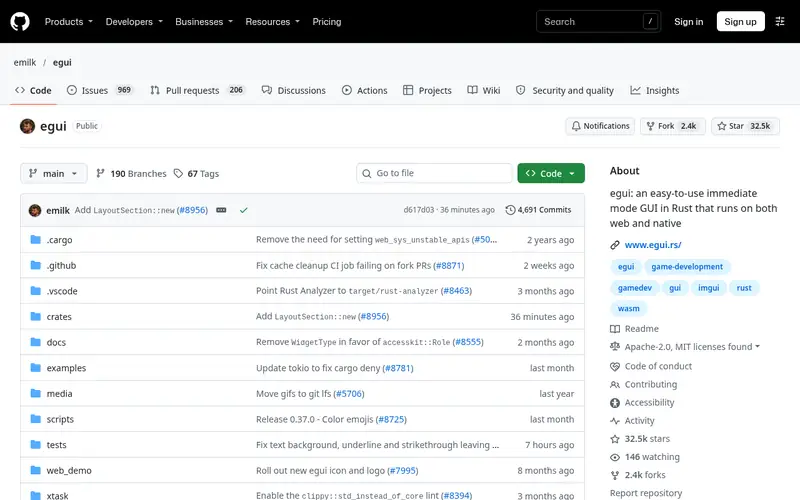
egui is an immediate-mode GUI library. You redraw the whole interface each frame, which keeps state handling simple and makes it a good fit for developer tools, inspectors and debug overlays. It runs on Windows, macOS, Linux and the web through WebAssembly, and it integrates with game engines and renderers. The eframe crate provides a ready desktop app shell.
The project is dual-licensed under MIT and Apache-2.0. It does not wrap native platform widgets, so apps have a consistent egui look rather than the system theme. Text input and accessibility are less complete than in native toolkits. Skip egui if you need pixel-perfect native controls or heavy accessibility compliance.
Standout: Simple immediate-mode model
Free (open source), as listed by the vendor (egui website). Confirm the current plan price before you buy.
Free plan. Plans change, so confirm on the vendor's pricing page before you buy.
Benefits
- Simple immediate-mode model
- runs on desktop, web and game engines
Drawbacks
- Not a native-widget toolkit
- complex layouts need manual work
Skip it if this limit matters to you: not a native-widget toolkit.
Verdict. A sensible pick for fast immediate-mode GUIs for tools and debug panels.
iced
Best for native desktop apps with a typed, Elm-style structure
What it is and where it fits
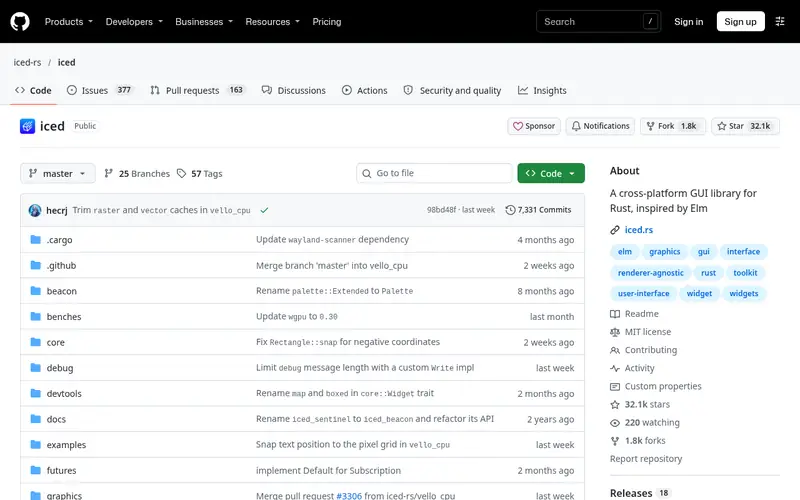
iced is a cross-platform GUI library inspired by Elm. You define application state, messages and an update function, and the framework handles rendering. It targets Windows, macOS, Linux and the web, and uses wgpu for GPU rendering. The typed structure keeps larger apps organized and makes state changes explicit.
iced is MIT licensed. The API has changed across releases, so pin a version and read the matching docs. The widget collection covers common controls but is smaller than GTK or Qt. It suits developers who like functional patterns and want a native Rust stack without C dependencies. Skip it if you need a frozen, long-term-stable API today.
Standout: Message-based architecture
Free (open source), as listed by the vendor (iced website). Confirm the current plan price before you buy.
Free plan. Plans change, so confirm on the vendor's pricing page before you buy.
Benefits
- Message-based architecture
- cross-platform renderer with wgpu
Drawbacks
- API still evolving
- smaller widget set than mature toolkits
Skip it if this limit matters to you: API still evolving.
Verdict. A sensible pick for native desktop apps with a typed, Elm-style structure.
Slint
Best for declarative UIs for desktop, embedded and mobile targets
What it is and where it fits
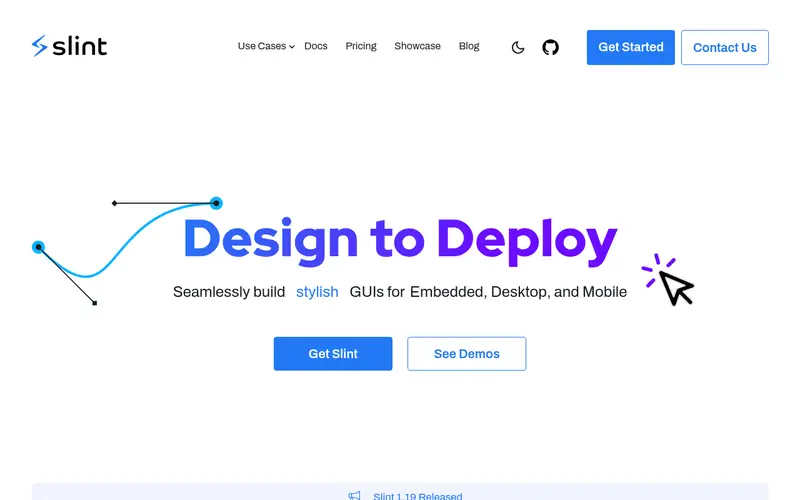
Slint uses its own declarative markup language for layout and a Rust API for logic. It targets desktop, embedded Linux and microcontroller-class devices, and it is designed to run with limited memory. The compiler checks the UI markup at build time, which catches many errors early.
Slint is available under GPLv3 for open-source use, with commercial licences for proprietary products and some embedded targets. Check the licensing page before shipping closed-source software. The markup language is another thing to learn, and the ecosystem is younger than GTK. It suits teams building device UIs or apps that must run on small hardware.
Standout: Separate UI markup language
Free (open source), as listed by the vendor (Slint website). Confirm the current plan price before you buy.
Free plan. Plans change, so confirm on the vendor's pricing page before you buy.
Benefits
- Separate UI markup language
- small footprint for embedded devices
Drawbacks
- Custom DSL to learn
- some targets need commercial licensing
Skip it if this limit matters to you: custom DSL to learn.
Verdict. A sensible pick for declarative UIs for desktop, embedded and mobile targets.
gtk-rs
Best for native GTK apps on Linux with broad widget coverage
What it is and where it fits
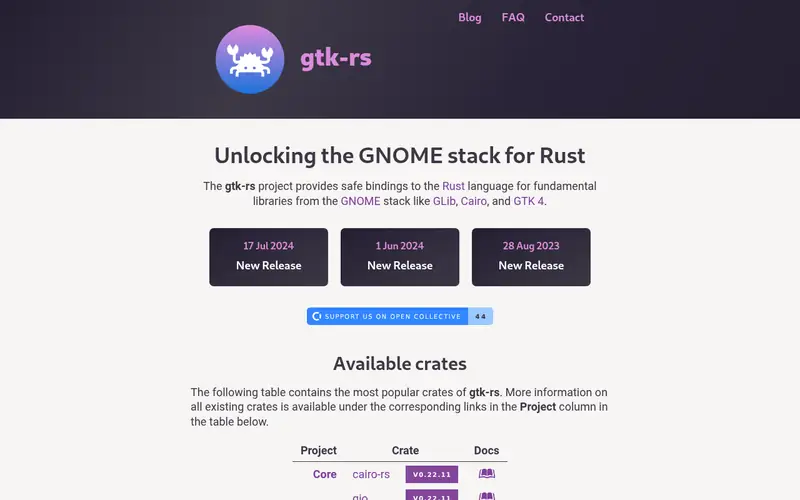
gtk-rs provides Rust bindings to GTK, the toolkit behind GNOME. It gives you a large, mature widget set, accessibility support and native theming. It is the natural choice for Linux desktop applications that should look and behave like other GTK apps. Bindings cover GTK 4 and related libraries such as glib and gio.
gtk-rs is MIT licensed, but GTK itself is LGPL, so review the terms for your distribution model. The main cost is dependency management: GTK must be installed or bundled, and packaging on Windows and macOS takes extra work. Skip it if you want a single self-contained binary with no system libraries.
Standout: Mature widget set
Free (open source), as listed by the vendor (gtk-rs website). Confirm the current plan price before you buy.
Free plan. Plans change, so confirm on the vendor's pricing page before you buy.
Benefits
- Mature widget set
- strong Linux desktop integration
Drawbacks
- System library dependencies
- packaging varies per platform
Skip it if this limit matters to you: system library dependencies.
Verdict. A sensible pick for native GTK apps on Linux with broad widget coverage.
Dioxus
Best for rust apps with a React-style component model
What it is and where it fits
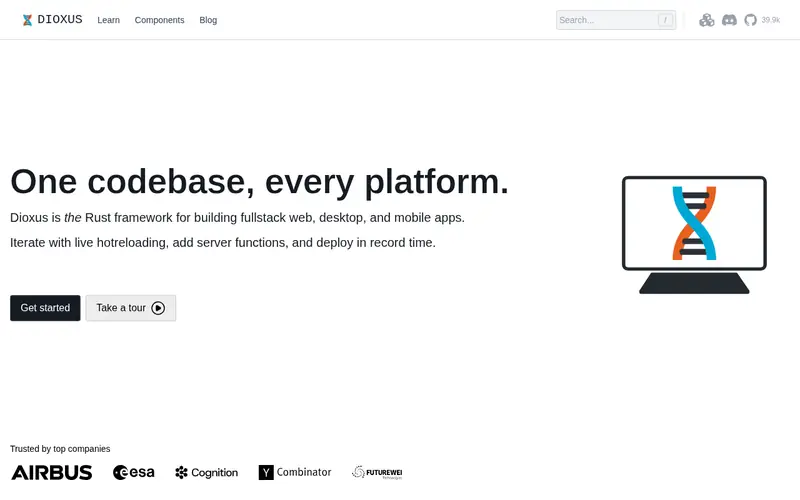
Dioxus is a Rust UI library with a component model close to React, including hooks and signals. It can render to desktop, web, mobile and terminal targets from one codebase. For desktop it uses a native renderer rather than requiring a full browser shell, and it also supports web output through WebAssembly.
Dioxus is MIT licensed. The project moves quickly, and APIs have changed between releases, so match your code to the version you pin. Documentation has improved but some areas are still thin. It suits developers coming from React or similar frameworks who want to stay in Rust. Skip it if you need a slow-moving API.
Standout: Component and hooks model familiar to web developers
Free (open source), as listed by the vendor (Dioxus website). Confirm the current plan price before you buy.
Free plan. Plans change, so confirm on the vendor's pricing page before you buy.
Benefits
- Component and hooks model familiar to web developers
- multiple render targets
Drawbacks
- Rapid release cadence
- API churn between versions
Skip it if this limit matters to you: rapid release cadence.
Verdict. A sensible pick for rust apps with a React-style component model.
Makepad
Best for gPU-rendered UIs with a shader-driven design system
What it is and where it fits
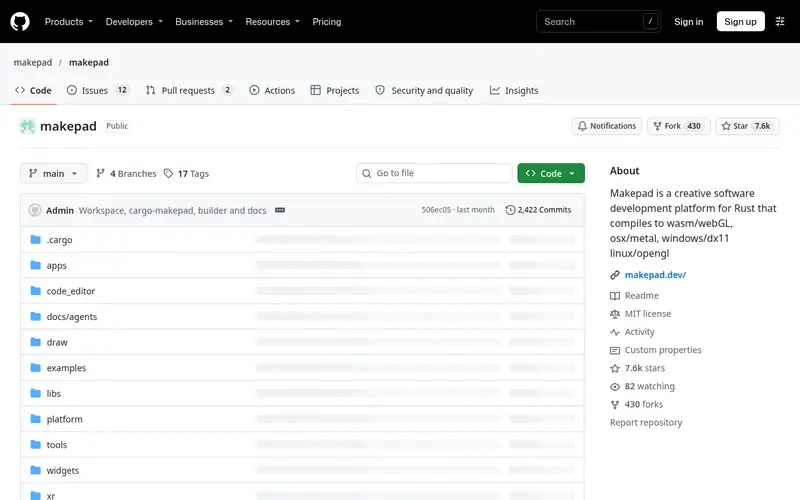
Makepad is a Rust UI framework built around GPU rendering. It includes its own shader language and a DSL for describing interfaces, and it targets desktop and web. The project aims at highly custom, visually rich interfaces rather than standard platform widgets, and it ships an editor built with the framework as a reference.
Makepad is MIT licensed. The community is small and documentation is still catching up, so expect to read source code. It is a reasonable pick for experimental or design-heavy projects where rendering performance and custom visuals matter more than a large widget catalogue. Skip it for line-of-business apps that need conventional controls and long-term API stability.
Standout: Fast GPU rendering
Free (open source), as listed by the vendor (Makepad website). Confirm the current plan price before you buy.
Free plan. Plans change, so confirm on the vendor's pricing page before you buy.
Benefits
- Fast GPU rendering
- design-oriented DSL for layout and shaders
Drawbacks
- Small community
- documentation still limited
Skip it if this limit matters to you: small community.
Verdict. A sensible pick for GPU-rendered UIs with a shader-driven design system.
Xilem
Best for experimenting with Rust-native reactive UI architecture
What it is and where it fits
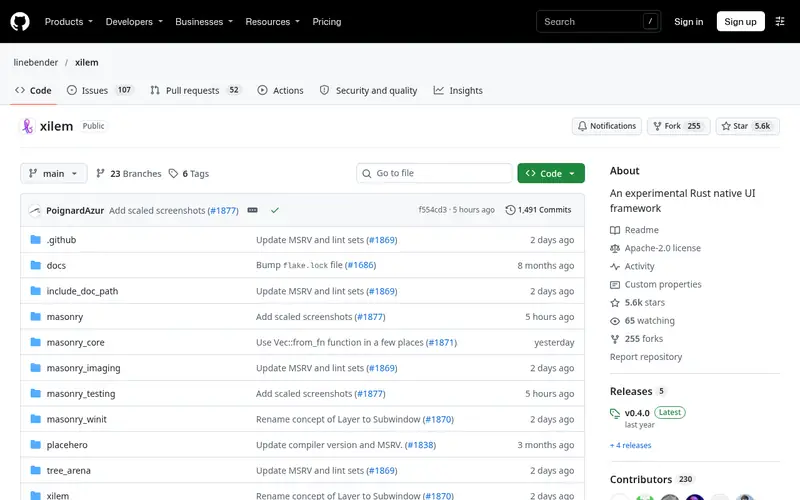
Xilem is a UI architecture from the Linebender project, the group behind the Vello renderer and other Rust graphics work. It uses a view tree and reactive state updates, and it is intended to become a native Rust UI toolkit. It builds on the same rendering foundations as other Linebender projects.
Xilem is Apache-2.0 or MIT licensed. It is pre-1.0 and the API changes often, so treat it as a research and experimentation target rather than a base for shipping products. It is worth watching if you follow Rust GUI design, but most teams should choose a more settled framework today. Skip it for anything with a deadline.
Standout: Reactive, view-tree design
Free (open source), as listed by the vendor (Xilem website). Confirm the current plan price before you buy.
Free plan. Plans change, so confirm on the vendor's pricing page before you buy.
Benefits
- Reactive, view-tree design
- built on the Linebender rendering stack
Drawbacks
- Pre-1.0 and changing
- not ready for production apps
Skip it if this limit matters to you: pre-1.0 and changing.
Verdict. A sensible pick for experimenting with Rust-native reactive UI architecture.
Who should use what
Pick egui for internal tools, debug panels and prototypes where speed of development matters most. Choose iced if you want a typed, message-driven structure for a native desktop app. Use Slint when you target embedded devices or want UI markup separate from Rust logic. Choose gtk-rs for Linux desktop apps that must match GNOME conventions. Dioxus fits developers with React experience, while Makepad and Xilem suit experimental and graphics-heavy work.
Questions to settle before you buy
What to check before you buy
- Confirm the licence matches your distribution model, especially for Slint and GTK.
- Check which platforms you must ship on and whether system libraries are required.
- Review accessibility support if your users rely on screen readers or keyboard navigation.
- Pin a version and read docs for that version, since several frameworks change APIs often.
- Test packaging and binary size early, particularly for embedded and mobile targets.
FAQ
Are these Rust GUI frameworks free?
Yes. egui, iced, Slint, gtk-rs, Dioxus, Makepad and Xilem are all open source. Slint and GTK carry licence terms you should review: Slint uses GPLv3 for open-source use with commercial options, and GTK is LGPL.
Which Rust GUI framework is easiest to start with?
egui is usually the quickest to get running because it is immediate mode and needs little boilerplate. iced and Dioxus are also approachable if you already know Elm-style or React-style patterns.
Can I build mobile apps with these frameworks?
Some can target mobile. Slint, Dioxus and Makepad list mobile among their targets, though support varies by framework and version. Check current documentation for your target platform before committing.
Do these frameworks use a webview?
No. These are native Rust GUI crates that render their own widgets or draw to a GPU surface. They are not webview shells, so they do not depend on an embedded browser engine.
Is Xilem ready for production?
No. Xilem is pre-1.0 and its API changes regularly. It is best treated as an experimental project to follow rather than a base for shipping applications.
Sources we checked
Method: how we score · editorial policy.
Change log. First published 27 Nov 2026.