Stage 01 · Write · Researched comparison
Best Python XML Libraries in 2026
lxml is the first pick for most developers who need fast, full-featured XML parsing, XPath, XSLT and schema support in Python. It suits projects that handle large or complex documents. The standard library xml.etree.ElementTree is the right alternative when you want zero dependencies. defusedxml is the safer choice when you parse untrusted XML and need protection against entity expansion and similar attacks.

By Shihab Mia
Published 27 Nov 2026 · 6 tools compared
We run no ads and no affiliate links at launch. The order of a list follows our published method. See how we score.
Prices are the starting prices vendors list publicly. Plans change, so confirm the current price on the vendor page before you buy.
Key takeaways
- lxml is the most capable option and is free under an open-source licence, but it needs a compiled C library.
- xml.etree.ElementTree ships with Python, so it costs nothing to add but has a smaller feature set.
- defusedxml wraps standard parsers to block common XML attack patterns and is free and open source.
- xmltodict, BeautifulSoup and xmlschema are all free and open source, and each targets a narrower job.
Who each pick is for
- Fast parsing, XPath, XSLT and schema worklxml
- Simple parsing with no extra dependenciesxml.etree.ElementTree
- Parsing untrusted XML safelydefusedxml
- Turning XML into Python dictionariesxmltodict
- Messy or irregular XML and HTMLBeautifulSoup with lxml-xml
- Validating XML against XSD schemasxmlschema
Comparison
| Tool | Best for | Standout feature | Listed starting price | Free plan or trial |
|---|---|---|---|---|
| 1lxml | Fast parsing, XPath, XSLT and schema work | Fast C-backed parser | Free (open source) | Free plan |
| 2xml.etree.ElementTree | Simple parsing with no extra dependencies | Ships with Python | Free (open source) | Free plan |
| 3defusedxml | Parsing untrusted XML safely | Blocks common XML attack patterns | Free (open source) | Free plan |
| 4xmltodict | Turning XML into Python dictionaries | Simple dict output | Free (open source) | Free plan |
| 5BeautifulSoup with lxml-xml | Messy or irregular XML and HTML | Tolerant of malformed markup | Free (open source) | Free plan |
| 6xmlschema | Validating XML against XSD schemas | Full XSD validation in Python | Free (open source) | Free plan |
How we picked
We picked libraries that genuinely parse, convert, harden or validate XML in Python and that are currently maintained. Criteria were fit for the job, supported platforms, licence and price, and the main limits users hit. Sources are vendor pages, official documentation and project repositories. All entries here are free and open source. Prices and features change, so confirm details on the vendor or project site before you commit.
The tools, one by one
lxml
Best for fast parsing, XPath, XSLT and schema work
What it is and where it fits
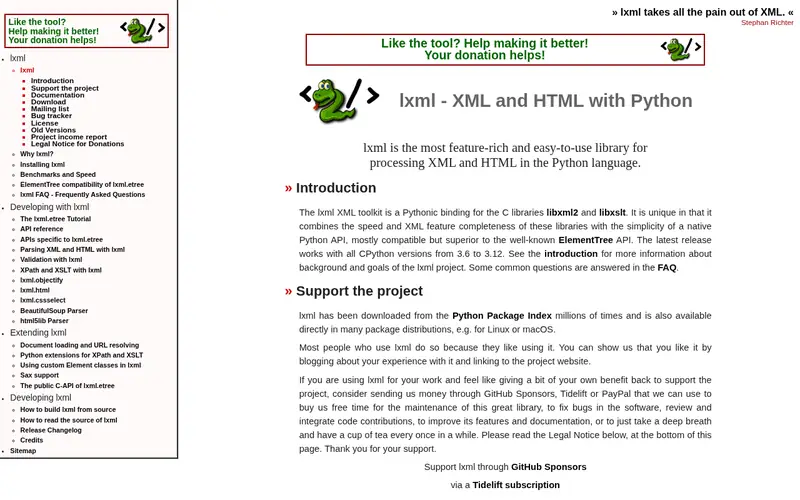
lxml is a Python binding for the libxml2 and libxslt C libraries. It parses XML and HTML, supports XPath queries, XSLT transforms and XML Schema validation. It also offers an ElementTree-compatible API, so code written for the standard library often runs with few changes. It runs on CPython across Linux, macOS and Windows, and wheels are published for common platforms.
The licence is open source. The main limit is installation: lxml depends on libxml2 and libxslt, and building from source needs a compiler and development headers. On platforms without prebuilt wheels, setup takes more work. Memory use is higher than the pure-Python standard library on very large documents, though parsing speed is usually better. Skip lxml if you cannot add binary dependencies or only need to read small, trusted files.
Standout: Fast C-backed parser
Free (open source), as listed by the vendor (lxml website). Confirm the current plan price before you buy.
Free plan. Plans change, so confirm on the vendor's pricing page before you buy.
Benefits
- Fast C-backed parser
- Supports XPath, XSLT and XSD
Drawbacks
- Needs compiled dependencies
- Larger install footprint
Skip it if this limit matters to you: needs compiled dependencies.
Verdict. A sensible pick for fast parsing, XPath, XSLT and schema work.
Alternatives in this guide: xml.etree.ElementTree, defusedxml, xmltodict
xml.etree.ElementTree
Best for simple parsing with no extra dependencies
What it is and where it fits
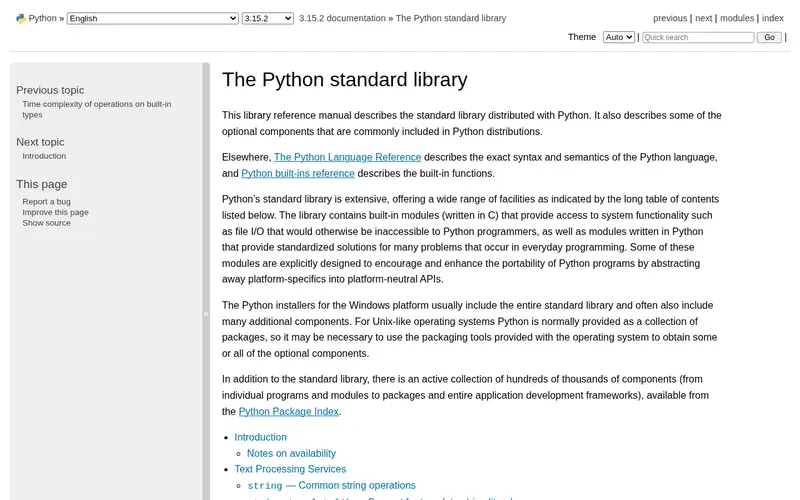
xml.etree.ElementTree is part of the Python standard library. It parses XML into a tree of elements and supports reading, writing and basic searching. Because it ships with Python, there is nothing to install and no version drift between environments. It runs anywhere Python runs.
Its limits are real. XPath support is a small subset, there is no XSLT, and schema validation is not built in. The default parser is not designed to defend against entity expansion or external entity attacks, so it should not be pointed at untrusted input without care. For small configuration files, simple feeds and internal data, it is often enough. Choose it when dependency count matters more than advanced features.
Standout: Ships with Python
Free (open source), as listed by the vendor (xml.etree.ElementTree website). Confirm the current plan price before you buy.
Free plan. Plans change, so confirm on the vendor's pricing page before you buy.
Benefits
- Ships with Python
- Simple ElementTree API
Drawbacks
- Limited XPath support
- Not hardened against malicious XML
Skip it if this limit matters to you: limited XPath support.
Verdict. A sensible pick for simple parsing with no extra dependencies.
Alternatives in this guide: lxml, defusedxml, xmltodict
defusedxml
Best for parsing untrusted XML safely
What it is and where it fits
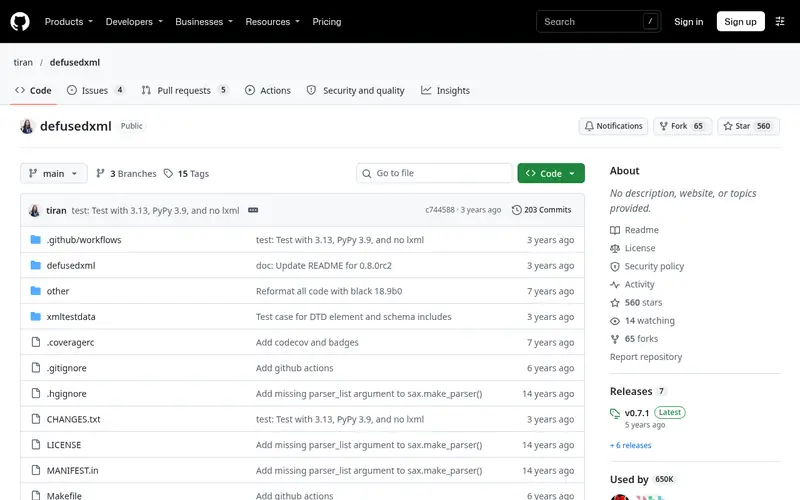
defusedxml provides hardened wrappers around Python's XML parsers, including ElementTree, minidom, sax and expat. It forbids DTDs and entity expansion by default, which blocks billion-laughs and external entity attacks. The API mirrors the standard library, so switching often means changing an import line.
It is pure Python and installs with pip on any platform. The licence is open source. The limit is scope: defusedxml hardens parsing but does not add XPath, XSLT or schema features. It depends on the underlying parser for actual work. Use it whenever XML comes from users, network requests or third parties, and pair it with lxml or ElementTree for the parsing itself.
Standout: Blocks common XML attack patterns
Free (open source), as listed by the vendor (defusedxml website). Confirm the current plan price before you buy.
Free plan. Plans change, so confirm on the vendor's pricing page before you buy.
Benefits
- Blocks common XML attack patterns
- Drop-in wrappers for standard parsers
Drawbacks
- Not a full parser on its own
- Adds a dependency
Skip it if this limit matters to you: not a full parser on its own.
Verdict. A sensible pick for parsing untrusted XML safely.
Alternatives in this guide: lxml, xml.etree.ElementTree, xmltodict
xmltodict
Best for turning XML into Python dictionaries
What it is and where it fits
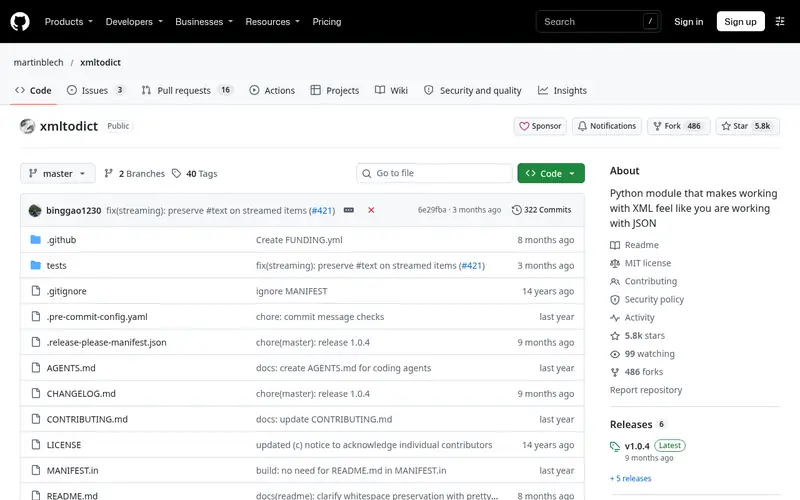
xmltodict converts XML into ordered dictionaries and back again. It is useful when you want to work with XML data using normal Python dict access instead of tree traversal. It is pure Python and installs with pip on any platform, and the licence is open source.
The trade-off is fidelity. Attributes, text and namespaces are mapped in ways that can lose detail, and round-tripping is not always exact. It loads the document into memory, so very large files are a poor fit. It also does not harden parsing against malicious input by itself. Use it for small, trusted payloads where dict access is more convenient than an element tree, and skip it when you need strict XML semantics.
Standout: Simple dict output
Free (open source), as listed by the vendor (xmltodict website). Confirm the current plan price before you buy.
Free plan. Plans change, so confirm on the vendor's pricing page before you buy.
Benefits
- Simple dict output
- Small API surface
Drawbacks
- Loses some XML structure detail
- Not built for large documents
Skip it if this limit matters to you: loses some XML structure detail.
Verdict. A sensible pick for turning XML into Python dictionaries.
Alternatives in this guide: lxml, xml.etree.ElementTree, defusedxml
BeautifulSoup with lxml-xml
Best for messy or irregular XML and HTML
What it is and where it fits
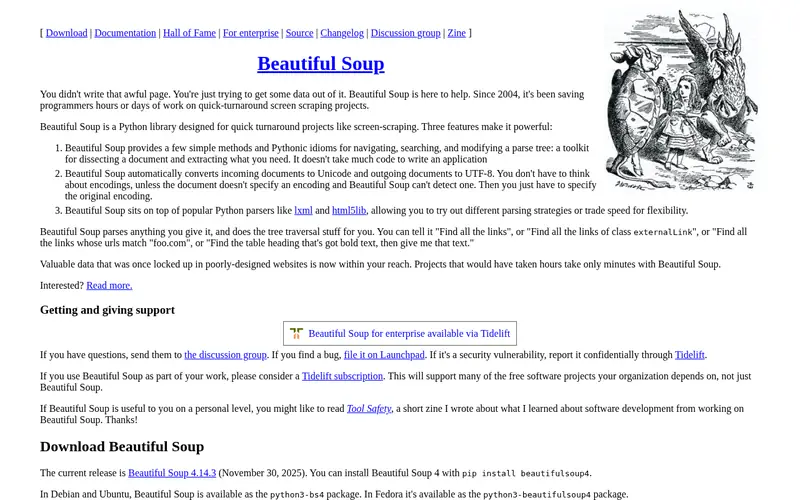
BeautifulSoup is a parsing library that works with several backends. With the lxml-xml parser selected, it handles XML documents and is forgiving of malformed input. Its search methods make it easy to find elements by tag, attribute or text. It is pure Python, installs with pip, and is open source.
The tolerance is also the weakness. A lenient parser may accept broken XML and hide problems you would rather catch. It is generally slower than lxml's native parser and uses more memory. It does not validate against schemas. Use it for scraping or for feeds that are known to be messy, and prefer a strict parser when the document should be well formed.
Standout: Tolerant of malformed markup
Free (open source), as listed by the vendor (BeautifulSoup with lxml-xml website). Confirm the current plan price before you buy.
Free plan. Plans change, so confirm on the vendor's pricing page before you buy.
Benefits
- Tolerant of malformed markup
- Familiar search API
Drawbacks
- Slower than strict parsers
- Can hide structural errors
Skip it if this limit matters to you: slower than strict parsers.
Verdict. A sensible pick for messy or irregular XML and HTML.
Alternatives in this guide: lxml, xml.etree.ElementTree, defusedxml
xmlschema
Best for validating XML against XSD schemas
What it is and where it fits
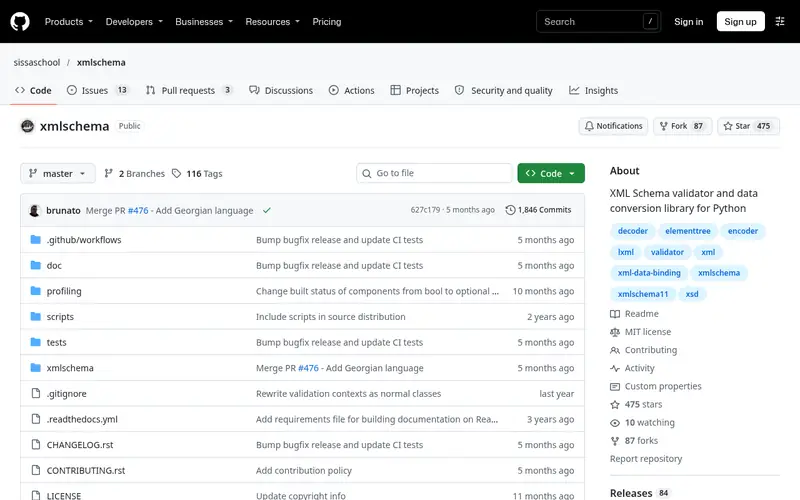
xmlschema validates XML documents against XML Schema (XSD) definitions and can decode validated data into Python objects. It is useful when you receive XML from partners and need to check it against an agreed schema before processing. It is pure Python, installs with pip, and is open source.
The main cost is speed: validating large documents takes time, and complex schemas can be slow to compile. Support for every XSD feature is not complete, so unusual schemas may need workarounds. It is not a general-purpose parser replacement. Pair it with lxml or ElementTree for the actual reading, and use xmlschema when schema conformance is the requirement.
Standout: Full XSD validation in Python
Free (open source), as listed by the vendor (xmlschema website). Confirm the current plan price before you buy.
Free plan. Plans change, so confirm on the vendor's pricing page before you buy.
Benefits
- Full XSD validation in Python
- Can decode to objects
Drawbacks
- Validation adds processing time
- XSD support has edge cases
Skip it if this limit matters to you: validation adds processing time.
Verdict. A sensible pick for validating XML against XSD schemas.
Alternatives in this guide: lxml, xml.etree.ElementTree, defusedxml
Who should use what
If you need speed, XPath and XSLT, start with lxml. If you want no extra dependencies for small trusted files, use xml.etree.ElementTree. If you parse XML from users or the network, add defusedxml around your parser. If you prefer dict access for small payloads, xmltodict is a short step. For messy feeds, BeautifulSoup with lxml-xml is forgiving. If a partner supplies an XSD, validate with xmlschema before processing.
Questions to settle before you buy
What to check before you buy
- Confirm the library supports your Python version and platform, including any compiled dependencies.
- Check whether input is trusted; if not, add defusedxml or disable DTD and entity processing.
- Test XPath, namespace and schema needs against real sample documents.
- Measure memory and time on your largest expected file, not just small samples.
- Review the licence and maintenance activity in the project repository.
FAQ
Is lxml always faster than the standard library?
Not always. lxml is usually faster for parsing and querying large documents because it uses compiled C libraries. For tiny files the difference is small, and startup and install costs can outweigh gains. Test with your own data.
Can I parse untrusted XML safely with the standard library?
The default parsers are not hardened against entity expansion and external entity attacks. Use defusedxml, which wraps standard parsers and blocks these patterns by default, or configure your parser to disable DTDs and external entities.
Do I need a schema validator?
Only if you must check documents against an agreed XSD. If you just read known-good XML, a parser is enough. When partners send XML under a contract, xmlschema lets you reject invalid documents before processing.
Which library handles namespaces best?
lxml has the most complete namespace support, including XPath queries with namespace maps. ElementTree supports namespaces in a simpler form. xmltodict can lose namespace detail, so avoid it when namespaces matter.
Are these libraries free for commercial use?
All six are open source and free to use, including in commercial projects. Each has its own licence terms, so check the project repository for the exact licence before shipping.
Sources we checked
Method: how we score · editorial policy.
Change log. First published 27 Nov 2026.