Stage 01 · Write · Researched comparison
Best Python Progress Bar Libraries in 2026
tqdm is the first pick for most developers. It wraps any iterable in one line, works in scripts and notebooks, and handles nested loops well. Rich is the better choice when you already use it for console output and want styled, multi-task progress. alive-progress suits long jobs where you want animated feedback and clear throughput numbers. All three are open source and free.

By Shihab Mia
Published 27 Nov 2026 · 6 tools compared
We run no ads and no affiliate links at launch. The order of a list follows our published method. See how we score.
Prices are the starting prices vendors list publicly. Plans change, so confirm the current price on the vendor page before you buy.
Key takeaways
- tqdm, Rich, alive-progress, progressbar2, enlighten and Click progressbar are all free and open source.
- tqdm has the widest adoption and the simplest API, but its default output is plain.
- Rich and enlighten support multiple concurrent bars; tqdm does too but needs manual positioning.
- Click progressbar only makes sense inside a Click command-line app.
Who each pick is for
- General-purpose loops in scripts and notebookstqdm
- Styled multi-task progress in console appsRich (Progress)
- Animated bars with throughput for long jobsalive-progress
- Configurable text bars with widgetsprogressbar2
- Many concurrent bars in one terminal displayenlighten
- Progress bars inside Click command-line appsClick progressbar
Comparison
| Tool | Best for | Standout feature | Listed starting price | Free plan or trial |
|---|---|---|---|---|
| 1tqdm | General-purpose loops in scripts and notebooks | One-line wrapper for any iterable | Free (open source) | Free plan |
| 2Rich (Progress) | Styled multi-task progress in console apps | Rich formatting, columns and live multi-bar display | Free (open source) | Free plan |
| 3alive-progress | Animated bars with throughput for long jobs | Animated spinners and bar styles | Free (open source) | Free plan |
| 4progressbar2 | Configurable text bars with widgets | Widget system for custom bar layouts | Free (open source) | Free plan |
| 5enlighten | Many concurrent bars in one terminal display | Manages multiple bars in a fixed counter area | Free (open source) | Free plan |
| 6Click progressbar | Progress bars inside Click command-line apps | No extra dependency if you already use Click | Free (open source) | Free plan |
How we picked
We picked libraries that are actively maintained, have a real public repository and genuinely render progress in Python programs. Criteria were fit for the job, platform support, licence and price, output behavior in terminals versus logs, and handling of multiple or nested bars. Details come from vendor documentation and project repositories. Prices and licences can change, so confirm on the project page before you commit.
The tools, one by one
tqdm
Best for general-purpose loops in scripts and notebooks
What it is and where it fits
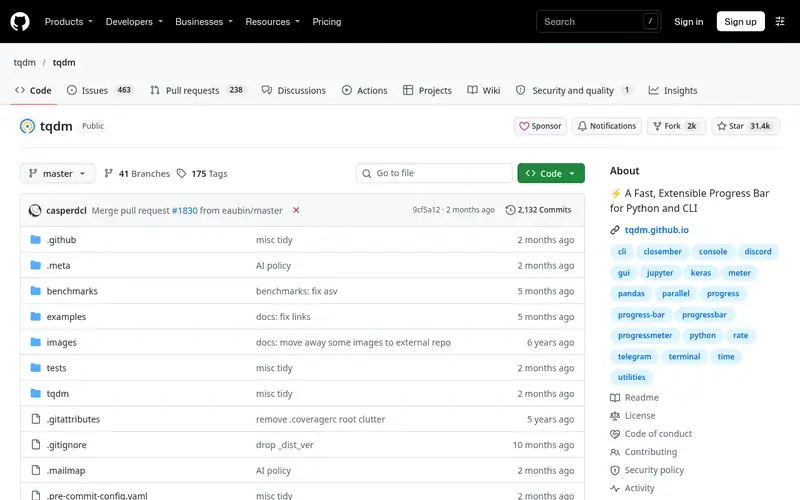
tqdm wraps an iterable and prints a bar with rate, elapsed time and ETA. The common pattern is `for x in tqdm(items):`. It also ships `trange`, a `pandas` integration, and a CLI for piping data through commands. It runs on any platform with Python and works in Jupyter through `tqdm.notebook`.
The library is maintained on GitHub under the MPL 2.0 and MIT licences. It has no paid tier. Its main limit is visual: the default output is functional rather than styled, and managing several bars at once takes extra calls such as `set_postfix` or manual position arguments. Teams that want colored, column-based layouts usually pair it with Rich or move to Rich's own progress module.
Skip tqdm if you need rich formatting out of the box or a strict column layout across many tasks.
Standout: One-line wrapper for any iterable
Free (open source), as listed by the vendor (tqdm website). Confirm the current plan price before you buy.
Free plan. Plans change, so confirm on the vendor's pricing page before you buy.
Benefits
- One-line wrapper for any iterable
- works in terminals, Jupyter and pandas
Drawbacks
- Default bar is plain
- nested bars need manual positioning
Skip it if this limit matters to you: default bar is plain.
Verdict. A sensible pick for general-purpose loops in scripts and notebooks.
Alternatives in this guide: Rich (Progress), alive-progress, progressbar2
Rich (Progress)
Best for styled multi-task progress in console apps
What it is and where it fits
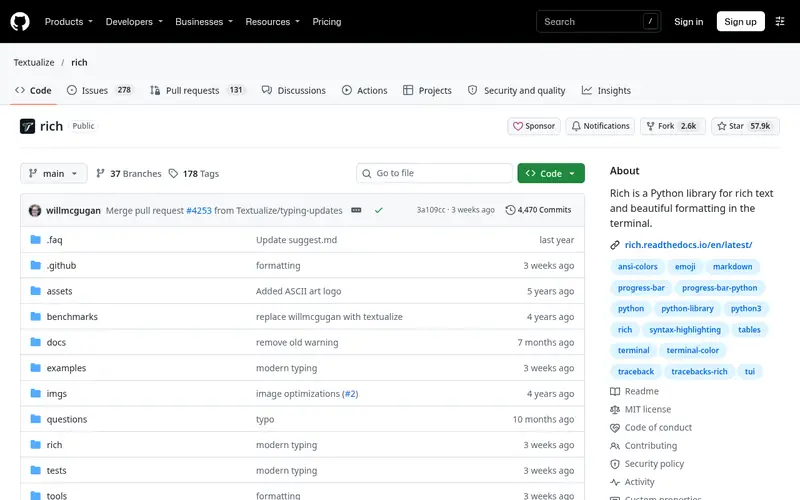
Rich is a terminal formatting library, and its `rich.progress` module renders progress bars with colors, spinners, custom columns and multiple tasks in one live display. You add tasks with `progress.add_task()` and update them by ID. It handles nested and concurrent bars cleanly, which is where plain tqdm output gets awkward.
Rich runs wherever Python runs and renders in terminals and Jupyter. It is MIT licensed with no paid tier. The cost is weight: Rich pulls in a larger dependency tree than tqdm, and the progress API takes more lines to set up. If your project already uses Rich for tables, logs or tracebacks, the progress module adds no new dependency.
Skip Rich if you want the smallest possible dependency or a single-line wrapper for a quick script.
Standout: Rich formatting, columns and live multi-bar display
Free (open source), as listed by the vendor (Rich (Progress) website). Confirm the current plan price before you buy.
Free plan. Plans change, so confirm on the vendor's pricing page before you buy.
Benefits
- Rich formatting, columns and live multi-bar display
- integrates with the rest of Rich
Drawbacks
- Heavier dependency
- more setup than a one-line wrapper
Skip it if this limit matters to you: heavier dependency.
Verdict. A sensible pick for styled multi-task progress in console apps.
Alternatives in this guide: tqdm, alive-progress, progressbar2
alive-progress
Best for animated bars with throughput for long jobs
What it is and where it fits
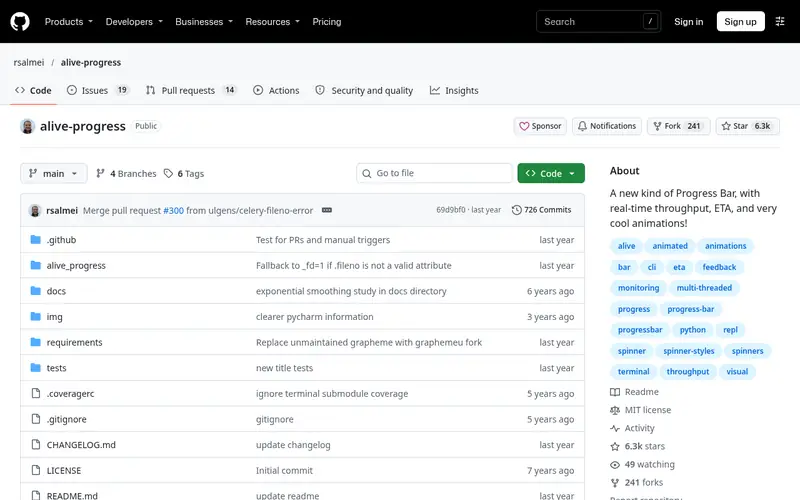
alive-progress draws animated progress bars with configurable styles, spinners and a live rate display. It is aimed at long-running jobs where a static bar feels dead. You use it as a context manager or with a manual `bar()` handle, and it supports unknown-length work through its spinner modes.
It runs on standard terminals and is MIT licensed with no paid tier. The animation writes escape sequences, so it is a poor fit for log files or CI output that captures raw text. It also has a smaller user base than tqdm, so fewer third-party integrations exist.
Skip alive-progress if your output goes to a log file, a CI system or any non-interactive terminal.
Standout: Animated spinners and bar styles
Free (open source), as listed by the vendor (alive-progress website). Confirm the current plan price before you buy.
Free plan. Plans change, so confirm on the vendor's pricing page before you buy.
Benefits
- Animated spinners and bar styles
- shows rate and ETA clearly
Drawbacks
- Animation can clutter logs
- smaller ecosystem than tqdm
Skip it if this limit matters to you: animation can clutter logs.
Verdict. A sensible pick for animated bars with throughput for long jobs.
Alternatives in this guide: tqdm, Rich (Progress), progressbar2
progressbar2
Best for configurable text bars with widgets
What it is and where it fits
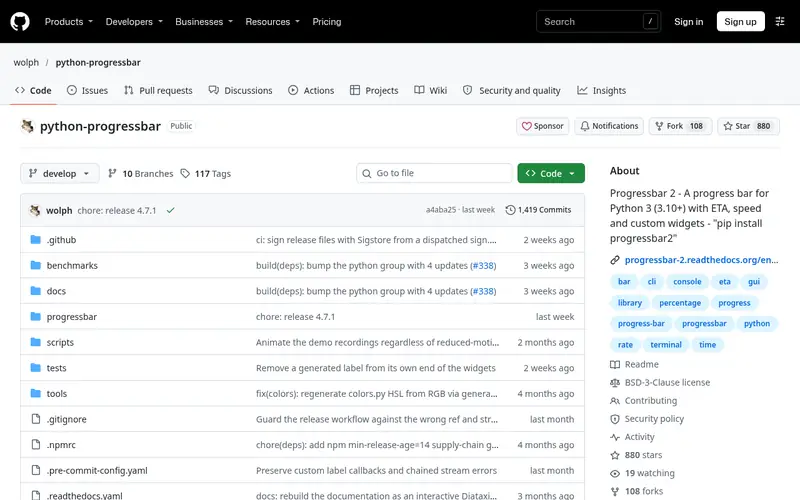
progressbar2 is a fork of the older progressbar library. It offers a widget system so you can compose the bar from pieces such as percentage, ETA, file transfer speed and custom text. It supports wrapping iterables and manual `update()` calls.
It runs on any Python platform and is BSD licensed with no paid tier. The API is more verbose than tqdm's one-liner, and the project moves more slowly than tqdm or Rich. It remains a reasonable choice for legacy codebases already using it or for teams that want its specific widget set.
Skip progressbar2 for new projects unless you need its widgets or are maintaining existing code that depends on it.
Standout: Widget system for custom bar layouts
Free (open source), as listed by the vendor (progressbar2 website). Confirm the current plan price before you buy.
Free plan. Plans change, so confirm on the vendor's pricing page before you buy.
Benefits
- Widget system for custom bar layouts
- long maintenance history
Drawbacks
- Verbose API
- less active than tqdm
Skip it if this limit matters to you: verbose API.
Verdict. A sensible pick for configurable text bars with widgets.
Alternatives in this guide: tqdm, Rich (Progress), alive-progress
enlighten
Best for many concurrent bars in one terminal display
What it is and where it fits
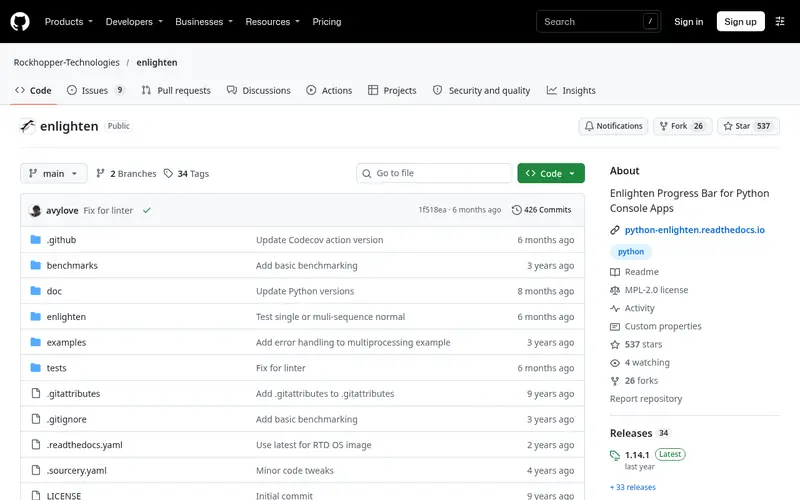
enlighten manages a set of progress bars in a single terminal region, with a counter area that stays put while bars update. It is built for cases with several concurrent tasks, such as thread pools or multi-file downloads, where tqdm bars would otherwise scroll past each other.
It runs on standard terminals and is MPL 2.0 licensed with no paid tier. Its user base and documentation are smaller than tqdm's, so fewer examples exist online. It also assumes an interactive terminal, so captured output will not render the counter area as intended.
Skip enlighten if you need only one bar or if your output is not an interactive terminal.
Standout: Manages multiple bars in a fixed counter area
Free (open source), as listed by the vendor (enlighten website). Confirm the current plan price before you buy.
Free plan. Plans change, so confirm on the vendor's pricing page before you buy.
Benefits
- Manages multiple bars in a fixed counter area
- handles parallel work well
Drawbacks
- Smaller community
- less documentation than tqdm
Skip it if this limit matters to you: smaller community.
Verdict. A sensible pick for many concurrent bars in one terminal display.
Alternatives in this guide: tqdm, Rich (Progress), alive-progress
Click progressbar
Best for progress bars inside Click command-line apps
What it is and where it fits
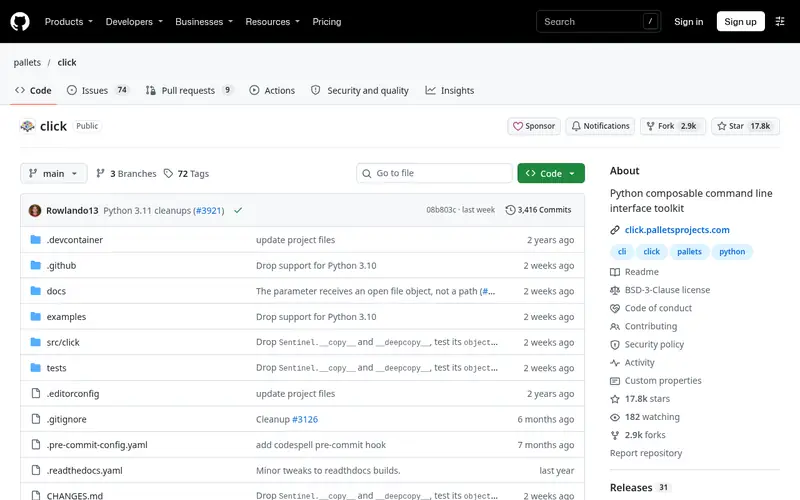
Click is a command-line framework, and it includes a `progressbar` helper for showing progress inside a Click command. If your CLI is already built on Click, this avoids adding another dependency. The API is a simple context manager that yields an `update()` function.
Click runs on any Python platform and is BSD licensed with no paid tier. The progressbar is basic: it shows a bar and percentage but offers little styling and no multi-bar support. It is not a general-purpose library and does not make sense outside a Click app.
Skip Click progressbar if you are not using Click or need styled or concurrent bars.
Standout: No extra dependency if you already use Click
Free (open source), as listed by the vendor (Click progressbar website). Confirm the current plan price before you buy.
Free plan. Plans change, so confirm on the vendor's pricing page before you buy.
Benefits
- No extra dependency if you already use Click
- simple API
Drawbacks
- Only useful inside Click
- limited styling
Skip it if this limit matters to you: only useful inside Click.
Verdict. A sensible pick for progress bars inside Click command-line apps.
Alternatives in this guide: tqdm, Rich (Progress), alive-progress
Who should use what
If you want the fastest path to a working bar in a script or notebook, use tqdm. If your app already uses Rich for console output and you need styled multi-task bars, use Rich. If you run long jobs and want animated feedback with throughput, use alive-progress. If you maintain a Click CLI, use Click progressbar to avoid a new dependency. For many concurrent bars in one display, enlighten is the fit.
Questions to settle before you buy
What to check before you buy
- Confirm the library renders correctly when output is piped to a file or CI log, not just in an interactive terminal.
- Check whether you need multiple or nested bars and whether the library handles them without manual positioning.
- Verify the licence fits your project, since these are open source but licences differ.
- Test notebook support if you work in Jupyter, since terminal escape codes behave differently there.
- Measure the dependency footprint, especially if you are adding Rich or a larger package to a small tool.
FAQ
Are these Python progress bar libraries free?
Yes. tqdm, Rich, alive-progress, progressbar2, enlighten and Click are all open source with no paid tier. You can use them in commercial projects under their respective licences.
Which library is best for Jupyter notebooks?
tqdm has a dedicated `tqdm.notebook` module that renders HTML bars in notebooks. Rich also renders in Jupyter. Plain terminal libraries that rely on escape codes may not display correctly in a notebook cell.
Can I show several progress bars at once?
Rich, enlighten and tqdm all support multiple bars. Rich and enlighten handle concurrent bars in a fixed display area more cleanly. tqdm can do it but often needs manual position arguments.
Do progress bars work in CI logs?
Animated bars that use escape sequences, such as alive-progress, produce messy output in captured logs. tqdm and progressbar2 degrade more gracefully. Test your chosen library with output redirected before relying on it in CI.
Is tqdm or Rich the better default?
tqdm is the better default for quick scripts because it is a one-line wrapper. Rich is better when you already use it and want styled, column-based output across several tasks.
Sources we checked
Method: how we score · editorial policy.
Change log. First published 27 Nov 2026.