Stage 01 · Write · Researched comparison
Best Python JSON Libraries in 2026
The standard library `json` module is the first pick for most developers. It ships with Python, handles encoding and decoding, and needs no install. Choose `orjson` when parsing or serializing speed matters and you can accept a compiled dependency. Choose `pydantic` when you need typed models and validation rather than raw dictionaries. For schema validation, `jsonschema` covers the JSON Schema standard.

By Shihab Mia
Published 27 Nov 2026 · 7 tools compared
We run no ads and no affiliate links at launch. The order of a list follows our published method. See how we score.
Prices are the starting prices vendors list publicly. Plans change, so confirm the current price on the vendor page before you buy.
Key takeaways
- The `json` module is free, built into Python, and the default choice for reading and writing JSON.
- `orjson` and `ujson` are free open-source alternatives that trade portability for speed.
- `pydantic` and `marshmallow` add typed models and validation on top of plain parsing.
- `jsonschema` validates documents against the JSON Schema specification and is free and open source.
Who each pick is for
- General parsing and serialization with no extra dependencyjson (Python standard library)
- Fast parsing and serialization in performance-sensitive servicesorjson
- A drop-in speedup for code already using the standard APIujson
- Typed models and validation when loading JSON into Python objectspydantic
- Validating JSON documents against a JSON Schemajsonschema
- Serialization and deserialization with schema classesmarshmallow
- Extra encoder options on older Python versionssimplejson
Comparison
| Tool | Best for | Standout feature | Listed starting price | Free plan or trial |
|---|---|---|---|---|
| 1json (Python standard library) | General parsing and serialization with no extra dependency | Ships with Python | Free | Free plan |
| 2orjson | Fast parsing and serialization in performance-sensitive services | Very fast compiled implementation | Free (open source) | Free plan |
| 3ujson | A drop-in speedup for code already using the standard API | Familiar API close to the standard module | Free (open source) | Free plan |
| 4pydantic | Typed models and validation when loading JSON into Python objects | Declarative typed models | Free (open source) | Free plan |
| 5jsonschema | Validating JSON documents against a JSON Schema | Implements the JSON Schema standard | Free (open source) | Free plan |
| 6marshmallow | Serialization and deserialization with schema classes | Mature schema-based API | Free (open source) | Free plan |
| 7simplejson | Extra encoder options on older Python versions | Familiar API with extra features | Free (open source) | Free plan |
How we picked
We picked libraries that are maintained, documented and genuinely used for JSON parsing, serialization or validation in Python. Criteria were fit for the job, supported platforms, licence and price, and the main limits each tool imposes. Sources are official documentation, project repositories and vendor pages. All listed tools are free or open source. Prices and features change, so confirm details on the official site before you commit.
The tools, one by one
json (Python standard library)
Best for general parsing and serialization with no extra dependency
What it is and where it fits
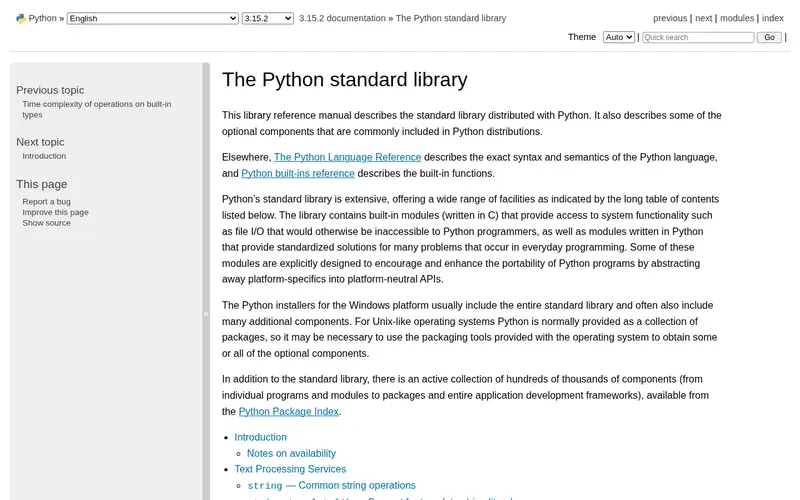
The `json` module is part of every Python install. It provides `loads` and `dumps` for strings and `load` and `dump` for file objects. It handles the core JSON types and lets you customize encoding with the `default` hook and decoding with `object_hook`. It runs wherever Python runs, including environments where you cannot install packages.
For most scripts, services and tests, it is fast enough and has no setup cost. Its main limits are speed on large payloads and the absence of validation: it will parse any well-formed JSON without checking your expected shape. Skip it only when profiling shows JSON handling is a real bottleneck or when you need typed models.
Standout: Ships with Python
Free, as listed by the vendor (json (Python standard library) website). Confirm the current plan price before you buy.
Free plan. Plans change, so confirm on the vendor's pricing page before you buy.
Benefits
- Ships with Python
- simple, well-documented API
Drawbacks
- Slower than compiled alternatives
- no built-in schema validation
Skip it if this limit matters to you: slower than compiled alternatives.
Verdict. A sensible pick for general parsing and serialization with no extra dependency.
orjson
Best for fast parsing and serialization in performance-sensitive services
What it is and where it fits
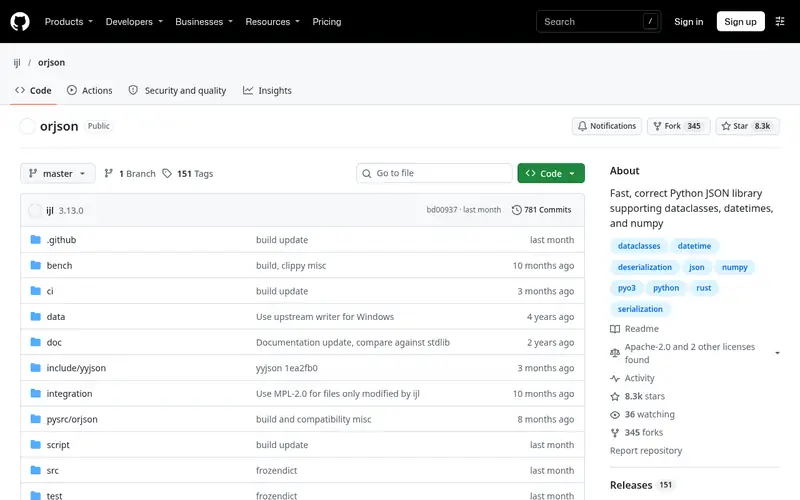
`orjson` is a Rust-backed JSON library with a Python interface. It focuses on speed for both `loads` and `dumps`. It serializes dataclasses, datetimes, UUIDs and numpy arrays without custom encoders, and it outputs `bytes` rather than `str`. It is published under the Apache-2.0 and MIT licences.
It installs as a binary wheel, so platforms without a matching wheel need a build toolchain. Its API is intentionally narrower than the standard module: options are passed as flags, and some behaviors differ. Use it when JSON throughput matters and you can accept a compiled dependency; keep the standard module for code that must run everywhere unchanged.
Standout: Very fast compiled implementation
Free (open source), as listed by the vendor (orjson website). Confirm the current plan price before you buy.
Free plan. Plans change, so confirm on the vendor's pricing page before you buy.
Benefits
- Very fast compiled implementation
- returns bytes and handles datetimes natively
Drawbacks
- Requires a compiled wheel
- API differs from the standard module
Skip it if this limit matters to you: requires a compiled wheel.
Verdict. A sensible pick for fast parsing and serialization in performance-sensitive services.
Alternatives in this guide: json (Python standard library), ujson, pydantic
ujson
Best for a drop-in speedup for code already using the standard API
What it is and where it fits
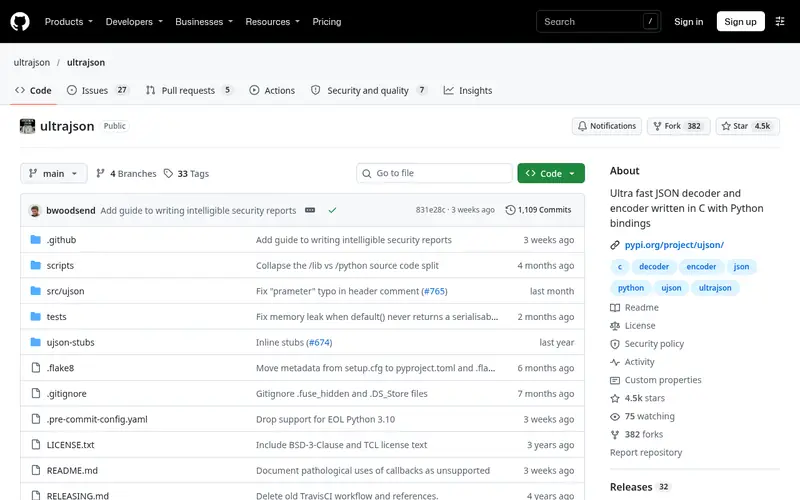
`ultrajson`, imported as `ujson`, is a C-based JSON encoder and decoder. Its `loads` and `dumps` functions mirror the standard module closely, so swapping it in is often a one-line change. It is distributed under a BSD-style licence and is maintained on GitHub.
The trade-off is compatibility. Some numeric edge cases and error messages differ from the standard module, and it is a compiled extension. Test your code paths after switching. It suits projects that want a speed gain with minimal code change and can tolerate small behavioral differences.
Standout: Familiar API close to the standard module
Free (open source), as listed by the vendor (ujson website). Confirm the current plan price before you buy.
Free plan. Plans change, so confirm on the vendor's pricing page before you buy.
Benefits
- Familiar API close to the standard module
- fast C implementation
Drawbacks
- Some edge-case behavior differs from the standard module
- compiled dependency
Skip it if this limit matters to you: some edge-case behavior differs from the standard module.
Verdict. A sensible pick for A drop-in speedup for code already using the standard API.
Alternatives in this guide: json (Python standard library), orjson, pydantic
pydantic
Best for typed models and validation when loading JSON into Python objects
What it is and where it fits
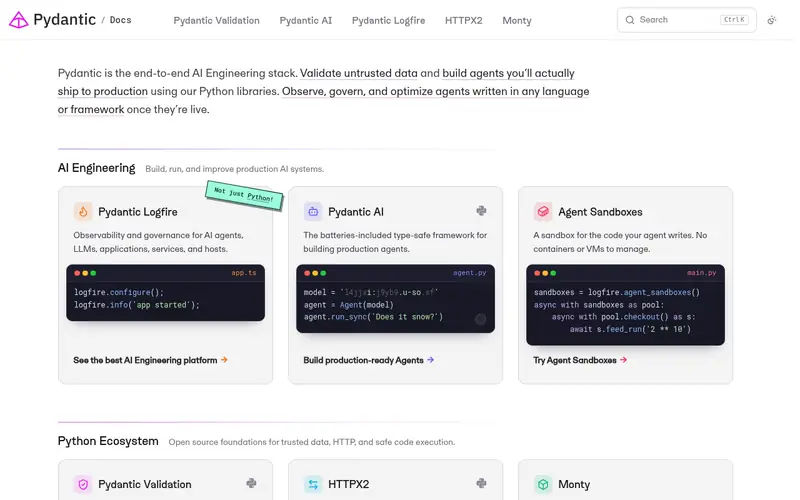
`pydantic` parses and validates data into typed Python models. You define a model class with field types, then load JSON through it. Invalid data raises structured errors that name the field and reason. Version 2 uses a compiled core for speed. It is MIT licensed and widely used in web frameworks and configuration handling.
It is not a JSON parser replacement; it sits on top of parsing and enforces your expected shape. That makes it a good fit for API payloads and config files where types matter. Skip it for quick scripts where a plain dictionary is enough, since the model definitions add code to maintain.
Standout: Declarative typed models
Free (open source), as listed by the vendor (pydantic website). Confirm the current plan price before you buy.
Free plan. Plans change, so confirm on the vendor's pricing page before you buy.
Benefits
- Declarative typed models
- clear validation errors
Drawbacks
- Adds a dependency and model definitions
- stricter than raw parsing
Skip it if this limit matters to you: adds a dependency and model definitions.
Verdict. A sensible pick for typed models and validation when loading JSON into Python objects.
Alternatives in this guide: json (Python standard library), orjson, ujson
jsonschema
Best for validating JSON documents against a JSON Schema
What it is and where it fits
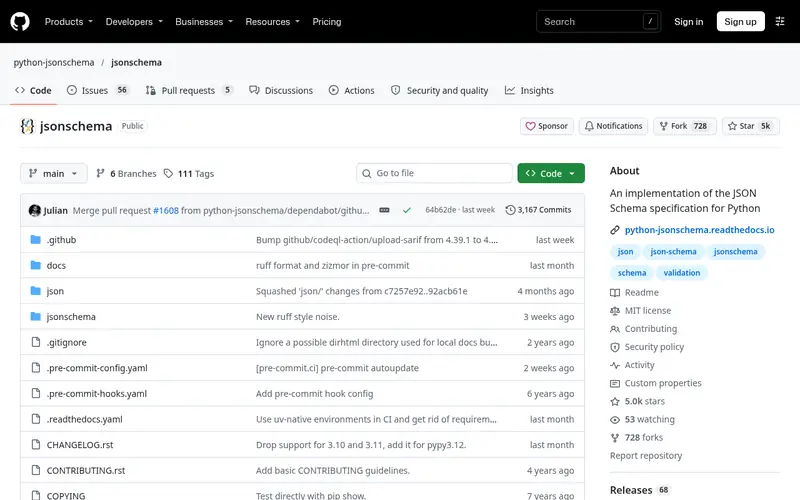
`jsonschema` validates JSON documents against schemas written in the JSON Schema specification. You load a schema and a document, then call `validate` or use a validator class for draft-specific behavior. It reports which part of the document failed and why. It is MIT licensed and maintained on GitHub.
It fits API contract checks, config validation and test fixtures. The main cost is authoring and maintaining schemas, which have their own syntax and draft versions. It is not a parser, so pair it with the standard module or another parser. Skip it when a few manual checks cover your needs.
Standout: Implements the JSON Schema standard
Free (open source), as listed by the vendor (jsonschema website). Confirm the current plan price before you buy.
Free plan. Plans change, so confirm on the vendor's pricing page before you buy.
Benefits
- Implements the JSON Schema standard
- useful error reporting
Drawbacks
- Schema authoring has a learning curve
- validation adds runtime cost
Skip it if this limit matters to you: schema authoring has a learning curve.
Verdict. A sensible pick for validating JSON documents against a JSON Schema.
Alternatives in this guide: json (Python standard library), orjson, ujson
marshmallow
Best for serialization and deserialization with schema classes
What it is and where it fits
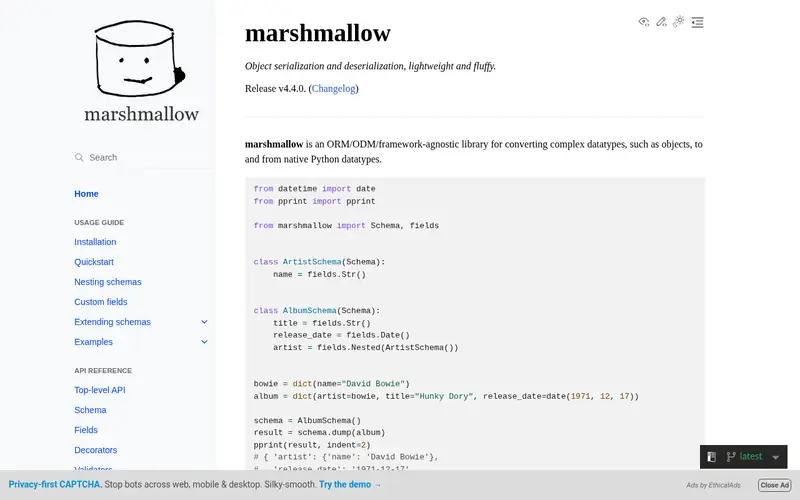
`marshmallow` is an object serialization library with a schema-based API. You define schemas with fields, then load JSON into Python objects and dump objects back to JSON-compatible data. It supports nested schemas, custom fields and validation hooks. It is MIT licensed.
It suits projects that already use schema classes or need fine control over field-level conversion. Compared with typed models, it tends to require more boilerplate. It does not parse JSON itself; it works on already-decoded data. Choose it when its schema model fits your codebase, and skip it for simple loads and dumps.
Standout: Mature schema-based API
Free (open source), as listed by the vendor (marshmallow website). Confirm the current plan price before you buy.
Free plan. Plans change, so confirm on the vendor's pricing page before you buy.
Benefits
- Mature schema-based API
- handles nested and custom fields
Drawbacks
- More boilerplate than typed models
- separate from JSON parsing itself
Skip it if this limit matters to you: more boilerplate than typed models.
Verdict. A sensible pick for serialization and deserialization with schema classes.
Alternatives in this guide: json (Python standard library), orjson, ujson
simplejson
Best for extra encoder options on older Python versions
What it is and where it fits
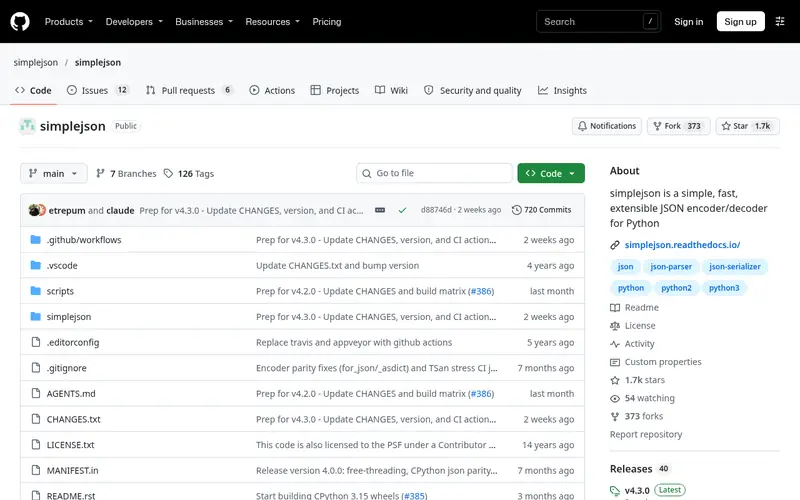
`simplejson` is an external JSON library with an API close to the standard module. It adds options such as `namedtuple_as_object` and `tuple_as_array`, and it offers a pure-Python implementation alongside an optional C speedup. It is MIT licensed and maintained on GitHub.
On current Python versions, the standard module covers most of what `simplejson` once provided, so its main value is specific encoder options or support for older interpreters. For new code on a supported Python version, start with the standard module and add this only if you need a feature it lacks.
Standout: Familiar API with extra features
Free (open source), as listed by the vendor (simplejson website). Confirm the current plan price before you buy.
Free plan. Plans change, so confirm on the vendor's pricing page before you buy.
Benefits
- Familiar API with extra features
- pure-Python fallback available
Drawbacks
- Largely redundant on current Python
- another dependency to track
Skip it if this limit matters to you: largely redundant on current Python.
Verdict. A sensible pick for extra encoder options on older Python versions.
Alternatives in this guide: json (Python standard library), orjson, ujson
Who should use what
If you just need to read and write JSON, use the standard `json` module and stop there. If profiling shows JSON handling is a bottleneck in a service, try `orjson`, or `ujson` if you want a near drop-in swap. If you load API payloads or config into typed objects, use `pydantic`. If you must enforce a published contract, use `jsonschema` with a parser. Teams already using schema classes may prefer `marshmallow`.
Questions to settle before you buy
What to check before you buy
- Confirm the library supports your Python version and platform, especially for compiled wheels.
- Check the licence against your project's requirements.
- Test edge cases such as large numbers, datetimes and non-ASCII text after switching parsers.
- Measure whether JSON handling is actually a bottleneck before adding a compiled dependency.
- Pin versions and review changelogs, since behavior can differ between releases.
FAQ
Do I need a third-party library to work with JSON in Python?
No. The standard `json` module handles encoding and decoding and ships with Python. Add a third-party library only for a specific need such as speed, typed models or schema validation.
Is orjson faster than the standard json module?
`orjson` is a compiled implementation built for speed, and its documentation describes it as fast. Actual results depend on your data and workload, so measure with your own payloads before switching.
Can pydantic replace the json module?
No. `pydantic` validates and converts data into typed models, but it relies on parsing underneath. Use it alongside a parser when you need typed, validated objects.
What is the difference between pydantic and jsonschema?
`pydantic` defines models in Python code and validates data against them. `jsonschema` validates documents against schemas written in the JSON Schema standard. Choose based on whether your contract lives in code or in a shared schema file.
Are these libraries safe for sensitive data?
Yes, they run locally in your own Python process and do not send data to third parties. Avoid pasting secrets or production data into unrelated online JSON formatters or validators; prefer local tools.
Sources we checked
Method: how we score · editorial policy.
Change log. First published 27 Nov 2026.