Stage 01 · Write · Researched comparison
Best Python Image Processing Libraries in 2026
Pillow is the first pick for most developers who need to open, resize, crop and save images in Python. It is simple to install and covers everyday format conversion and basic edits. OpenCV-Python is the better choice for computer vision work, video frames and fast pixel operations. scikit-image suits scientific and analysis-heavy pipelines where readable algorithms matter more than raw speed.

By Shihab Mia
Published 27 Nov 2026 · 7 tools compared
We run no ads and no affiliate links at launch. The order of a list follows our published method. See how we score.
Prices are the starting prices vendors list publicly. Plans change, so confirm the current price on the vendor page before you buy.
Key takeaways
- Pillow is the default starting point for loading, converting and saving common image formats.
- OpenCV-Python covers computer vision, video and NumPy-based array processing in one package.
- scikit-image, pyvips, Wand, imageio and Kornia each fit narrower jobs like science, huge files, ImageMagick workflows, I/O and deep learning.
- All seven listed libraries are free and open source, so cost is not the deciding factor.
Who each pick is for
- Everyday image loading, resizing and format conversionPillow
- Computer vision, video frames and NumPy array workOpenCV-Python
- Scientific image analysis with readable algorithmsscikit-image
- Very large images and low-memory batch processingpyvips
- Python access to ImageMagick operationsWand
- Reading and writing images, video and scientific formatsimageio
- Differentiable image processing in PyTorch pipelinesKornia
Comparison
| Tool | Best for | Standout feature | Listed starting price | Free plan or trial |
|---|---|---|---|---|
| 1Pillow | Everyday image loading, resizing and format conversion | Simple API for common edits | Free (open source) | Free plan |
| 2OpenCV-Python | Computer vision, video frames and NumPy array work | Large set of vision algorithms | Free (open source) | Free plan |
| 3scikit-image | Scientific image analysis with readable algorithms | Clear, well-documented algorithm APIs | Free (open source) | Free plan |
| 4pyvips | Very large images and low-memory batch processing | Low memory use on huge images | Free (open source) | Free plan |
| 5Wand | Python access to ImageMagick operations | Exposes a wide range of ImageMagick features | Free (open source) | Free plan |
| 6imageio | Reading and writing images, video and scientific formats | One interface across many formats | Free (open source) | Free plan |
| 7Kornia | Differentiable image processing in PyTorch pipelines | GPU support through PyTorch tensors | Free (open source) | Free plan |
How we picked
We compared libraries on fit for common image tasks, supported platforms, licence and price, dependency weight and documented limits. Sources are official project sites, documentation and repositories. All seven are open source with no paid tier. Prices and features change, so confirm details on the vendor or project site before you commit.
The tools, one by one
Pillow
Best for everyday image loading, resizing and format conversion

What it is and where it fits
Pillow is the maintained fork of the original Python Imaging Library and the most common image dependency in Python projects. It opens, crops, resizes, rotates, filters and saves images across many formats, including JPEG, PNG, GIF, TIFF and WebP. It runs on Windows, macOS and Linux and installs from PyPI with pip.
The library is good for scripts, web backends and batch jobs that need predictable basic edits. It is not a computer vision toolkit, and it does not process video. Performance on very large images is lower than pyvips. Skip it if your work is mostly feature detection, video frames or GPU acceleration.
Standout: Simple API for common edits
Free (open source), as listed by the vendor (Pillow website). Confirm the current plan price before you buy.
Free plan. Plans change, so confirm on the vendor's pricing page before you buy.
Benefits
- Simple API for common edits
- Wide format support and active maintenance
Drawbacks
- Not built for heavy computer vision
- Slower on very large images
Skip it if this limit matters to you: not built for heavy computer vision.
Verdict. A sensible pick for everyday image loading, resizing and format conversion.
Alternatives in this guide: OpenCV-Python, scikit-image, pyvips
OpenCV-Python
Best for computer vision, video frames and NumPy array work
What it is and where it fits
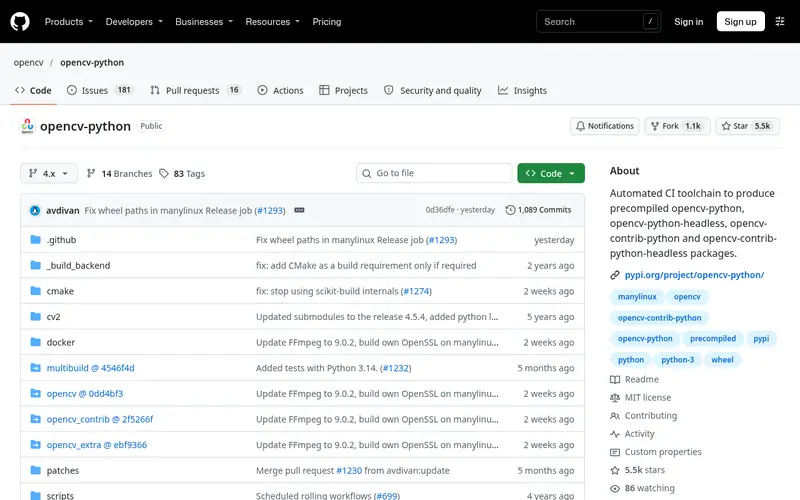
OpenCV-Python provides Python bindings to the OpenCV library. It covers filtering, edge detection, contour finding, feature matching, camera calibration, video capture and more. Images are handled as NumPy arrays, which makes it easy to mix with the wider scientific Python stack. It runs on Windows, macOS and Linux, and prebuilt wheels are published on PyPI.
The package is heavier than Pillow and pulls in more dependencies. Some functions have C++-style signatures that feel unusual in Python. Choose it for vision tasks, real-time video or cases where you need speed on pixel-level loops. For plain resizing and format conversion, Pillow is lighter.
Standout: Large set of vision algorithms
Free (open source), as listed by the vendor (OpenCV-Python website). Confirm the current plan price before you buy.
Free plan. Plans change, so confirm on the vendor's pricing page before you buy.
Benefits
- Large set of vision algorithms
- Fast array operations on NumPy data
Drawbacks
- Large install footprint
- API differs from pure Python style
Skip it if this limit matters to you: large install footprint.
Verdict. A sensible pick for computer vision, video frames and NumPy array work.
Alternatives in this guide: Pillow, scikit-image, pyvips
scikit-image
Best for scientific image analysis with readable algorithms
What it is and where it fits
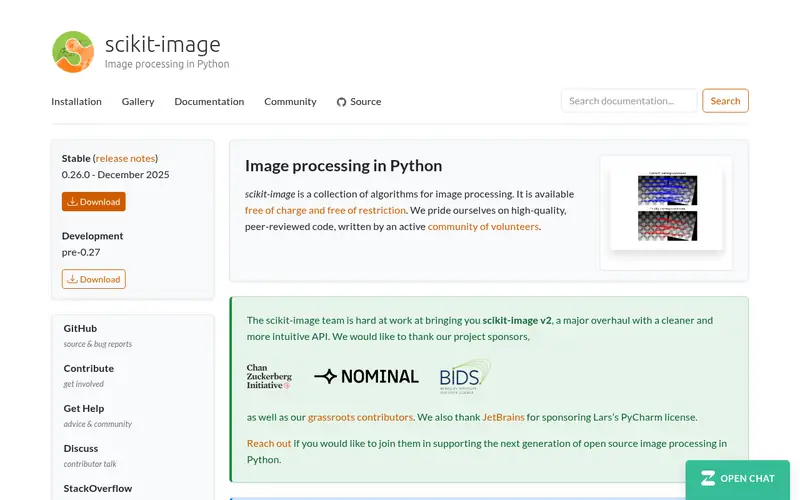
scikit-image is a Python library built on NumPy and SciPy. It focuses on image analysis: segmentation, morphology, filtering, measurement, registration and color space conversion. The API is written in readable Python and the documentation includes examples for most functions. It runs on Windows, macOS and Linux.
It suits research, microscopy, remote sensing and teaching, where clarity of the algorithm matters. It is not the fastest option for large batches, and it does not handle video capture. Skip it if you need real-time performance or a broad computer vision feature set.
Standout: Clear, well-documented algorithm APIs
Free (open source), as listed by the vendor (scikit-image website). Confirm the current plan price before you buy.
Free plan. Plans change, so confirm on the vendor's pricing page before you buy.
Benefits
- Clear, well-documented algorithm APIs
- Tight NumPy and SciPy integration
Drawbacks
- Slower than OpenCV on some operations
- Smaller set of vision and video tools
Skip it if this limit matters to you: slower than OpenCV on some operations.
Verdict. A sensible pick for scientific image analysis with readable algorithms.
Alternatives in this guide: Pillow, OpenCV-Python, pyvips
pyvips
Best for very large images and low-memory batch processing
What it is and where it fits
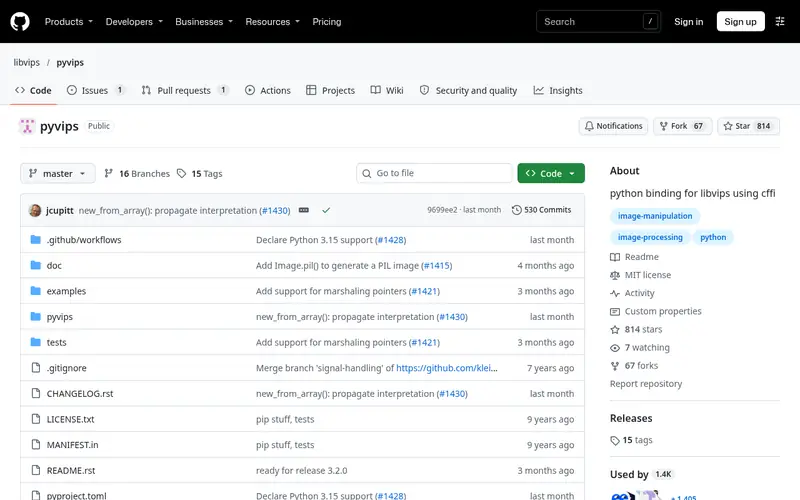
pyvips is a Python binding for libvips, an image processing library built for speed and low memory use. It processes images in a streaming fashion, so it can handle files far larger than available RAM. It supports many formats through libvips and runs on Windows, macOS and Linux.
The catch is that pyvips needs the libvips system library installed separately, which adds setup steps on some platforms. The API is less common than Pillow's, so examples are fewer. Use it for large TIFFs, satellite imagery or bulk conversion jobs. For small images and simple scripts, Pillow is easier.
Standout: Low memory use on huge images
Free (open source), as listed by the vendor (pyvips website). Confirm the current plan price before you buy.
Free plan. Plans change, so confirm on the vendor's pricing page before you buy.
Benefits
- Low memory use on huge images
- Fast streaming operations
Drawbacks
- Requires the libvips system library
- Less familiar API for beginners
Skip it if this limit matters to you: requires the libvips system library.
Verdict. A sensible pick for very large images and low-memory batch processing.
Alternatives in this guide: Pillow, OpenCV-Python, scikit-image
Wand
Best for python access to ImageMagick operations
What it is and where it fits
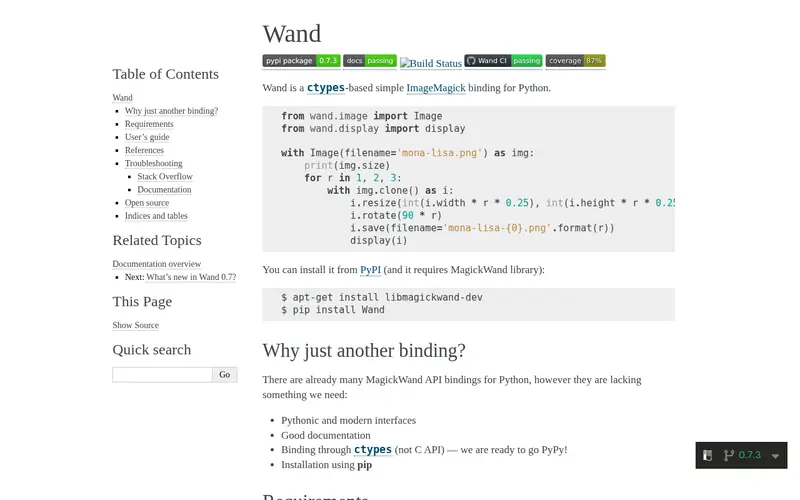
Wand is a ctypes-based binding to ImageMagick. It gives Python code access to ImageMagick's format support and effects, including operations that Pillow does not offer. It runs on Windows, macOS and Linux, but it depends on a matching ImageMagick installation.
That dependency is the main limit. Version mismatches between Wand and ImageMagick can cause errors, and deployment needs the system library present. Choose Wand when you need ImageMagick-specific formats or effects. For standard edits, Pillow has fewer moving parts.
Standout: Exposes a wide range of ImageMagick features
Free (open source), as listed by the vendor (Wand website). Confirm the current plan price before you buy.
Free plan. Plans change, so confirm on the vendor's pricing page before you buy.
Benefits
- Exposes a wide range of ImageMagick features
- Handles many obscure formats
Drawbacks
- Requires ImageMagick installed
- Behavior can vary by ImageMagick version
Skip it if this limit matters to you: requires ImageMagick installed.
Verdict. A sensible pick for python access to ImageMagick operations.
Alternatives in this guide: Pillow, OpenCV-Python, scikit-image
imageio
Best for reading and writing images, video and scientific formats
What it is and where it fits
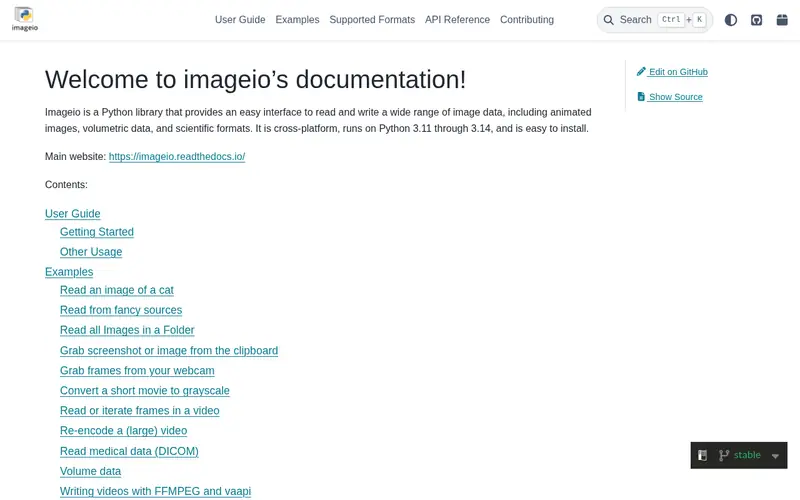
imageio provides a simple interface for reading and writing images, video and volumetric data. It wraps several backends and plugins, so one call can load a PNG, a GIF, a video file or a scientific format. It runs on Windows, macOS and Linux and installs from PyPI.
It is an I/O layer, not a replacement for Pillow or OpenCV. Processing still happens in another library. Plugin behavior varies by format, and some formats need extra packages. Use imageio when format coverage and video frames are the main problem. Pair it with Pillow or OpenCV for the edits.
Standout: One interface across many formats
Free (open source), as listed by the vendor (imageio website). Confirm the current plan price before you buy.
Free plan. Plans change, so confirm on the vendor's pricing page before you buy.
Benefits
- One interface across many formats
- Good video and plugin support
Drawbacks
- Not a full processing toolkit
- Plugin quality varies by format
Skip it if this limit matters to you: not a full processing toolkit.
Verdict. A sensible pick for reading and writing images, video and scientific formats.
Alternatives in this guide: Pillow, OpenCV-Python, scikit-image
Kornia
Best for differentiable image processing in PyTorch pipelines
What it is and where it fits
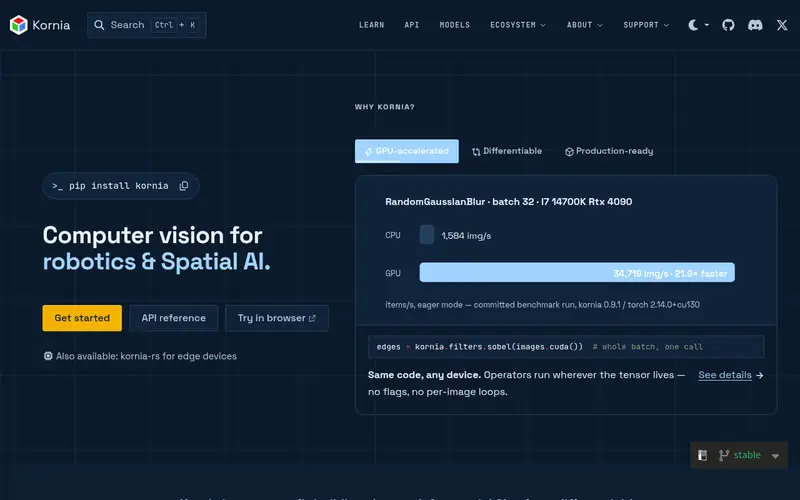
Kornia is a computer vision library built on PyTorch. It provides differentiable image operations such as filtering, color conversion, geometric transforms and augmentation, all on tensors. That makes it useful inside training pipelines where gradients must flow through image steps. It runs wherever PyTorch runs, including CPU and GPU.
The dependency on PyTorch is the main cost. For plain file conversion or resizing outside a model, Pillow or OpenCV is simpler. Choose Kornia when image processing is part of a deep learning workflow and you want GPU acceleration.
Standout: GPU support through PyTorch tensors
Free (open source), as listed by the vendor (Kornia website). Confirm the current plan price before you buy.
Free plan. Plans change, so confirm on the vendor's pricing page before you buy.
Benefits
- GPU support through PyTorch tensors
- Differentiable operations for training
Drawbacks
- Requires PyTorch
- Overkill for simple file edits
Skip it if this limit matters to you: requires PyTorch.
Verdict. A sensible pick for differentiable image processing in PyTorch pipelines.
Alternatives in this guide: Pillow, OpenCV-Python, scikit-image
Who should use what
Use Pillow for scripts, web backends and batch edits where simple code matters. Use OpenCV-Python for computer vision, video frames and fast NumPy operations. Use scikit-image for scientific analysis where readable algorithms beat raw speed. Use pyvips for very large images that do not fit in memory, and Kornia when image steps sit inside a PyTorch model. Wand fits ImageMagick-specific needs, and imageio covers mixed image and video I/O.
Questions to settle before you buy
What to check before you buy
- Confirm the library supports every input and output format you need.
- Check the install steps, especially system dependencies like libvips or ImageMagick.
- Test memory use on your largest real files, not small samples.
- Verify the licence fits your project and distribution model.
- Check that the project has recent releases and open documentation.
FAQ
Is Pillow still maintained?
Yes. Pillow is actively maintained and releases updates on a regular schedule. It is the recommended fork of the original Python Imaging Library and is widely used in production.
Do I need OpenCV if I use Pillow?
No. Pillow covers loading, resizing, cropping and format conversion. Add OpenCV-Python only when you need computer vision algorithms, video capture or fast array operations.
Which library handles very large images?
pyvips is built for this. It streams image data and keeps memory use low, so it can process files larger than available RAM. It requires the libvips system library.
Are these libraries free?
Yes. All seven listed libraries are free and open source. There is no paid tier for the libraries themselves, though you may pay for hosting or compute.
Can I use these in a web app?
Yes. Pillow, OpenCV-Python and pyvips are common in web backends for thumbnails, uploads and conversion. Run processing on your own server rather than sending user images to third-party pages.
Sources we checked
Method: how we score · editorial policy.
Change log. First published 27 Nov 2026.