Stage 01 · Write · Researched comparison
Best Python GUI Frameworks in 2026
PySide6 is the first pick for most developers building desktop apps, because it pairs Qt's widget set with the LGPL licence. Tkinter suits small tools that ship with Python and need no install. Kivy is the alternative when you need touch input and mobile targets. All three are free, and each has real limits on look, packaging or platform support.

By Shihab Mia
Published 27 Nov 2026 · 8 tools compared
We run no ads and no affiliate links at launch. The order of a list follows our published method. See how we score.
Prices are the starting prices vendors list publicly. Plans change, so confirm the current price on the vendor page before you buy.
Key takeaways
- PySide6 and PyQt6 wrap the same Qt toolkit but differ in licence: PySide6 is LGPL, PyQt6 is GPL or commercial.
- Tkinter ships with CPython, so it adds no dependency but looks dated and has fewer widgets.
- Kivy targets touch and mobile, while Dear PyGui targets fast, GPU-drawn desktop tools rather than native widgets.
- All frameworks listed are free or open source; commercial support and licences exist for Qt, and prices should be confirmed on vendor pages.
Who each pick is for
- Desktop apps that need native widgets and a permissive licencePySide6
- Teams already committed to Qt and able to meet the GPL or a commercial licencePyQt6
- Small internal tools and scripts that need a GUI with no extra installTkinter
- Touch interfaces and apps that must run on Android and iOSKivy
- Native-looking desktop apps that should follow each OS widget stylewxPython
- Fast, GPU-drawn tools such as debug panels and data viewersDear PyGui
- Python apps that also need a web or mobile front endFlet
- Linux desktop apps that should follow GNOME and GTK conventionsPyGObject (GTK)
Comparison
| Tool | Best for | Standout feature | Listed starting price | Free plan or trial |
|---|---|---|---|---|
| 1PySide6 | Desktop apps that need native widgets and a permissive licence | LGPL licence allows closed-source apps | Free (open source) | Free plan |
| 2PyQt6 | Teams already committed to Qt and able to meet the GPL or a commercial licence | Mature Qt 6 binding with broad documentation | See vendor pricing page | Free trial (GPL use is free for open-source projects) |
| 3Tkinter | Small internal tools and scripts that need a GUI with no extra install | Ships with CPython on Windows and macOS | Free (open source) | Free plan |
| 4Kivy | Touch interfaces and apps that must run on Android and iOS | Multi-touch support and mobile targets | Free (open source) | Free plan |
| 5wxPython | Native-looking desktop apps that should follow each OS widget style | Uses native controls on each platform | Free (open source) | Free plan |
| 6Dear PyGui | Fast, GPU-drawn tools such as debug panels and data viewers | Immediate-mode API with high frame rates for dynamic data | Free (open source) | Free plan |
| 7Flet | Python apps that also need a web or mobile front end | One code base for desktop, web and mobile | Free (open source) | Free plan |
| 8PyGObject (GTK) | Linux desktop apps that should follow GNOME and GTK conventions | Native GTK widgets on Linux | Free (open source) | Free plan |
How we picked
We compared frameworks on fit for desktop and cross-platform GUI work, supported operating systems, licence terms, install and packaging effort, and the main limits of each toolkit. Sources are official vendor pages, project documentation and public repositories. No hands-on benchmarks or user surveys were used. Prices and licence terms change, so confirm them on the vendor site before you commit.
The tools, one by one
PySide6
Best for desktop apps that need native widgets and a permissive licence
What it is and where it fits
PySide6 is the official Python binding for Qt 6, maintained by the Qt Company. It gives you the full Qt widget set, layouts, signals and slots, model/view classes, and Qt Designer for building forms visually. Apps run on Windows, macOS and Linux, and the same code base can target mobile with extra work.
The licence is the main reason to pick it over PyQt6. PySide6 is available under the LGPL, so you can ship closed-source applications if you follow the LGPL terms, which usually means dynamic linking. Commercial licences are available from Qt if you cannot meet those terms. Confirm current terms on the vendor pages.
Skip PySide6 if you need a tiny dependency footprint or a single-file script with a quick dialog. Tkinter covers that case with no install. Also expect a learning curve: Qt's object model and signal system are larger than Tkinter's.
Standout: LGPL licence allows closed-source apps
Free (open source), as listed by the vendor (PySide6 website). Confirm the current plan price before you buy.
Free plan. Plans change, so confirm on the vendor's pricing page before you buy.
Benefits
- LGPL licence allows closed-source apps
- full Qt widget set and Qt Designer support
Drawbacks
- Large install and long packaging times
- Qt concepts take time to learn
Skip it if this limit matters to you: large install and long packaging times.
Verdict. A sensible pick for desktop apps that need native widgets and a permissive licence.
PyQt6
Best for teams already committed to Qt and able to meet the GPL or a commercial licence
What it is and where it fits
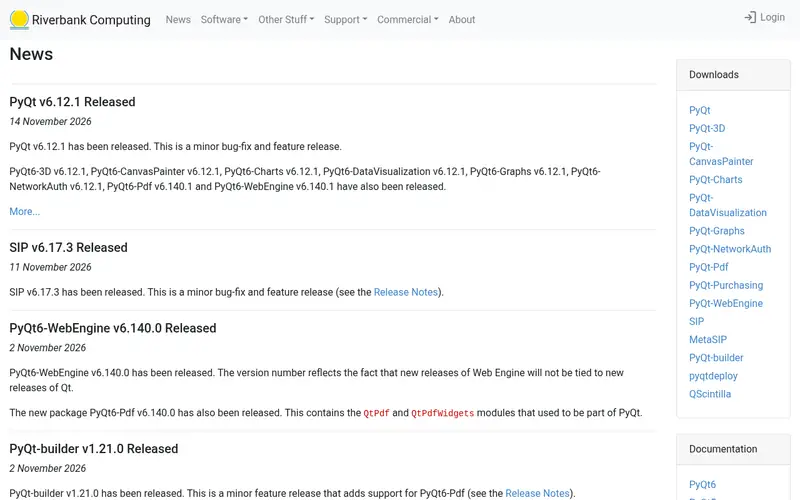
PyQt6 is Riverbank Computing's binding for Qt 6. It covers the same Qt widgets and modules as PySide6, with small API differences such as enum handling and signal naming. Most Qt tutorials and Stack Overflow answers apply to both with minor edits.
The licence is the deciding factor. The free version is GPL, which means your application must also be GPL if you distribute it. Closed-source distribution requires a commercial PyQt licence from Riverbank. Pricing is not published as a fixed list, so check the vendor page before you plan a budget.
Choose PyQt6 if your project is already GPL, or if your organization holds a commercial licence. Otherwise PySide6 gives you the same toolkit under friendlier terms. Do not mix both bindings in one codebase.
Standout: Mature Qt 6 binding with broad documentation
See vendor pricing page, as listed by the vendor (PyQt6 website). Confirm the current plan price before you buy.
Free trial (GPL use is free for open-source projects). Plans change, so confirm on the vendor's pricing page before you buy.
Benefits
- Mature Qt 6 binding with broad documentation
- works with Qt Designer and Qt tools
Drawbacks
- GPL licence for free use pushes closed-source apps to a paid licence
- similar API to PySide6, so choosing both adds confusion
Skip it if this limit matters to you: GPL licence for free use pushes closed-source apps to a paid licence.
Verdict. A sensible pick for teams already committed to Qt and able to meet the GPL or a commercial licence.
Tkinter
Best for small internal tools and scripts that need a GUI with no extra install
What it is and where it fits
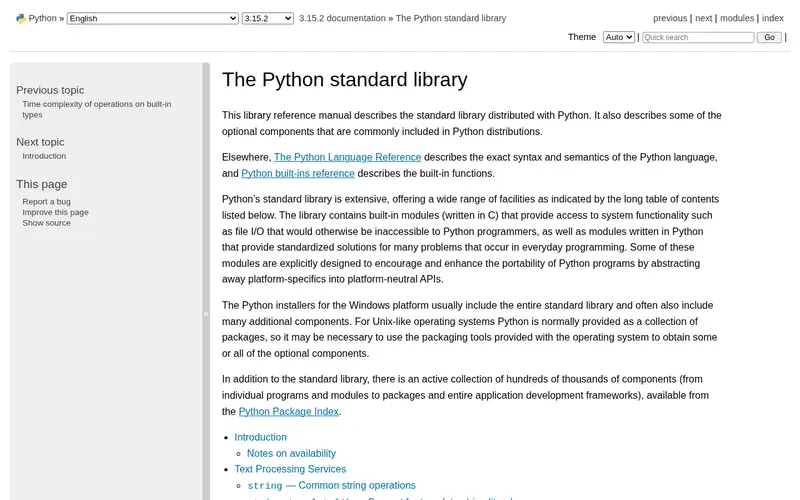
Tkinter is Python's standard interface to Tcl/Tk and is included with CPython installers on Windows and macOS. A basic window, buttons, entries and a file dialog take a few lines. For internal tools, config editors and quick wrappers around scripts, that is often enough.
The limits show up as apps grow. The default widgets look old on all platforms, though ttk themes improve this. Complex tables, docking layouts and rich text need third-party packages such as ttkbootstrap or custom widgets. On Linux, Tkinter may need a separate system package depending on your distribution.
Pick Tkinter when the GUI is a thin layer over existing code and you want zero dependencies. Skip it for consumer-facing apps that need a polished, modern look, or for anything that needs heavy data grids and charts out of the box.
Standout: Ships with CPython on Windows and macOS
Free (open source), as listed by the vendor (Tkinter website). Confirm the current plan price before you buy.
Free plan. Plans change, so confirm on the vendor's pricing page before you buy.
Benefits
- Ships with CPython on Windows and macOS
- simple API for basic forms and dialogs
Drawbacks
- Dated default look
- fewer advanced widgets than Qt
Skip it if this limit matters to you: dated default look.
Verdict. A sensible pick for small internal tools and scripts that need a GUI with no extra install.
Kivy
Best for touch interfaces and apps that must run on Android and iOS
What it is and where it fits
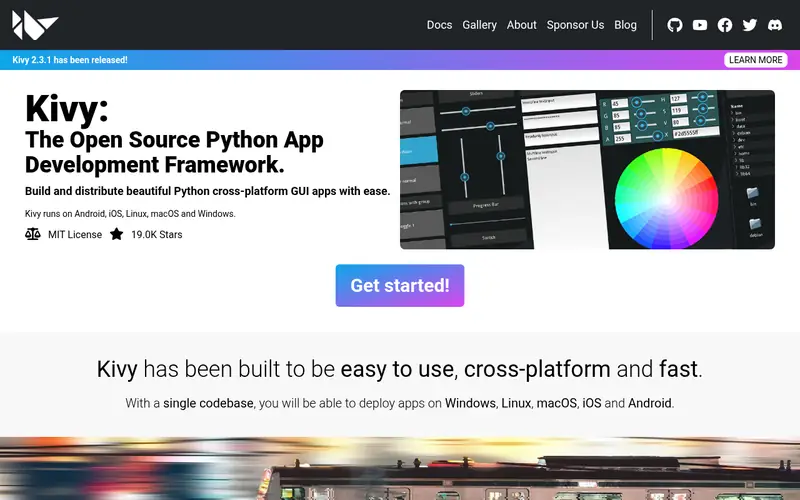
Kivy is an open-source framework built for touch input and cross-platform apps. It draws its own widgets rather than wrapping native controls, so the look is the same on Windows, macOS, Linux, Android and iOS. Its KV language describes layouts in a separate declarative file.
That consistency is also the trade-off. Kivy apps do not look like native desktop apps, and users notice. Packaging for mobile uses Buildozer on Linux and needs Android SDK and NDK setup, which is a real time cost. Desktop packaging works but is less common than with Qt.
Choose Kivy when touch input or mobile deployment is a core requirement, such as kiosk apps or simple games. For standard desktop business apps, Qt or wxPython will feel more familiar to users.
Standout: Multi-touch support and mobile targets
Free (open source), as listed by the vendor (Kivy website). Confirm the current plan price before you buy.
Free plan. Plans change, so confirm on the vendor's pricing page before you buy.
Benefits
- Multi-touch support and mobile targets
- own drawing engine gives consistent look across platforms
Drawbacks
- Non-native widgets feel different from desktop apps
- mobile packaging takes extra setup
Skip it if this limit matters to you: non-native widgets feel different from desktop apps.
Verdict. A sensible pick for touch interfaces and apps that must run on Android and iOS.
wxPython
Best for native-looking desktop apps that should follow each OS widget style
What it is and where it fits
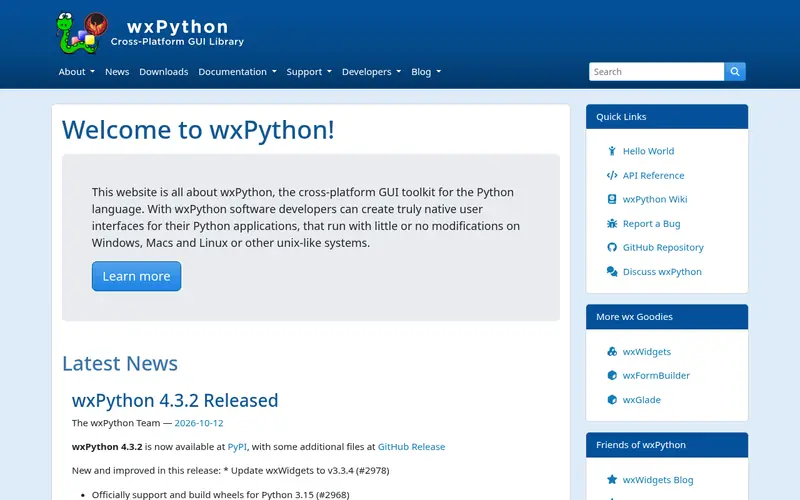
wxPython wraps the wxWidgets C++ library, which maps to native controls on Windows, macOS and Linux. Buttons, menus and dialogs look like the platform's own, which matters for apps that sit next to native software. It is free and open source under a permissive licence.
The API is large and mostly documented, but examples and answers are fewer than for Qt. Layout with sizers takes practice. GUI builders like wxFormBuilder and wxGlade help, though they are less polished than Qt Designer. Installation is usually a pip wheel; some platforms may need extra steps.
Pick wxPython when native look is a hard requirement and you do not want Qt's licence or install size. Skip it if you need a large ecosystem of ready-made widgets or heavy charting, where Qt and its add-ons are stronger.
Standout: Uses native controls on each platform
Free (open source), as listed by the vendor (wxPython website). Confirm the current plan price before you buy.
Free plan. Plans change, so confirm on the vendor's pricing page before you buy.
Benefits
- Uses native controls on each platform
- wxGlade and wxFormBuilder for layout
Drawbacks
- Smaller community than Qt
- documentation is uneven in places
Skip it if this limit matters to you: smaller community than Qt.
Verdict. A sensible pick for native-looking desktop apps that should follow each OS widget style.
Dear PyGui
Best for fast, GPU-drawn tools such as debug panels and data viewers
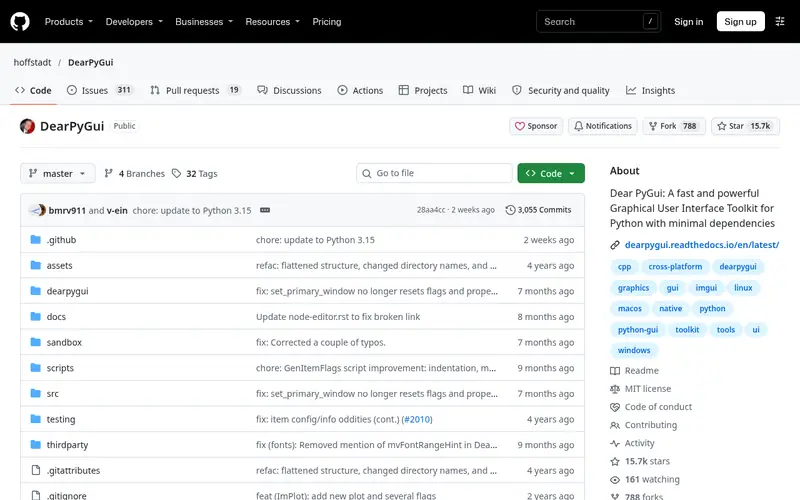
What it is and where it fits
Dear PyGui is an open-source, immediate-mode GUI library that draws with the GPU through DirectX 11 on Windows and Metal on macOS. It is built for tools that update quickly, such as live plots, debug panels and internal data viewers. The API is compact and the redraw model differs from retained-mode toolkits.
It is not a native-widget framework. Apps have a consistent custom look, which is fine for internal tools but may not fit customer-facing software. Form-heavy apps with many validation rules are easier in Qt or wxPython. Linux support relies on an experimental backend, so check current status before committing.
Choose Dear PyGui for performance-sensitive internal tools where you control the look. Skip it for apps that must match OS conventions or need accessibility support comparable to native toolkits.
Standout: Immediate-mode API with high frame rates for dynamic data
Free (open source), as listed by the vendor (Dear PyGui website). Confirm the current plan price before you buy.
Free plan. Plans change, so confirm on the vendor's pricing page before you buy.
Benefits
- Immediate-mode API with high frame rates for dynamic data
- simple install via pip
Drawbacks
- Not native widgets, so apps look custom
- less suited to complex form-heavy business apps
Skip it if this limit matters to you: not native widgets, so apps look custom.
Verdict. A sensible pick for fast, GPU-drawn tools such as debug panels and data viewers.
Flet
Best for python apps that also need a web or mobile front end
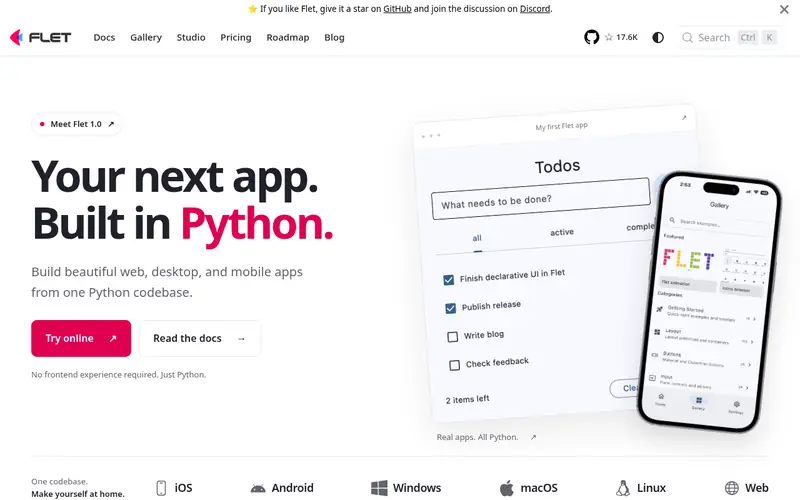
What it is and where it fits
Flet lets you build apps in Python that render through Flutter. The same code can run as a desktop app, in a browser, or on mobile. It suits teams that want a Python-only stack but need a web deployment path, such as internal dashboards.
Because rendering is Flutter-based, controls look modern but not native. The widget set covers common needs, but advanced desktop features found in Qt are limited. The project is younger, so expect API changes between releases. Check the changelog before upgrading in production.
Pick Flet when web delivery matters or your team wants to avoid JavaScript. Skip it for apps that need deep OS integration, native menus or very large data grids.
Standout: One code base for desktop, web and mobile
Free (open source), as listed by the vendor (Flet website). Confirm the current plan price before you buy.
Free plan. Plans change, so confirm on the vendor's pricing page before you buy.
Benefits
- One code base for desktop, web and mobile
- Flutter-based rendering with a simple Python API
Drawbacks
- Younger project with a smaller widget set than Qt
- app look follows Flutter, not native controls
Skip it if this limit matters to you: younger project with a smaller widget set than Qt.
Verdict. A sensible pick for python apps that also need a web or mobile front end.
PyGObject (GTK)
Best for linux desktop apps that should follow GNOME and GTK conventions
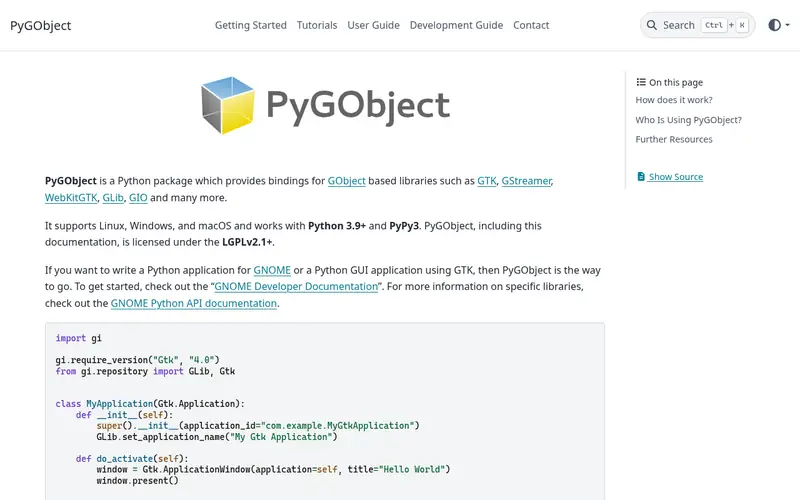
What it is and where it fits
PyGObject is the Python binding for GTK and related GNOME libraries. On Linux it gives native GTK widgets, file dialogs and desktop integration. Apps built with it fit GNOME and many other Linux desktops, and it is free and open source.
Cross-platform use is possible but not the main path. Windows and macOS need GTK runtime setup, and the result may not match native controls. Packaging is more involved than with Qt or Tkinter. Documentation is good for GTK itself, with Python examples that are sometimes thin.
Choose PyGObject for Linux-only or Linux-first desktop tools, especially where GNOME integration matters. Skip it if Windows or macOS is a primary target and you want a simple install.
Standout: Native GTK widgets on Linux
Free (open source), as listed by the vendor (PyGObject (GTK) website). Confirm the current plan price before you buy.
Free plan. Plans change, so confirm on the vendor's pricing page before you buy.
Benefits
- Native GTK widgets on Linux
- strong integration with GNOME libraries
Drawbacks
- Windows and macOS support needs extra setup
- best fit is Linux-first apps
Skip it if this limit matters to you: windows and macOS support needs extra setup.
Verdict. A sensible pick for linux desktop apps that should follow GNOME and GTK conventions.
Who should use what
If you are building a closed-source desktop app for Windows, macOS and Linux, start with PySide6. If your project is GPL or you already hold a commercial licence, PyQt6 is the direct alternative. For a quick internal tool that must run anywhere Python is installed, use Tkinter. If touch input or mobile deployment is the goal, evaluate Kivy. Linux-first apps that should follow GNOME conventions fit PyGObject, and internal data tools that need fast redraws fit Dear PyGui.
Questions to settle before you buy
What to check before you buy
- Confirm the licence allows your distribution model, especially for Qt bindings.
- Check that your target operating systems are supported at the version you plan to ship.
- Test packaging early with PyInstaller, Briefcase or the vendor's own tooling.
- Verify the widget set covers your hardest screen, such as data grids or charts.
- Check accessibility and keyboard navigation needs before choosing a custom-drawn toolkit.
FAQ
Is PySide6 or PyQt6 better?
They wrap the same Qt 6 toolkit. The main difference is licence: PySide6 is LGPL, PyQt6 is GPL or commercial. For closed-source apps, PySide6 is usually simpler. For GPL projects, either works. API differences are small, so pick one and stay with it.
Can I build a GUI with only the Python standard library?
Yes. Tkinter ships with CPython on Windows and macOS, so you can build windows, forms and dialogs without installing anything. It covers basic needs well. For modern looks and advanced widgets, you will need third-party packages or a different framework.
Which framework is best for mobile apps?
Kivy is the most established Python option for Android and iOS, using Buildozer for packaging. Flet also targets mobile through Flutter rendering. Both need extra setup and testing on real devices. Qt supports mobile but is more commonly used for desktop.
Do these frameworks cost anything?
All frameworks listed here are free or open source. Qt commercial licences and PyQt commercial licences cost money, and prices should be checked on vendor pages. You pay only if your licence terms require it, such as closed-source distribution with GPL-only tools.
Are online GUI builders safe for proprietary code?
Treat third-party web tools with care. Do not paste secrets, tokens or proprietary source into pages you do not control. Prefer tools that run locally, such as Qt Designer or wxFormBuilder, when working with private code.
Sources we checked
Method: how we score · editorial policy.
Change log. First published 27 Nov 2026.