Stage 01 · Write · Researched comparison
Best Python Excel Libraries in 2026
openpyxl is the first pick for most developers. It reads and writes .xlsx files without Excel installed and handles formulas, styles and charts. Choose XlsxWriter when you only write files and need speed or rich formatting. Choose pandas when Excel data feeds straight into analysis. All three are free and open source. Add xlwings if you need to drive a live Excel application.

By Shihab Mia
Published 27 Nov 2026 · 6 tools compared
We run no ads and no affiliate links at launch. The order of a list follows our published method. See how we score.
Prices are the starting prices vendors list publicly. Plans change, so confirm the current price on the vendor page before you buy.
Key takeaways
- openpyxl is the general default: it both reads and writes .xlsx and needs no Excel install.
- XlsxWriter writes only, but supports detailed formatting, charts and conditional formats.
- pandas read_excel and to_excel cover bulk data work and sit on top of an engine such as openpyxl.
- xlwings automates the Excel application itself, so it needs Excel installed and a supported OS.
Who each pick is for
- Reading and writing .xlsx files in pure Pythonopenpyxl
- Writing richly formatted .xlsx reportsXlsxWriter
- Moving Excel data into DataFrames for analysispandas
- Fast reading of .xlsx, .xls and .xlsb filespython-calamine
- Controlling a live Excel application from Pythonxlwings
- Reading legacy .xls files onlyxlrd
Comparison
| Tool | Best for | Standout feature | Listed starting price | Free plan or trial |
|---|---|---|---|---|
| 1openpyxl | Reading and writing .xlsx files in pure Python | Reads and writes .xlsx | Free (open source) | Free plan |
| 2XlsxWriter | Writing richly formatted .xlsx reports | Strong formatting, charts and conditional formats | Free (open source) | Free plan |
| 3pandas | Moving Excel data into DataFrames for analysis | read_excel and to_excel handle bulk data | Free (open source) | Free plan |
| 4python-calamine | Fast reading of .xlsx, .xls and .xlsb files | Reads several formats including .xlsb | Free (open source) | Free plan |
| 5xlwings | Controlling a live Excel application from Python | Drives the Excel app | Free (open source) | Free plan |
| 6xlrd | Reading legacy .xls files only | Still reads old .xls files | Free (open source) | Free plan |
How we picked
We picked libraries that genuinely read or write Excel files from Python and are still maintained. Criteria were fit for the job (read, write, analyse or automate), supported platforms, licence and price, and known limits such as read-only design or the need for Excel installed. Sources are vendor pages, official documentation and project repositories. Prices and plan terms change, so confirm details on the vendor site before you commit.
The tools, one by one
openpyxl
Best for reading and writing .xlsx files in pure Python
What it is and where it fits
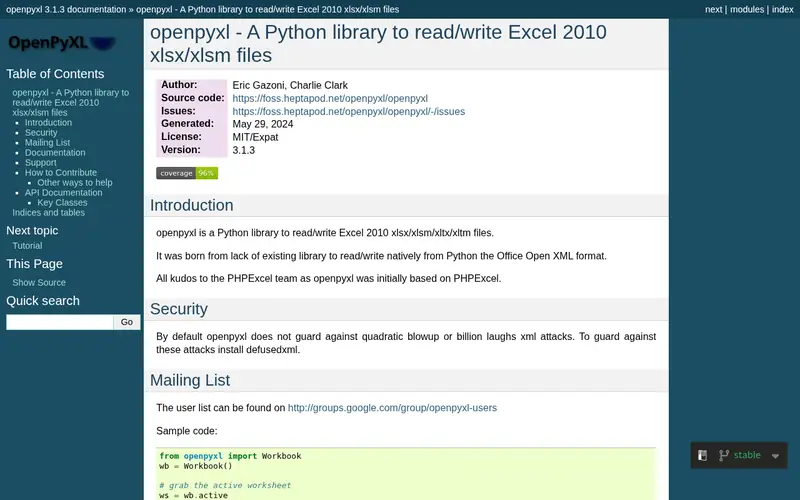
openpyxl is the standard pure-Python library for .xlsx files. You can load a workbook, walk cells, edit values and save. It handles cell styles, number formats, merged cells, data validation and charts. Formulas are written as strings and are not recalculated by the library. It runs anywhere Python runs, including Linux servers and CI jobs.
The licence is MIT. Memory use grows with file size, and very large sheets can be slow. For read-only work, openpyxl has a read-only mode that streams rows. It does not open legacy .xls files; use xlrd for those. Skip openpyxl if you only write files and need maximum speed, or if you need to recalculate formulas.
Standout: Reads and writes .xlsx
Free (open source), as listed by the vendor (openpyxl website). Confirm the current plan price before you buy.
Free plan. Plans change, so confirm on the vendor's pricing page before you buy.
Benefits
- Reads and writes .xlsx
- supports styles, formulas and charts
- no Excel install needed
Drawbacks
- No .xls support
- large files use significant memory
Skip it if this limit matters to you: no .xls support.
Verdict. A sensible pick for reading and writing .xlsx files in pure Python.
Alternatives in this guide: XlsxWriter, pandas, python-calamine
XlsxWriter
Best for writing richly formatted .xlsx reports
What it is and where it fits
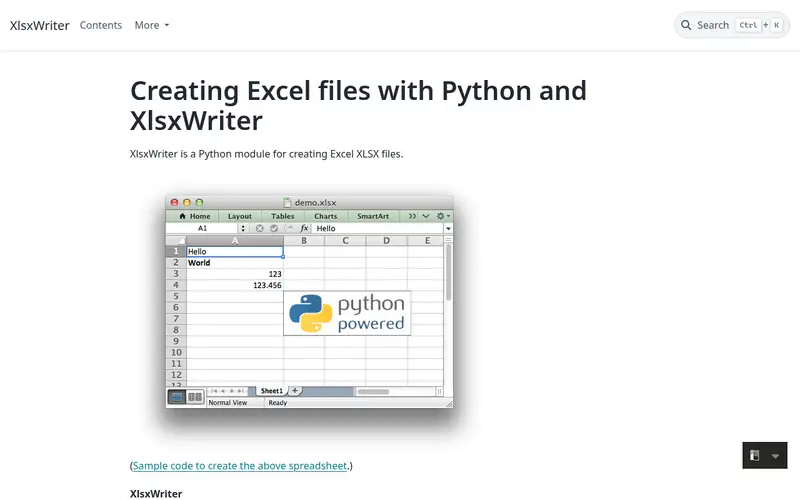
XlsxWriter creates .xlsx files from scratch. It is write-only: it cannot open an existing workbook. In return it offers detailed control over formats, column widths, images, charts, sparklines, data validation and conditional formatting. It is a common choice for generating reports and exports on a server.
The library is free under a BSD licence and runs on any platform with Python. It writes formulas as text, so Excel calculates them when the file opens. It cannot read or modify existing files, and it holds workbook data in memory while building. Skip it if you need to read files or edit an existing workbook.
Standout: Strong formatting, charts and conditional formats
Free (open source), as listed by the vendor (XlsxWriter website). Confirm the current plan price before you buy.
Free plan. Plans change, so confirm on the vendor's pricing page before you buy.
Benefits
- Strong formatting, charts and conditional formats
- fast write path
Drawbacks
- Write-only, cannot read files
- formulas are not calculated
Skip it if this limit matters to you: write-only, cannot read files.
Verdict. A sensible pick for writing richly formatted .xlsx reports.
Alternatives in this guide: openpyxl, pandas, python-calamine
pandas
Best for moving Excel data into DataFrames for analysis
What it is and where it fits
pandas reads Excel sheets into DataFrames with read_excel and writes them back with to_excel. It uses an engine underneath: openpyxl for .xlsx, and calamine for other formats. This makes it the fastest route from a spreadsheet to analysis, filtering and aggregation.
pandas is free under a BSD licence and runs on all major platforms. It is not built for cell-level formatting, charts or formulas; use openpyxl or XlsxWriter for those. Reading very large files can use a lot of memory, and the engine choice affects which features work. Skip pandas if your task is report layout rather than data processing.
Standout: read_excel and to_excel handle bulk data
Free (open source), as listed by the vendor (pandas website). Confirm the current plan price before you buy.
Free plan. Plans change, so confirm on the vendor's pricing page before you buy.
Benefits
- read_excel and to_excel handle bulk data
- works with many engines
Drawbacks
- Not a formatting tool
- large files need memory and engine choice
Skip it if this limit matters to you: not a formatting tool.
Verdict. A sensible pick for moving Excel data into DataFrames for analysis.
Alternatives in this guide: openpyxl, XlsxWriter, python-calamine
python-calamine
Best for fast reading of .xlsx, .xls and .xlsb files
What it is and where it fits
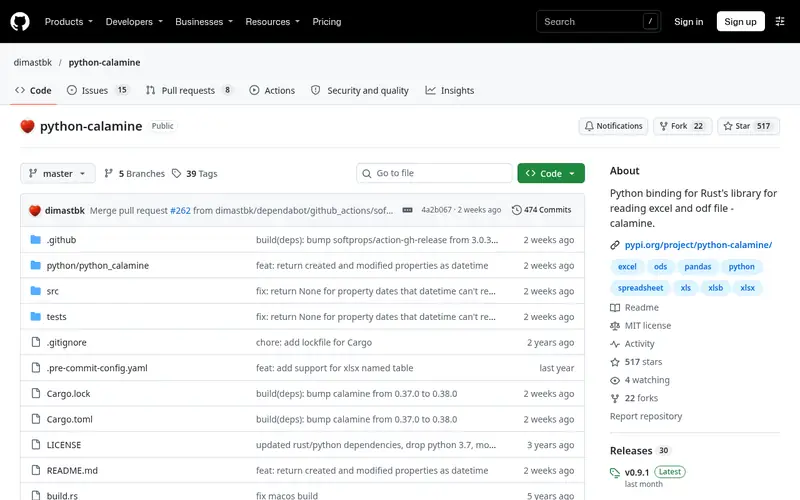
python-calamine wraps the Rust calamine parser. It reads .xlsx, .xls, .xlsb and .ods files and returns rows as Python data. It is read-only, so it suits ingestion jobs and pipelines that only need values. It also works as a pandas engine, which lets you read .xlsb files through read_excel.
The project is open source under the MIT licence and installs from PyPI with prebuilt wheels for common platforms. Because it focuses on values, it exposes less cell formatting than openpyxl. It does not write files. Skip it if you need to create or edit workbooks, or if you depend on detailed style information.
Standout: Reads several formats including .xlsb
Free (open source), as listed by the vendor (python-calamine website). Confirm the current plan price before you buy.
Free plan. Plans change, so confirm on the vendor's pricing page before you buy.
Benefits
- Reads several formats including .xlsb
- fast Rust-based parser
- pandas engine support
Drawbacks
- Read-only
- fewer formatting details than openpyxl
Skip it if this limit matters to you: read-only.
Verdict. A sensible pick for fast reading of .xlsx, .xls and .xlsb files.
Alternatives in this guide: openpyxl, XlsxWriter, pandas
xlwings
Best for controlling a live Excel application from Python
What it is and where it fits
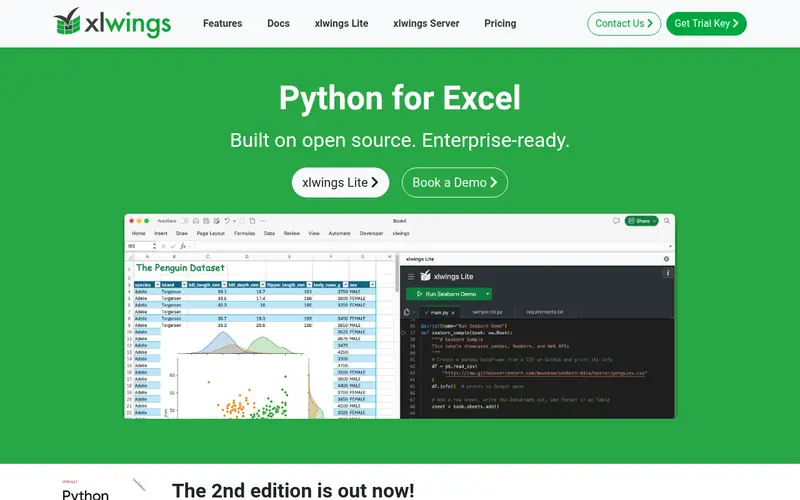
xlwings connects Python to a running Excel instance. You can read and write ranges, call macros, and expose Python functions as Excel functions. It is useful when the workbook must stay open, recalculate, or interact with the Excel object model.
The core library is free and open source under a BSD licence. A paid tier adds commercial support and deployment features; check the vendor pricing page for current terms. The main limit is the platform: it needs Microsoft Excel installed, so it runs on Windows and macOS, not on a headless Linux server. Skip it for server-side batch jobs where openpyxl or XlsxWriter fit better.
Standout: Drives the Excel app
Free (open source), as listed by the vendor (xlwings website). Confirm the current plan price before you buy.
Free plan. Plans change, so confirm on the vendor's pricing page before you buy.
Benefits
- Drives the Excel app
- supports macros and UDFs
- works both ways between Python and Excel
Drawbacks
- Needs Excel installed
- limited to Windows and macOS
Skip it if this limit matters to you: needs Excel installed.
Verdict. A sensible pick for controlling a live Excel application from Python.
Alternatives in this guide: openpyxl, XlsxWriter, pandas
xlrd
Best for reading legacy .xls files only
What it is and where it fits
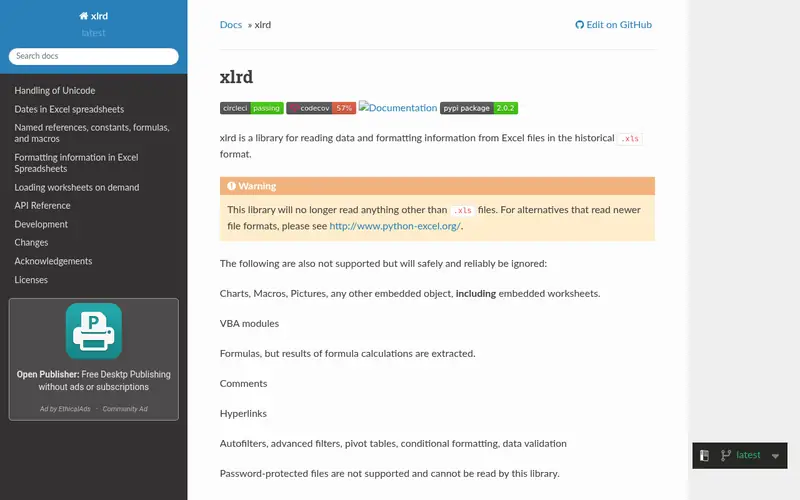
xlrd once read both .xls and .xlsx, but current releases read only the legacy .xls format. It remains the practical option for old binary workbooks that other libraries no longer open. It is read-only.
The library is free under a BSD licence and runs on any platform with Python. It does not write files and does not handle .xlsx, so it is not a general choice. Use it only for .xls input, and pair it with openpyxl or XlsxWriter for any output you need.
Standout: Still reads old .xls files
Free (open source), as listed by the vendor (xlrd website). Confirm the current plan price before you buy.
Free plan. Plans change, so confirm on the vendor's pricing page before you buy.
Benefits
- Still reads old .xls files
- stable and widely documented
Drawbacks
- No .xlsx support in current versions
- read-only
Skip it if this limit matters to you: no .xlsx support in current versions.
Verdict. A sensible pick for reading legacy .xls files only.
Alternatives in this guide: openpyxl, XlsxWriter, pandas
Who should use what
If you build server-side exports, use XlsxWriter for writing and openpyxl for reading or editing. If you analyse spreadsheet data, use pandas with openpyxl or python-calamine as the engine. If you must keep a workbook open and recalculate, use xlwings on a machine with Excel installed. If you ingest old .xls files, use xlrd for values only, and convert to .xlsx where you can.
Questions to settle before you buy
What to check before you buy
- Confirm the file formats you must handle: .xlsx, .xls, .xlsb or .ods.
- Check whether you need to read, write or both, since several libraries are one-way.
- Verify the library runs on your target platform, especially if you need Excel installed.
- Test memory use on your largest real workbook before relying on it in production.
- Read the licence terms and confirm the project is still maintained.
FAQ
Do I need Excel installed to use these libraries?
No for openpyxl, XlsxWriter, pandas, python-calamine and xlrd. They work with files directly. xlwings is the exception: it controls the Excel application, so Excel must be installed on Windows or macOS.
Can these libraries calculate formulas?
Most write formulas as text and leave calculation to Excel. openpyxl and XlsxWriter do not compute results. If you need calculated values in a headless job, calculate in Python first or open the file in Excel.
Which library is best for large files?
It depends on the task. openpyxl has a read-only streaming mode. python-calamine reads values quickly. pandas loads data into memory, so very large sheets need care. Test with your own files.
What replaced xlrd for .xlsx files?
openpyxl is the common replacement for reading and writing .xlsx. pandas also uses openpyxl as its default .xlsx engine. xlrd now targets legacy .xls files only.
Are these libraries free for commercial use?
The libraries listed are open source under permissive licences such as MIT, BSD and Apache 2.0. Check each project's licence text for your use case. xlwings has a paid tier for support and deployment; see the vendor pricing page.
Sources we checked
Method: how we score · editorial policy.
Change log. First published 27 Nov 2026.