Stage 01 · Write · Researched comparison
Best JavaScript Video Player Libraries in 2026
Video.js is the first pick for most teams that want a full-featured, skinnable HTML5 player with a large plugin ecosystem. Plyr suits projects that want a small, clean wrapper around native video and audio elements. hls.js is the right choice when you only need HLS playback and want to control the player UI yourself.

By Shihab Mia
Published 27 Nov 2026 · 7 tools compared
We run no ads and no affiliate links at launch. The order of a list follows our published method. See how we score.
Prices are the starting prices vendors list publicly. Plans change, so confirm the current price on the vendor page before you buy.
Key takeaways
- Video.js, Plyr, hls.js, Shaka Player, Vidstack Player, Media Chrome and dash.js are all free and open source.
- Video.js and Plyr give you a ready-made UI; hls.js, Shaka Player and dash.js focus on streaming playback engines.
- Vidstack Player and Media Chrome use web components, so they work in any framework.
- These libraries run in the browser, so no video data is sent to a third-party web page.
Who each pick is for
- Teams that want a full player UI with pluginsVideo.js
- Simple, accessible wrapper for native media elementsPlyr
- HLS playback with your own player UIhls.js
- DASH and HLS with DRM supportShaka Player
- Web-component player for modern frameworksVidstack Player
- Building custom controls with web componentsMedia Chrome
- DASH playback through a reference implementationdash.js
Comparison
| Tool | Best for | Standout feature | Listed starting price | Free plan or trial |
|---|---|---|---|---|
| 1Video.js | Teams that want a full player UI with plugins | Large plugin ecosystem | Free (open source) | Free plan |
| 2Plyr | Simple, accessible wrapper for native media elements | Small footprint | Free (open source) | Free plan |
| 3hls.js | HLS playback with your own player UI | Strong HLS support in browsers without native playback | Free (open source) | Free plan |
| 4Shaka Player | DASH and HLS with DRM support | Handles DASH and HLS | Free (open source) | Free plan |
| 5Vidstack Player | Web-component player for modern frameworks | Works across frameworks | Free (open source) | Free plan |
| 6Media Chrome | Building custom controls with web components | Composable control elements | Free (open source) | Free plan |
| 7dash.js | DASH playback through a reference implementation | Reference DASH player | Free (open source) | Free plan |
How we picked
We picked libraries that are actively maintained and genuinely solve browser video playback. Criteria included fit for the job (full player versus streaming engine), platform and framework support, licence and price, and the main limits such as missing UI or protocol support. Sources are vendor sites, project documentation and public repositories. Prices and licences can change, so confirm details on the official site before you commit.
The tools, one by one
Video.js
Best for teams that want a full player UI with plugins
What it is and where it fits
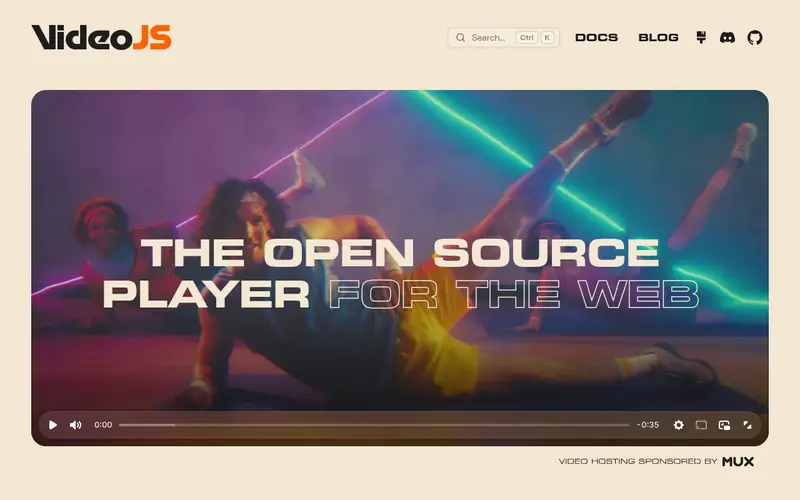
Video.js is an HTML5 video player library that provides a styled control bar, captions, quality menus and a plugin system. It works with plain script tags and has official integrations for React, Vue and Angular. The project is maintained on GitHub under the Apache-2.0 licence.
The core player handles progressive video and audio. For HLS or DASH you add a source handler such as VHS (included) or a third-party engine. Skins and plugins are separate packages, so you can keep the build small if you only need basic playback.
Choose Video.js when you need a complete, familiar player and want community plugins for ads, analytics or DRM. Skip it if you want a minimal wrapper or you are building a custom UI from scratch.
Standout: Large plugin ecosystem
Free (open source), as listed by the vendor (Video.js website). Confirm the current plan price before you buy.
Free plan. Plans change, so confirm on the vendor's pricing page before you buy.
Benefits
- Large plugin ecosystem
- consistent skin across browsers
Drawbacks
- Bundle size grows with plugins
- older API patterns
Skip it if this limit matters to you: bundle size grows with plugins.
Verdict. A sensible pick for teams that want a full player UI with plugins.
Alternatives in this guide: Plyr, hls.js, Shaka Player
Plyr
Best for simple, accessible wrapper for native media elements
What it is and where it fits
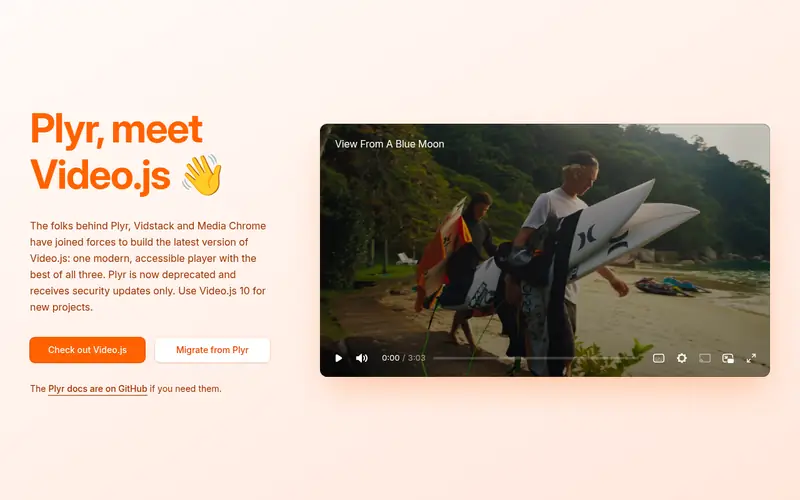
Plyr is a lightweight wrapper that replaces the default browser controls for video, audio and embedded players. It provides a consistent look, keyboard support and captions across browsers. The source is on GitHub under the MIT licence.
Plyr does not include an HLS or DASH engine. You pair it with hls.js or Shaka Player when you need adaptive streaming, or use it with plain MP4 files. Configuration is small and the markup stays close to standard HTML.
Pick Plyr when you want a tidy UI with little setup and you are comfortable adding a streaming library separately. Skip it if you need a large plugin catalog or built-in DRM handling.
Standout: Small footprint
Free (open source), as listed by the vendor (Plyr website). Confirm the current plan price before you buy.
Free plan. Plans change, so confirm on the vendor's pricing page before you buy.
Benefits
- Small footprint
- clean, accessible default UI
Drawbacks
- Fewer built-in streaming features
- smaller plugin ecosystem
Skip it if this limit matters to you: fewer built-in streaming features.
Verdict. A sensible pick for simple, accessible wrapper for native media elements.
Alternatives in this guide: Video.js, hls.js, Shaka Player
hls.js
Best for hLS playback with your own player UI
What it is and where it fits
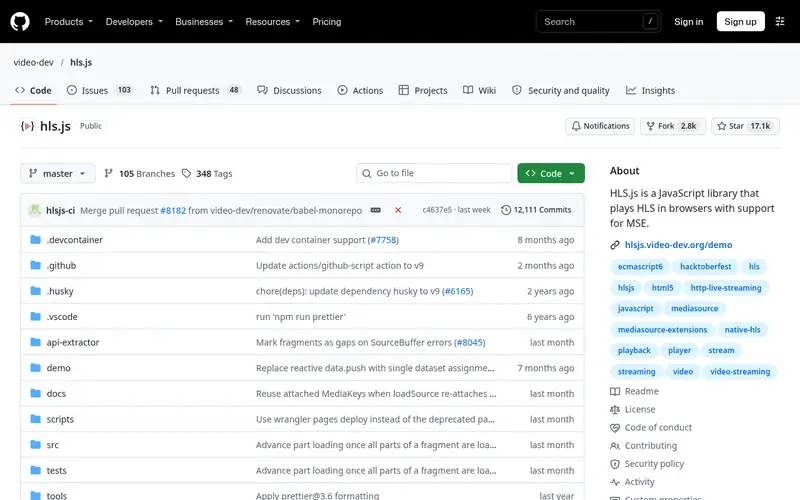
hls.js is a JavaScript library that plays HLS (HTTP Live Streaming) in browsers using Media Source Extensions. It is the engine many teams use when Safari's native HLS is not enough or when they need consistent behavior in Chrome and Firefox. The repository is on GitHub under the Apache-2.0 licence.
The library handles manifests, segment loading, adaptive bitrate switching and error recovery. It ships no controls, so you build or attach a UI. It is commonly paired with Video.js or Plyr.
Use hls.js when HLS is your delivery format and you want fine control over buffering and quality. Skip it if you need DASH or a ready-made player.
Standout: Strong HLS support in browsers without native playback
Free (open source), as listed by the vendor (hls.js website). Confirm the current plan price before you buy.
Free plan. Plans change, so confirm on the vendor's pricing page before you buy.
Benefits
- Strong HLS support in browsers without native playback
- active maintenance
Drawbacks
- No UI included
- HLS only
Skip it if this limit matters to you: no UI included.
Verdict. A sensible pick for HLS playback with your own player UI.
Alternatives in this guide: Video.js, Plyr, Shaka Player
Shaka Player
Best for dASH and HLS with DRM support
What it is and where it fits
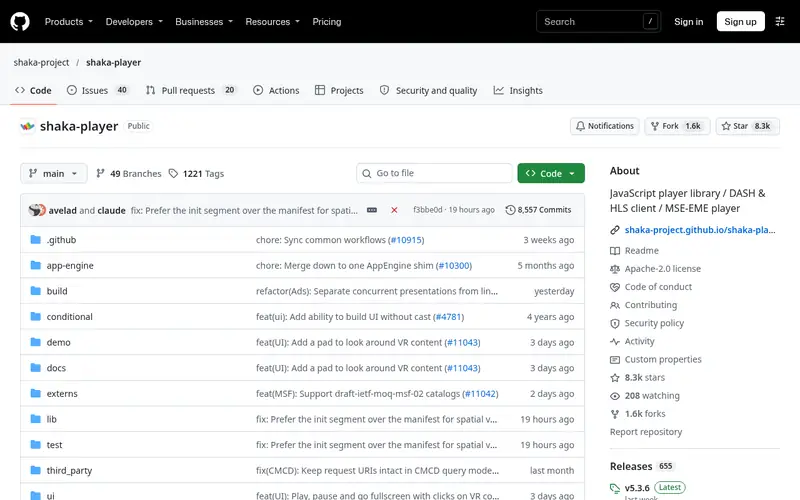
Shaka Player is an open-source JavaScript library from Google for adaptive streaming. It plays DASH and HLS and supports DRM via Encrypted Media Extensions. The project lives on GitHub under the Apache-2.0 licence.
It provides a demo UI but is mainly a playback engine. You configure manifests, ABR settings and DRM keys in code. Documentation covers integration with common packaging and DRM setups.
Choose Shaka Player when you need DASH, DRM or both and want a maintained engine. Skip it if you want a drop-in player with a full control bar and no configuration.
Standout: Handles DASH and HLS
Free (open source), as listed by the vendor (Shaka Player website). Confirm the current plan price before you buy.
Free plan. Plans change, so confirm on the vendor's pricing page before you buy.
Benefits
- Handles DASH and HLS
- DRM support through EME
Drawbacks
- Steeper learning curve
- UI is minimal
Skip it if this limit matters to you: steeper learning curve.
Verdict. A sensible pick for DASH and HLS with DRM support.
Vidstack Player
Best for web-component player for modern frameworks
What it is and where it fits
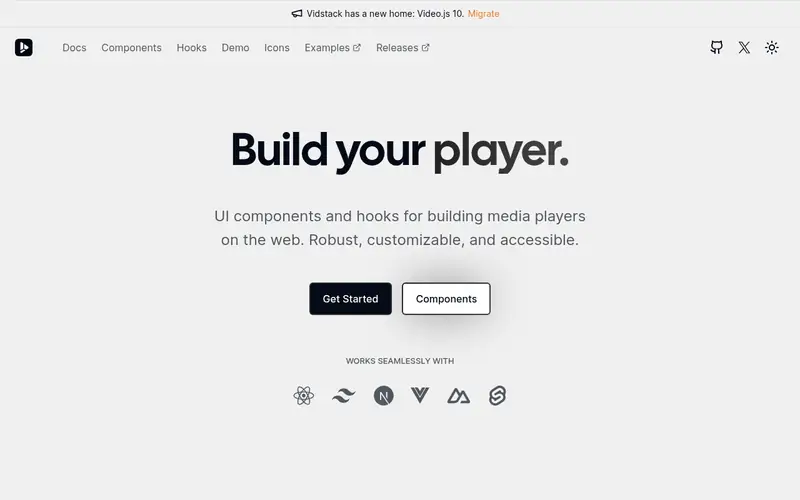
Vidstack Player is a video player built on web components. It offers default layouts and lets you compose your own controls. It supports HTML5 video, HLS and DASH through providers. The source is on GitHub under the MIT licence.
Because it uses custom elements, it works in React, Vue, Svelte and plain HTML. You can style it with CSS parts and slots. Documentation covers framework-specific setup.
Pick Vidstack Player if you want a modern component model and plan to customize the UI. Skip it if you need a long track record or a large plugin catalog.
Standout: Works across frameworks
Free (open source), as listed by the vendor (Vidstack Player website). Confirm the current plan price before you buy.
Free plan. Plans change, so confirm on the vendor's pricing page before you buy.
Benefits
- Works across frameworks
- customizable component structure
Drawbacks
- Newer project with a smaller community
- frequent API changes
Skip it if this limit matters to you: newer project with a smaller community.
Verdict. A sensible pick for web-component player for modern frameworks.
Media Chrome
Best for building custom controls with web components
What it is and where it fits
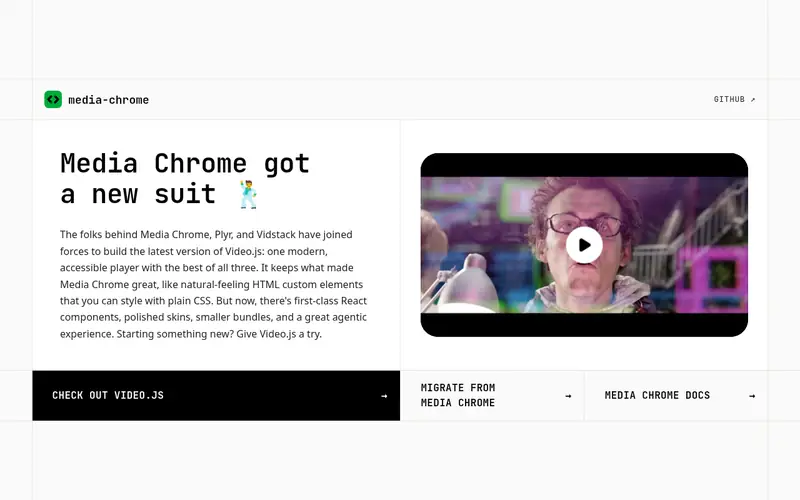
Media Chrome provides a set of web components for building video player controls. You combine elements like play buttons, timelines and volume controls with a media element or a streaming library. The project is on GitHub under the MIT licence.
It does not include a streaming engine. You pair it with hls.js, Shaka Player or native video. This makes it flexible but requires more assembly than a full player.
Use Media Chrome when you want full control over the UI and are comfortable wiring components together. Skip it if you want a finished player out of the box.
Standout: Composable control elements
Free (open source), as listed by the vendor (Media Chrome website). Confirm the current plan price before you buy.
Free plan. Plans change, so confirm on the vendor's pricing page before you buy.
Benefits
- Composable control elements
- framework agnostic
Drawbacks
- You assemble the player yourself
- limited built-in streaming
Skip it if this limit matters to you: you assemble the player yourself.
Verdict. A sensible pick for building custom controls with web components.
dash.js
Best for dASH playback through a reference implementation
What it is and where it fits
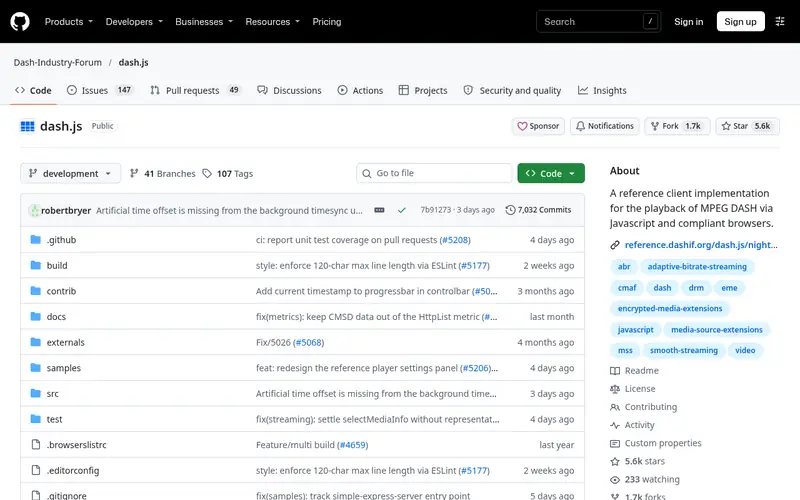
dash.js is the DASH Industry Forum's reference client for MPEG-DASH playback in browsers. It handles manifest parsing, segment fetching and adaptive bitrate logic. The repository is on GitHub under the BSD-3-Clause licence.
Like hls.js, it is a playback engine without controls. You attach it to a video element and build the UI. It is a common choice for DASH-only workflows and standards testing.
Choose dash.js when DASH is your format and you want a reference implementation. Skip it if you need HLS or a ready-made player UI.
Standout: Reference DASH player
Free (open source), as listed by the vendor (dash.js website). Confirm the current plan price before you buy.
Free plan. Plans change, so confirm on the vendor's pricing page before you buy.
Benefits
- Reference DASH player
- active standards work
Drawbacks
- DASH only
- no UI included
Skip it if this limit matters to you: DASH only.
Verdict. A sensible pick for DASH playback through a reference implementation.
Who should use what
If you want a complete player with plugins, start with Video.js. If you want a small, accessible wrapper around native video, use Plyr. If you are building your own UI and need HLS, pair hls.js with Media Chrome or your own controls. If you need DASH, DRM or both, look at Shaka Player or dash.js. Teams on modern frameworks that prefer web components should evaluate Vidstack Player.
Questions to settle before you buy
What to check before you buy
- Confirm the library supports the streaming format you deliver (MP4, HLS or DASH).
- Check whether you need a built-in UI or will build controls yourself.
- Verify the licence fits your product and distribution model.
- Test DRM support if your content is protected.
- Review bundle size and how plugins or providers affect it.
FAQ
Are these video player libraries free?
Yes. All seven projects listed are open source and free to use under their respective licences, such as Apache-2.0, MIT and BSD-3-Clause. Check each repository for the exact terms.
Which library should I use for HLS?
hls.js is the common choice for HLS playback in browsers without native support. You can pair it with Video.js, Plyr or Media Chrome for controls. Shaka Player also plays HLS if you need DASH as well.
Do these libraries support DRM?
Shaka Player supports DRM through Encrypted Media Extensions. Video.js can support DRM through plugins. hls.js, Plyr, Media Chrome and dash.js do not handle DRM on their own.
Can I use these with React or Vue?
Yes. Video.js, Plyr and Vidstack Player document framework integrations. hls.js, Shaka Player, Media Chrome and dash.js are plain JavaScript and can be wrapped in any framework.
Do these tools send my video data anywhere?
These are client-side libraries that run in the browser. They fetch video segments from your own servers or CDN. They do not route playback through a third-party web page.
Sources we checked
Method: how we score · editorial policy.
Change log. First published 27 Nov 2026.